Ladder Infographic Keynote Chart - Free Editable Keynote | ImagineLayout
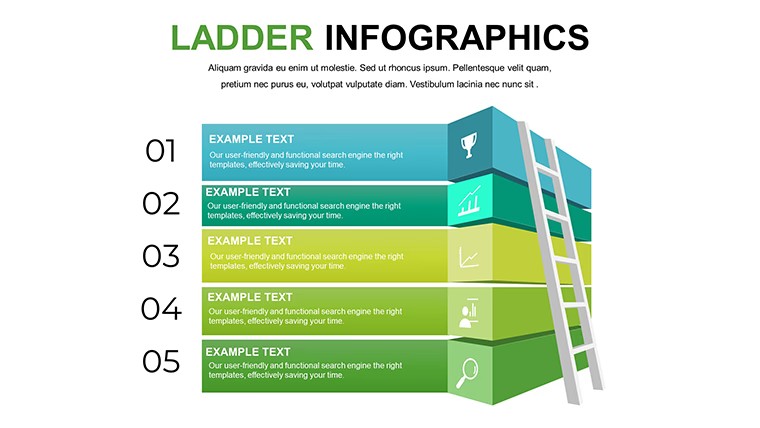
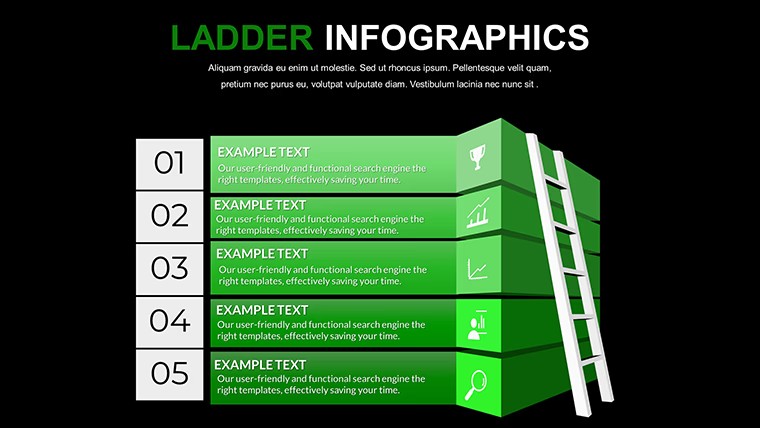
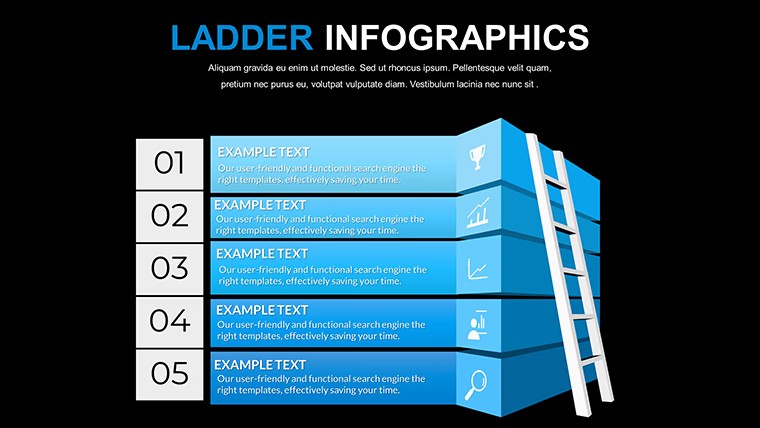
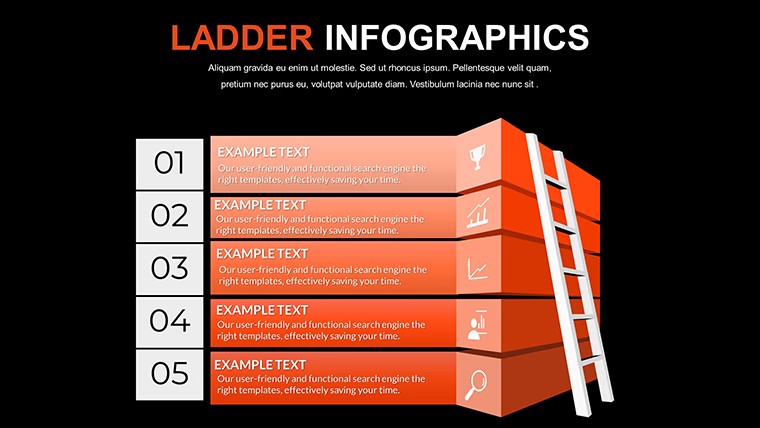
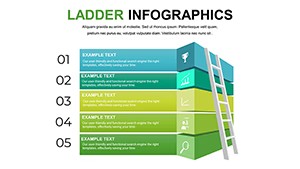
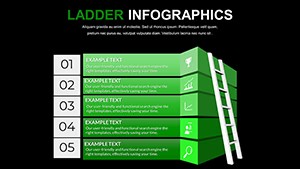
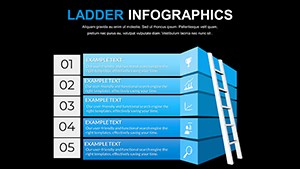
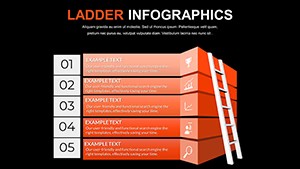
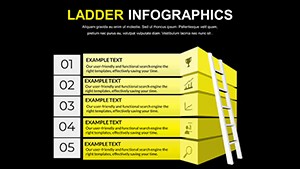
Type: Keynote Charts template
Category: Free Templates, Tables
Sources Available: .key
Product ID: KC00640
Template incl.: 8 editable slides
8 Free Ladder Infographic Slides for Keynote - Vertical Step Structures
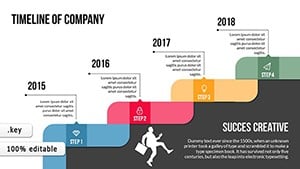
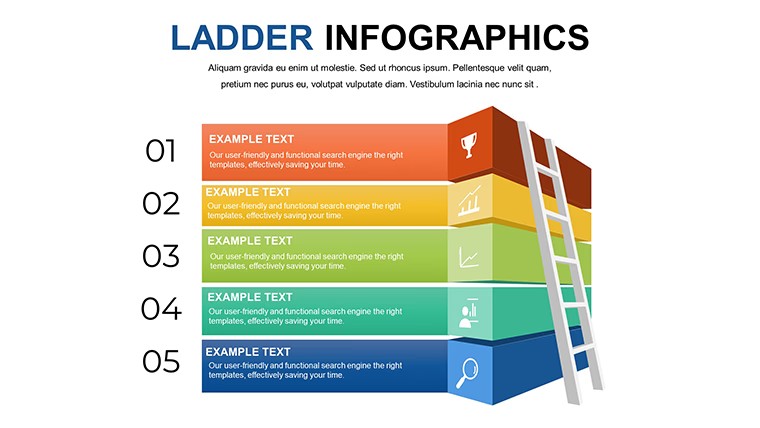
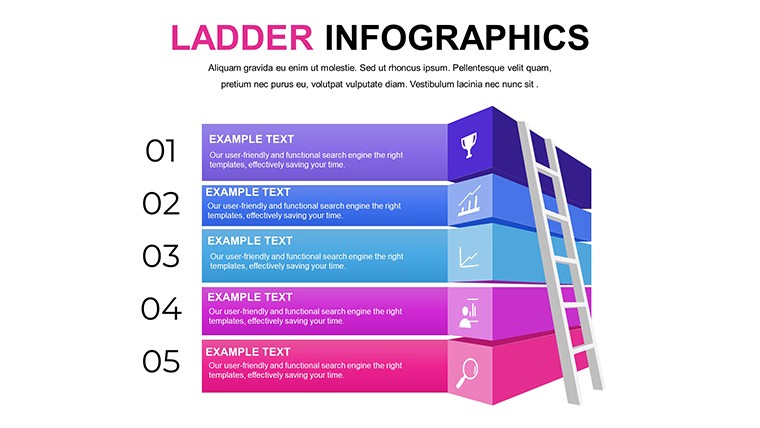
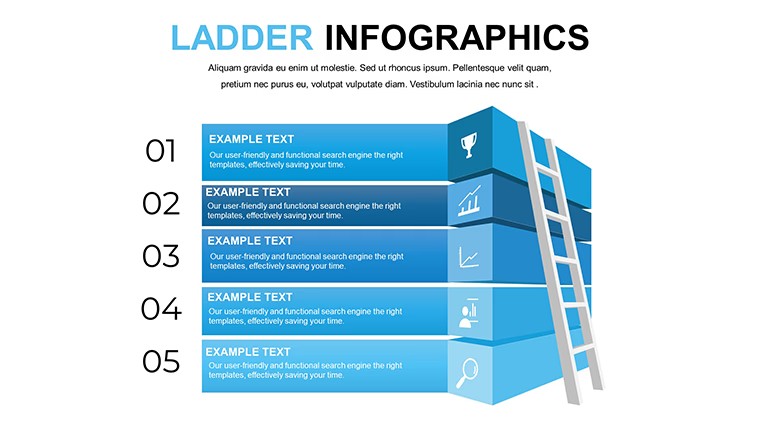
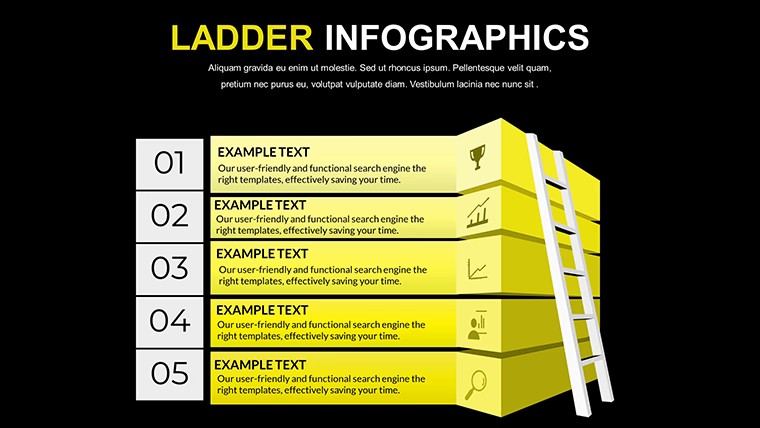
8 editable slides, free to download, in .key format - this Keynote chart file covers ladder-style infographic layouts built for showing sequential progression. The structures are vertical: each rung sits above the previous one, with text labels attached to each step. The visual logic is bottom-to-top ascent, which works naturally for showing phases that build on each other, such as onboarding stages, skill levels, or project milestones.
No raster graphics. The elements are vector-based, so they resize without quality loss across different screen sizes or when exporting slides to PDF. Each rung and its label are independently editable - you drop in your step names and the structure holds its alignment without manual adjustment.
This file suits project managers or consultants who need to show a client how a multi-phase plan unfolds, or HR teams explaining career progression paths. It is not the right fit for data-heavy dashboards or slides that need charts with numerical axes - the ladder format carries qualitative, ordered content better than quantitative comparisons.
When your goal is to show stakeholders that a process has distinct, ordered stages without building step diagrams from scratch in Keynote, you open this file and replace the placeholder text. That is typically all the editing required. The predefined spacing between rungs keeps the slide readable at a glance, which prevents the overcrowding that happens when teams try to build these layouts manually using text boxes and lines.
Use this instead of arranging shapes and connectors manually in Keynote's free layout. The rung structure is already proportioned and aligned - you do not end up nudging elements to fix spacing after every text change. The file works across multiple internal reports or team briefings; the same layout can be reused each quarter with updated step labels.
Software version details are not listed on the product page, but the standard .key format is compatible with Keynote 12 and later on macOS and iPadOS. There is no paid upgrade version - all 8 slides are available in the free download.
You open the file and start editing.
Download and start editing immediately
Specifications
| Feature | Details |
|---|---|
| Slides | 8 editable ladder infographic slides |
| File format | .key (Keynote) |
| Software version | Keynote 12+ (standard KEY format) |
| Color schemes | Not specified on page; shapes recolor individually via Format panel |
| Editable elements | Ladder rungs, step labels, icon slots |
| Aspect ratio | Not specified on page |
| Free vs Paid | Fully free - all 8 slides included at no cost |
| Product ID | KC00640 |
Frequently Asked Questions
What version of Keynote do I need to open this file?
The file is delivered in standard .key format. It opens in Keynote 12 and later versions on macOS and iPadOS without additional setup. The product page does not specify a minimum Keynote version beyond the standard KEY format, but any current macOS Keynote installation will handle the file correctly. If you are on an older macOS, update Keynote via the App Store before opening.
How do I change the color of each ladder rung?
Click on any rung shape to select it, then open the Format panel on the right side of Keynote. Under the Style tab, select Fill and choose a new color. To apply the same color to all rungs at once, hold Shift while clicking each one, then change the fill - all selected shapes update together. If a slide master controls the rung color, go to View > Edit Master Slides and update it there to propagate the change across the full file.
Can I use this free file in a presentation for a client?
Free templates on ImagineLayout are generally available for personal and commercial use, including client-facing presentations. Redistribution of the file itself as a standalone template is not covered. Check ImagineLayout's Terms of Use at imaginelayout.com/terms/ for the exact scope of the free license before using in a commercial context.
Is there a refund process for a free download?
Since this file is free, no payment is processed and no refund is applicable. If you encounter a technical issue with the downloaded file - such as it not opening correctly in Keynote - contact ImagineLayout support via imaginelayout.com/contact-us/ with details of the problem. The support team can assist with file delivery issues.
Is there a paid version with more slides?
This product (KC00640) is free with all 8 slides included - there is no separate paid upgrade tier for this specific file. If you need more ladder or step-based layouts, ImagineLayout's Tables and Flow Keynote Charts categories contain related paid files with larger slide counts and additional layout variations.
Browse more step-based layouts in the Free Keynote Charts collection. A related option is the Strategic Analysis Value Chain Keynote Charts.