Infographic Concepts Keynote Charts - Editable KEY | ImagineLayout








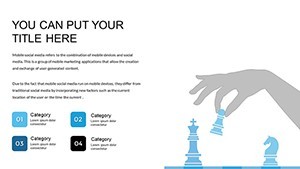

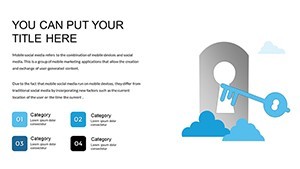


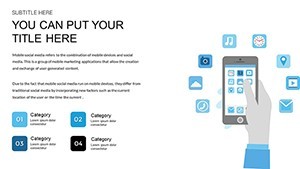



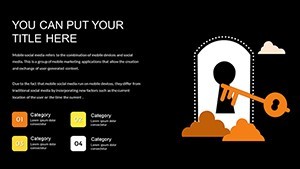




Type: Keynote Charts template
Category: Free Templates, Illustrations
Sources Available: .key
Product ID: KC00621
Template incl.: 16 editable slides
Infographic Concepts Metaphors Keynote Charts Template
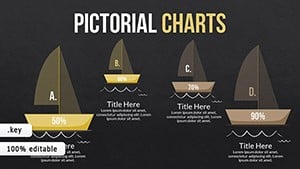
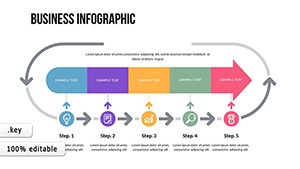
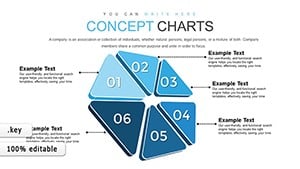
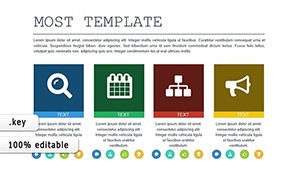
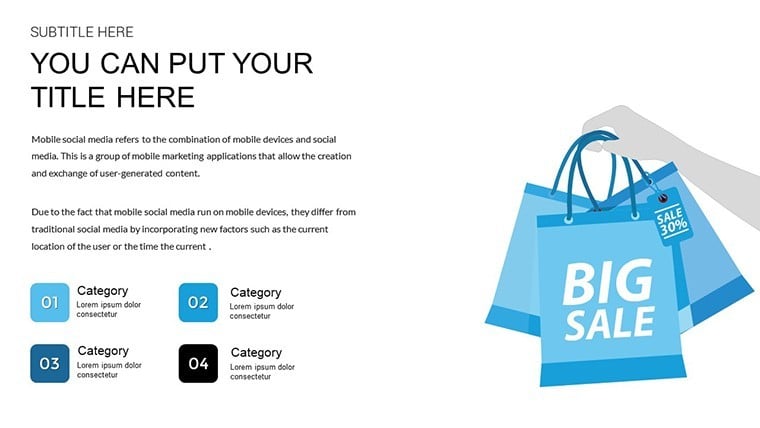
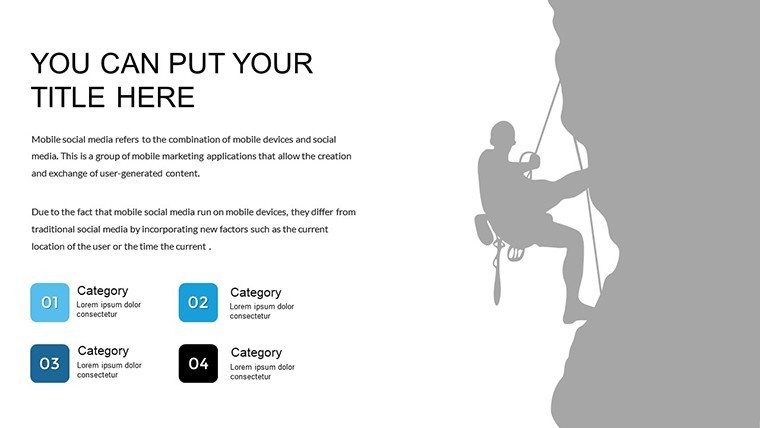
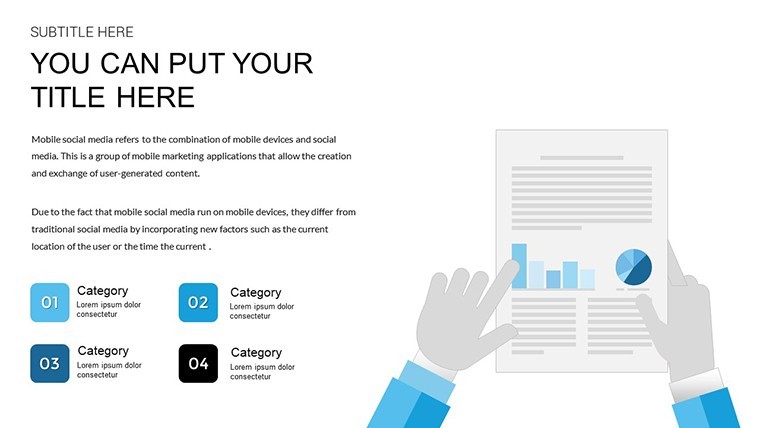
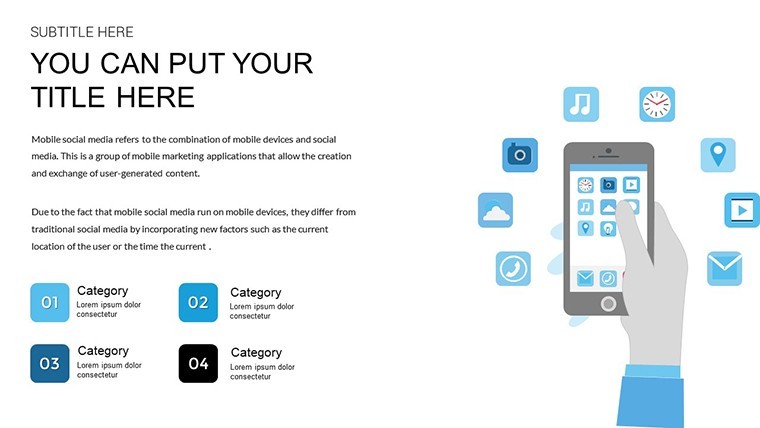
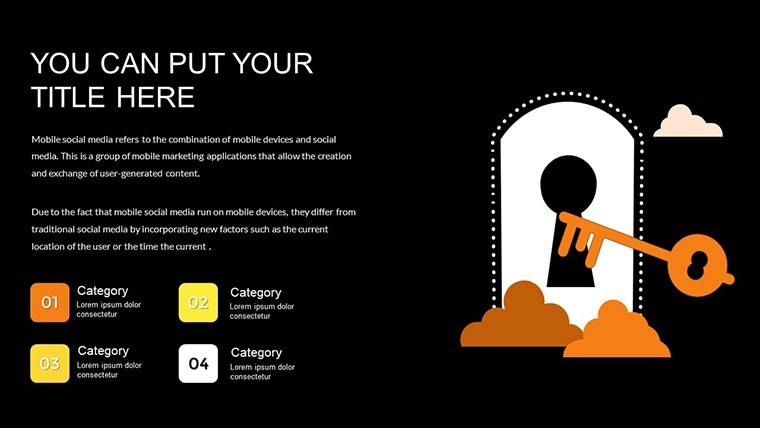
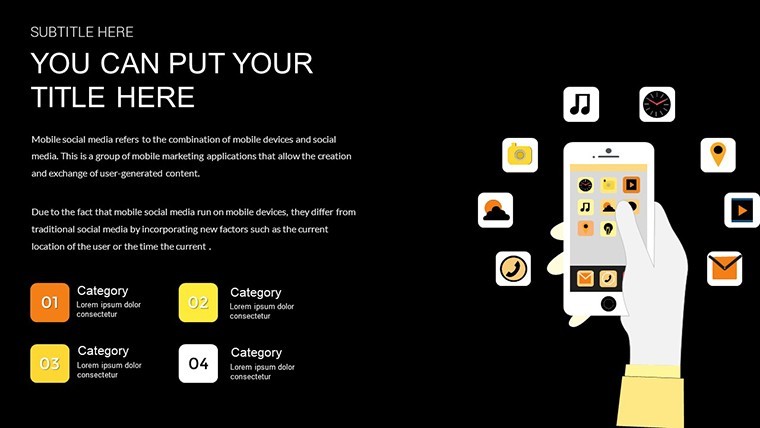
Open the KEY file and you get 16 slides of infographic metaphor charts that turn abstract concepts into visual explanations for your audience.
No complex layouts just structured blocks.
In most cases you drop in your data and it works while the files follow standard KEY formats compatible with current Keynote installations.
When you need to present abstract ideas to marketing teams the metaphor-based layouts replace manual icon creation.
This Keynote chart template represents concept visualization helping solve the problem of explaining intangible processes in client pitches with input data usually being strategy points or idea flows so the viewer reaches conclusions on priorities.
In practice teams use it for product explanation sessions.
The free version includes 16 editable slides.
Use this when you need to show concept relationships without arranging shapes manually.
It suits analysts who explain ideas in presentations.
Best used for qualitative metaphors yet not ideal for numerical comparisons.
This template is not designed for data-heavy dashboards.
Color changes happen via the slide master.
You can duplicate slides and reuse the same structure.
For related development visuals see the Development Concepts Keynote Charts Template or the Development Trends Keynote Charts.
| Feature | Details |
|---|---|
| Slides / diagrams | 16 infographic metaphor diagrams |
| File format | KEY |
| Software version | Keynote (current versions) |
| Color schemes | Not specified on page but colors editable via master |
| Editable elements | Text colors and metaphor icons resize independently |
| Aspect ratio | 16:9 |
| Free vs Paid | Free version includes the full 16 editable slides |
| Masters / Backgrounds | Not specified on page |
Everything is already structured.
Download and start editing immediately
How do I change colors via slide master in this Keynote chart template?
The process starts by opening the file in Keynote and navigating to the View menu to select Slide Master. From there you select the master slide and modify the color fills for the metaphor elements which updates all 16 slides automatically. This saves time when you need to match company branding across multiple reports.
Can I use this template for client work?
The license permits commercial use including client presentations as long as you do not resell the template itself or distribute the original files. You can customize and deliver the finished decks to your clients without additional fees. Always check the license terms included in the download for full details.
What is the difference between free and paid versions?
For this infographic metaphors template the free version includes the complete set of 16 editable slides. There is no paid version listed on the page so you get everything with the free download. In most cases this covers all needs for concept visualization.
What are the refund conditions?
Refunds are available if the template does not meet your expectations within the first 7 days after any purchase. Since this is a free template no refund is needed but support is available for any download issues. Contact the support team with your order details for assistance.
What Keynote version and macOS requirement is there?
The template works with current Keynote installations on macOS. It follows standard KEY format compatible with Keynote 10 and above though the exact version is not listed on the page. In practice it opens without issues on the latest macOS versions.