Business Model Canvas Keynote - Fully Editable | ImagineLayout
Type: Keynote Charts template
Category: Free Templates, Business Models, Tables
Sources Available: .key
Product ID: KC00612
Template incl.: 12 editable slides
Free Business Model Canvas Keynote Template for Entrepreneurs and Consultants
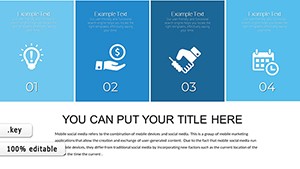
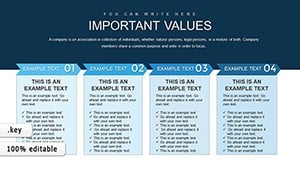
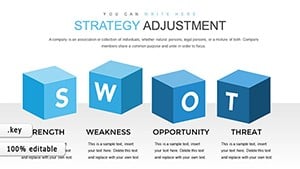
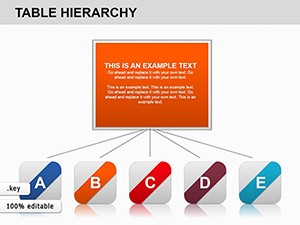
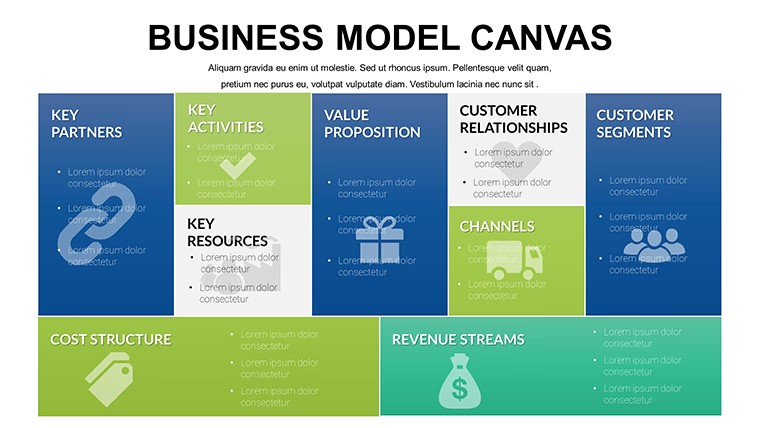
For quarterly strategy sessions with no designer on hand the KEY file supplies 12 canvas layouts that organize every business element in one view.
You can duplicate slides and reuse the same structure.
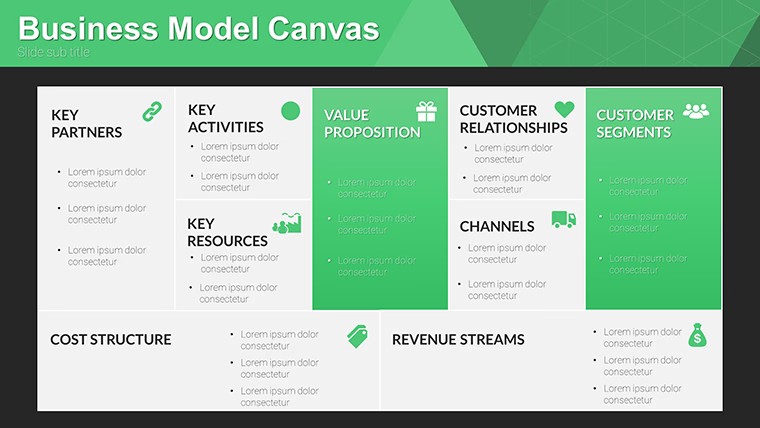
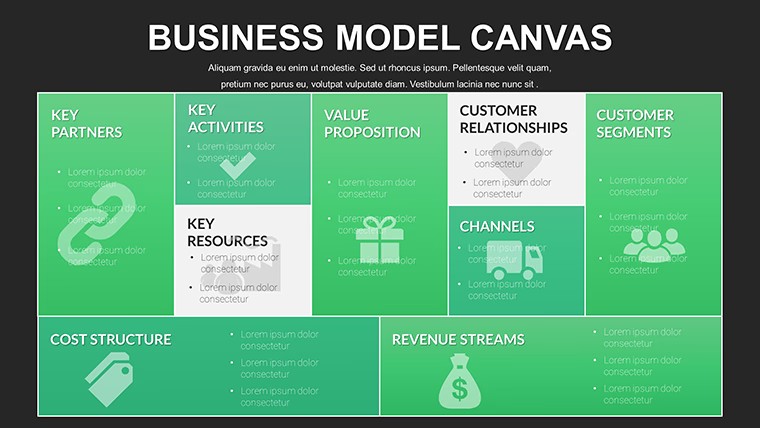
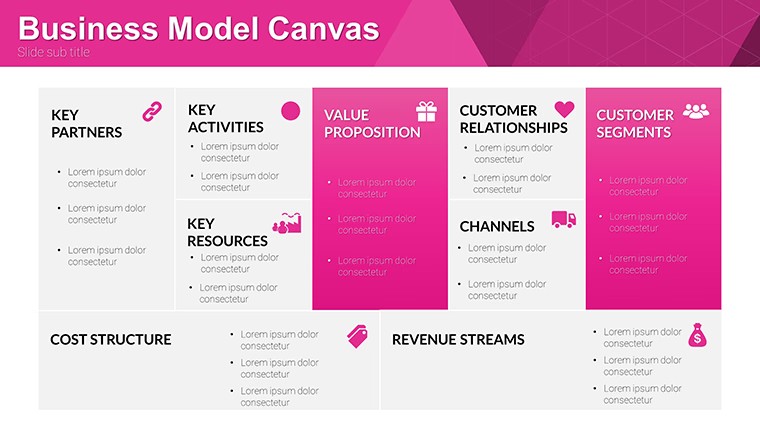
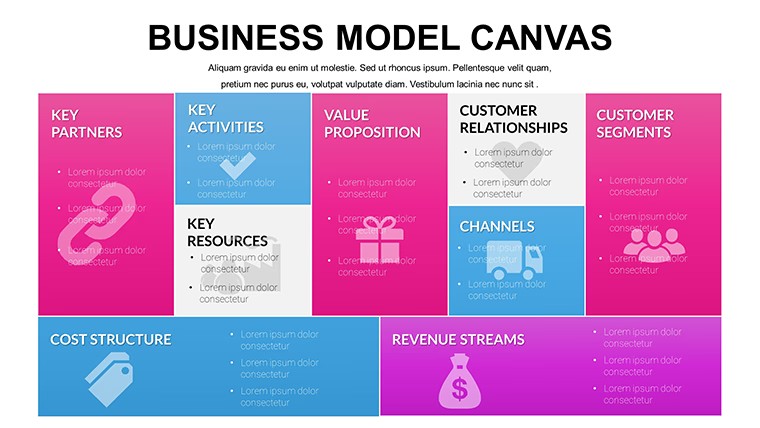
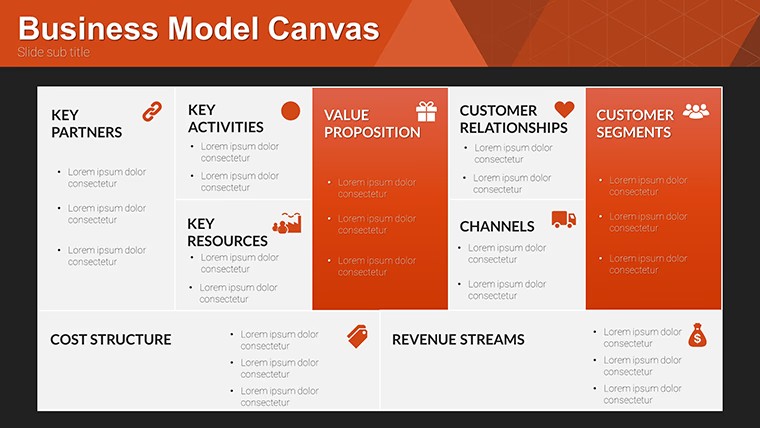
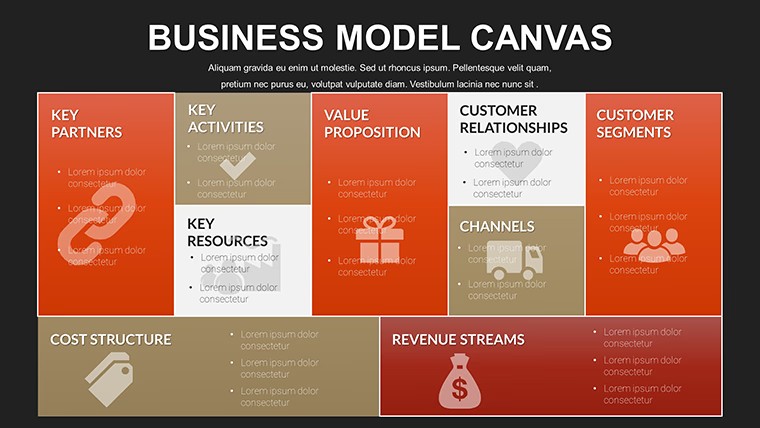
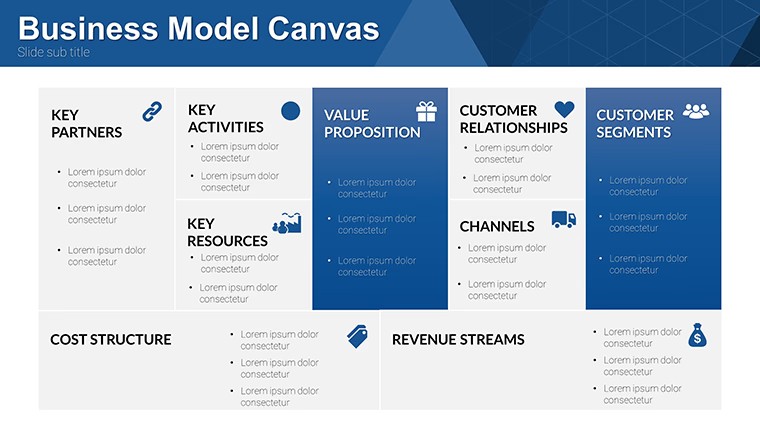
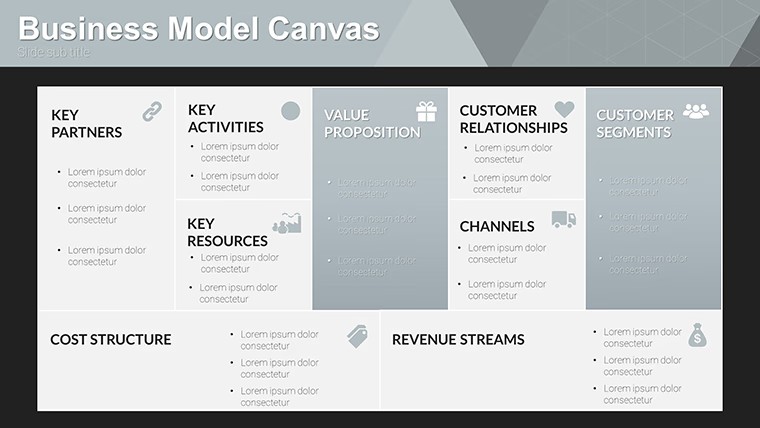
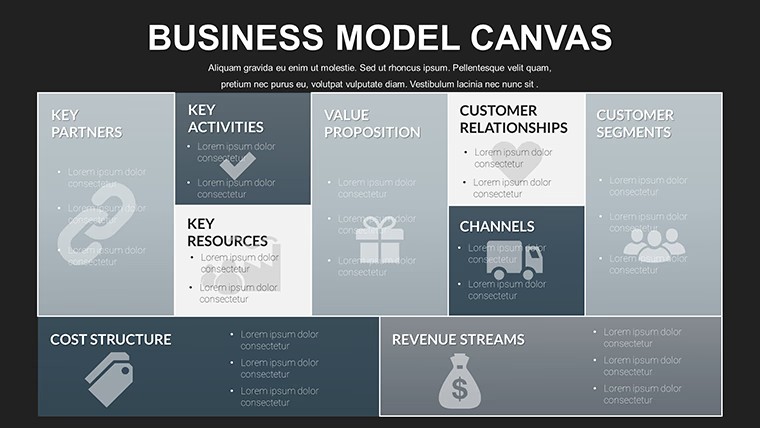
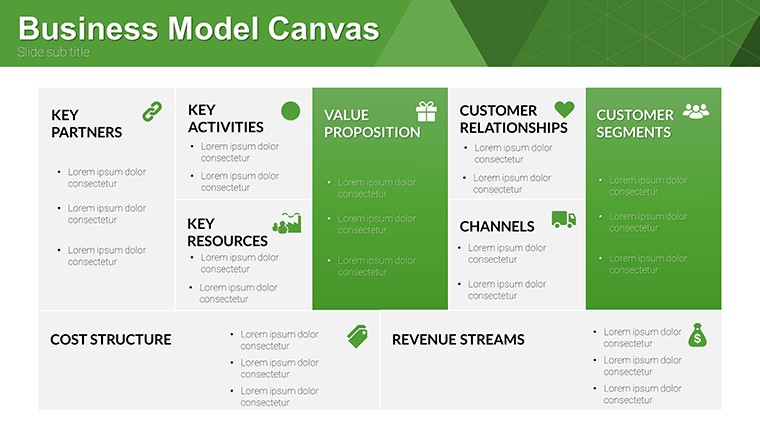
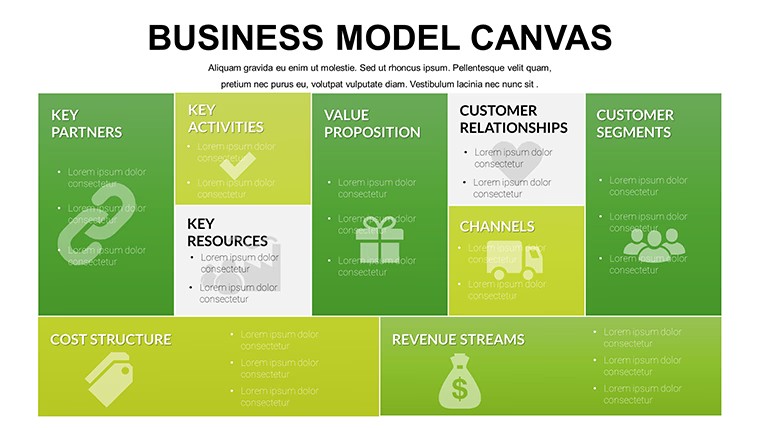
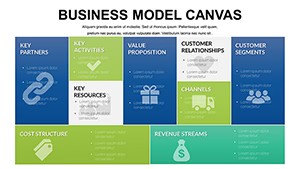
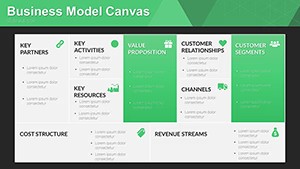
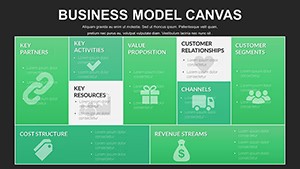
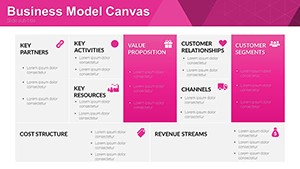
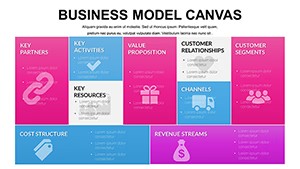
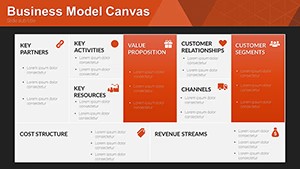
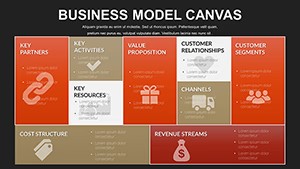
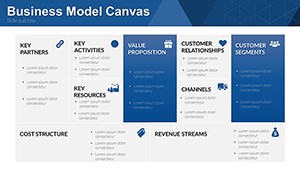
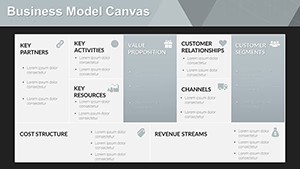
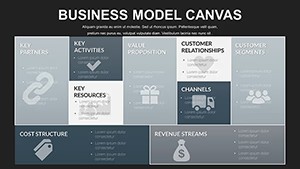
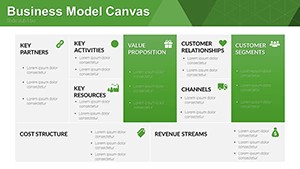
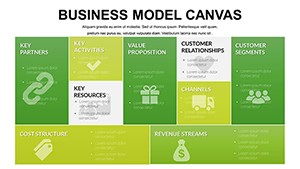
Grid-based modular blocks arrange the nine standard canvas sections into a clear overview so customer segments revenue streams and partnerships sit in fixed positions that never shift.
Consultants input their client data directly into the predefined rectangles and the entire model stays balanced instead of aligning boxes manually slide after slide.
This free version includes the complete 12 editable slides with no paid difference listed on the page.
Color updates happen once in the slide master and apply to all canvas blocks instantly.
The canvas structure works best for structured strategy overviews yet it is not designed for freeform creative brainstorming slides.
When you prepare an investor pitch the grid layout replaces scattered text and keeps every component visible on a single slide for faster decision making.
In most cases you only replace text and adjust colors before the deck is ready for the next workshop.
Entrepreneurs and consultants choose this Keynote charts template because the modular grid removes the hassle of creating the canvas from scratch.
It prevents overcrowded layouts by locking each section into its own space.
Not suited for highly visual product showcases that rely on photography or icons.
| Feature | Details |
|---|---|
| Slides / diagrams | 12 canvas diagrams |
| File format | KEY |
| Software version | Keynote on Mac and iOS current installations |
| Color schemes | Customizable schemes switch via slide master |
| Editable elements | Rectangles resize text recolors independently |
| Aspect ratio | 16:9 standard |
| Free vs Paid | Fully free version with all 12 slides included |
| Masters / Backgrounds | Editable slide masters for quick palette switch |
See also Laptop Keynote Charts and Essential Elements Keynote Charts Template.
How do I change colors across all slides?
Edit the slide master once and every diagram updates automatically. Select the rectangle element in master view to adjust fill or stroke. This applies the new scheme to the full deck in seconds.
Does the license allow client work?
The license permits use in client presentations as long as you do not resell or redistribute the original template files. One license covers one user for editing. Teams or agencies purchase additional copies for multiple editors.
What is the difference between free and paid versions?
This free version provides the complete set of 12 editable slides with no additional cost. No paid version appears on the page so the full content is available upfront. You download once and begin customizing immediately.
What are the refund conditions?
Digital downloads do not qualify for refunds once files are accessed due to instant availability. If the KEY file fails to open in your Keynote version contact support within 48 hours. Most cases receive a quick compatibility fix instead of refund.
How do I apply the template to an existing presentation?
Copy the canvas slides into your current deck and reapply the master layout. Text and blocks transfer directly. Minor realignment may be needed for non-standard elements.
Download and start editing immediately