Business Conflict Management Keynote Diagrams - Editable Keynote | ImagineLayout
Type: Keynote Themes
Category: Business - Company, Consulting, Justice - Law, Business
Sources Available: .jpg, .key, .kth
Product ID: KT04014
3 Backgrounds
3 Backgrounds,
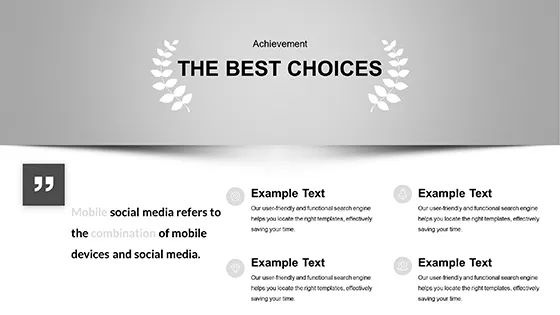
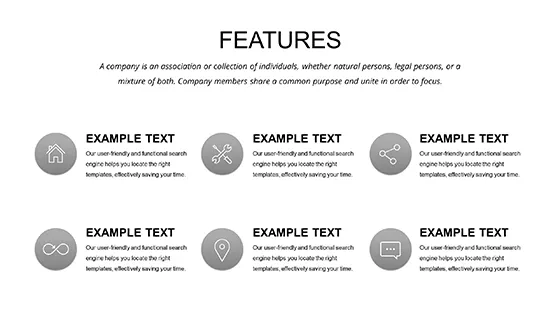
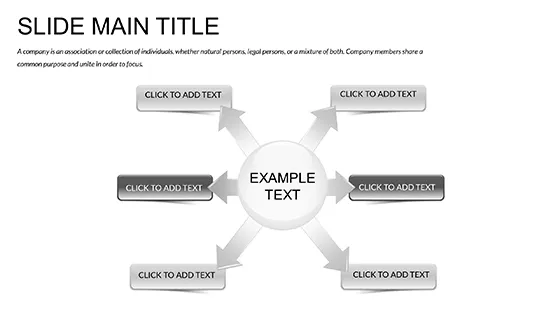
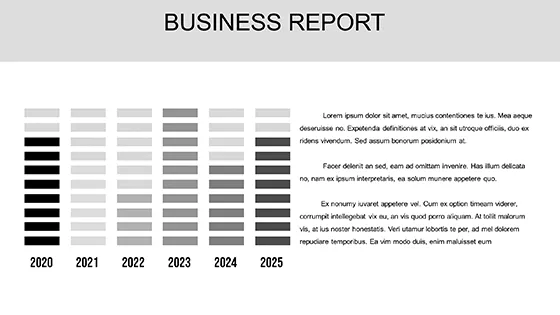
28 Diagrams,
7 color schemes for diagrams
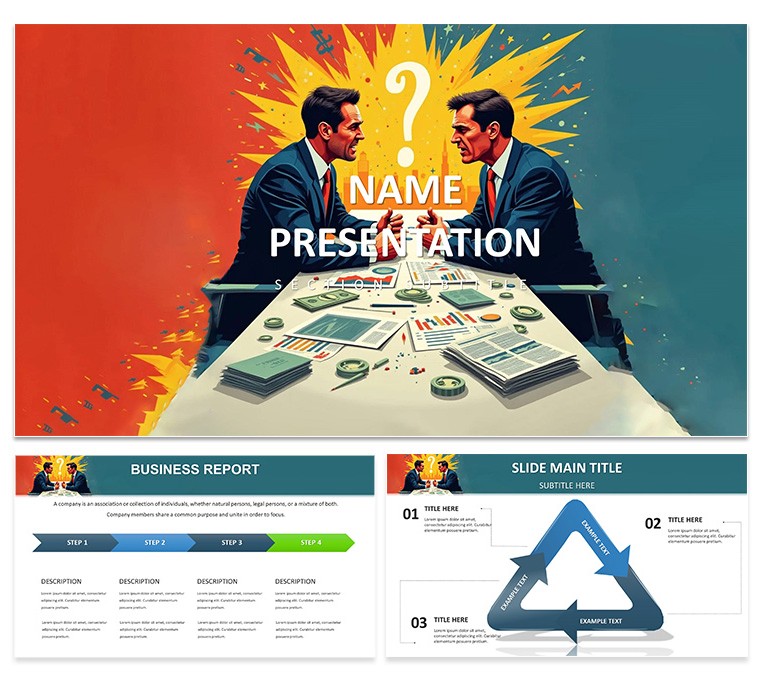
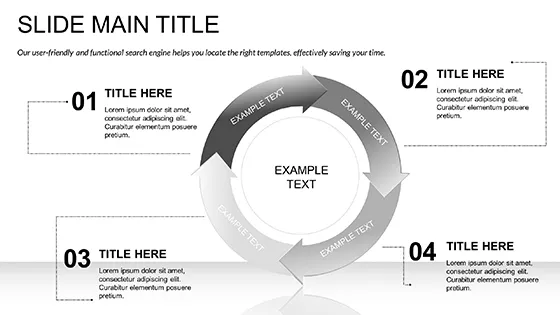
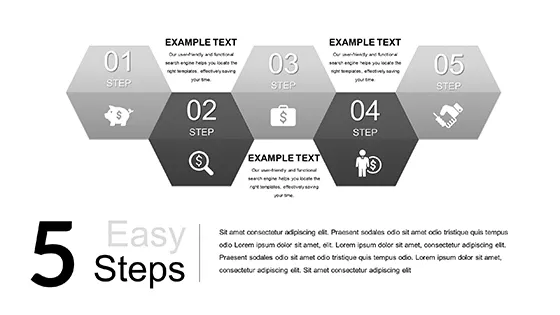
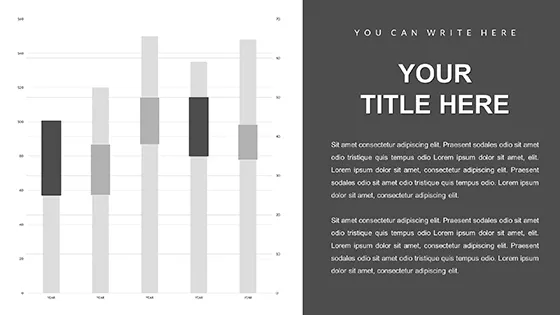
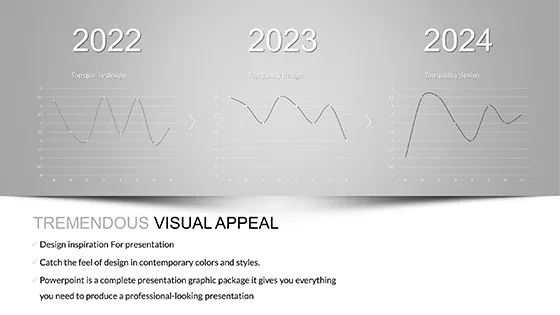
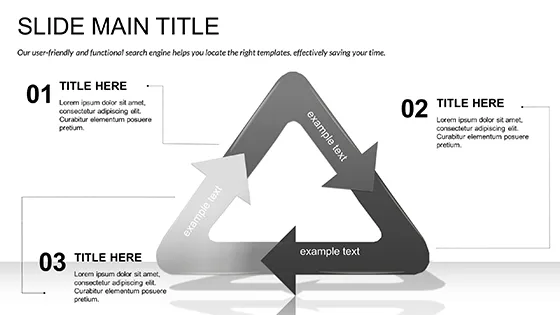
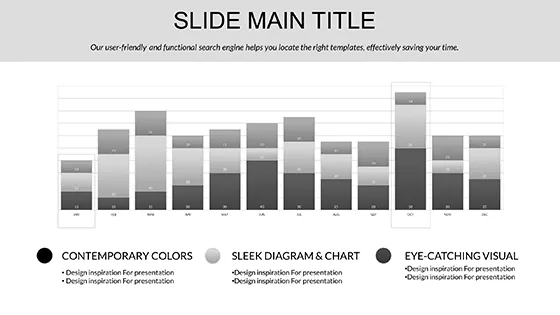
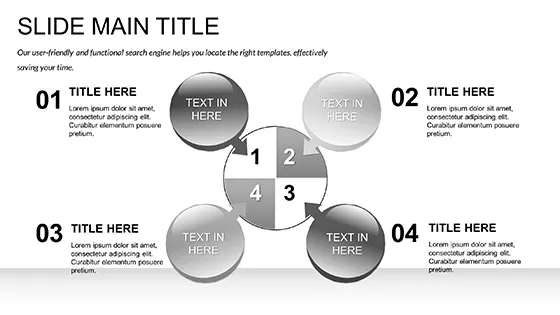
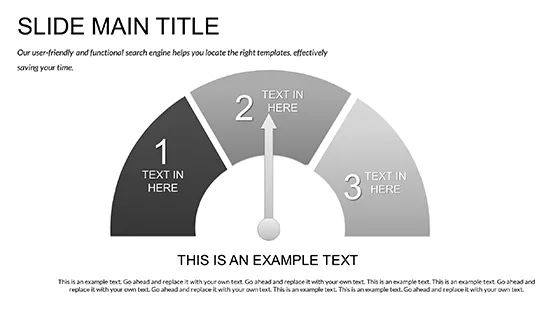
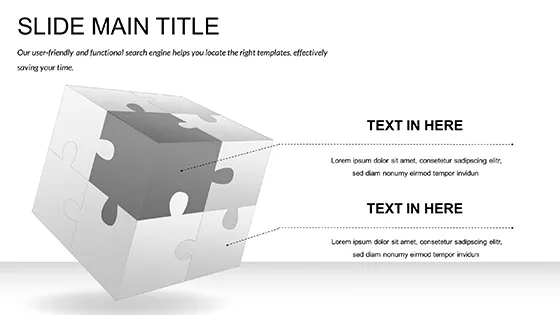
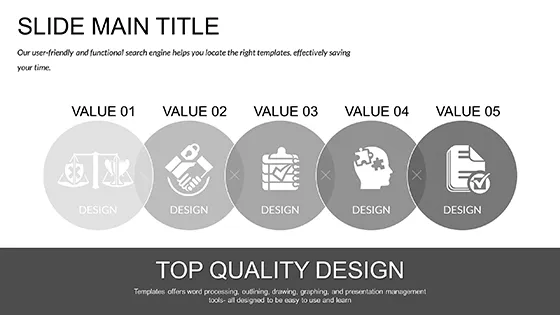
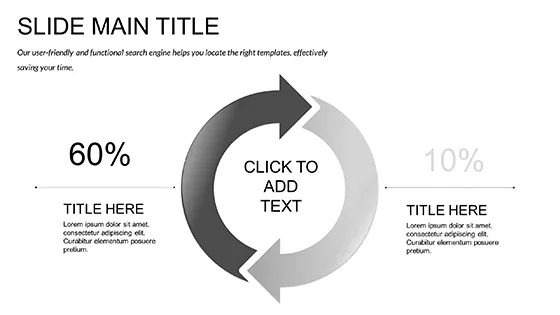
28 diagrams in 7 color schemes, three masters, three backgrounds - .key and .kth files, $10 for the base theme, $20 for the full diagram set. This Keynote diagram template is built for conflict management, dispute resolution, and negotiation training presentations.
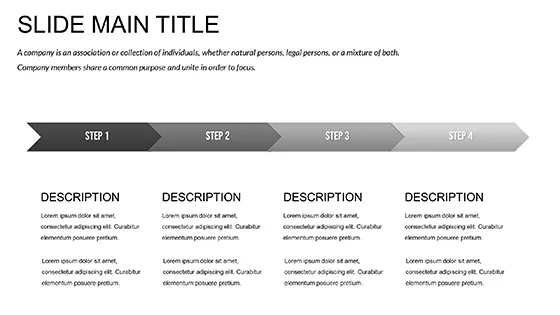
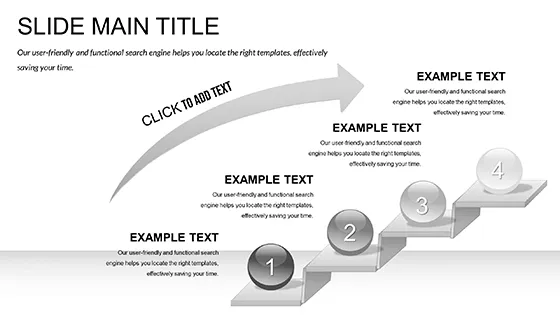
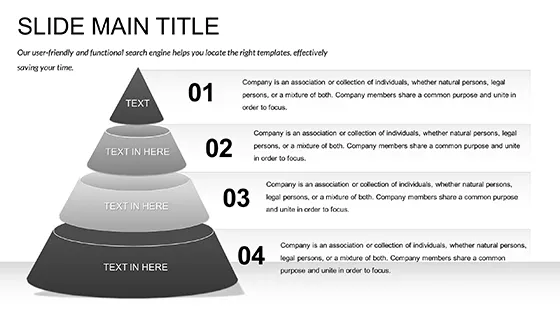
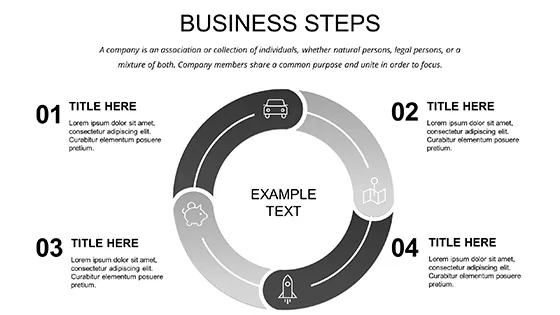
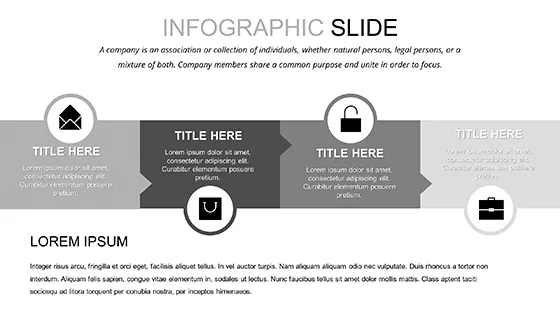
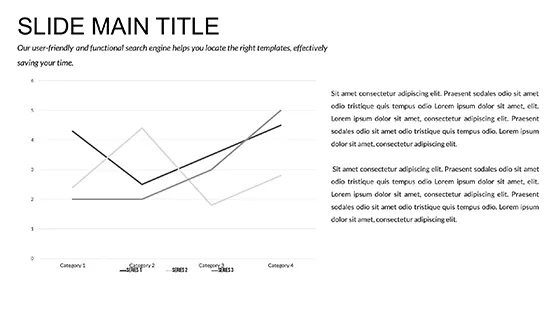
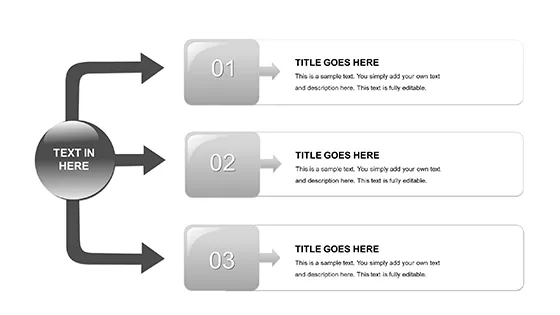
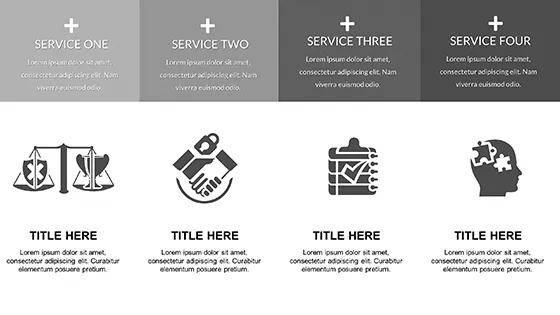
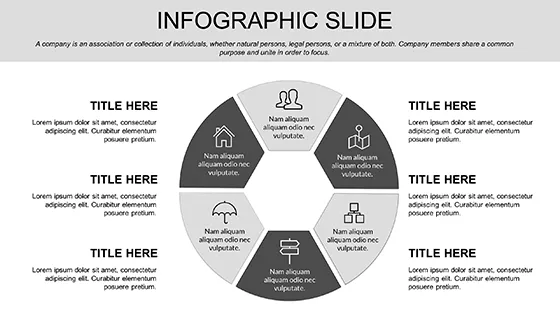
The diagram set covers the structural types most used in HR and consulting contexts: resolution timelines that map the progression from escalation through mediation to settlement, comparison charts for contrasting dispute scenarios side by side, and hierarchy diagrams for showing escalation paths or reporting structures. The layout is horizontally oriented with a left-to-right process direction, consistent with how resolution workflows are conventionally staged in training materials. Icons use flat, filled shapes - no outline-only strokes - which keeps elements readable in dense slide configurations such as step-by-step mediation process maps.
The .key file opens in Keynote 12+ on macOS 13 Ventura or later. The .kth theme file is included and applies the complete palette in one step from the theme chooser. To switch color schemes across all 28 diagrams, open View > Master Slides, select the palette thumbnail currently active, and replace it with one of the seven included options. All diagrams reflect the change without any per-slide editing. HR managers reusing the same deck template for multiple training cohorts - each with different departmental branding - will find this the most practical feature of the file.
The $10 base version delivers 3 masters and 3 backgrounds only. The full 28 diagrams and all 7 color schemes require the $20 paid version. All text labels, connector arrows, and icon groups in the paid set resize and recolor independently. Dragging a diagram into an existing presentation file applies the destination file's active master palette automatically, which reduces manual adjustment when assembling multi-source decks.
HR managers building dispute resolution training programs, management consultants presenting conflict frameworks to executive teams, and legal professionals covering mediation procedure are the users this diagram structure is designed for. For related Keynote diagram templates covering broader organizational or political subject matter, see the Government Politics Keynote Diagrams template or the Business - Company Keynote Theme category.
Download and start editing immediately
Specifications
| Feature | Details |
|---|---|
| Diagrams | 28 total - resolution timelines, escalation hierarchies, scenario comparison charts |
| File format | .key, .kth, .jpg |
| Software version | Keynote 12+ (macOS 13 Ventura or later) |
| Color schemes | 7 - apply to all 28 diagrams simultaneously via View > Master Slides |
| Editable elements | All icons, connector arrows, and text labels resize and recolor independently |
| Aspect ratio | 16:9 |
| Free vs Paid | Base ($10): 3 masters + 3 backgrounds only. Full ($20): 28 diagrams + 7 color schemes |
| Masters / Backgrounds | 3 masters, 3 backgrounds |
Frequently Asked Questions
Which Keynote version and macOS release is required?
The template is built for Keynote 12 and later. macOS 13 Ventura or newer is required for complete rendering of master slides and vector elements. Opening the file on an earlier macOS version may work in part but is outside the stated compatibility range, so some master formatting may not apply correctly.
How do I change colors across all 28 diagrams in one step?
Open View > Master Slides in Keynote, then click the currently active palette thumbnail and select a replacement from the seven included color schemes. The change applies to every diagram in the file simultaneously - no individual slide edits are needed. This is the intended method for adapting the deck to different team or brand color requirements without rebuilding any slides manually.
Does the license cover use in paid training sessions or client engagements?
The license permits use in commercial contexts including paid training workshops and client-facing presentations. Presentations assembled using this template may be delivered to paying audiences. The template source files themselves cannot be resold or redistributed as a standalone design product.
What is included in the free version versus the paid version?
The $10 base purchase includes 3 masters and 3 backgrounds in .key and .kth format. No diagram slides are part of the base tier. The $20 full version adds all 28 diagrams across 7 color schemes in fully editable form. The diagram slides - timelines, comparison charts, escalation hierarchies - are exclusively in the paid package.
What are the refund conditions?
A refund applies when the downloaded file fails to open in a compatible, stated version of Keynote. Contact ImagineLayout support with the order receipt and a description of the issue encountered. Verification of the compatibility problem against the listed system requirements is required before the refund is processed.