
Holiday - Special Occasion Brochures
This collection brings together brochure layouts built specifically for holiday campaigns and time-bound promotions - from seasonal sales to event announcements and corporate celebrations. It`s aimed at marketing teams, small business owners, and in-house designers who need materials that feel timely without rebuilding layouts every quarter.
Think about a retail marketing manager preparing a December promotion pack: multiple offers, store details, limited-time messaging. A generic brochure struggles here - it doesn`t handle urgency well. These layouts are structured to carry that weight: clear sections for offers, timing, and call-to-action, without the layout collapsing into clutter. I`ve seen this make a difference in last-minute campaign prep, where formatting usually eats half the time. If you need a brochure that already understands seasonal messaging structure, start here and adapt it to your next campaign cycle.
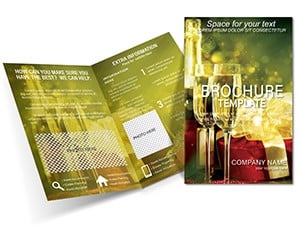 (840)
(840) New Year Champagne Brochure Template: Festive VibesID: #BT01736$15.00
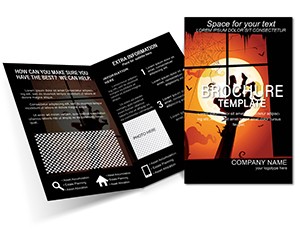 (847)
(847) Spooky Mysterious Brochure TemplatesID: #BT01641$15.00
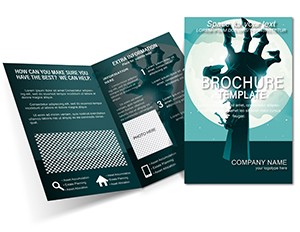 (288)
Dead Man hand Brochures templatesID: #BT01640$14.00
(288)
Dead Man hand Brochures templatesID: #BT01640$14.00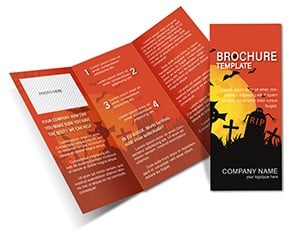 (197)
Scary Grave Tri-Fold Brochure TemplateID: #BT01638$14.00
(197)
Scary Grave Tri-Fold Brochure TemplateID: #BT01638$14.00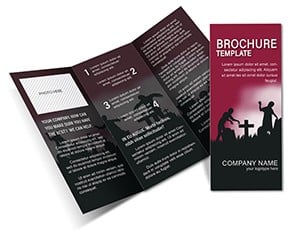 (1031)
Ultimate Mutants Brochure TemplateID: #BT01630$14.00
(1031)
Ultimate Mutants Brochure TemplateID: #BT01630$14.00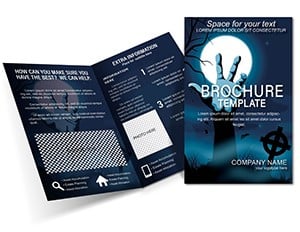 (453)
(453) Joyful Halloween Brochure TemplateID: #BT01627$18.00
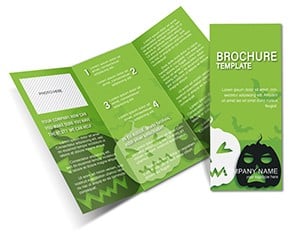 (410)
Iconic Halloween Symbols Brochure TemplateID: #BT01625$15.00
(410)
Iconic Halloween Symbols Brochure TemplateID: #BT01625$15.00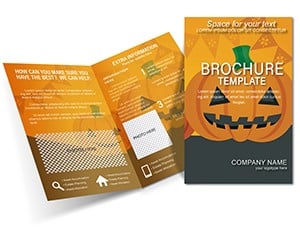 (132)
Halloween Costumes Brochure templateID: #BT01616$14.00
(132)
Halloween Costumes Brochure templateID: #BT01616$14.00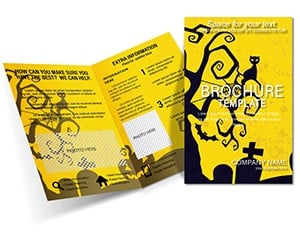 (82)
Spooky Event Halloween Brochure TemplateID: #BT01615$15.00
(82)
Spooky Event Halloween Brochure TemplateID: #BT01615$15.00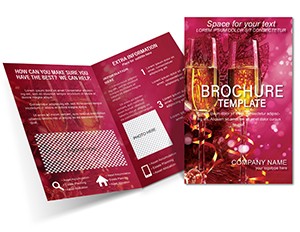 (892)
Celebratory New Year Brochure TemplateID: #BT01614$15.00
(892)
Celebratory New Year Brochure TemplateID: #BT01614$15.00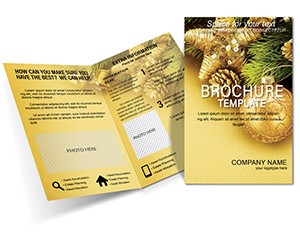 (242)
Decorate for Christmas and New Year Brochures templatesID: #BT01604$18.00
(242)
Decorate for Christmas and New Year Brochures templatesID: #BT01604$18.00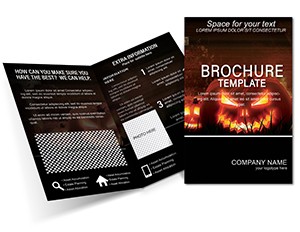 (55)
Halloween Tradition Brochure Templates: Weave Spooky Tales with Timeless LayoutsID: #BT01603$18.00
(55)
Halloween Tradition Brochure Templates: Weave Spooky Tales with Timeless LayoutsID: #BT01603$18.00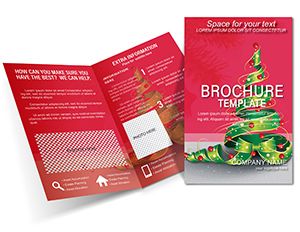 (11)
Christmas Brochure Template - 5 Page Print Ready | Instant Download | ImagineLayoutID: #BT01602$12.00
(11)
Christmas Brochure Template - 5 Page Print Ready | Instant Download | ImagineLayoutID: #BT01602$12.00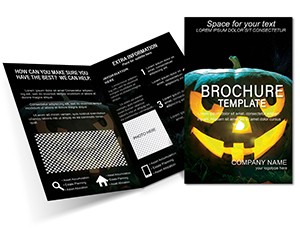 (799)
Halloween Pictures Brochure Template: Frame the FrightsID: #BT01601$15.00
(799)
Halloween Pictures Brochure Template: Frame the FrightsID: #BT01601$15.00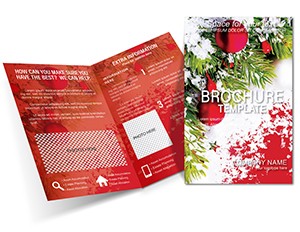 (527)
Celebrate Christmas Properly Brochure Template: Graceful Holiday EleganceID: #BT01600$18.00
(527)
Celebrate Christmas Properly Brochure Template: Graceful Holiday EleganceID: #BT01600$18.00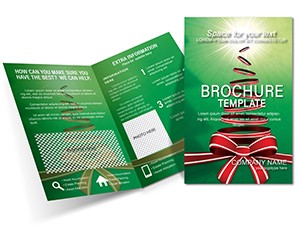 (212)
Bright Holiday - Christmas Brochures templatesID: #BT01599$18.00
(212)
Bright Holiday - Christmas Brochures templatesID: #BT01599$18.00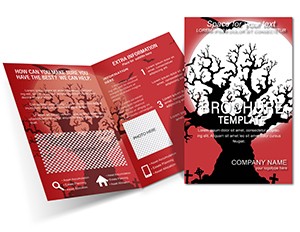 (576)
"Spooktacular Halloween Brochure Templates: Download, Design, Print Your Perfect Haunt"ID: #BT01598$15.00
(576)
"Spooktacular Halloween Brochure Templates: Download, Design, Print Your Perfect Haunt"ID: #BT01598$15.00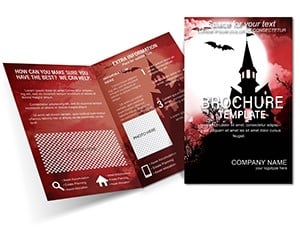 (489)
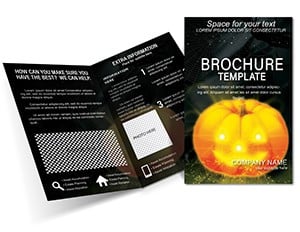
(489) Autumn Mystical Brochure Template: Capture the Season's MagicID: #BT01597$18.00
 (537)
Halloween Brochure Template for Special OccasionsID: #BT01593$18.00
(537)
Halloween Brochure Template for Special OccasionsID: #BT01593$18.00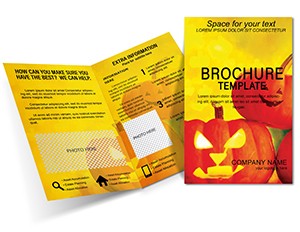 (292)
Fall Halloween Brochure Template with PumpkinsID: #BT01592$18.00
(292)
Fall Halloween Brochure Template with PumpkinsID: #BT01592$18.00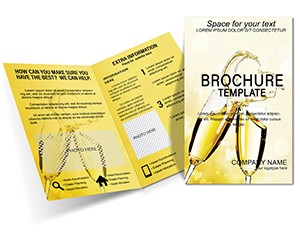 (308)
Wedding Congratulations Brochure TemplateID: #BT01586$15.00
(308)
Wedding Congratulations Brochure TemplateID: #BT01586$15.00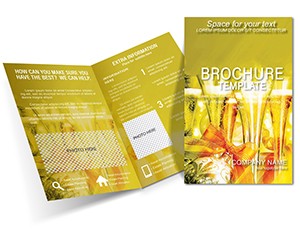 (14)
Happy Birthday Brochure Template: Bring Joy to Every CelebrationID: #BT01585$15.00
(14)
Happy Birthday Brochure Template: Bring Joy to Every CelebrationID: #BT01585$15.00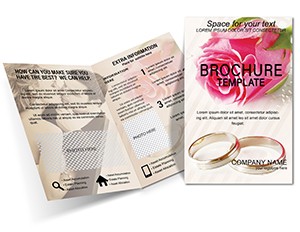 (955)
Young Hearts Brochures templatesID: #BT01413$18.00
(955)
Young Hearts Brochures templatesID: #BT01413$18.00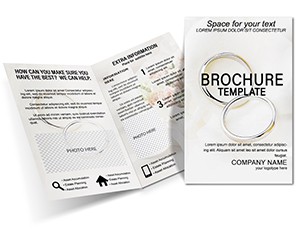 (573)
Favorable Days Wedding Brochure Template: Vow Elegance in Every FoldID: #BT01412$18.00
(573)
Favorable Days Wedding Brochure Template: Vow Elegance in Every FoldID: #BT01412$18.00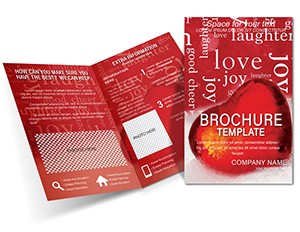 (1036)
Great Love Brochure Templates for RomanceID: #BT01411$16.00
(1036)
Great Love Brochure Templates for RomanceID: #BT01411$16.00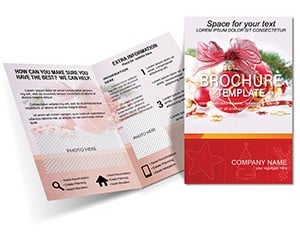 (290)
Christmas Composition Brochure Template: Weave Holiday Harmony into Every FoldID: #BT01381$15.00
(290)
Christmas Composition Brochure Template: Weave Holiday Harmony into Every FoldID: #BT01381$15.00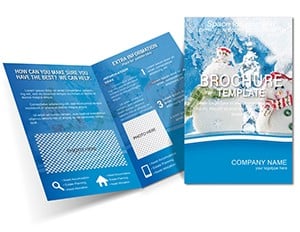 (733)
Professional Snowmen Brochure Template - DownloadID: #BT01380$15.00
(733)
Professional Snowmen Brochure Template - DownloadID: #BT01380$15.00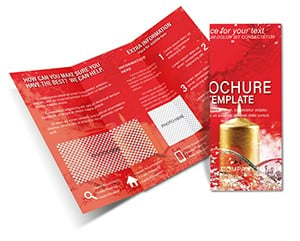 (325)
Christmas Decorations Brochure Template: Drape Your Designs in Festive SplendorID: #BT01379$15.00
(325)
Christmas Decorations Brochure Template: Drape Your Designs in Festive SplendorID: #BT01379$15.00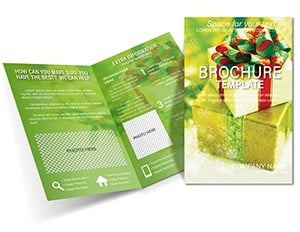 (949)
Christmas Gift Brochure Template | Download DesignID: #BT01372$15.00
(949)
Christmas Gift Brochure Template | Download DesignID: #BT01372$15.00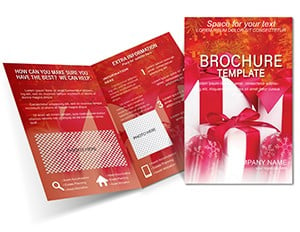 (1029)
Family Gift Brochure Template: Infographics That Warm HeartsID: #BT01371$15.00
(1029)
Family Gift Brochure Template: Infographics That Warm HeartsID: #BT01371$15.00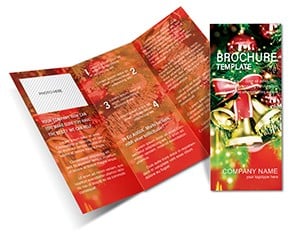 (598)
Festive Christmas Bells Brochure Template: Chime with Holiday CharmID: #BT01370$13.00
(598)
Festive Christmas Bells Brochure Template: Chime with Holiday CharmID: #BT01370$13.00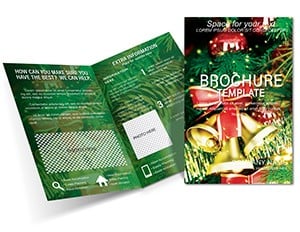 (653)
Christmas Bells & Candles Brochure Template: Glow with Seasonal StoriesID: #BT01369$16.00
(653)
Christmas Bells & Candles Brochure Template: Glow with Seasonal StoriesID: #BT01369$16.00 (941)
Christmas Peace Brochure TemplateID: #BT01364$15.00
(941)
Christmas Peace Brochure TemplateID: #BT01364$15.00
Why holiday brochures behave differently from standard marketing layouts
A regular corporate brochure is built for stability - company overview, services, maybe a case study. Holiday brochures are the opposite. They`re built for short attention windows, shifting offers, and fast decisions. That changes the structure in subtle ways. Headlines are shorter. Sections are more segmented. Visual hierarchy carries urgency, not just information. In practice, when I`ve worked on seasonal retail campaigns, the problem isn`t design - it`s compression. You`re fitting multiple offers, dates, and conditions into a format that still needs to feel readable. These templates handle that by pre-allocating space for what usually gets squeezed in last. Slightly rigid at first glance, but it actually keeps the message clear once you start editing. And yes, it saves time. But more importantly, it avoids the messy middle where everything competes for attention. If you`re preparing a campaign brochure under deadline, this structure does most of the thinking upfront.
Real scenarios where these layouts actually get used
A retail chain marketing lead preparing a Black Friday brochure. Multiple product categories, each with different discount levels. The layout needs to show comparison without confusion. A structured grid inside the brochure solves it - not a visual trick, just clean organization that holds under pressure.
A corporate HR team putting together a year-end celebration booklet. It`s part event invite, part recap. The challenge is tone - it can`t feel like a sales document. These templates shift toward softer visual hierarchy, more spacing, less aggressive calls-to-action. Subtle, but it matters in internal communication.
An events agency preparing a seasonal festival guide. Needs to include schedules, locations, and highlights. Basically, too much information for a standard brochure. Here, multi-panel layouts and sectioned spreads carry the structure. Not flashy, just practical.
A small business owner - café, gym, boutique - creating a local promotion. Quick edits, export to PDF, done. Works as-is. When I opened a template from this collection for a seasonal promotion deck, the pre-set offer grid meant I could populate three product categories with their discounts in under ten minutes without adjusting any spacing.
A nonprofit organizing a year-end giving campaign. The brochure needs to balance emotional appeal with concrete donation instructions and deadlines. The layout`s urgency hierarchy - headline, offer details, call-to-action - processes faster than a standard informational layout. The audience reads the brochure, decides to give, and acts within the same viewing session.
What these templates get right (and where they`re a bit rigid)
The strongest part of this collection is layout intent. Each brochure assumes you`re communicating something time-sensitive. That shows up in spacing, headline placement, and section grouping. Honestly, the hierarchy is what makes it usable - you don`t have to invent structure while under deadline. But there`s a trade-off. Some layouts feel slightly locked when you try to repurpose them for non-seasonal use. That`s expected. They`re optimized for campaigns, not evergreen content. Once you accept that, editing becomes straightforward again. The first time you open one, the sectioning can feel a bit dense. But after moving a few elements around, the logic becomes clear.
Why not build a brochure like this from scratch
You can. But here`s what actually slows things down: spacing decisions, font consistency, alignment across panels, and maintaining visual balance when content changes. Not the creative idea - the execution details. With seasonal brochures, those details get harder because content isn`t stable. Offers change. Dates shift. Sections expand. If your base layout isn`t structured for that, you end up reworking everything halfway through. These templates already account for that variability. Column widths hold. Text blocks resize predictably. That`s the part that saves time - not just starting faster, but avoiding rework later. I usually adjust the color system in the master first, then drop in real content, then adjust spacing at the end. Works consistently.
When to choose this category over other brochure types
If your content is tied to a date, promotion, or event - this is the right place to start. The layouts assume urgency and limited-time messaging. If you`re building a general company overview or service brochure, you`re better off browsing brochure templates at a broader level. Those are less constrained and more flexible for long-term use. For branded stationery or identity materials, something like letterhead templates fits better - different purpose entirely. And for quick promotional formats like sell sheets or one-page flyers, business card templates aren`t right either; the general brochure collection covers those.
Technical observation: PDF export behavior with layered holiday layouts
Most templates here are built to export cleanly to PDF, which matters more than people expect. Especially when sending to print or sharing digitally. Layouts don`t break when switching formats - that`s usually where lower-quality templates fail. Typography is consistent across all panels. But one thing to watch: if your brochure includes multiple overlapping elements - image behind text, decorative shapes on top of offer blocks - test the PDF export before finalizing. Some export settings flatten transparency differently. Use the "Press Quality" or "High Quality Print" preset in whatever software you`re using. For digital sharing, "Smallest Size" may compress images too aggressively. Run a test export after the first round of edits, not after you`ve completed all sections.
Editing pain points specific to seasonal brochure layouts
Pain point 1: Offer count doesn`t match grid slots. The template assumes a certain number of offer slots. If you have fewer offers, you`ll have empty grid cells. If you have more, you need to duplicate sections or choose a different layout variant. The templates don`t auto-flow content from one panel to another. Before you start editing, count your offers and check that the template`s grid matches.
Pain point 2: Date fields fixed but not dynamic. Most templates have placeholder dates. Change them manually. If your campaign dates shift after you`ve filled in the brochure, you`ll need to edit each date field individually. There`s no automatic date propagation across sections. For brochures with dates in multiple places, double-check all instances before export.
Pain point 3: Call-to-action placement assumes single primary action. Seasonal brochures often have multiple CTAs - "Shop Now," "Learn More," "Register Here." The template hierarchy assumes one dominates. If your campaign needs equal emphasis on multiple actions, you may need to modify the layout or accept that one will be less prominent. That`s a hierarchy decision, not a template limitation.
What makes this collection different from generic brochure templates
Generic brochure templates often look like they were designed for the designer`s portfolio, not for actual marketing use. Decorative elements compete with the content. The hierarchy assumes unlimited time for the reader. These templates are built for short attention windows. The hierarchy pushes urgency forward. The trade-off: they`re less flexible for non-seasonal use. If you try to repurpose a Black Friday layout for a year-round service brochure, the urgency elements will feel out of place. Accept that limitation and use the collection for what it`s built for: time-sensitive campaigns.
Navigation: related brochure resources
Start with this collection for seasonal and holiday campaigns. For general corporate brochures - company profiles, service overviews, case study collections - the broader brochure templates collection provides more flexible layouts. For letterhead, forms, or other formal stationery that might accompany a direct mail campaign, letterhead templates complete the package. And for presentation decks that support the same campaign - maybe a retail visual overview or an event run-of-show - the Keynote templates collection holds complementary slide layouts.
Pick the layout that matches your campaign`s offer structure. Replace placeholders with real content. Export to PDF. Launch.
Can I edit these brochure templates in Microsoft Word or only design software?
It depends on the file provided. Most brochure templates are optimized for tools like Adobe InDesign or sometimes PowerPoint, where layout control is more precise. Word can handle simple brochures but struggles with multi-panel layouts, precise image placement, and consistent spacing across spreads. Check the file format before downloading - if it`s a .indd file, you need InDesign. If it`s .pptx, PowerPoint works. For this collection, the primary format is typically InDesign, given the complexity of multi-panel seasonal layouts. Word users may find the general brochure collection more accessible.
Are these brochure templates suitable for both print and digital sharing?
The short answer is yes. These templates are typically built with print dimensions in mind, but they export cleanly to PDF for email or website use. In practice, I`ve used similar layouts for both without issues. Just double-check image resolution and margins before printing. For digital sharing, you can reduce file size in PDF export settings, but test that text remains readable at the reduced resolution. For print, use the highest quality export preset and confirm with your printer that the dimensions match their requirements. Some printers need specific bleed and crop mark settings; the templates may not include those automatically, so add them during export if needed.
Can I change the color scheme to match my brand`s seasonal campaign colors?
Yes, but the method depends on the software. In InDesign, modify the swatches panel and the colors update across linked elements. In PowerPoint, change the theme colors in the Design tab. The templates are built with color styles, not hard-coded RGB values, so global updates work. The one exception: background images that contain specific colors - those need manual replacement. If a template has a red-and-green holiday color scheme and you need blue-and-gold, you can update the vector elements instantly, but any raster background will need to be replaced or edited separately.
What happens if my promotion has more offers than the template`s grid slots?
You have two options. First, choose a different template variant with a larger grid. Browse the collection for layouts with more offer slots - some have 2x2 grids (four offers), others have 3x3 (nine offers). Second, duplicate the existing grid section across additional pages. The templates aren`t built for automatic overflow, so manual duplication is the approach. If you regularly have more than nine offers in a seasonal campaign, consider a different format entirely - a product catalog layout rather than a brochure. The brochure format starts to collapse beyond about twelve distinct offers because readers can`t process that many options in a single view.
How do I handle last-minute offer changes without breaking the layout?
The structured layout actually makes this easier than a freeform design. Each offer slot is an independent container. Change the text in the offer container - discount percentage, product name, price - and the surrounding elements don`t shift. The slots are isolated. The dangerous change is adding new elements that weren`t in the original layout, like a footnote or a secondary call-to-action. Those need to fit within existing spacing. The safe workflow: finalize your offer list and exact text before you start fine-tuning spacing. Leave the structural layout alone until content is locked. If stakeholders change offers after you`ve polished the layout, update only the text inside the existing containers, not the containers themselves.


