
Art & Entertainment Brochures
This collection brings together brochure templates focused on the needs of art galleries, music and film events, and performance venues. The designs provide organized sections for schedules, descriptions, and contact details that fit the way creative organizations share information.
They are designed for use by marketing leads in cultural institutions, event coordinators, and communications teams who handle promotion for exhibitions or shows.
Choose these over starting from a blank document when your project requires a reliable format that works for both printing and online viewing. For instance, an independent film festival can use one to list screening times, director interviews, and venue maps in a single piece that attendees keep as reference.
Review the available styles and begin adapting the content to your specific event.
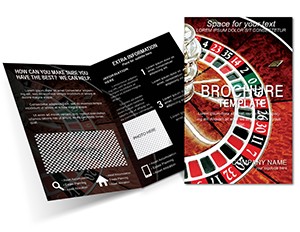 (947)
(947) Roulette Casino Tri-Fold Brochure - Print ReadyID: #BT01753$14.00
 (1103)
 Photo Stock Brochure Template: Capture Creativity in Every FoldID: #BT01695$15.00
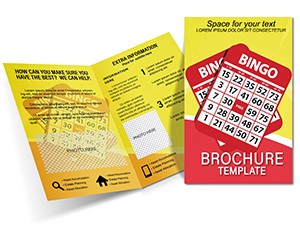 (88)
Bingo Brochure Template: Ignite Excitement for Game NightsID: #BT01678$15.00
(88)
Bingo Brochure Template: Ignite Excitement for Game NightsID: #BT01678$15.00 (756)
(756) Music Player Brochure: Creative Note TemplateID: #BT01655$14.00
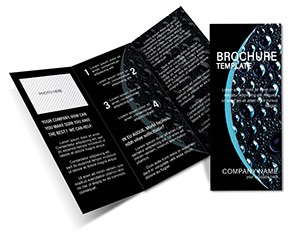 (1099)
Bubbles on Black Brochure TemplateID: #BT01648$15.00
(1099)
Bubbles on Black Brochure TemplateID: #BT01648$15.00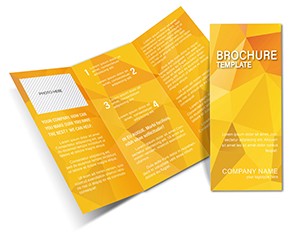 (399)
Abstract Yellow Sheet Brochure TemplateID: #BT01484$18.00
(399)
Abstract Yellow Sheet Brochure TemplateID: #BT01484$18.00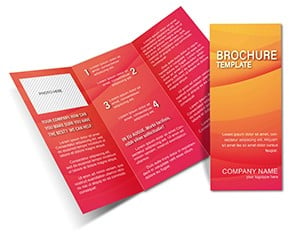 (1031)
 Abstract Background Red Professional Brochure Template For Stunning DesignsID: #BT01483$18.00
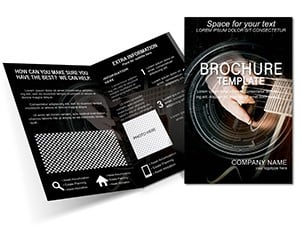 (382)
Guitar Tutorial Brochure: Ignite Student InterestID: #BT01476$15.00
(382)
Guitar Tutorial Brochure: Ignite Student InterestID: #BT01476$15.00 (488)
Half Fold Casino Chips Brochure Template | ImagineLayoutID: #BT01443$15.00
(488)
Half Fold Casino Chips Brochure Template | ImagineLayoutID: #BT01443$15.00 (257)
Casino Bones Art Brochures templatesID: #BT01431$18.00
(257)
Casino Bones Art Brochures templatesID: #BT01431$18.00 (154)
Casino Gambling Brochure Template: Ignite Excitement in Every FoldID: #BT01430$15.00
(154)
Casino Gambling Brochure Template: Ignite Excitement in Every FoldID: #BT01430$15.00 (267)
Way to Win at Cards Brochures templatesID: #BT01417$18.00
(267)
Way to Win at Cards Brochures templatesID: #BT01417$18.00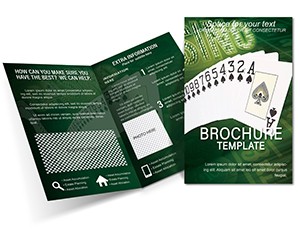 (56)
Customizable Casino Brochure Template: Bring Vegas to Your Game NightID: #BT01416$18.00
(56)
Customizable Casino Brochure Template: Bring Vegas to Your Game NightID: #BT01416$18.00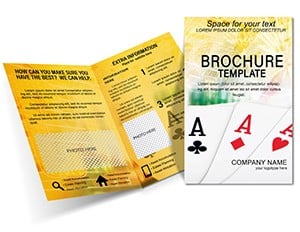 (404)
Entertainment Win at Cards Brochure templateID: #BT01415$15.00
(404)
Entertainment Win at Cards Brochure templateID: #BT01415$15.00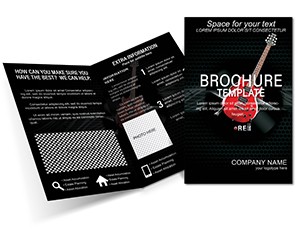 (296)
Recording Guitar Brochure Template: Amplify Your Studio's StoryID: #BT01378$18.00
(296)
Recording Guitar Brochure Template: Amplify Your Studio's StoryID: #BT01378$18.00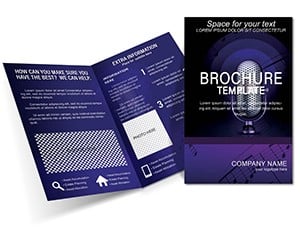 (1184)
Studio Microphones Brochure Template: Voice Your Brand's ClarityID: #BT01377$15.00
(1184)
Studio Microphones Brochure Template: Voice Your Brand's ClarityID: #BT01377$15.00 (1074)
Tuning Your Guitar Brochure Template: Strike the Perfect Chord in MarketingID: #BT01376$18.00
(1074)
Tuning Your Guitar Brochure Template: Strike the Perfect Chord in MarketingID: #BT01376$18.00 (595)
Music Lesson Brochure templateID: #BT01375$16.00
(595)
Music Lesson Brochure templateID: #BT01375$16.00 (629)
Enchanting Colors Brochure Template - Vibrant Art LayoutID: #BT01361$15.00
(629)
Enchanting Colors Brochure Template - Vibrant Art LayoutID: #BT01361$15.00 (764)
Colorful Plastic Brochure TemplateID: #BT01298$18.00
(764)
Colorful Plastic Brochure TemplateID: #BT01298$18.00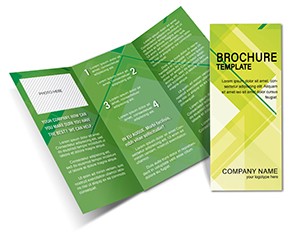 (4)
Rhombus Background Tri-Fold BrochureID: #BT01282$18.00
(4)
Rhombus Background Tri-Fold BrochureID: #BT01282$18.00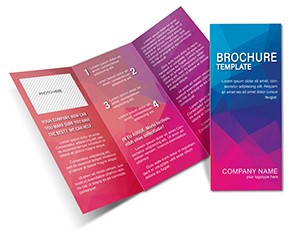 (571)
Vibrant Color Effect Tri-Fold BrochureID: #BT01281$18.00
(571)
Vibrant Color Effect Tri-Fold BrochureID: #BT01281$18.00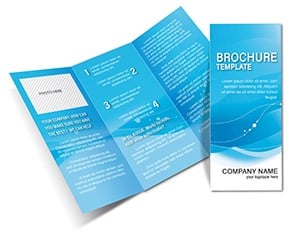 (150)
Sleek Azure Tri-Fold Brochure TemplateID: #BT01280$18.00
(150)
Sleek Azure Tri-Fold Brochure TemplateID: #BT01280$18.00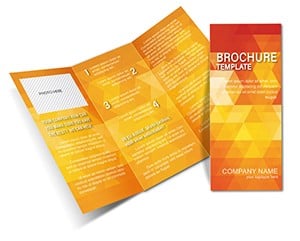 (859)
Geometric Rhombus Tri-Fold BrochureID: #BT01279$18.00
(859)
Geometric Rhombus Tri-Fold BrochureID: #BT01279$18.00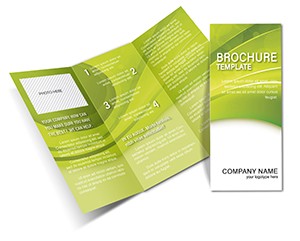 (627)
Green Sheets Half Fold Brochure TemplateID: #BT01273$14.00
(627)
Green Sheets Half Fold Brochure TemplateID: #BT01273$14.00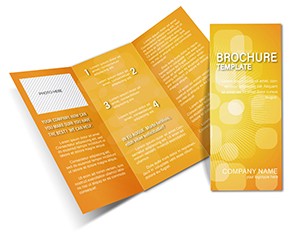 (502)
Artistic Aerial Illusion Brochure TemplateID: #BT01243$14.00
(502)
Artistic Aerial Illusion Brochure TemplateID: #BT01243$14.00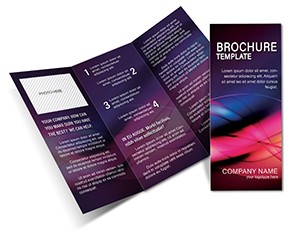 (342)
Attention-Grabbing Brochure TemplateID: #BT01240$16.00
(342)
Attention-Grabbing Brochure TemplateID: #BT01240$16.00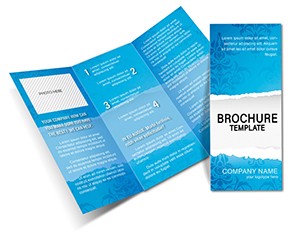 (1120)
Wallpaper Brochure Template DesignID: #BT01239$14.00
(1120)
Wallpaper Brochure Template DesignID: #BT01239$14.00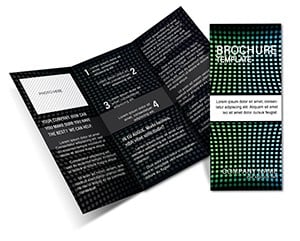 (818)
Abstract Pixel Tri-Fold Brochure TemplateID: #BT01235$14.00
(818)
Abstract Pixel Tri-Fold Brochure TemplateID: #BT01235$14.00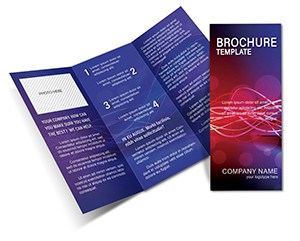 (394)
Purple Wallpaper Tri-Fold Brochure TemplateID: #BT01229$18.00
(394)
Purple Wallpaper Tri-Fold Brochure TemplateID: #BT01229$18.00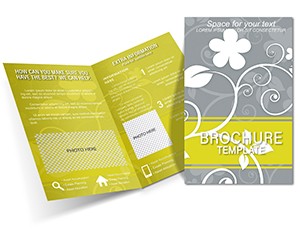 (1010)
Elegant Gray Flower Half-Fold BrochureID: #BT01219$18.00
(1010)
Elegant Gray Flower Half-Fold BrochureID: #BT01219$18.00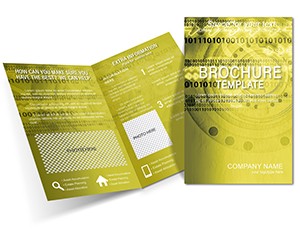 (632)
Green Lace Brochure TemplateID: #BT01189$14.00
(632)
Green Lace Brochure TemplateID: #BT01189$14.00 (950)
Elegant Dark Night Tri-Fold Brochure TemplateID: #BT01167$16.00
(950)
Elegant Dark Night Tri-Fold Brochure TemplateID: #BT01167$16.00
Use Cases
Gallery curators in the visual arts field often rely on brochure templates to promote upcoming exhibitions. They include sections for artist statements, artwork images, opening reception times, and directions to the venue. This approach helps attract collectors and art enthusiasts in a compact format.
Music festival organizers use them to communicate lineups, performance stages, food vendor lists, and safety guidelines to thousands of attendees. The template structure ensures all essential details fit without overwhelming the reader.
Film distribution teams create brochures for premieres and special screenings. Key elements include plot summaries without spoilers, cast lists, and ticket purchase instructions. This supports buzz-building in targeted industry circles.
Theater administrators prepare subscriber brochures for upcoming seasons. They feature play summaries, performance dates, cast highlights, and subscription benefits. The result is a piece that encourages renewals and new ticket sales from loyal audiences.
These scenarios demonstrate how the templates address time-sensitive needs where the message must balance creativity with practical information delivery.
Comparison vs Default Document Layouts
Default blank documents or basic shapes require users to manually set up columns, margins, and image placements from scratch. This often leads to uneven spacing and time lost on alignment. Brochure templates come with pre-arranged panels that match standard tri-fold or bi-fold sizes used in the industry.
Starting from zero makes it hard to maintain consistent typography across pages or sections. Templates include style guides for headings and body text that keep the look cohesive.
When preparing materials for print shops, default files may lack bleed areas or crop marks, causing issues during production. The templates incorporate these elements to ensure output.
Visual hierarchy in improvised designs frequently falls flat, with important calls to action buried in text. Templates guide placement of key information in prominent positions.
In practice, this means less revision cycles and faster turnaround for campaigns in fast-moving art and entertainment schedules.
Best-Practice Advice for Using the Templates
Begin by identifying the main goal of your brochure whether it is to drive attendance or provide detailed program notes. Select a template with the right number of panels and image slots to match that goal. Replace placeholder text with concise copy that matches your brand voice.
Incorporate high-quality images that represent your event or exhibition accurately. Keep file sizes manageable for both web and print versions. Test the layout by printing a sample copy on the intended paper stock to check readability and color accuracy.
Coordinate colors and fonts with your overall campaign materials for recognition. Avoid overcrowding any single panel with too much text. Leave white space to let the design breathe and draw attention to key messages.
Include clear calls to action such as website links or QR codes leading to ticket sales or more details. Review the final version with team members from different departments to catch any missing information before distribution.
Technical Tips for Brochure Templates
One important technical consideration involves setting up print-ready files correctly. Make sure to work with the bleed settings built into the template, usually 0.125 inches or 3mm on outer edges. This prevents white borders after trimming at the print facility.
When exporting your finished brochure, choose PDF format with high resolution settings of at least 300 DPI. Include crop marks and color profiles suitable for the printer you plan to use. Check compatibility with your software version to avoid formatting shifts during editing.
For digital distribution, optimize the PDF size by compressing images without losing too much quality. This ensures quick downloads for users accessing the brochure on mobile devices during events.
How ImagineLayout Differs from Competitors
ImagineLayout templates are developed with direct consideration for the storytelling requirements found in art and entertainment organizations. Layouts support longer descriptive text blocks and multiple image galleries in ways that general collections from other marketplaces do not prioritize.
While competitors like Canva or Envato provide wide selections, they often emphasize quick visuals over structured content flow needed for cultural promotions. Our versions include more options for program listings and sponsor integrations common in the sector.
The focus remains on practical usability for teams that balance creative expression with logistical details. This makes the collection a better fit for users who need materials that do more than look good on screen.
How do I access and download these brochure templates?
Once you select a template from the collection, add it to your account through the site interface. The download link appears in your personal dashboard immediately after. Files are provided in formats that open in standard office programs. You receive full rights to modify the content for your specific projects without additional steps.
Are the templates compatible with Microsoft Word and other programs?
Yes, the majority of files work directly in Microsoft Word as well as similar applications. Some options also support design software if you prefer more advanced editing. Check the description for each template to confirm the primary format. This compatibility allows teams to use tools already available in their workflow without learning new systems.
Can I customize the colors and images in the brochure templates?
Customization is straightforward with editable text boxes, image placeholders, and color palettes. You can swap in your own photos, adjust hues to match brand standards, and modify font sizes. The structure remains intact so the overall layout stays balanced. This flexibility supports unique needs of different events or organizations.
What licensing options are available for these templates?
The licensing allows personal and commercial use for your organization. You may create as many variations as needed for different campaigns. Redistribution of the original template files is not permitted. This setup supports ongoing use across multiple projects in your art or entertainment activities.


