
Agriculture & Animals Brochures
These agriculture brochure templates give small-to-medium farm operations, vineyards, beekeepers, florists, and livestock breeders professional print materials without spending days in design software. The collection includes tri-fold, bi-fold, and half-fold options filled with relevant farm and animal imagery that actually looks like real operations - not generic stock photos of perfect sunsets over fields.
Take Maria, who runs a sheep breeding program in western Ukraine. Two days before the regional agricultural fair she needed something to hand out that explained her breeding lines, showed lamb photos, and included a map to her corral. She opened one of the sheep templates, swapped in her own animals and pricing, adjusted the contact block, and had it at the printer the same afternoon. The brochure did the talking while she focused on conversations.
Browse the collection below and download the layout that matches your next market day, client meeting, or open farm event.
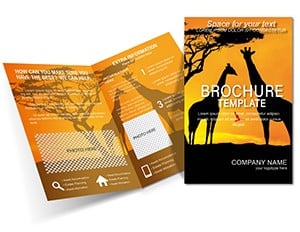 (981)
(981) Giraffe Africa Animals Brochure Template: Stretch Your Safari StoryID: #BT01771$15.00
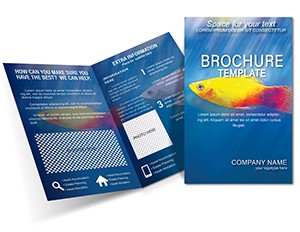 (253)
(253) Vibrant Special Fish Brochure TemplateID: #BT01569$14.00
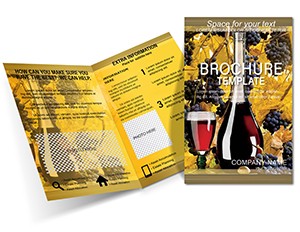 (746)
Make Wine Brochures templatesID: #BT01499$14.00
(746)
Make Wine Brochures templatesID: #BT01499$14.00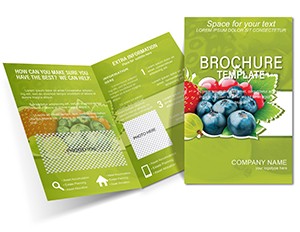 (690)
Grow Your Reach with Berry-Sweet Brochure DesignsID: #BT01479$18.00
(690)
Grow Your Reach with Berry-Sweet Brochure DesignsID: #BT01479$18.00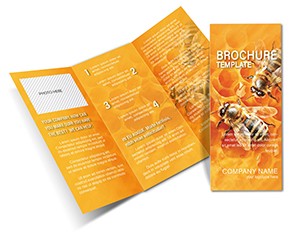 (805)
(805) Buzz into Impact with Honey Bee Brochure MagicID: #BT01478$14.00
 (1079)
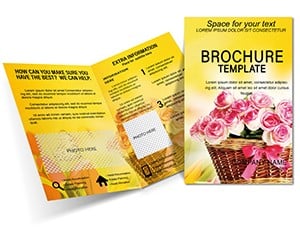
 Vibrant Flower Delivery Half-Fold BrochureID: #BT01471$14.00
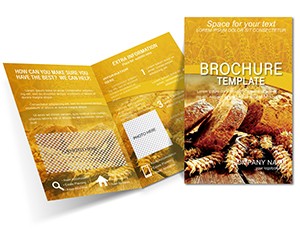 (65)
Rustic Bread & Wheat Tri-Fold Brochure DesignID: #BT01470$14.00
(65)
Rustic Bread & Wheat Tri-Fold Brochure DesignID: #BT01470$14.00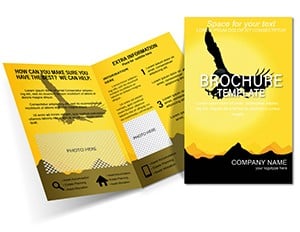 (329)
Soar Brochure TemplateID: #BT01293$18.00
(329)
Soar Brochure TemplateID: #BT01293$18.00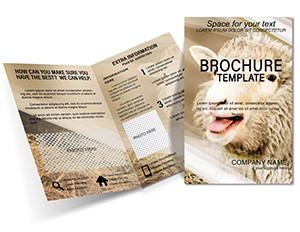 (1016)
Agriculture: Sheep Breeding Brochure TemplatesID: #BT01266$16.00
(1016)
Agriculture: Sheep Breeding Brochure TemplatesID: #BT01266$16.00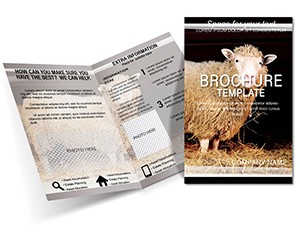 (85)
Sheep in Corral: Agriculture Brochure TemplateID: #BT01265$18.00
(85)
Sheep in Corral: Agriculture Brochure TemplateID: #BT01265$18.00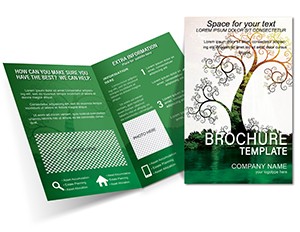 (51)
Green Tile Brochure: Farm-Fresh Promo LayoutID: #BT01221$15.00
(51)
Green Tile Brochure: Farm-Fresh Promo LayoutID: #BT01221$15.00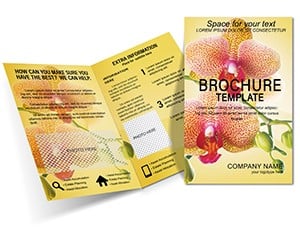 (341)
Gift Flowers Brochure TemplateID: #BT01193$16.00
(341)
Gift Flowers Brochure TemplateID: #BT01193$16.00 (35)
Vibrant Joyful Blooms Half-Fold Brochure LayoutID: #BT01158$5.00
(35)
Vibrant Joyful Blooms Half-Fold Brochure LayoutID: #BT01158$5.00 (800)
Mysterious Half-Fold Birthday Brochure Template: Unveil Celebration SecretsID: #BT01127$16.00
(800)
Mysterious Half-Fold Birthday Brochure Template: Unveil Celebration SecretsID: #BT01127$16.00 (911)
Lamb on Pasture Half-Fold Brochure TemplateID: #BT01075$18.00
(911)
Lamb on Pasture Half-Fold Brochure TemplateID: #BT01075$18.00 (854)
Maize Cultivation Brochure Template - Tri-Fold Farming GuideID: #BT01067$18.00
(854)
Maize Cultivation Brochure Template - Tri-Fold Farming GuideID: #BT01067$18.00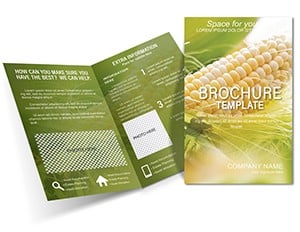 (518)
Corn Production Brochure Template - High-Yield Agriculture DesignID: #BT01066$15.00
(518)
Corn Production Brochure Template - High-Yield Agriculture DesignID: #BT01066$15.00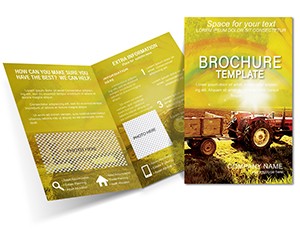 (201)
Agriculture Brochure Template: Fields & Tractors EditionID: #BT01034$14.00
(201)
Agriculture Brochure Template: Fields & Tractors EditionID: #BT01034$14.00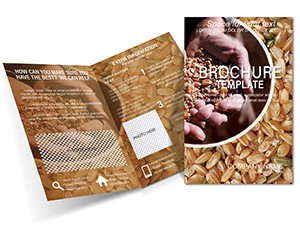 (795)
Agriculture: Grain Harvest Brochure Templates for Farm-Focused ImpactID: #BT00996$15.00
(795)
Agriculture: Grain Harvest Brochure Templates for Farm-Focused ImpactID: #BT00996$15.00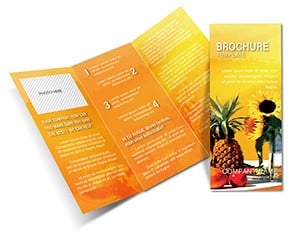 (971)
Dietary Guidance Brochure Template: Healthy Eating EssentialsID: #BT00617$12.00
(971)
Dietary Guidance Brochure Template: Healthy Eating EssentialsID: #BT00617$12.00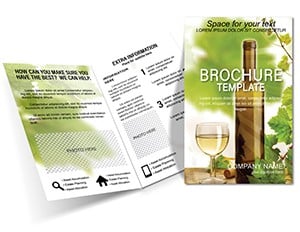 (845)
Custom Wine Tasting Brochure Template: Elevate Every SipID: #BT00533$14.00
(845)
Custom Wine Tasting Brochure Template: Elevate Every SipID: #BT00533$14.00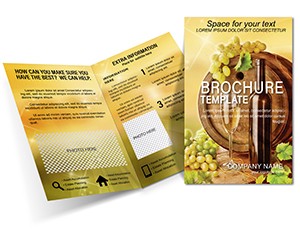 (1031)
Wine Tasting Brochure Template: Unlock the World of Fine WinesID: #BT00532$15.00
(1031)
Wine Tasting Brochure Template: Unlock the World of Fine WinesID: #BT00532$15.00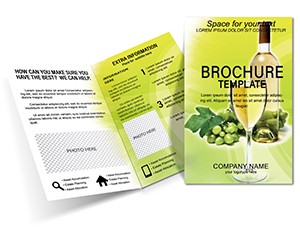 (1037)
Wine Industry Brochure Template - Heritage-Inspired DesignID: #BT00530$18.00
(1037)
Wine Industry Brochure Template - Heritage-Inspired DesignID: #BT00530$18.00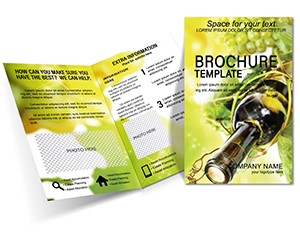 (584)
Winemaking Brochure Design Template - Elegant and Versatile DownloadID: #BT00528$15.00
(584)
Winemaking Brochure Design Template - Elegant and Versatile DownloadID: #BT00528$15.00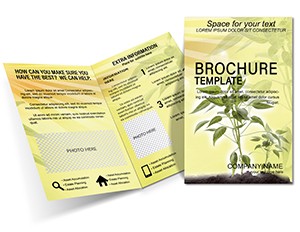 (364)
Growing Plants Brochure Template: Essential Care GuideID: #BT00448$18.00
(364)
Growing Plants Brochure Template: Essential Care GuideID: #BT00448$18.00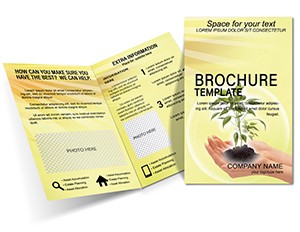 (411)
Rare Plants Brochure TemplateID: #BT00447$15.00
(411)
Rare Plants Brochure TemplateID: #BT00447$15.00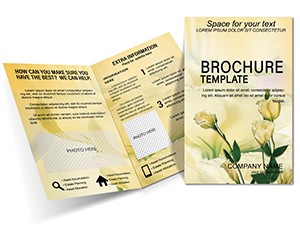 (696)
Professional Florist Flowers Brochure Template: Petals of PersuasionID: #BT00100$12.00
(696)
Professional Florist Flowers Brochure Template: Petals of PersuasionID: #BT00100$12.00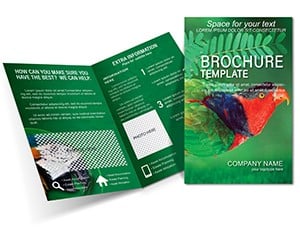 (783)
Vibrant Cockatoo Parrot Brochure Template: Feather Your Marketing NestID: #BT00021$15.00
(783)
Vibrant Cockatoo Parrot Brochure Template: Feather Your Marketing NestID: #BT00021$15.00 (1127)
Friendly Dolphins Brochure Template: Engage and Educate on Marine WondersID: #BT00011$14.00
(1127)
Friendly Dolphins Brochure Template: Engage and Educate on Marine WondersID: #BT00011$14.00
What Exactly Comes Inside These Agriculture Brochure Templates?
Every file arrives with multiple page variations, high-resolution placeholder images of crops, livestock, equipment, and rural scenes, plus fully editable text blocks. You get print-ready CMYK versions with bleed and crop marks, plus RGB versions optimized for digital distribution. Most templates work in Adobe InDesign, Microsoft Word, and Publisher, so you`re not forced into one tool.
From the giraffe safari-style layouts for wildlife education to the rustic wheat and bread designs for farm bakeries, the imagery feels grounded. I`ve used similar files for client projects where polished but overly corporate designs made farmers roll their eyes. These strike a better balance.
Real-World Scenarios Where These Templates Deliver Results
A vineyard owner preparing for a wine tasting weekend used the "Make Wine" brochure template. She replaced the suggested tasting notes, added her vintage details and driving directions, and printed 200 copies. The perforated tear-off coupon section drove actual bookings - something a simple flyer couldn`t match.
A beekeeper I worked with needed to explain pollination services to local orchards. The honey bee template gave her space for before-and-after hive photos, a simple pricing table, and contact information that didn`t get lost in clutter. She printed on slightly thicker stock and the brochure survived being carried around in trucks for weeks.
Other common uses: flower delivery services promoting seasonal arrangements, sheep or cattle breeders creating sales sheets for livestock auctions, and vegetable farms listing CSA subscriptions with pickup locations. In each case the brochure format allowed combining photos, maps, pricing, and calls-to-action in one tactile piece.
Why Starting a Brochure in a Blank Document Wastes Critical Hours
Setting up proper bleed, facing pages, paragraph styles, and image frames takes longer than most people expect. Then you fight with image masking for animal photos, column alignment across folds, and making sure text doesn`t disappear into dark background areas when printed.
These templates already solve those decisions. The column gutters work for both English and Ukrainian text lengths. Image frames are pre-cropped for typical farm photography ratios. You can focus on your content instead of fighting the software at 11pm before a market.
Non-Obvious Tips That Regular Users Apply
When editing in InDesign, keep the image resolution at 300 dpi and watch the total file size if you plan to email the PDF. For Word users, the tables and text boxes stay stable when you add rows, but always check "Keep with next" paragraph settings so headings don`t jump to the next column.
For animal-heavy brochures, slightly increase the brightness of photos before placing them - livestock shots often look darker in print than on screen. Test print one copy on the exact paper you`ll use. Many farms prefer matte or uncoated stock so the brochure doesn`t slide off tractor seats.
When to Choose Brochures Over Other Marketing Assets
Brochures work best when you need something physical that people take home, read while driving, or pin on a notice board. They outperform single-page flyers when you have multiple products, services, or location details to communicate. Compared to PowerPoint presentations, brochures feel more permanent and don`t require a screen.
If you mainly present at conferences, check the agriculture-related diagram templates instead. For quick price lists or handouts, a simpler format from the main brochure collection might be enough.
What Makes These Agriculture Brochure Templates Different
The collection avoids heavy decorative elements that don`t survive translation or local printing. Layouts leave enough white space for longer Ukrainian text. Corporate-style templates often feel too clean for real farm work; these keep some warmth while staying professional enough for bank loan meetings or grant applications.
Limitations exist - not every template has every fold option, and a few designs lean heavily on specific imagery. But the ones that match your operation save genuine time and look like they belong to your farm, not a design agency.
Need a different format or more specific crop/livestock focus? The parent brochures collection and Word templates contain additional options worth checking.
Can I add more photos or change the number of panels in these agriculture brochure templates?
Yes, most InDesign templates allow you to add or delete image frames and adjust text columns. In Word versions you can duplicate or remove content blocks, but keep an eye on column balance. For complex changes, the InDesign files give the most flexibility. Always check the final PDF in actual print preview mode.
Are these templates suitable for Ukrainian farms and printed locally?
They are. The layouts handle longer Ukrainian text without breaking the design. I recommend exporting to PDF with embedded fonts and using CMYK color mode for local printers in Lviv or other regions. Several clients successfully printed them in Western Ukraine without issues.
How do I edit the animal or crop images in these brochures?
Placeholder images sit in frames that you can easily replace by right-clicking or using the links panel in InDesign. For best results use your own high-resolution photos shot in similar lighting. Some frames include clipping paths for irregular animal shapes.
Do the templates work well for both digital distribution and physical printing?
Yes. Each download usually includes both print (CMYK with bleed) and web (RGB, smaller file size) versions. For email or website use, reduce image resolution slightly and flatten transparencies if any exist.
What should I watch for when using the vineyard or livestock specific templates?
Vineyard templates often have space for tasting notes and maps - double-check that the map scale remains readable after printing. Livestock ones work best when you keep photo backgrounds consistent. Test the fold lines with your actual content to avoid important details falling into the crease.


