Free Molecule Structure Word Template | ImagineLayout
Type: Word templates template
Category: Industry - Production, Free Templates, Education & Training
Sources Available: .dot, .dotx, .jpg
Product ID: WT00898
X Pages, Y Formats: What You Get
Editable .dotx and .jpg files arrive ready for science-focused work.
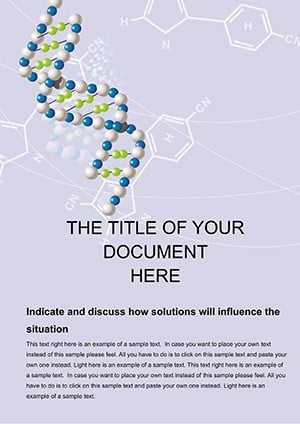
The molecular chain diagrams create visual hierarchy that clarifies complex data for readers.
Buyers receive .dot .dotx and .jpg files prepared for research and education production.
Production Details at a Glance
| Specification | Details |
|---|---|
| Pages Count | Multi-page - supports detailed scientific reports and lesson plans in one document |
| File Formats | .dot .dotx .jpg - .dotx enables easy editing in Word for molecular diagrams |
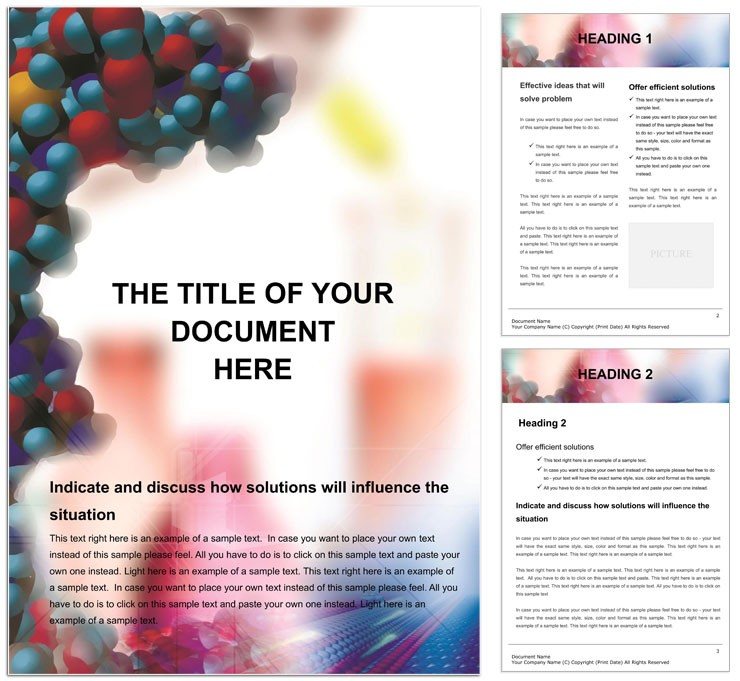
| Color Mode | Muted blues and grays - keeps focus on technical accuracy during professional printing |
| Resolution / DPI | Not specified - works well for both screen review and high-resolution output |
| Bleed / Trim Guides | Not specified - add manually for any offset printing requirements |
| Price | Free - cost-effective solution for accurate scientific visuals |
Three Projects Where This Template Fits
A scientist in research illustrated molecular bonds resulting in clearer grant proposals.
A teacher in education mapped lesson plans resulting in higher student comprehension.
A student in academic prepared summaries resulting in stronger presentation scores.
Download and start editing immediately
Edit, Brand, Print: The Workflow
Customization follows five simple steps.
- Open the .dotx file in Word 2016+. Editing difficulty is low thanks to pre-defined styles.
- Replace placeholder text using editable text fields and the replaceable images feature.
- Adjust color swatches in the design to match your brand palette.
- Modify white space and grid alignment for perfect typography balance.
- Export as PDF for print-ready delivery or digital sharing.
Compared to Starting From Zero
Building from scratch demands hours of manual grid alignment and typography balance work.
Starting here saves time because the .dotx file already contains tested layout structure.
Common mistakes include ignoring color mode when exporting which leads to print issues.
The muted blues and grays require ink limits under 260 percent for coated stock to avoid registration risks in offset printing.
Practical production experience shows that the provided file formats prevent compatibility errors across different Word versions.
Download now and transform your next document project
Users often explore the industry production category for more layout options.
Designers pair this with a similar Word template when expanding project sets.
Many also check a complementary template to vary visual hierarchy in reports.
What software versions are needed to edit this template?
Microsoft Word 2016 or later works best for full compatibility with the .dotx file. Earlier versions may open the file but lose some layer structure features. The template includes embedded styles that function reliably in current Word releases. Always test export settings before final production to ensure print-ready output.
What is the refund policy for this Word template?
Refunds are available within 14 days if the file fails to open in supported Word versions. The request must include proof of purchase and a description of the exact issue encountered. No refunds apply after the file has been edited or downloaded multiple times. This policy supports buyers while protecting digital product integrity.
Is the file print-ready with CMYK and bleed settings?
The .dotx file contains layouts optimized for export to PDF suitable for professional printing. CMYK conversion happens during the PDF export step in Word. Bleed and trim guides are not pre-set so users add them manually based on printer specs. Test a sample print to verify color accuracy before full production runs.
What does the license permit and prohibit?
The license permits use in personal and commercial projects including client work. It allows unlimited edits and prints for the buyer only. Resale or redistribution of the original files is strictly prohibited. Sharing the template with others outside the licensed user violates the terms.
How can I change the colors in the design?
Open the color swatches panel in Word to select and replace existing hues. The muted palettes update across all pages once the swatch is modified. Use the Font Color tool for text elements to maintain typography balance. Preview changes in print layout view to confirm visual hierarchy before final export.
What file formats are included and their uses?
The .dotx serves as the main editable template for Word. The .dot works as legacy format for older installations. The .jpg provides a preview image for quick reference. Each format supports different workflow needs in document preparation.