
Tourism - Voyage Letterheads
The category presents tourism letterhead templates with visuals such as maps, aircraft silhouettes, and landmark outlines suited to travel-related correspondence. Each layout reserves space for company logo, address block, and body text while keeping the header and footer consistent across pages.
Travel agency staff, tour guides, hotel marketing teams, and cruise operators use these templates when sending booking confirmations, itinerary proposals, or partnership agreements. They solve the challenge of maintaining brand appearance on every document without repeated formatting work.
These options outperform blank letterhead pages because the graphics are placed to avoid interfering with readable text areas, and the overall structure follows standard business letter dimensions. A tour operator preparing a customized seven-day itinerary package for a corporate client can use an adventurous destination motif to set the right tone from the first page.
Examine the available templates below and select the one aligned with your primary service offerings.
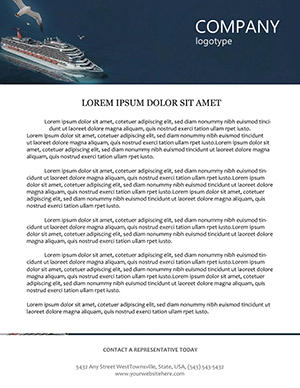 (529)
(529) Cruise Ship Travel Letterhead TemplateID: #LT00975$8.00
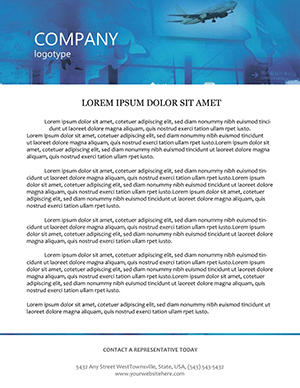 (608)
(608) Airport Passengers Travel Letterhead PackID: #LT00911$8.00
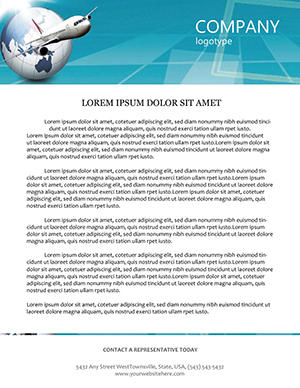 (761)
Airliner Earth Letterhead for Travel AgenciesID: #LT00886$8.00
(761)
Airliner Earth Letterhead for Travel AgenciesID: #LT00886$8.00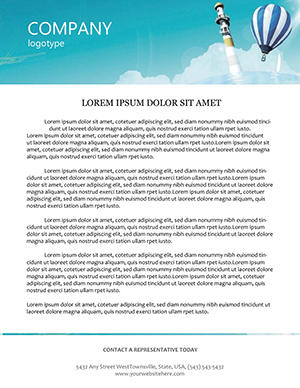 (495)
Aerostat Letterhead Template for Elevated BrandingID: #LT00884$8.00
(495)
Aerostat Letterhead Template for Elevated BrandingID: #LT00884$8.00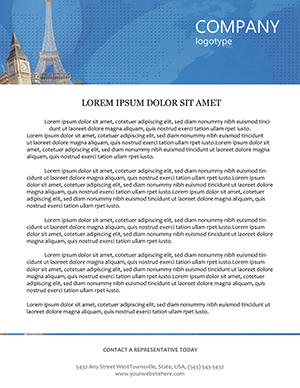 (490)
Adventurous Destinations Letterhead TemplateID: #LT00860$8.00
(490)
Adventurous Destinations Letterhead TemplateID: #LT00860$8.00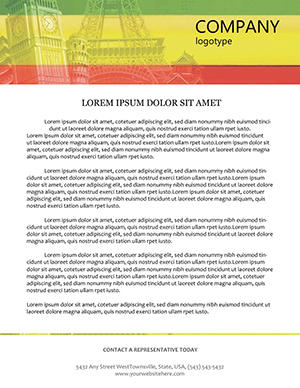 (379)
Sophisticated Business Trip LetterheadID: #LT00859$10.00
(379)
Sophisticated Business Trip LetterheadID: #LT00859$10.00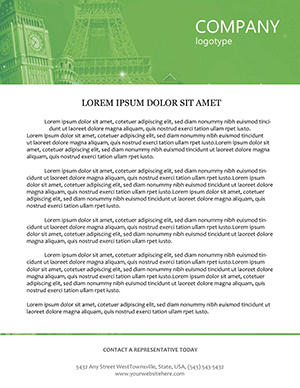 (174)
(174) Academic School Books Letterhead TemplateID: #LT00856$9.00
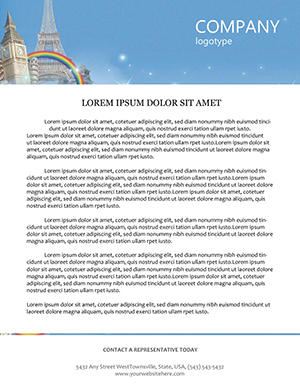 (916)
Elementary School Letterhead TemplateID: #LT00855$10.00
(916)
Elementary School Letterhead TemplateID: #LT00855$10.00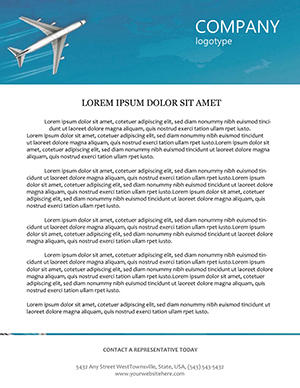 (1048)
Airlines Letterhead Template for Aviation BrandsID: #LT00842$8.00
(1048)
Airlines Letterhead Template for Aviation BrandsID: #LT00842$8.00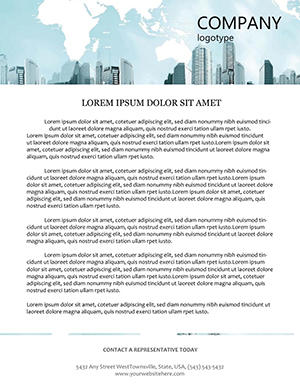 (844)
International Flights Letterhead TemplateID: #LT00825$8.00
(844)
International Flights Letterhead TemplateID: #LT00825$8.00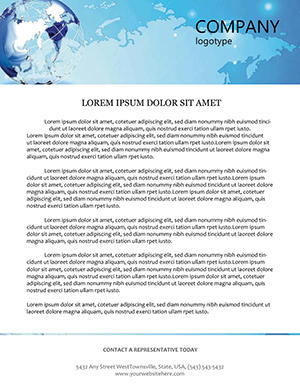 (489)
Virtual World Blue Planet Letterhead TemplateID: #LT00711$7.00
(489)
Virtual World Blue Planet Letterhead TemplateID: #LT00711$7.00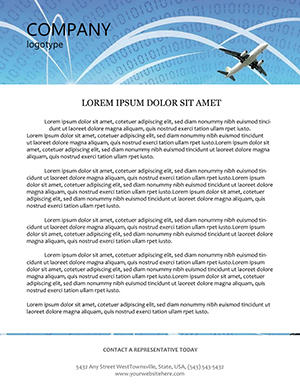 (449)
Professional Flights Letterhead TemplateID: #LT00704$8.00
(449)
Professional Flights Letterhead TemplateID: #LT00704$8.00 (207)
(207) Statue of Liberty Letterhead TemplateID: #LT00641$10.00
 (1127)
Great Sphinx Letterhead for Tourism & Education | ImagineLayoutID: #LT00587$8.00
(1127)
Great Sphinx Letterhead for Tourism & Education | ImagineLayoutID: #LT00587$8.00 (892)
Sophisticated Compass Letterhead TemplateID: #LT00569$10.00
(892)
Sophisticated Compass Letterhead TemplateID: #LT00569$10.00 (154)
Snowboarding Letterhead Thrill RideID: #LT00560$8.00
(154)
Snowboarding Letterhead Thrill RideID: #LT00560$8.00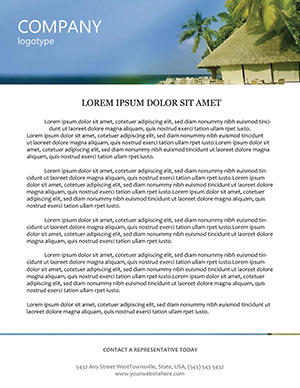 (286)
Tropical Sea Resorts Letterhead TemplateID: #LT00507$8.00
(286)
Tropical Sea Resorts Letterhead TemplateID: #LT00507$8.00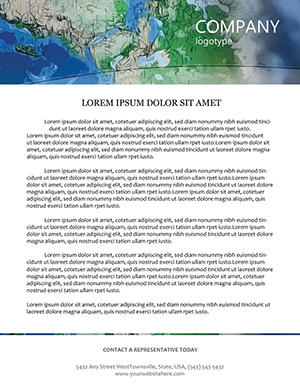 (916)
Tourist Map and Compass Letterhead TemplateID: #LT00221$12.00
(916)
Tourist Map and Compass Letterhead TemplateID: #LT00221$12.00
Use Cases
Travel agencies send booking confirmations and payment reminders to clients using letterheads showing world map backgrounds. The recipient sees the company name and contact block at the top while the body details flight times and hotel reservations. This format builds trust through consistent presentation on every communication.
Tour operators create detailed itinerary documents for group trips with compass or mountain graphics in the header. Clients receive the package by mail or email and can reference the operator details easily for questions about inclusions or changes.
Hotel marketing departments issue welcome letters and special offer notices on letterheads featuring tropical or city landmark elements. Guests arriving at the property recognize the branding and feel the connection to the destination from the moment they open the envelope.
Cruise lines prepare partnership proposals for travel agents on letterheads with ship and ocean motifs. The document outlines commission structures and sailing schedules, allowing agents to review terms and respond promptly with signed agreements.
Airline sales teams send route expansion updates to corporate accounts on letterheads with airplane graphics. The clean layout keeps focus on pricing tables and contact information so decision makers can forward the document internally without confusion.
Comparison with Default Letterhead Designs or Blank Pages
Blank letterhead pages in word processors require manual insertion of logo, address, and footer elements on every new document. Templates include these elements already positioned with correct spacing for standard paper sizes. Default designs often leave large empty header areas that waste space on travel graphics. Pre-made tourism templates balance visuals with text zones so the body content remains prominent. You avoid misalignment issues that appear when printing on different paper stocks.
Best-Practice Advice for Using the Templates
Choose a motif that matches the main service type, such as beach scenes for resort packages or city icons for urban tours. Keep the body font at 11 or 12 points for comfortable reading on both screen and paper. Include social media icons in the footer with active links when distributing digital versions. Test the letter on the paper type used for client mailings to confirm ink coverage and fold lines. Update the address block whenever the company moves or changes phone numbers to maintain accuracy.
Use the same template across all departments for brand unity. Add a small tagline under the logo if your company emphasizes sustainable travel or luxury experiences. Review the full document for spelling before sending to clients. These practices help every letter reinforce your tourism brand.
Technical Tips Specific to This Category
Configure the page setup to A4 or US Letter with 0.75 inch top margin for the header and 0.5 inch for the footer to accommodate graphics without crowding text. Export as PDF with embedded fonts to prevent substitution on recipient computers. For color printing, verify CMYK values match your brand guide to avoid shifts in landmark or map tones. Include a bleed area of 0.125 inch if the design extends to the edge. When merging data for bulk letters, lock header and footer layers to prevent shifting during the mail merge process.
Why ImagineLayout Versions Differ from Other Sources
ImagineLayout assembles tourism letterhead templates around real travel scenarios rather than generic stock images, so each option feels relevant to agencies and operators. The 17 designs cover narrow niches such as aviation, cruise, and adventure travel, allowing precise selection. Files remain simple to edit with clearly labeled layers for quick logo swaps. Accompanying notes explain how to prepare files for both digital email and physical mailing. The selection avoids overlap and provides practical variations that support daily operations in the tourism sector.
Frequently Asked Questions
What file formats are available for the tourism letterhead templates?
The templates are supplied as editable source files plus a print-ready PDF version. You can open the source in common office programs to adjust text and images. The PDF version is ready for direct printing or attachment to emails. This setup supports both quick daily use and high-volume production runs at external print services.
Can I add my company logo and change the colors?
All templates allow logo placement in the header area and full color adjustments to match your brand palette. Text fields for address and tagline are editable without affecting the layout structure. You can save a master version with your details for repeated use across departments. After editing, generate a sample PDF to confirm the appearance on screen and paper.
Are the templates suitable for both digital and printed correspondence?
The designs work equally well when attached to emails as PDF or when printed on letterhead paper for mailing. Header and footer elements remain visible and legible in both formats. For digital use, the file size stays small enough for fast sending. Printed versions maintain crisp graphics on standard office paper stocks used by tourism businesses.
What licensing applies after download?
The license permits unlimited use within your tourism business, including client letters, internal memos, and marketing materials. You may print or distribute as many copies as required. The files belong to you after purchase. Redistribution of the source template to external parties is not allowed without additional agreement.
How do I prepare the file for bulk printing?
Export the completed letterhead as a high-resolution PDF with all fonts embedded. Provide the print vendor with your chosen paper weight and quantity. Request a digital proof first to verify colors and alignment. For very large runs, ask the vendor to confirm bleed settings match the template file. This process ensures every printed letter matches the digital version exactly.


