Table Keynote Diagrams

Upgrade your Keynote presentations with our professional Table Keynote Diagrams. Fully editable and visually engaging, these templates help you present complex data clearly and efficiently.

Ideal for educators, marketers, and business analysts, each table diagram saves hours of design work and ensures your data is instantly understandable. Customize colors and fonts to match your brand or theme.

View by: Last Added | Most Popular
  • like 5
    (103)
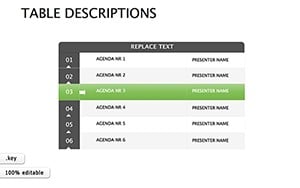
    Creativity with Stunning Table Descriptions Keynote Diagrams
    ID: #KD00183
    $16.00
  • like 5
    (179)
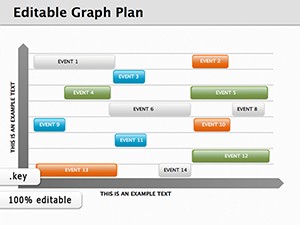
    Editable Graph Plan Keynote Diagrams for Clear Data Presentations
    ID: #KD00144
    $12.00
  • like 4
    (187)
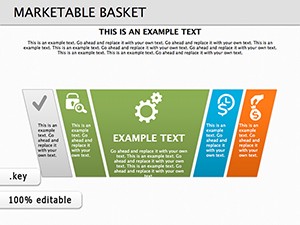
    Marketable Basket Keynote Diagrams: 16 Editable Slides for Marketing Insights
    ID: #KD00139
    $26.00
  • like 2
    (450)
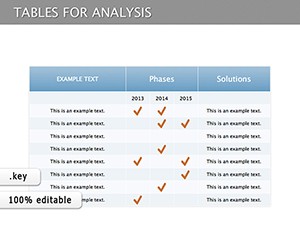
    Tables for Analysis Keynote Diagrams: Unlock Deeper Insights
    ID: #KD00130
    $20.00
  • like 5
    (1160)
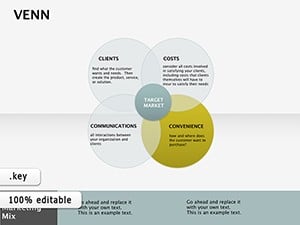
    Editable Venn Keynote Diagrams: Where Ideas Intersect and Illuminate
    ID: #KD00085
    $12.00
  • like 2
    (775)
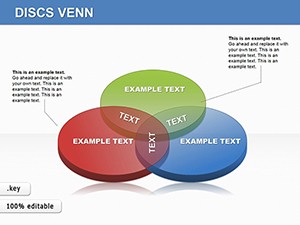
    Editable Venn Diagrams Keynote Template: Map Overlaps with Precision
    ID: #KD00044
    $25.00


Why Use Table Keynote Diagrams

Our table diagrams offer clarity, functionality, and style, making them superior to default Keynote tables. They come pre-designed with formulas, conditional formatting, and modern layouts.

Real-World Use Cases

  • Business Reports: Display KPIs and metrics with structured tables
  • Marketing Analysis: Track campaigns and ROI effectively
  • Education: Present research data and student results clearly
  • Financial Planning: Budget tables with automatic calculations

Benefits Over Default Templates

Default Keynote tables lack design polish and functionality. Our templates include color-coded categories, layered formatting, and interactive elements that improve comprehension and engagement.

Creative Tips and Best Practices

  • Highlight key data using color and bold text
  • Keep tables simple: Limit columns for readability
  • Use consistent fonts and alignments
  • Animate tables progressively for storytelling

Download now to create impactful Keynote presentations with ease and professionalism.

Frequently Asked Questions

Are these diagrams editable?

Yes, all table diagrams are fully editable and customizable in Keynote.

Can I apply brand colors?

Yes, easily customize colors to match your brand or presentation theme.

Do they support formulas?

Many templates include built-in formulas for automatic calculations.

Are these suitable for educational purposes?

Absolutely, they are perfect for presenting complex data in classrooms and lectures.

Can I animate tables in Keynote?

Yes, animations are fully supported to guide audience focus and storytelling.