Bring clarity and visual interest to your Keynote slides with our diverse collection of object diagrams. From 3D models and vector illustrations to smart object layouts, these templates help you explain complex ideas through intuitive visuals that audiences immediately understand.
Elevate your storytelling with professionally designed objects that are fully customizable. Change sizes, colors, angles, and arrangements effortlessly to fit your content perfectly.
Updated for current design standards, these ready-to-use diagrams include subtle animations and layered elements for professional results. Perfect for educators, consultants, designers, and anyone who wants presentations that stand out.
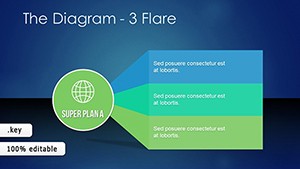

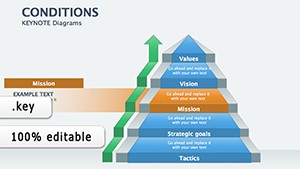


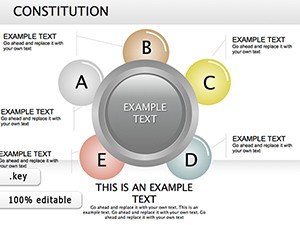
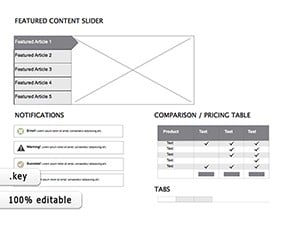
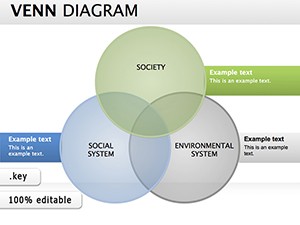
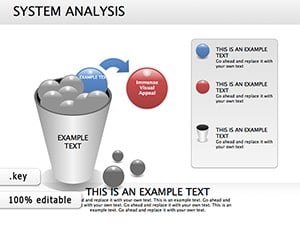
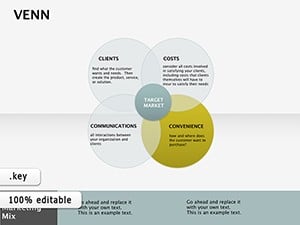

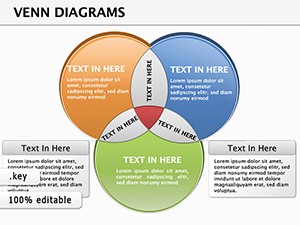
Object diagrams transform abstract concepts into tangible visuals, making information more memorable. Our collection offers variety - from realistic 3D renders to clean vector icons - giving you flexibility for any topic.
Compared to basic shapes in Keynote, our templates provide depth, realism, and polish. You'll achieve sophisticated results quickly, with elements that respond beautifully to animations and transitions.
Start creating more engaging slides today. Explore our object diagram collection and download the perfect templates for your next presentation!
Our collection includes both - realistic 3D objects and clean 2D vector illustrations to suit different styles.
Yes, all objects are fully editable with native Keynote tools - no restrictions.
Many are optimized for smooth morphing and magic move effects.
Yes, we provide free downloads alongside our premium collection.
Copyright © 2009-2026 ImagineLayout All rights reserved.


