Show Hungary with clarity and style. This collection of Hungary map Keynote templates helps you explain locations growth regions and data connections in a way audiences instantly understand.
Every slide is designed for real presentations not decoration. You can highlight cities routes regions or statistics using clean layouts balanced colors and modern typography. Whether you are preparing a business update a tourism pitch or an academic lecture these maps save time and elevate your story.
All templates are fully editable in Keynote. Change colors adjust labels add icons or animate transitions in minutes. No design skills required. Just open customize and present with confidence.



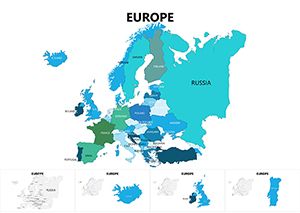
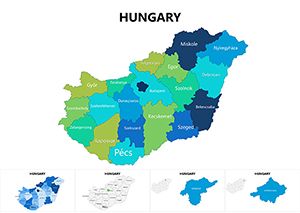
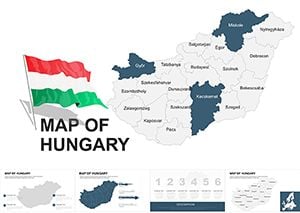
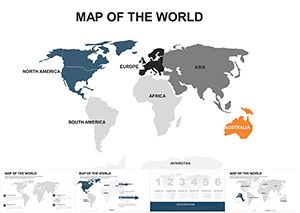
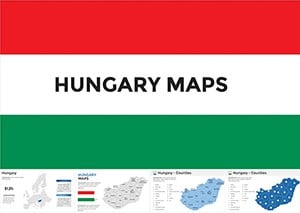
Maps are powerful when you need to explain where things happen not just what happens. Hungary map slides help audiences connect information to geography which improves understanding and recall.
These templates are built specifically for Keynote users. They follow modern presentation standards with clear hierarchy readable labels and flexible layouts that work on large screens and online meetings.
Use Hungary maps to present market coverage office locations logistics routes or regional performance. Highlight growth areas show sales distribution or explain expansion plans clearly.
Teachers and students can visualize geography demographics history or economics. Maps make complex topics easier to follow and more engaging for learners.
Create destination overviews travel routes or cultural highlights. These slides are ideal for agencies bloggers and hospitality professionals.
Explain infrastructure projects regional development or public data with neutral professional visuals that build trust.
Default presentation maps are often generic and visually weak. These templates offer consistent proportions accurate layouts and presentation ready design.
Avoid overcrowding maps. Highlight one idea per slide such as one region one route or one metric.
Apply accent colors to guide attention. Keep background areas neutral for clarity.
Reveal regions step by step in Keynote to control the narrative and keep attention.
Pair maps with short labels icons or charts for stronger context.
Download Hungary map Keynote templates and turn location data into clear confident presentations.
Choose a design edit in minutes and present with impact.
Yes all shapes colors text and icons are fully editable.
Yes they are designed for professional and commercial presentations.
No the layouts are ready to use and easy to customize.
Yes you can apply Keynote animations to shapes and labels.
Yes they work with modern versions of Keynote.
Copyright © 2009-2026 ImagineLayout All rights reserved.


