 Click to zoom
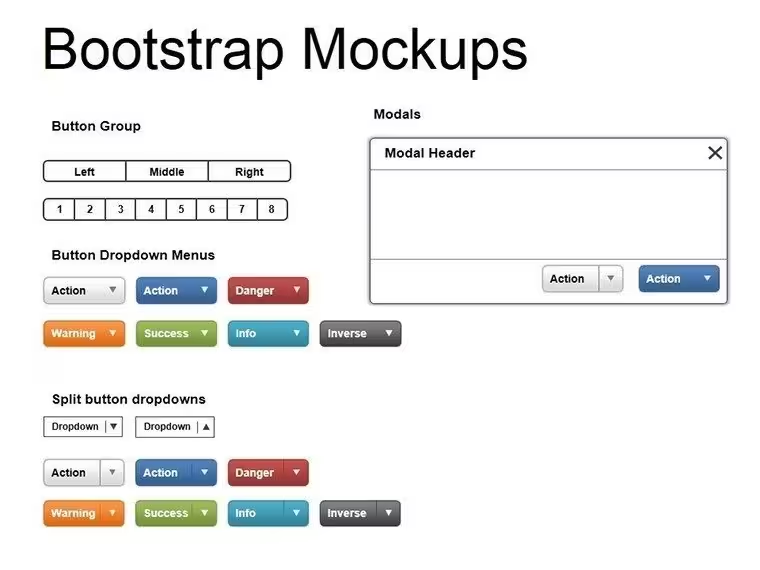
Bootstrap Mockups PowerPoint Diagrams - Editable PPTX
| Format | .pptx |
| Slides | 5 unique layouts |
| Aspect ratio | 16:9 |
| Compatibility | PowerPoint |
| Animated | No |
| Language | English |
| License | Commercial |
| File size | — |
| Version | v1.0 |
| Last updated | August 2026 |
What's inside
5 Diagrams Across Multiple Layouts: Full Contents
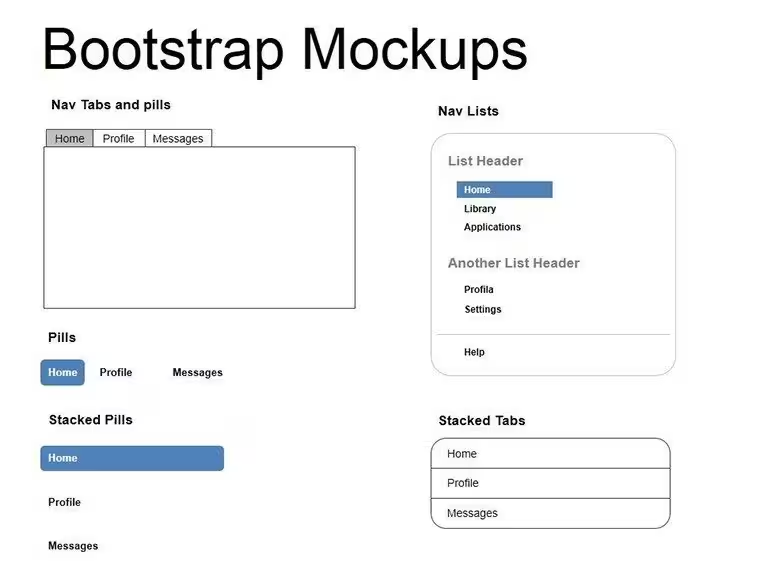
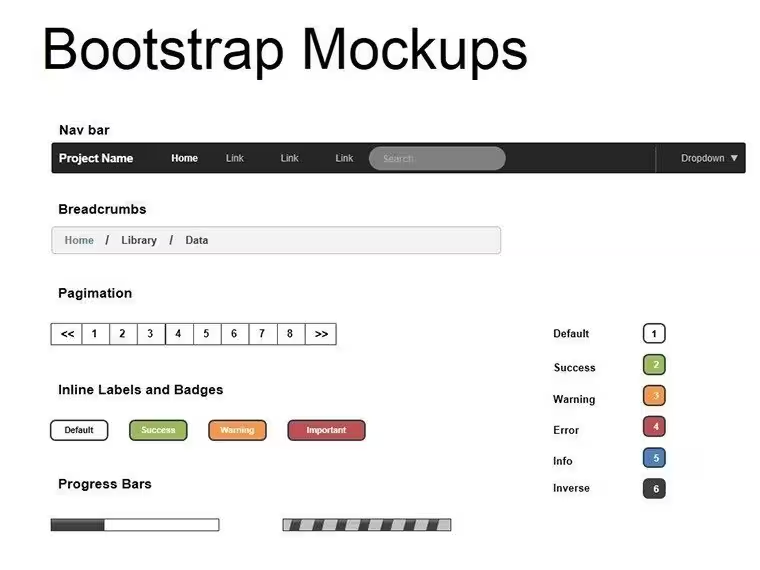
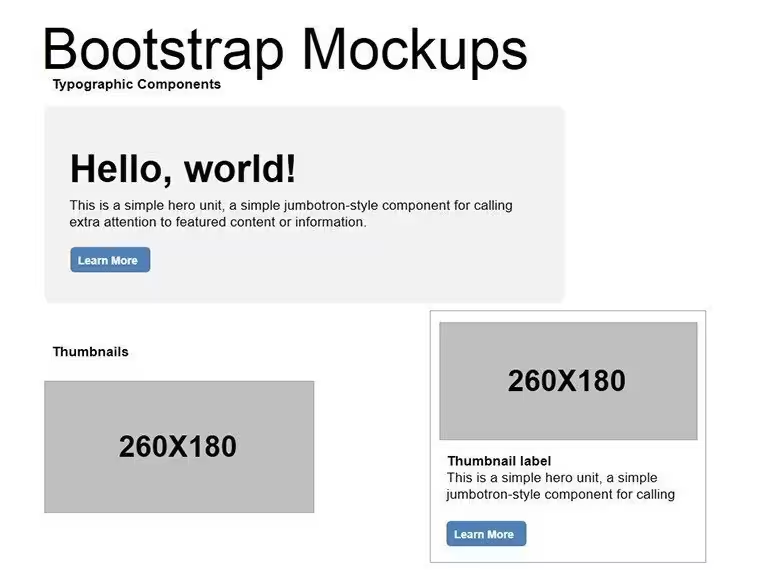
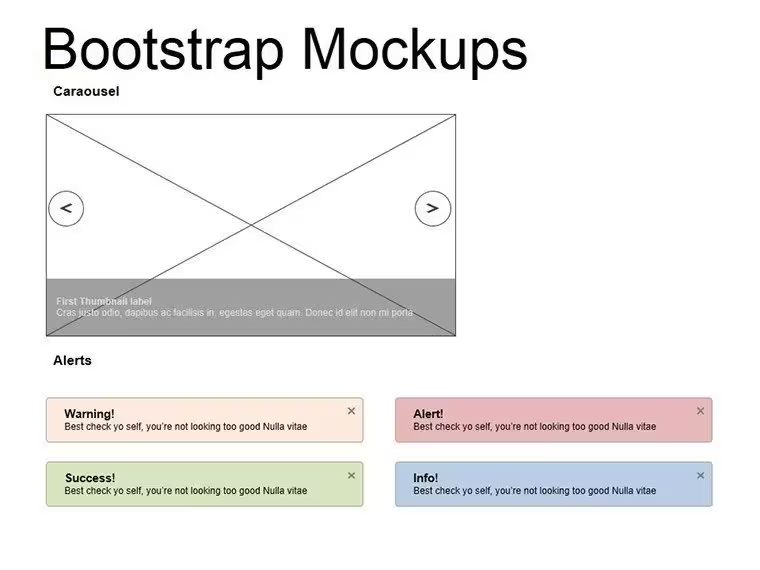
5 editable slides arrive in one .pptx file.
Web mockup elements combine with layout composition to support information spacing across design presentations.
Compared to data pyramid sets, this pack employs stretchable mockups that highlight UI elements through color contrast and zone segmentation for client proposals.
Format and Compatibility Details
FeatureDetailsSlides included5 bootstrap mockup diagramsDiagram categoriesweb page element visualsEditable elementsmockups stretch and recolor independentlyText placeholderslabels update without unlocking grouped elementsColor theme adjustmentscompatible with PowerPoint slide master palettePowerPoint compatibility2016, 2019, 365 versionsEdit, Brand, Present: The Workflow
Moderate editing difficulty.
1. Open the .pptx file in PowerPoint (1 minute)
2. Replace placeholder text with your content (3 minutes)
3. Adjust brand colors via the slide master (2 minutes)
4. Edit diagram labels and connectors (4 minutes)
5. Export as PPTX or PDF (1 minute)
Three Situations Where This Pays Off
Web designers rely on these in client proposals.
Product Manager in Software
One manager cut deck preparation from 3 hours to 45 minutes by swapping color schemes.
UI Consultant
Reused the file across three client reports by adjusting mockups.
Download the bootstrap mockups diagrams now
What You'd Need to Replicate This Yourself
Manual replication of 5 mockup diagrams requires 2 hours and moderate skill.
Starting here avoids errors in layout composition during live meetings.
Many presentations place labels inside shapes. That approach works on a laptop screen but becomes harder to read on a projection screen. This layout places labels outside the shapes connected by thin lines - maintaining readability during live meetings without adding editing complexity.
Get the editable PPTX today
Which PowerPoint versions support these diagrams?The diagrams open correctly in PowerPoint 2016, 2019, and Microsoft 365 on Windows and Mac. Open the file and inspect the slide master for any version notes. Earlier versions may require minor shape adjustments. Test thoroughly before a board briefing.
How do I change the color scheme?Go to View then Slide Master. Select the theme colors and update to match your brand palette. Changes apply automatically to all editable shapes and icons. Save the file to lock the new scheme for future use.
What does the license allow?The license covers internal company presentations and paid client work. Resale or sublicensing of the file is prohibited. Client proposals may include the diagrams as long as the template is not redistributed. Contact support for any specific usage questions.
Is there a free version and how does it differ?The page does not list a free version. The paid purchase delivers the full 5 editable slides. No limitations on diagram types or layouts apply after payment. Download immediately to access everything.
What file formats are provided?Only .pptx is supplied and opens directly in PowerPoint. Export to PDF for distribution or JPG for images remains possible. Full editability stays intact in compatible software. No additional formats appear on the page.
Good for
- Project roadmaps and sprint plans
- Product launch timelines
- Quarterly or annual review decks
- Company history and milestone summaries
Licence
reviews
Finished my school presentation with this the night before class.
The diagrams looked cleaner after I changed the fonts.
Nothing fancy but the layouts were understandable.
A few slides had too many shapes packed together.
Saved me from making charts manually.
FAQ
Will it work in Google Slides?
Are fonts embedded?
Can I use this for client work?
What's the refund policy?
Do you update the template after purchase?
Similar templates
See all Powerpoint Diagrams →

All 5 slides