Mobile Analysis Charts - Fully Editable PPTX | ImagineLayout
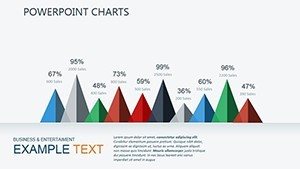
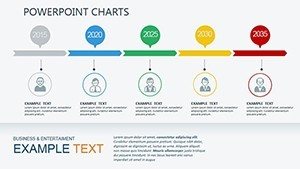
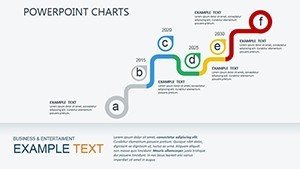
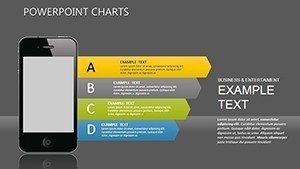
Type: PowerPoint Charts template
Category: Illustrations
Sources Available: .pptx
Product ID: PC00312
Template incl.: 30 editable slides
30 Diagrams Across Multiple Layouts: Full Contents
30 diagrams arrive in the single PPTX download.
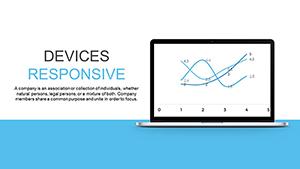
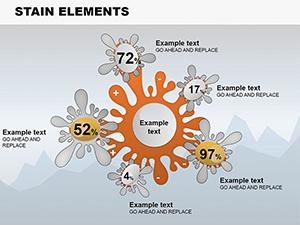
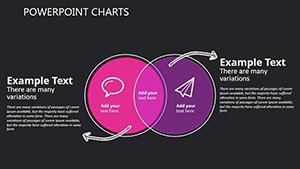
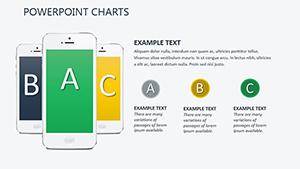
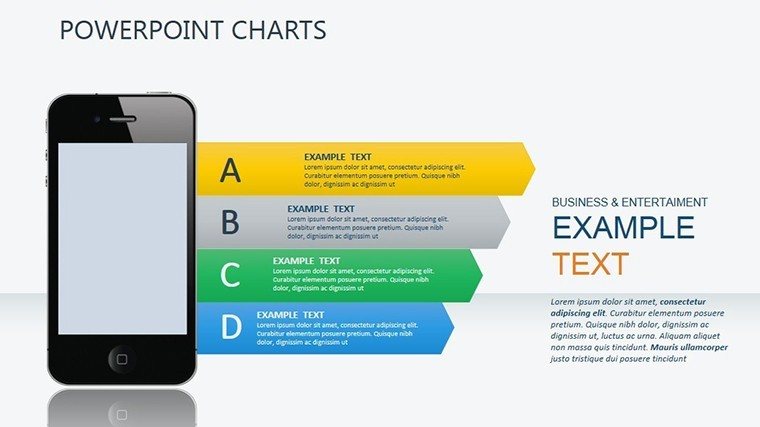
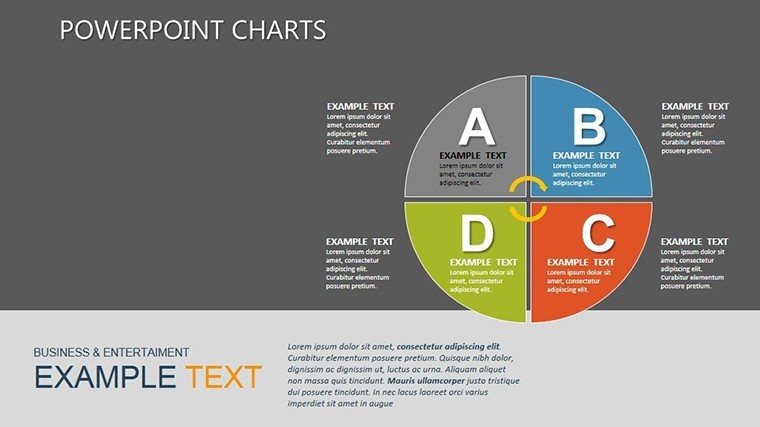
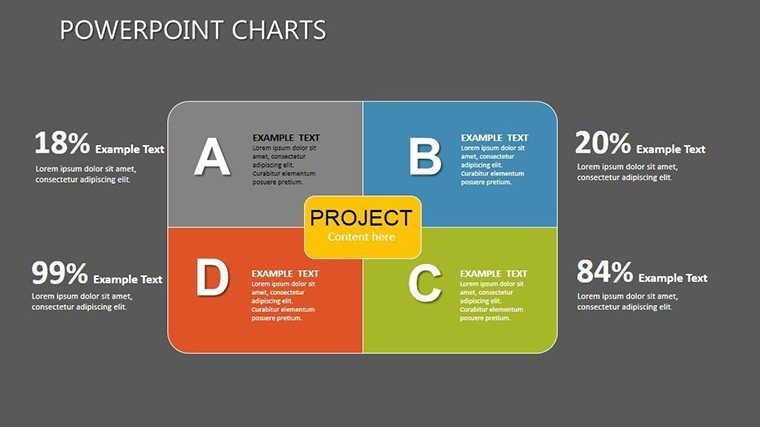
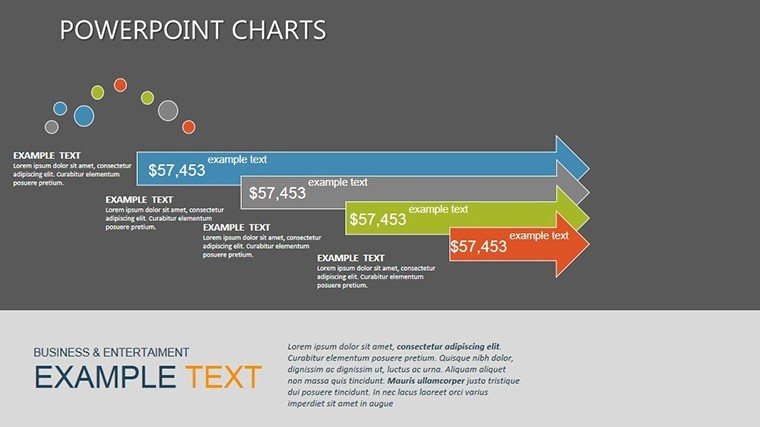
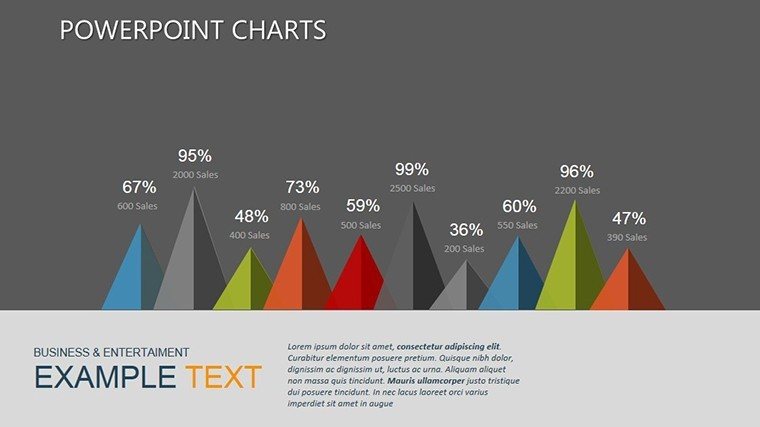
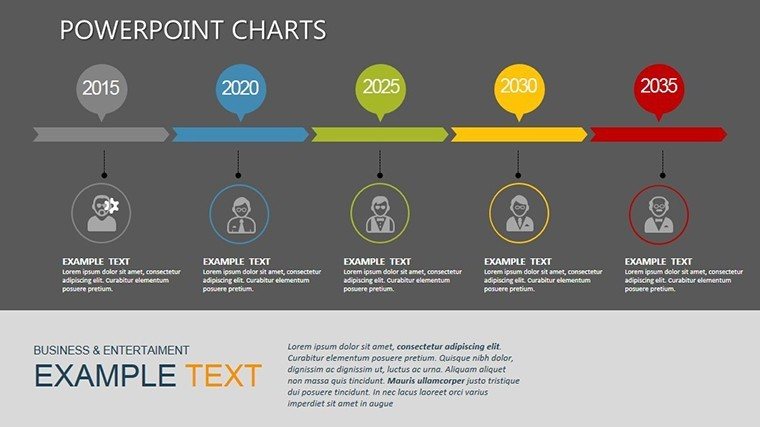
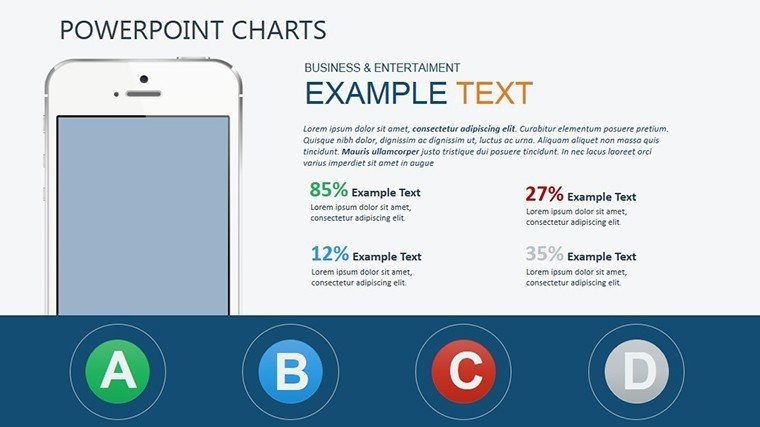
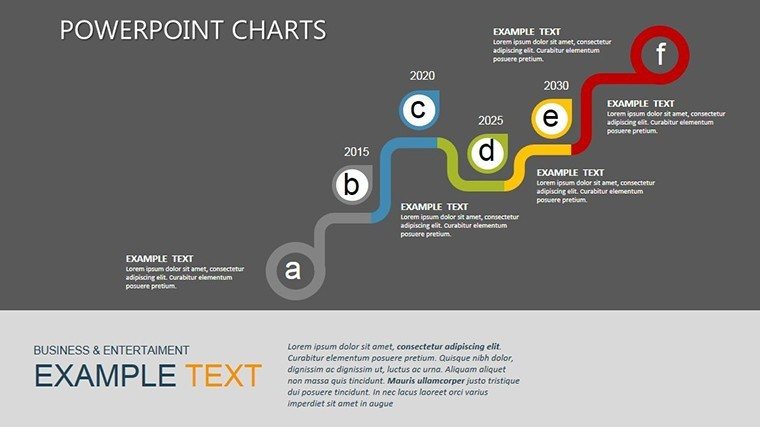
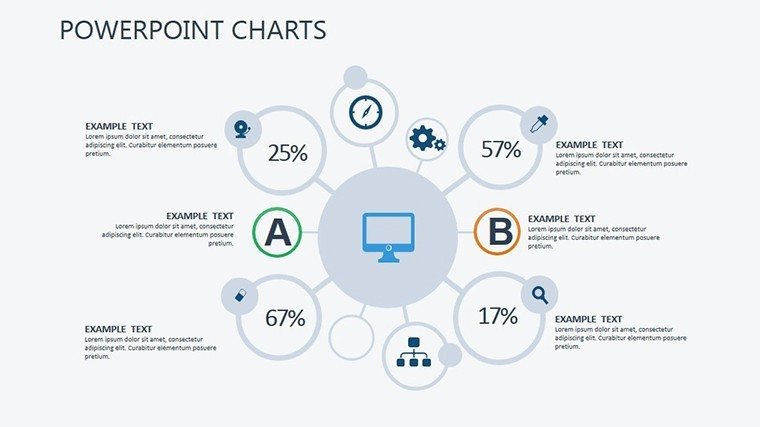
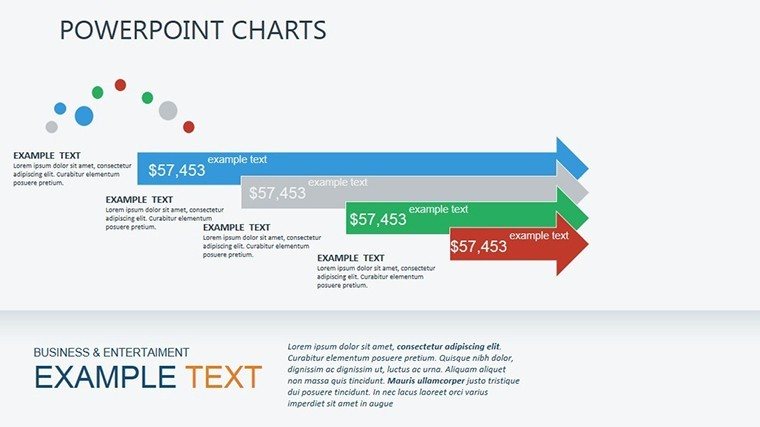
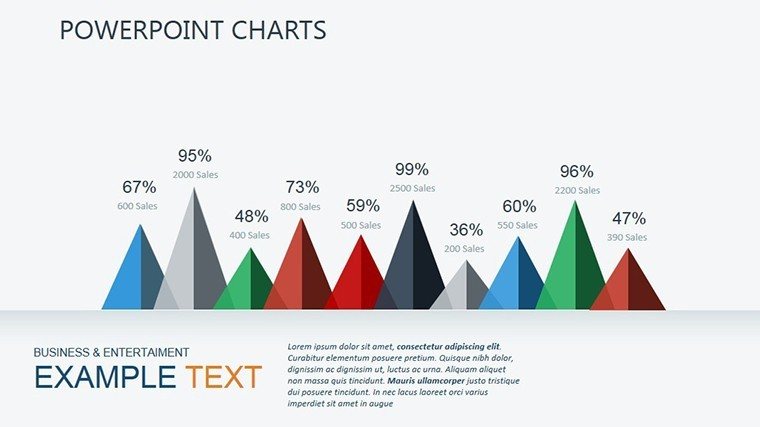
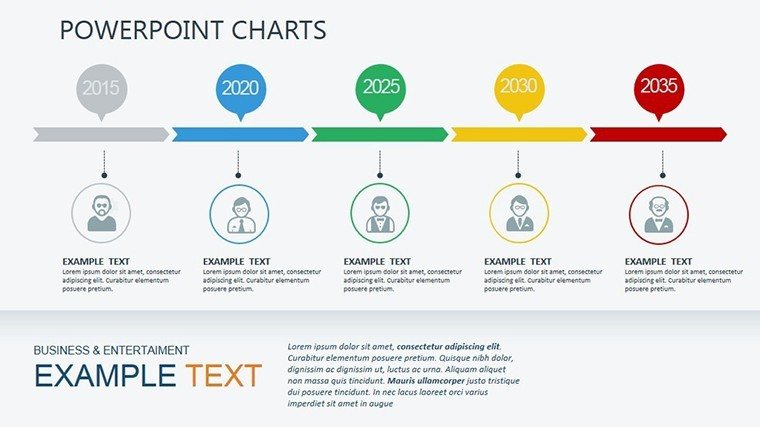
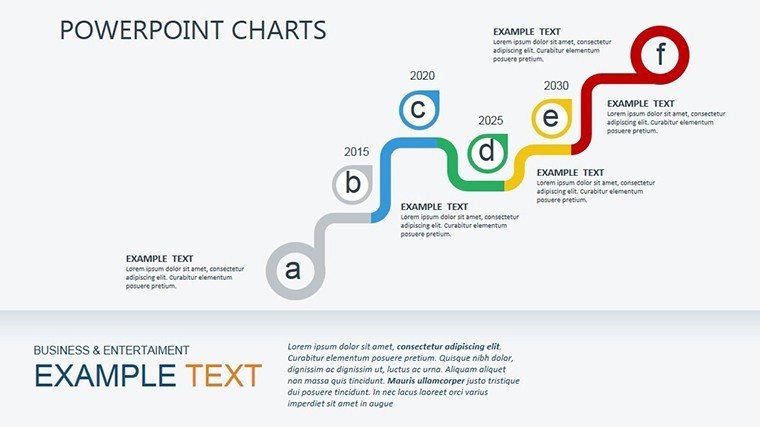
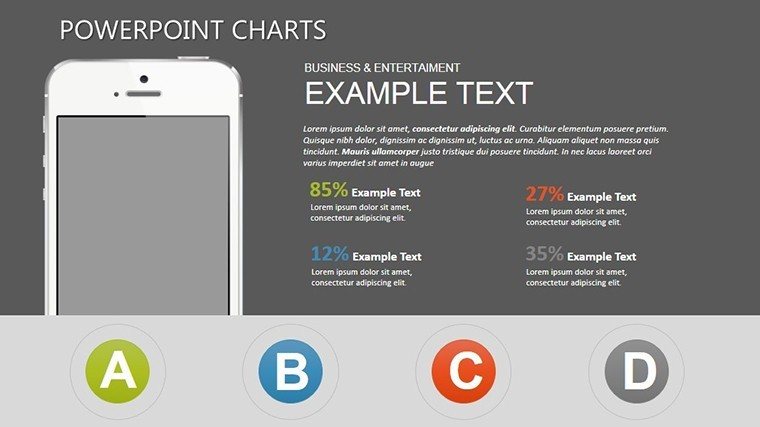
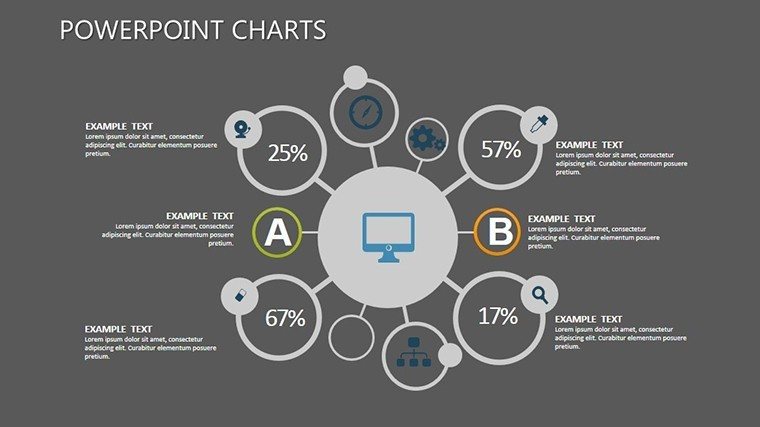
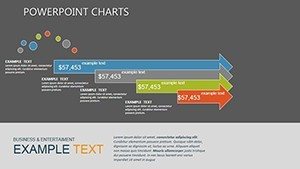
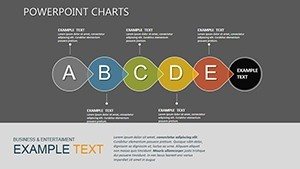
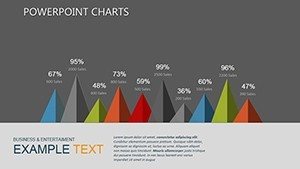
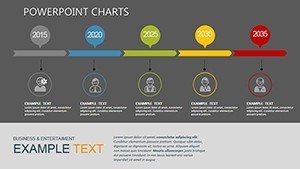
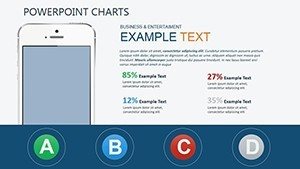
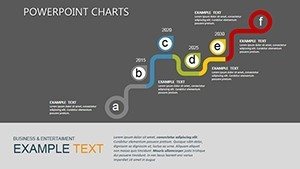
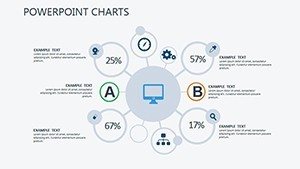
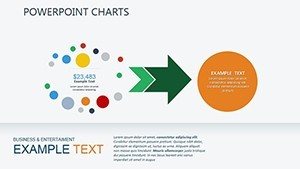
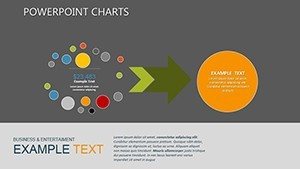
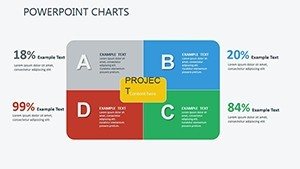
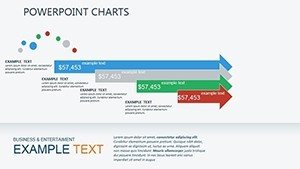
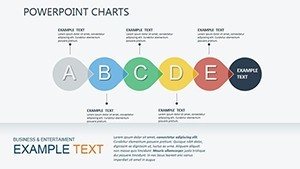
Bar graphs, pie charts and infographics combine into sequences that map mobile user trends across phases.
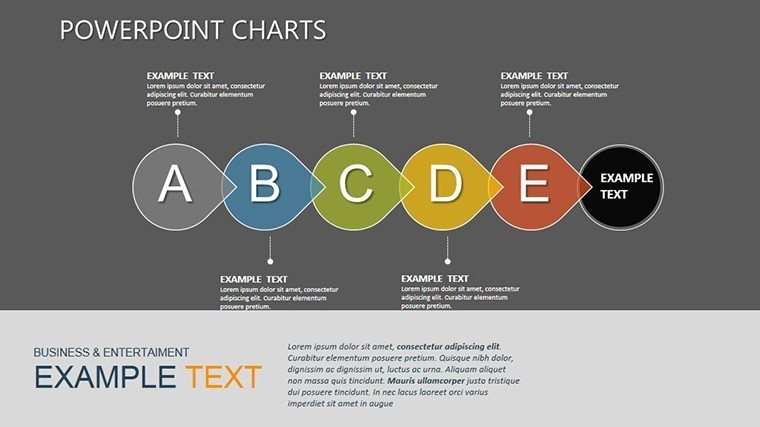
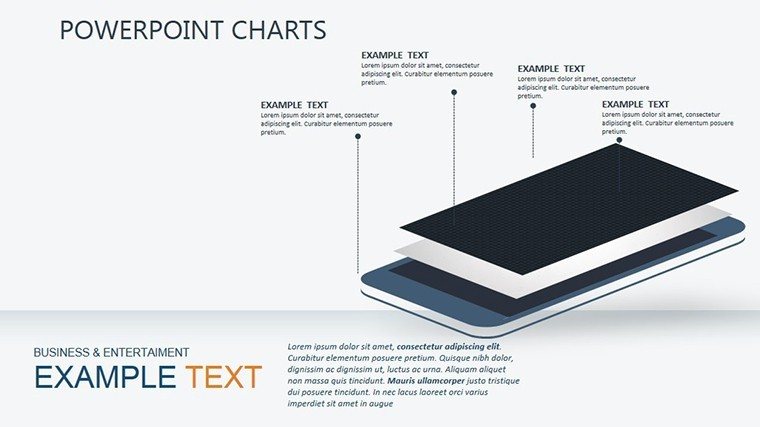
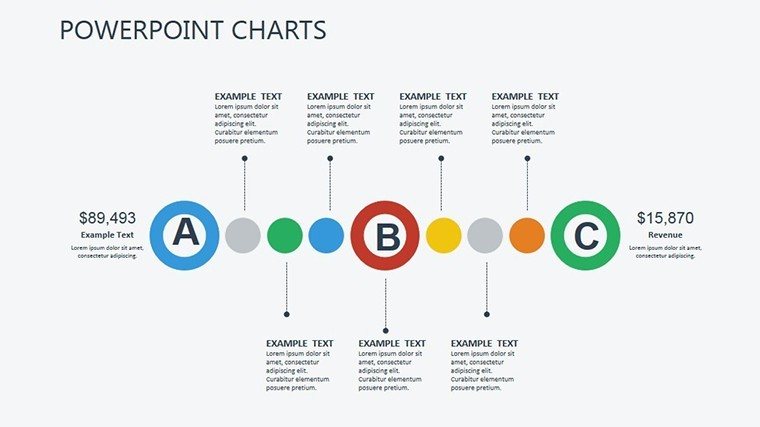
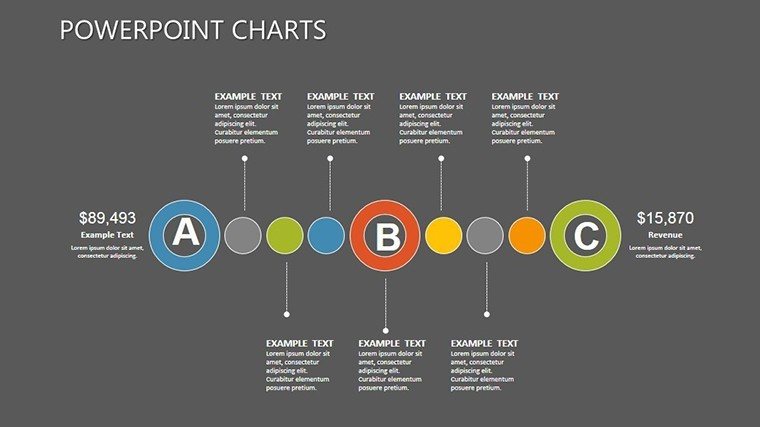
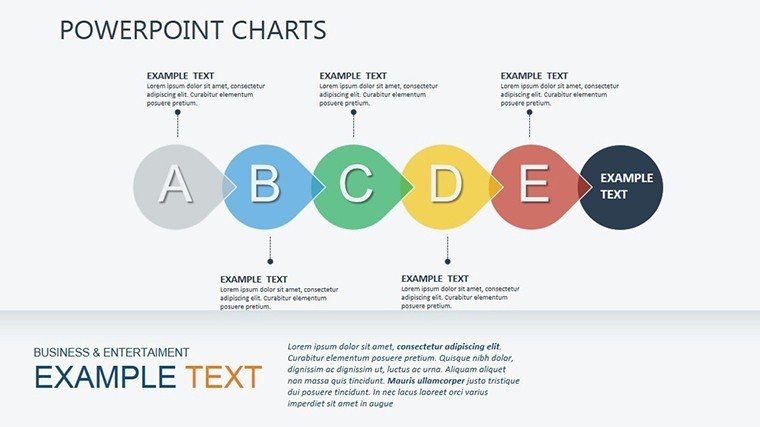
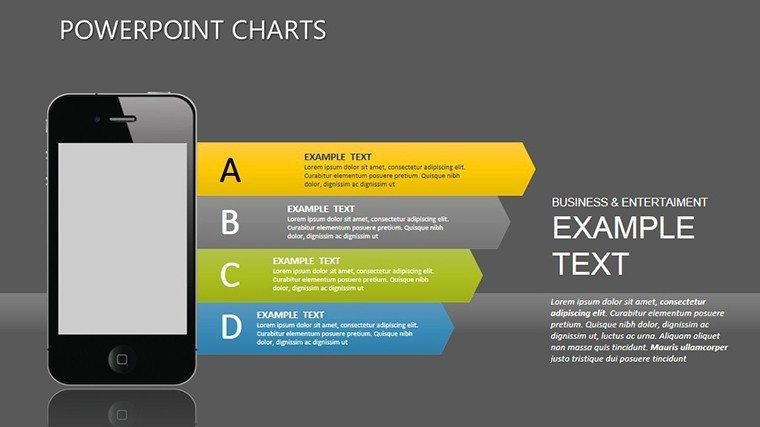
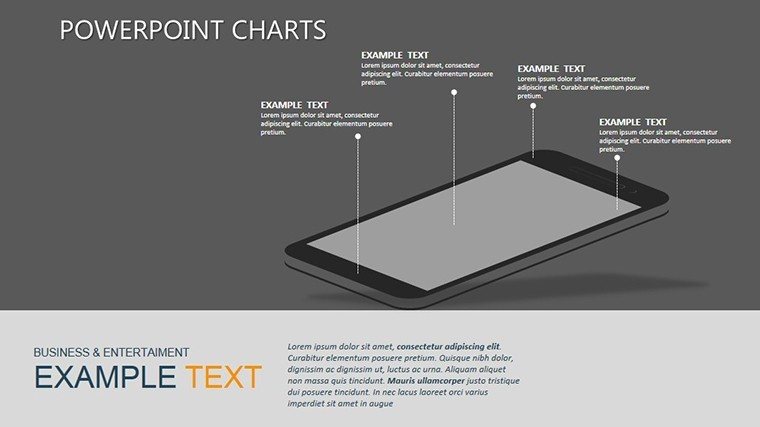
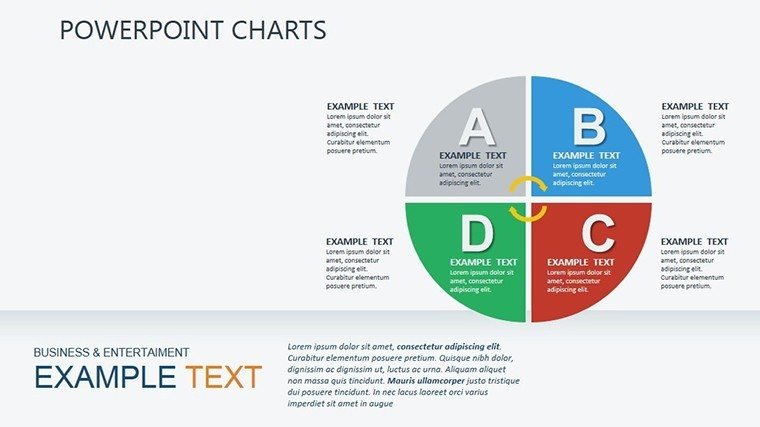
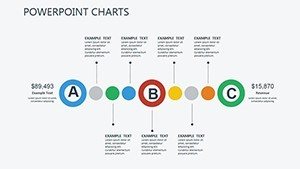
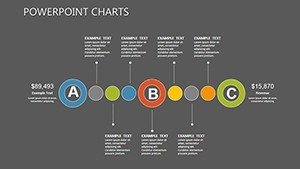
Unlike single-device layouts common elsewhere, this set places labels outside shapes via thin lines for projection readability while color contrast segments phases rather than decorating.
Editing Capabilities at a Glance
| Feature | Details |
|---|---|
| Editable shapes | diagram segments resize and recolor independently |
| Text placeholders | labels update without unlocking grouped elements |
| Color theme adjustments | compatible with PowerPoint slide master palette |
| Diagram connectors | arrows and lines adjustable in direction and weight |
| Icon layers | icons replaceable without affecting layout |
| Export options | PPTX for editing, PDF for distribution |
Typical Use Cases by Role
Marketing analyst in tech
A marketing analyst in a mobile-app company reused the same 30-diagram file across three quarterly briefings by swapping color schemes in the master and cut deck preparation from three hours to 45 minutes.
Product manager in e-commerce
A product manager adapted the infographics for five consecutive investor decks and maintained consistent flow direction across all versions.
Download this template now and start editing in minutes.
Adapting the Template to Your Brand
1. Open the PPTX file in PowerPoint 2016 or later (1 minute).
2. Replace placeholder text with your content (3 minutes).
3. Adjust brand colors via the slide master (2 minutes).
4. Edit diagram labels and connectors (4 minutes).
5. Export as PPTX or PDF (1 minute).
Editing difficulty: Moderate.
Why This Template, Not a Blank Slide
Building equivalent mobile-analysis slides from scratch requires 12 hours and advanced design skill.
Labels inside shapes work on a laptop screen but become unreadable during live board briefings.
This layout places labels outside the shapes connected by thin lines, maintaining readability without adding editing complexity.
Color contrast segments phases instead of decorating, guiding the audience through information spacing and flow direction.
Secure the file today and present with confidence tomorrow.
FAQ
Which PowerPoint versions support this template?
The PPTX file opens in PowerPoint 2016, 2019, 365 and Mac versions. No additional plugins are required. Google Slides compatibility exists after import although native PowerPoint offers full animation control. Test the file immediately after download to confirm your version works.
How do I change the color scheme?
Open the slide master, select the color palette and update the six accent colors. All 30 diagrams update automatically across the file. Save the master once and every chart inherits the new scheme. The process takes under two minutes.
What does the license permit?
Use the template for internal business presentations and paid client work. You may modify and present the slides as your own. Resale, sublicensing or redistribution of the original PPTX file is prohibited. One license covers unlimited projects.
Is there a free version?
No free version exists on the page. The paid purchase includes the complete 30 editable slides and all infographics. The single $18 payment grants immediate access to the full file with no limitations on slide count or diagram types.
What file formats are included?
Only the native PPTX format ships with the purchase. This format opens directly in PowerPoint and supports export to PDF. No KEY, JPG or POTX files are provided.
Do I receive a refund if it does not fit?
Yes, a 30-day money-back guarantee applies. Contact support after download if the template does not meet your needs. Full refund is issued once the file is returned. The policy covers all purchases made through the site.
Consultants pair these diagrams with illustration chart templates when preparing client strategy decks. Teams also link to device visualization charts for multi-screen reports.