Promo code "00LAYOUTS"
Ishikawa Fishbone PowerPoint Charts: 19 Root Cause Analysis Slides
Type: PowerPoint Charts template
Category: Business Models
Sources Available: .pptx
Product ID: PC00237
Template incl.: 19 editable slides
Root cause analysis demands precision when presenting to quality teams, operations managers, or executive stakeholders reviewing process failures. Ishikawa Fishbone PowerPoint Charts provide 19 editable slides designed for systematic cause-and-effect investigation during Six Sigma reviews, manufacturing audits, and continuous improvement workshops. Whether diagnosing production defects in a quarterly operations review or mapping service delivery gaps for a client presentation, these fishbone diagram templates transform complex problem investigations into structured visual narratives that drive actionable decisions.
This template solves the challenge of presenting multifaceted problems where causes span multiple categories - methods, materials, machinery, manpower, measurements, and environment. Instead of overwhelming stakeholders with bullet lists or abstract explanations, you present clear causal relationships that quality engineers, process improvement teams, and cross-functional project groups immediately understand.
Complete Fishbone Diagram Slide Collection
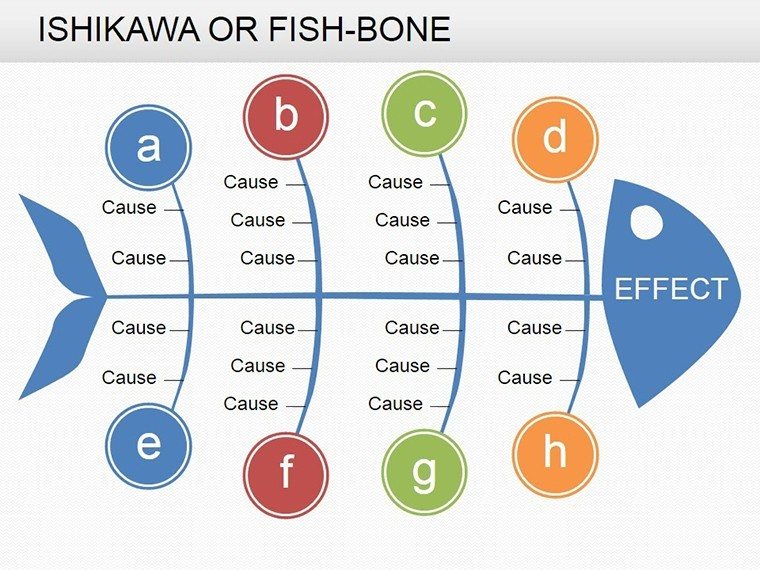
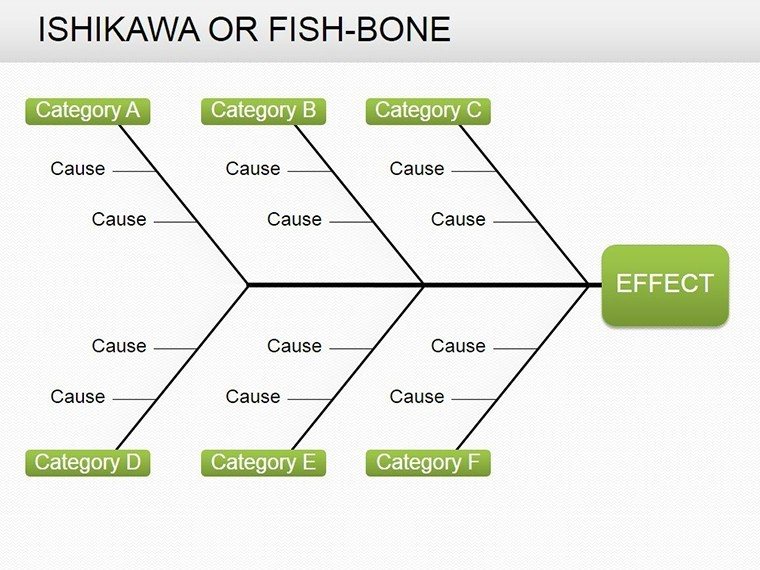
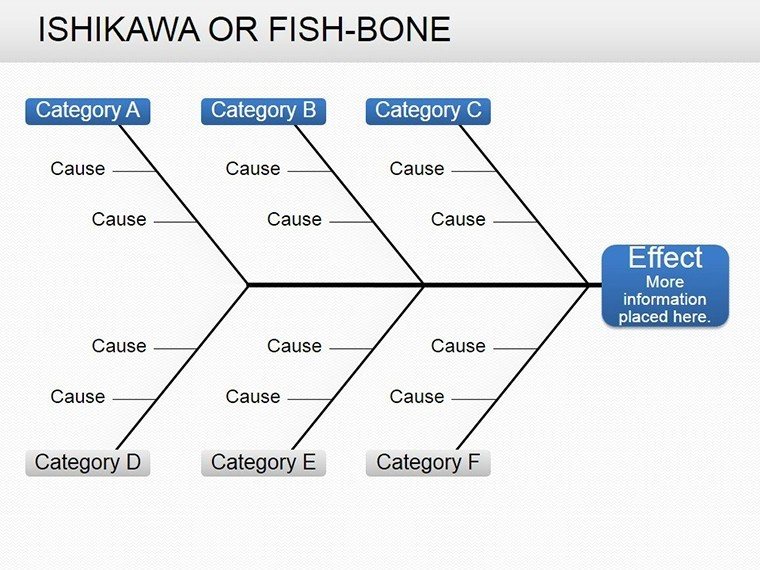
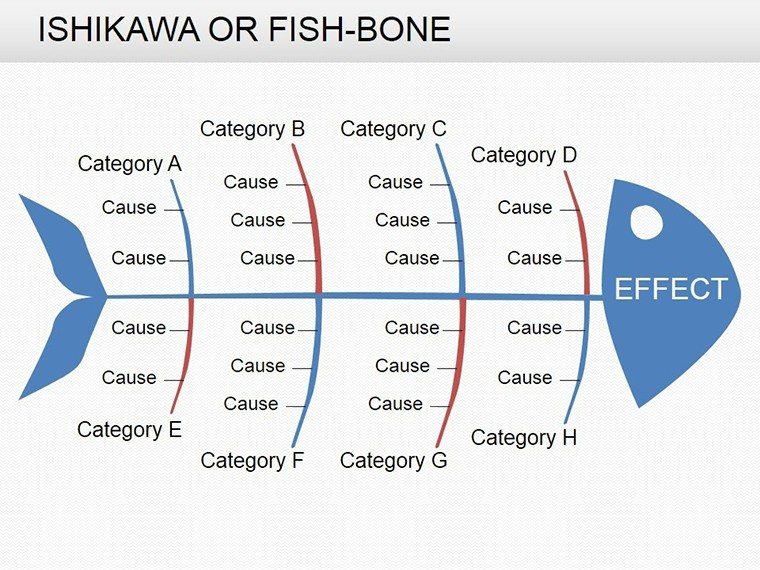
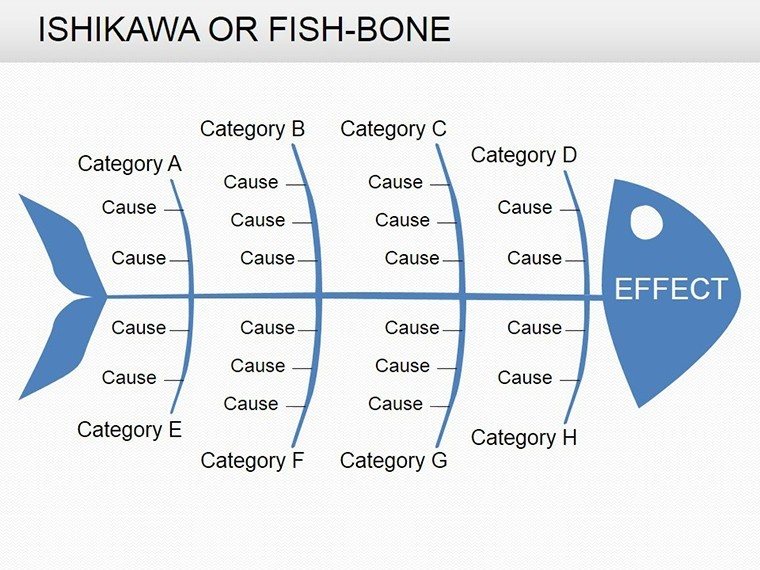
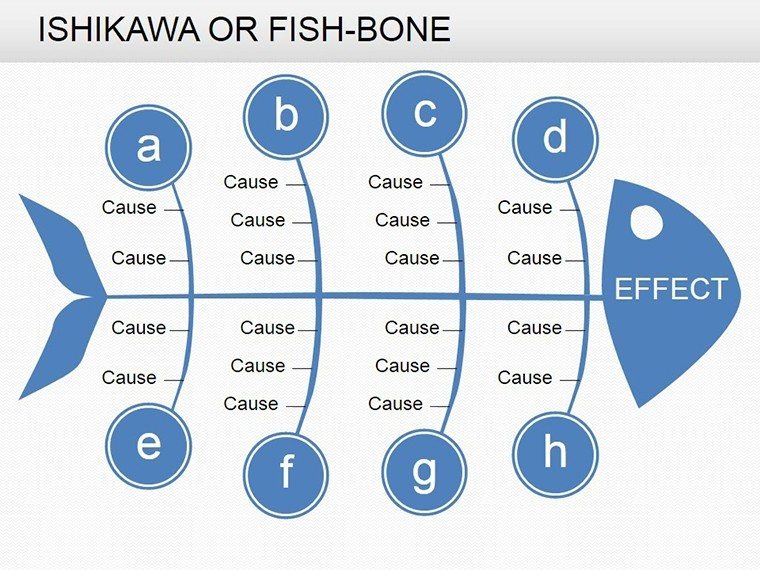
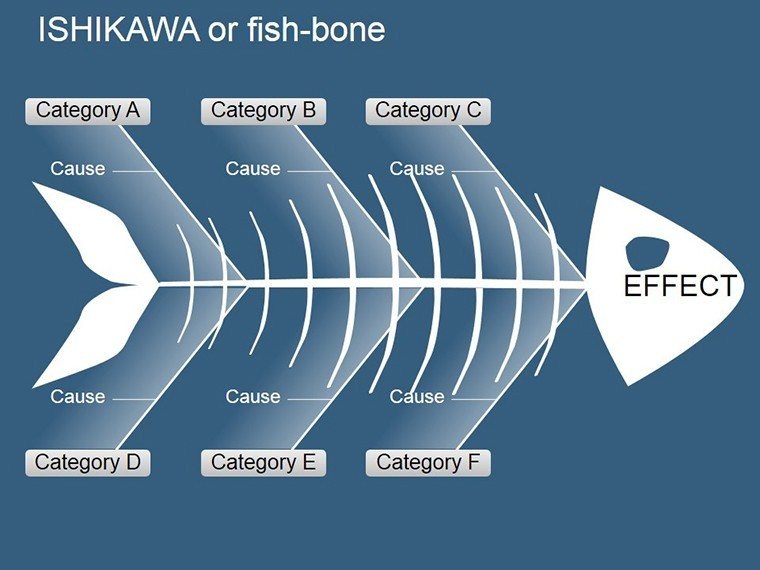
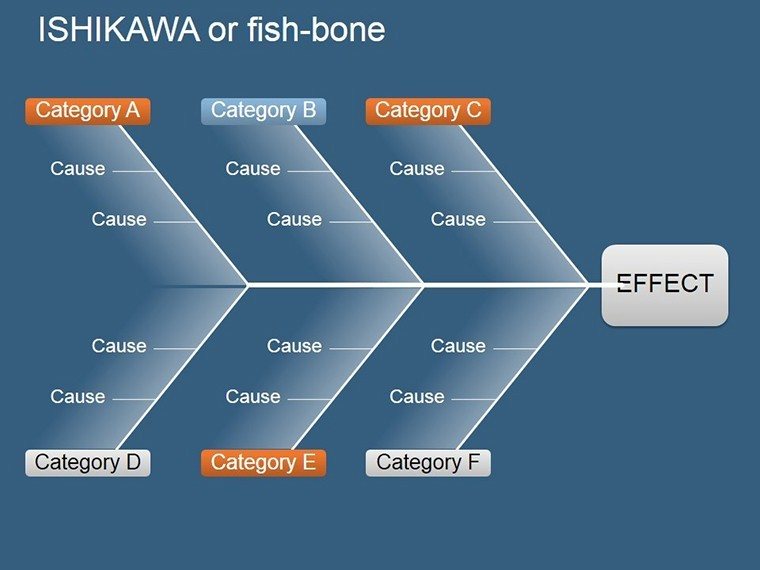
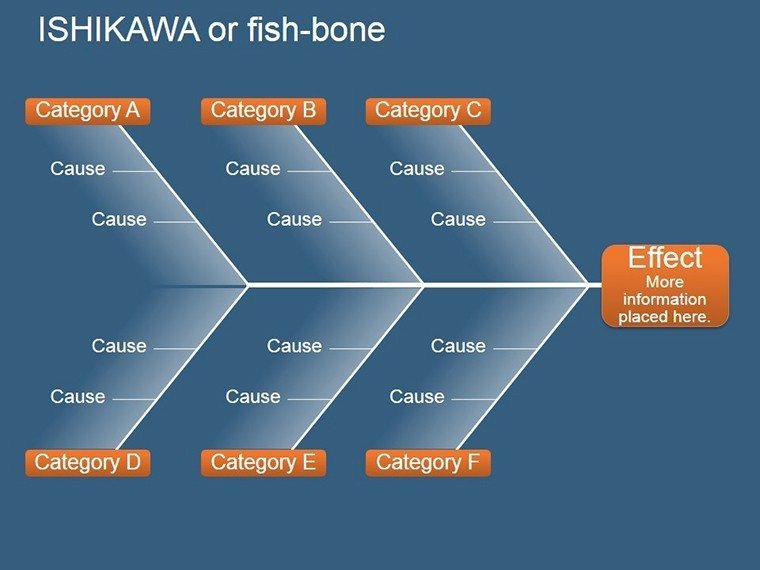
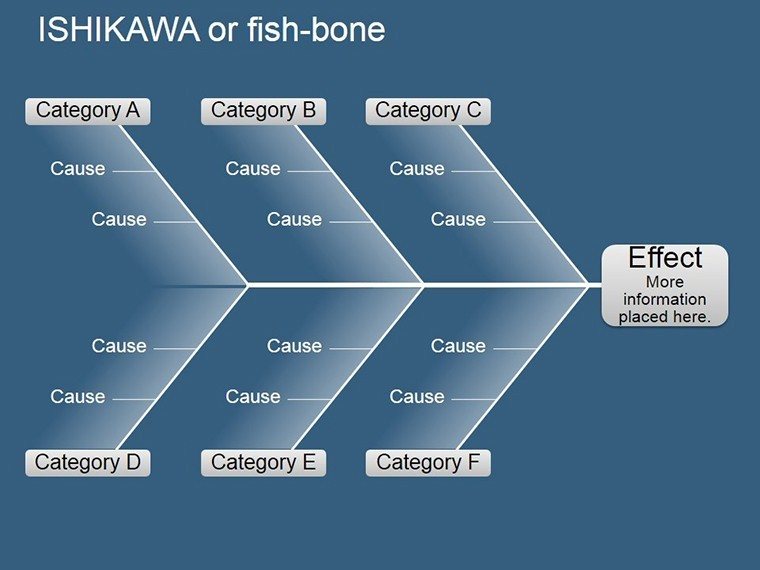
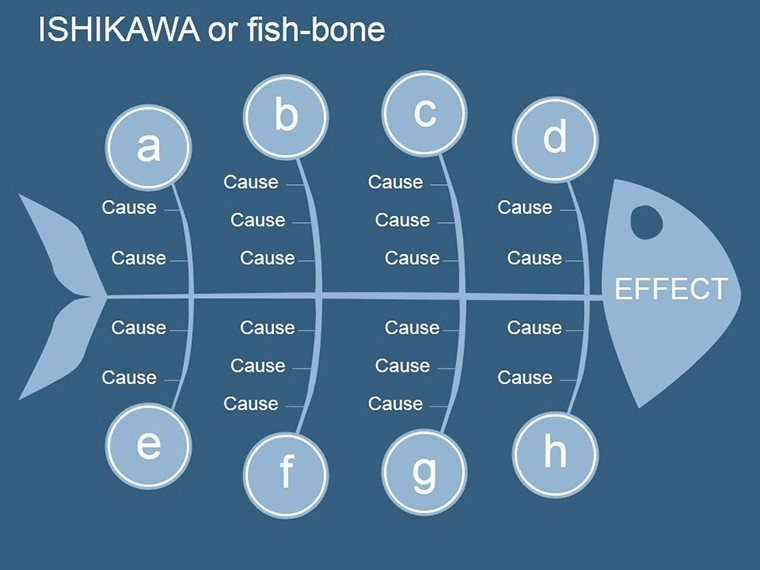
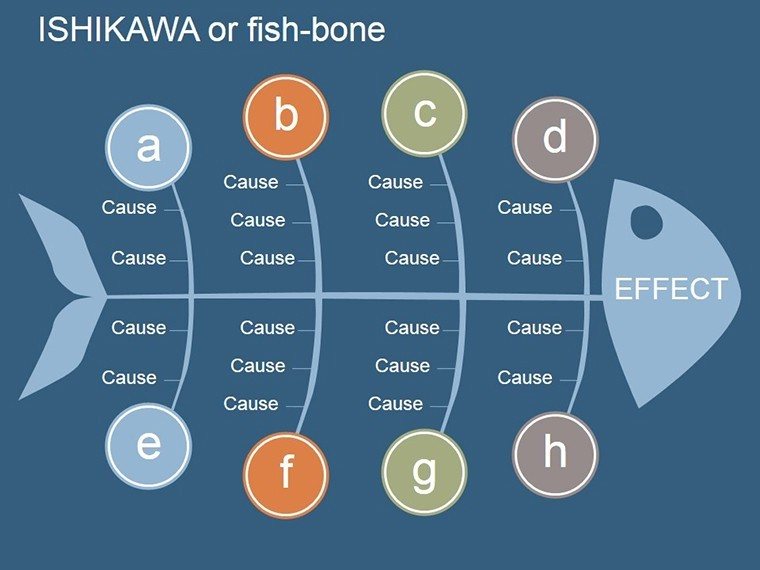
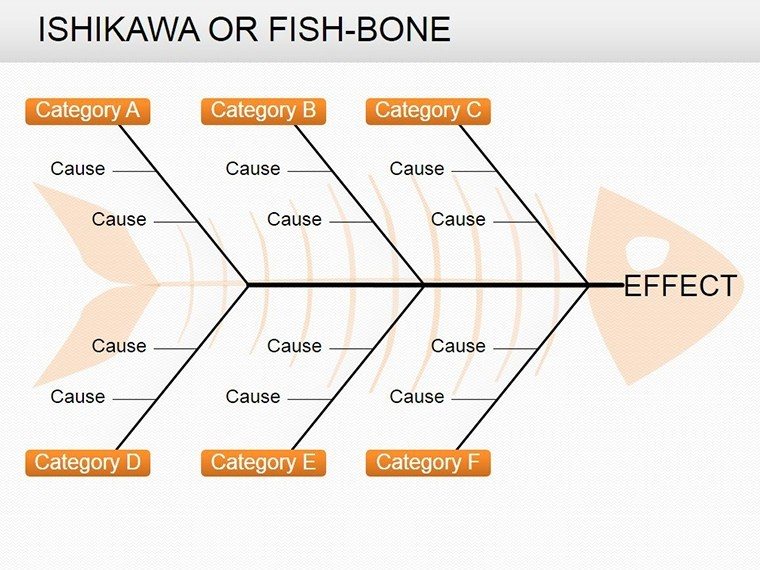
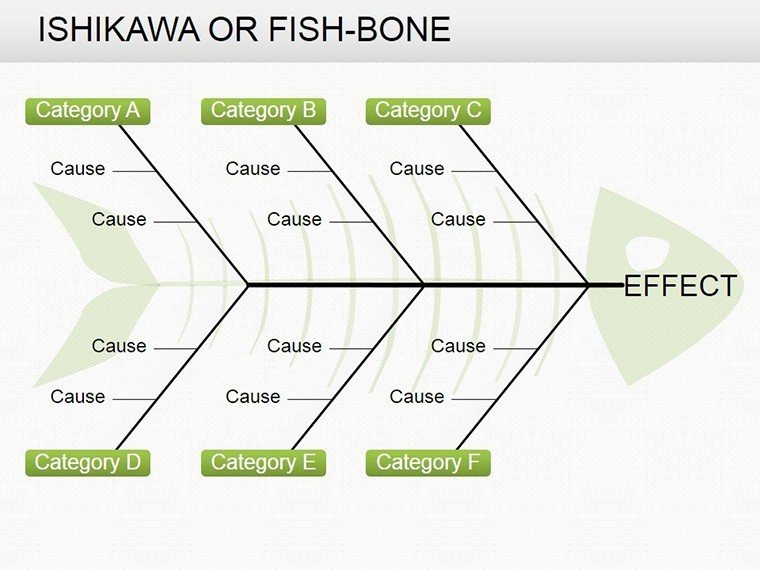
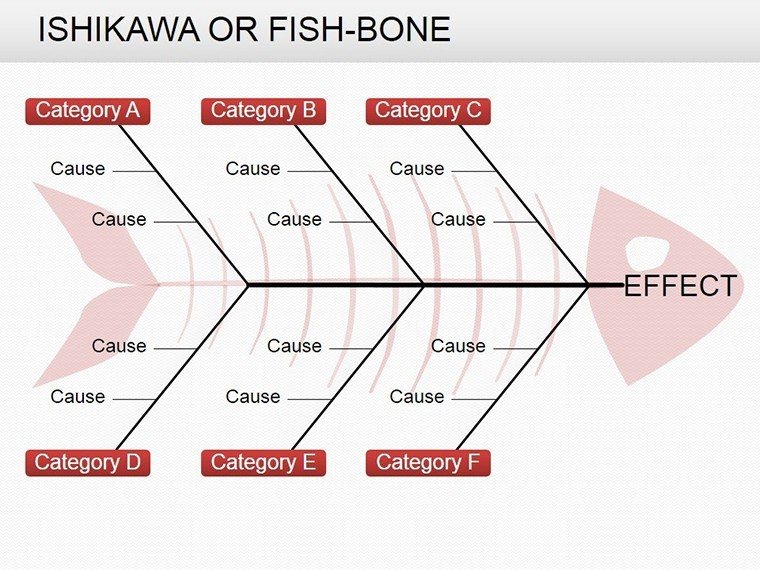
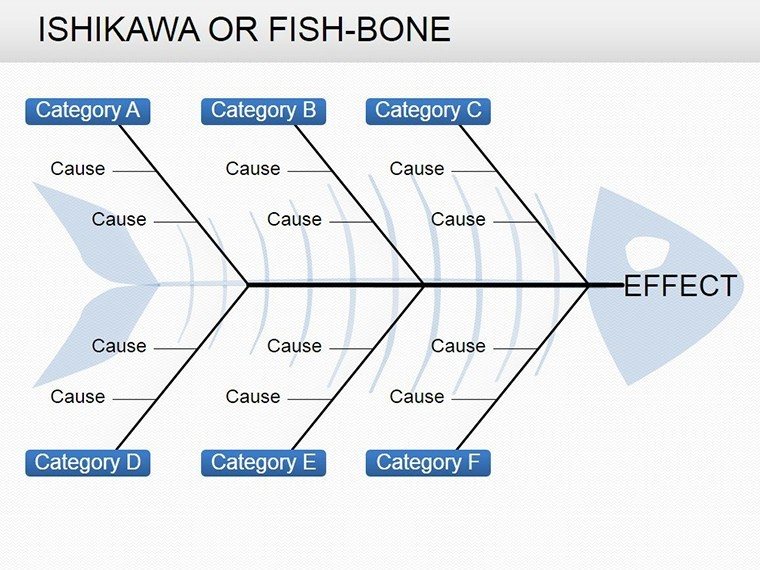
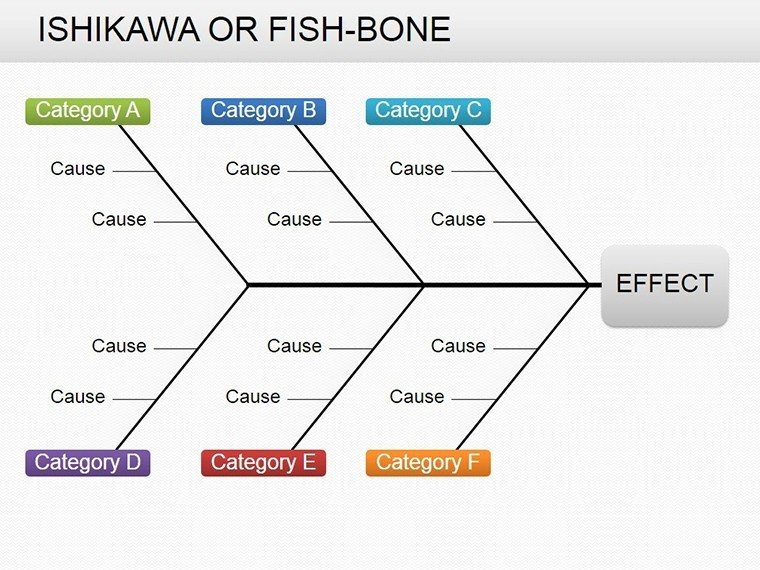
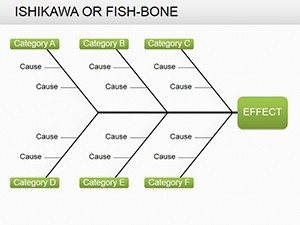
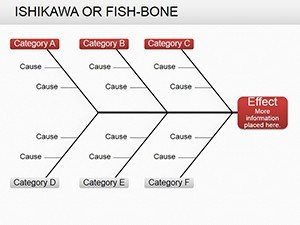
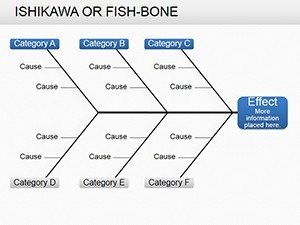
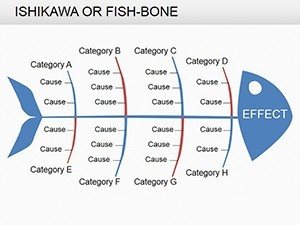
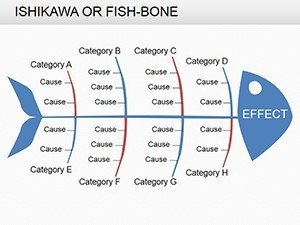
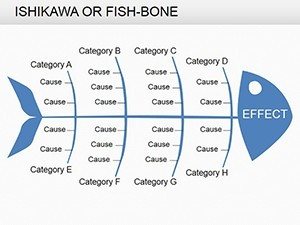
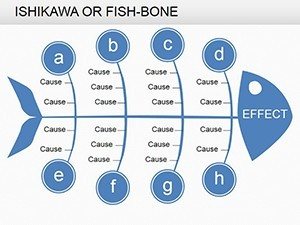
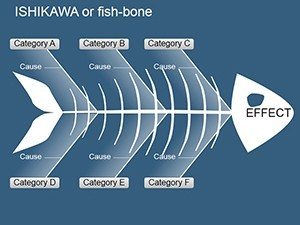
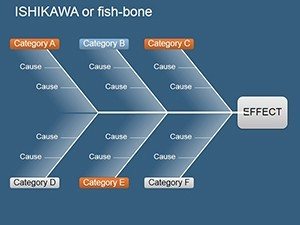
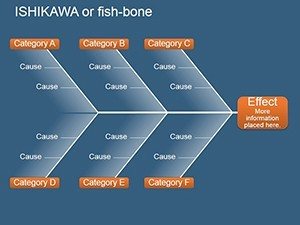
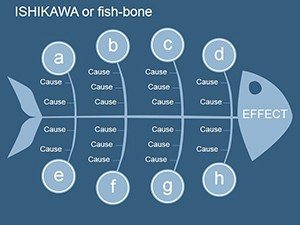
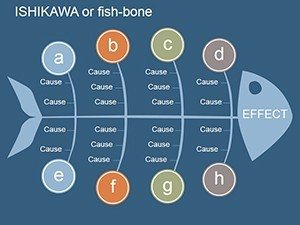
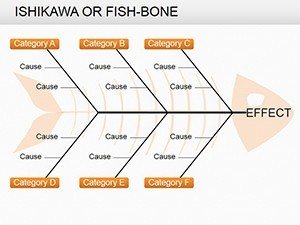
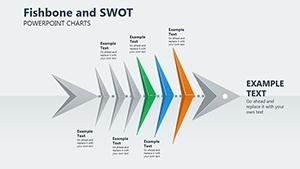
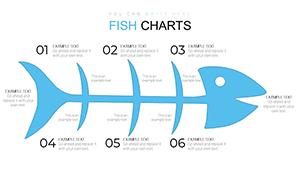
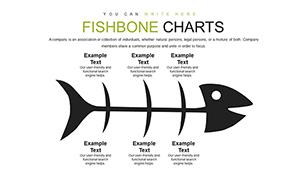
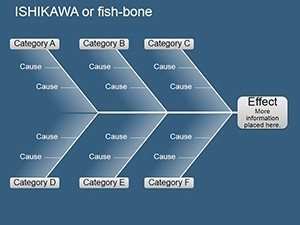
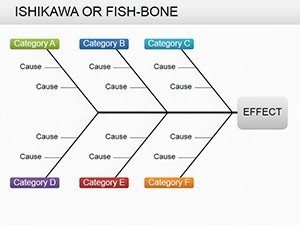
The 19-slide package includes multiple fishbone configurations for different analysis depths. Basic 4-category diagrams work for straightforward process issues during team huddles, while 6-category and 8-category layouts handle complex manufacturing or service delivery problems presented to senior leadership. Each slide features editable bones, customizable category labels, and adjustable text boxes for detailed cause documentation.
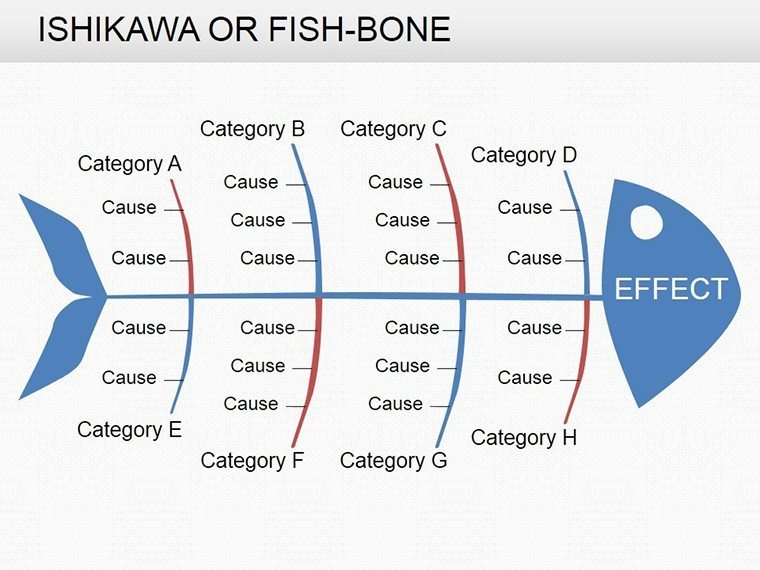
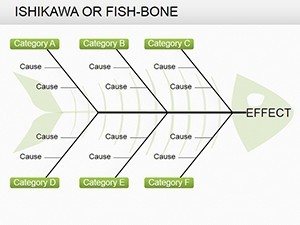
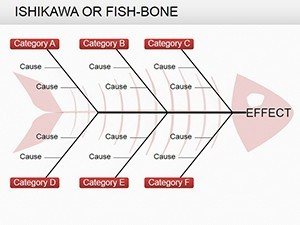
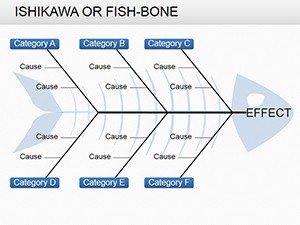
Horizontal and vertical fishbone orientations accommodate different presentation contexts - landscape for boardroom screens, portrait for printed process documentation. Color-coded category branches help differentiate between human factors, equipment issues, and environmental conditions during rapid problem-solving sessions. Shape libraries include icons for machinery, personnel, and materials that enhance visual clarity when presenting to non-technical executives.
Real-World Root Cause Investigation Scenarios
Quality managers use these templates during corrective action presentations following product recalls or customer complaints. Map a manufacturing defect by placing "increased product returns" at the fishbone head, then populate branches with specific causes: outdated machinery under Equipment, insufficient training under People, inconsistent raw materials under Materials. This visual framework guides focused discussion during cross-departmental problem-solving meetings.
Healthcare administrators apply fishbone diagrams to patient safety incidents. For a medication error analysis presented to the hospital board, the Problem head states "wrong dosage administered." Causes branch into categories: nurse fatigue under People, similar packaging under Materials, inadequate verification protocols under Methods. This structured approach demonstrates thoroughness to regulatory reviewers and insurance auditors.
IT project managers use fishbone slides when explaining system outages to executive committees. The effect "3-hour service disruption" connects to causes across categories: server overload under Equipment, delayed response protocols under Methods, insufficient monitoring under Measurement. Executives grasp the multifaceted nature of technical failures without wading through incident reports.
Editing Workflow for Different Analysis Types
Start with the 4-category basic fishbone for initial problem exploration during team brainstorming. Open the PPTX file, click the fishbone head shape, and type your specific problem statement - be concrete: "23% increase in first-pass yield failures" rather than generic "quality issues." This specificity focuses subsequent analysis during 60-minute problem-solving workshops.
Populate category branches by clicking text boxes along each bone. For a manufacturing scenario: under Methods, list "inconsistent mixing procedures, outdated work instructions"; under Machinery, add "aging conveyor belt, calibration drift"; under Materials, note "supplier variability, storage temperature fluctuations." This systematic documentation creates an audit trail for ISO compliance reviews.
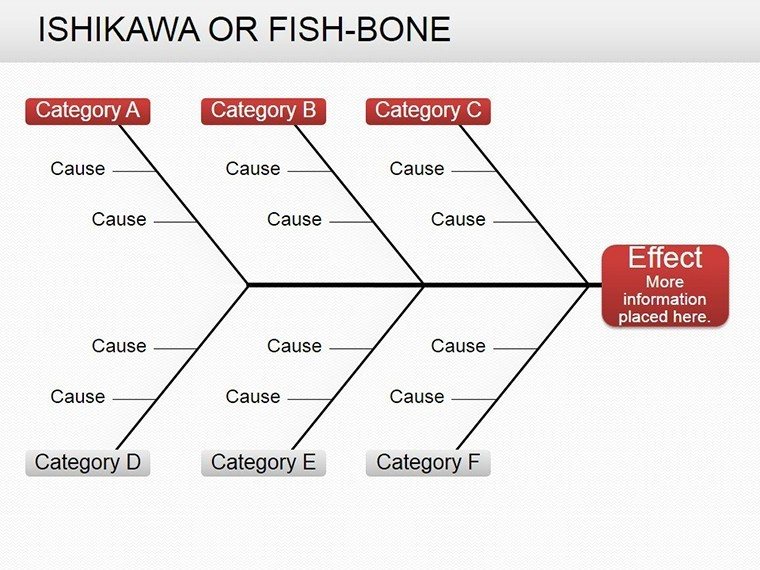
Use PowerPoint's color fill to prioritize high-impact causes identified through Pareto analysis. Change bone colors to red for critical factors requiring immediate corrective action, yellow for medium-priority items, green for monitoring-only causes. This visual hierarchy guides executive decision-making during budget allocation discussions for process improvements.
Advance to 6-category or 8-category diagrams for complex service delivery problems involving multiple departments. Add Measurement as a category when data collection issues contribute to the problem. Include Environment for external factors like regulatory changes or market conditions affecting operations. These expanded frameworks demonstrate analytical rigor during external audits or certification reviews.
Professional Presentation Integration
Fishbone diagrams function as standalone analysis slides in 15-minute problem briefings or integrate into comprehensive corrective action plans. For board presentations, place the fishbone after data slides showing problem magnitude, before solution proposal slides. This sequence - quantify the problem, visualize root causes, present remediation - follows strategic communication best practices for securing approval and resources.
Combine fishbone analysis with 5 Whys documentation in appendix slides. After presenting the visual fishbone, reference detailed questioning paths for major causes: "Why did the calibration drift occur? Maintenance schedule not followed. Why wasn't it followed? Technician turnover. Why the turnover? Inadequate compensation." This layered approach satisfies detail-oriented stakeholders while keeping main slides scannable.
Export individual fishbone slides as PNG images for quality management system documentation, Lean Six Sigma project charters, or corrective action request forms. The visual analysis becomes a permanent record in ISO audit trails, demonstrating systematic problem-solving methodology to certification bodies.
Industry-Specific Applications
| Industry | Typical Problem Analyzed | Primary Audience | Key Categories Used |
|---|---|---|---|
| Manufacturing | Production defects, yield losses | Operations VPs, Quality Directors | Methods, Machinery, Materials, Manpower |
| Healthcare | Patient safety incidents, wait times | Hospital boards, Regulatory reviewers | People, Procedures, Environment, Equipment |
| Software Development | System failures, deployment issues | CTO, Product leadership | Methods, Technology, People, Measurement |
| Logistics | Delivery delays, inventory errors | Supply chain executives | Machinery, Methods, Materials, Environment |
Manufacturing teams track chronic problems across multiple production lines, using fishbone diagrams to identify systemic versus localized causes during monthly continuous improvement reviews. Healthcare quality committees document sentinel events with fishbone analysis mandated by Joint Commission standards. Software engineering teams present post-mortem analyses using fishbone frameworks that technical and business stakeholders both understand.
Strategic Advantages Over Generic Diagrams
Pre-built fishbone structures eliminate the 30-45 minutes typically spent creating cause-and-effect diagrams from scratch in PowerPoint. Quality engineers focus on analysis rather than formatting during time-pressured incident investigations. The 19 slide variations provide templates for simple through highly complex problems without requiring multiple template purchases or custom design work.
Consistent visual language across multiple problem analyses helps organizations build institutional knowledge. When every root cause investigation uses the same fishbone framework, teams develop pattern recognition - recurring causes across different problems become evident during quarterly trend reviews. This standardization supports data-driven continuous improvement cultures.
Professional aesthetics signal analytical rigor to external stakeholders. Clean lines, balanced layouts, and professional color schemes convey that problems are being investigated systematically, not haphazardly. This perception matters during customer audits, regulatory inspections, and supplier qualification reviews where process maturity is being evaluated.
Download now and transform problem analysis into clear visual investigations that drive consensus and action.
Frequently Asked Questions
When should I use a fishbone diagram versus other root cause analysis tools?
Use fishbone diagrams when problems involve multiple categories of potential causes requiring team brainstorming and consensus-building. They excel for complex issues where causes interact across departments, equipment, procedures, and people. For sequential cause chains, consider 5 Whys analysis. For data-heavy problems requiring statistical validation, Pareto charts complement fishbone diagrams. In practice, quality teams often use fishbones during initial problem exploration in week-one incident reviews, then transition to statistical tools for validation in subsequent investigation phases.
How do I customize the fishbone categories for my specific industry?
Click any category label text box and type your preferred category name. Manufacturing typically uses the 6M framework: Methods, Machinery, Materials, Manpower, Measurement, Mother Nature (Environment). Service industries often adapt to: People, Process, Technology, Environment, Management, Information. Healthcare applications frequently employ: Patient, Provider, Environment, Equipment, Procedures. The template's editable text allows full customization - there's no locked framework. For highly specialized analyses, add or remove bone branches by duplicating and repositioning the line shapes.
Can I present these fishbone diagrams to executives who aren't familiar with quality management tools?
Absolutely - fishbone diagrams are among the most intuitive quality tools for non-technical audiences. The visual metaphor of a fish skeleton with the problem at the head and causes along the bones requires minimal explanation. In executive presentations, introduce the slide with: "This diagram maps all factors contributing to [problem] - each branch represents a different category of causes we investigated." Executives grasp the structure immediately and can ask targeted questions about specific branches. The visual clarity is precisely why fishbone diagrams appear frequently in board-level quality reviews and investor presentations addressing operational challenges.
What's the typical workflow for conducting a fishbone analysis session?
Effective fishbone sessions follow a structured 60-90 minute format. First 10 minutes: Define the specific problem statement and select appropriate category labels. Next 40 minutes: Brainstorm causes for each category using sticky notes or direct input into the projected slide - encourage diverse perspectives from operators, supervisors, engineers, and support staff. Following 20 minutes: Group and refine causes, identify relationships between factors, highlight the most impactful contributors. Final 20 minutes: Document action items, assign investigation tasks, schedule follow-up. For remote teams, use PowerPoint's collaboration features or Google Slides version to enable real-time multi-user editing during virtual problem-solving sessions.
How many causes should I include on a single fishbone diagram?
Aim for 15-30 total causes distributed across all categories for optimal slide readability during presentations. Too few causes (under 10) suggests superficial analysis that won't satisfy quality auditors or senior stakeholders. Too many causes (over 40) creates cluttered slides that lose impact during 15-minute board updates. If brainstorming generates 50+ potential causes, create a comprehensive fishbone for detailed investigation documentation, then build a summary fishbone highlighting the 8-10 verified root causes for executive presentations. The slide thumbnails in this template show effective cause density - sufficient detail to demonstrate thorough analysis without overwhelming viewers during rapid presentation pacing.
Are these fishbone templates compatible with Lean Six Sigma project documentation requirements?
Yes, the editable PPTX format integrates seamlessly into DMAIC project charters, A3 problem-solving reports, and Six Sigma tollgate reviews. Quality Black Belts export fishbone slides as images for formal project documentation, certification portfolios, and improvement initiative tracking systems. The templates support standard Six Sigma practices: color-coding for Pareto prioritization, integration with data charts showing problem magnitude, and professional formatting appropriate for sponsor reviews and certification examinations. Organizations using these templates report faster project documentation cycles and improved visual communication during cross-functional improvement team reviews.