CAC and LTV PowerPoint Charts Template

5
14 ratings
CAC and LTV PowerPoint Charts Template - Slide
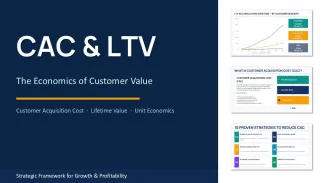
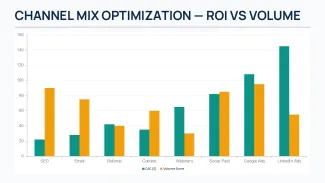
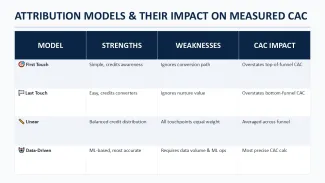

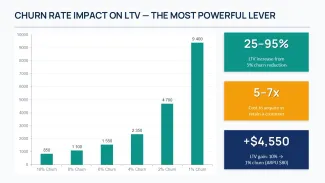
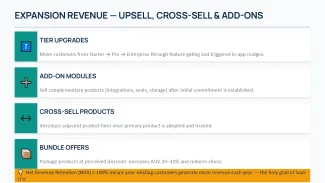
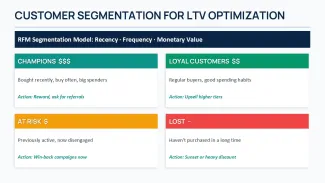

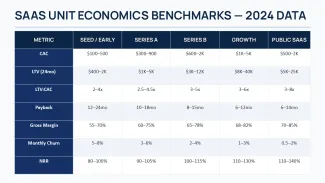
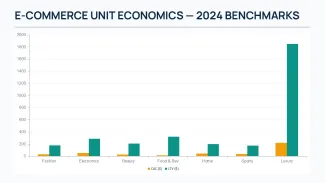
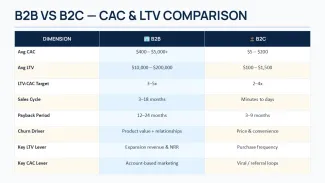

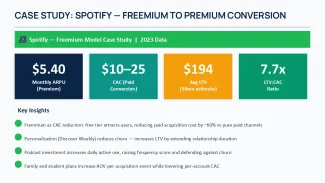
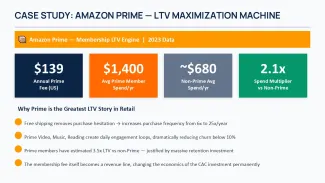

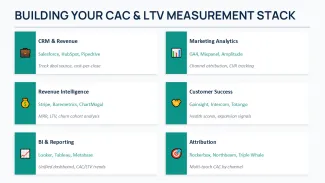
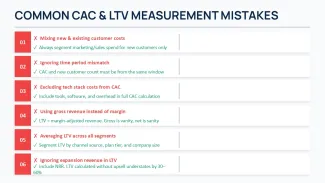

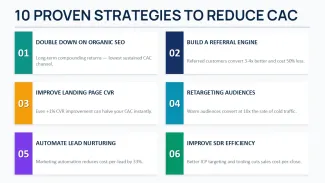

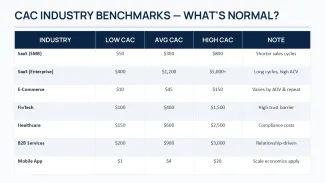
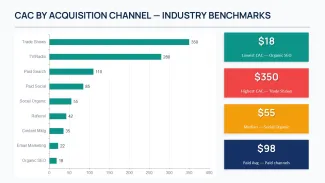

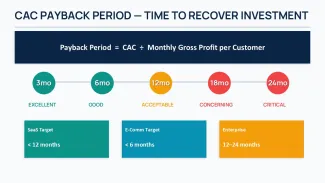
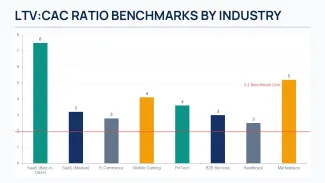
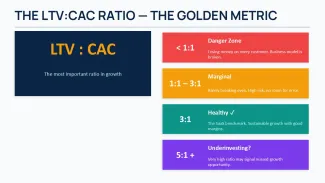

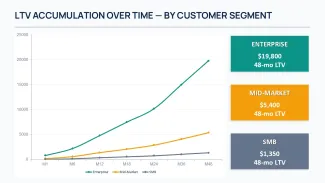
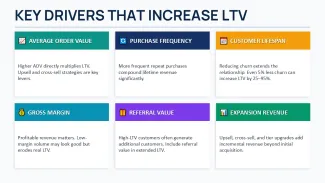
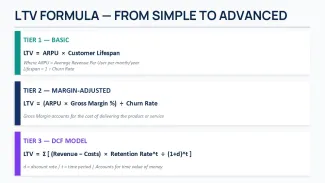
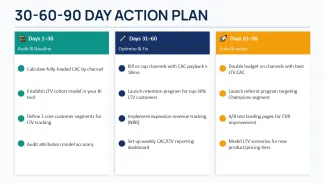
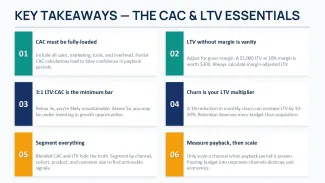
thumbnail slide #0
thumbnail slide #1
thumbnail slide #2
thumbnail slide #3
thumbnail slide #4
thumbnail slide #5
thumbnail slide #6
thumbnail slide #7
thumbnail slide #8
thumbnail slide #9
thumbnail slide #10
thumbnail slide #11
thumbnail slide #12
thumbnail slide #13
thumbnail slide #14
thumbnail slide #15
thumbnail slide #16
thumbnail slide #17
thumbnail slide #18
thumbnail slide #19
thumbnail slide #20
thumbnail slide #21
thumbnail slide #22
thumbnail slide #23
thumbnail slide #24
thumbnail slide #25
thumbnail slide #26
thumbnail slide #27
thumbnail slide #28
thumbnail slide #29
thumbnail slide #30
thumbnail slide #31
thumbnail slide #32
thumbnail slide #33
thumbnail slide #34
thumbnail slide #35
thumbnail slide #36
thumbnail slide #37
thumbnail slide #38
thumbnail slide #39
thumbnail slide #40

Type: PowerPoint Charts template

Category: Graphs, Tables

Sources Available: .pptx

Product ID: PC01134

Template incl.: 41 editable slides

Purchase this template
$ 15.00

Unit economics and growth reviews

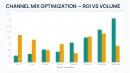
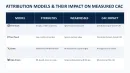
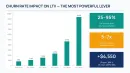
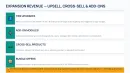
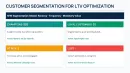
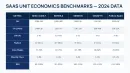
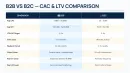
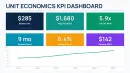
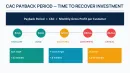
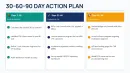
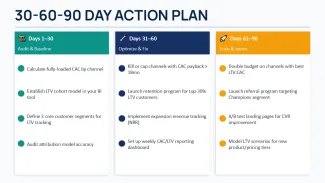
This 41-slide PowerPoint template turns customer value numbers into visuals a leadership team can actually discuss. The layered layouts show payback periods visually and separate paid versus organic channels without extra work. The column alignment holds when you swap in real monthly data.

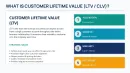
Customer lifetime value diagrams vs basic bar charts

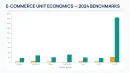
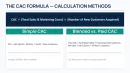
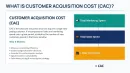
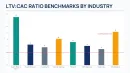
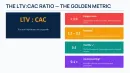
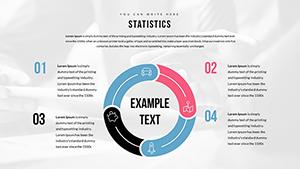
Standard graphs hide the relationship between acquisition spend and customer return. The customer lifetime value diagrams here use layered layouts that show payback periods visually. The acquisition cost visuals separate paid versus organic channels without extra work. The ratio indicators resize cleanly and recolor through the theme.

Technical advantages

  • Native data sheets update linked charts automatically.
  • Individual bars, lines and labels resize and recolor independently.
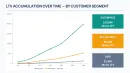
  • LTV payback curves and segmented acquisition cost visuals included.
  • Update the master once and the whole set follows.

Specifications

SlidesFormatEditable elementsColor methodCompatibility
41.pptxChart data, line colors, axis labels, legend textSlide Master color themePowerPoint 2016 or newer (Windows/macOS)

Frequently Asked Questions

How do I change colors in this CAC and LTV PowerPoint charts template?

Go to View > Slide Master. The main color palette sits at the top. Click any accent color swatch and update it—the customer lifetime value diagrams and LTV CAC ratio slides update across all 41 layouts automatically. In most cases you won't need to touch individual elements.

Can I use these slides for client projects?

Yes. The standard license covers client work as long as the final presentation is delivered as a flattened PDF or protected file. You cannot resell the .pptx source itself.

What are the differences between free and paid versions?

This paid version includes the full 41 editable slides with all customer value economics charts. Free samples on the site usually give you 4–6 slides. The paid set has the complete LTV payback curves and segmented acquisition cost visuals needed for board discussions.

See more in Graphs PowerPoint Chart →