Relationship Diagram PowerPoint Template - 44 Slides | ImagineLayout







Type: PowerPoint Charts template
Category: Relationship
Sources Available: .pptx
Product ID: PC01115
Template incl.: 44 editable slides
Relationship Diagram PowerPoint Template 44 Slides Editable - What's Inside the File
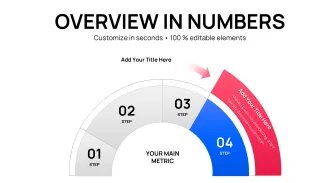
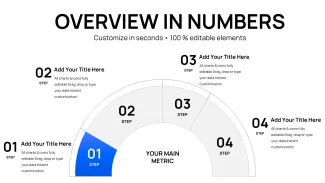
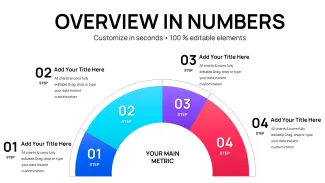
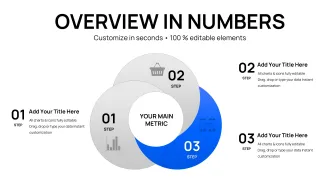
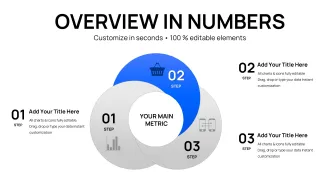
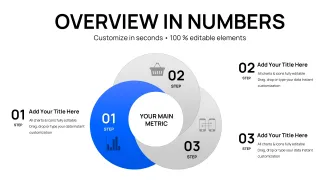
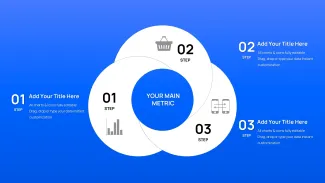
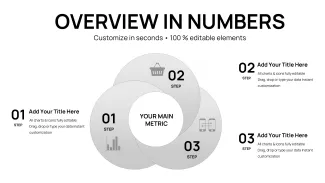
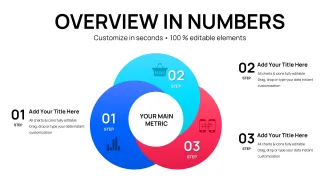
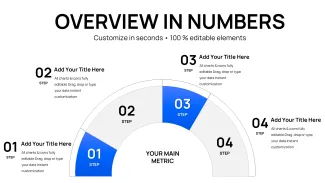
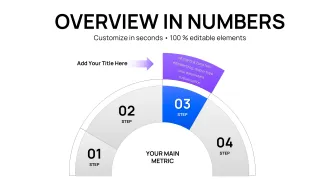
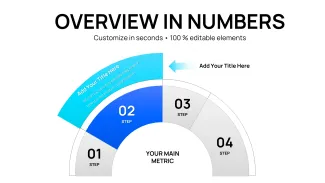
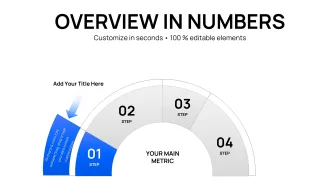
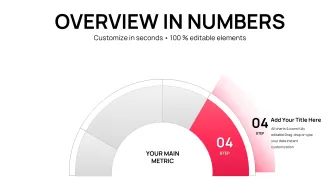
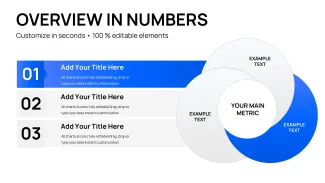
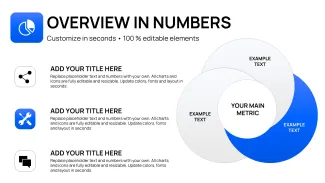
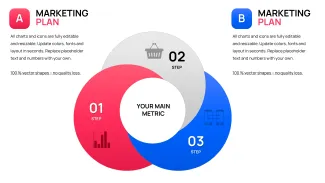
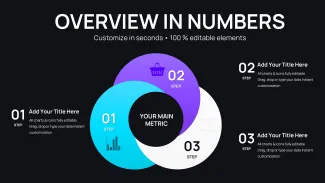
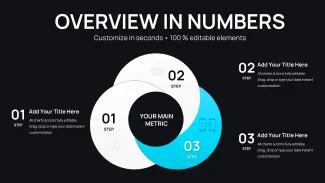
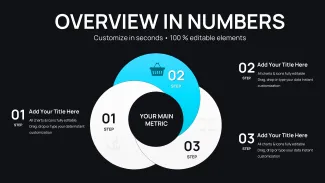
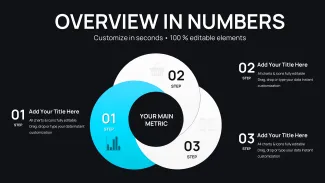
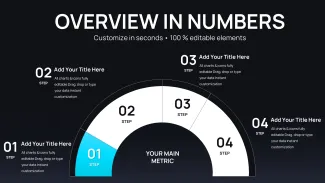
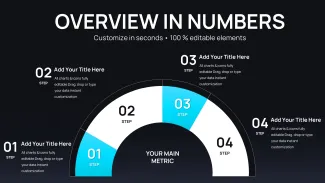
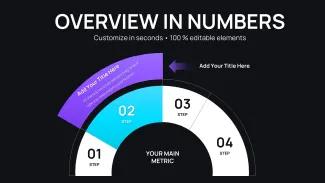
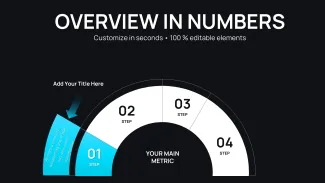
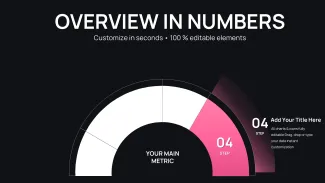
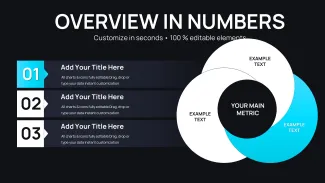
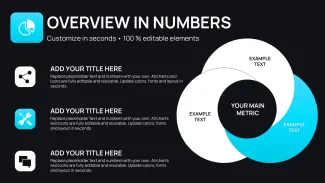
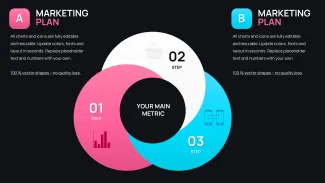
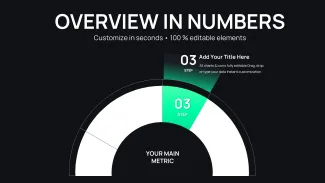
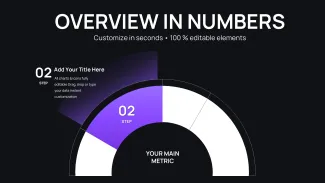
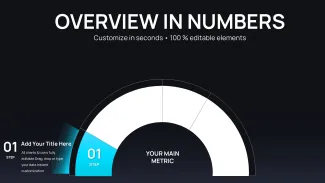
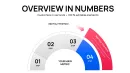
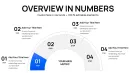
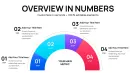
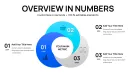
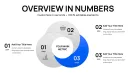
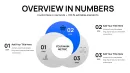
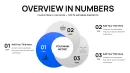
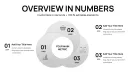
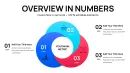
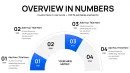
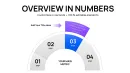
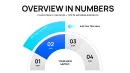
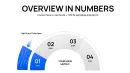
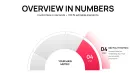
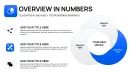
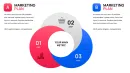
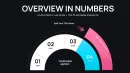
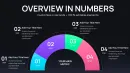
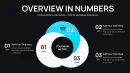
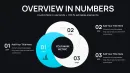
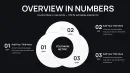
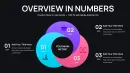
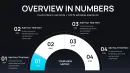
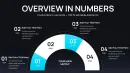
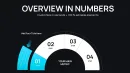
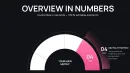
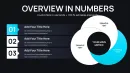
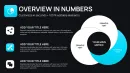
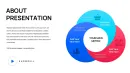
This relationship diagram PowerPoint template gives you 44 slides covering a wide range of visual structures: radial influence maps, nested Venn-style overlaps, spoke-and-hub connection charts, directional flow grids, and layered hierarchy diagrams. That's a wider format variety than most single-topic chart packs in this category. Most competing sets at this price point give you 15-20 slides, all built on the same base layout. Here the diagram logic actually changes slide to slide.
When I opened the file, the first thing I noticed was how the hub-and-spoke slides handle resizing. The center node and its connection lines are grouped as a single object, so when you scale the whole structure up or down, the proportions hold. That's not always true in relationship chart PowerPoint packs - often the lines detach from the nodes when you resize and you spend 10 minutes realigning. Not the case here.
Layout Structures Across the 44 Slides
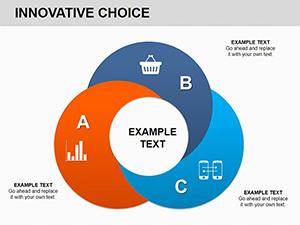
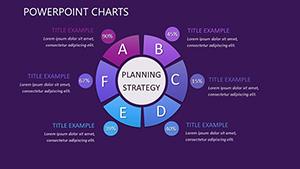
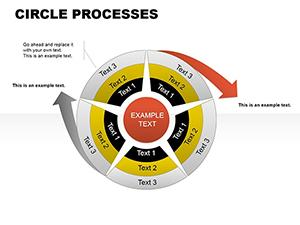
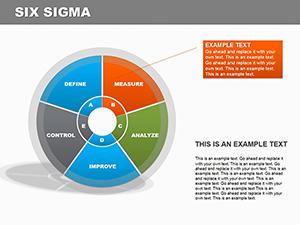
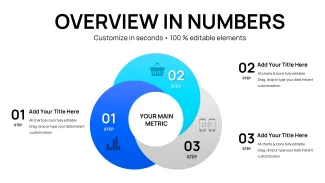
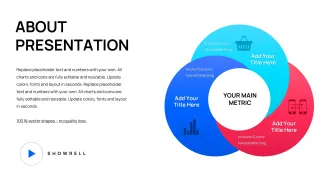
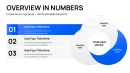
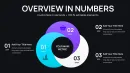
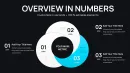
The slide set breaks roughly into three visual families. First: radial and hub layouts - a central node with 4-8 spokes radiating outward, each spoke ending in a labeled block. Second: horizontal flow grids - left-to-right sequences showing cause-effect or process chains, with flat rectangular connectors. Third: layered overlap diagrams - two or three ellipses or rings that share intersection zones, usable for showing shared responsibilities or co-dependencies. The icon style is flat filled throughout, which keeps things readable at both full screen and thumbnail size.
What makes this different from generic alternatives in this category is the combination of radial, grid, and overlap structures in one file. Most relationship chart PowerPoint packs pick one and repeat it. This one switches diagram logic across the 44 slides, which means you can pull three structurally different visuals from one download for a single deck.
The color system is genuinely one of the better-built parts of this template - one change in the slide master and all the node fills, connector lines, and text accents update together. For an editable relationship diagram pptx at $14, that's actually useful when you're adapting the deck for different clients or brand palettes.
Influence Flow Ecosystem Map PowerPoint - Real Use Cases for Consultants, Ops Teams, and Strategy Leads
In practice, this kind of template gets used in three situations. First: stakeholder mapping - showing who influences whom in a project or organization, which is where the radial layouts work best. Second: ecosystem or partner mapping - placing a company at the center and mapping integrations, suppliers, or customer segments outward. The relationship chart PowerPoint layouts here handle that structure without needing custom shapes. Third: system dependency maps - showing how components of a technical or operational system connect, which suits the horizontal flow grid slides.
Honestly, I just opened it, dropped in a client org structure, and it looked fine in about ten minutes. The placeholder text boxes in the spoke layouts are sized for 2-4 word labels, which is limiting if you need longer node descriptions - slightly annoying at first, but in a real project this is a must to fix early, so just resize those text boxes before filling in content.
One honest limitation: this is a diagram pack, not a data visualization deck. There are no Excel-linked charts, no bar graphs, no data tables. If you need a system map presentation slides with embedded data - revenue by partner, volume by channel - you'll need to add those manually. For pure relationship and connection visualization, it covers the ground well.
You know that situation where you need to explain a complex stakeholder ecosystem to a senior audience in 20 minutes and the deck needs to look thought-through, not improvised - this is exactly when you grab something like this. Works as-is for most strategy and consulting contexts. Also works well for internal alignment workshops, not just external client decks.
The file is .pptx only - no Keynote version available. It opens cleanly in PowerPoint 2016 and later. Older formats may need conversion. For teams using Google Slides, the .pptx import generally holds layout, though some font substitutions are possible depending on your workspace settings. For a financial analysis PowerPoint chart alternative in a related category, the Liquidity Ratios deck on this site uses a similar master structure.
Specs
| Feature | Details |
|---|---|
| Slides / diagrams | 44 slides: radial hub-and-spoke maps, horizontal flow grids, layered overlap diagrams, directional sequence charts, nested hierarchy layouts |
| File format | .pptx (PowerPoint native; no Keynote version) |
| Software version | PowerPoint 2016+; older PPTX-compatible versions may require conversion |
| Color schemes | Master-controlled; one change to theme colors in Slide Master updates node fills, connectors, and accent text across all 44 slides |
| Editable elements | Hub nodes and spoke lines grouped as single objects - rescale without losing alignment; text placeholders in each node resize independently |
| Aspect ratio | 16:9 widescreen |
| Free vs Paid | No free version listed; $14.00 gives full access to all 44 slides across all three diagram families |
| Masters / Backgrounds | Prebuilt slide master controls global color, font, and spacing - inherited by all 44 slide layouts |
| Best used for | Relationship diagram PowerPoint template use cases: stakeholder influence maps, partner ecosystem charts, system dependency diagrams, organizational structure decks - strategy, consulting, and operations contexts |
Frequently Asked Questions
How do I change the color scheme to match my brand?
Go to View - Slide Master in PowerPoint. Select the top parent master layout, then open the Theme Colors panel under the Design tab. Change the main accent and fill colors there - actually, the easiest way is just to edit the top two accent slots, and the node fills and connector colors across all 44 slides update automatically. Takes under two minutes once you know where to look. I always do this before touching any slide content.
Can I use this for client presentations and commercial deliverables?
It's the same license most marketplaces use - one buyer, one project, commercial use is fine. Include it in consulting decks, client strategy documents, or stakeholder reports. You just can't resell the template file itself. No issues there for agency or freelance work.
What does the paid version include that free relationship diagram templates don't?
The short answer is: 44 diagram slides across three structurally different layout families - radial hub maps, horizontal flow grids, and layered overlap diagrams. Free alternatives typically give you 5-10 slides all built on the same base shape. This influence flow ecosystem map PowerPoint presentation covers enough variation that you can build an entire client deck from a single download without needing to design custom shapes. That's the actual difference.
What's the refund policy if the template doesn't work as expected?
Depends a bit on the situation. If there's a genuine technical issue - the file is corrupted, slides are missing, it won't open - contact support and that's usually resolved. For cases where you just didn't like the style after downloading, most digital product marketplaces don't offer refunds. Review the slide thumbnails carefully before purchasing. They're an accurate representation of what's inside.
Can multiple team members use one purchased license?
Usually yes, but with a clarification - a standard single license covers one buyer using the file across their own work, including sharing editable files internally within a project team. It's not intended for distribution to multiple independent users or across different companies. In practice, most teams just share the file internally with no issues. If you need broader multi-seat licensing, check with ImagineLayout support directly.
Download and start editing immediately
Petra has spent seven years designing strategy and stakeholder decks for consulting teams in Vienna and Prague, running PowerPoint 365 daily alongside Figma for layout prototyping. She only recommends templates she's actually dropped real client org data into.