00% off everything!
SALE ENDS TODAY, Saturday November 0
Promo code "00LAYOUTS"
Time Left to Save
00:00:00

Editable Pyramid Hierarchy Diagram PowerPoint

4
649 ratings
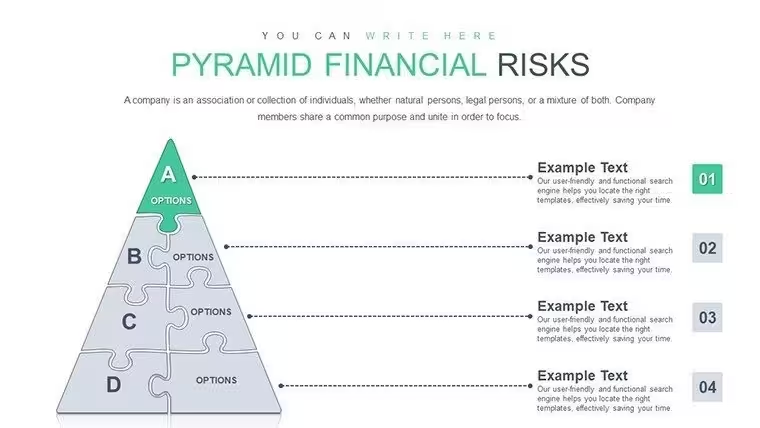
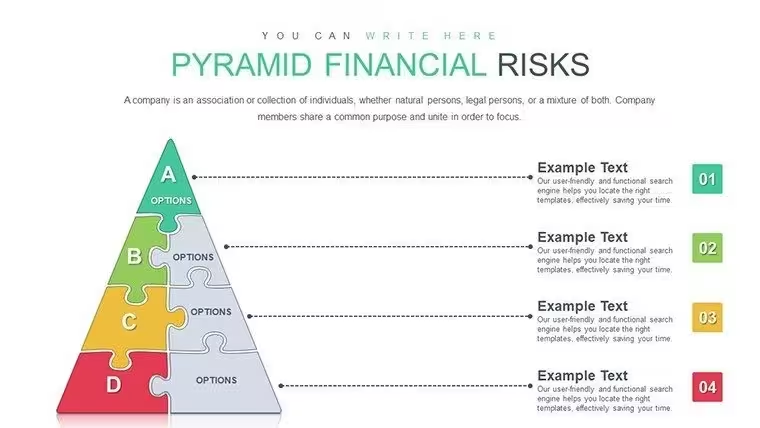
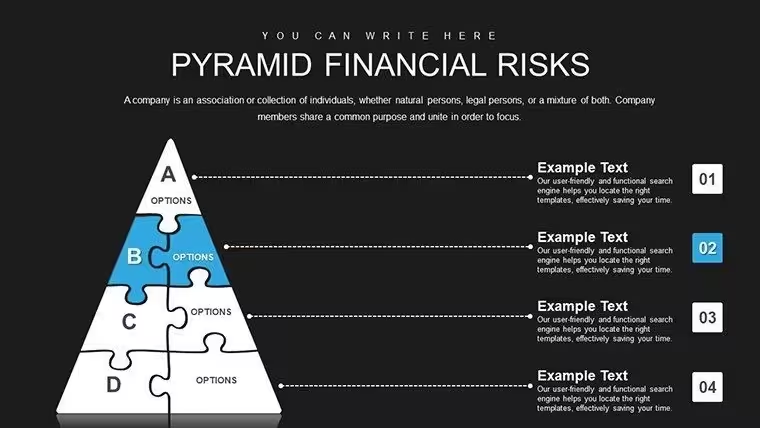
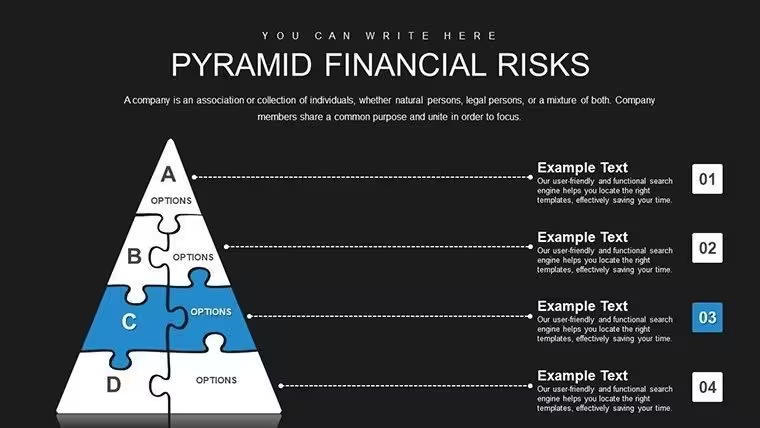
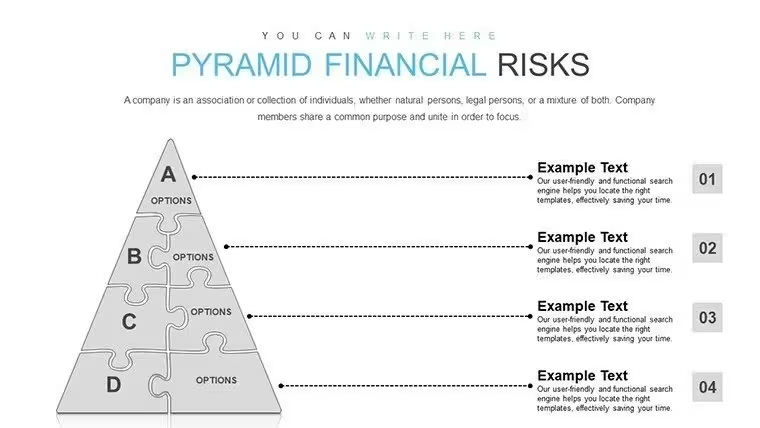
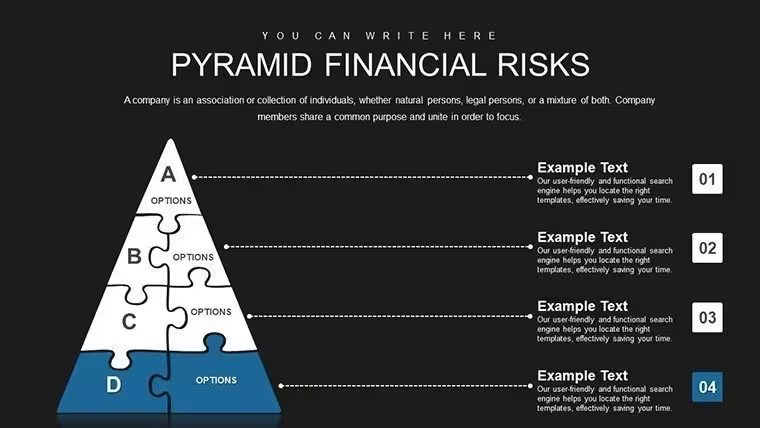
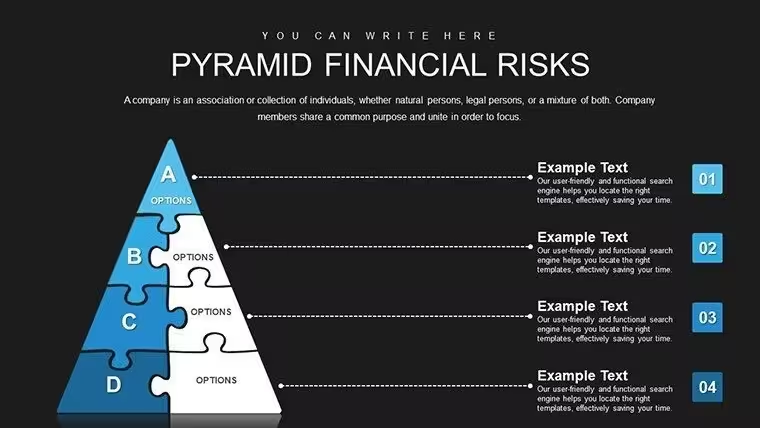
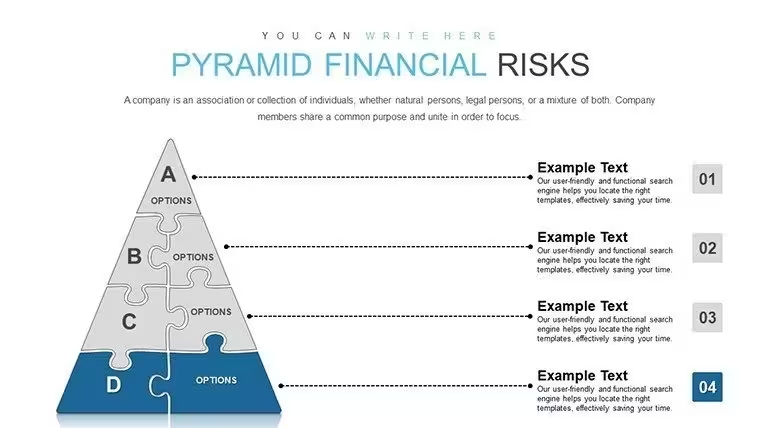
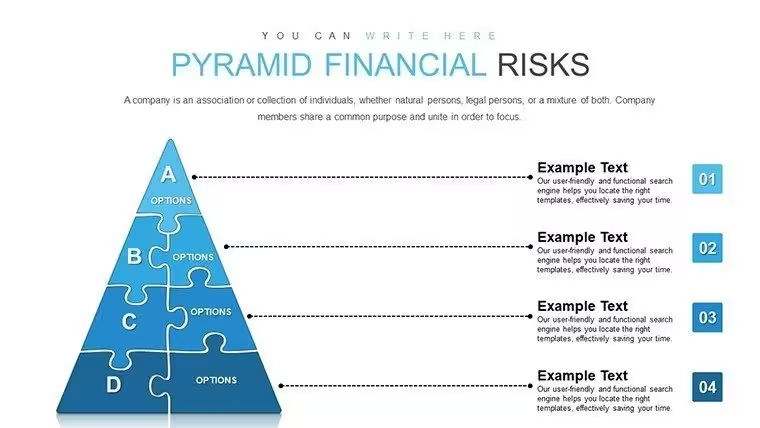
Editable Pyramid Hierarchy Diagram PowerPoint - Slide Pyramid Financial Risks PowerPoint chart
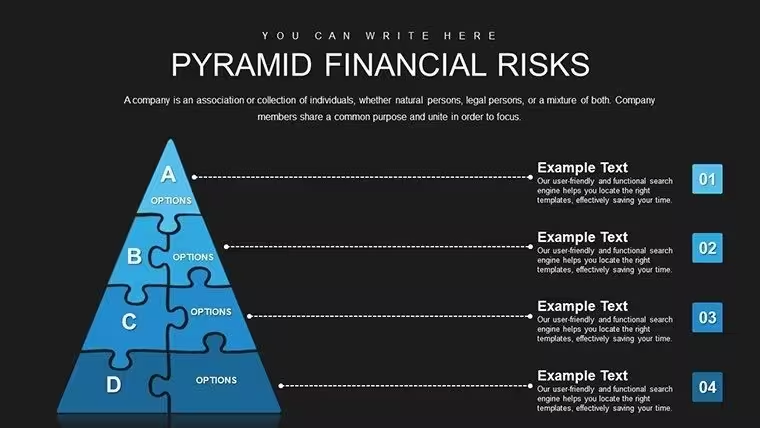
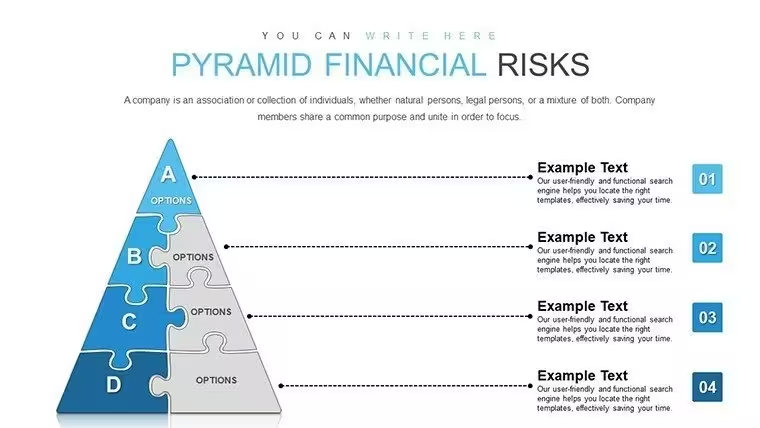
Editable Pyramid Hierarchy Diagram PowerPoint - Slide #1
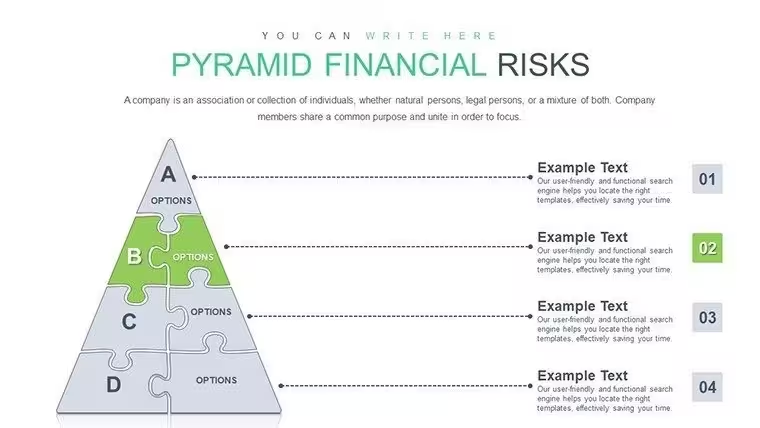
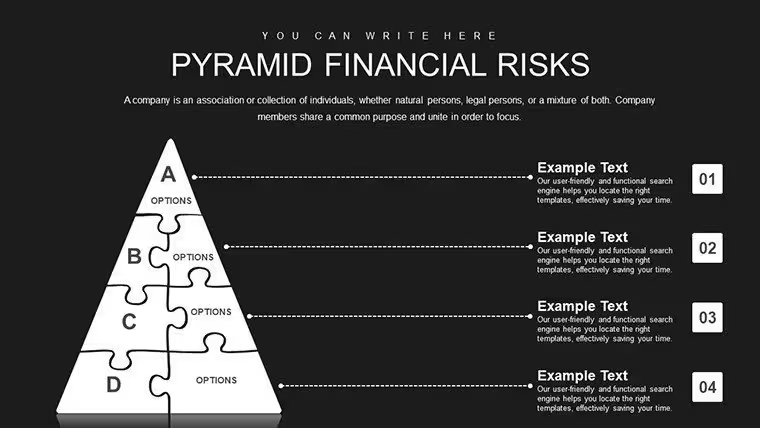
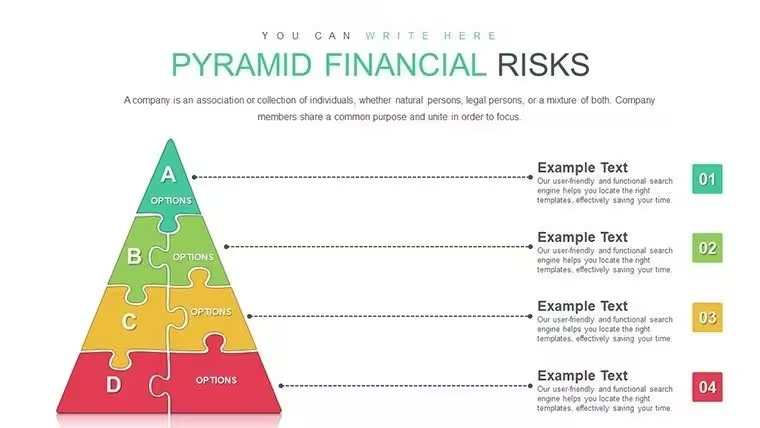
Editable Pyramid Hierarchy Diagram PowerPoint - Slide #2
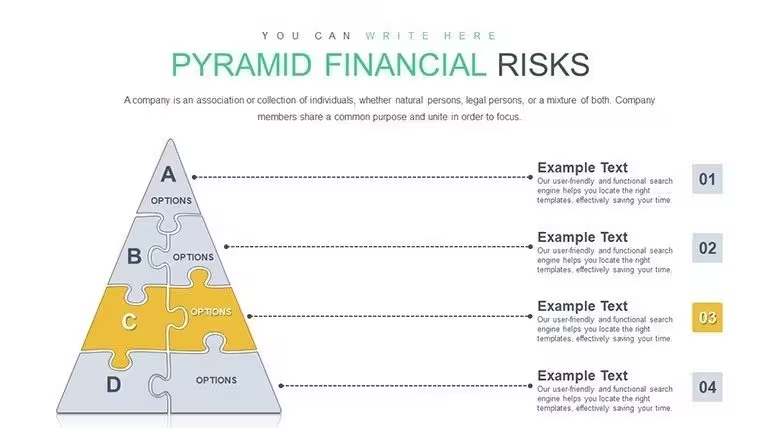
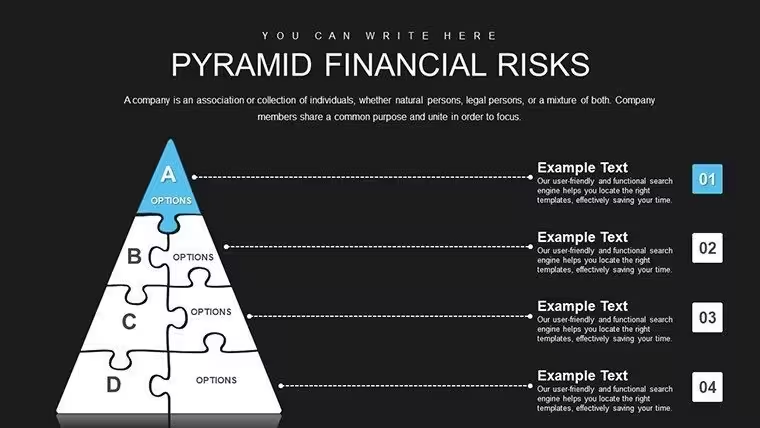
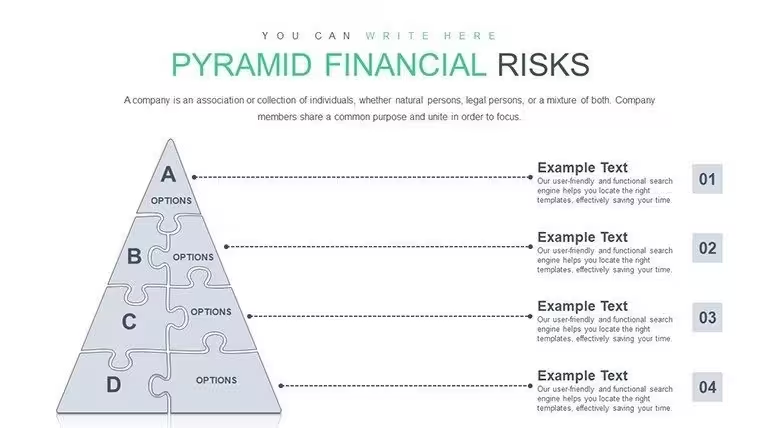
Editable Pyramid Hierarchy Diagram PowerPoint - Slide #3
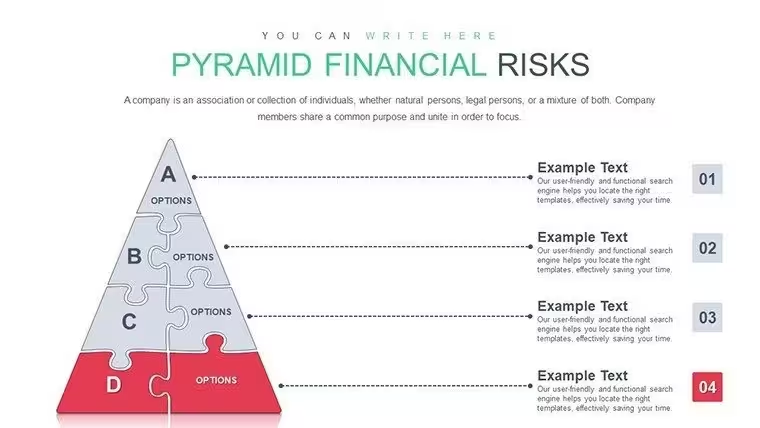
Editable Pyramid Hierarchy Diagram PowerPoint - Slide #4
Editable Pyramid Hierarchy Diagram PowerPoint - Slide #5
Editable Pyramid Hierarchy Diagram PowerPoint - Slide #6
Editable Pyramid Hierarchy Diagram PowerPoint - Slide #7
Editable Pyramid Hierarchy Diagram PowerPoint - Slide #8
Editable Pyramid Hierarchy Diagram PowerPoint - Slide #9
Editable Pyramid Hierarchy Diagram PowerPoint - Slide #10
Editable Pyramid Hierarchy Diagram PowerPoint - Slide #11
Editable Pyramid Hierarchy Diagram PowerPoint - Slide #12
Editable Pyramid Hierarchy Diagram PowerPoint - Slide #13
Editable Pyramid Hierarchy Diagram PowerPoint - Slide #14
Editable Pyramid Hierarchy Diagram PowerPoint - Slide #15
Editable Pyramid Hierarchy Diagram PowerPoint - Slide #16
Editable Pyramid Hierarchy Diagram PowerPoint - Slide #17
Editable Pyramid Hierarchy Diagram PowerPoint - Slide #18
Editable Pyramid Hierarchy Diagram PowerPoint - Slide #19
Editable Pyramid Hierarchy Diagram PowerPoint - Slide #20
thumbnail slide #0
thumbnail slide #1
thumbnail slide #2
thumbnail slide #3
thumbnail slide #4
thumbnail slide #5
thumbnail slide #6
thumbnail slide #7
thumbnail slide #8
thumbnail slide #9
thumbnail slide #10
thumbnail slide #11
thumbnail slide #12
thumbnail slide #13
thumbnail slide #14
thumbnail slide #15
thumbnail slide #16
thumbnail slide #17
thumbnail slide #18
thumbnail slide #19
thumbnail slide #20

Type: PowerPoint Charts template

Category: Pyramids, Puzzles

Sources Available: .pptx

Product ID: PC00857

Template incl.: 21 editable slides

Purchase this template
$ 16.00

When explaining frameworks where foundational elements support higher-level objectives, pyramid diagrams create instant comprehension that text outlines cannot achieve. This PowerPoint template provides fully editable pyramid hierarchy layouts designed for strategy sessions, training programs, and organizational presentations where tiered relationships, priority sequences, or structural dependencies must be immediately visible. Each pyramid level represents a distinct tier - from broad foundational requirements at the base through focused outcomes at the apex - creating a visual model that audiences grasp without detailed explanation.

The template includes pyramid configurations ranging from three-level models for simple frameworks to seven-tier structures for comprehensive organizational hierarchies. All shapes are native PowerPoint objects, enabling you to adjust colors, add text, insert icons, resize levels, and apply brand guidelines. Whether you're presenting Maslow's hierarchy in a psychology course or mapping corporate governance structures in a board meeting, these slides eliminate ambiguity about how lower tiers enable upper levels.

Pyramid Diagram Slides That Show Foundational Relationships

Each slide provides pre-formatted pyramid structures with clearly proportioned tiers. The four-level pyramid works for quality management presentations where processes, documentation, measurement, and continuous improvement stack in ascending order, with each level dependent on the stability of those below. The five -tier model fits sales methodology training where market awareness forms the base, followed by lead generation, qualification, presentation, and closing at the apex - each level building on the capabilities developed in prior stages.

The segmented pyramid variation divides each tier into multiple sections, useful for organizational charts where the executive level contains CEO, COO, and CFO roles; the management tier shows department heads; and the operational base displays functional teams. The inverted pyramid option addresses situations where broad outcomes require increasingly focused execution - common in risk management frameworks where enterprise-wide policies at the top funnel down through department-specific procedures to individual task controls at the narrow base.

Professional Scenarios Where Hierarchical Structure Matters

In corporate governance presentations, compliance officers use pyramid diagrams to show the three-tier control environment: the board and audit committee at the apex providing oversight, executive management in the middle tier establishing policies, and operational management at the base implementing controls and monitoring compliance. Each level's responsibilities and reporting relationships become immediately clear without narrative explanation. IT security teams present defense-in-depth strategies using pyramid diagrams: perimeter security forms the wide base, followed by network segmentation, access controls, data encryption, and monitoring systems, with incident response protocols at the focused top tier.

During change management planning, organizational development consultants map stakeholder engagement using pyramid structures: the executive sponsors occupy the apex, the steering committee sits in the second tier, functional champions form the third level, and the broad employee base creates the foundation - with communication strategies and decision rights clearly defined for each tier. Training directors use pyramid diagrams to display competency development paths: foundational knowledge at the base, followed by skill application, advanced techniques, and expert mastery at the top, with assessment criteria marked for each level transition.

Integrating Pyramid Diagrams Into Strategic Presentations

When building an annual business plan presentation, start with a pyramid showing strategic priorities: operational excellence forming the stable base, customer satisfaction in the middle tier, and revenue growth at the apex, demonstrating how foundational capabilities enable higher-order objectives. Follow with departmental slides that reference this pyramid structure, showing how each function contributes to specific tiers. In product development roadmaps, use pyramid diagrams to display feature prioritization: must-have functionality at the base, performance enhancers in the middle, and delight factors at the top - helping product teams focus limited resources on foundational requirements before pursuing aspirational features.

For talent development programs, combine pyramid diagrams with career path planning: entry-level competencies form the base, intermediate skills occupy the middle tiers, and leadership capabilities sit at the apex, with each level showing typical tenure ranges and development milestones. This visualization helps employees understand the multi-year journey required for advancement. During capital allocation discussions, finance teams use pyramid diagrams to show investment priorities: essential infrastructure at the base, operational improvements in the middle, and growth initiatives at the top, with each tier's budget allocation percentage displayed to reinforce spending discipline.

Real-World Applications Across Organizational Functions

Marketing teams present brand architecture using pyramid diagrams where the corporate brand occupies the apex, product brands fill the middle tier, and individual SKUs form the broad base, showing how brand equity flows from top to bottom while volume drives from bottom to top. This dual-directional relationship becomes apparent through the pyramid structure. Customer service organizations use pyramid diagrams to display the service recovery framework: frontline resolution authority at the base handling 80% of issues, supervisor escalation in the middle tier addressing 15%, and executive intervention at the apex for the remaining 5% - with resolution timeframes and authorization levels marked for each tier.

In project management methodology training, instructors use pyramid diagrams to show governance structures: the project board at the top provides strategic direction, the project manager in the middle tier handles tactical execution, and the project team at the base performs daily tasks, with clearly defined decision rights and communication protocols at each level. Supply chain managers present supplier relationship strategies through pyramid diagrams: strategic partnerships with top-tier suppliers occupying the apex (representing 5% of suppliers delivering 70% of spend), tactical relationships in the middle tier, and transactional vendors forming the broad base - each level receiving differentiated management attention and contract terms.

Pyramid Hierarchy Application Contexts

Framework TypeAudiencePyramid ConfigurationPrimary Insight
Organizational structureExecutive leadership and HR5-tier with reporting relationshipsClarity on decision authority and spans of control
Learning progression modelTraining teams and educators4-tier with competency levelsUnderstanding of skill development sequence
Risk management frameworkAudit committee and compliance3-tier with control layersVisualization of defense-in-depth approach
Customer segmentation strategySales and marketing leadership4-tier with account tiersResource allocation based on customer value
Information security architectureIT leadership and risk officers6-tier with security controlsLayered defense strategy and control priorities

Industry-Specific Pyramid Hierarchy Uses

Healthcare organizations use pyramid diagrams to present population health management models: the broad base represents the entire patient population receiving preventive care education, the middle tier shows high-risk patients in care management programs, and the apex displays the small percentage requiring intensive case management - with cost and intervention intensity increasing toward the top. Financial advisory firms present investment portfolio construction using pyramid structures: foundational assets (cash, bonds) at the base providing stability, growth equities in the middle tier, and alternative investments at the apex representing smaller allocations with higher risk-return profiles.

Construction companies use pyramid diagrams during safety training to show the safety culture hierarchy: leadership commitment at the apex, management systems in the middle tier, and frontline behaviors forming the broad base, reinforcing that sustainable safety performance requires alignment across all levels. Educational institutions present curriculum design using pyramid structures: general education requirements at the base, major coursework in the middle tiers, and capstone experiences at the apex, showing how foundational knowledge enables advanced application and synthesis.

Manufacturing organizations use pyramid diagrams to display quality systems: top management commitment at the apex, quality management processes in the middle tier, and operational procedures at the base, demonstrating compliance with ISO 9001 requirements and showing auditors how quality accountability flows through the organization. Retail chains present store operations hierarchies through pyramid diagrams: corporate leadership at the top, regional management in the middle tier, store management at the next level, and frontline associates forming the base - with key performance indicators defined for each tier and showing how corporate strategy translates to daily customer interactions.

Technology companies use pyramid diagrams in architecture review presentations to show system layers: user interface at the top, application logic in the middle tier, and data storage at the base, with each tier's technology choices, scalability considerations, and integration points clearly marked. This format helps technical steering committees understand dependencies and evaluate modernization priorities. Non-profit organizations use pyramid diagrams to present donor engagement strategies: major gift donors at the apex receiving personalized stewardship, mid-level donors in the middle tier with targeted communications, and annual fund donors forming the broad base with mass marketing approaches - each tier showing retention rates, upgrade pathways, and investment levels required to maintain relationships.

Every pyramid hierarchy template is compatible with PowerPoint 2016 and later versions, Keynote, and Google Slides. All shapes are vector-based, ensuring clarity on projection screens and printed handouts. The template includes detailed customization instructions showing how to add or remove pyramid tiers, adjust level proportions, change tier colors independently, add percentage labels, and insert icons or logos within each section. You receive lifetime access with a one-time download, no subscription required.

Frequently Asked Questions

When should I use a pyramid diagram instead of an organizational chart or flowchart?

Use pyramid diagrams when the relationship between levels is primarily hierarchical or when lower tiers provide the foundation for upper levels to function - such as competency models, quality frameworks, or population segmentation strategies. Reserve organizational charts for showing specific reporting relationships with names and titles; use flowcharts for sequential processes with decision points. In board presentations, pyramid diagrams work better than org charts when discussing structural strategy rather than individual roles. If your message emphasizes how foundational elements enable higher-order outcomes, pyramid diagrams communicate that dependency more clearly than linear formats.

How do I determine the appropriate number of tiers for my pyramid?

Match the number of pyramid tiers to the genuine hierarchical levels in your framework, typically ranging from three to seven tiers. In executive strategy sessions, I find that five tiers is optimal for organizational structures - executive, senior management, middle management, supervisors, and individual contributors. For simpler frameworks like prioritization models, three tiers suffice: foundational requirements, performance enhancers, and differentiators. If you're tempted to create more than seven tiers, consider whether some levels could be combined or whether a different visual format would serve your message better - excessive tiers reduce readability and dilute the hierarchical message.

Can pyramid diagrams effectively show quantitative relationships between tiers?

Yes, adjust the proportional height of each tier to represent volume, population size, or resource allocation. In customer segmentation presentations, I size the base tier representing 70% of customers significantly larger than the apex tier representing the top 5% of accounts, making the distribution immediately visual. You can also add percentage labels or numeric values within each tier to reinforce the quantitative relationship. For budget allocation pyramids, tier width represents spending amounts while position conveys priority - making both dimensions of the data visible simultaneously. This dual encoding strengthens comprehension compared to tables or text descriptions.

What's the best way to show movement or progression through pyramid levels?

Use color gradients, directional arrows, or animation to indicate upward progression or downward flow. In career development presentations, I apply a gradient fill that darkens from base to apex, then add upward-pointing arrows along the sides showing the advancement path, with average timeframes labeled on each arrow. For process pyramids where information flows from top to bottom - such as strategic planning cascading to operational execution - I use downward arrows and sometimes animate the pyramid so upper tiers appear first, followed by lower levels appearing sequentially. This progressive disclosure reinforces the top-down flow of authority or information.

How do executives typically interpret pyramid diagrams in strategy reviews?

Executives immediately recognize pyramid diagrams as hierarchical structures and intuitively understand that upper levels depend on lower tiers being stable and functional. In my experience, they focus first on the apex to understand the ultimate objective or authority, then scan downward to evaluate whether the foundational elements are sufficient to support that goal. When you present a pyramid showing strategic priorities, expect questions about whether the base tier is receiving adequate investment and attention, because executives understand that apex goals fail when foundations are weak. The diagram becomes a discussion tool for resource allocation - ensuring that foundational capabilities receive funding proportional to their criticality.

Should I include detailed text descriptions within each pyramid tier?

Keep text within pyramid tiers concise - typically one to three words per tier label, such as "Executive Leadership" or "Operational Teams" - and place detailed descriptions in speaker notes or supporting slides. In board presentations, I label each tier briefly, then use callout boxes or separate bullet slides to explain the responsibilities, metrics, or criteria for each level. Overfilled pyramid tiers lose visual impact and become difficult to read on projection screens. The pyramid should communicate structure at a glance; supplementary slides provide the necessary detail. If you need extensive text, consider using the pyramid as an overview slide and following with a series of detail slides, each focused on a single tier.

See more in Pyramids PowerPoint Chart →