Promo code "00LAYOUTS"
Sales Funnel Analytics PowerPoint Charts - Editable Template for Board Meetings
Type: PowerPoint Charts template
Category: Flow
Sources Available: .pptx
Product ID: PC00818
Template incl.: 24 editable slides
Why Sales Teams Use Funnel Analytics Charts in Executive Presentations
Sales funnel analytics PowerPoint charts solve a specific problem: converting pipeline data into boardroom-ready visuals that executives can act on in minutes. When your VP of Sales asks for conversion rates by stage, you need more than spreadsheet dumps. You need charts that show where leads stall, which stages convert, and what revenue sits in each funnel tier. This 24-slide template gives you pre-built funnel visualizations that work in PowerPoint, Google Slides, and Keynote, eliminating the two hours most analysts spend reformatting charts before quarterly business reviews.
The template addresses three implicit questions every sales leader has: Where are we losing deals? How does our pipeline compare quarter-over-quarter? What stage needs immediate intervention? Each slide answers one of these with visual clarity that doesn't require a data science degree to interpret.
What's Actually Inside This Funnel Chart Template
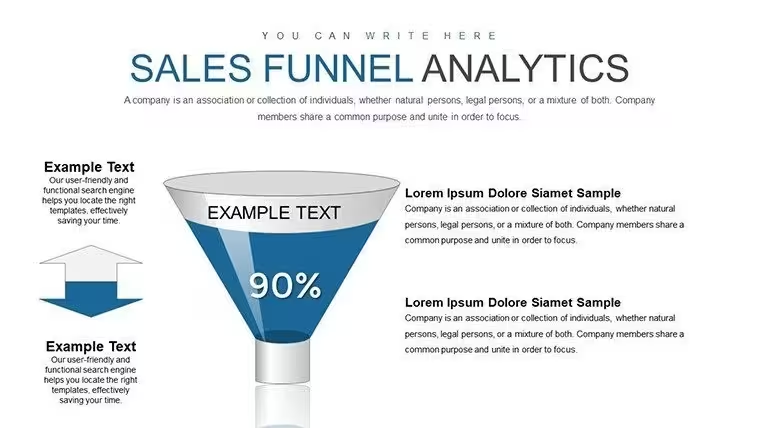
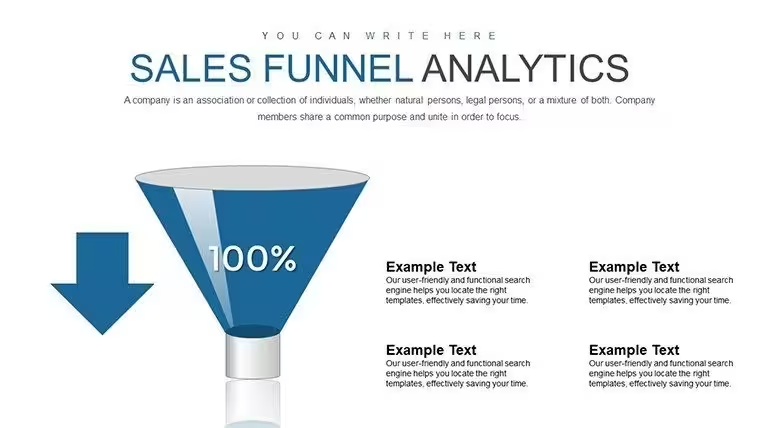
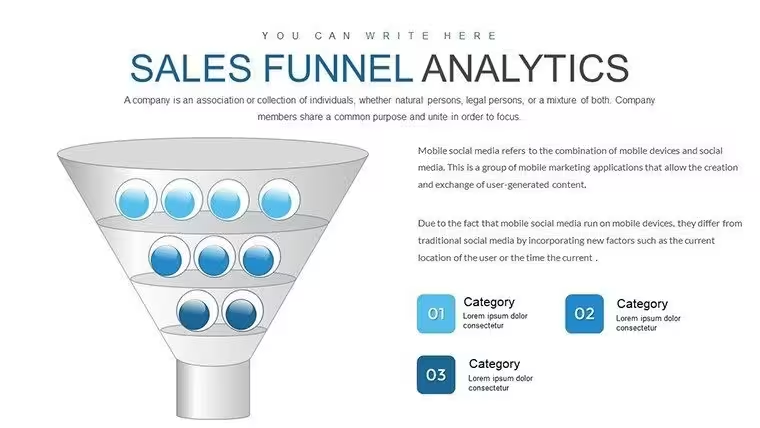
You get 24 editable slides covering standard funnels, inverted retention funnels, multi-stage pipeline comparisons, and conversion rate breakdowns. Every element - colors, percentages, stage labels - unlocks with a single click. The slides include:
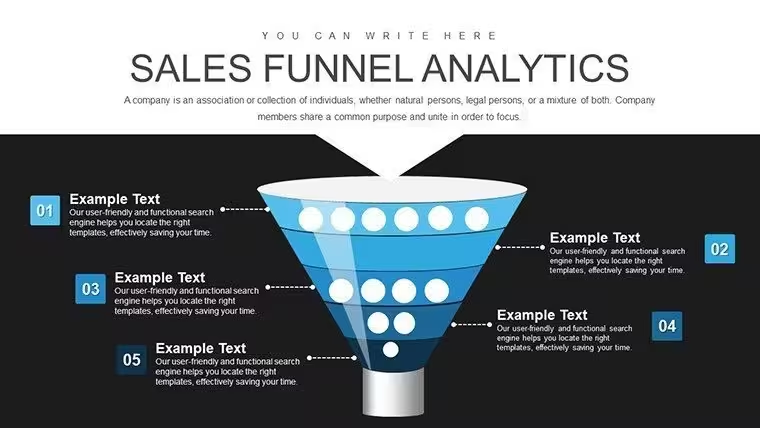
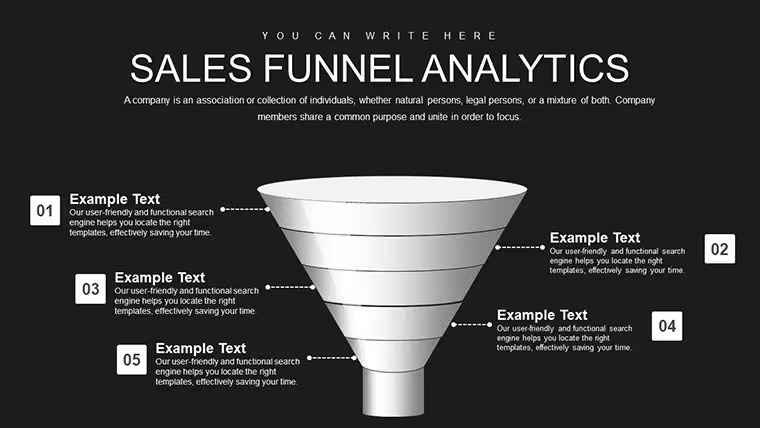
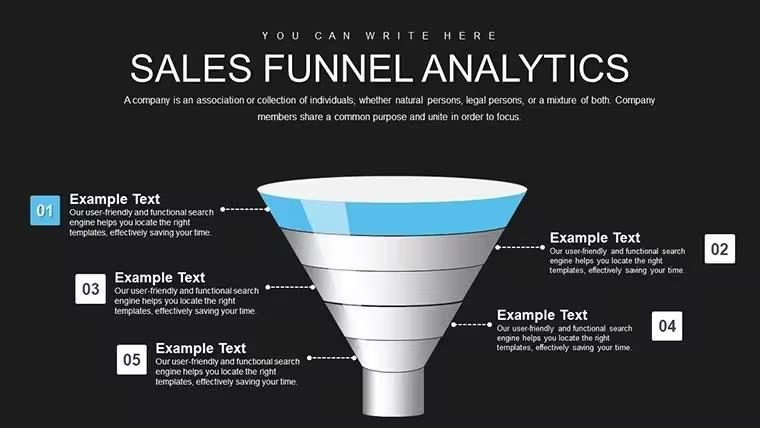
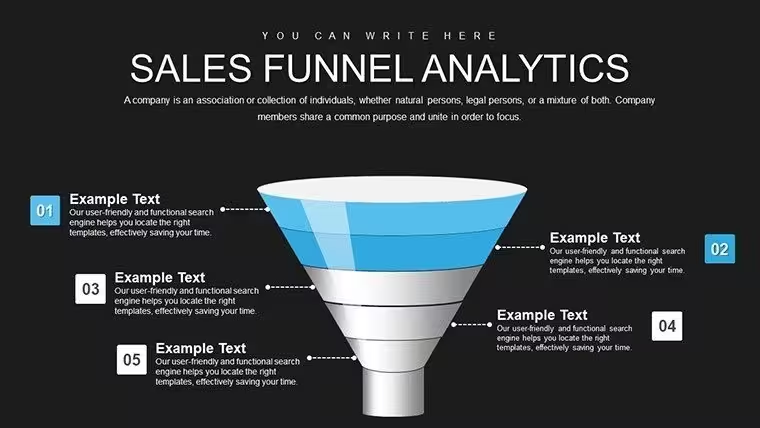
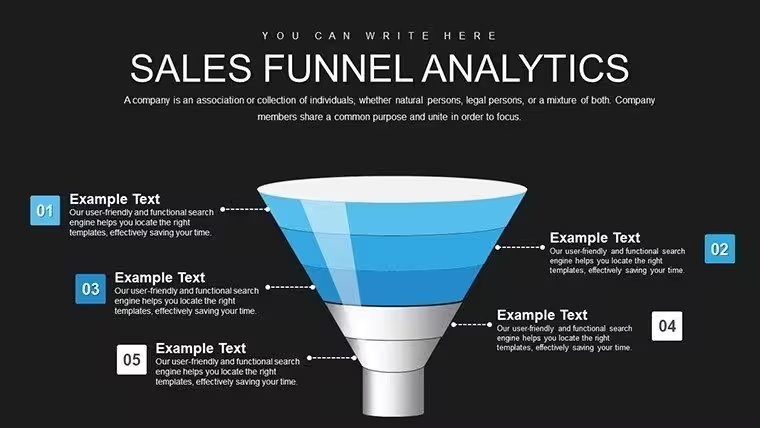
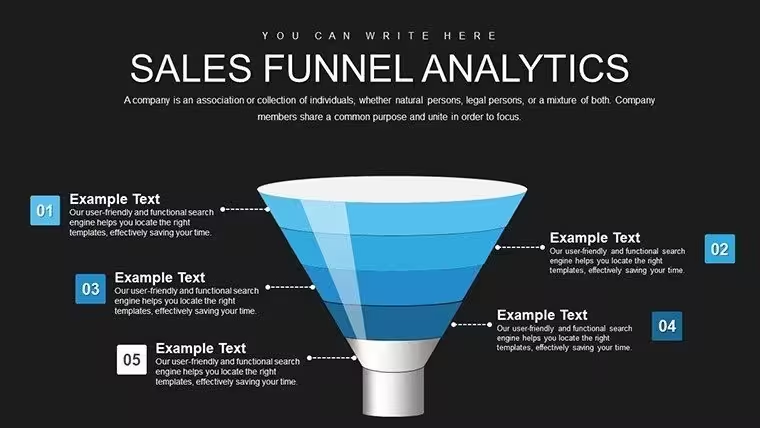
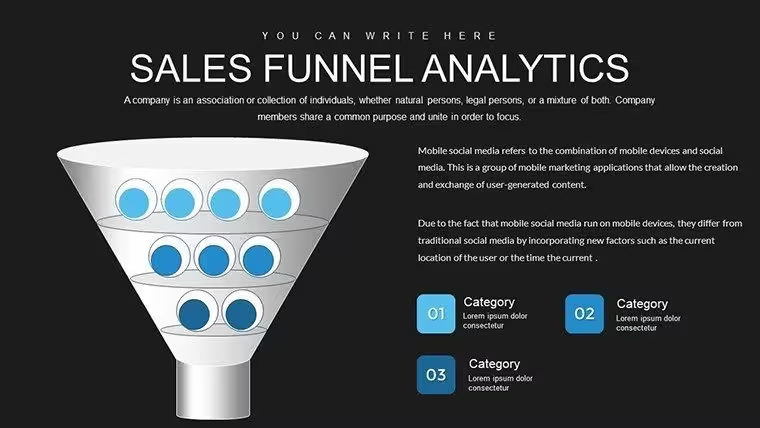
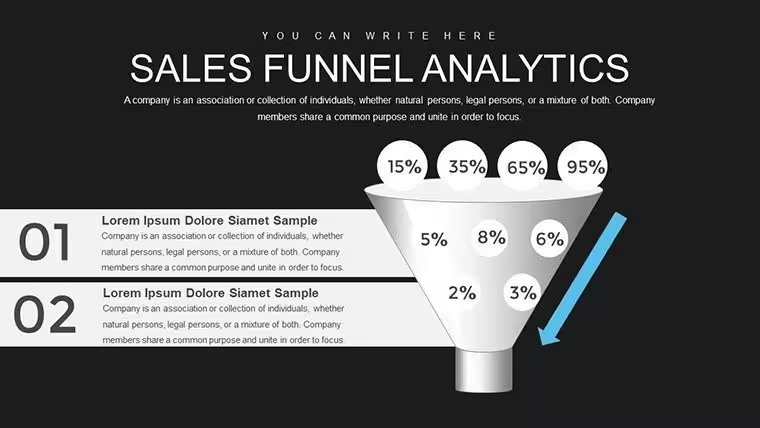
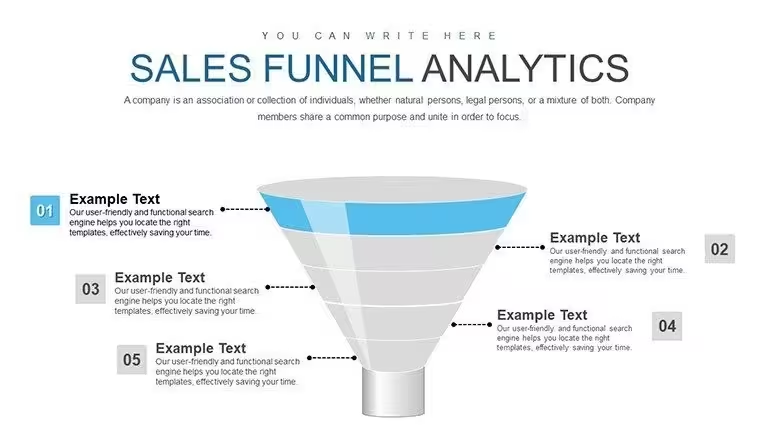
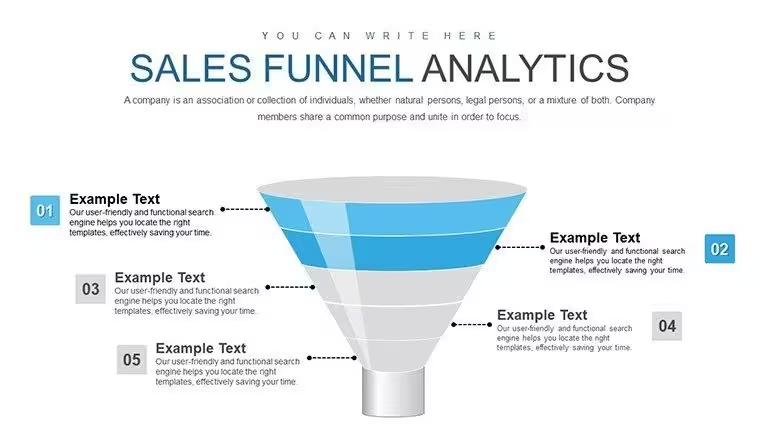
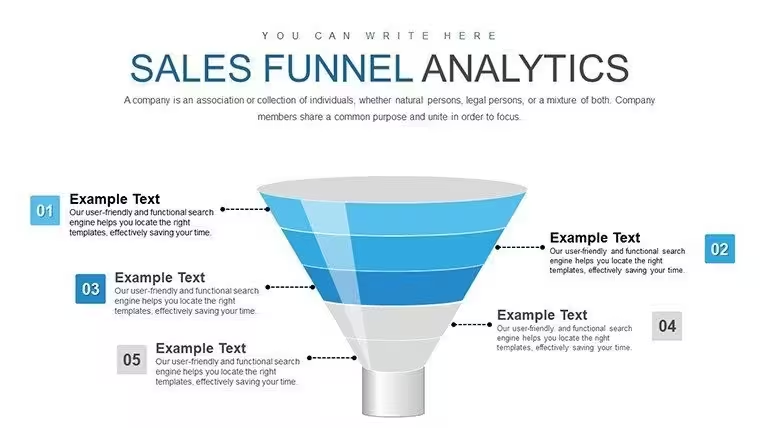
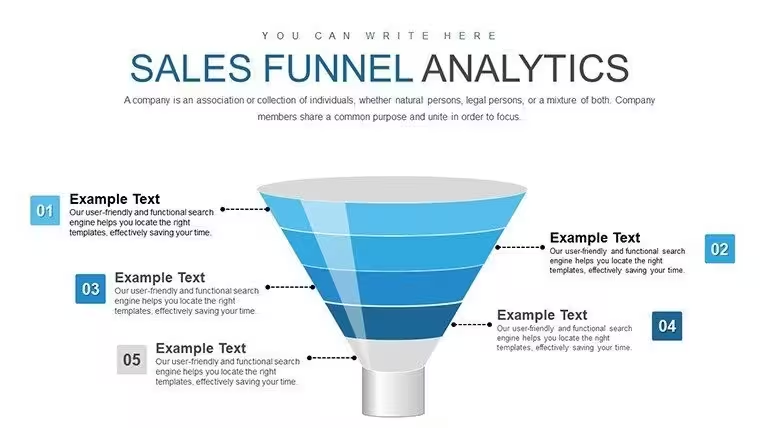
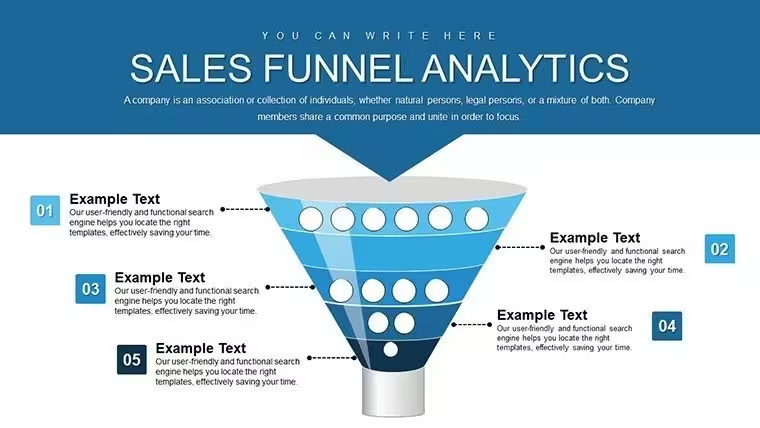
- Classic top-down funnels with 3-7 customizable stages for lead-to-close visualization
- Side-by-side funnel comparisons for A/B testing different sales approaches or regional performance
- Inverted funnel charts for customer retention and upsell tracking
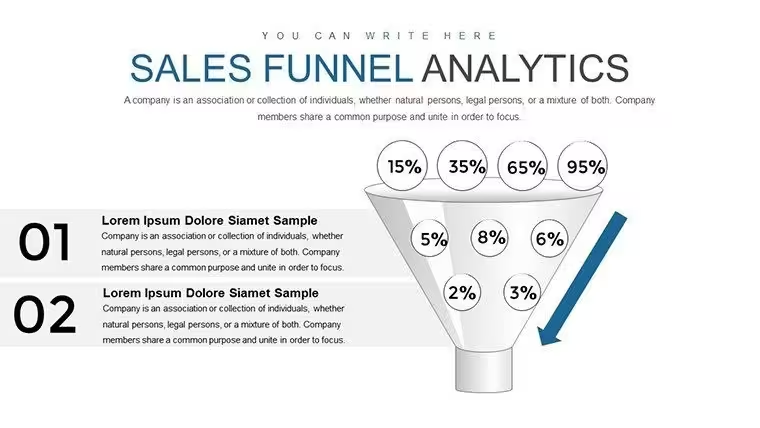
- Percentage drop-off indicators between each stage with automatic calculation fields
- Data table slides that pair with funnel visuals for detailed metric backup
The design uses a clean, corporate aesthetic that works in investor decks and internal strategy sessions without modification. No gradients that photocopy poorly or tiny fonts that don't project well.
Real Scenarios Where This Template Delivers Results
A SaaS sales director preparing for Monday's pipeline review opens the template at 8 AM. She pastes her CRM export into the data table slide, and the linked funnel auto-updates to show a 23% drop between demo and proposal stages. She highlights that stage in red, adds a text box noting "Q1 priority: improve demo-to-proposal messaging," and exports to PDF by 8:15. The exec team sees the problem instantly during the 9 AM call.
An enterprise account manager building an investor pitch needs to prove sales efficiency improved year-over-year. He uses the comparison funnel slide, placing 2024 data on the left and 2025 on the right. The visual immediately shows the top-of-funnel widened 40% while the bottom conversion rate held steady - proof that marketing spend drove qualified volume without diluting close rates. Investors ask two follow-up questions instead of twenty.
A B2B marketing ops analyst runs monthly attribution reports. She duplicates the standard funnel slide four times, one per marketing channel (organic, paid, referral, events). Each funnel shows source-to-MQL-to-SQL-to-close for that channel. The CMO scans all four in one meeting slide and immediately reallocates budget from paid to events based on superior conversion at every stage.
How to Customize These Charts in Your Actual Workflow
Open the .pptx file in PowerPoint or upload to Google Slides. Click any funnel stage - the shape unlocks, not grouped. Change the label text from "Awareness" to whatever your team calls that stage (Inquiry, MQL, Discovery, etc.). Click the percentage text and type your actual conversion rate. PowerPoint's format painter copies styling across slides if you need consistency.
For data integration, use PowerPoint's "Edit Data" function on chart slides. This opens an Excel-style grid where you paste values from Salesforce, HubSpot, or your CRM export. The funnel redraws automatically. If you present the same metrics monthly, save the file with your data connection intact - next month, you just refresh the data and the visuals update.
Color changes work through the Design tab's color picker. Most teams match their brand palette in under two minutes. The template uses PowerPoint's standard shape engine, so any custom font you've installed works immediately. No special add-ins or macros that might trigger IT security blocks.
When Not to Use Sales Funnel Charts
Funnel charts show sequential stage progression. If your sales process isn't linear - say, enterprise deals that loop between stages - consider process flow diagrams instead. If you need to show trends over time rather than snapshot conversion rates, line charts communicate change better. And if your audience includes people unfamiliar with funnel metaphors (uncommon, but possible in cross-functional presentations), a simple bar chart comparing stage volumes might be clearer.
This template assumes you have stage-by-stage data. If your CRM doesn't track pipeline stages consistently, clean that first. Garbage in, garbage out applies to fancy visuals just as much as basic spreadsheets.
Slide Type Comparison Within This Template
| Slide Type | Best For | Typical Audience | Editing Time |
|---|---|---|---|
| Standard 5-Stage Funnel | Monthly pipeline reviews | Sales managers, executives | 2-3 minutes |
| Comparison Funnel (Side-by-Side) | A/B testing results, regional analysis | Marketing ops, RevOps teams | 4-5 minutes |
| Inverted Retention Funnel | Customer success metrics, churn analysis | CS leadership, board retention discussions | 3-4 minutes |
| Funnel + Data Table Combo | Detailed reporting with visual summary | Analysts presenting to mixed audiences | 5-7 minutes |
Industries That Get the Most Value From Funnel Charts
Software and SaaS companies use these in every pipeline review because their sales cycles have clearly defined stages (trial, demo, POC, contract). Financial services firms apply them to loan application funnels and wealth management client acquisition. Manufacturing and industrial sales teams track RFP-to-quote-to-order processes with the same visual logic.
Consulting practices show project pipeline health to partners using funnel charts. Nonprofits visualize donor cultivation from prospect to major gift. Real estate teams track listing-to-showing-to-offer-to-close funnels. The pattern works anywhere a process narrows from many initial inputs to fewer final outcomes.
Download this sales funnel template now and cut your pipeline reporting time in half.
Frequently Asked Questions
Can I use this template for customer journey mapping instead of sales funnels?
Yes, but with a caveat. The funnel visual works for awareness-to-purchase journeys. However, post-purchase customer journeys often aren't funnel-shaped - they're cyclical (onboarding, usage, renewal, expansion). For those, consider journey map templates or process flows. If you're mapping a linear acquisition journey (ad click - landing page - signup - activation), the funnel metaphor fits perfectly. Just relabel stages to match your customer lifecycle terminology.
How do I link this template to live CRM data so it updates automatically?
PowerPoint doesn't natively support live CRM connections. The workflow most teams use: Export your pipeline data from Salesforce/HubSpot to Excel monthly. In PowerPoint, click the chart, select "Edit Data," and it opens an Excel grid. Paste your new numbers there, close the grid, and the funnel redraws. For true automation, some teams use Power BI to create funnel charts with live connections, then embed those in PowerPoint as linked objects. That requires Power BI licenses and IT setup, though.
What do executives actually care about when they see a sales funnel chart?
Three things: Where's the biggest drop-off? How does this compare to last quarter? What are we doing about the problem? Your job is to highlight the actionable insight before they ask. Use red to mark the stage with the worst conversion. Add a text box with the one-sentence fix ("Improve demo scripts" or "Add more SDRs to top-of-funnel"). Include a comparison slide showing this quarter vs. last quarter so they see trend direction. Executives don't want to decode charts - they want recommendations backed by visual proof.
Is this template appropriate for investor presentations or just internal use?
It works in both contexts, with different emphasis. For investors, show the funnel to prove sales efficiency and predictability - they want to see you have a repeatable process. Highlight metrics like cost-per-acquisition and customer lifetime value in relation to funnel stages. For internal use, focus on tactical improvements: which stage needs process changes, where training would help, which campaigns drive the best-quality leads. The same slides serve both audiences; you just adjust the narrative around them.
Can I add my own stages beyond the default funnel levels?
Absolutely. Every shape in the funnel is a standard PowerPoint object. To add a stage, duplicate an existing funnel section, resize it to fit the narrowing visual pattern, and relabel. The template uses a layered approach, so you can ungroup shapes if needed. Most teams work with 4-7 stages - fewer than that oversimplifies, more than that gets visually cluttered. If you have a complex 12-stage enterprise sales process, consider grouping related stages (early-stage, mid-stage, late-stage) for executive presentations.