28 Diagrams Across 7 Layouts: Full Contents
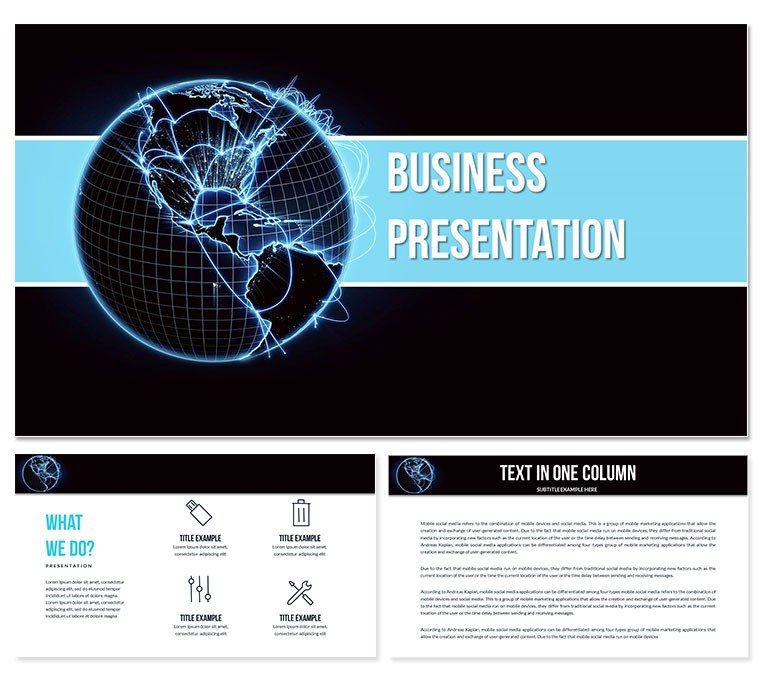
28 diagrams across 7 color schemes deliver the complete package for your global business presentation needs.
They work together by providing interconnected flow direction and visual hierarchy that supports board briefing tasks in multinational settings.
Compared to workflow-focused sets this one emphasizes zone segmentation for international market overviews.
What is a PowerPoint diagram template? A PowerPoint diagram template is a pre-built set of editable shapes connectors and layouts that allow professionals to visualize complex business data without starting from blank slides.
How to update diagram connectors in this file? Open the PPTX select the connector line go to Format Shape and adjust weight and direction in 30 seconds.
- Select the connector.
- Change direction and weight.
- Apply to all instances via slide master.
Key Specifications At a Glance
| Editable shapes | diagram segments resize and recolor independently |
|---|
| Text placeholders | labels update without unlocking grouped elements |
|---|
| Color theme adjustments | compatible with PowerPoint slide master palette |
|---|
| Diagram connectors | arrows and lines adjustable in direction and weight |
|---|
| Icon layers | icons replaceable without affecting layout |
|---|
| Export options | PPTX for editing PDF for distribution |
|---|
| PowerPoint compatibility | 2016 2019 365 on Windows and Mac |
|---|
Real Scenarios
Before 4 hours building from scratch inconsistent alignment in global market data. After 35 minutes all diagrams consistent across 6 client decks for the international business consultant.
Cut deck preparation from 3 hours to 45 minutes.
Download and start editing immediately
Customization in 5 Steps
- Open the PPTX file in PowerPoint 365 or later 1 minute.
- Replace placeholder text 3 minutes.
- Adjust color scheme via slide master 4 minutes.
- Update diagram connectors 2 minutes.
- Export PDF for the strategy meeting 1 minute.
Editing difficulty Moderate.
Why This Template Not a Blank Slide
Building equivalent slides from scratch requires 4 hours and advanced design skill level.
Typical issues include misaligned connectors and inconsistent zone segmentation across diagrams.
Zone segmentation in global business diagrams uses color contrast to distinguish developed versus emerging markets the darker zone fill signals higher investment priority before the audience reads the label.
Download and start editing immediately
Which PowerPoint versions does this template support?
The template works with PowerPoint 2016 2019 and Microsoft 365 on both Windows and Mac. Open the PPTX file directly in any of these versions. Older versions prior to 2016 may experience minor formatting shifts in connectors. Test in your exact version before the board briefing to confirm full compatibility.
How do I change the color scheme?
Open the slide master view select the color palette and update the seven preset schemes globally. All 28 diagrams update automatically. Individual overrides on specific shapes remain possible if needed. This global change takes under four minutes and keeps visual hierarchy intact.
What does the license allow?
The license permits use in internal reports and paid client work. You may not resell or redistribute the original files. Multiple team members can access the same purchased file under one organization. Contact support for enterprise licensing questions.
What are the differences between free and paid versions?
The page does not specify a free version. The paid download includes the complete 28 diagrams and all 7 color schemes. Free previews may show limited diagrams only. Full editing capabilities require the paid file.
What is the refund policy?
Refunds are available if the file does not open correctly in your PowerPoint version. Request within 14 days of purchase with proof of compatibility issue. The marketplace processes approved refunds within 5 business days. No refunds after successful download and editing.
How do I apply the template to an existing presentation?
Copy the desired diagram slide into your deck then use the slide master to match colors. Replace text and data in placeholders only. This keeps layout composition consistent. Test the flow direction in your full deck before the strategy meeting.
Can multiple team members use the same license?
Yes one purchased license covers all members within the same organization. Share the file internally only. Each user should edit from their own copy to avoid version conflicts. Enterprise options exist for larger teams.
explore more global business layouts or check related international options.