 Click to zoom
World Map Keynote Template - Fully Editable, Instant Download
| Format | .pptx |
| Slides | 10 unique layouts |
| Aspect ratio | 16:9 |
| Compatibility | PowerPoint |
| Animated | No |
| Language | English |
| License | Commercial |
| File size | — |
| Version | v1.0 |
| Last updated | February 2026 |
What's inside
If you regularly present international strategies, global market data, or geographic information in Apple Keynote, you already know how much time gets lost trying to adapt generic map shapes into something that looks professional. This World Map Keynote Template (KM00163) was built specifically to solve that problem: 10 pre-designed slides, all covering world and multi-continental geography, all fully editable in native .KEY format, ready to download and use within minutes of purchase.
Unlike generic map clip-art or screenshots pasted into slides, every element in this template is a live, editable vector object inside Keynote. That means you can click on any country region, change its fill color, add a callout label, or animate it independently - without leaving Keynote or touching any external design tool.
What's Included in This World Map Keynote Template
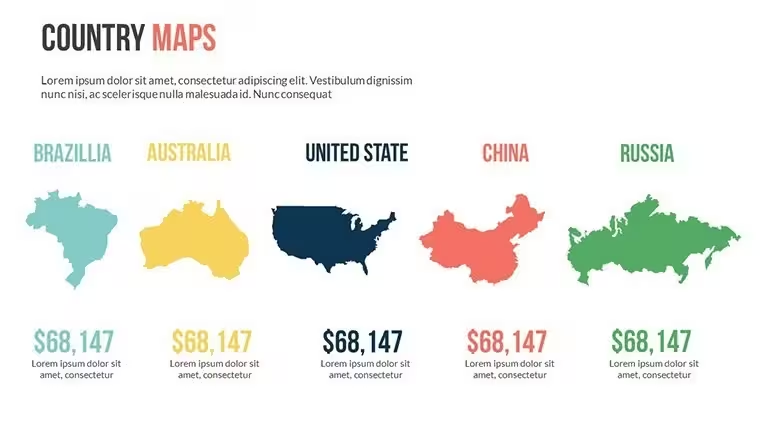
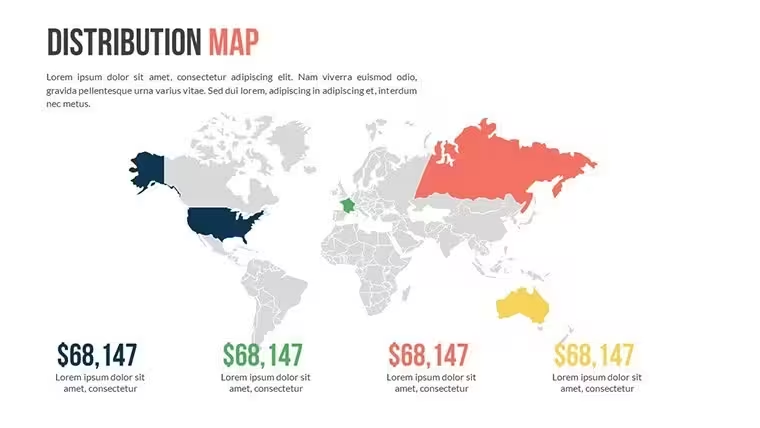
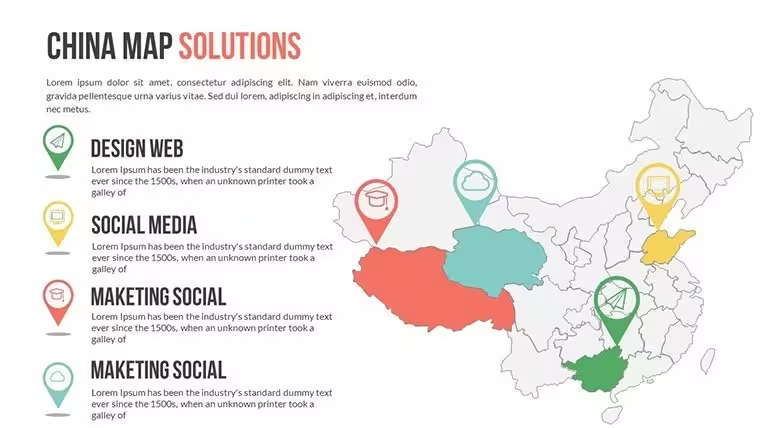
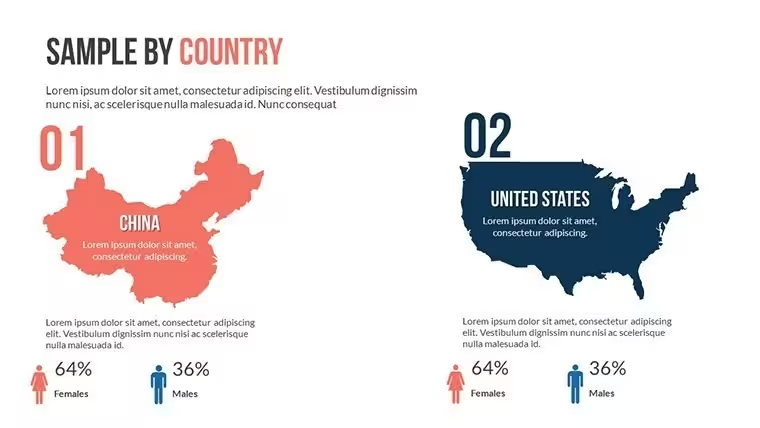
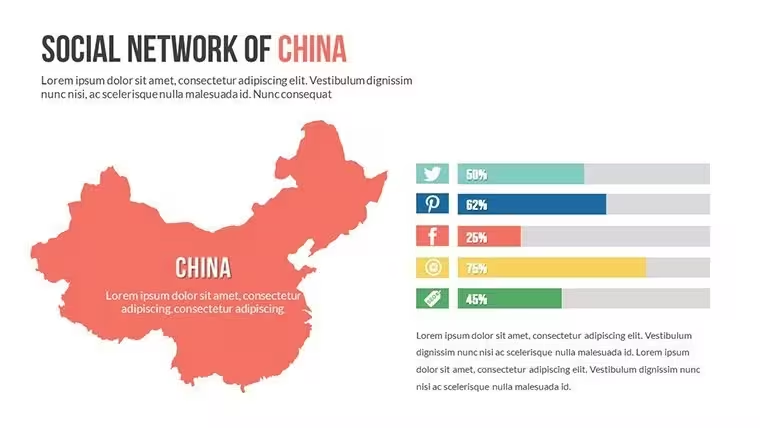
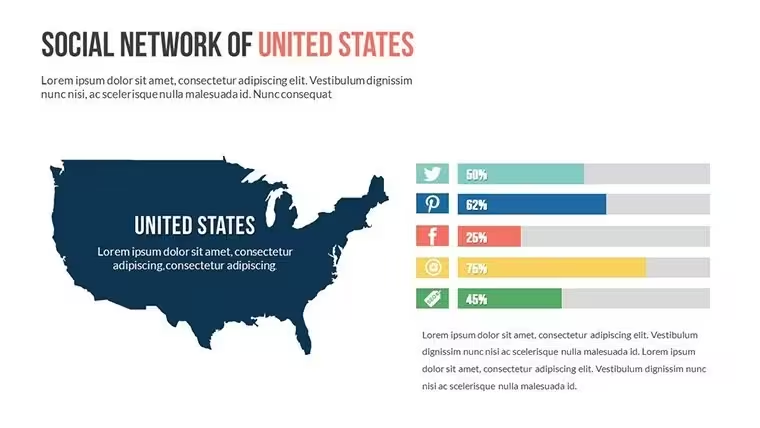
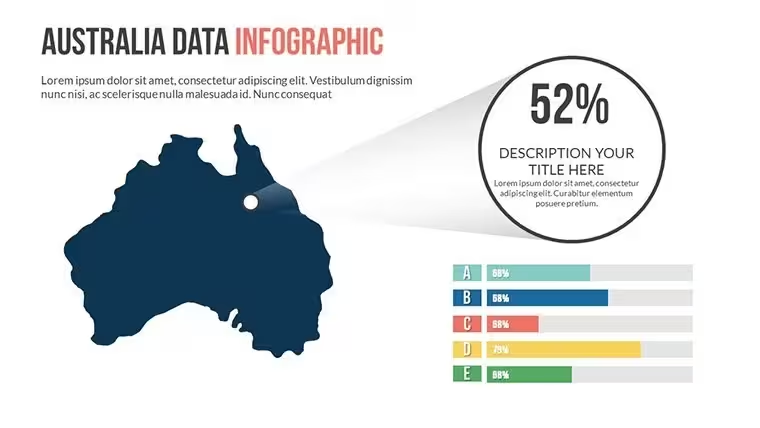
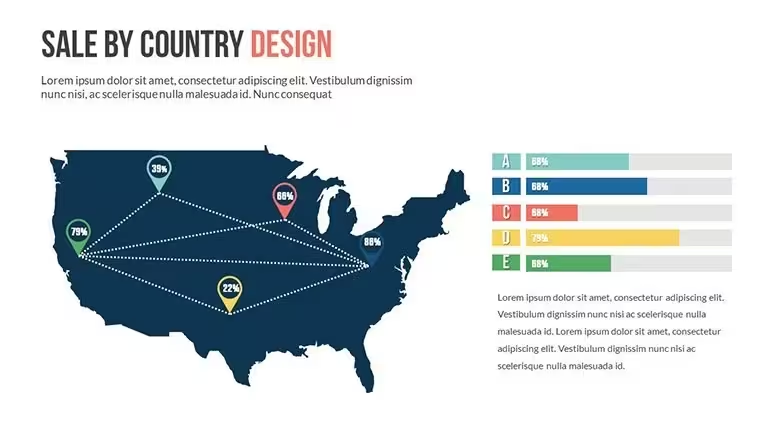
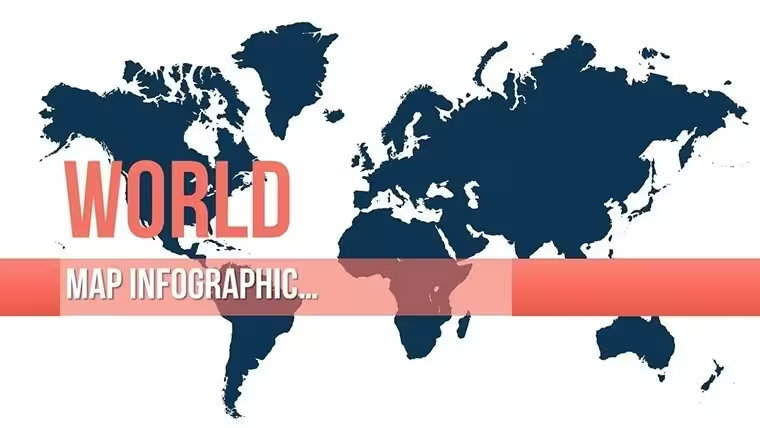
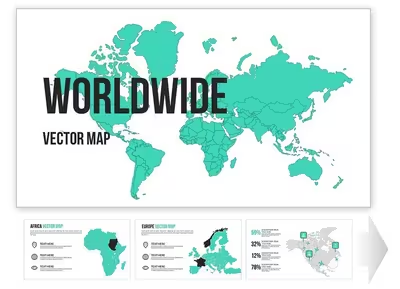
The template contains 10 unique slides delivered as a single .KEY file (Apple Keynote format). Each slide presents a distinct map configuration designed for a different presentation context. The set covers full-world overview layouts, multi-continent focus views, and region-specific slides that highlight Asia, Europe, North America, Australia, China, the USA, and Southern Africa - exactly the coverage you need for international business and educational presentations.
The visual style uses a muted earth-tone palette: deep navy backgrounds with warm beige and light grey continent fills, accented by clean white typography. This color scheme was chosen deliberately - it reads clearly on both projected screens in conference rooms and shared PDF exports viewed on-screen. The contrast is strong enough for accessibility while remaining elegant and brand-neutral, making it easy to align with any company color scheme by simply updating the accent fills.
Slide-by-Slide Overview
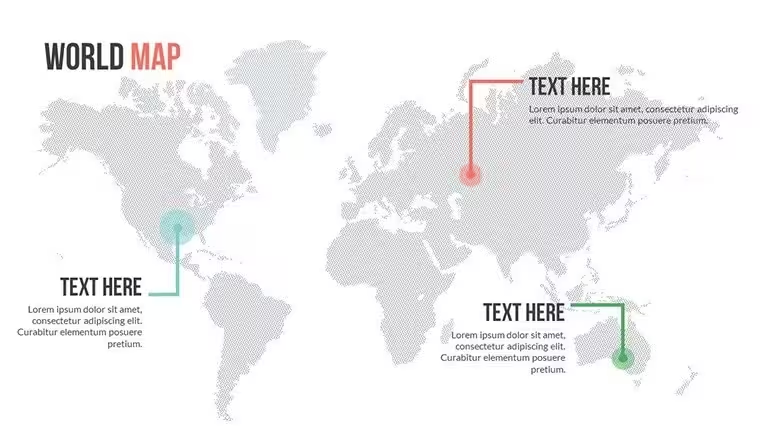
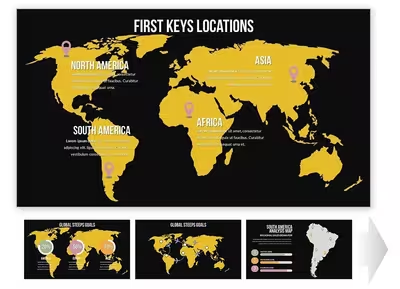
While the exact content of each slide depends on your customization, the 10 slides are structured to cover the following use cases within a single deck: a full-globe opening slide for context-setting, continent-level zoom slides for each major region, a multi-panel comparison layout for side-by-side regional analysis, and a data callout slide with placeholder pins and labels for marking specific locations. Each slide includes a title placeholder, a subtitle/description text area, and at least one map graphic layer that is fully editable.
Key Features at a Glance
FeatureDetailFile Format.KEY (Apple Keynote native)Number of Slides10 fully editable slidesMap CoverageWorld, Asia, Europe, North America, USA, China, Australia, Southern AfricaMap ElementsEditable vector regions, country fills, label placeholders, pin iconsAnimationsBuilt-in Keynote build effects for smooth slide revealsColor SchemeMuted earth tones (navy, beige, grey) - easily re-colorableCompatibilityMac, iPad, iPhone - latest Keynote versionsPrice$20.00 - one-time purchase, instant downloadWho Uses This Template and How
This world map Keynote template is used across a wide range of professional and educational contexts. Below are three realistic scenarios that represent the most common buyer profiles.
International Business Strategy
A regional director at a mid-size logistics company needed to present a Southeast Asia market entry plan to the executive board. Using slide 3 of this template - a clean Asia-focused layout with editable country fills - she highlighted Vietnam, Thailand, and Indonesia in the company's brand orange, added a text callout to each with projected revenue figures, and used the built-in Keynote fade animation to reveal each country sequentially during her board presentation. The entire customization took under 40 minutes. Without a ready-made template, building the same map from scratch using Keynote's basic shapes would have taken several hours and still produced an inferior result.
Academic and Educational Use
A university lecturer in international relations uses slides from this template each semester for courses on geopolitical economics. The full-world overview slide serves as the base for discussing trade route overlays, while the Europe and Asia regional slides are used for semester-specific case studies. Because the .KEY file is fully editable, the lecturer updates text labels and region highlights each year without needing to re-purchase or redesign anything.
Consulting and Client Deliverables
A management consultant preparing a global operations audit for a manufacturing client used the multi-continent slides to visualize supplier locations across Asia, Europe, and North America simultaneously. The muted color palette of this template matched the client's conservative corporate branding, requiring only a single accent color swap. The final deliverable was exported as PDF directly from Keynote and included in a printed report - the vector quality of the map elements ensured sharp output at full print resolution.
Ready to present your global strategy with clarity? Download this World Map Keynote Template now - your .KEY file is available instantly after purchase.
How to Customize This Template in Keynote
The customization workflow is straightforward and requires no design experience. Here is the exact process from download to finished slide:
Step 1 - Download and open. After purchase, download the .KEY file and open it directly in Apple Keynote on your Mac, iPad, or iPhone. All 10 slides load immediately with the original layout and placeholder content visible.
Step 2 - Select and recolor map regions. Click on any continent or country region on the map. Because the map is built from native Keynote vector shapes, the Format panel on the right shows Fill color options. Change the fill of any region to match your brand colors or to indicate specific data (e.g., green for active markets, red for target expansion regions).
Step 3 - Edit text placeholders. Double-click any text element - title, subtitle, label, or callout - and type your content. Font sizes and styles are pre-set to maintain visual hierarchy but can be adjusted freely.
Step 4 - Adjust animations (optional). Open the Animate panel to review the built-in build effects. Each map element has a default entrance animation. You can keep, modify, or remove these depending on whether your presentation is live (animations useful) or exported as PDF (animations irrelevant).
Step 5 - Export. Export as Keynote for live presenting, PDF for sharing, or PowerPoint .PPTX if your audience uses Windows. The vector elements retain full quality in all export formats.
Why This Template Outperforms Building From Scratch
Building a professional-quality world map slide set in Keynote from scratch requires either purchasing a separate vector map library, manually tracing country shapes (which takes hours and produces inconsistent results), or using low-resolution image maps that blur when projected on large screens. This template eliminates all three problems. The map regions are already drawn as precise, scalable vectors, the visual hierarchy is already established, and the animation system is already configured. Your only task is substituting your own data and branding - a process that takes minutes, not hours.
Compared to similar world map Keynote templates on ImagineLayout, KM00163 is specifically distinguished by its multi-region coverage within a single 10-slide deck - covering Asia, Europe, North America, USA, China, Australia, and Southern Africa in one purchase, rather than requiring separate templates per region. If your presentations regularly span multiple geographies, this set provides the most comprehensive single-purchase solution in the Keynote Maps catalog.
Only $20 for 10 professional map slides. Add to cart and download instantly.
Frequently Asked Questions
Are all map regions and country shapes individually editable in Keynote?Yes. Every continent and country region on each slide is a separate vector shape built natively in Keynote. This means you can click on any individual region, change its fill color, adjust its border stroke, resize it, or animate it independently using Keynote's built-in Format and Animate panels. You do not need any external design tools, plugins, or Keynote add-ons. The editing experience is identical to working with any other Keynote shape - select, click Format, change fill. This level of per-region control is what separates this template from image-based map slides, where the entire map is a flat, non-editable graphic.
Which geographic regions are covered across the 10 slides?This template includes slides covering the following geographic areas: full world overview, Asia (including China as a dedicated focus), Europe, North America, the United States, Australia, and Southern Africa. This multi-region coverage in a single 10-slide deck is one of the key differentiators of KM00163 compared to single-region map templates. If your presentations regularly address multiple international markets or you need a versatile set that works for both global strategy sessions and region-specific deep dives, this template provides all the layouts you need in one purchase.
What version of Keynote do I need, and does it work on iPad and iPhone?The template is compatible with the current and recent versions of Apple Keynote on Mac, iPad, and iPhone. Because it uses only standard Keynote vector shapes and built-in animation effects (no third-party plugins or fonts that require separate installation), it opens correctly across all Apple devices where Keynote is installed. For the best editing experience - especially when re-coloring individual map regions - a Mac is recommended, as the Format sidebar is most accessible in the desktop version. However, the template is fully viewable and presentable on iPad and iPhone without any additional configuration.
Can I use this template for client work and commercial presentations?Yes, the license included with your purchase allows you to use this template in commercial presentations, including client deliverables, paid consulting work, investor pitches, and internal corporate strategy documents. You may customize the template, incorporate it into a larger presentation, and share the final presentation file with clients or colleagues. The license does not permit reselling the template itself, redistributing the .KEY source file, or offering it as part of a template library or design asset bundle. If you have specific licensing questions for large-scale or enterprise use, contact ImagineLayout directly through the support page.
How does the download work after purchase?After completing your purchase on ImagineLayout, you will receive instant access to download the .KEY file directly from your account. There is no waiting period and no shipping involved. The download link is also sent to the email address associated with your account. The file is a standard .KEY archive that you open directly in Apple Keynote - there is no installation process, no activation code, and no subscription required. The file remains in your account for re-download if needed. If you experience any issues with your download, ImagineLayout's support team can be reached through the Contact page.
Can I export the finished presentation to PDF or PowerPoint format?Yes. Once you have customized the template in Keynote, you can export the finished presentation in multiple formats directly from Keynote's File > Export menu. PDF export produces a high-quality, print-ready document where all vector map elements retain their sharpness regardless of the output size - suitable for both screen viewing and professional printing. PowerPoint (.PPTX) export allows you to share the file with colleagues or clients who use Microsoft Office on Windows. Note that some animation effects may translate differently in PowerPoint, so if cross-platform compatibility is important, PDF export is the most reliable option.
Good for
- Project roadmaps and sprint plans
- Product launch timelines
- Quarterly or annual review decks
- Company history and milestone summaries
Licence
reviews
Used in class presentation last night it worked okay
Maps and charts helped visualize numbers without confusion
Used this for a work report charts were clear and simple
Opened it once and finished my presentation fast
It works but some slides feel a bit crowded
FAQ
Will it work in Google Slides?
Are fonts embedded?
Can I use this for client work?
What's the refund policy?
Do you update the template after purchase?
Similar templates
See all Keynote Maps →
All 10 slides