Spain Map Keynote Template - Instant Download



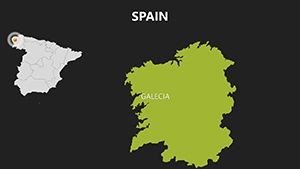
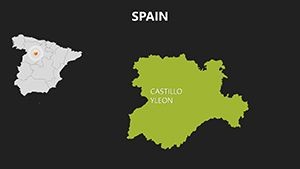
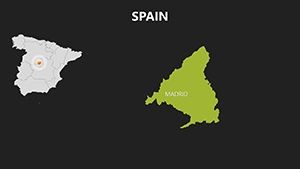
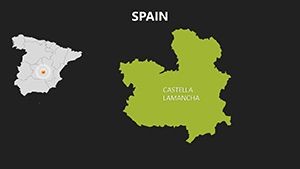
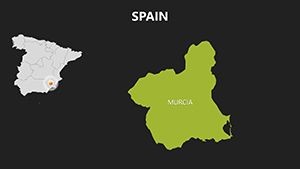
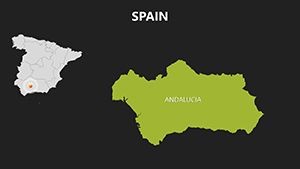
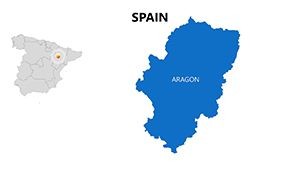
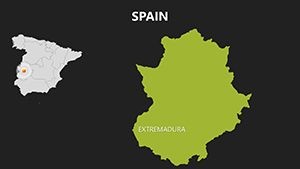

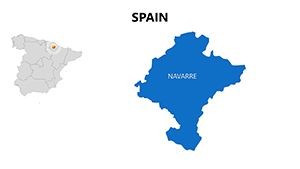
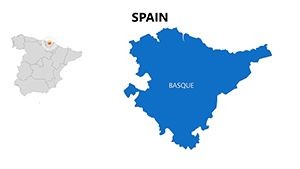
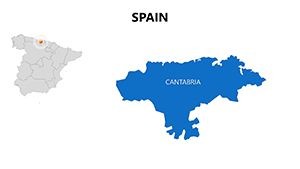

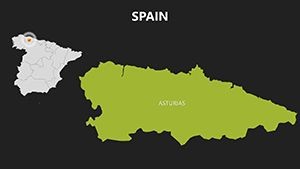
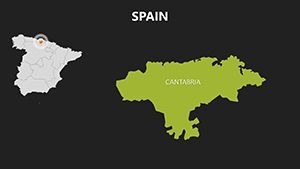
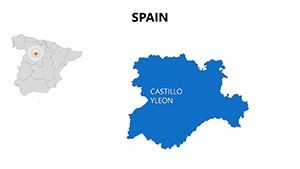
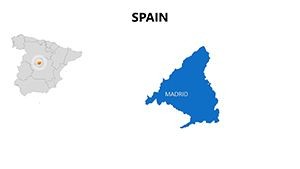
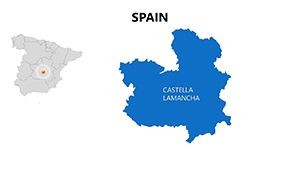

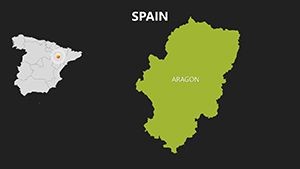
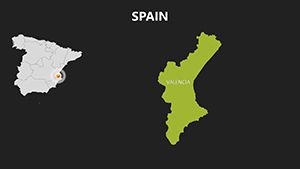
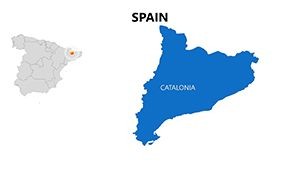
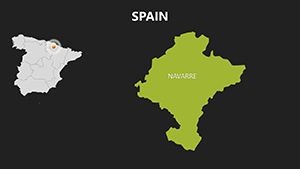
Type: Keynote Maps template
Category: Europe
Sources Available: .key, .kth
Product ID: KM00083
Template incl.: 30 editable slides
What is a Keynote map template? A Keynote map template is a pre-built .key or .kth file containing vector-based geographic slides that open in Apple Keynote and allow direct editing of regions, labels, and colors without external design tools.
What's Inside the Download
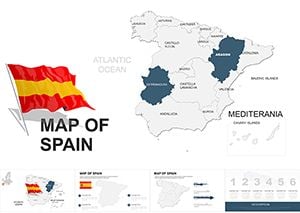
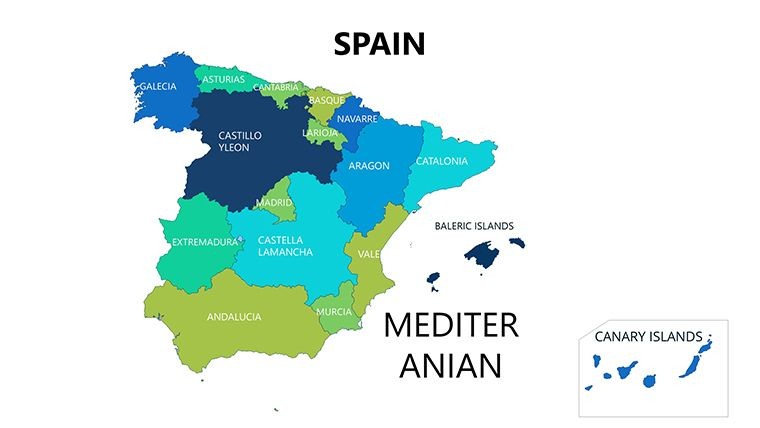
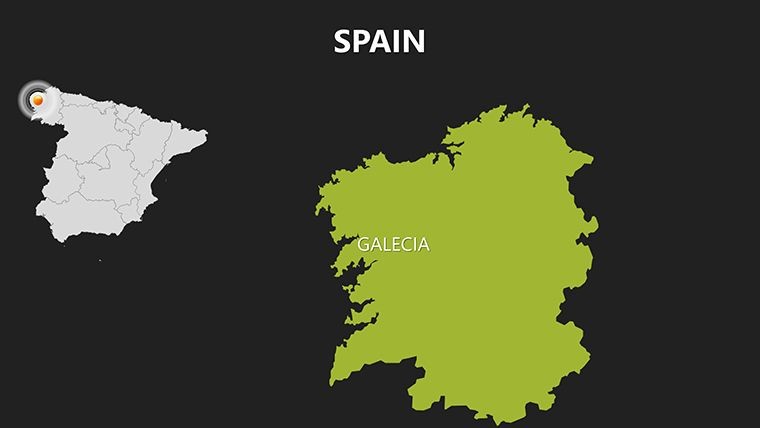
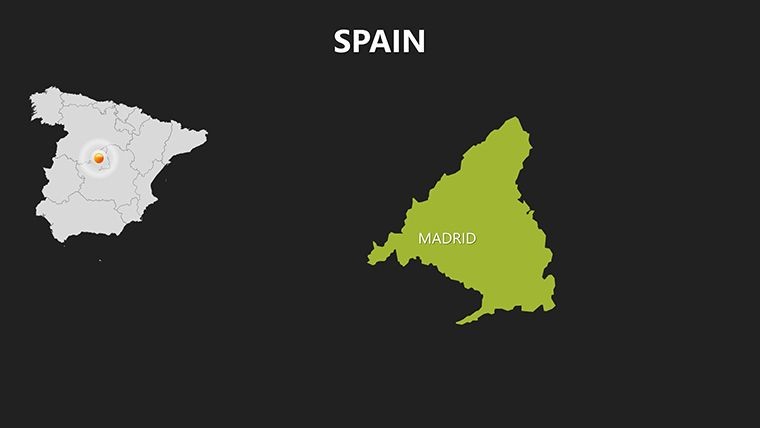
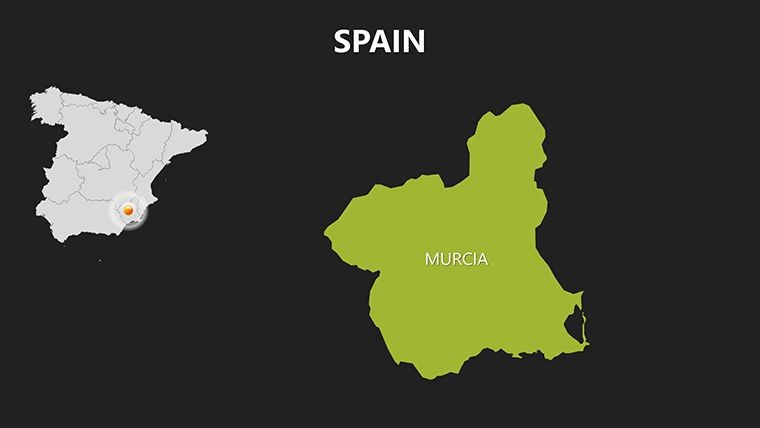
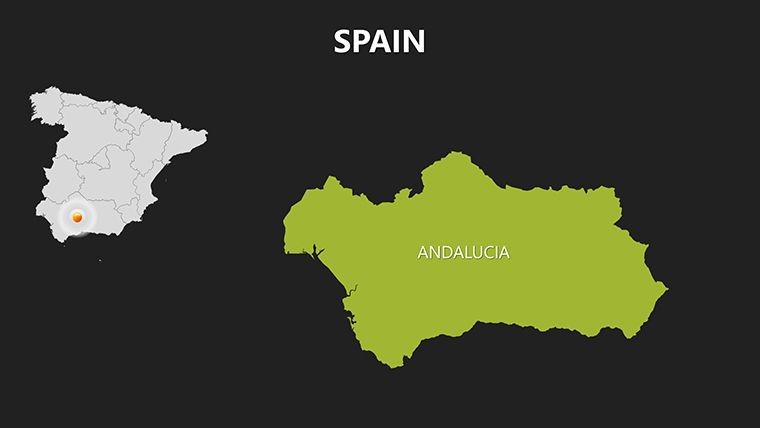
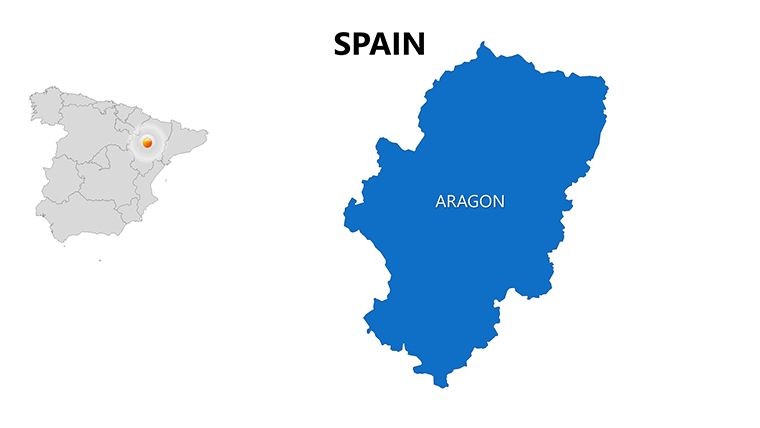
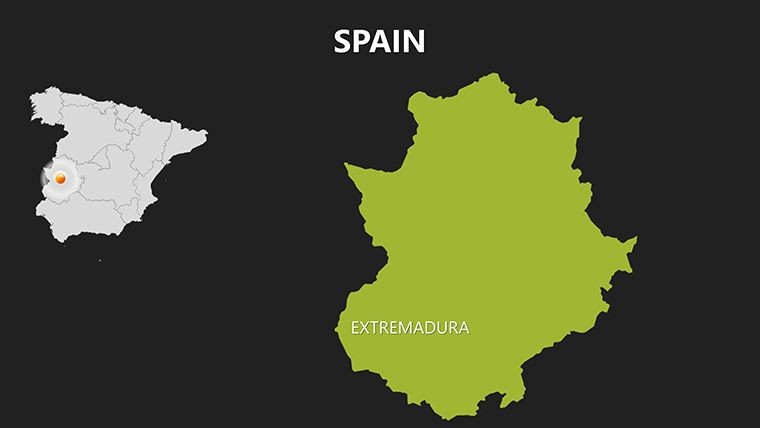
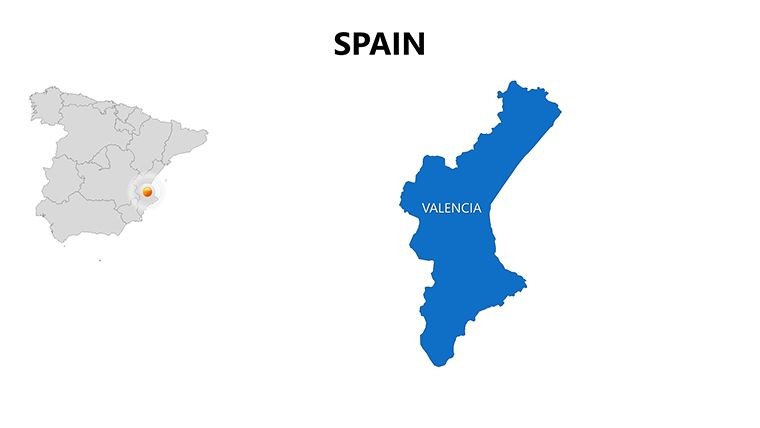
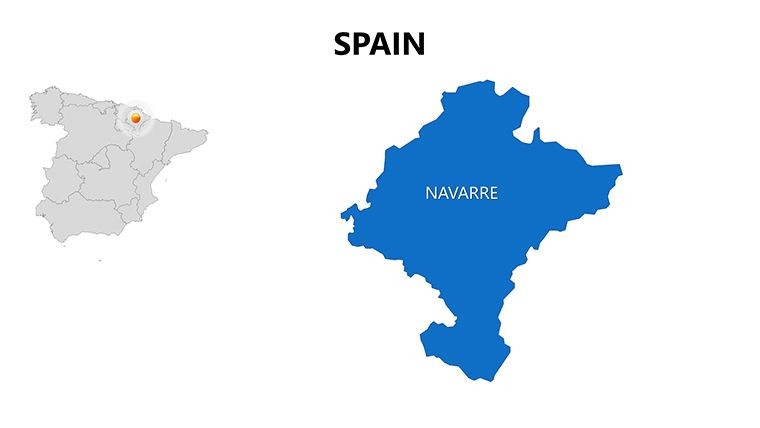
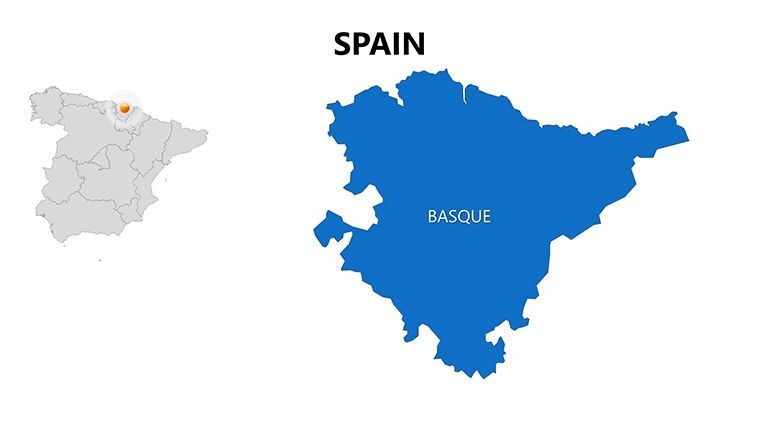
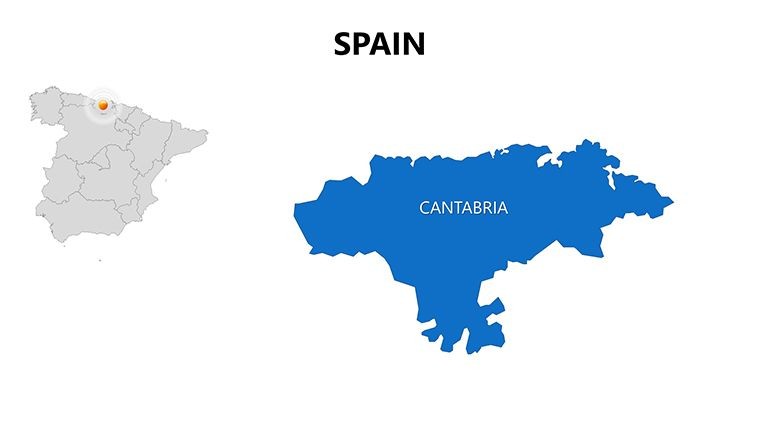
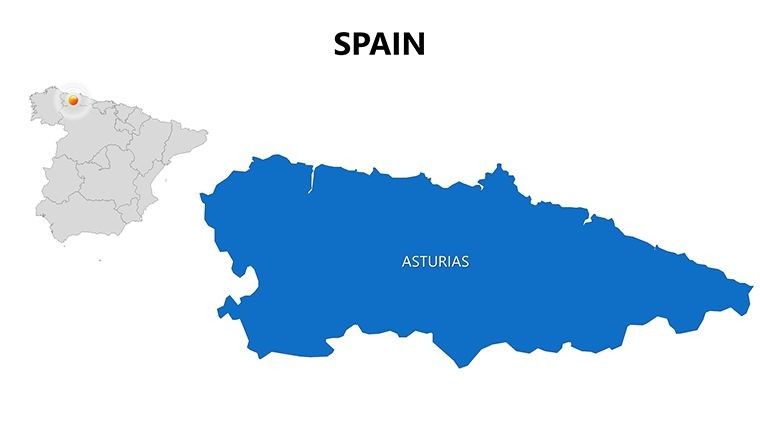
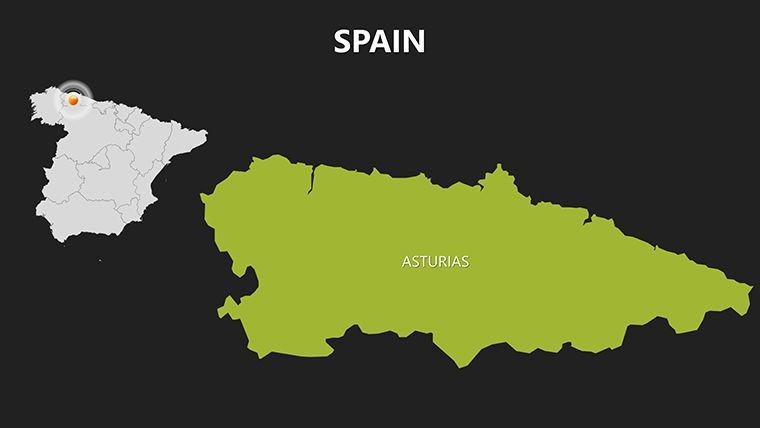
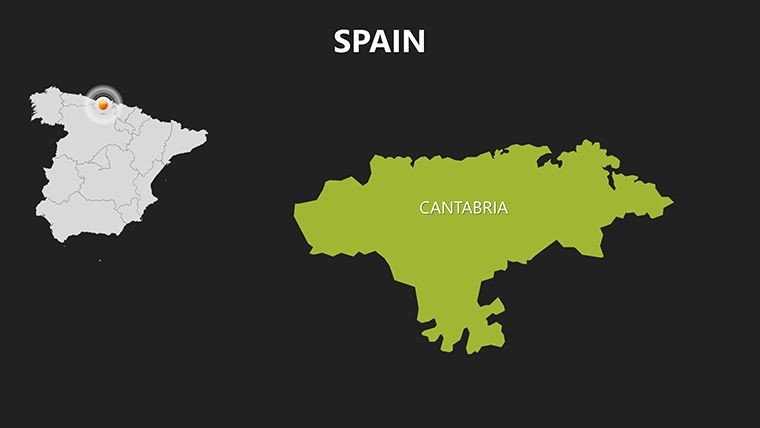
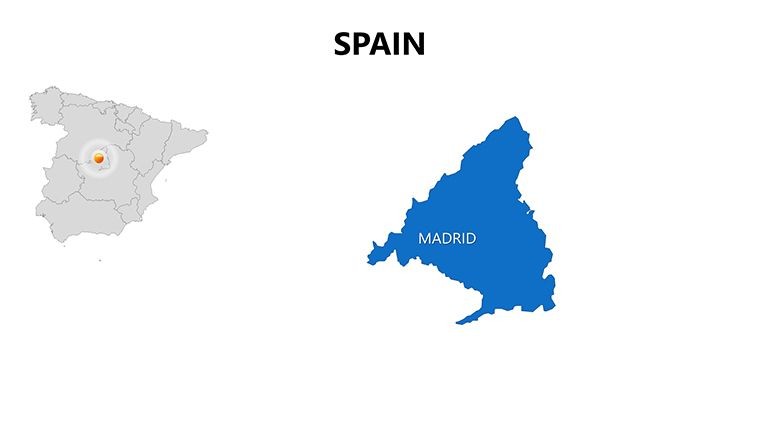
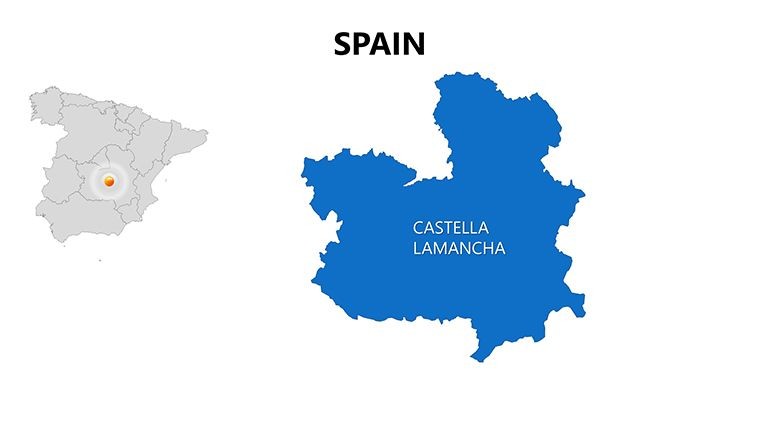
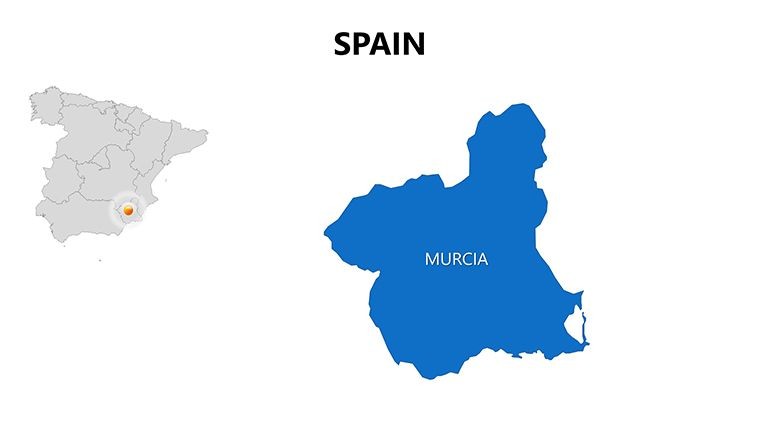
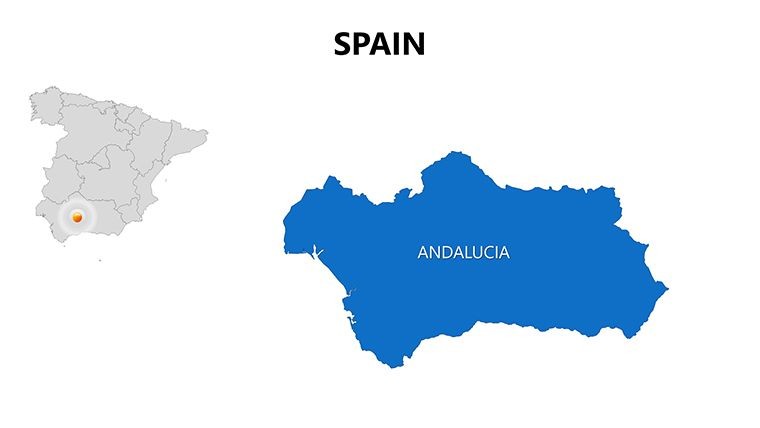
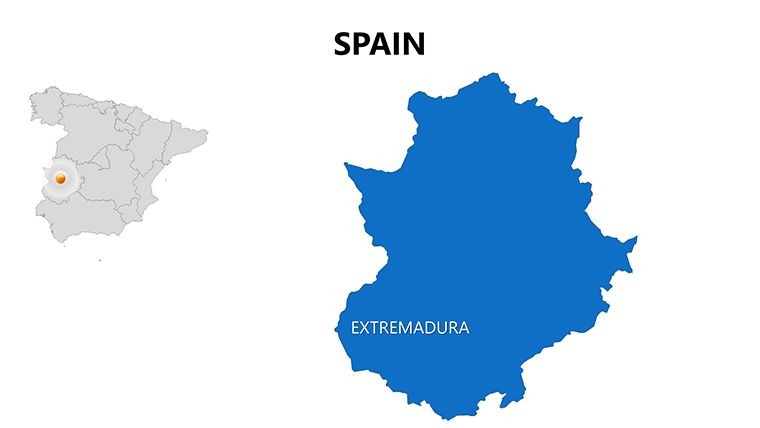
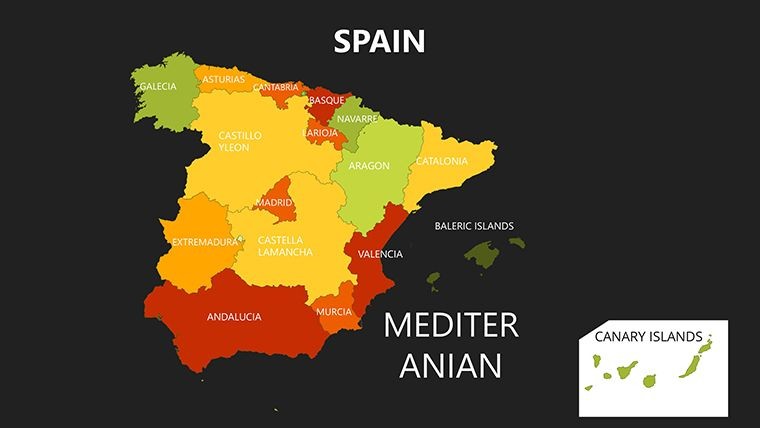
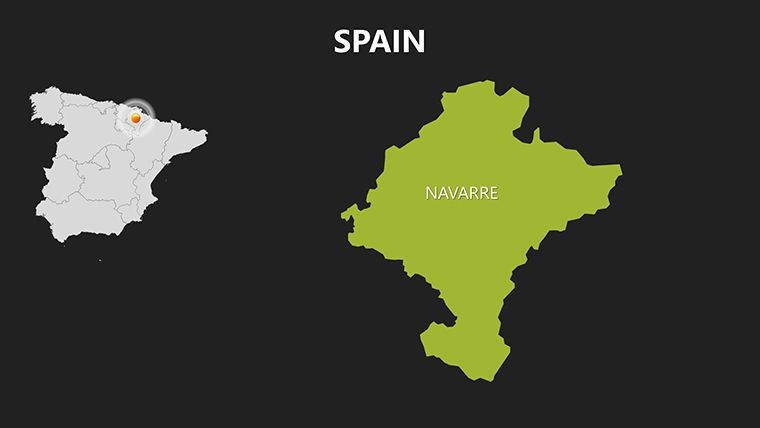
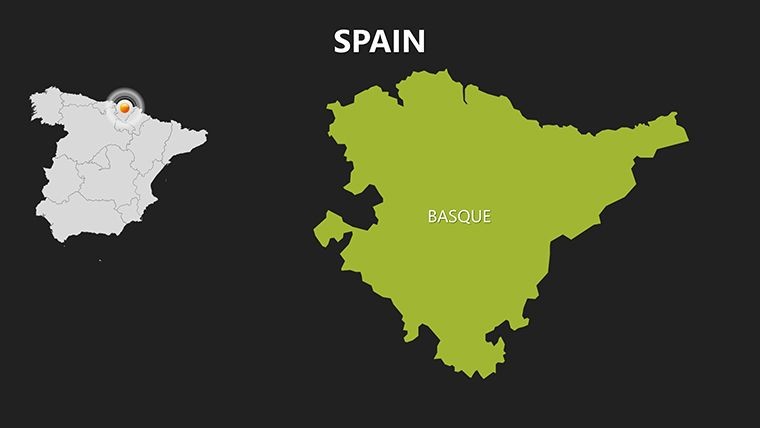
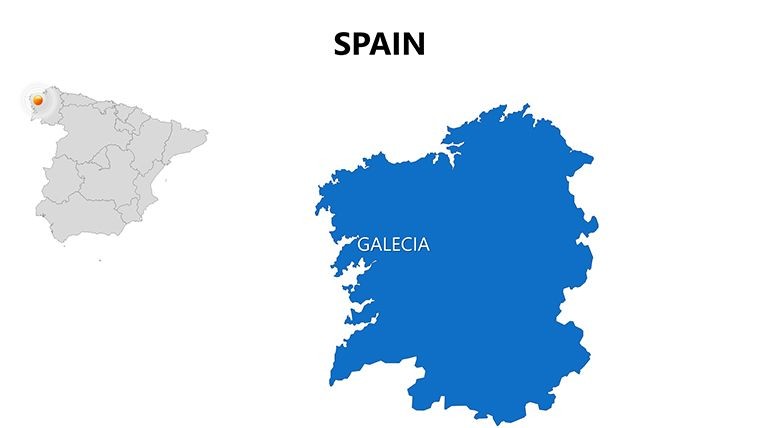
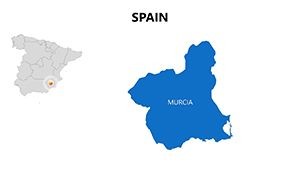
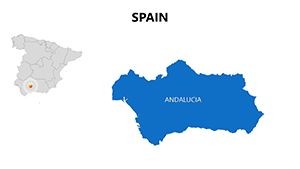
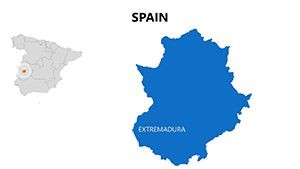
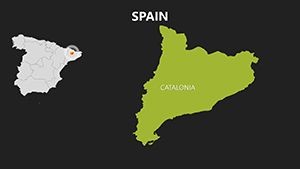
30 editable slides arrive in two file formats: a .key file for standard Keynote editing and a .kth theme file for applying the map style as a persistent Keynote theme across a broader deck. The coverage spans Spain's 17 autonomous communities, individual province boundaries, major city locations, and full Iberian Peninsula context slides that place Spain within its broader European geography.
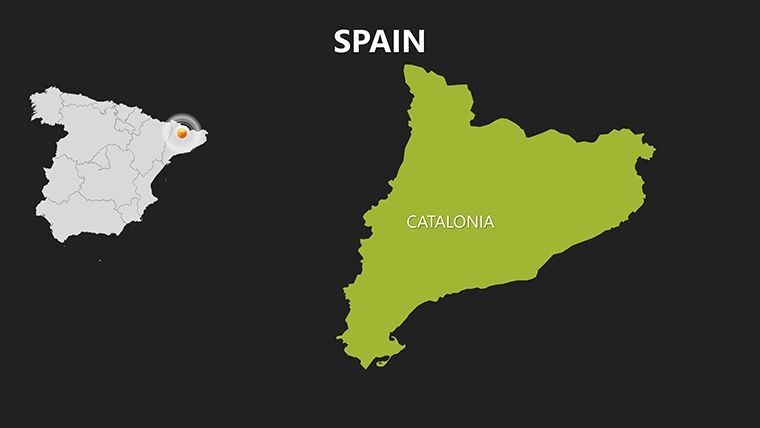
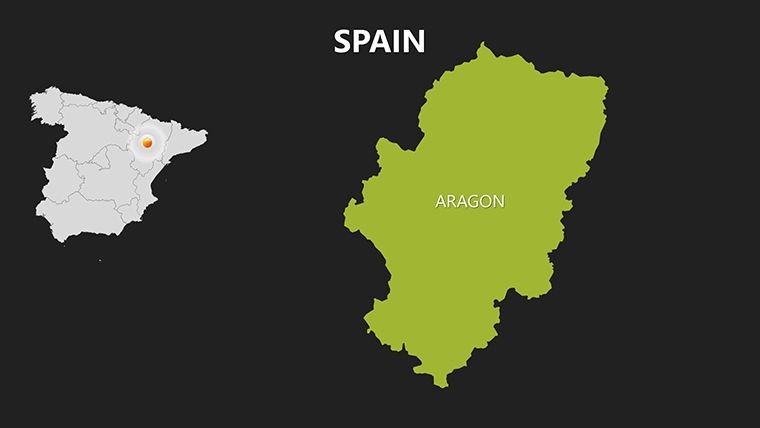
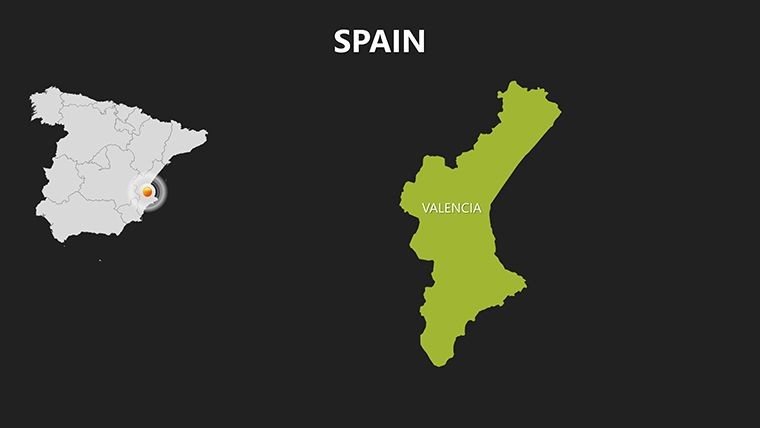
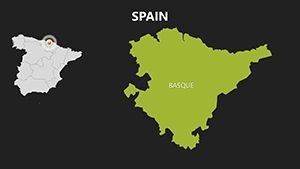
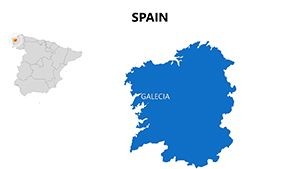
The slides are structured as a progression - opening with the full peninsula, narrowing to community level, then dropping into individual provinces. A consultant building a regional market-entry deck can run that sequence as a built-in narrative arc, or pull individual slides out of sequence for single-topic use. Each autonomous community is a separately selectable vector group, so Catalonia, Andalusia, and the Basque Country can each be recolored independently in under a minute.
Compared to single-country European templates that cover a continent in 10-15 slides with Spain receiving one or two entries, this 30-slide set treats Spain as the primary subject - a relevant difference for teams focused on the Iberian market rather than continent-wide overviews. The .kth format also distinguishes it from pure .key-only files: applying the theme to an existing presentation takes one click and brings map-consistent styling to slides that were already built.
Format and Compatibility Details
| Feature | Details |
|---|---|
| Editable regions | Each autonomous community and province is a separate vector group, selectable and recolorable independently |
| Text labels | City names, region labels, and data callouts are editable text boxes - double-click to update |
| File formats | .key for direct editing; .kth for applying as a Keynote theme to existing decks |
| Aspect ratio | 16:9, compatible with standard widescreen projection and screen display |
| Keynote compatibility | Keynote 12 or later on macOS; .key also opens on iPadOS Keynote (2021 onward) |
| Color scheme changes | Edit master slide for global palette; per-shape fill override via Format sidebar for individual regions |
| Export options | .key for editing, PDF for distribution, PNG/JPEG for embedding in other documents |
| Animation support | No animations pre-applied; compatible with all Keynote built-in transitions and builds |
Who Reaches for This Template
A market entry analyst at a Madrid-based retail consultancy used the autonomous community slides to map store rollout phases across Spain's 17 regions for an investor presentation. Each phase was color-coded - first-year territories in dark blue, year-two expansion in medium tone, long-term targets in light fill. The same file was reused across three client reports by swapping the color fills and data labels, cutting per-report preparation from two hours to 35 minutes.
An international business school lecturer covering Iberian economic geography needed province-level detail for a seminar on regional GDP disparities. The province boundary slides allowed her to overlay economic data directly onto the map shapes using Keynote's text and shape tools, producing a visual argument that a slide of bullet points could not match. Students consistently rated the map-based session higher for clarity than equivalent text-heavy lectures.
Download the .key and .kth files now and have your first Spain region slide ready within minutes.
Customization in 5 Steps
Editing difficulty: Beginner. No design software beyond Keynote is required.
- Step 1 - Open the .key file in Keynote 12 or later, or apply the .kth file as a theme to an existing deck (1 minute)
- Step 2 - Select the slide that matches your required coverage - peninsula overview, autonomous community, or province (1 minute)
- Step 3 - Click a region shape to select its vector group, then apply your fill color via the Format sidebar (2 minutes)
- Step 4 - Double-click any label to update the city name, region title, or data annotation (3 minutes)
- Step 5 - Export as PDF for client distribution or keep as .key for live editing during the presentation (1 minute)
The .kth format adds a workflow option not available with .key-only downloads. If a team already has a partially built deck for a Spain-focused pitch, applying the theme file imports the map slide styles without replacing existing content slides - a time-saving approach for teams working under revision pressure.
Why This Template, Not a Blank Slide
Drawing Spain's autonomous community boundaries accurately from scratch in Keynote requires sourcing a correctly projected vector file, importing it as an SVG or EPS, checking that the 17 community borders align with current administrative definitions, and then constructing a labeling scheme that handles the size disparity between large regions like Castilla y León and small ones like La Rioja. That process takes an experienced designer three to four hours for a single usable slide.
A specific design choice worth examining: region labels in this file sit outside densely packed areas like the Basque Country and Valencian Community, connected to their shapes by thin rules. Placing labels inside small shapes works on a laptop screen but becomes unreadable when projected in a room. The external label system avoids that problem without requiring the presenter to manually reposition anything before a meeting.
The color system uses flat regional fills rather than gradients, which allows a second data layer - a semi-transparent sales heatmap, for example - to overlay without interference. Gradient fills tend to create visual noise when a data layer is applied on top, a limitation that becomes obvious only when a presenter tries to add data at the last minute before a board briefing.
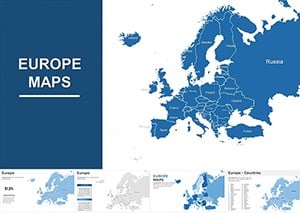
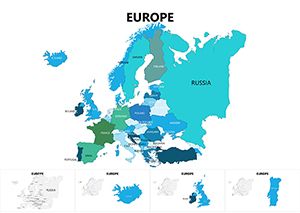
Teams building Spain-focused decks often complement this file with broader European context slides - the Europe Keynote Maps category contains continental options that pair directly with state-level coverage. For adjacent Iberian coverage, the Portugal Keynote Maps template provides matching vector-based coverage for cross-border market analyses. Broader pan-European strategy decks often include the Europe map set alongside country-level files.
Download and start editing immediately - $25 for 30 slides in .key and .kth formats.
Which version of Keynote is required to open these files?
Both the .key and .kth files require Keynote 12 or later, available as a free update from the Mac App Store on macOS Monterey and later. The .key file also opens in Keynote on iPadOS (2021 onward). The .kth theme file is applied via Keynote's Document menu on macOS. Older versions of Keynote - for example, those included with macOS High Sierra - may not open these files without visual errors. Update Keynote before downloading if you are on a system older than macOS Monterey.
How do I change the color scheme to match my brand?
Open the .key file in Keynote and go to Edit Master Slide from the View menu. Update the background color and accent palette using the color picker with your brand hex values - this change propagates to all 30 slides simultaneously. For individual regions that need a different fill, click the shape on the relevant slide and change the fill color via the Format sidebar. The two-level system - master for global style, per-shape for specific emphasis - lets you brand the entire deck and still highlight, for example, Catalonia in a different tone for a market-focus slide.
What does the license permit - can I use this in paid client presentations?
The standard license covers internal business use and client-facing work where the maps appear as part of a presentation service, such as a consulting deliverable or agency pitch. Reselling the .key or .kth files as standalone products, sublicensing them to third parties, or distributing them as downloadable assets is not permitted. For edge cases - such as including map slides in a recorded video sold as a training product - contact ImagineLayout support before purchase to confirm whether your use falls within the license.
What is the difference between the .key and .kth files in this download?
The .key file is a standalone Keynote presentation containing all 30 map slides - open it directly in Keynote to begin editing. The .kth file is a Keynote theme, which means it can be applied to an existing presentation to import the map slide styles without replacing the slides you have already built. To apply the theme, open your existing deck in Keynote, go to Document in the right sidebar, click Change Theme, and select the .kth file. This is particularly useful when Spain map slides need to match the visual style of a larger multi-country deck.
Does the template include coverage of Spanish islands - Canary and Balearic?
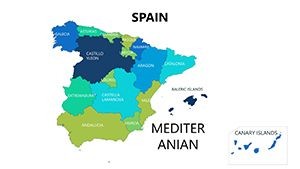
The product page does not specify which island territories are included in individual slides. The gallery preview images show the range of coverage - review them before purchasing to confirm the specific territories your presentation requires are present. If island-level coverage is critical to your use case and the previews are not conclusive, contact ImagineLayout support via the contact page to ask before completing the purchase.
What is the refund policy?
ImagineLayout's refund conditions are detailed at imaginelayout.com/refund-policy. Because digital files are delivered immediately on purchase, refund eligibility typically depends on whether the file has been downloaded and whether a technical fault is involved. Review that page before buying if you have concerns about compatibility with your specific macOS or Keynote version. Testing compatibility by downloading the free Keynote app update before purchase is the most reliable way to confirm the file will work on your system.