Canada Keynote Map Template - Fully Editable KEY
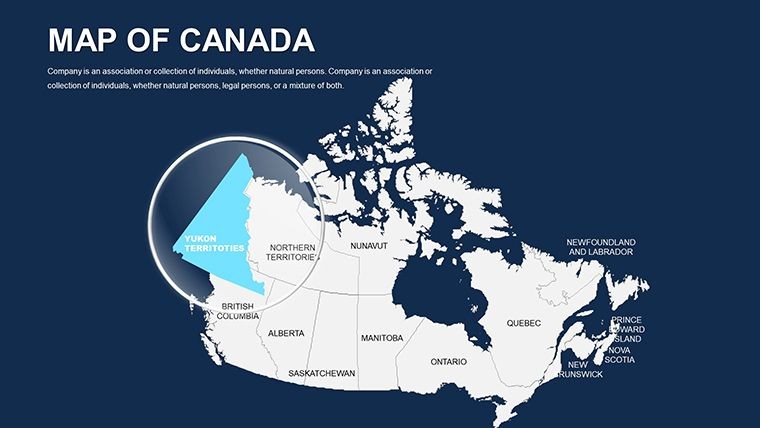
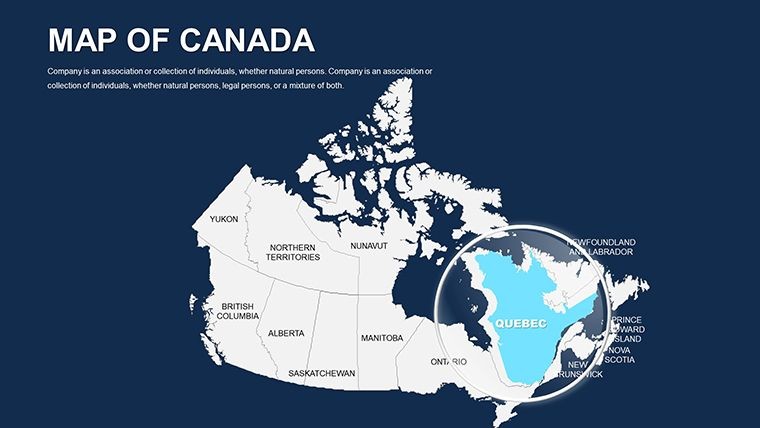
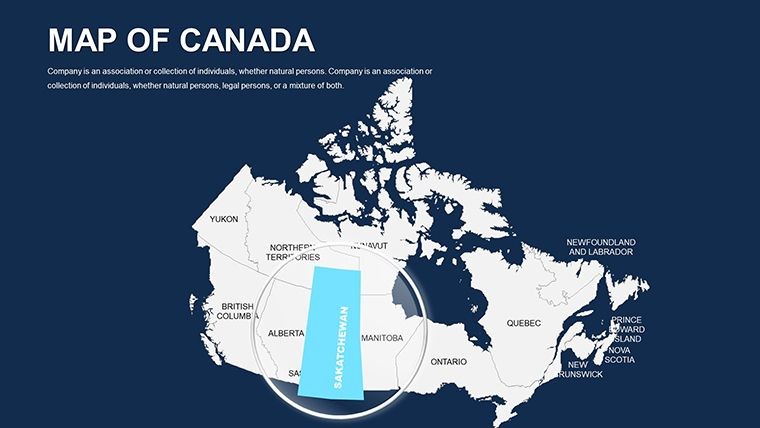
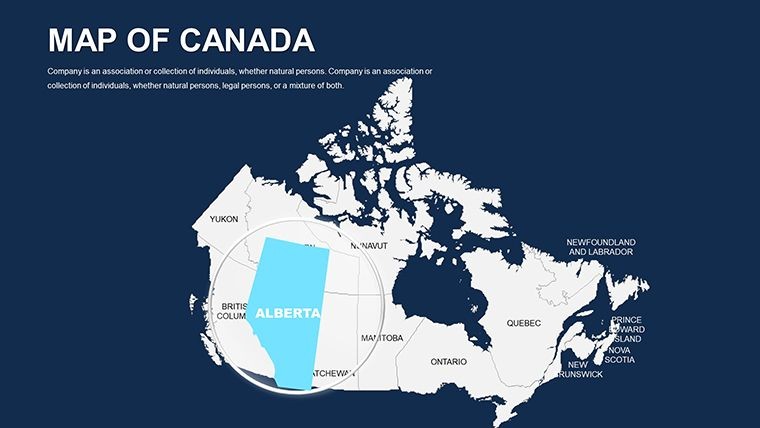
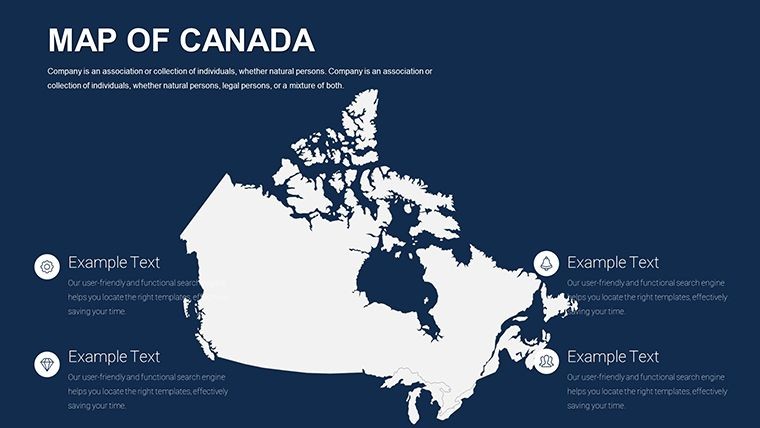
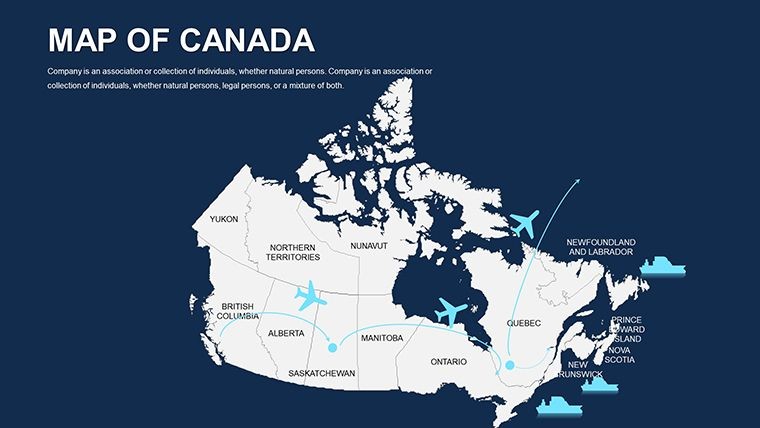
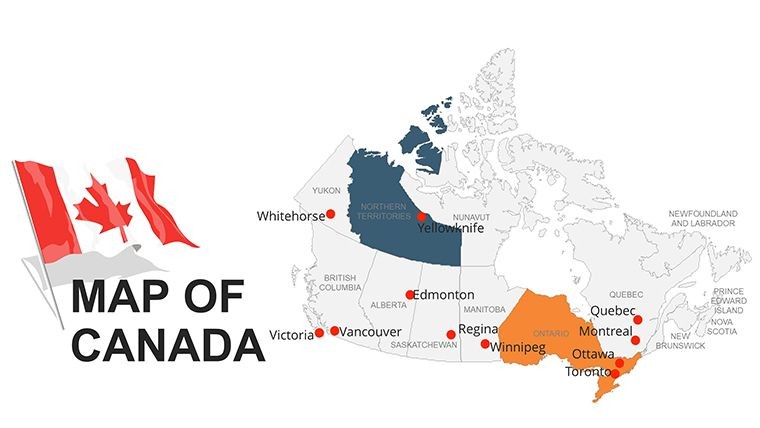
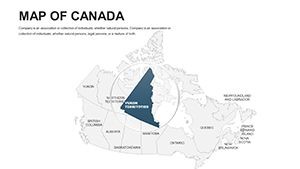
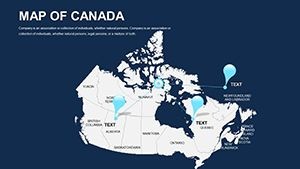
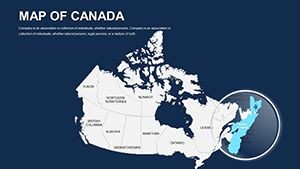
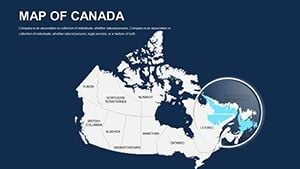
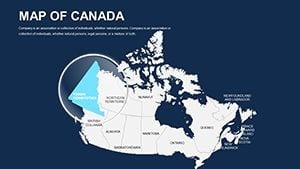
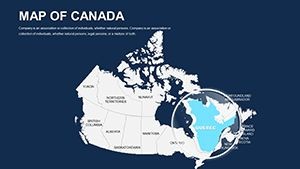
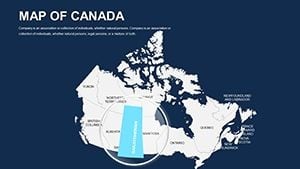
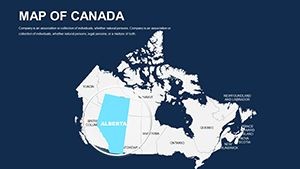
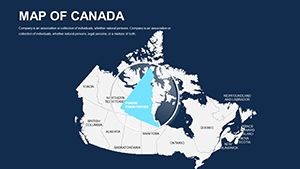
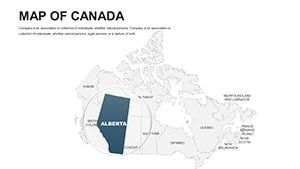
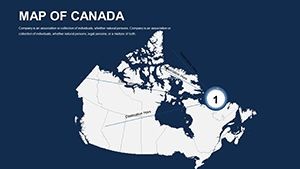
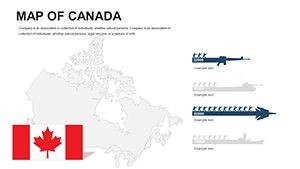
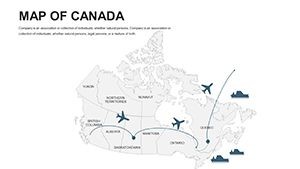
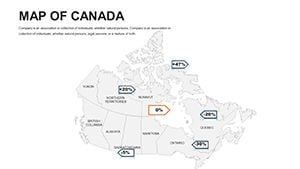
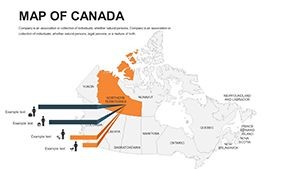
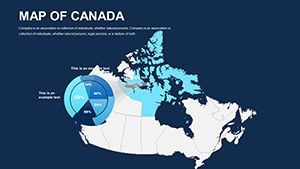
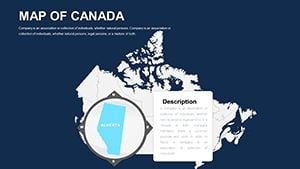
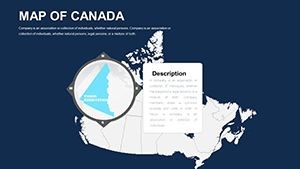
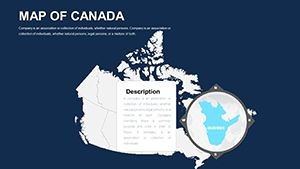
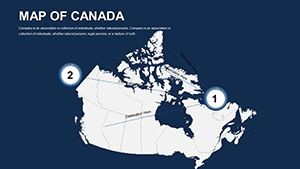
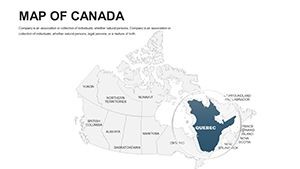
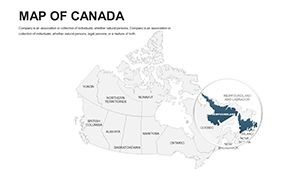
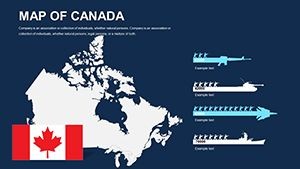
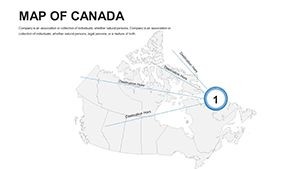
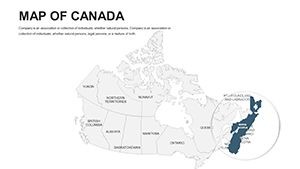
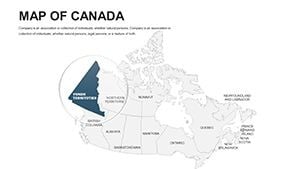
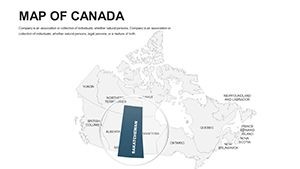
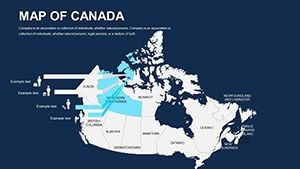
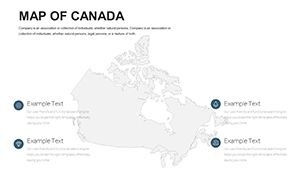
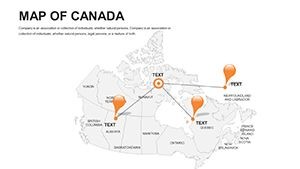
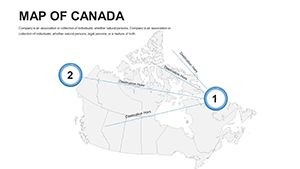
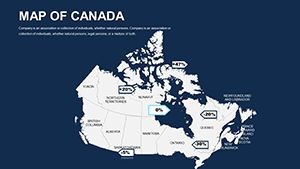
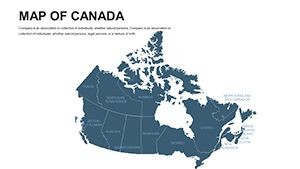
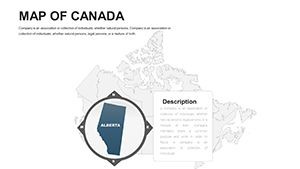
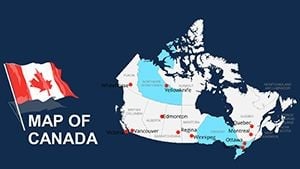
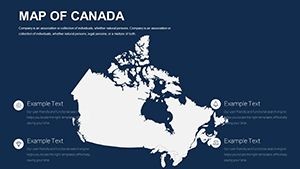
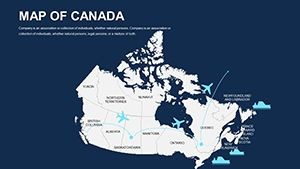
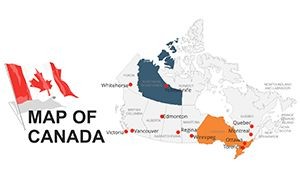
Type: Keynote Maps template
Category: North America
Sources Available: .key
Product ID: KM00050
Template incl.: 44 editable slides
What is a Keynote map template? A Keynote map template is a pre-built .key file containing vector geographic slides that open natively in Apple Keynote, enabling users to recolor provinces, edit labels, and overlay data without constructing territory outlines from scratch.
44 Slides Across Canada's Regions: Full Contents
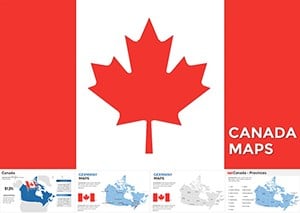
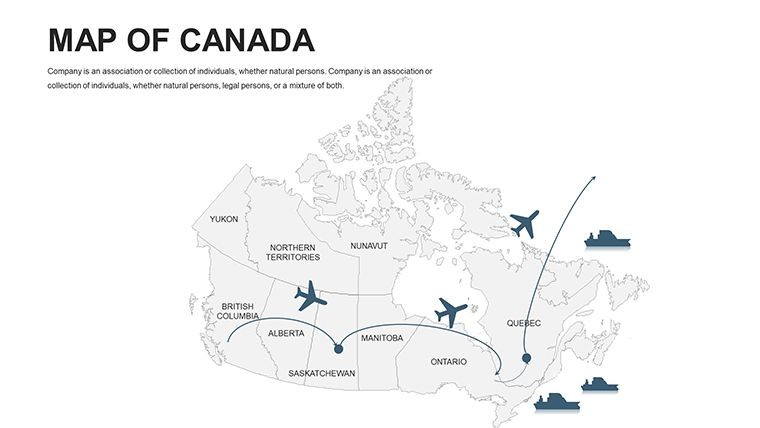
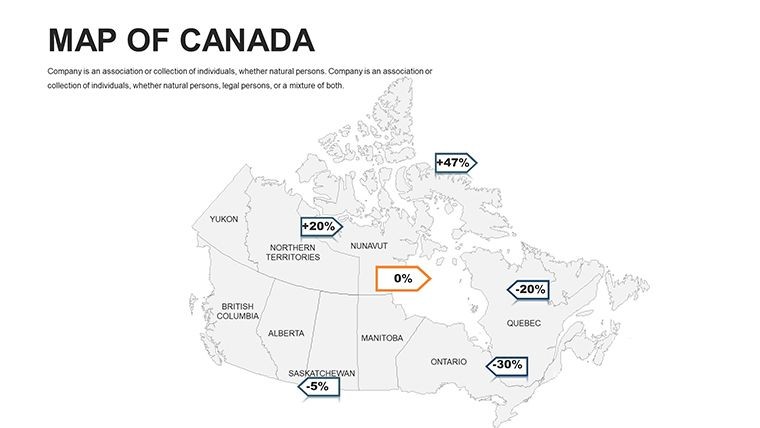
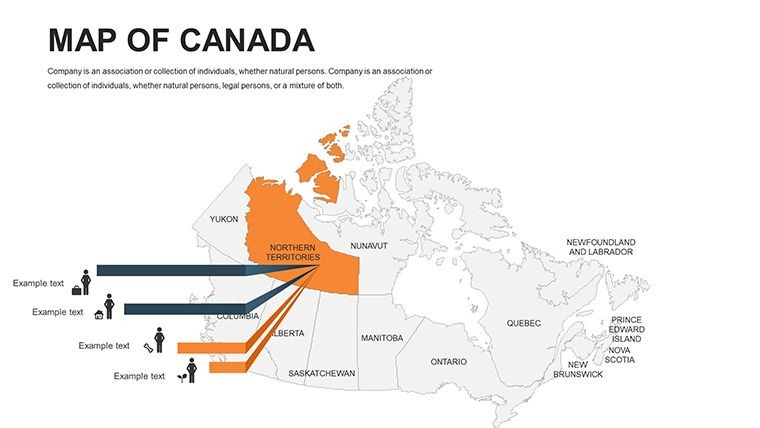
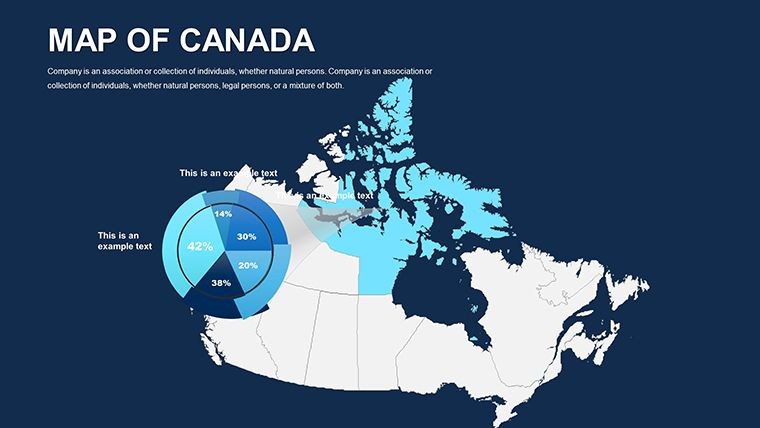
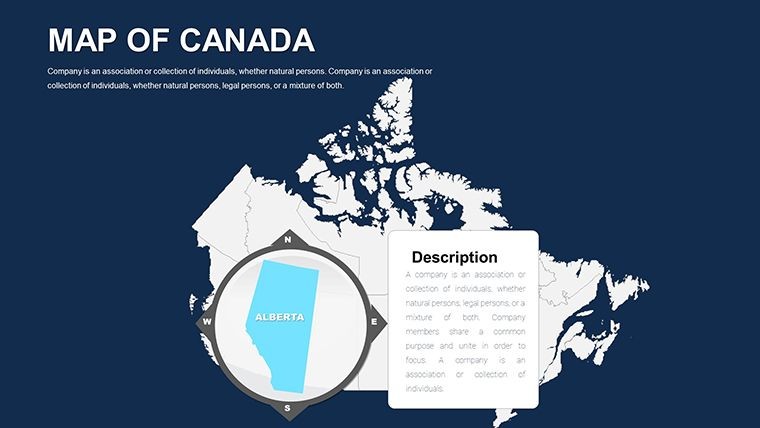
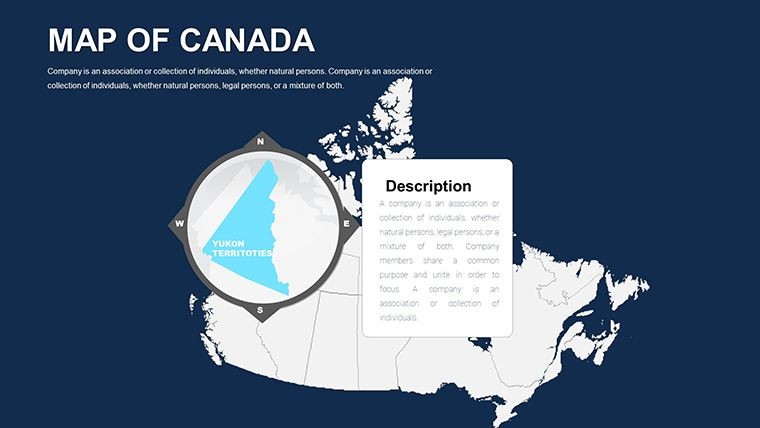
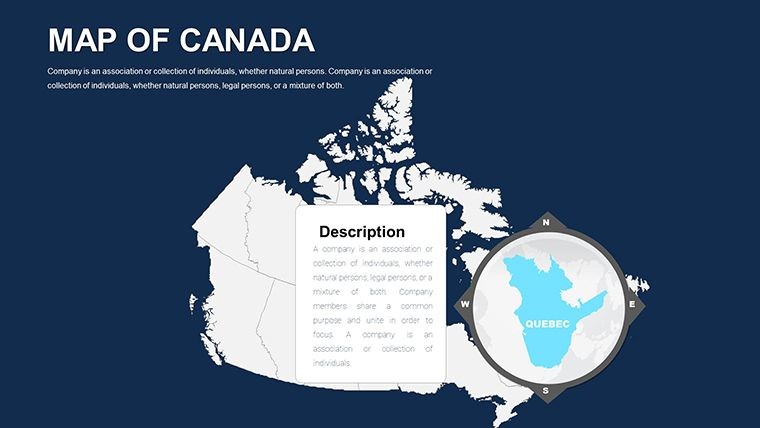
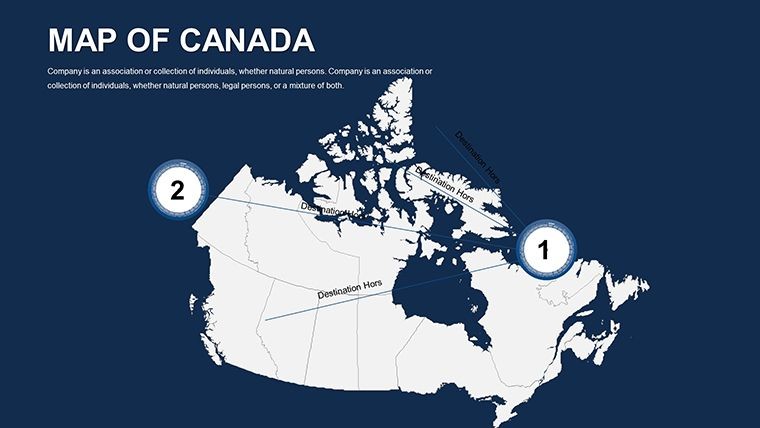
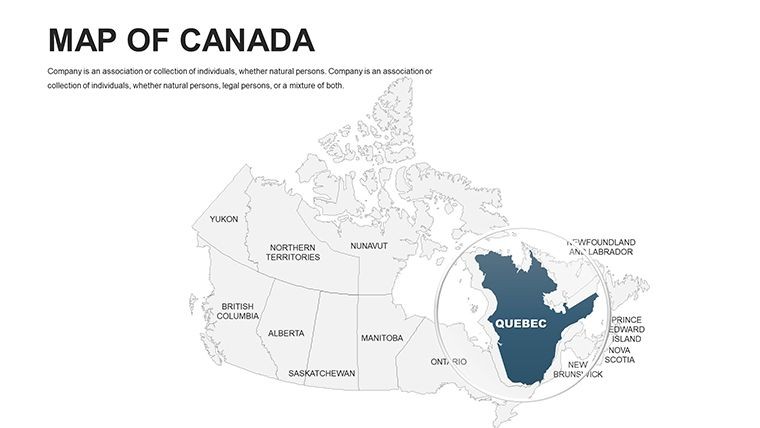
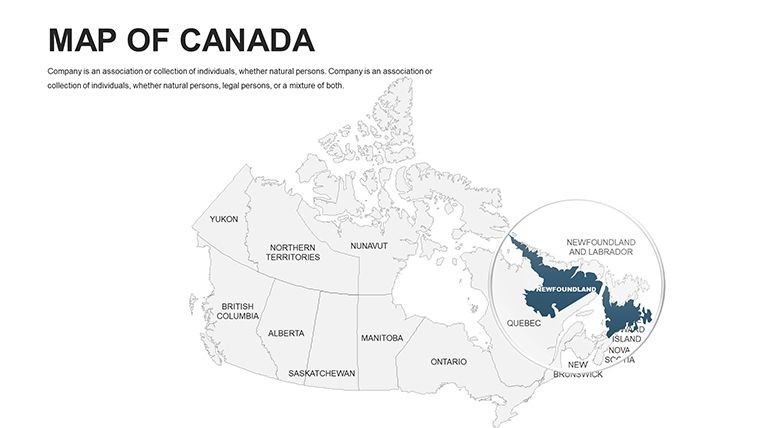
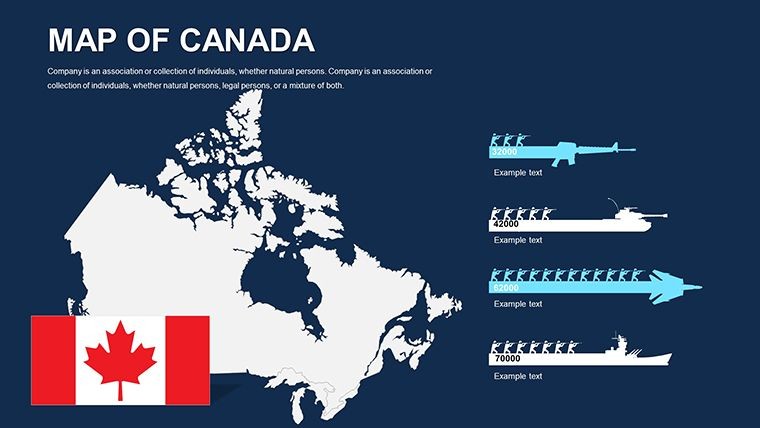
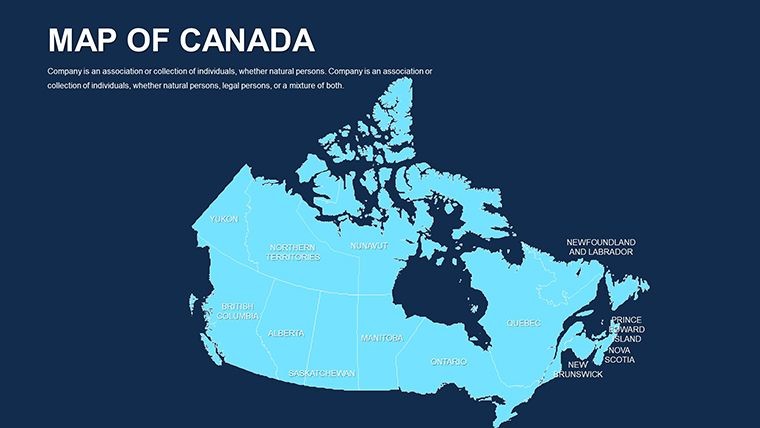
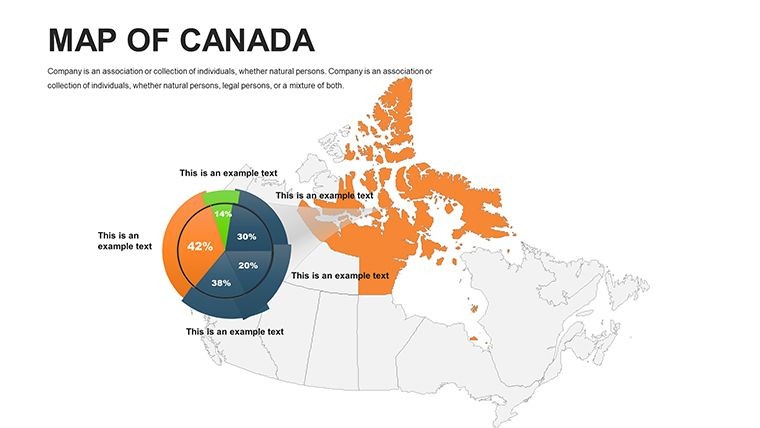
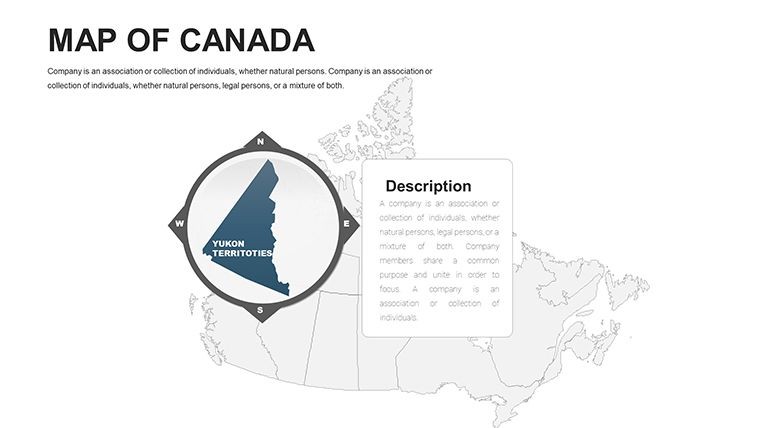
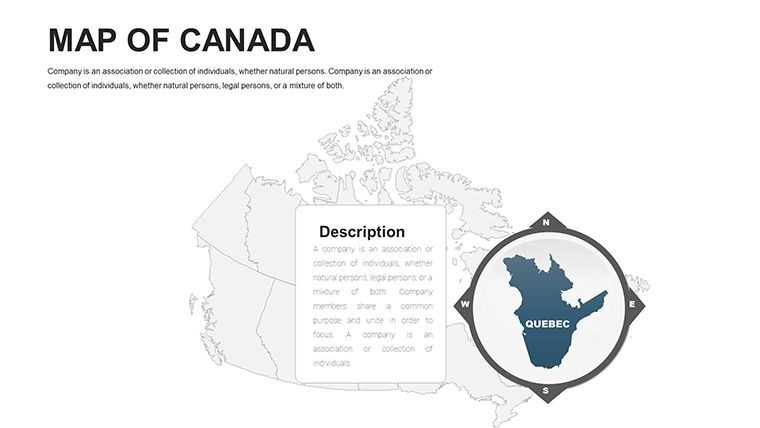
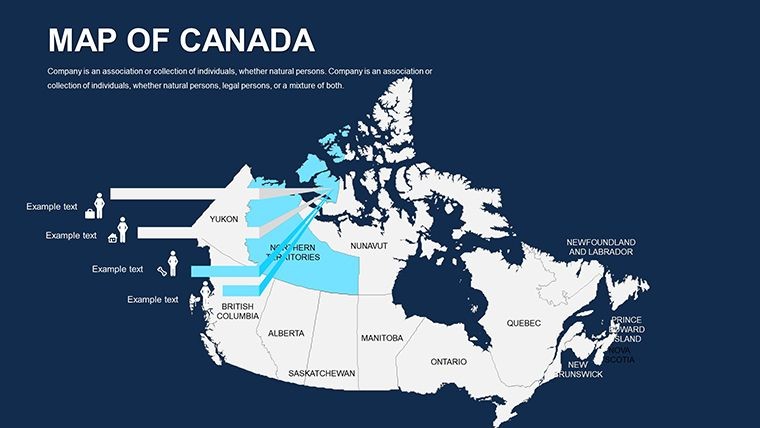
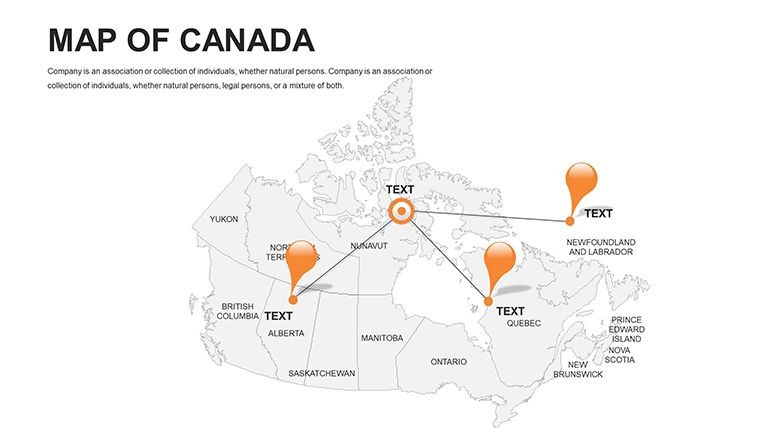
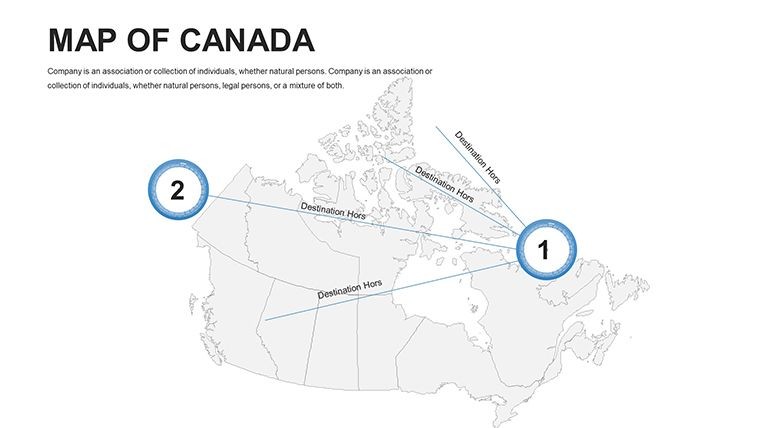
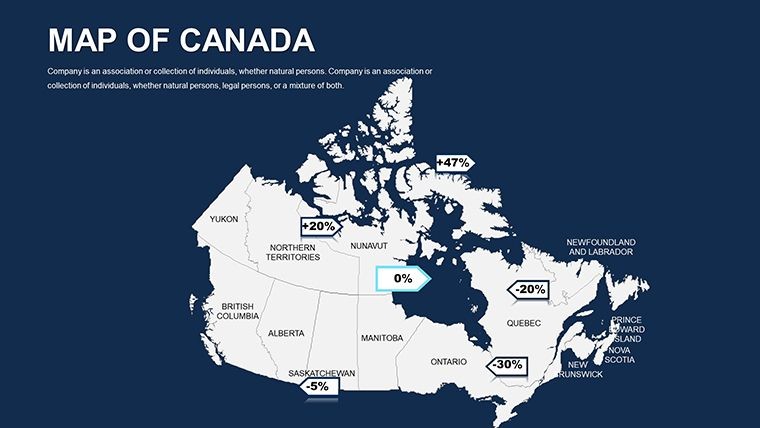
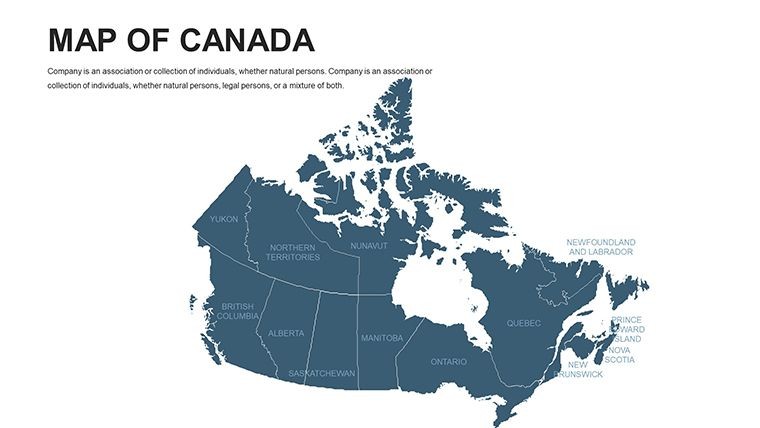
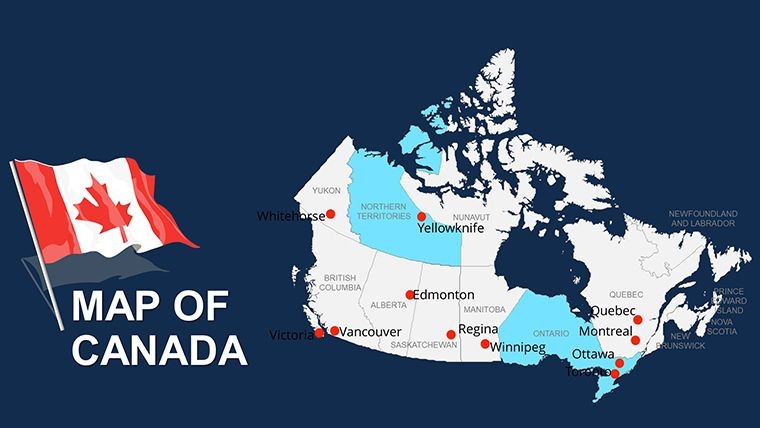
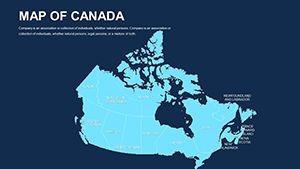
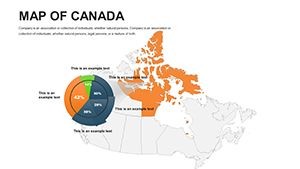
44 editable slides cover Canada's full geographic and administrative range - national overview layouts, provincial breakdowns, territorial detail, and thematic map canvases suited to data overlay work. Every slide is built from vector paths: province and territory shapes scale without quality loss and respond to Keynote's fill, stroke, and text tools without requiring any specialized design software. The file downloads as a single .key document, compatible with Apple Keynote 12 and later on macOS.
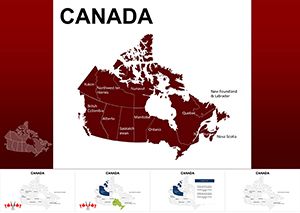
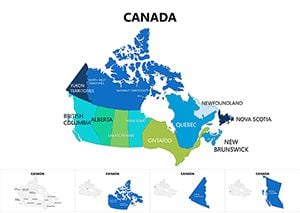
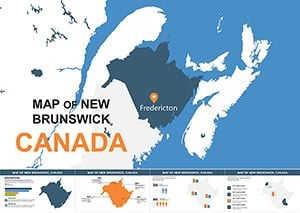
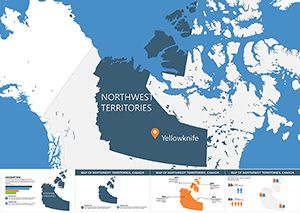
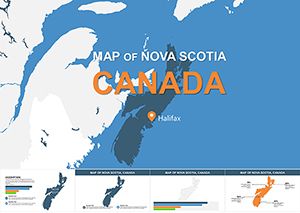
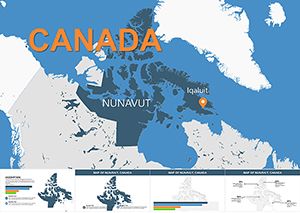
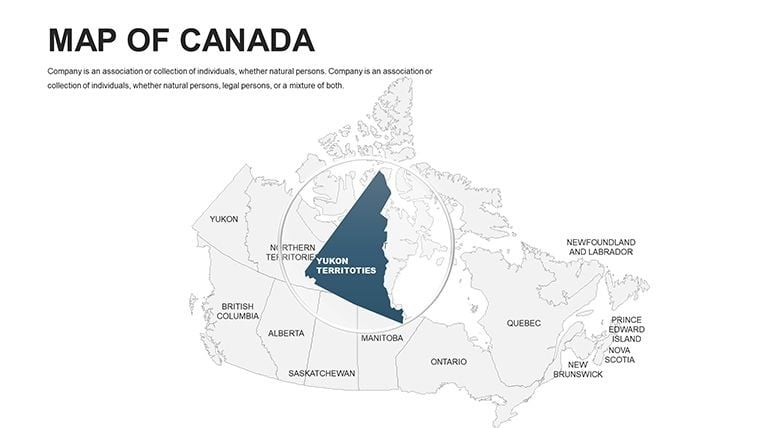
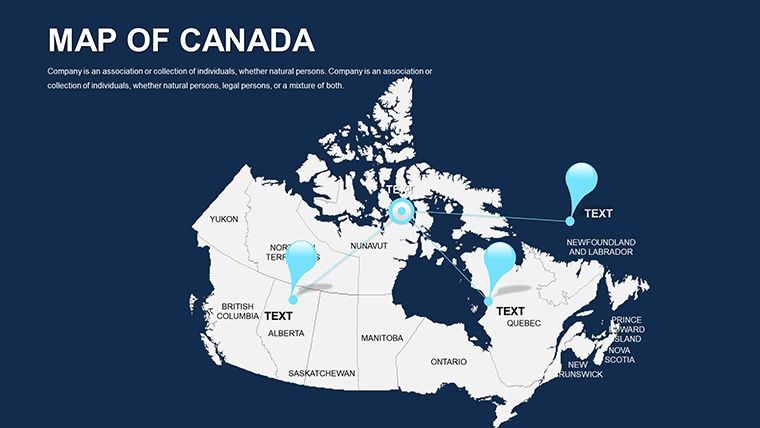
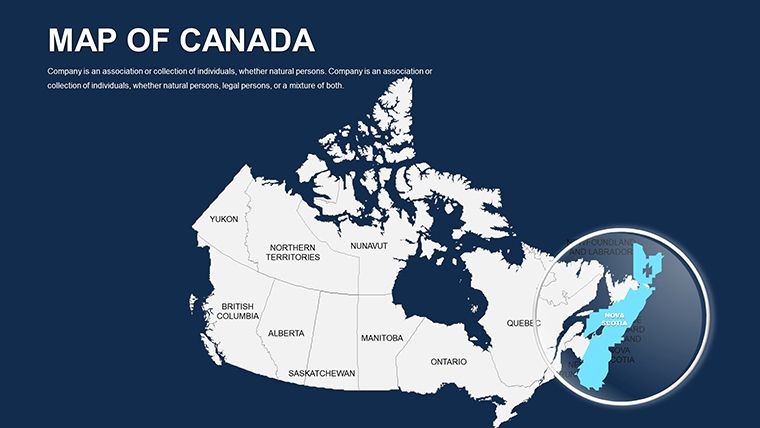
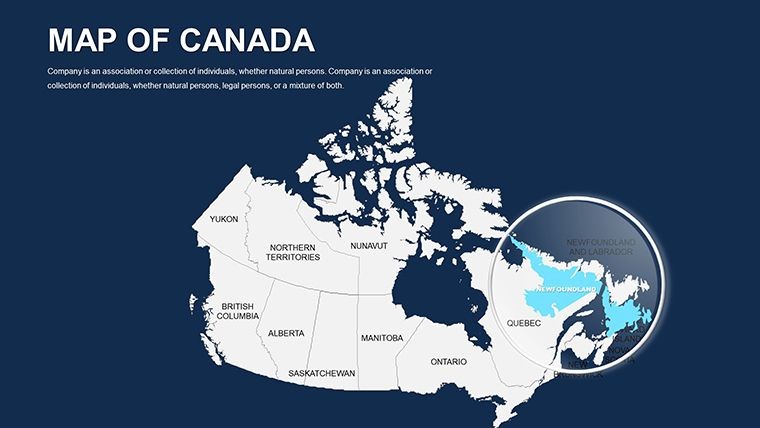
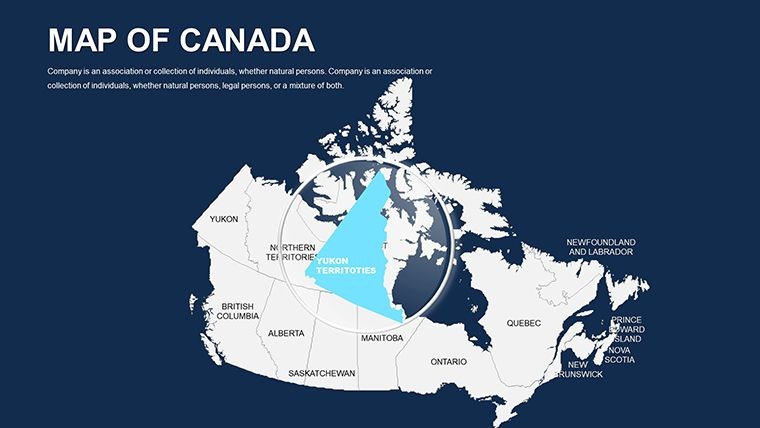
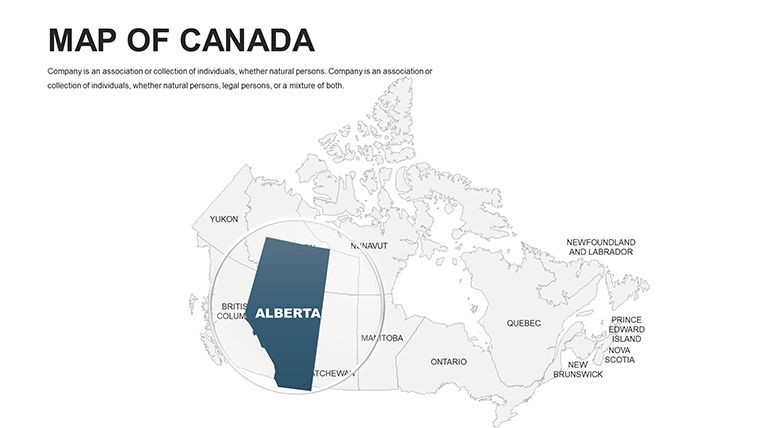
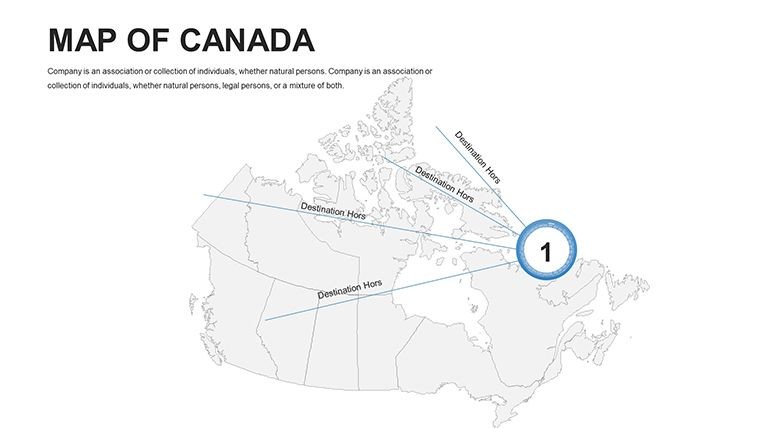
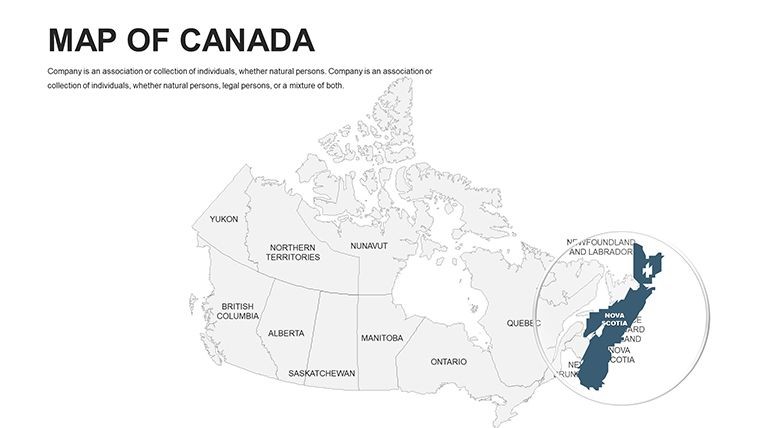
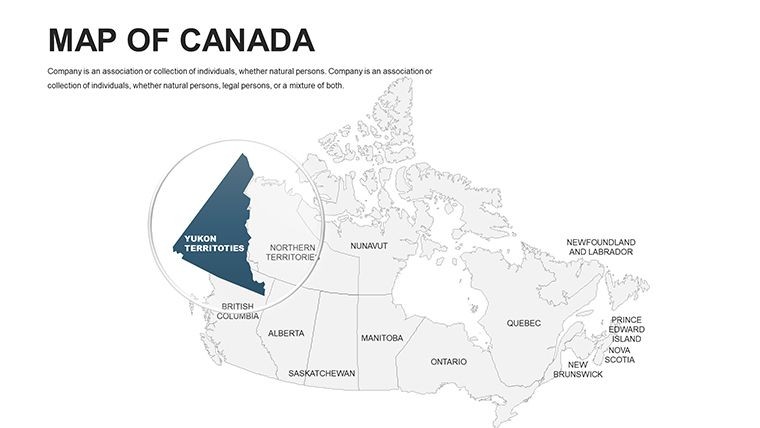
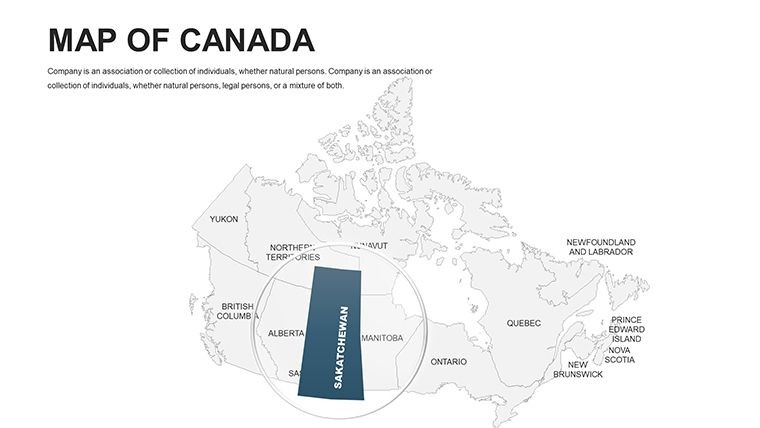
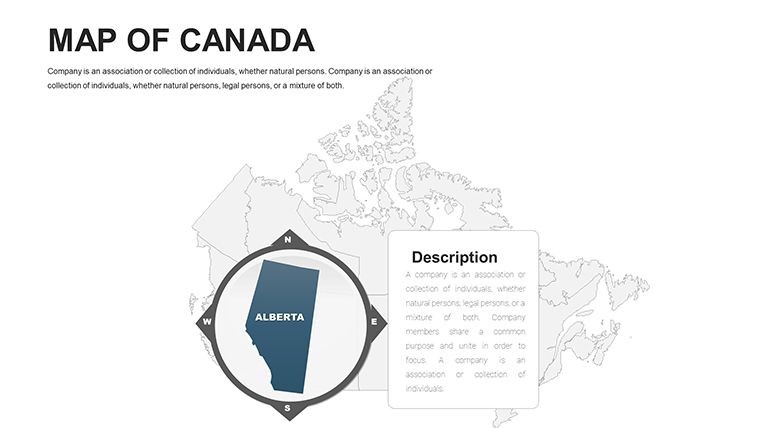
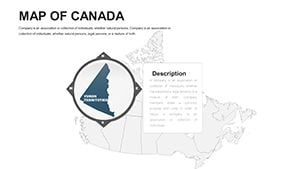
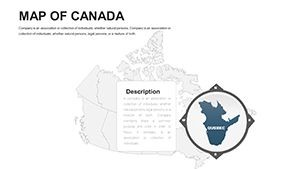
Coverage spans all 10 provinces and 3 territories, with the slide sequence organized to move from national-level overviews into provincial detail. A policy analyst preparing a federal resource allocation brief can open the national overview to anchor the full country scope, then transition to a province-level slide to focus the argument on British Columbia or Ontario - without switching files or manually scaling imported images mid-presentation. Physical geography layouts, provincial boundary slides, and blank thematic canvases are distributed across the 44 slides, giving presenters multiple starting points depending on whether the focus is administrative, topographic, or data-driven.
Among North America-category map sets that cover broader continental coverage, this file is the only option here dedicated entirely to Canada's internal provincial and territorial structure. That scope difference produces substantially more per-province slide depth than a continental North America template can deliver: each province gets its own dedicated layout canvas rather than a shared callout on a multi-country overview slide. When the argument depends on contrasting Alberta's energy sector with Quebec's manufacturing base, or showing the geographic disparity between Nunavut and Prince Edward Island, the per-province granularity of this dedicated file is what makes the difference.
Technical Specs
| Feature | Details |
|---|---|
| File format | .key - opens natively in Apple Keynote 12 or later on macOS |
| Slide count | 44 editable slides: national overview, 10 provinces, 3 territories, and thematic layouts |
| Province and territory shapes | Vector paths - each province and territory resizes and recolors independently |
| Label layers | Province name text boxes on separate layers from shape fills; edit without ungrouping |
| Color adjustments | Apply via Keynote master slide palette for global changes, or per-shape for individual provinces |
| Animation support | Compatible with Keynote's Animate panel; build transitions assignable per province shape layer |
| Export options | .key for live editing, PDF for distribution, JPEG/PNG per slide for print and web assets |
| Editing difficulty | Beginner - no design background required; standard Keynote fill and text tools are sufficient |
How Consultants Use This in Client Work
A management consultant at a Toronto-based strategy firm was preparing a regional market prioritization deck for a retail client considering expansion across Western Canada. The brief required showing three tiers of opportunity - primary, secondary, and watch-list provinces - using a color-coded map. Building accurate provincial outlines manually in Keynote would have taken the better part of an afternoon, with additional time spent correcting boundary alignment and label placement. With the 44-slide file, the consultant identified the provincial slides, applied three fill colors to assign each province to a tier, updated the province labels with abbreviated tier codes, and completed the mapping section of the deck in approximately 50 minutes. The same file served as the base for the follow-up quarterly review with only fill color updates required between sessions.
A public sector economist preparing a resource allocation analysis for a provincial government used the territorial slides alongside the provincial overview to show the full federal administrative picture in a single coherent deck. The consistent vector styling across province and territory slides - matching border weights, label conventions, and fill behavior - meant both slide types could appear side by side in the same presentation without visual discontinuity. The briefing was delivered to three separate ministry audiences without any design revisions between sessions.
Download and start editing immediately.
Adapting the Template to Your Brand
How do I apply my organization's brand colors to the Canada Keynote map? Open the .key file in Keynote 12, go to View > Edit Master Slides, and update the default shape fill color on the provincial slide master. All slides linked to that master update in one step; manually overridden shapes require a direct Format > Fill update.
- Step 1 - Open the .key file in Keynote 12 or later (1 minute)
- Step 2 - Use the slide navigator to locate the national overview slide and the provincial slides relevant to your coverage area (1-2 minutes)
- Step 3 - Apply brand or data colors to selected province shapes via Format > Fill, or update the master slide palette for a global color change (3 minutes)
- Step 4 - Click province label text boxes to update names, statistics, or callout copy; font and size adjust in the format panel without ungrouping the underlying shapes (3 minutes)
- Step 5 - Reorder or duplicate slides for multi-province breakdowns; delete unused layouts to reduce file size before presenting (2 minutes)
- Step 6 - Export as .key for live presentation or PDF for stakeholder distribution (1 minute)
Editing difficulty: Beginner. No prior design experience is required. Users new to Keynote typically complete a first-pass brand color adaptation within 15 to 20 minutes of opening the file.
The Cost of Not Using a Template
Constructing Canada's 10 provinces and 3 territories from scratch in Keynote means sourcing accurate boundary vector data, importing each province as a separate SVG path, correcting alignment and scaling across the full 16:9 canvas, placing label text boxes at geographically correct positions, and standardizing stroke weights so all borders read consistently at projection scale. For a presenter working without GIS software, that process runs 5 to 8 hours - and the resulting file is still prone to shape misalignment when resized for different projector formats. The province paths in this file are already aligned, scale-tested, and styled for projection.
A design observation specific to this file type: province label text boxes sit outside the filled territory shapes rather than inside them. Placing labels inside filled areas creates a legibility problem when fill colors become dark or highly saturated - as they do in any choropleth or heatmap-style provincial data presentation. Text placed inside a dark fill requires manual contrast adjustments every time the fill color changes. External label placement removes that maintenance burden entirely: the labels remain legible regardless of what fill is applied to the territory shape beneath them.
The Canada-only scope also differentiates this set from broader North America templates that include Canada as one country among several. A continental North America file cannot allocate more than a handful of slides to Canadian provinces; this file dedicates all 44 slides to Canadian coverage, producing the per-province depth that territory-level business presentations and policy briefings require. When the deck argument depends on distinguishing Saskatchewan from Manitoba, or the Northwest Territories from Nunavut, a dedicated Canada file is the only format that delivers that level of detail at a usable slide size.
Download and start editing immediately.
Frequently Asked Questions
Which version of Apple Keynote is required to open this file?
The .key file is compatible with Apple Keynote 12 and later, which requires macOS Monterey or a more recent macOS version. Keynote 12 handles the grouped vector path structures and layer organization the file relies on. Earlier Keynote versions may open the file but could display alignment or grouping problems with the provincial shape layers. Keynote for iPad and Keynote for iCloud can open .key files, but the handling of complex grouped vectors in those environments differs from the macOS desktop application. If you are unsure of your installed Keynote version, verify it through the App Store or About Keynote before purchasing.
How do I recolor individual provinces in the map?
Click directly on a province shape on the slide canvas to select it, then open Format > Fill in the right sidebar and choose your color. Each province is a separate vector path, so changing one province's fill does not affect any neighboring province. For a global palette update across all provincial slides, go to View > Edit Master Slides and update the default shape fill on the master - all slides inheriting from that master will update simultaneously. For data-driven presentations where each province requires a distinct color intensity, per-shape manual fill assignment gives full individual control and typically takes 30 to 60 seconds per province depending on the number of territories being colored.
Is the file licensed for use in paid client work?
The standard purchase license covers internal business use and client-facing presentations - for example, incorporating slides from this file into a strategy deck or report delivered to a paying client. The license does not permit reselling the .key file as a standalone product, redistributing it as part of a template bundle, or uploading it to any digital marketplace. If your work involves delivering the template file directly to end users rather than incorporating its slides into finished presentations, check the ImagineLayout terms of use at imaginelayout.com/terms for extended license conditions before purchase.
Is there a free version, and what does the $48.00 purchase include?
The product page does not list a free version or partial download for this template. The $48.00 purchase provides the complete 44-slide .key file, covering the national overview, all 10 provincial slides, all 3 territorial slides, and thematic layout canvases, with fully editable vector shapes and label layers throughout. No tiered free/paid structure is indicated on the product listing. If a preview or sample slide set becomes available in the future, it would appear in the product pricing section on the ImagineLayout page at the time of purchase.
Does the file support animations?
The .key file is fully compatible with Keynote's Animate panel. Province shapes can have build-in and build-out transitions assigned individually, enabling region-by-region reveals during a live presentation - for example, highlighting provinces sequentially as each one is discussed. No animations are pre-embedded in the base file; all transitions must be assigned manually, which keeps the base file load time fast and avoids unwanted motion during editing. Assigning a basic appear or dissolve animation to a province shape takes under 30 seconds in Keynote 12's Animate panel.
What is the refund policy for this download?
ImagineLayout's refund policy applies to digital downloads. Refund eligibility is generally limited to technically defective files - for example, a .key file that fails to open in the specified Keynote version or is missing slides described on the product page. Dissatisfaction with design aesthetics or a project scope change after download are not typically qualifying conditions, as the file is delivered electronically and immediately upon purchase. The complete policy is available at imaginelayout.com/refund-policy. Review it before completing the purchase if refund conditions are a factor in your decision.
Browse the full North America Keynote Maps category for additional coverage options. Teams building multi-province Canadian decks sometimes pair this complete Canada file with a Canada Provinces Keynote Maps template for alternative layout styles. For individual province-level detail, the Canada Map Keynote Template (KM00013) offers a complementary approach.