France Keynote Map Template - Fully Editable KEY
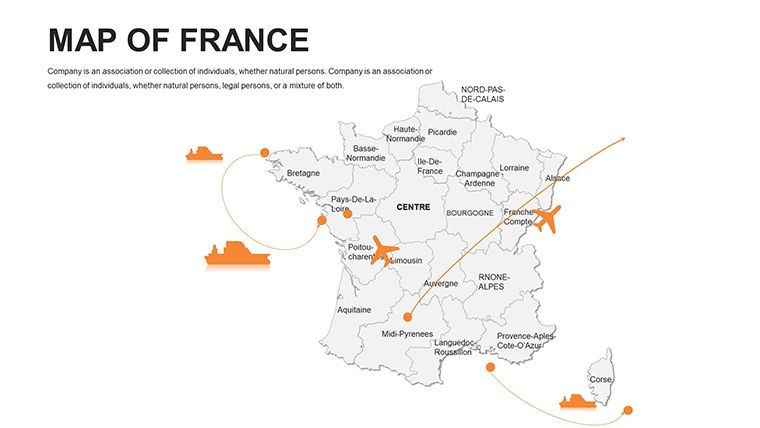
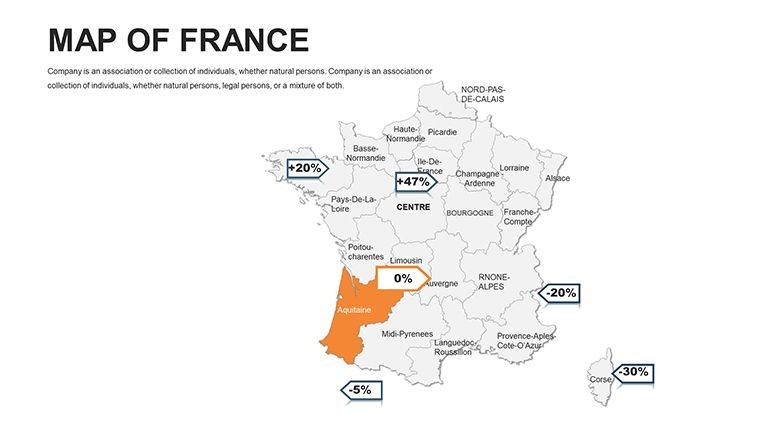
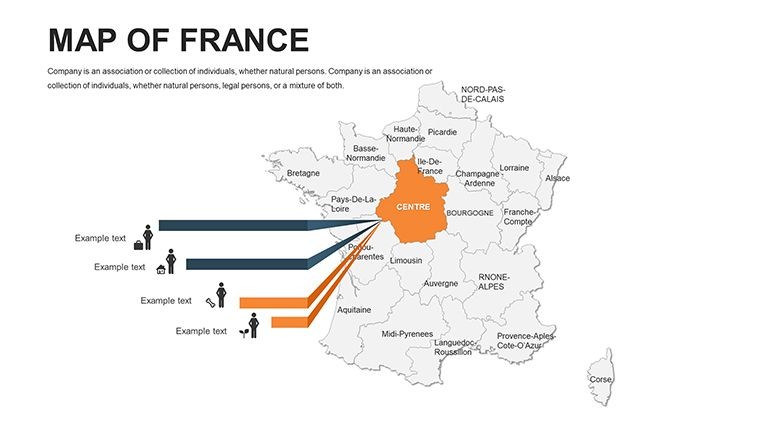
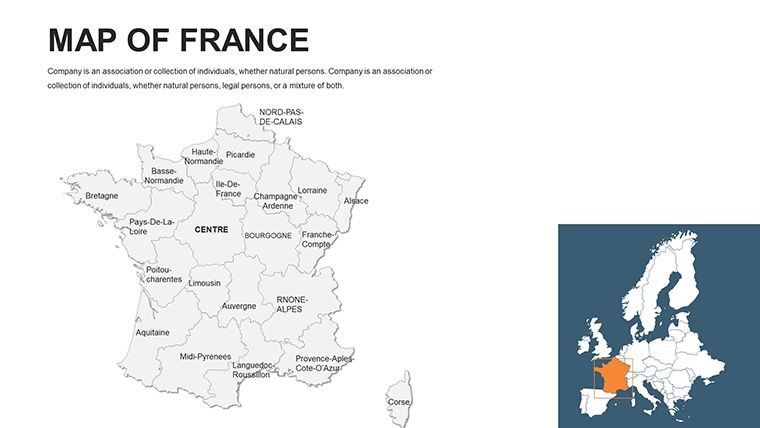
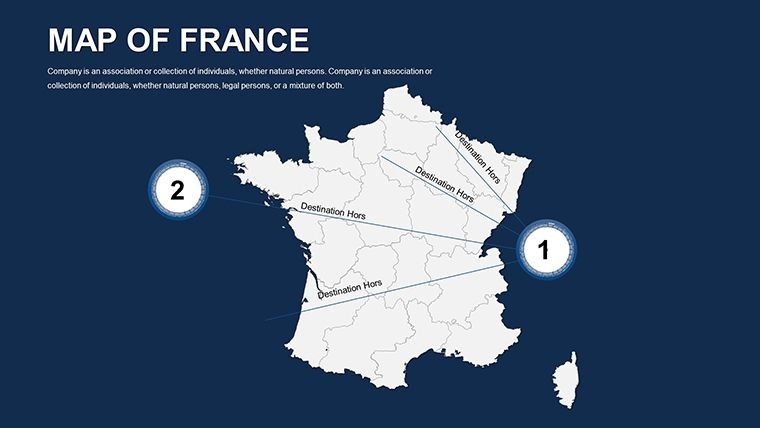
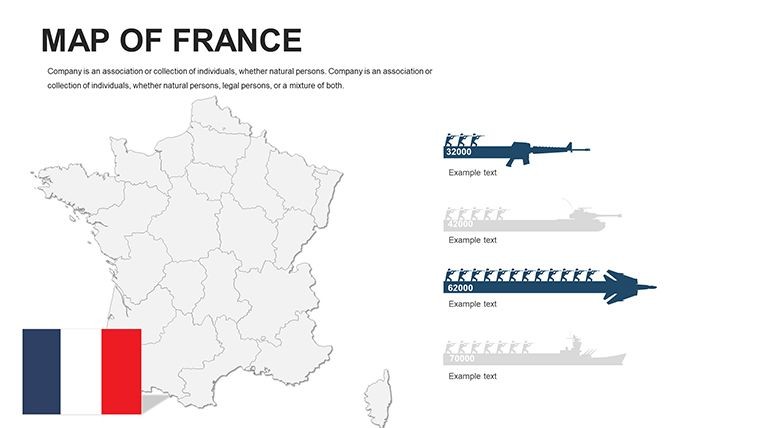
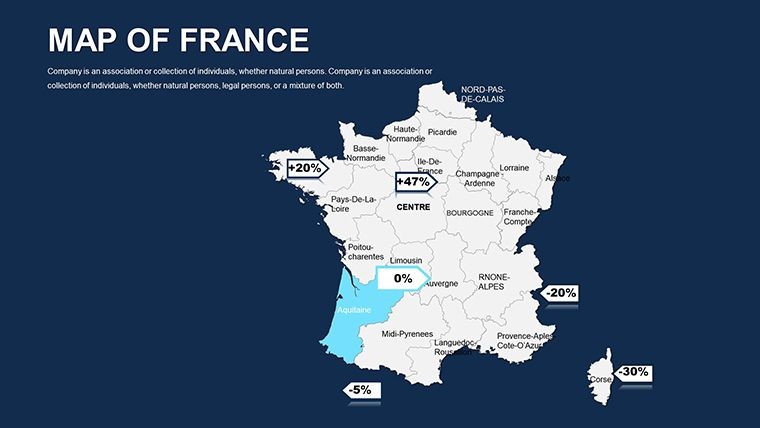
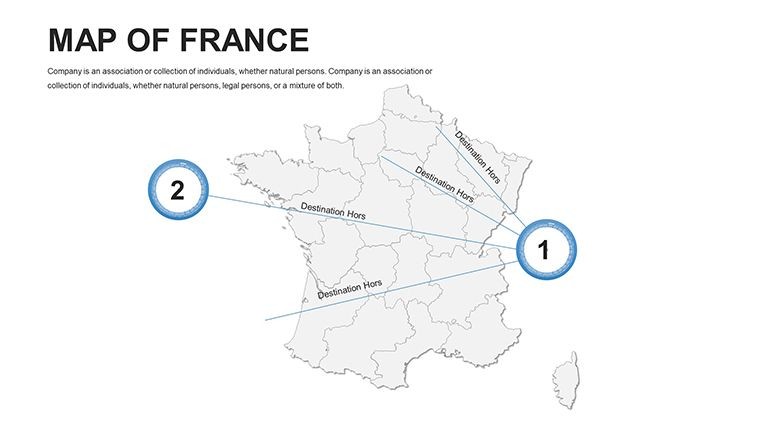
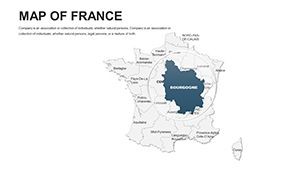
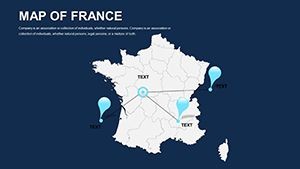
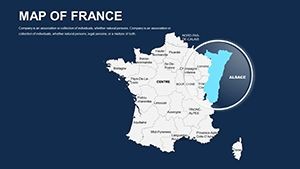
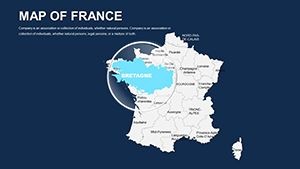
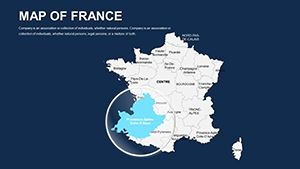
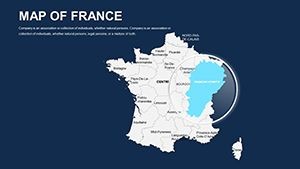
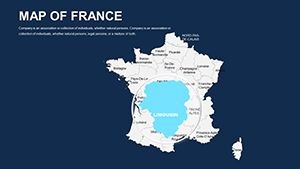
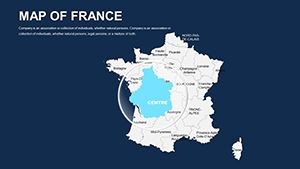
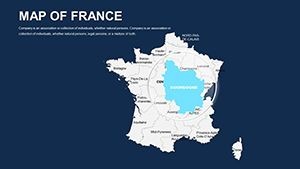
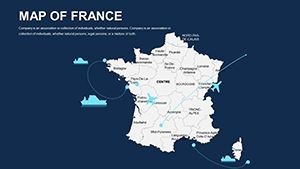
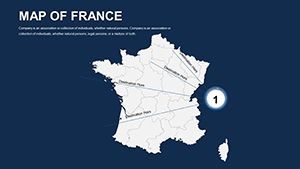
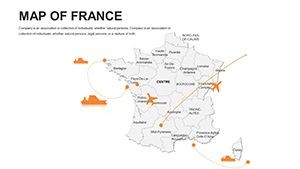
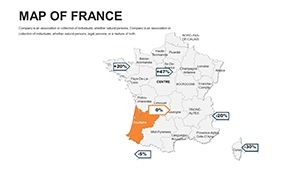
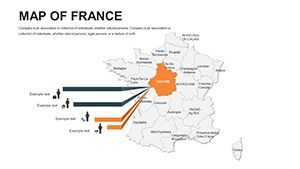
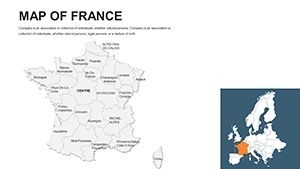
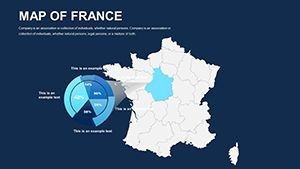
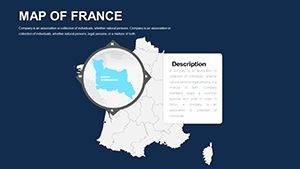
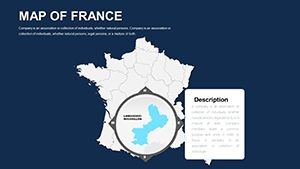
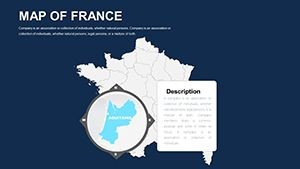
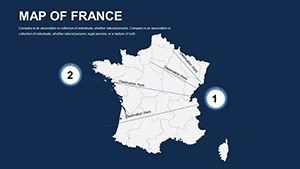
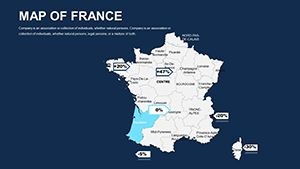
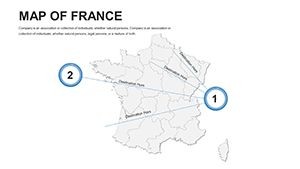
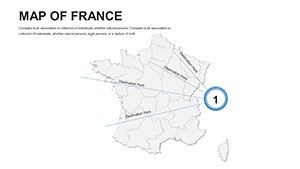

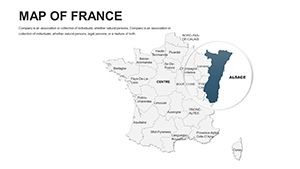
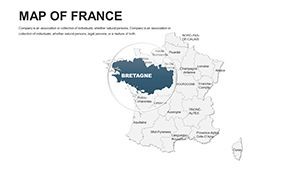
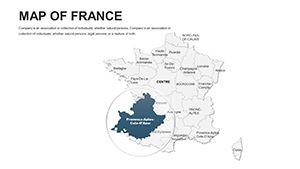
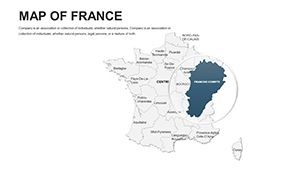
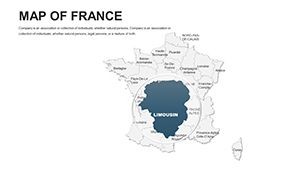
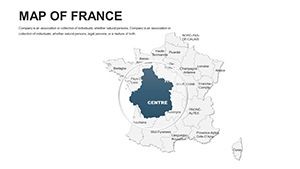
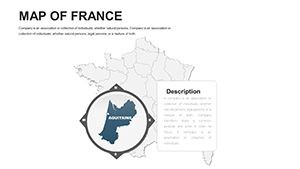
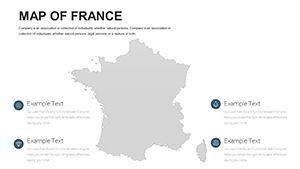
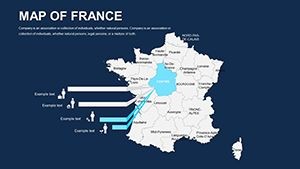
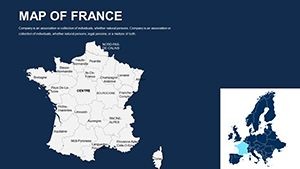
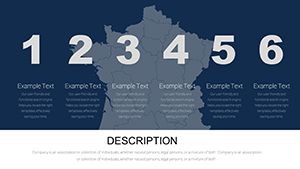
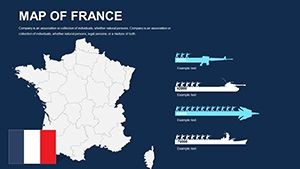
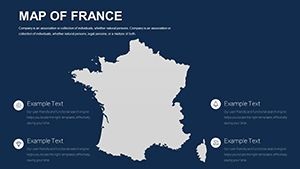
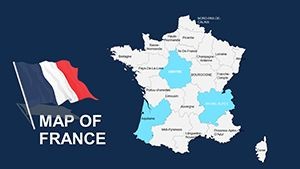
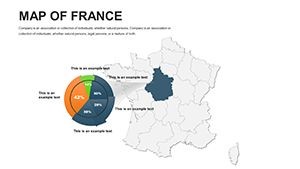
Type: Keynote Maps template
Category: Europe
Sources Available: .key
Product ID: KM00042
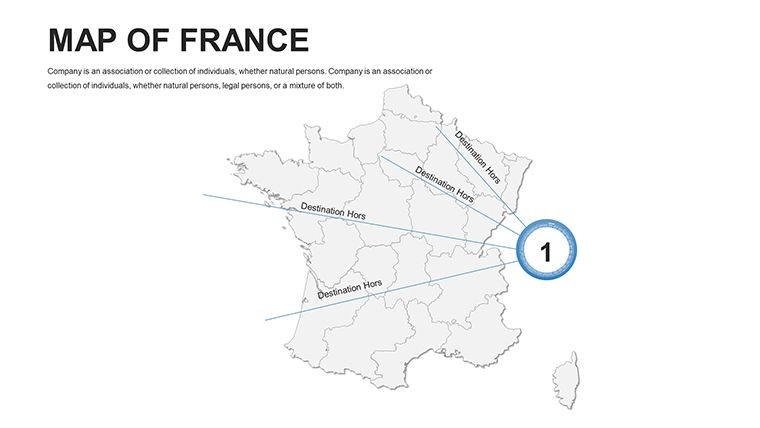
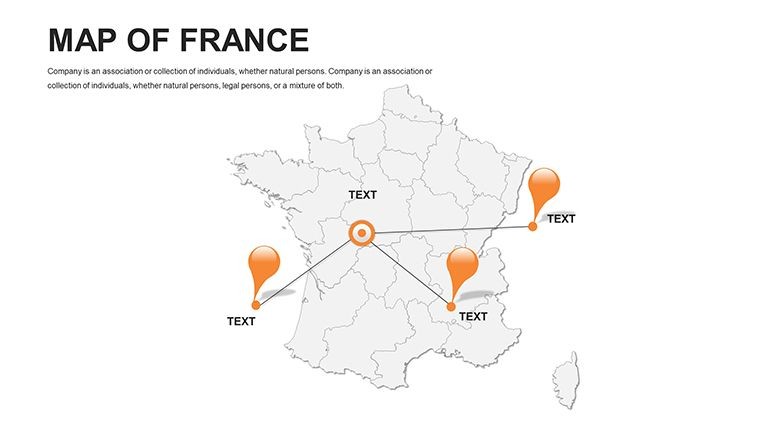
Template incl.: 44 editable slides
What is a Keynote map template? A Keynote map template is a ready-to-edit .key file containing vector geographic slides that open natively in Apple Keynote, enabling users to recolor territories, update labels, and overlay data without rebuilding map outlines from scratch.
Files and Formats Included
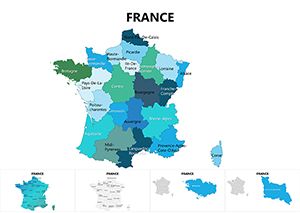
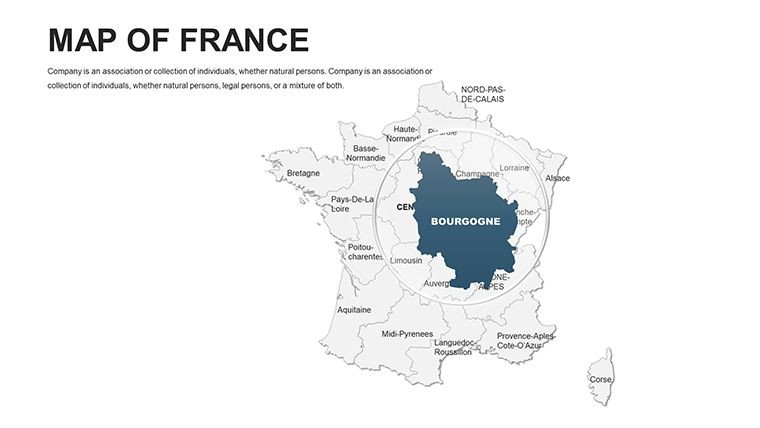
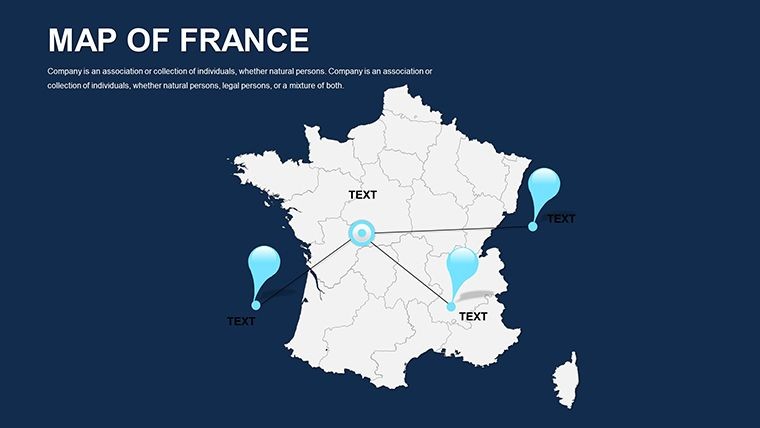
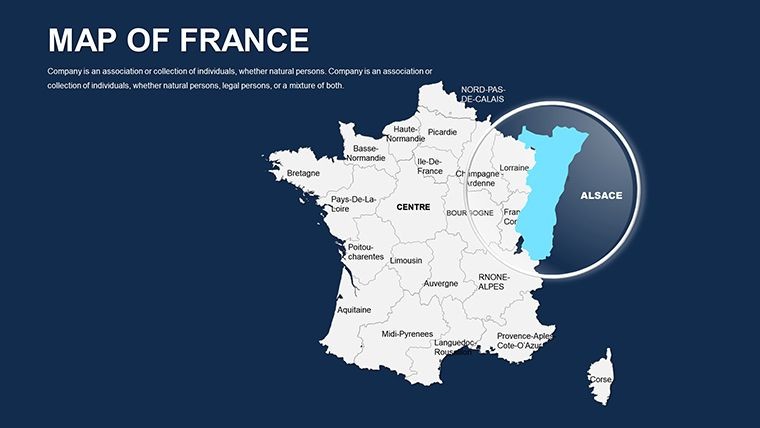
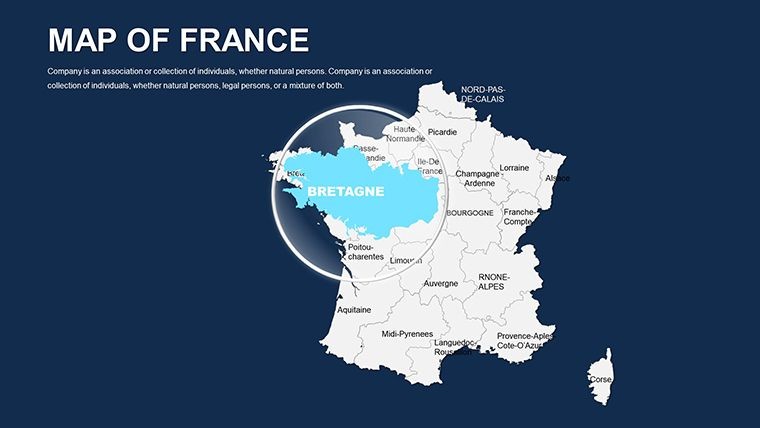
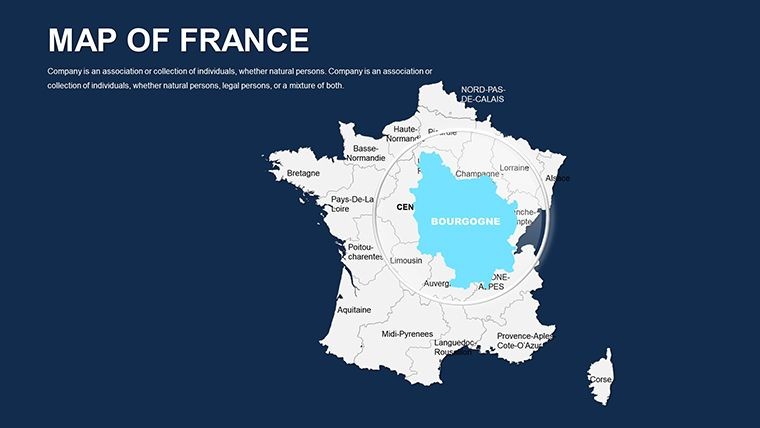
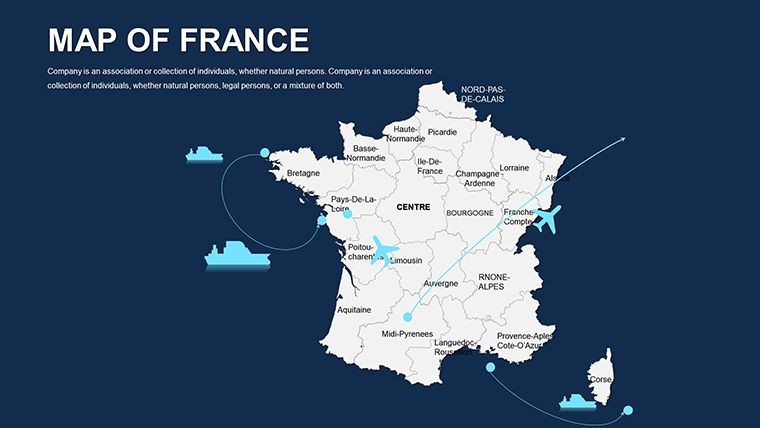
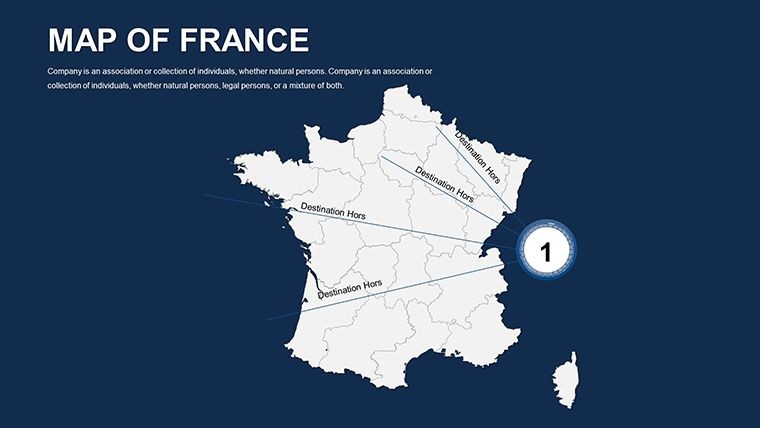
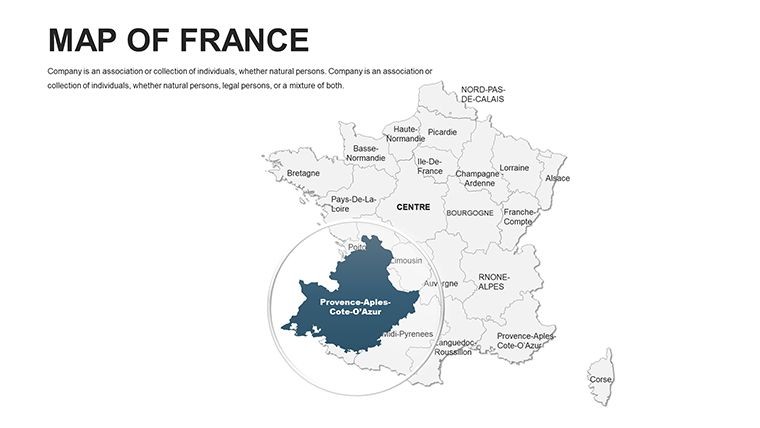
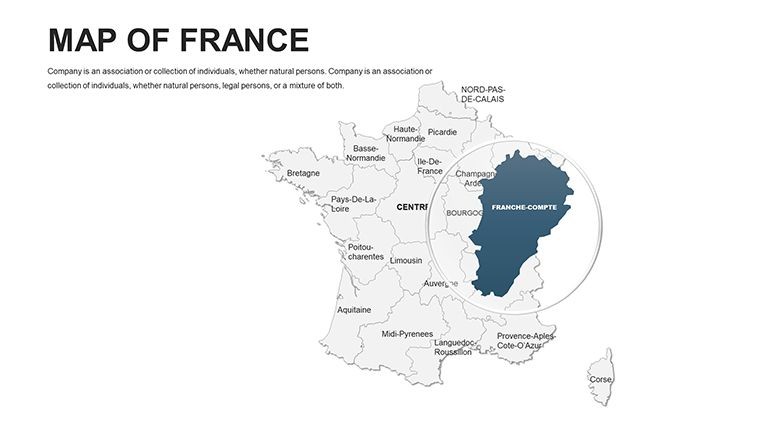
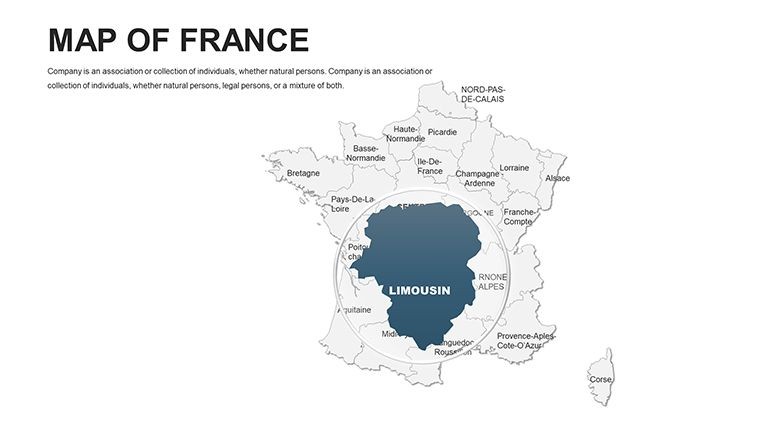
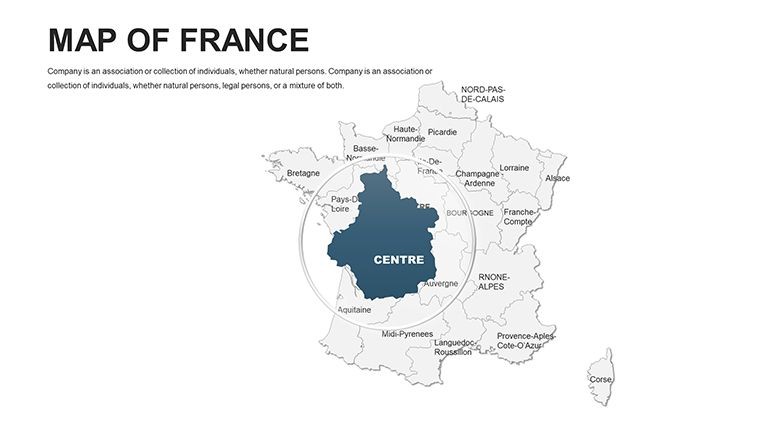
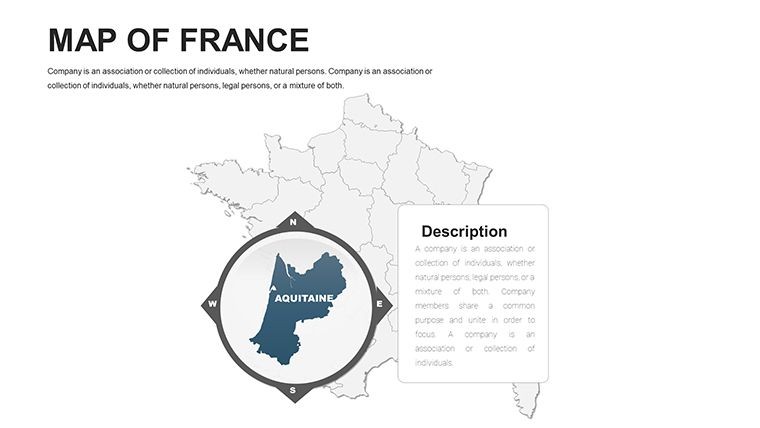
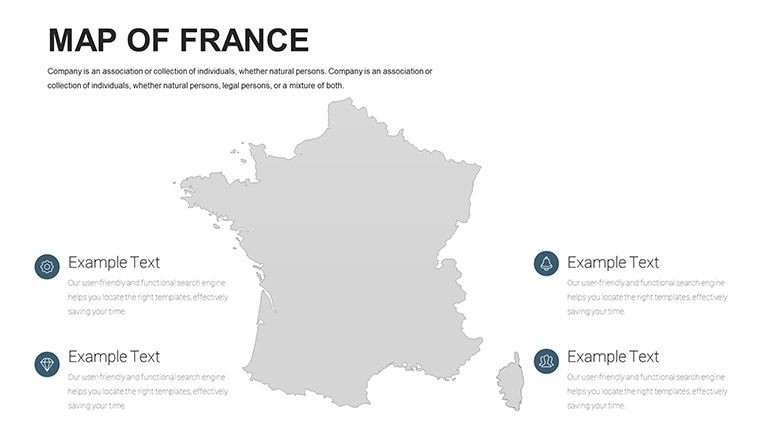
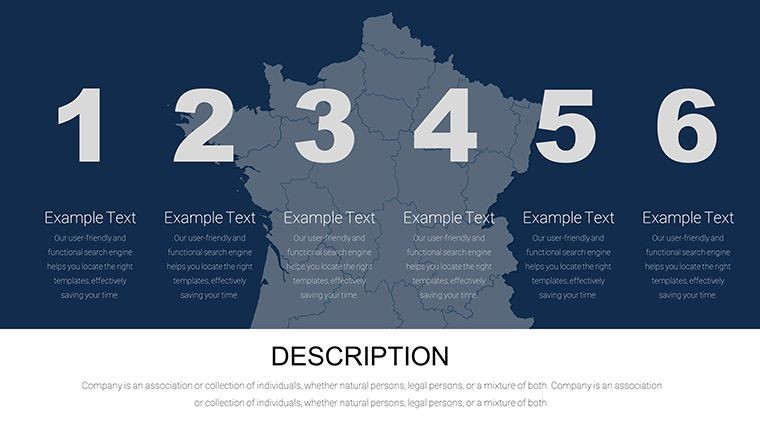
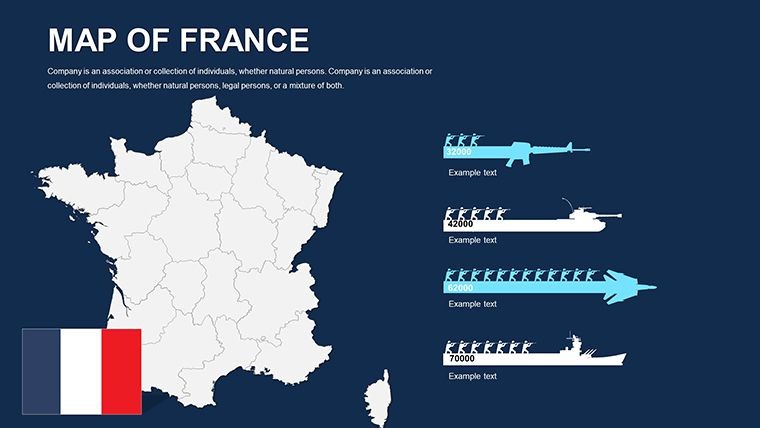
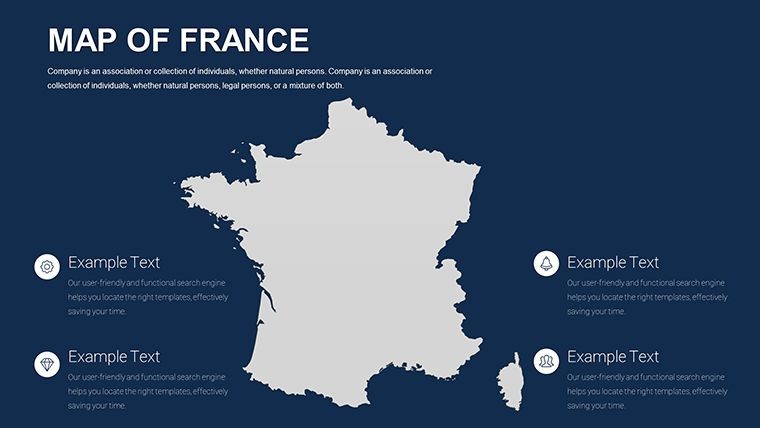
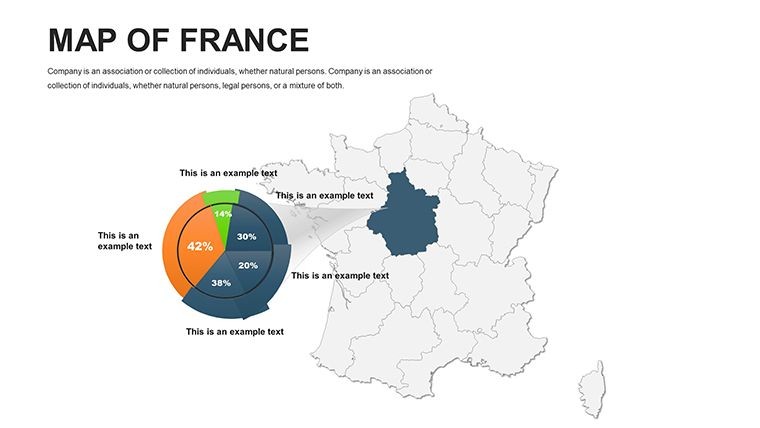
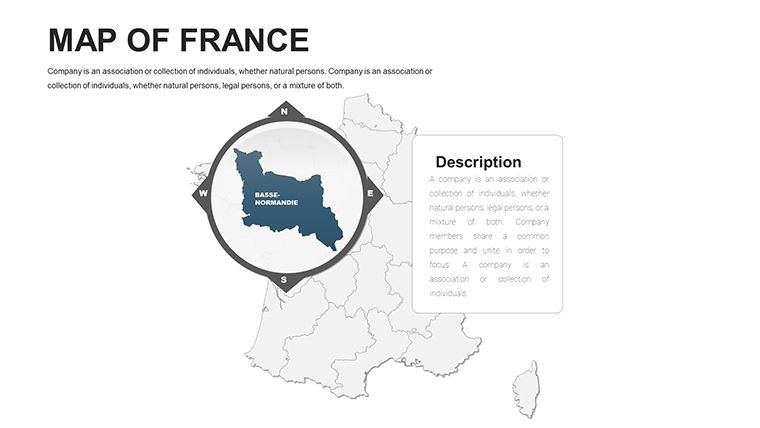
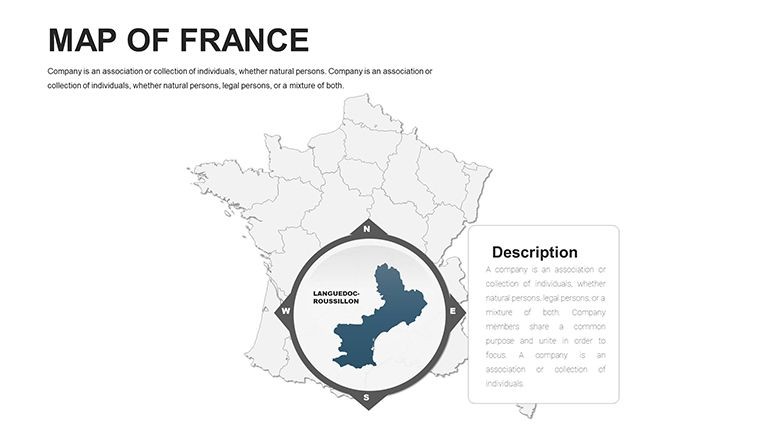
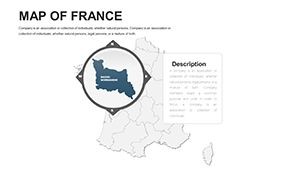
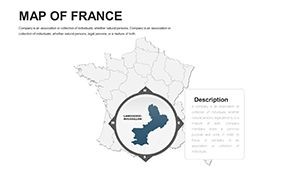
44 editable slides deliver France's geographic coverage from national overview down to regional and departmental detail. Every slide is built from vector paths - meaning territory outlines scale to any presentation size without pixelation and respond to Keynote's standard fill, stroke, and text tools. The single download is a .key file, compatible with Apple Keynote 12 and later on macOS.
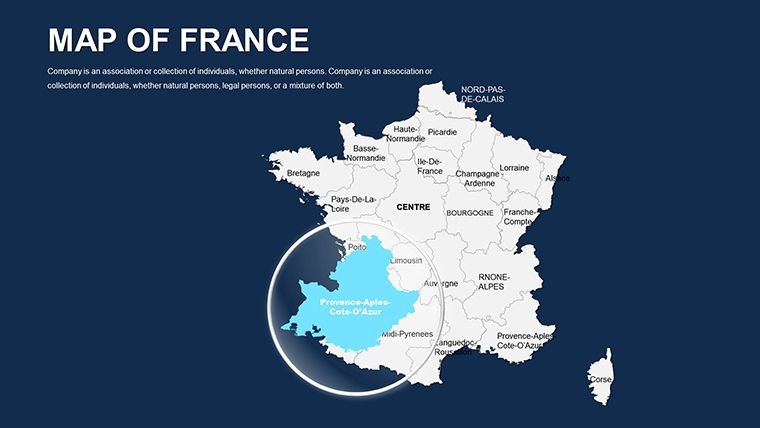
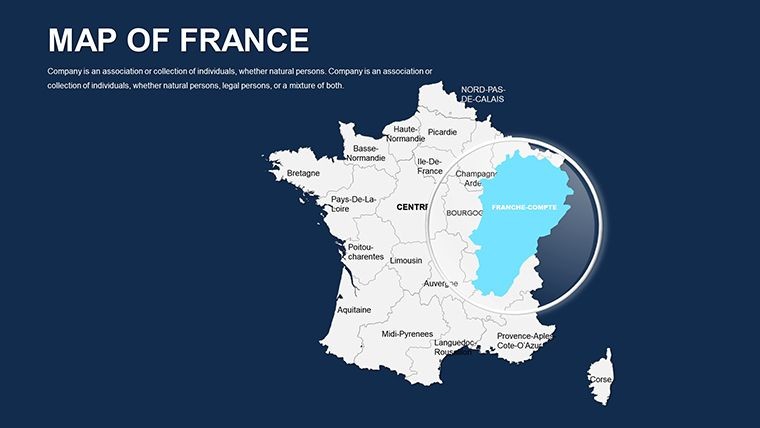
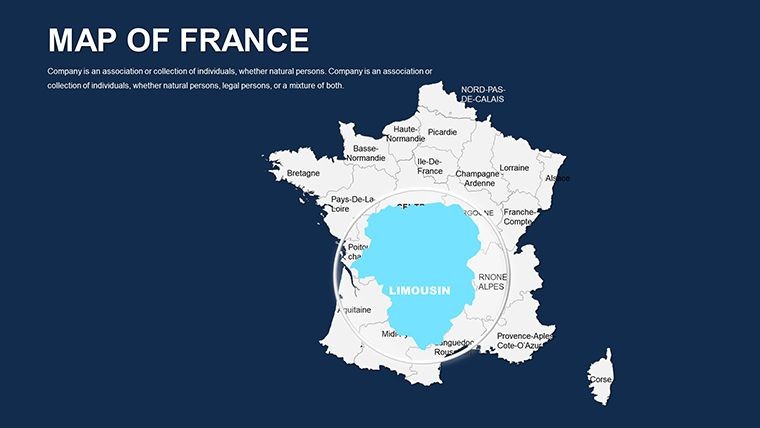
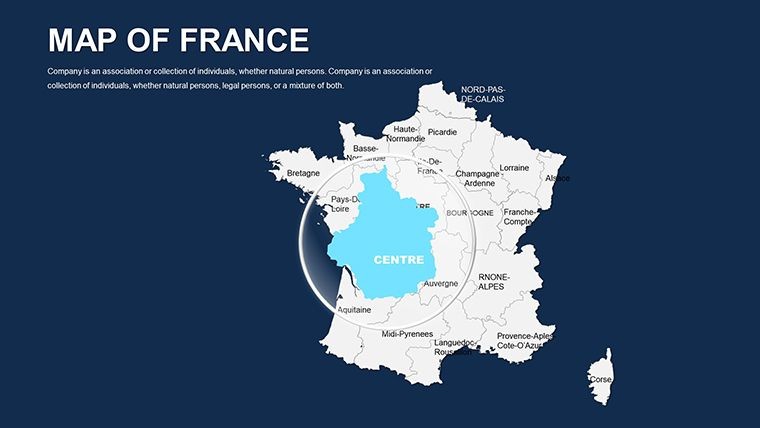
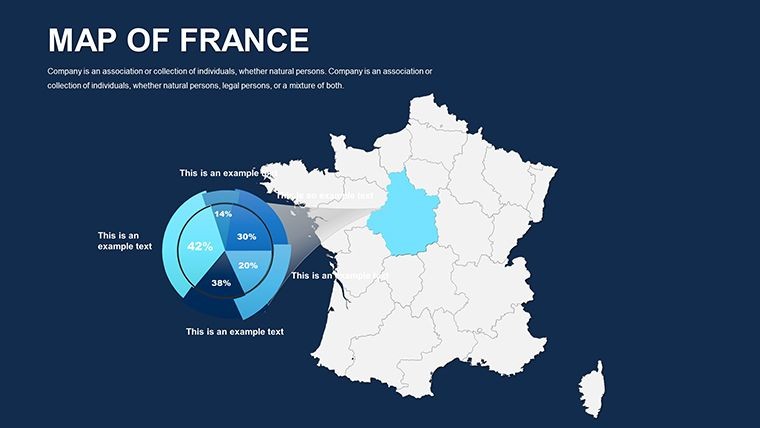
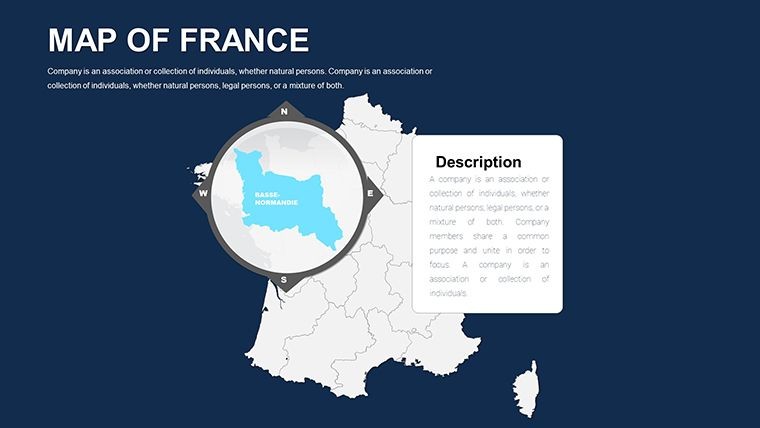
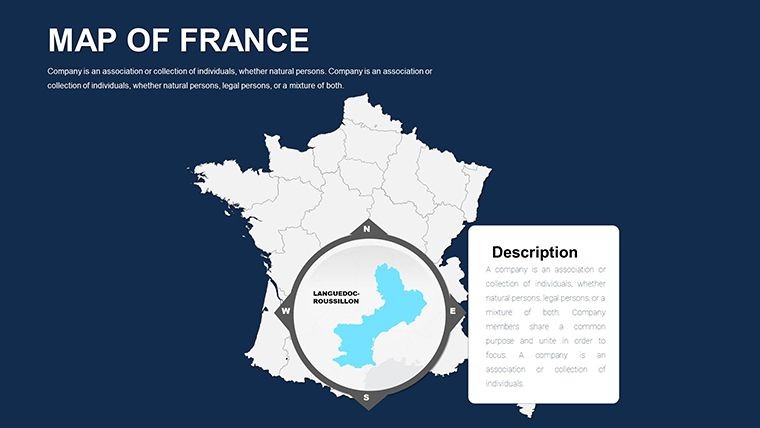
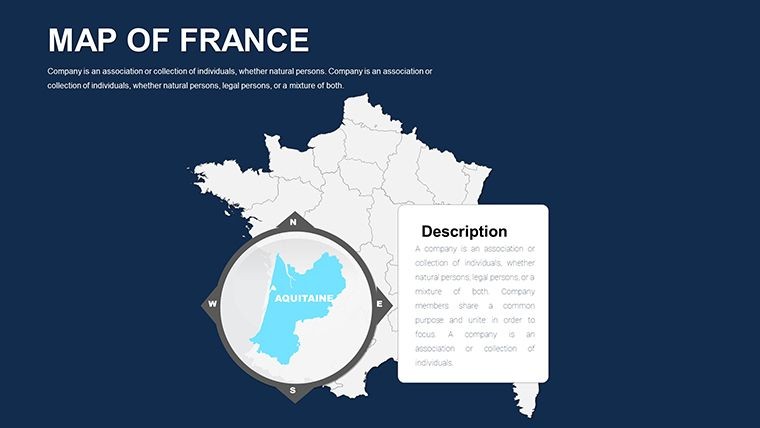
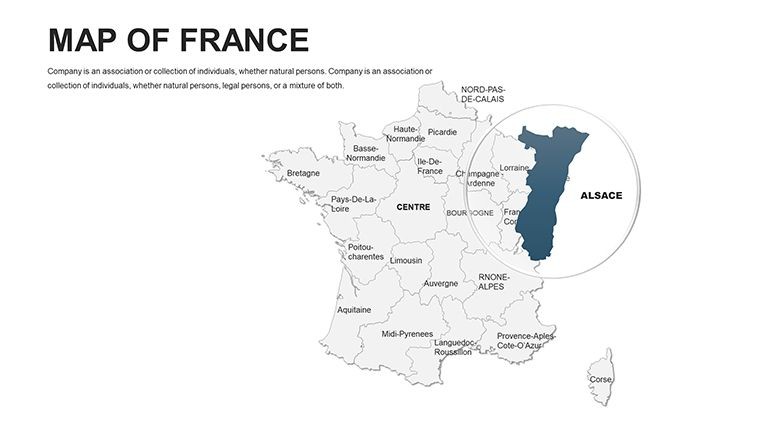
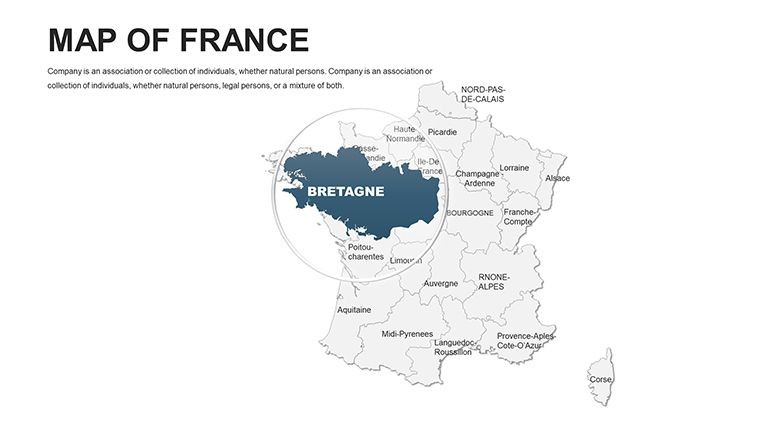
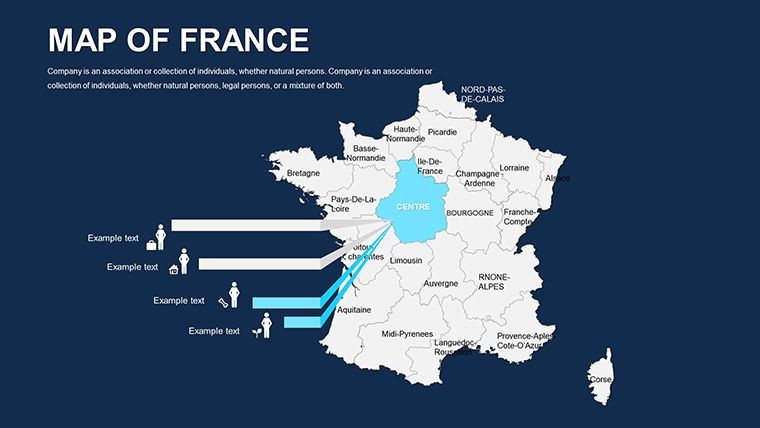
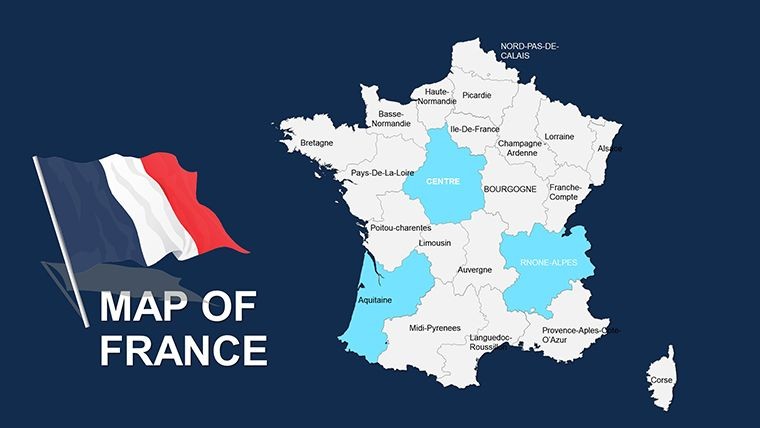
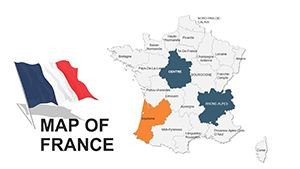
The slide set moves from broad national layouts through regional breakdowns, covering metropolitan France and its major administrative divisions. A consultant preparing a market entry proposal can work from the national slide to establish the overall territory, then switch to a regional slide to highlight the specific zones under discussion - all within one file, without importing or exporting between applications.
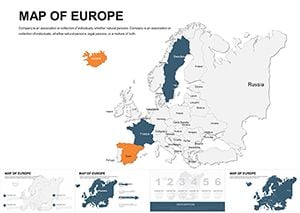
Unlike broader multi-country European collections that allocate a small number of slides to France as part of a larger set, this file dedicates all 44 slides to French territory. The result is substantially more granular coverage per region: individual administrative areas get their own slide canvases rather than sharing space with neighboring countries, which makes the file the more practical choice when the French market is the primary focus of a board briefing or client proposal.
Key Specifications At a Glance
| Feature | Details |
|---|---|
| File format | .key - opens natively in Apple Keynote 12 or later on macOS |
| Slide count | 44 editable slides covering national, regional, and departmental layouts |
| Territory shapes | Vector paths - each region and department resizes and recolors independently |
| Label layers | Text boxes on separate layers from shape fills; edit text without affecting borders |
| Color adjustments | Apply via Keynote master slide palette for global changes or per-shape for individual edits |
| Animation support | Fully compatible with Keynote's Animate panel; build transitions assignable per territory shape |
| Export options | .key for editing, PDF for distribution, JPEG/PNG per slide for print or digital assets |
| Editing difficulty | Beginner - no design background required; standard Keynote fill and text tools are sufficient |
From Strategy Decks to Boardroom Pitches
A senior consultant at a Paris-based advisory firm was preparing a regional market segmentation brief for a retail expansion client. The task required showing five distinct commercial territories across metropolitan France with differentiated color coding and annotated region labels. Starting from a blank Keynote slide and sourcing accurate departmental outlines would have taken the better part of an afternoon. With the 44-slide file, the consultant identified the relevant regional slides, applied the client's brand palette to each territory zone, and completed the deck in under an hour - reusing the same base file across three subsequent quarterly updates by changing only the color fill assignments.
A public affairs analyst at a Brussels-based organization needed a France-focused slide for a policy briefing covering regional economic disparity. The departmental slides allowed precise shading of the Lle-de-France metro zone against outlying regions, producing a visual contrast that anchored the argument in a way that a text-only bullet list could not. The briefing ran to three government stakeholder audiences without any design revisions between sessions.
Download and start editing immediately.
Customization in 5 Steps
How do I adapt the France Keynote map to my brand colors? Open the .key file in Keynote 12, go to View > Edit Master Slides, and update the default fill on the regional slide master. All slides linked to that master update in one action; any manually overridden shapes require a direct fill change via Format > Fill.
- Step 1 - Open the .key file in Keynote 12 or later (1 minute)
- Step 2 - Identify the slides covering your target regions; use the slide navigator to jump directly to national or regional layouts (1-2 minutes)
- Step 3 - Apply brand colors via the master slide palette for a global update, or select individual territory shapes and use Format > Fill for per-region control (3 minutes)
- Step 4 - Click region label text boxes to update names, statistics, or callout copy; font size and weight adjust in the format panel without ungrouping shapes (3 minutes)
- Step 5 - Export the completed file as PDF for client distribution or keep the .key file for live presentation (1 minute)
Editing difficulty: Beginner. The file requires no unlocking of grouped elements for standard label and color edits. Presenters with no prior Keynote experience typically complete a first-pass brand adaptation within 15 minutes of opening the file.
Building From Scratch vs. Starting Here
Constructing France's departmental outlines manually in Keynote requires sourcing SVG boundary files, importing each as a separate shape, correcting path alignment across the canvas, positioning label text boxes at geographically accurate coordinates, and applying consistent stroke weights throughout. That process takes 5 to 8 hours for a presenter working without GIS tools - and the result is still prone to misalignment when slides are resized for different screen formats. The vector paths in this file are already aligned, projection-safe, and styled for 16:9 format.
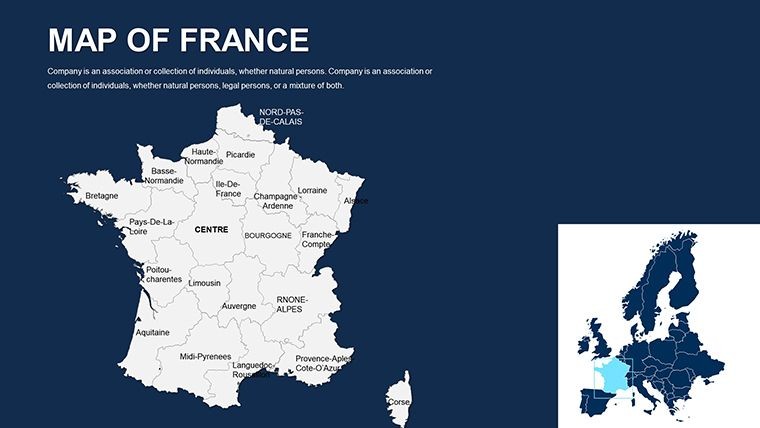
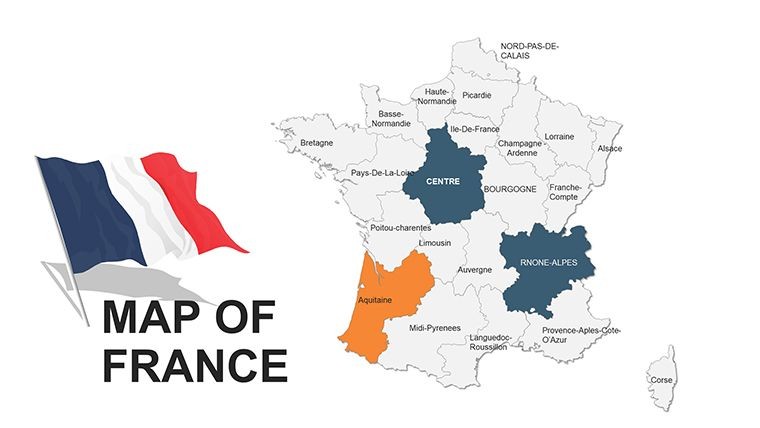
A relevant design observation: the territory labels in this set are positioned outside the filled region shapes rather than inside them. Placing labels inside colored fills creates a readability problem when the fill becomes dark or saturated - the label either disappears against the background or requires manual contrast adjustments every time the color changes. External label positioning means the text remains legible regardless of what fill color is applied to the territory, which is especially useful in heatmap-style presentations where fill intensity carries the data.
The 44-slide France-only scope also distinguishes this file from templates covering France as one country among many in a continental set. A broader European map file cannot provide the same slide depth per French region that a dedicated France file can - and for a business presentation, investor deck, or consulting brief where France is the primary geographic subject, that regional depth is what makes the difference between a slide that shows France and a slide that makes an argument about France.
Download and start editing immediately.
Frequently Asked Questions
Which versions of Apple Keynote are compatible with this file?
The .key file is designed for Apple Keynote 12 and later, which requires macOS Monterey or newer. Keynote 12 handles the vector layer groupings and shape path structures the file relies on. Earlier versions of Keynote may open the file but could display alignment or grouping issues with the territory shape layers. If you are on an older macOS version, verify your Keynote version in the App Store before purchasing. Keynote for iPad or Keynote for iCloud may open the file, but complex grouped vector structures can behave differently in those environments compared to the macOS desktop application.
How do I update the color scheme across multiple slides at once?
The most efficient method is to edit the master slide. In Keynote, go to View > Edit Master Slides and locate the master applied to the region slides. Update the default shape fill color there, and all slides inheriting from that master will reflect the change immediately. For individual territory shapes that were manually overridden, select them directly on the slide canvas and use Format > Fill to apply the new color. A complete brand color pass across the 44 slides using the master slide approach typically takes under 8 minutes. If you need different colors per region rather than a unified palette, per-shape overrides give full control without affecting the file's overall layer structure.
Is this template licensed for use in paid client presentations?
The standard purchase license permits internal business use and inclusion in client-facing presentations - for example, incorporating slides from this file into a deliverable for a paying client. The license does not cover reselling the .key file, redistributing it as part of a design bundle, or uploading it to any digital marketplace. Using the slides in multiple simultaneous client engagements is generally acceptable, but check the ImagineLayout terms of use at imaginelayout.com/terms for any restrictions related to multi-project commercial use. If your work involves distributing template files directly to end users rather than finished presentations, an extended license may be required.
Does the file support animations and slide transitions?
The .key file is fully compatible with Keynote's Animate panel. Territory shapes can have build-in and build-out transitions assigned individually - for example, a dissolve reveal for each region as it is discussed during a live presentation. No animations are pre-embedded in the base file, which keeps the initial file size small and avoids unwanted motion during editing. To add an animation, select a territory shape, open the Animate panel on the right sidebar, and choose a build type from the Effect dropdown. Assigning a simple appear or dissolve animation to a shape takes under 30 seconds in Keynote 12.
What does the $45.00 purchase include - is there a free version?
The product page does not list a free version or partial download for this template. The $45.00 purchase provides the complete 44-slide .key file, including all regional and departmental layout slides, vector territory shapes, and label layers. There is no indication of a tiered free/paid structure for this specific product. If a preview or sample slide set is offered in the future, it would appear in the product pricing section on the ImagineLayout page at time of purchase.
What is the refund policy if the file does not meet expectations?
ImagineLayout's refund policy covers digital products delivered as downloads. Refund eligibility is typically limited to technically defective files - for example, a .key file that fails to open in the specified Keynote version or is missing slides described on the product page. Dissatisfaction with design aesthetics or a project scope change after download are generally not qualifying reasons. Because the file is delivered electronically and immediately upon purchase, the nature of digital delivery means the standard physical-goods return process does not apply. Review the full policy at imaginelayout.com/refund-policy before purchase if refund conditions are a deciding factor.
Browse the full Europe Keynote Maps category for additional country-level coverage. Presenters who need France within a continental context often pair this file with a broader Europe map set for continental overview slides. For a second France-focused option at a different price point, the France Maps Keynote template (KM00085) offers an alternative layout approach.