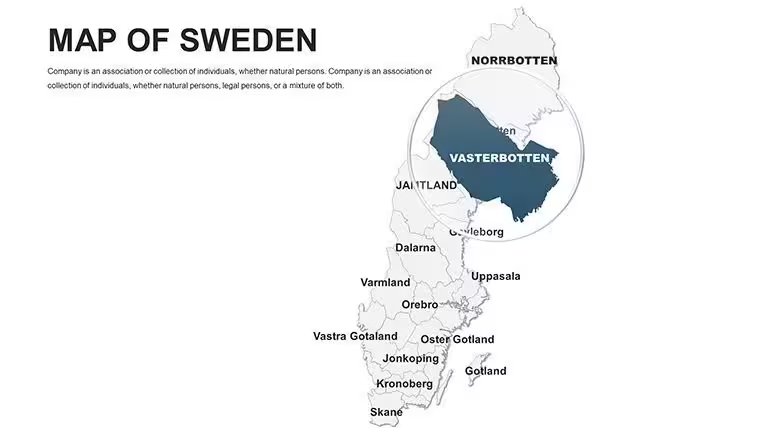
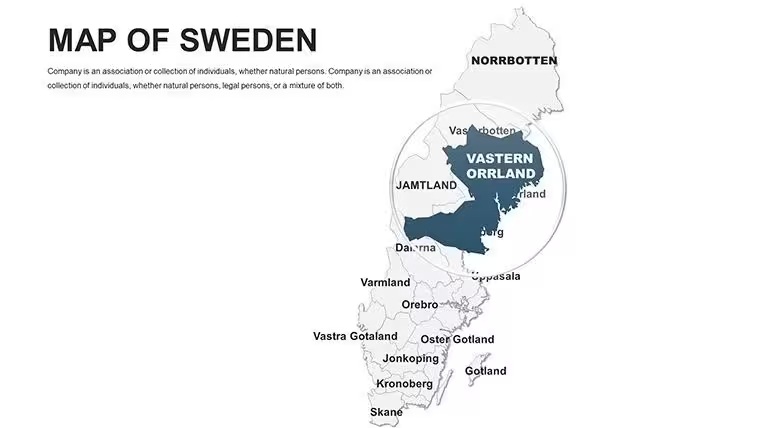
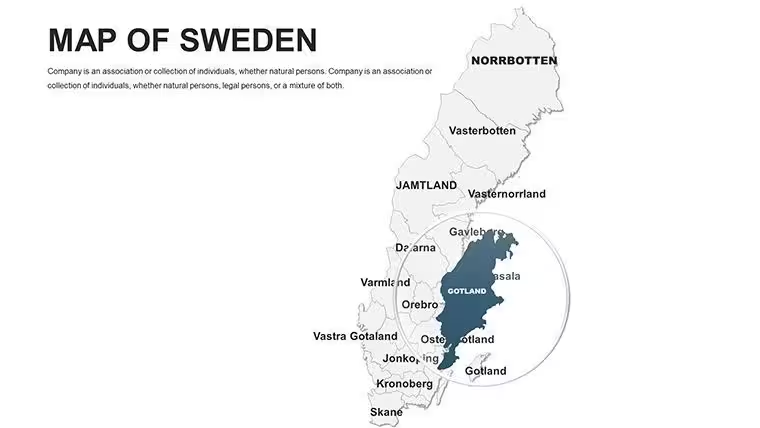
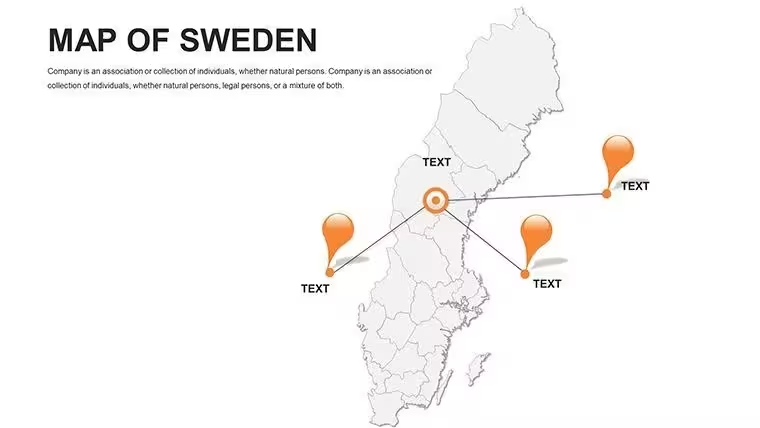
 Click to zoom
Sweden Keynote Maps Template - 48 Fully Editable Slides | Instant Download | ImagineLayout
| Format | .pptx |
| Slides | 48 unique layouts |
| Aspect ratio | 16:9 |
| Compatibility | PowerPoint |
| Animated | No |
| Language | English |
| License | Commercial |
| File size | — |
| Version | v1.0 |
| Last updated | March 2026 |
What's inside
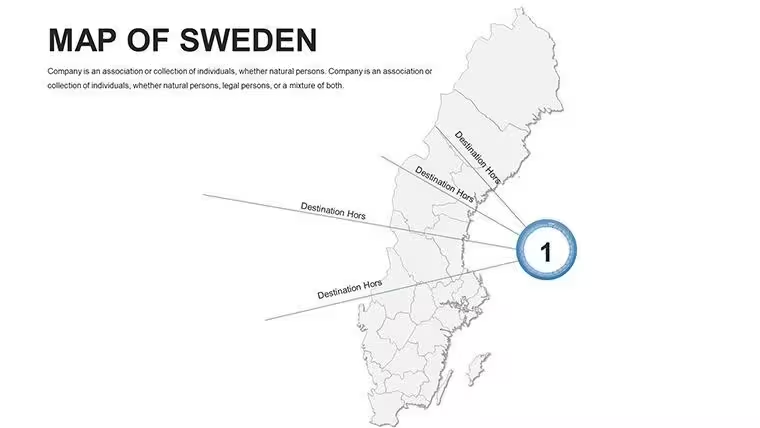
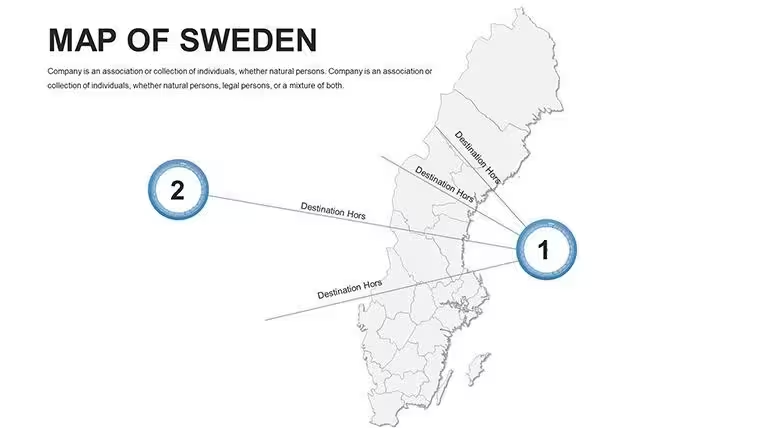
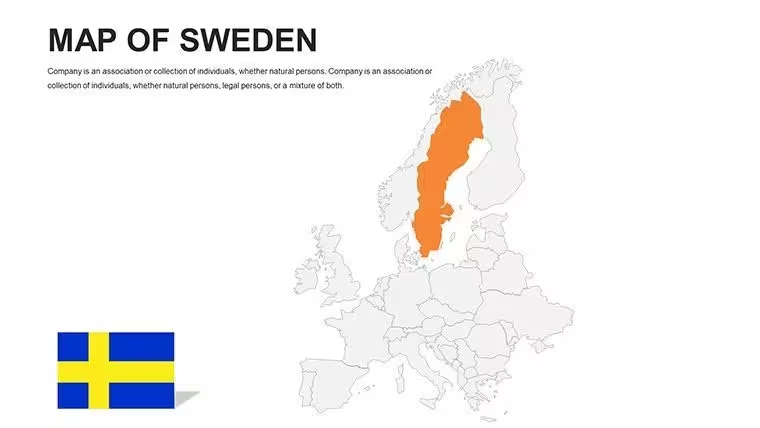
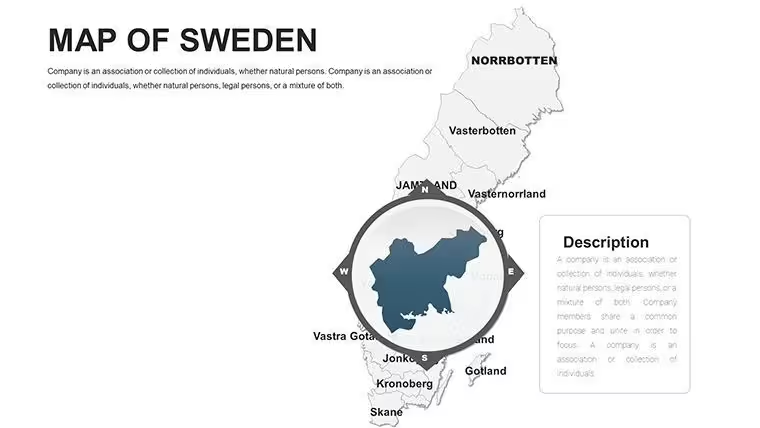
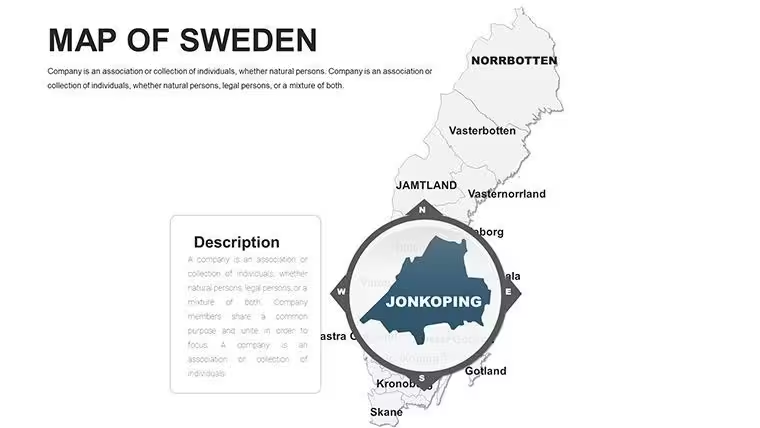
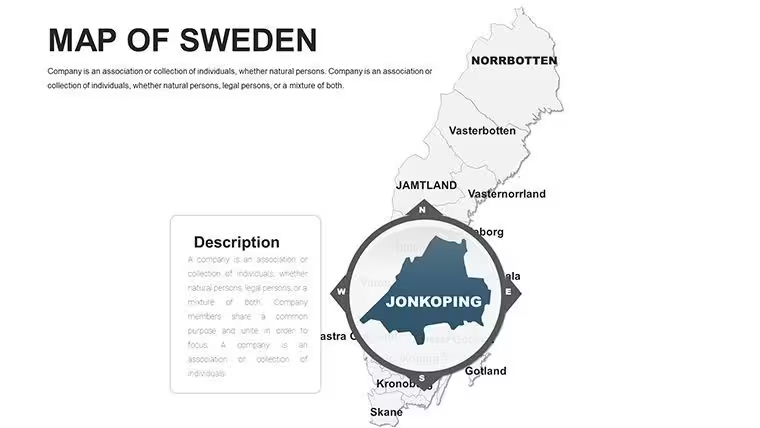
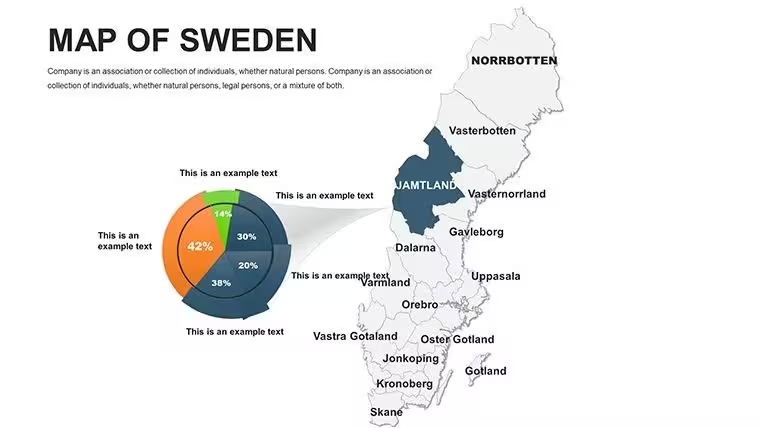
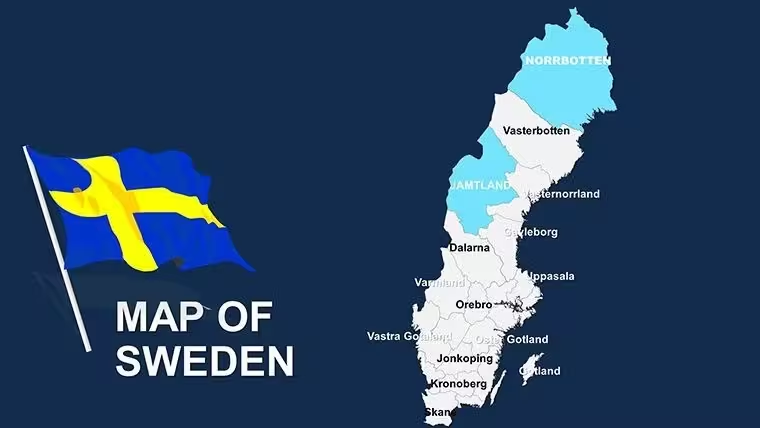
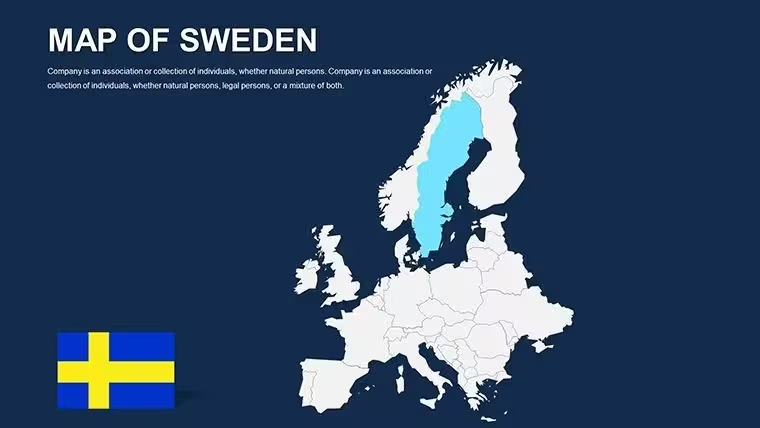
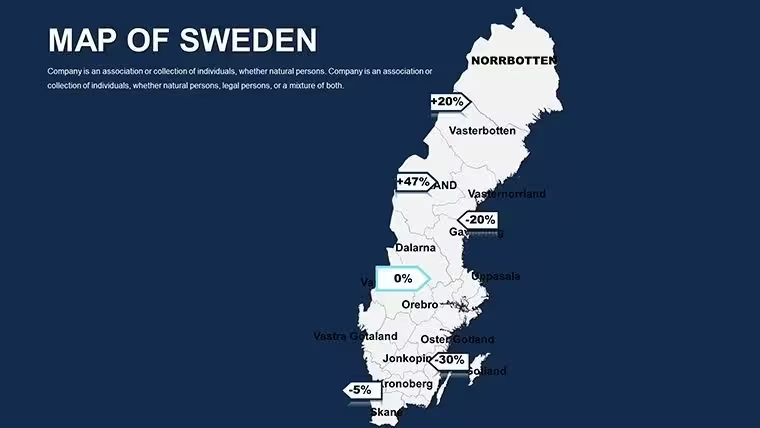
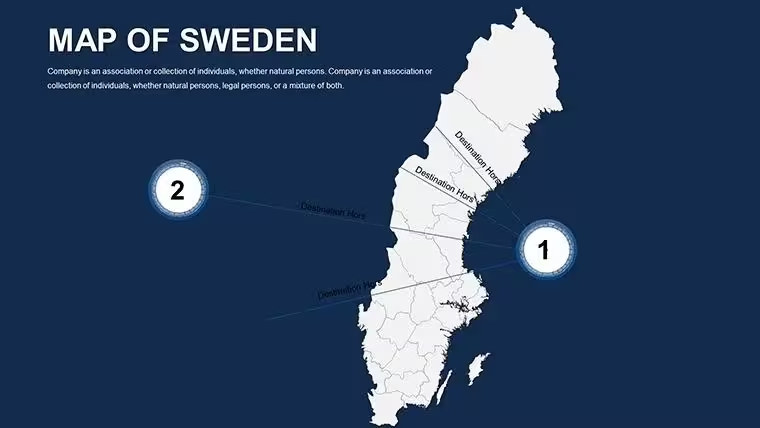
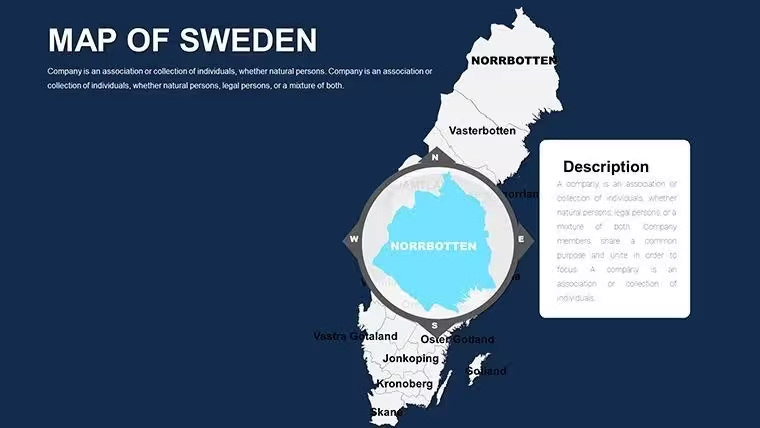
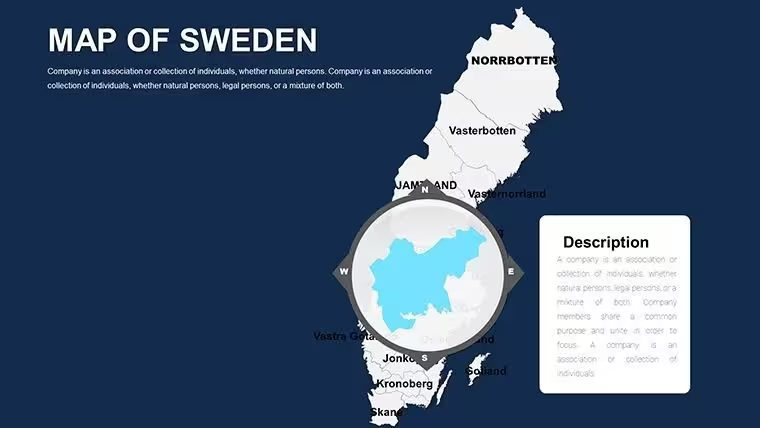
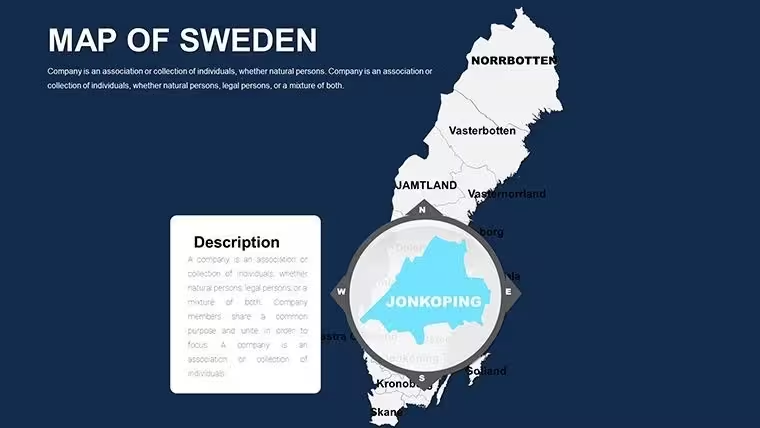
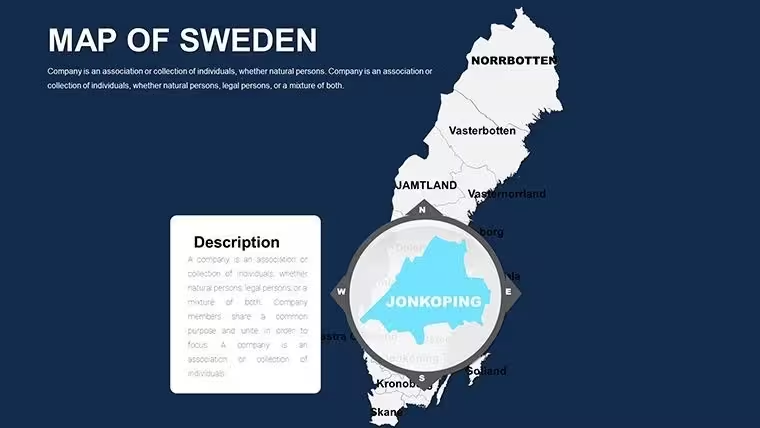
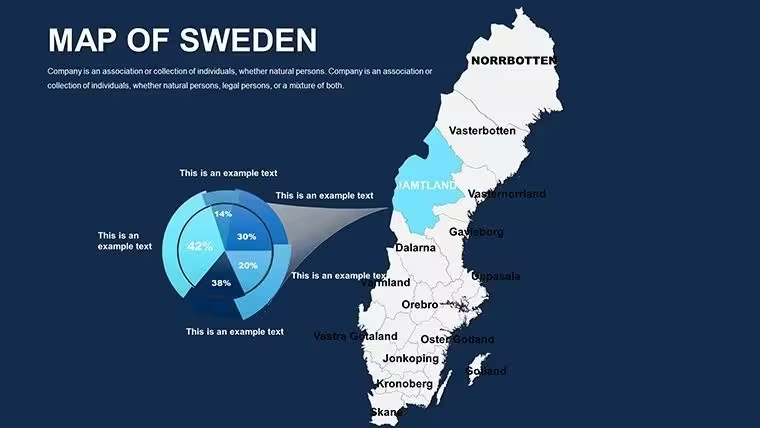
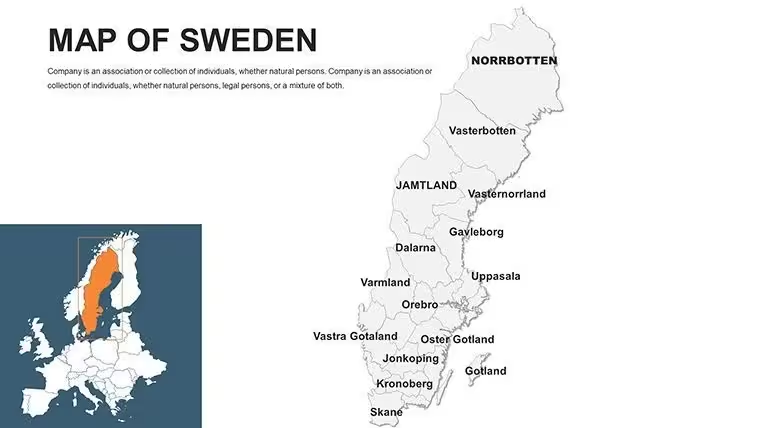
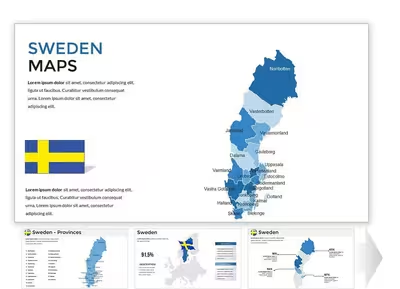
Sweden Keynote Maps Template with 48 editable slides featuring 21 county breakdowns, national overviews, and 290 municipalities. Nordic color palette, icons, and animations for Keynote. Perfect for tourism, policy, and education presentations. Instant download.
What's Included
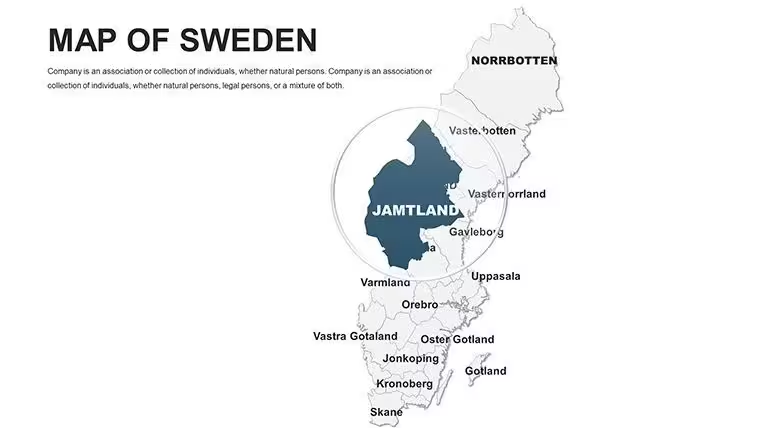
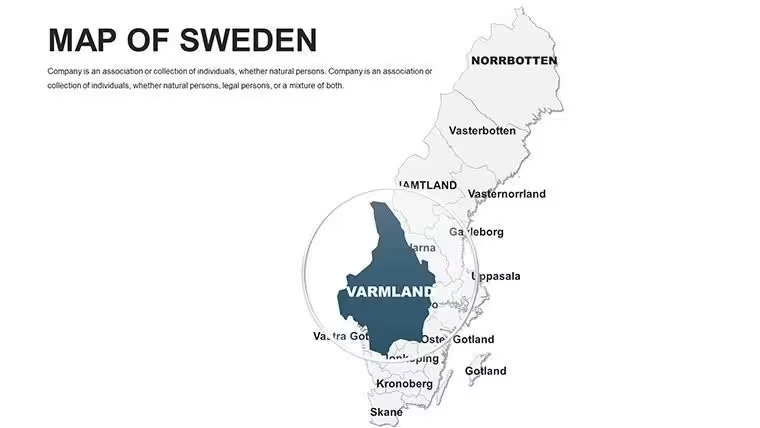
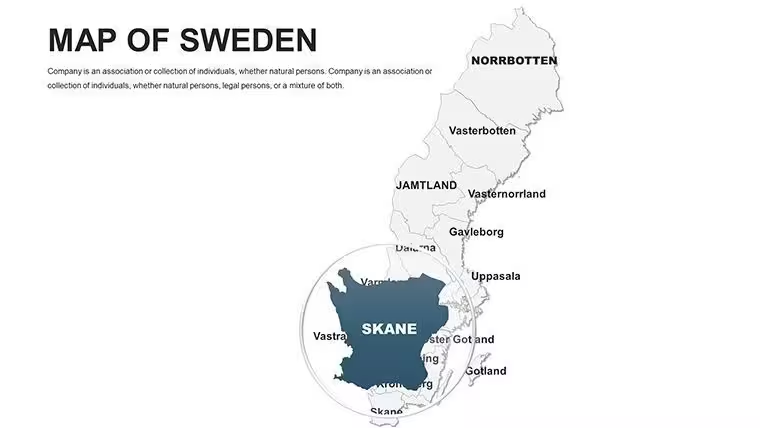
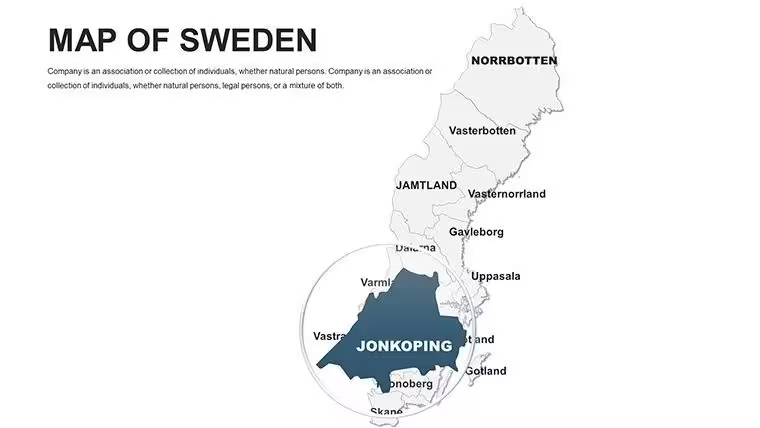
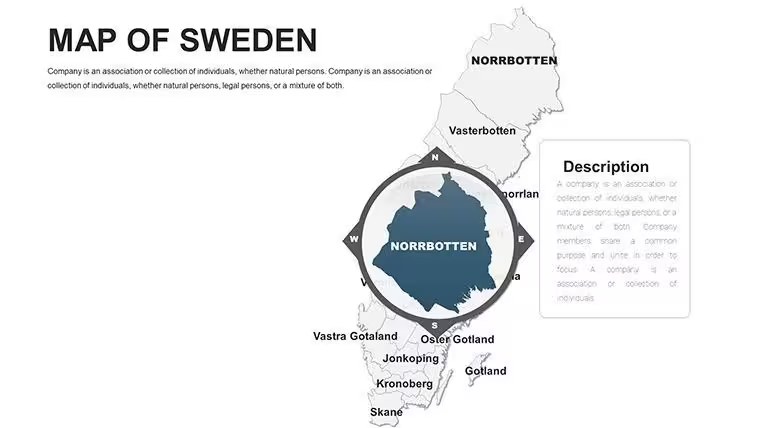
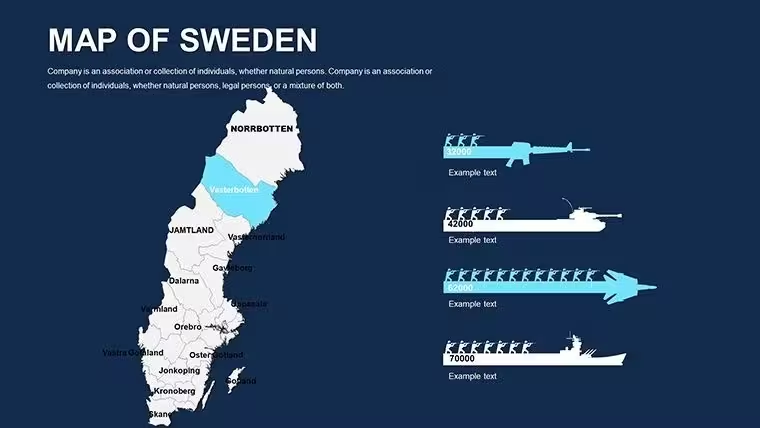
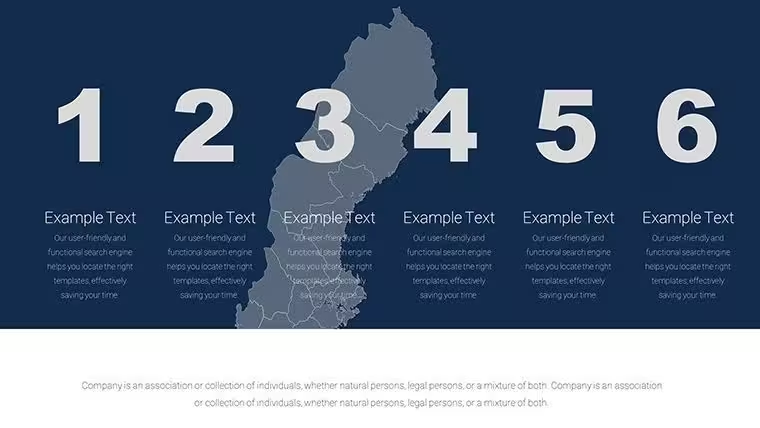
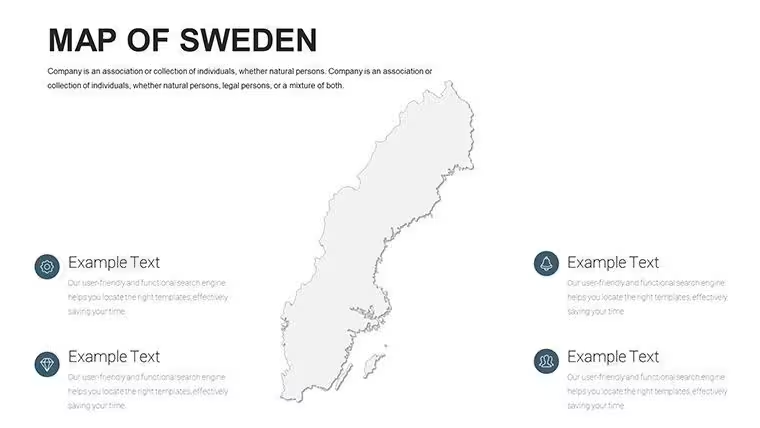
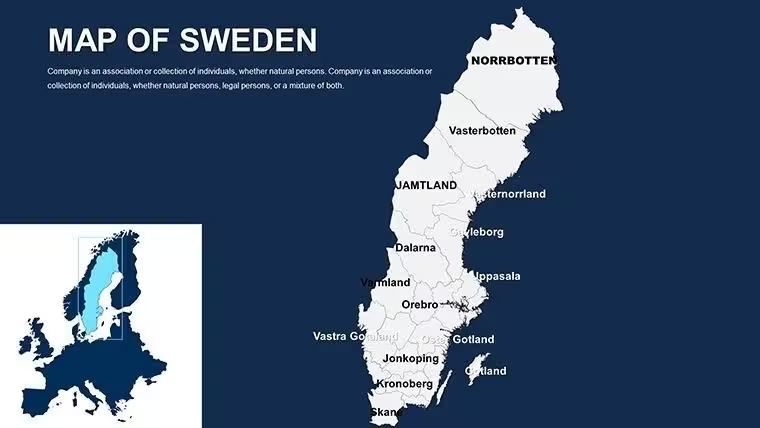
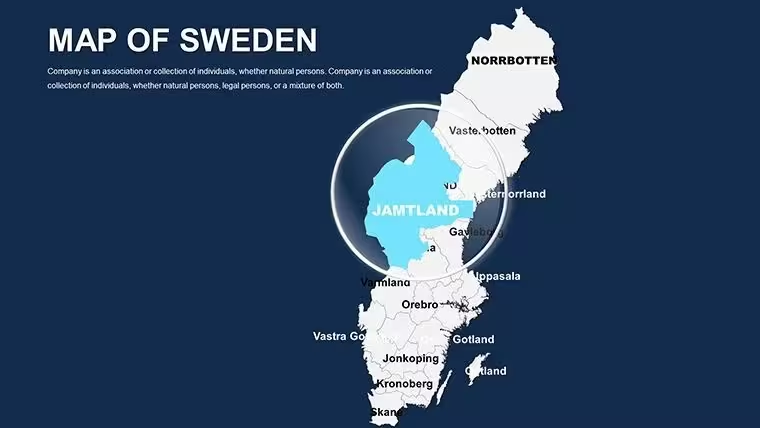
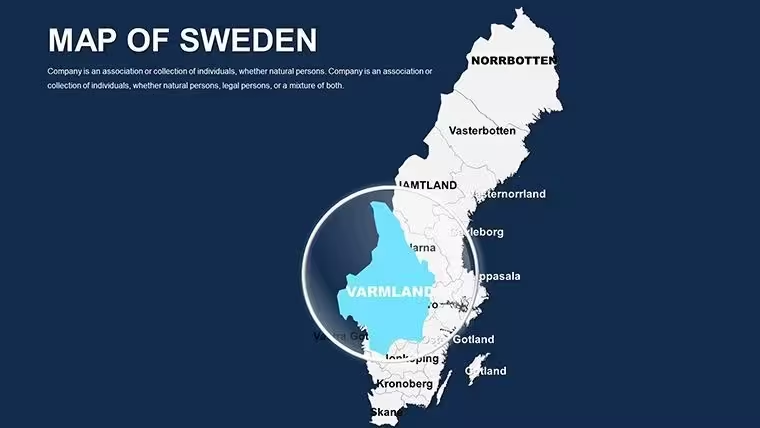
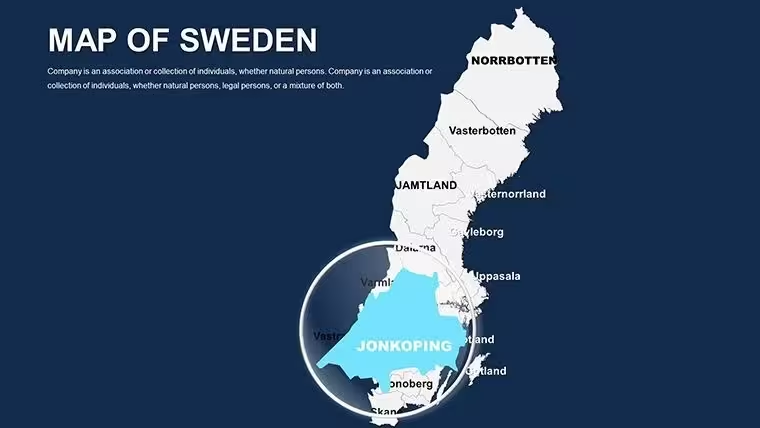
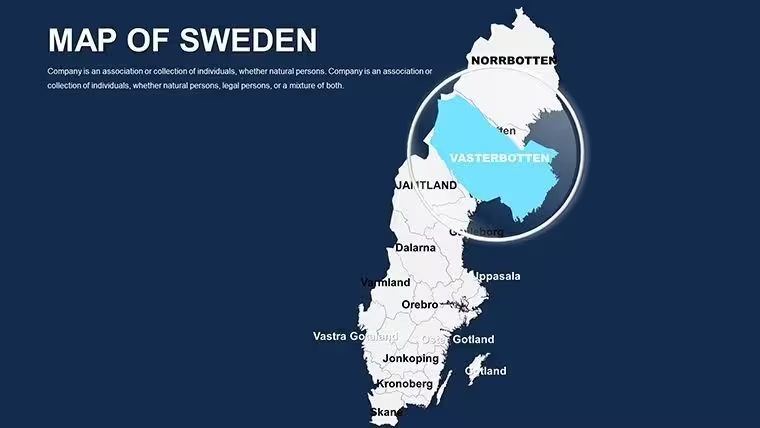
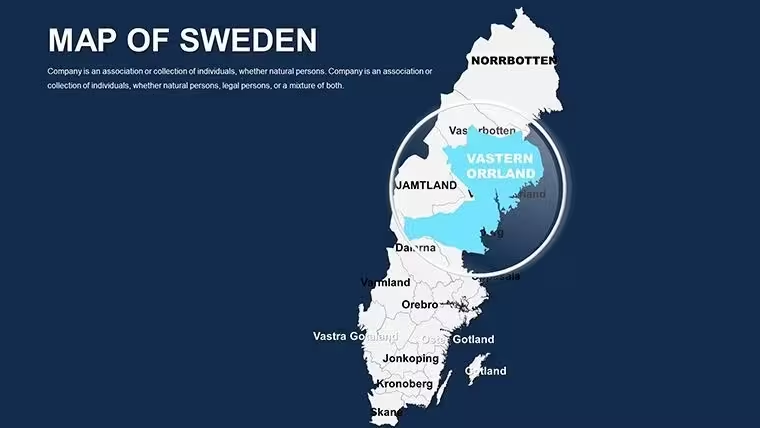
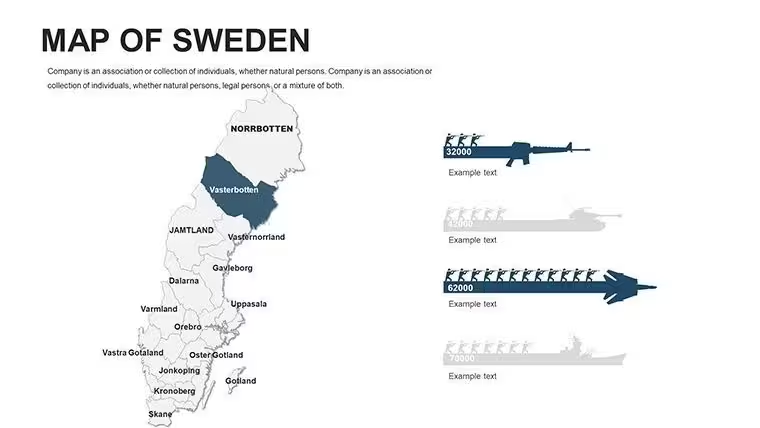
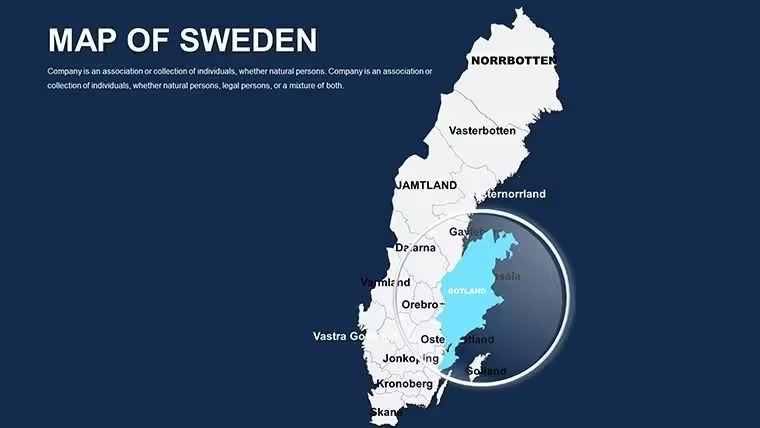
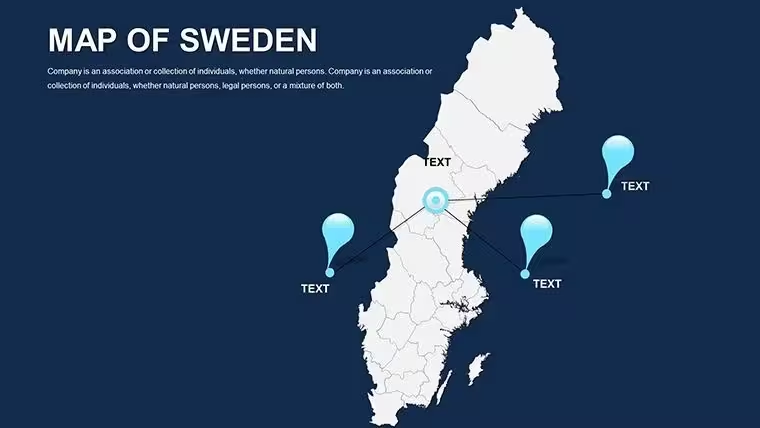
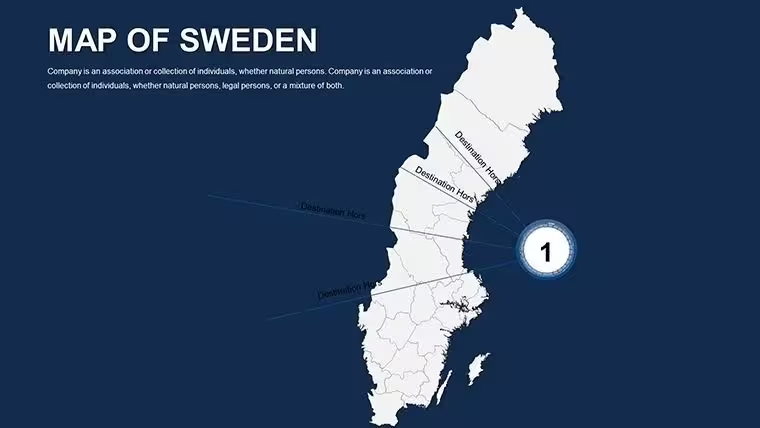
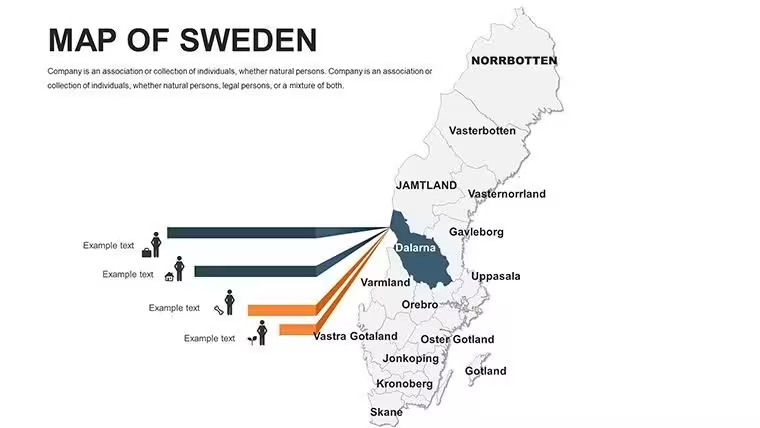
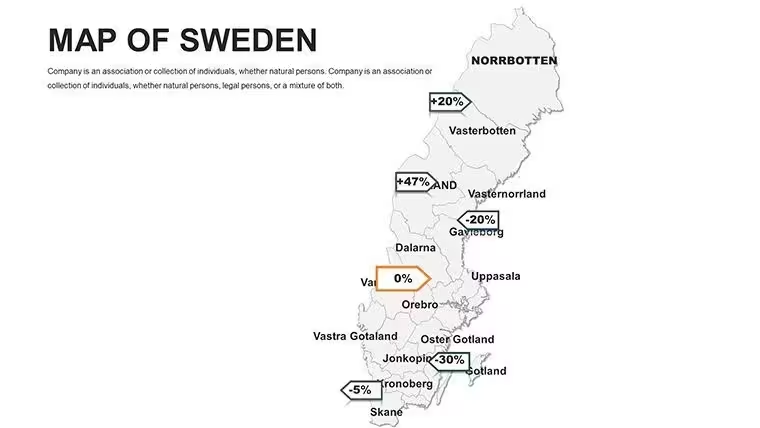
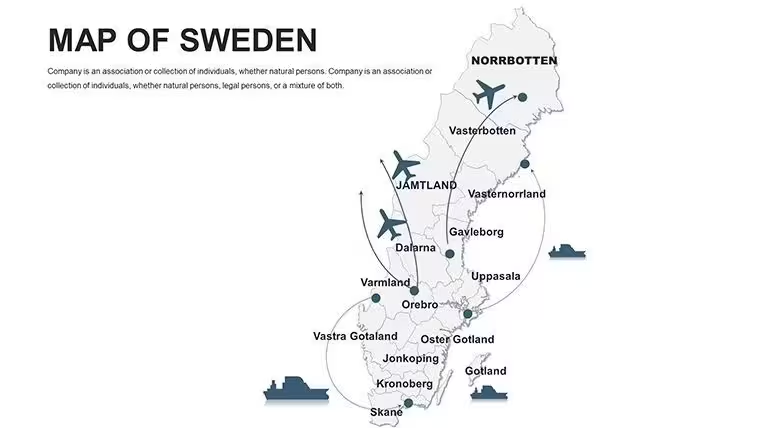
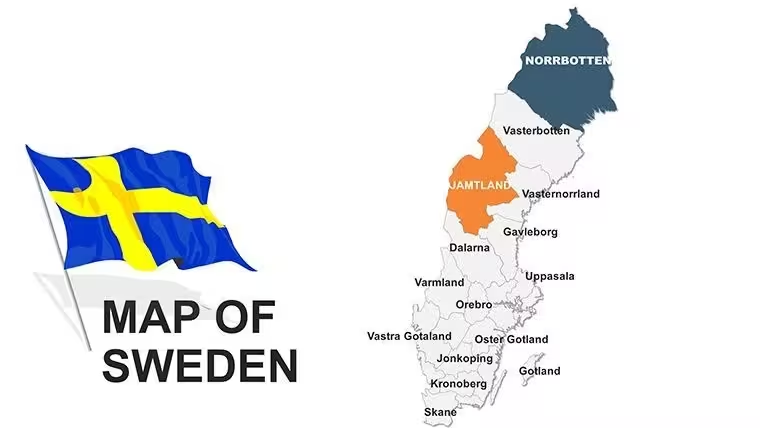
The Sweden Keynote Maps Template includes 48 fully editable slides with detailed maps of Sweden. Files are in native .key format optimized for Apple Keynote. Coverage features national overviews plus 21 county breakdowns including Aland islands, Kiruna iron ore areas, Smaland forests, Vastra Gotaland, Uppsala heritage sites, Norrbotten, Oland, Skane with Lund and Malmo, Ostergotland, and Lapland regions along with 290 municipalities. Over 60 SVG icons such as reindeer, Volvos, IKEA flats, lingonberries, lighthouses, and lakes are included for customization. Pre-built animations and data placeholders complete the package for instant use.
Key Features
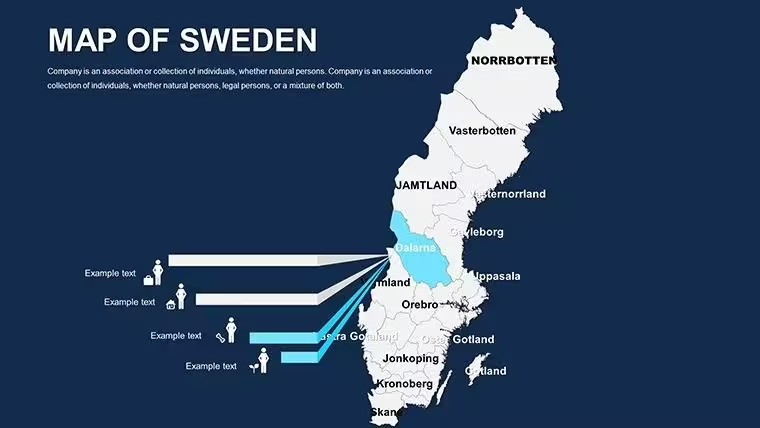
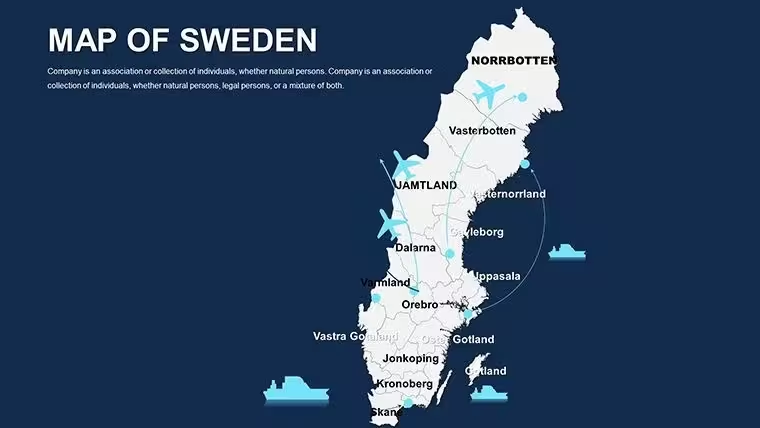
This template offers Nordic minimalism with crisp whites, deep blues representing the Gulf Stream, aurora greens, and noir tones. Slides support editable country and county regions, labels, zoom levels, and custom paths. Pre-set animations animate trade flows or river systems. Drag-and-drop color shifts and Google Sheets linking for live data are built-in. The 48 slides provide flexibility from broad national views to granular municipal details while maintaining vector precision and Keynote inspector compatibility.
Feature List
FeatureBenefit48 Editable SlidesNational to county detail21 County Breakdowns290 municipalities covered60+ SVG IconsReindeer, Volvo, IKEANordic Color PaletteCrisp whites, blues, greensPre-set AnimationsFlow and build effectsGoogle Sheets LinkLive data updatesKeynote OptimizedInspector editingProfessional Use Cases
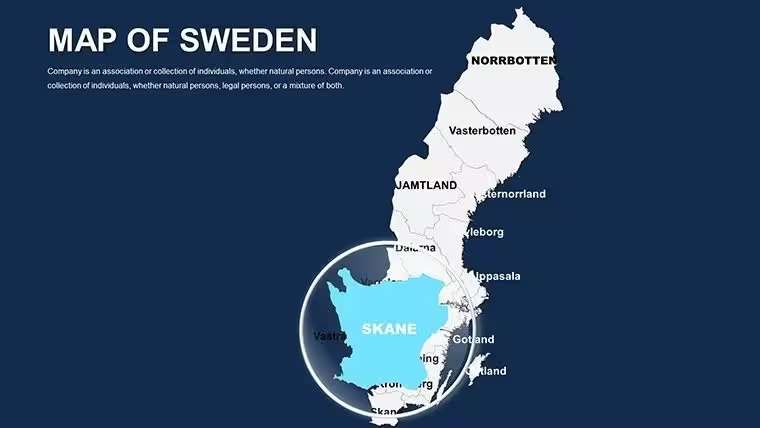
A tourism board director used the Sweden Keynote Maps Template to present regional attractions, zooming from national overview slides into Skane county details highlighting Malmo cultural sites during a stakeholder meeting. A policy analyst in Stockholm employed the county breakdown slides with animated trade flows to illustrate infrastructure plans for Norrbotten and Lapland to government officials. An eco-tourism lecturer incorporated the template`s aurora green palette and reindeer icons when teaching about sustainable development in Smaland forests and Uppsala heritage areas.
How to Customize
Download the .key file and open in Apple Keynote. Select map regions or labels to edit text and colors via the inspector panel. Drag SVG icons like Volvos or lighthouses onto slides. Apply pre-set animations for revealing rail lines or data builds. Link external Google Sheets for live GDP or population updates. Change fills to match branding using the Nordic palette options. The workflow is download, open, replace placeholders or animate flows, then export or present. This approach delivers polished results faster than creating detailed county maps manually in Keynote.
Why Choose This Template
This Sweden Keynote Maps Template provides 48 slides with comprehensive 21 county breakdowns and 290 municipalities, distinguishing it from the simpler Customizable Sweden Map Keynote Template (ID 1584) and broader European options in the related section such as Editable Europe Maps Keynote Template (ID 1982). The specific inclusion of locations like Kiruna iron ore veins, Oland, and Aland islands plus 60+ thematic SVGs offers depth for Nordic-focused work. Color and animation decisions prioritize clarity and engagement, benefiting users presenting Scandinavia insights without visual clutter.
Which version of Keynote is this template compatible with?The Sweden Keynote Maps Template is optimized for recent versions of Apple Keynote on macOS and iOS. It uses standard vector and animation features available in Keynote 10 and above. Full editing including inspector tools and Sheets linking works best in the latest desktop version. Export compatibility to Pages is maintained for broader use. Older versions may display maps correctly but advanced animations could require updating.
Can I edit the county regions and add my own data?Yes, all 21 county regions and municipality labels are fully editable vector shapes. You can recolor, resize, or add custom paths for emphasis. Text labels update easily and Google Sheets integration allows live data pulls for metrics like population or economy. This enables precise tailoring for any Sweden-focused presentation while preserving the professional Nordic design.
What map details are included for Sweden?The template covers national overviews and detailed breakdowns for 21 counties including Aland islands quirks, Kiruna iron ore veins, Smaland forests, Vastra Gotaland, Uppsala heritage, Norrbotten, Oland, Skane with Lund and Malmo, Ostergotland, and Lapland. It highlights 290 municipalities with labeled features like lighthouses and lakes, providing granular insights for regional analysis.
Is the template suitable for commercial presentations?Yes, the license supports commercial use in business, tourism, education, and policy presentations. You can customize and deliver the slides to clients or audiences. Original files cannot be resold. This makes the template ideal for consultants, lecturers, and organizations working with Scandinavian topics.
How do the animations work in Keynote?Pre-set build and transition animations are included for flows like river systems, trade routes, or sequential county reveals. Apply them via the Animate inspector with one click. You can adjust timing or sequence to match your narrative. The animations enhance engagement when presenting from south to north or zooming into specific regions like Malmo or Kiruna without manual setup.
Good for
- Project roadmaps and sprint plans
- Product launch timelines
- Quarterly or annual review decks
- Company history and milestone summaries
Licence
reviews
I needed editable maps fast and this saved me time.
The region highlight colors were easy to change.
Some slides had awkward spacing.
Used it for a university assignment.
FAQ
Will it work in Google Slides?
Are fonts embedded?
Can I use this for client work?
What's the refund policy?
Do you update the template after purchase?
Similar templates
See all Keynote Maps →
All 48 slides