Spain Keynote Map Template - Fully Editable KEY
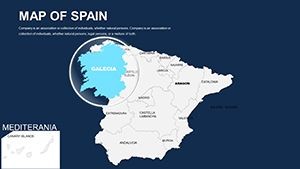
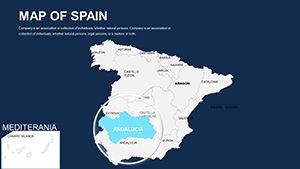
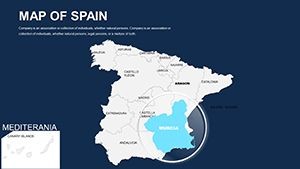
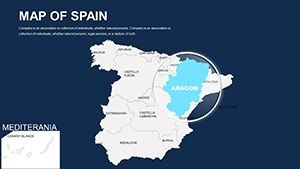
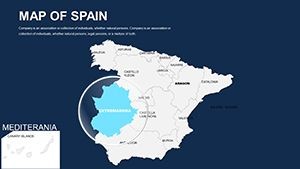
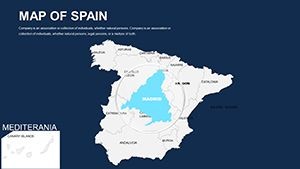
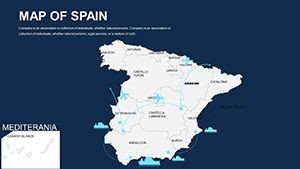
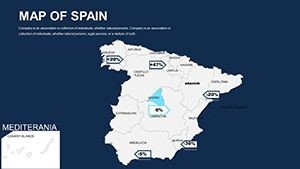
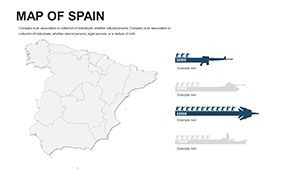
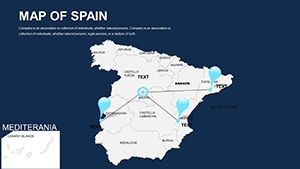
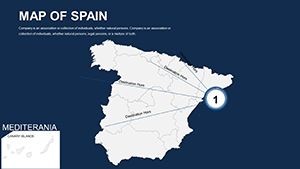
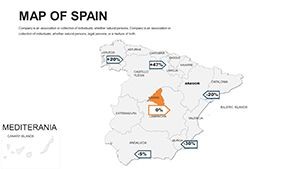
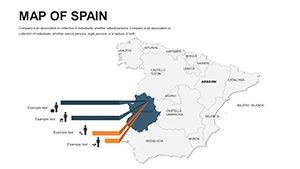
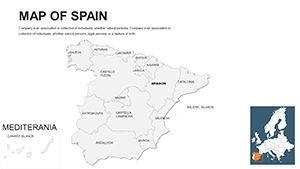
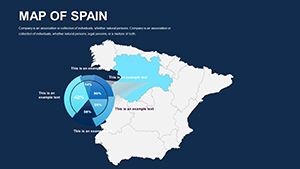
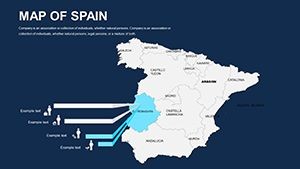
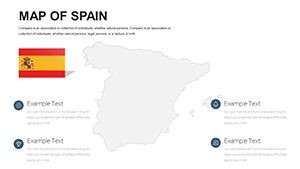
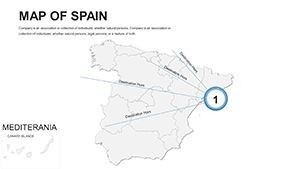
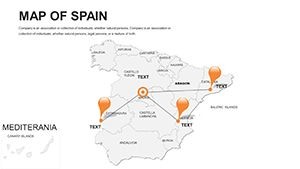
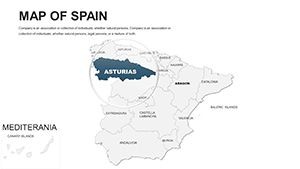
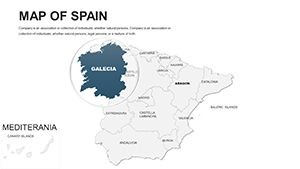
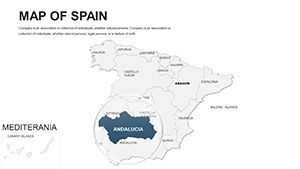
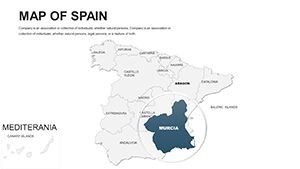
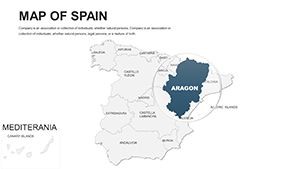
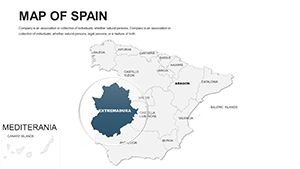
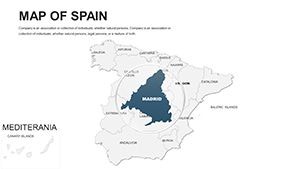
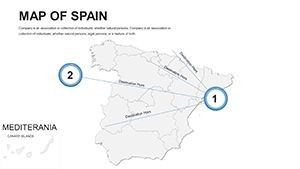
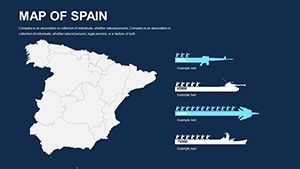
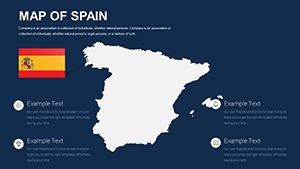
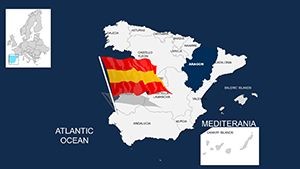
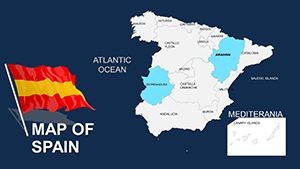
Type: Keynote Maps template
Category: Europe
Sources Available: .key
Product ID: KM00038
Template incl.: 46 editable slides
What is a Keynote map template? A Keynote map template is a pre-built .key file containing vector-based geographic slides that open directly in Apple Keynote, allowing users to recolor regions, add labels, and overlay data without rebuilding outlines from scratch.
46 Slides Across Spain's Regions: What's Inside
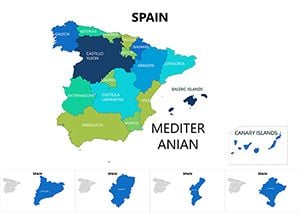
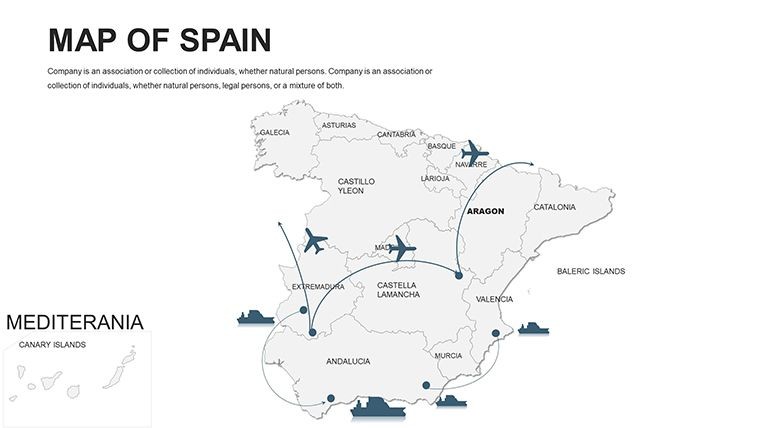
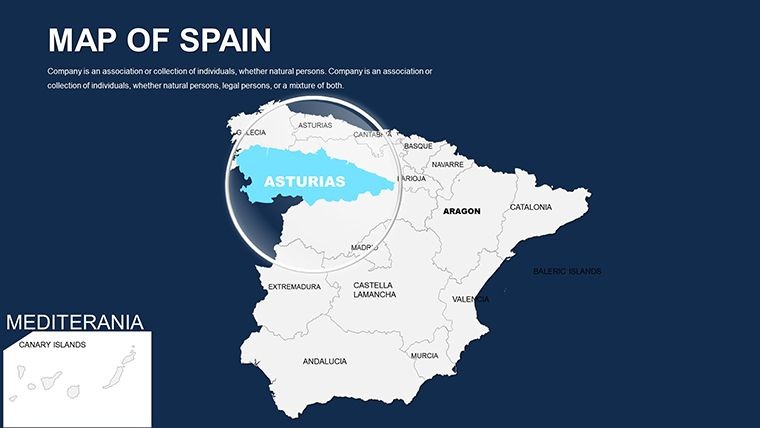
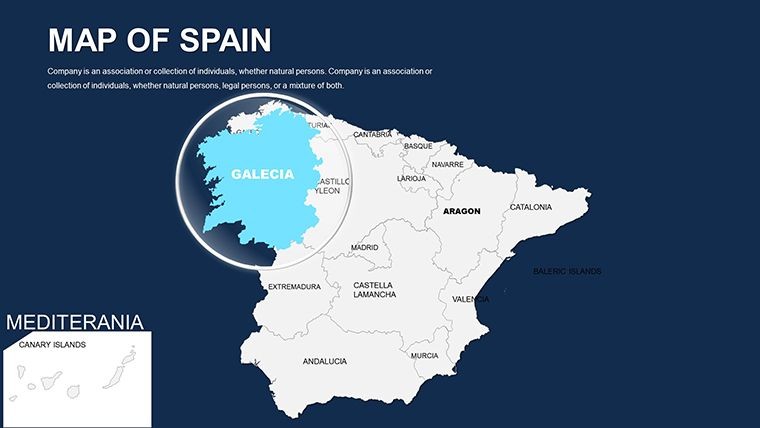
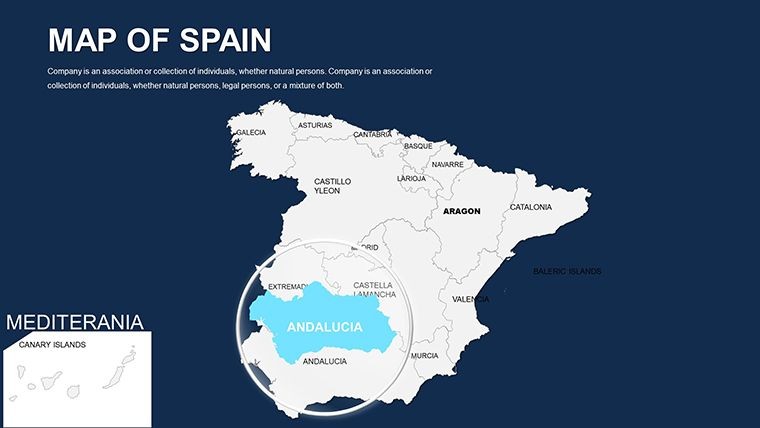
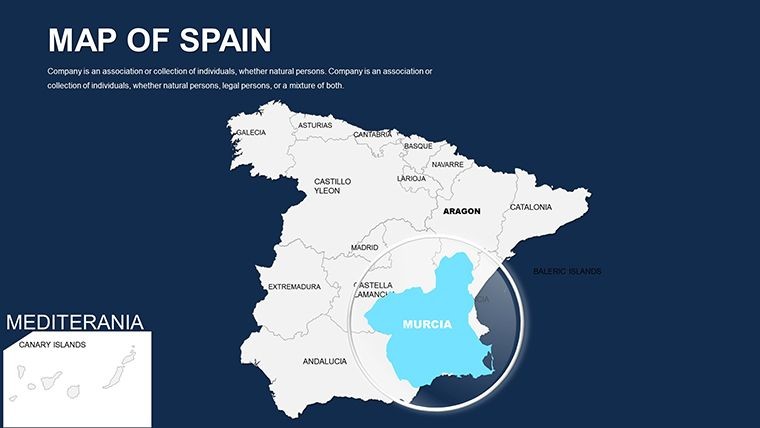
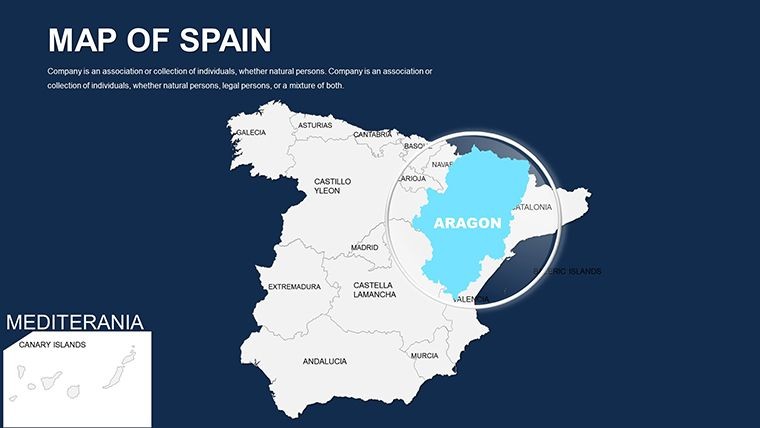
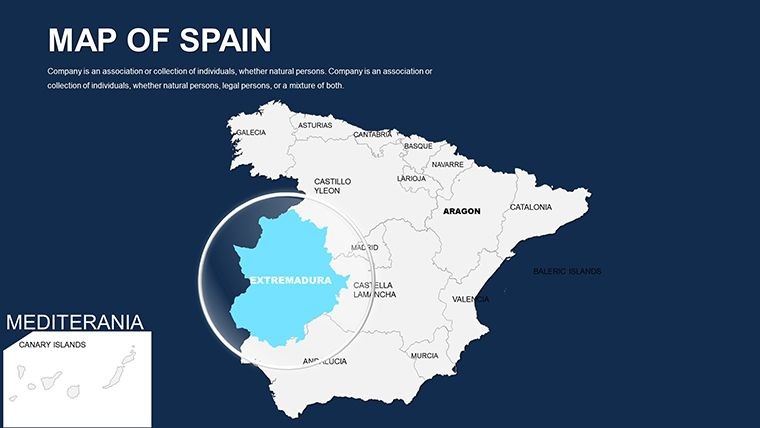
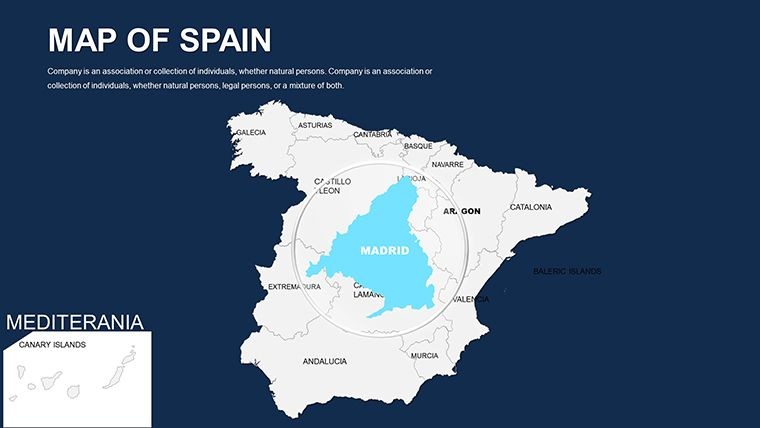
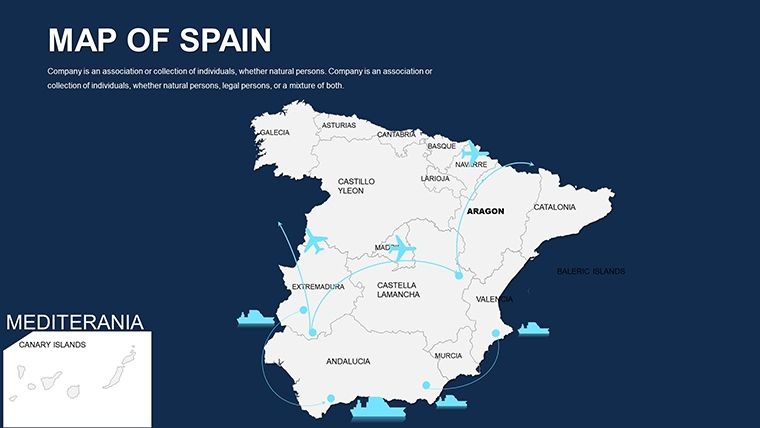
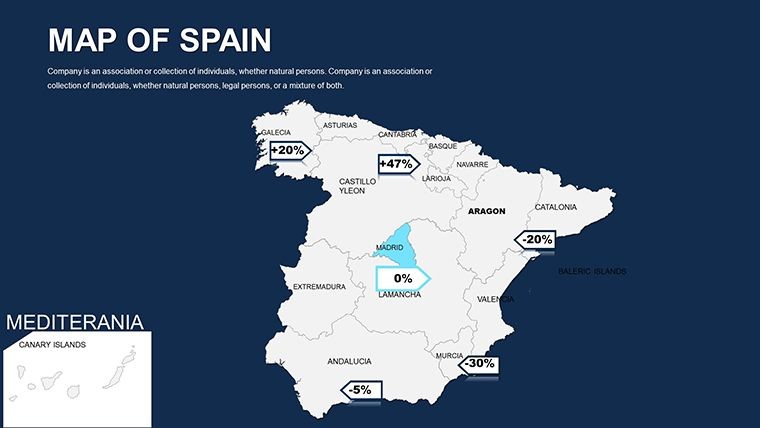
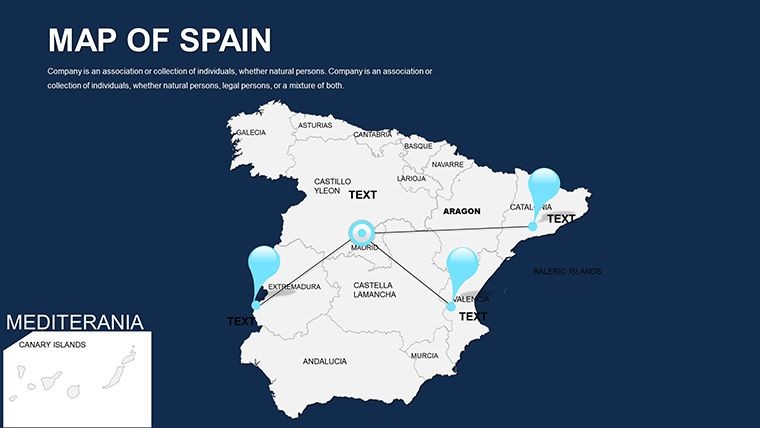
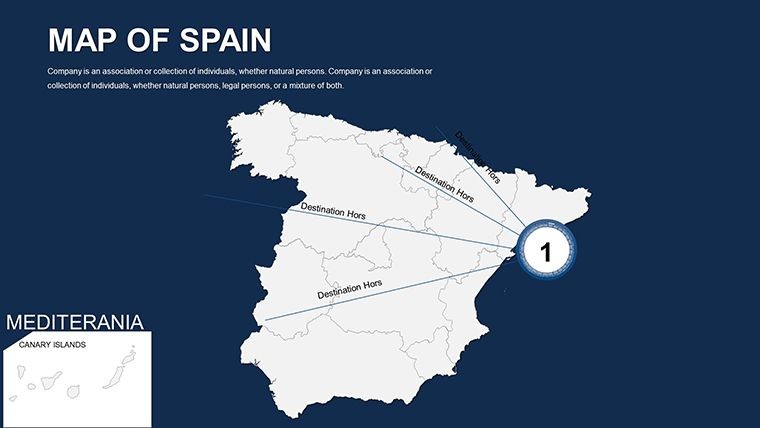
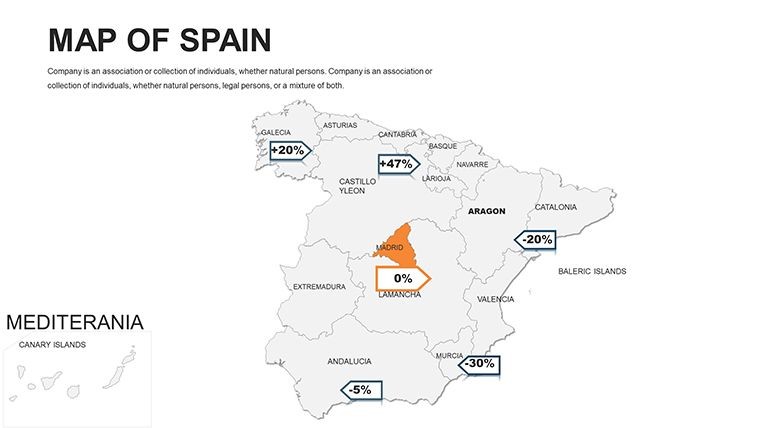
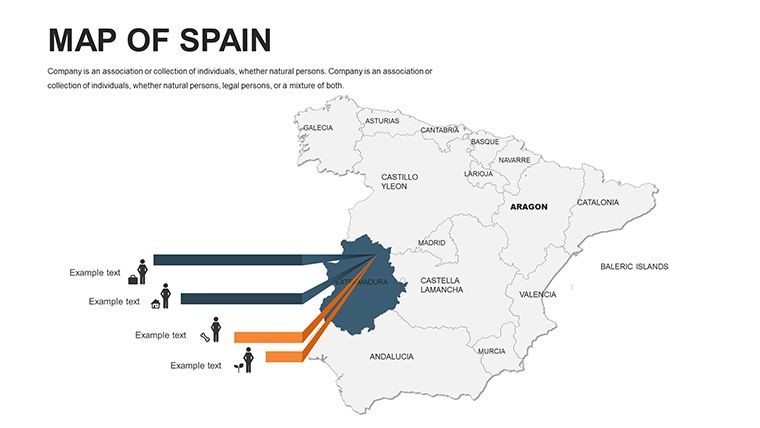
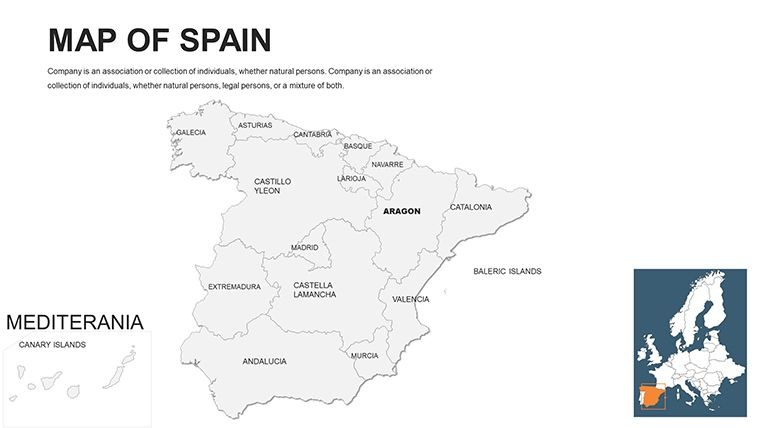
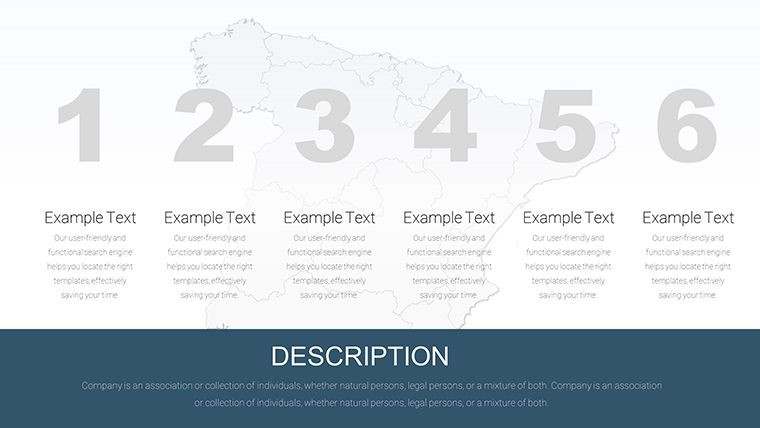
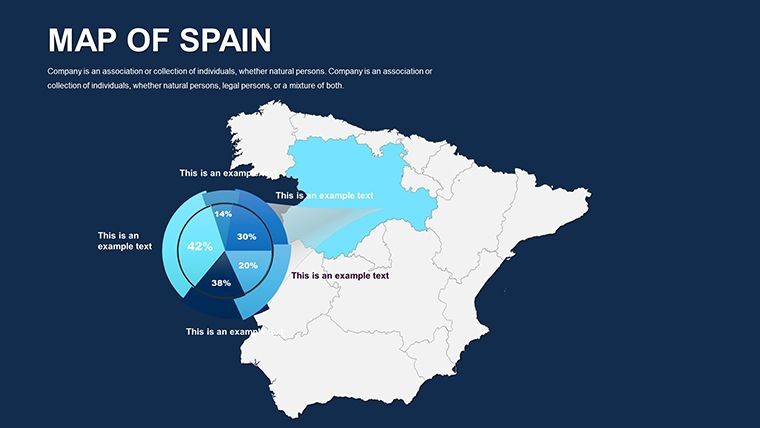
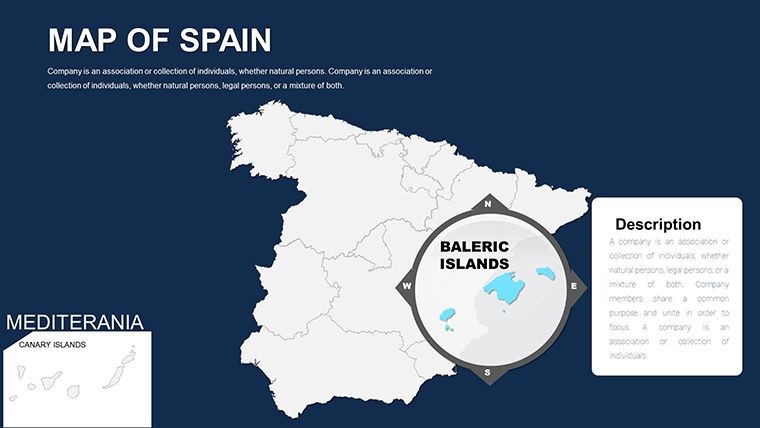
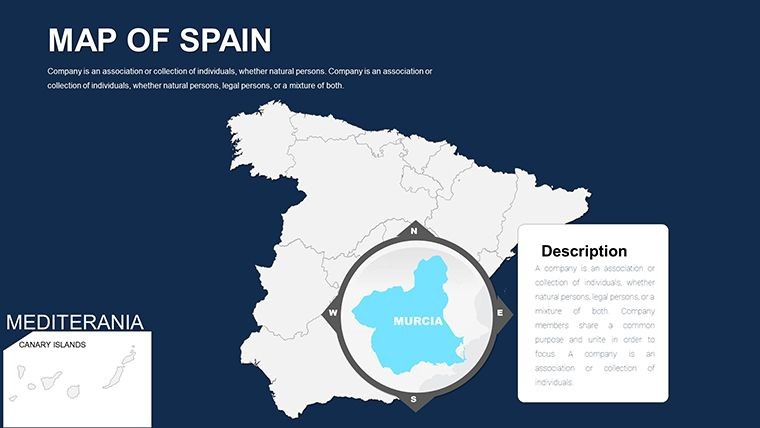
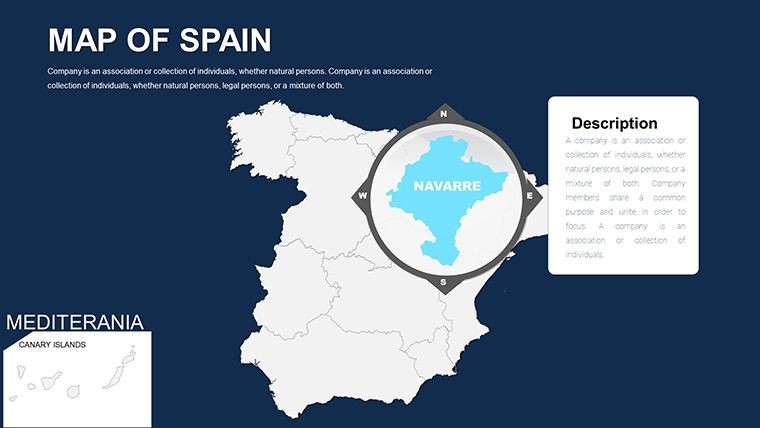
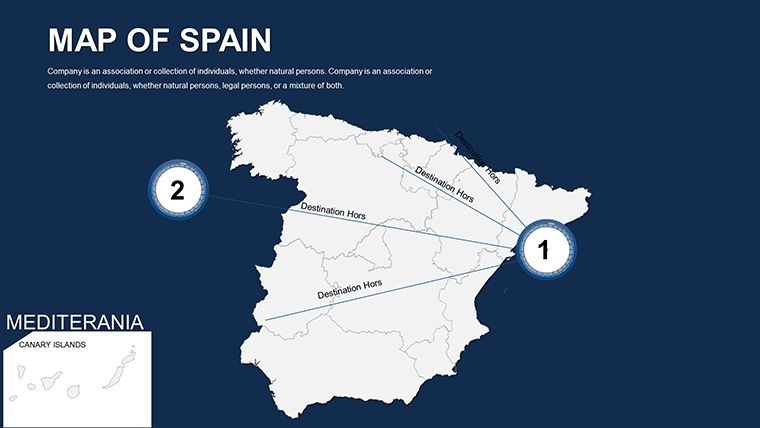
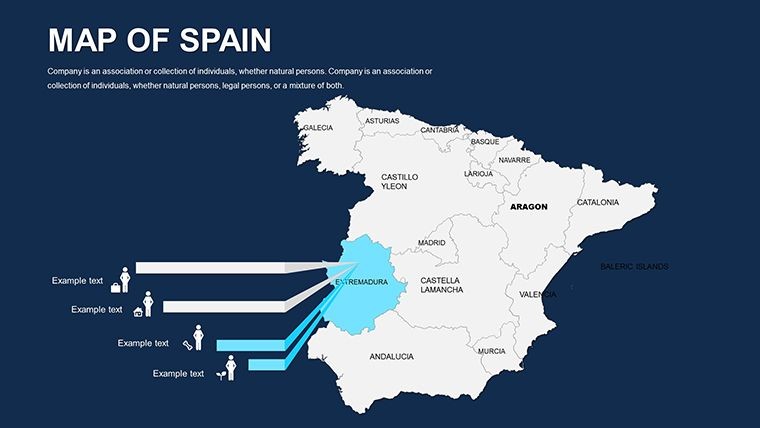
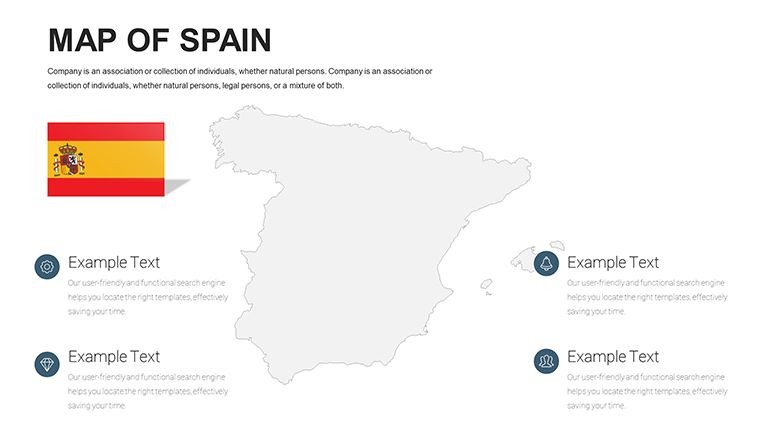
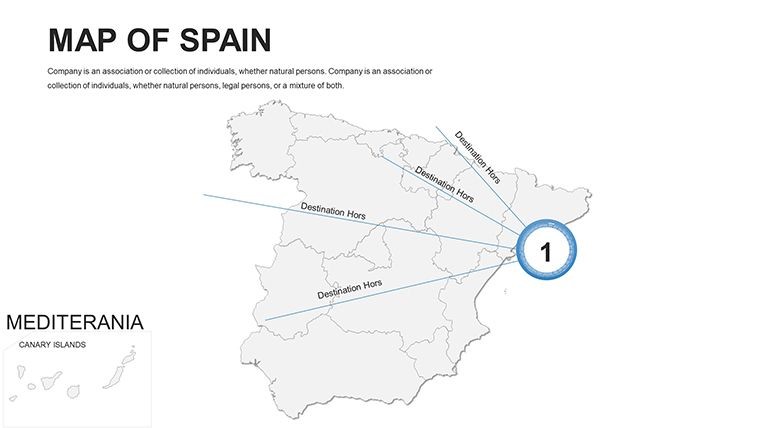
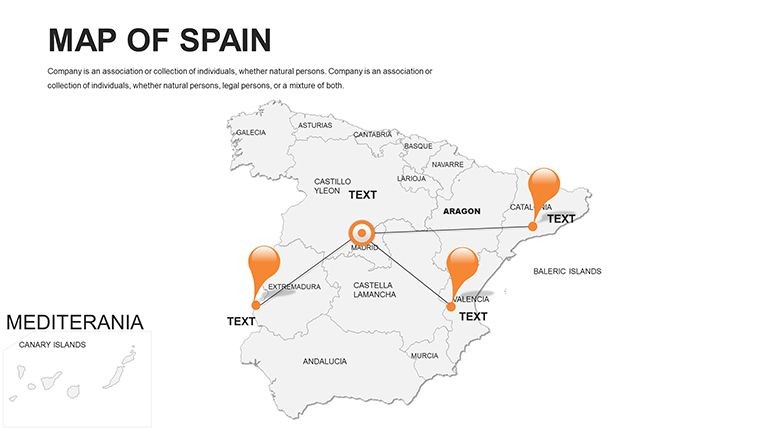
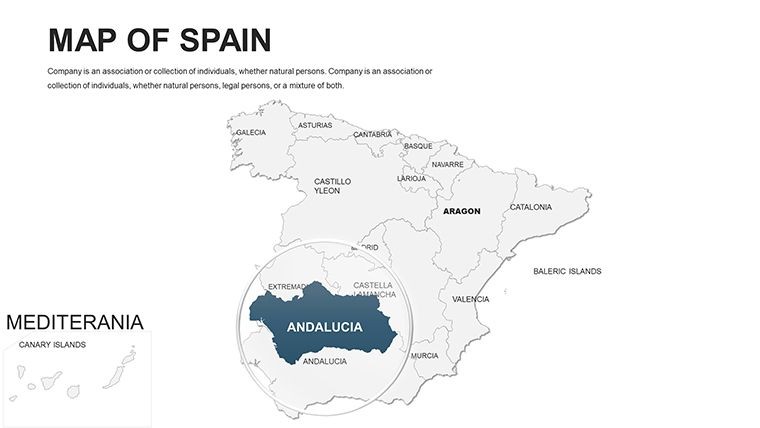
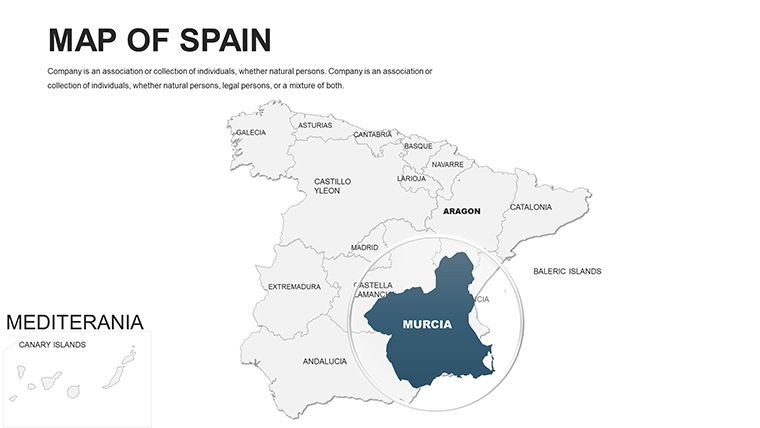
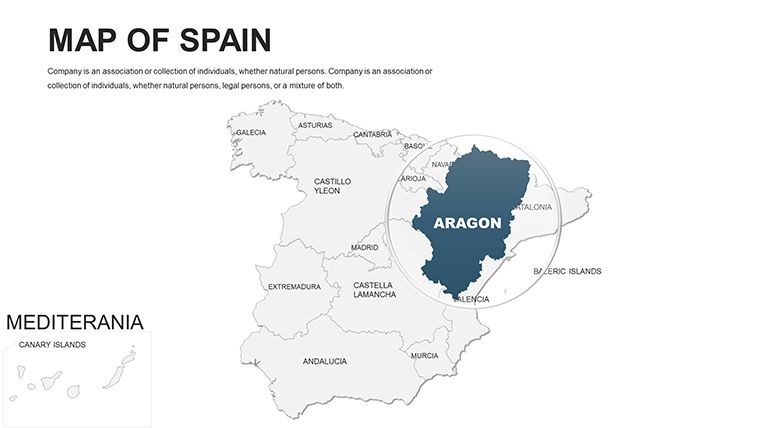
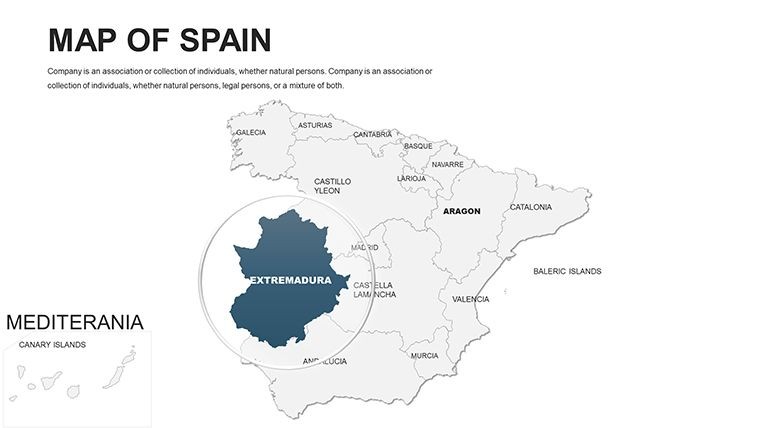
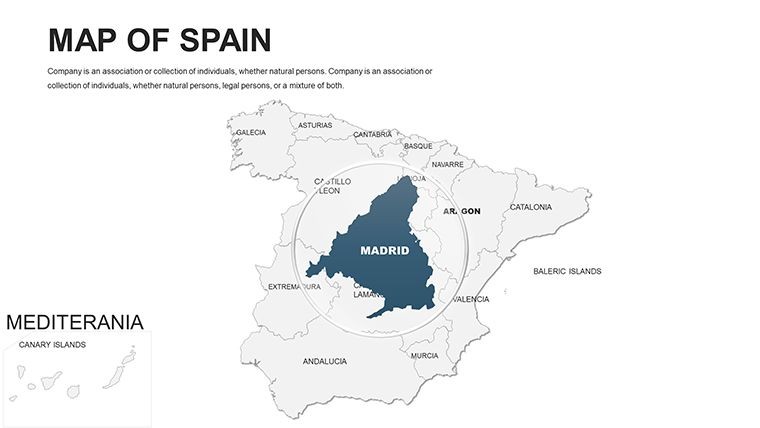
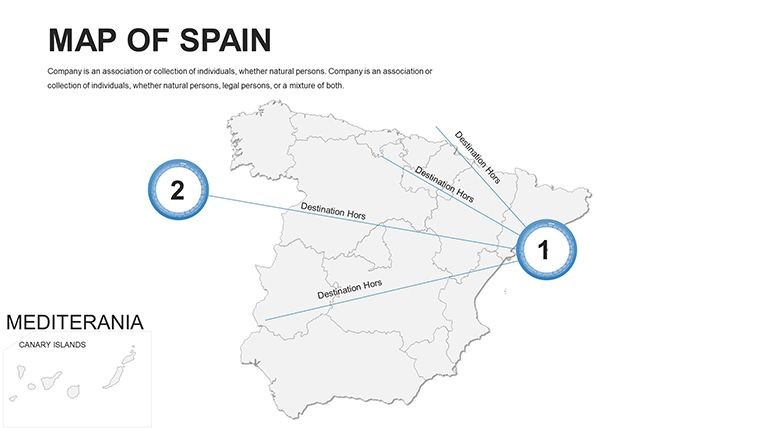
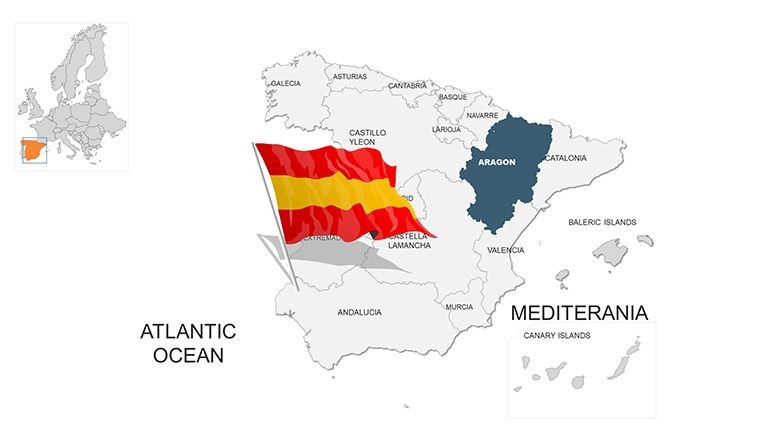
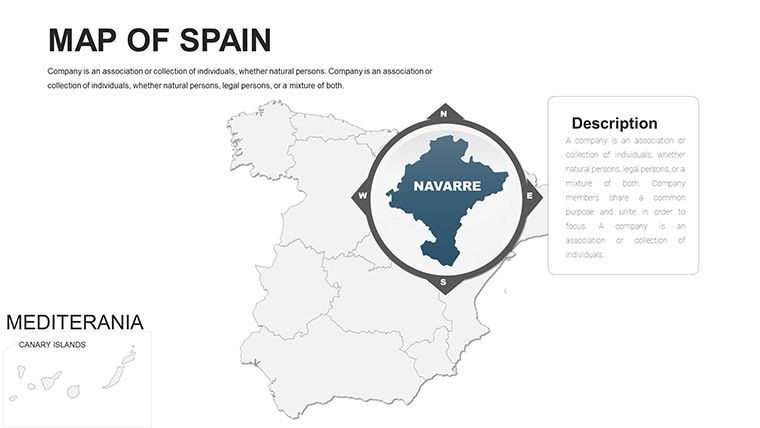
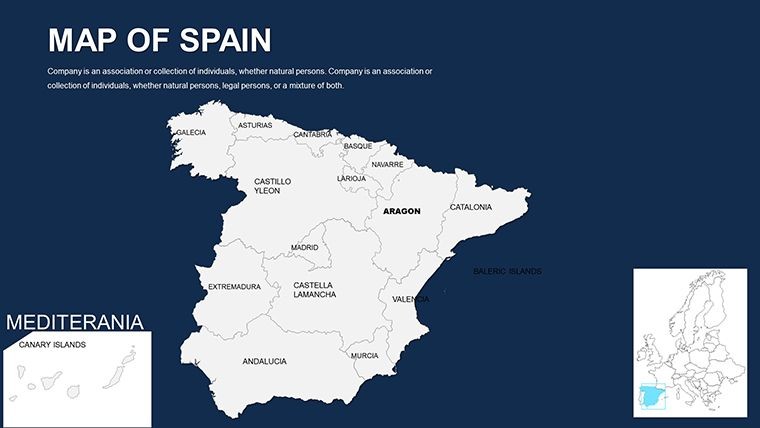
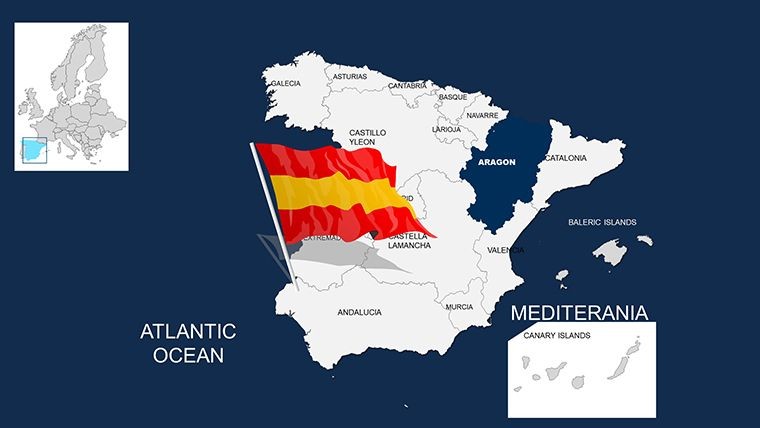
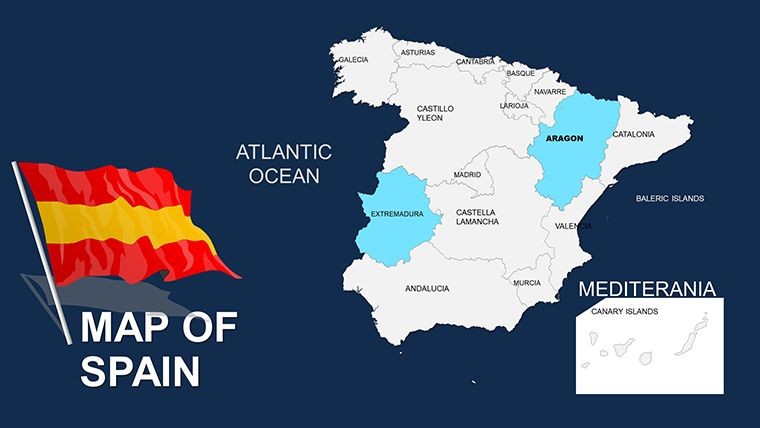
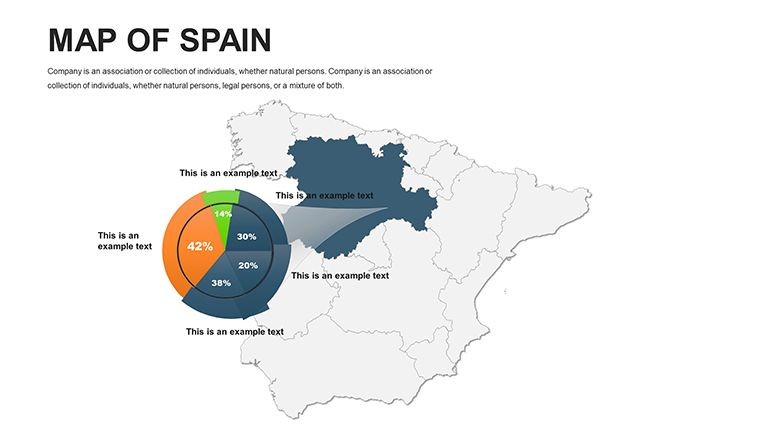
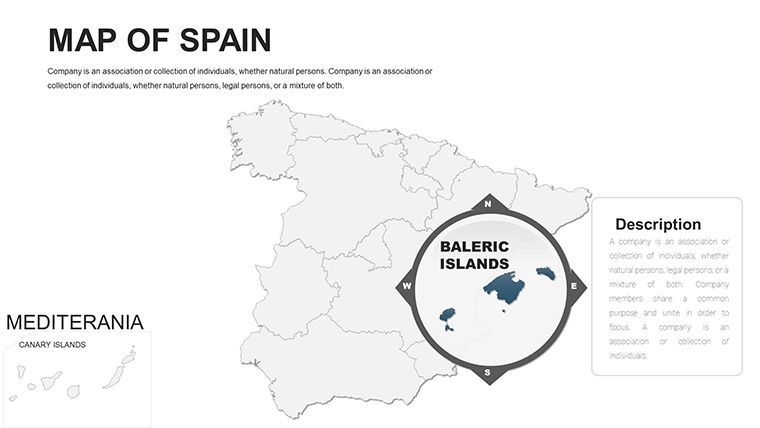
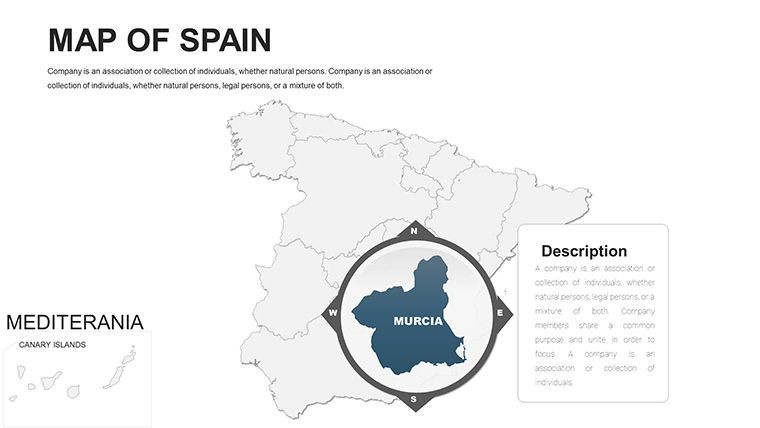
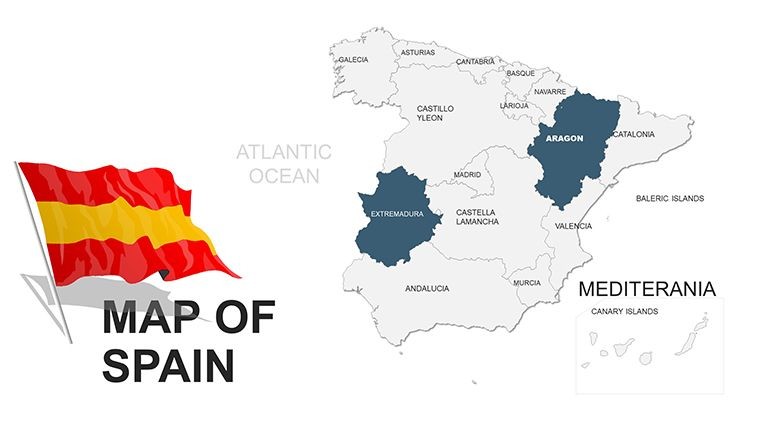
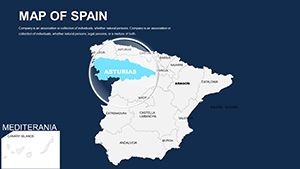
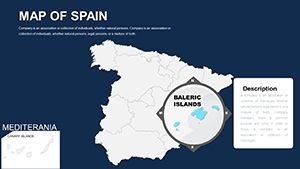
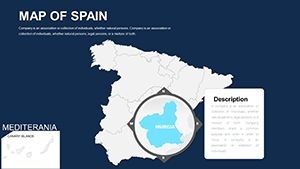
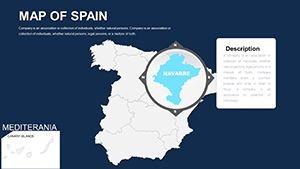
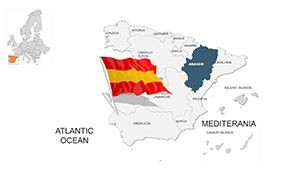
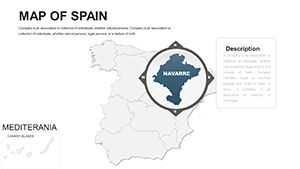
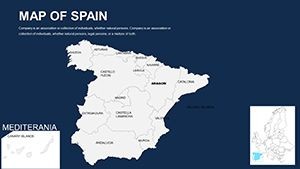
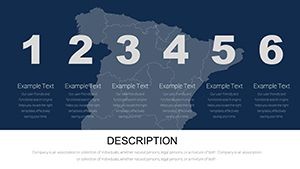
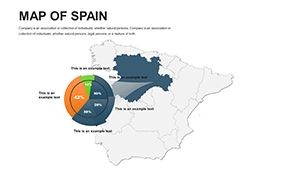
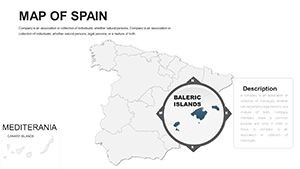
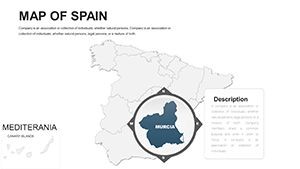
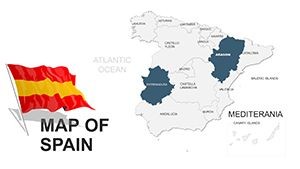
46 editable slides cover Spain's full geographic range - from national overview layouts down to individual autonomous community outlines. Each slide is a separate vector canvas: territory shapes, region labels, and any overlay elements sit on independent layers so they can be hidden, recolored, or removed without touching adjacent content. The file ships as a single .key format download, compatible with Apple Keynote 12 and later on macOS.
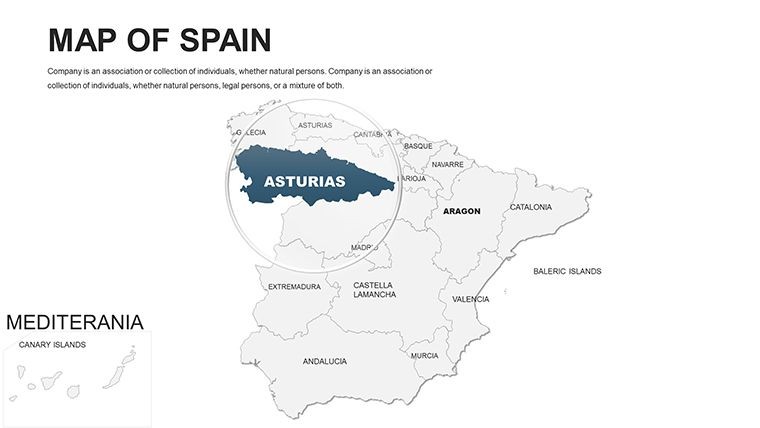
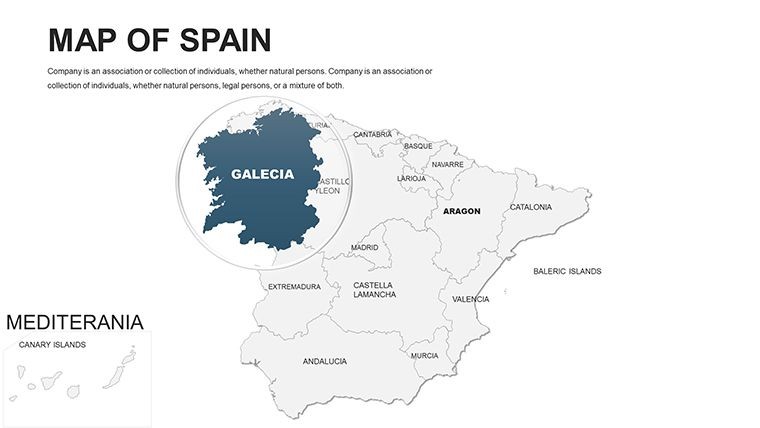
The coverage spans all 17 autonomous communities and 2 autonomous cities, with slides organized to move logically from broad national views toward province-level detail. A presenter building a regional sales review can open the national slide, highlight the relevant territories, and move to a zoomed region layout in the same deck - no switching files or manually cropping images mid-session.
Among map sets focused on broader European multi-country coverage, this file is the only option here dedicated entirely to Spain's internal structure. The territory-by-territory organization - rather than a single static outline with callouts - means each region gets its own fully editable slide with proportional shape geometry. That distinction matters when the territory boundaries themselves carry the argument, as in market segmentation or regional logistics presentations.
Editing Capabilities at a Glance
| Feature | Details |
|---|---|
| File format | .key - opens natively in Apple Keynote 12 or later; no conversion needed |
| Territory shapes | Vector paths - each autonomous community resizes and recolors independently |
| Region labels | Text boxes linked to individual territory layers; edit without ungrouping the shape |
| Color adjustments | Apply brand colors via Keynote's master slide palette or edit fills shape by shape |
| Slide count | 46 editable slides covering national, regional, and community-level layouts |
| Layer structure | Territory shapes, label layers, and overlay zones grouped separately for clean editing |
| Export options | .key for live editing, PDF for distribution, JPEG/PNG per slide for print or web assets |
| Animation support | Compatible with Keynote's built-in build tools; transitions assignable per shape layer |
Who Reaches for This Template
A regional sales director at a Madrid-based distribution company needed to present territory performance across Q3 to the executive team. Building Spain region outlines from scratch in Keynote - even using the polygon tool - would have taken two to three hours of shape alignment and color coordination. With this file, the director opened the national overview slide, applied the company's primary color to the top-performing territories, and had a board-ready deck within 40 minutes, reusing the same file across four consecutive quarterly briefings by simply updating the color assignments each cycle.
A marketing strategist at a Barcelona tourism agency used the autonomous community slides to map visitor origin data for a regional campaign proposal. The ability to shade Catalonia, Valencia, and Andalusia as separate filled shapes - without affecting the surrounding border geometry - made it straightforward to build a visual argument for three distinct campaign zones. The client approved the territory allocation on the first review, citing the clarity of the regional breakdown as the deciding factor.
Download and start editing immediately.
From Download to Final Deck
How do I adapt the Spain Keynote map to my brand colors? Open the .key file in Keynote 12 or later, navigate to the slide master, and apply your primary brand color to the default shape fill. Individual territory shapes inherit the master fill or can be overridden per slide in under two minutes.
- Step 1 - Open the .key file in Keynote 12 or later (1 minute)
- Step 2 - Select the national overview slide; identify which territory shapes correspond to your target regions (2 minutes)
- Step 3 - Apply brand colors to selected territory shapes via Format > Fill or through the master slide palette (2 minutes)
- Step 4 - Edit region labels - click the text box on each shape and type directly; font and size adjust via the format panel (3 minutes)
- Step 5 - Duplicate slides as needed for multi-region breakdowns; delete unused layouts (2 minutes)
- Step 6 - Export as .key for live presentation or PDF for client distribution (1 minute)
Editing difficulty: Beginner. No design software experience is required beyond basic Keynote navigation. Territory shapes respond to standard fill and text tools without requiring any unlocking or ungrouping.
Why This Map, Not a Blank Slide
Rebuilding Spain's 17 autonomous community outlines from a blank Keynote slide requires sourcing accurate vector boundary data, importing SVG files, correcting path alignment, adding text boxes at correct geographic positions, and applying consistent styling - a process that typically runs 4 to 6 hours for someone without GIS experience and still produces shapes that drift out of position on different screen resolutions. The territory paths in this file are already aligned, proportionally accurate, and styled for projection.
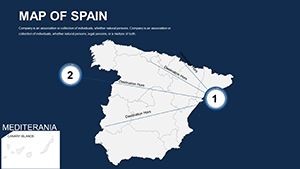
One design observation worth noting: region labels in this file sit outside territory shapes, connected by short reference lines rather than placed inside the filled area. Labels inside filled shapes become illegible on projection screens when the background color is dark or saturated - a common problem with heatmap-style presentations. Positioning labels externally maintains readability regardless of which fill color is applied to the territory, and it avoids the need to manually adjust label contrast every time the color scheme changes.
The single-country focus also distinguishes this set from broader European coverage files. A multi-country Europe template allocates perhaps two or three slides to Spain in total. Here, every slide in the 46-slide set is Spain-specific, which means the detail level at the community and province tier is substantially higher than anything achievable within a broader regional collection.
Download and start editing immediately.
Frequently Asked Questions
Which versions of Apple Keynote open this file?
The .key file is compatible with Apple Keynote 12 and later, which requires macOS Monterey or a more recent macOS version. Keynote 12 introduced several layer and vector handling improvements that the file's grouped shape structure depends on. If you are using an older Keynote version, some grouped elements may require manual realignment after opening. The file is not natively compatible with Keynote for iCloud or Keynote on iOS without first verifying that the layer groups transfer correctly, as the mobile and web versions handle complex groupings differently from the desktop application.
How do I change the color scheme across all region slides at once?
The fastest method is to edit the master slide palette in Keynote. Go to View > Edit Master Slides, select the master applied to the region slides, and update the default shape fill color. All territory slides that inherit from that master will update simultaneously. For slides where individual shapes have been manually overridden, select those shapes directly and use Format > Fill to apply the new color. A full brand color reapplication across the 46 slides typically takes under 10 minutes using the master slide approach, depending on how many individual overrides exist in the original file.
Can this file be used in paid client work?
The standard single-purchase license covers internal business use and client-facing presentations - for example, including slides from this file in a strategy deck delivered to a paying client. The license does not permit reselling the template itself, sublicensing the .key file, distributing it as part of a template bundle, or uploading it to any marketplace. If you need to use the file across multiple client accounts simultaneously or distribute it as a team resource within a larger organization, review the ImagineLayout terms of use page for multi-seat or extended license options before purchase.
What is the difference between the free and paid versions?
The page does not specify a free version for this product. The $45.00 purchase provides the full 46-slide .key file with all autonomous community slides, label layers, and overlay-ready vector shapes included. There is no partial or preview-only download indicated on the product page. If a free sample or preview asset becomes available, it would typically be listed under the product pricing section on the ImagineLayout product page at the time of purchase.
Does the file include animation support?
The .key file is compatible with Keynote's built-in animation and build tools. Territory shapes can have individual build-in or build-out transitions assigned to them through the Animate panel, allowing region-by-region reveals during a live presentation. No pre-set animations are embedded in the file by default - each animation must be assigned manually, which keeps the base file clean and load times fast. Applying a simple dissolve or appear transition to a territory shape takes under 30 seconds per shape in Keynote's Animate panel.
What is ImagineLayout's refund policy for this template?
ImagineLayout's refund policy applies to digital downloads. Because the .key file is delivered immediately upon purchase and cannot be returned in the traditional sense, refund eligibility typically depends on whether the file is technically defective - meaning it fails to open or contains missing elements not described on the product page. General dissatisfaction with the design style or a change of project requirements after download are not typically covered. Review the full refund policy at imaginelayout.com/refund-policy before completing the purchase if this is a concern.
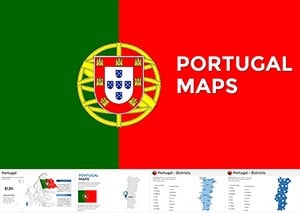
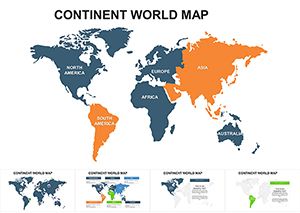
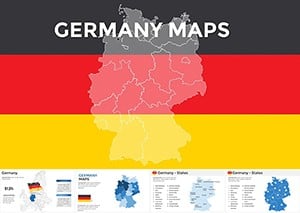
Browse the full Europe Keynote Maps category for additional country-level coverage. Teams building multi-country European decks often pair this Spain set with a broader Europe map template for continental overview slides. For neighboring Iberian coverage, the Portugal Keynote Maps template follows the same .key format and layer structure.