Spain Keynote Map Template - Fully Editable Key File
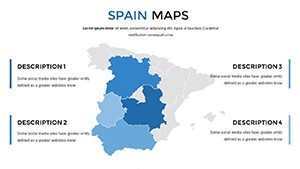
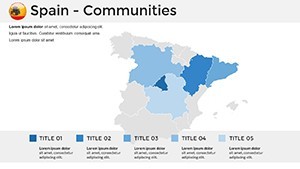
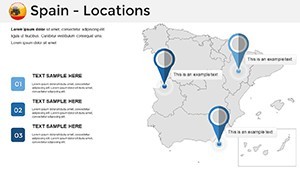
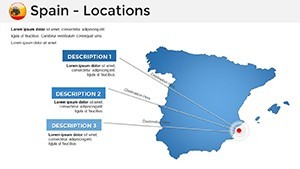
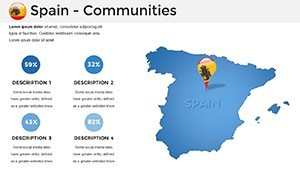
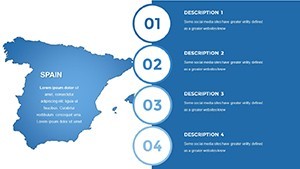
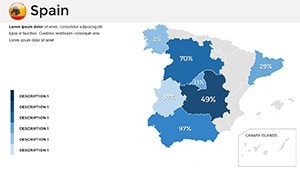
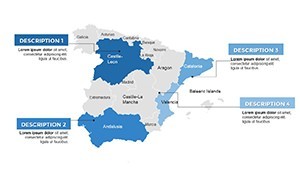
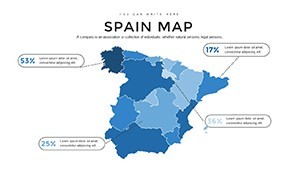
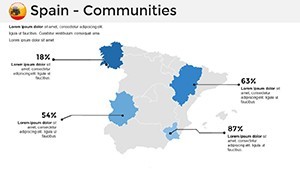
Type: Keynote Maps template
Category: Europe
Sources Available: .key
Product ID: KM00027
Template incl.: 37 editable slides
What is a Keynote map template? A Keynote map template is a .key file with pre-built geographic shapes, region labels, and editable placeholders that open directly in Apple Keynote - no data conversion or GIS software required before editing.
What's Inside the Download
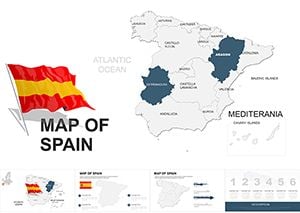
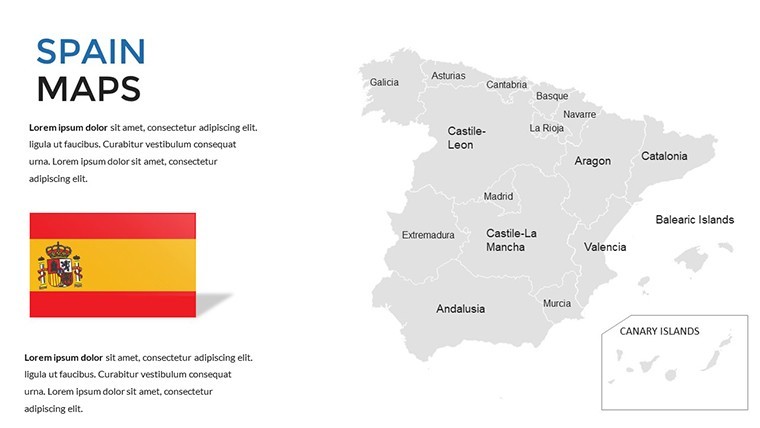
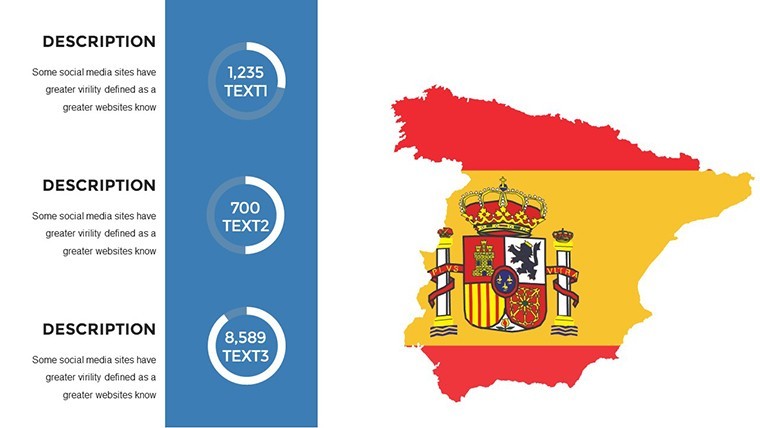
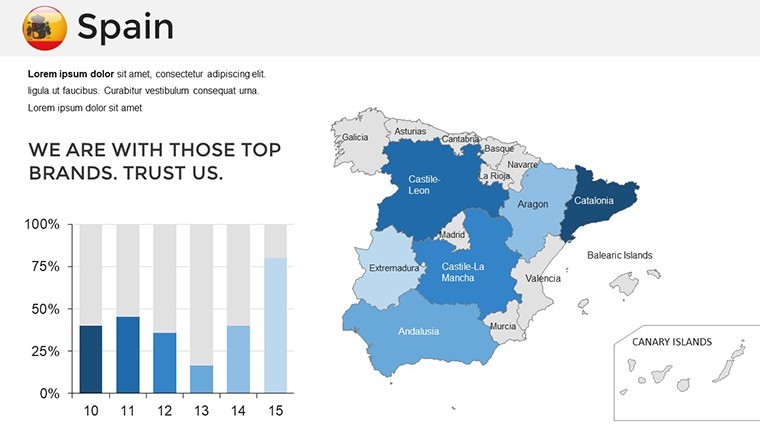
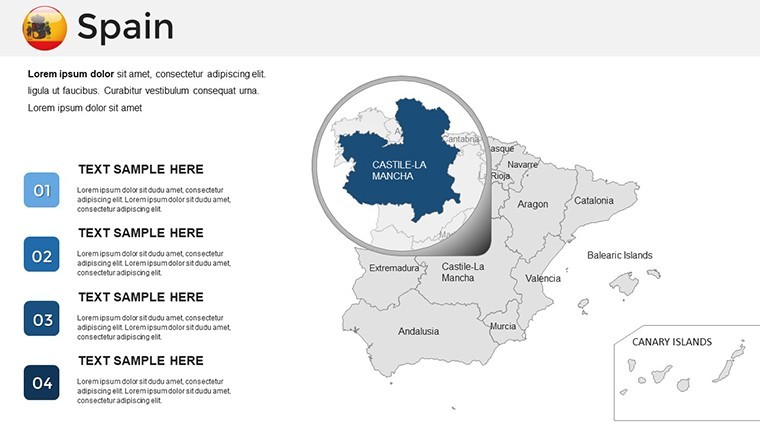
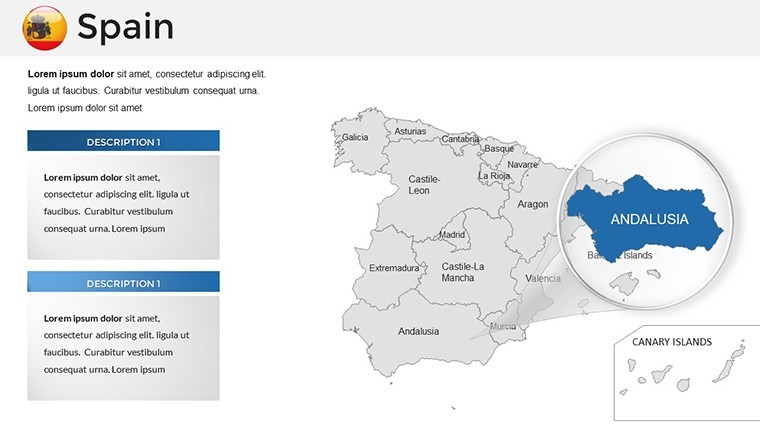
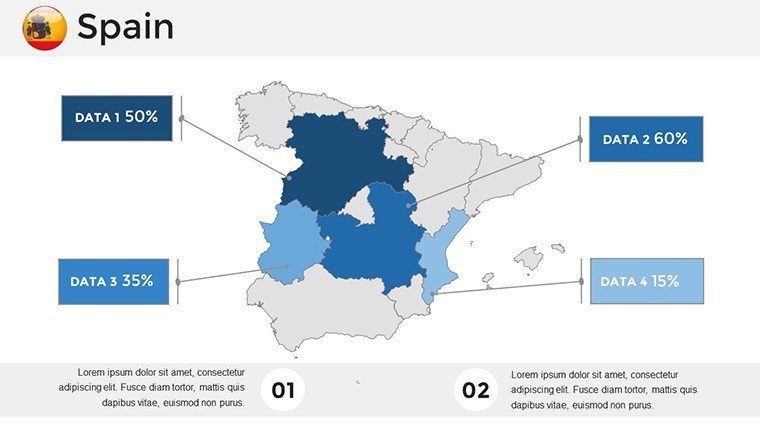
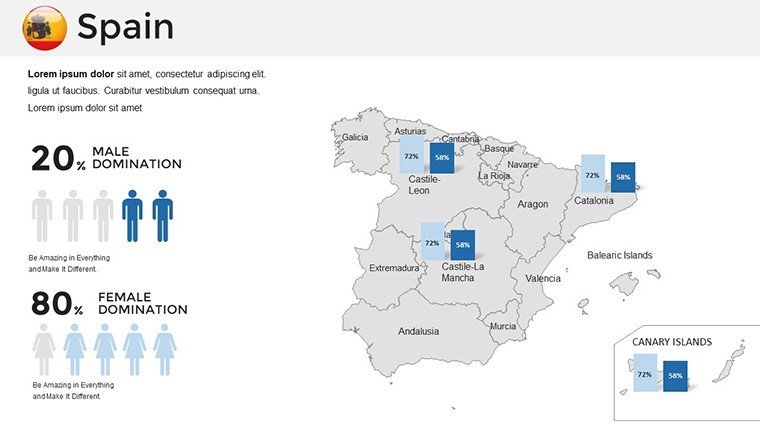
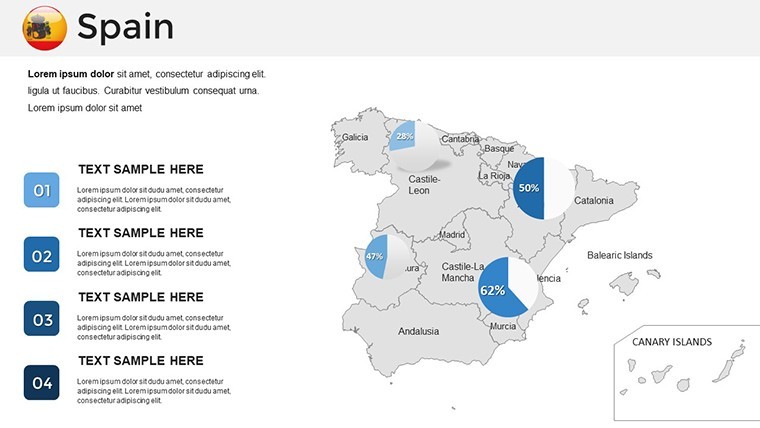
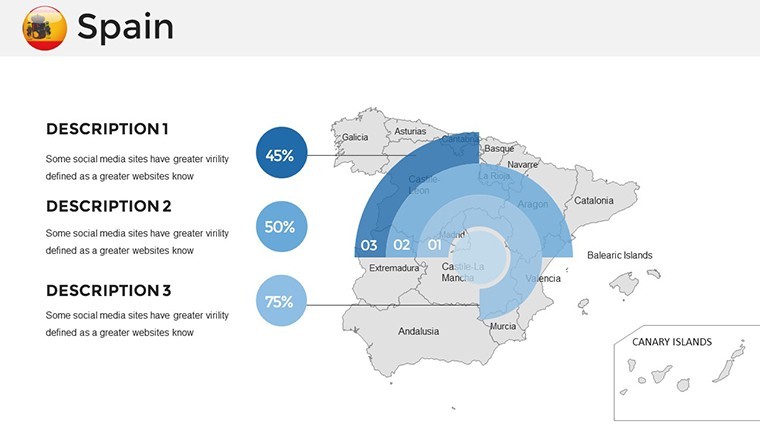
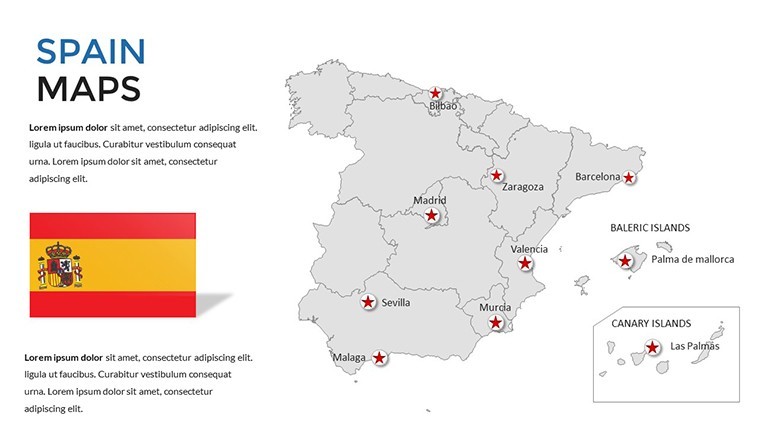
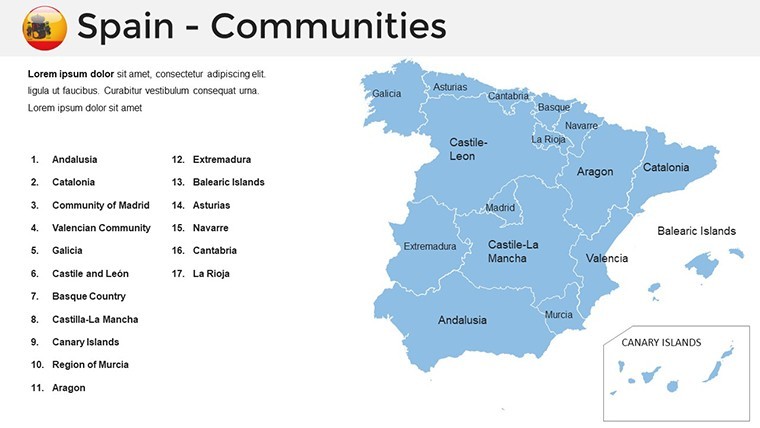
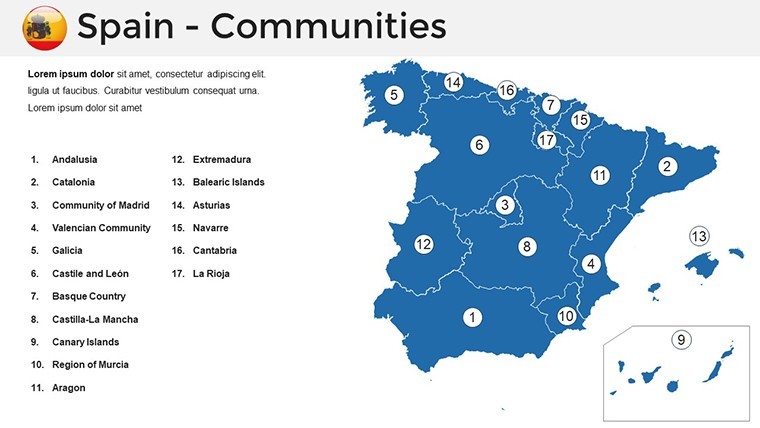
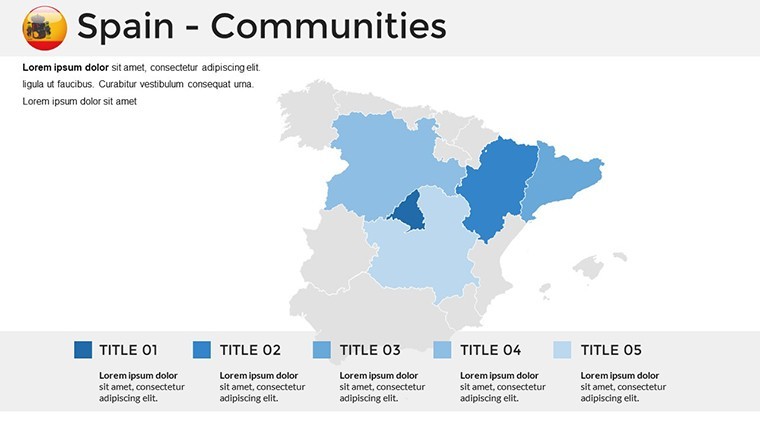
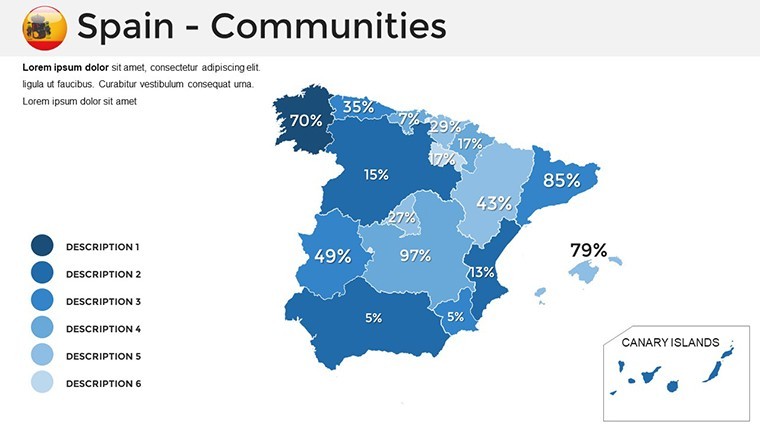
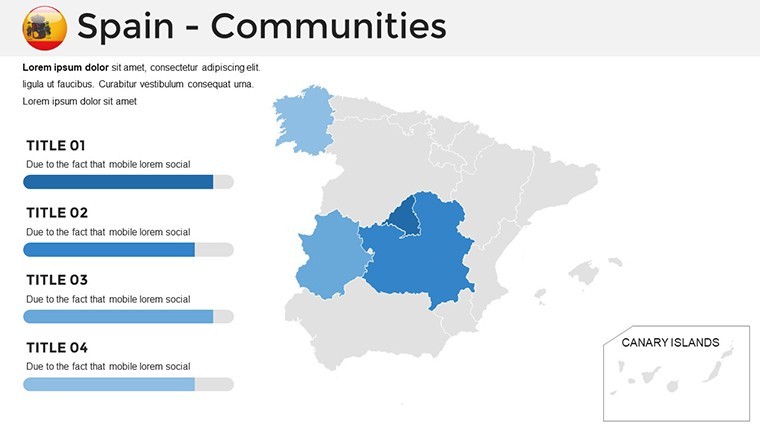
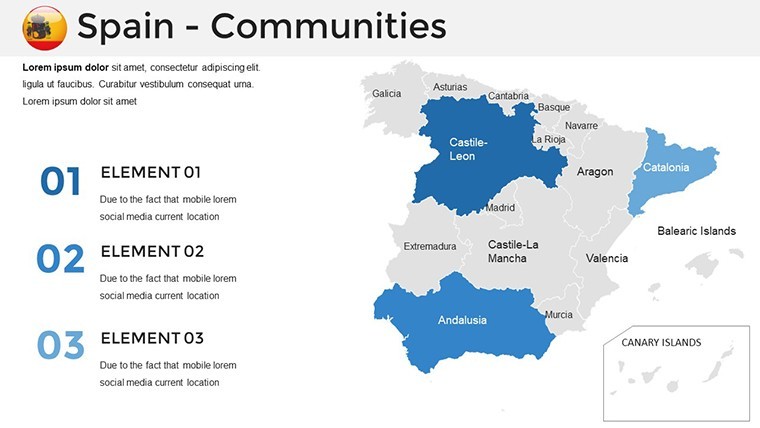
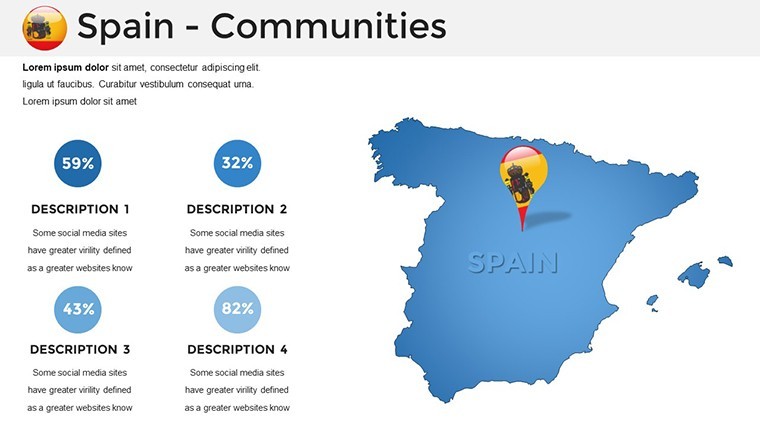
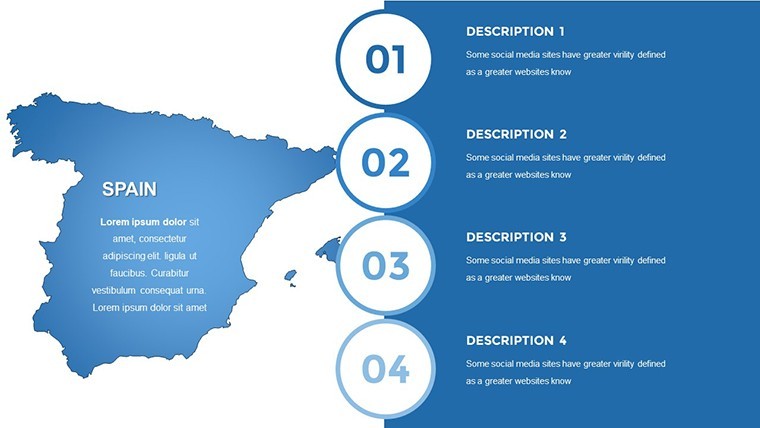
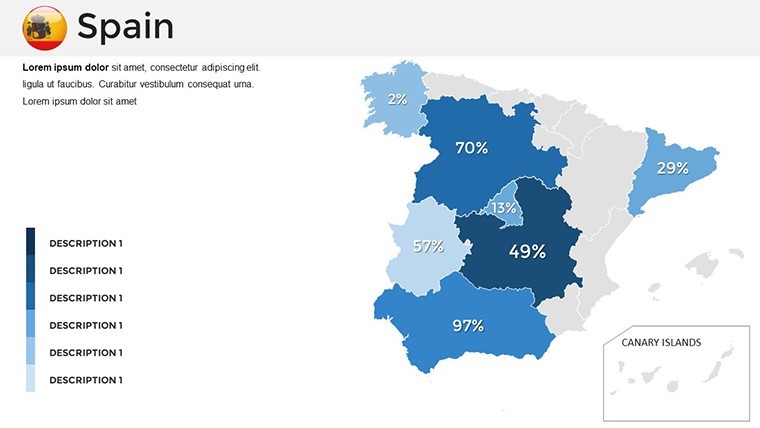
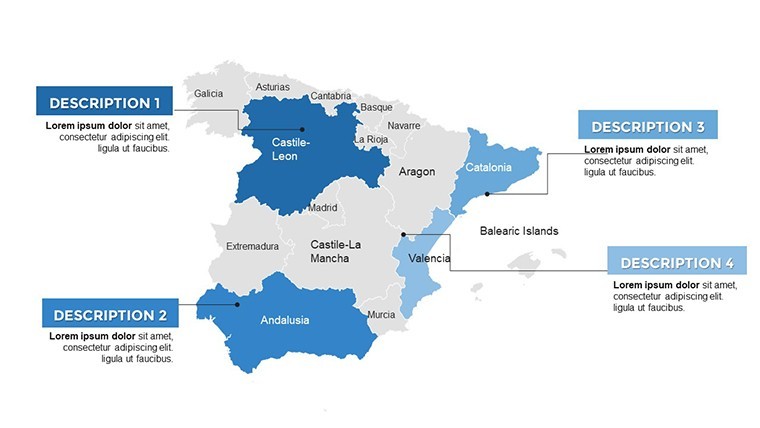
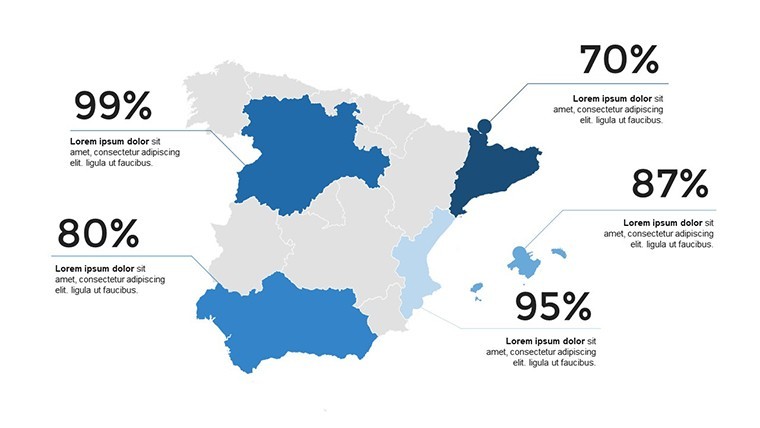
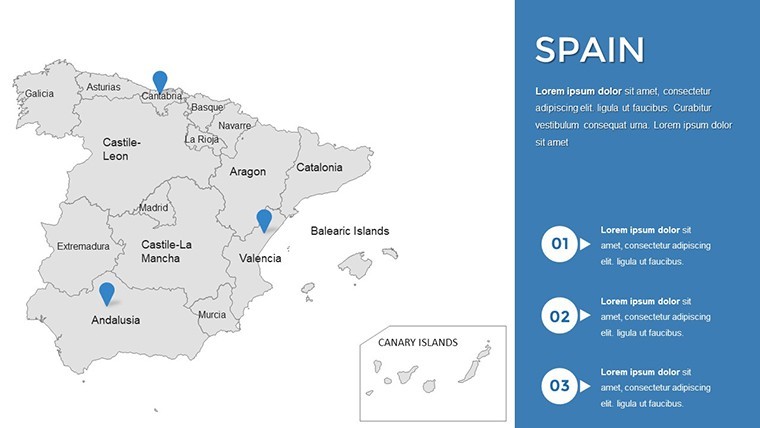
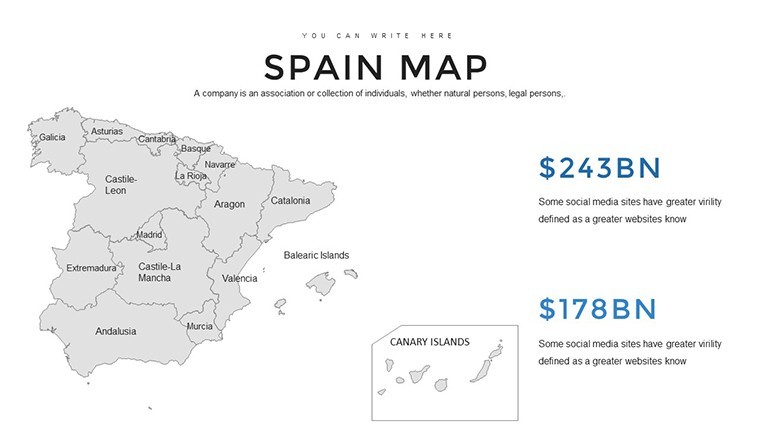
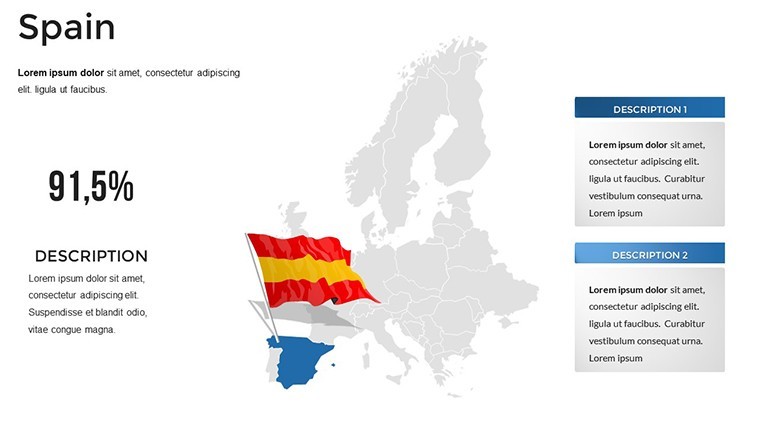
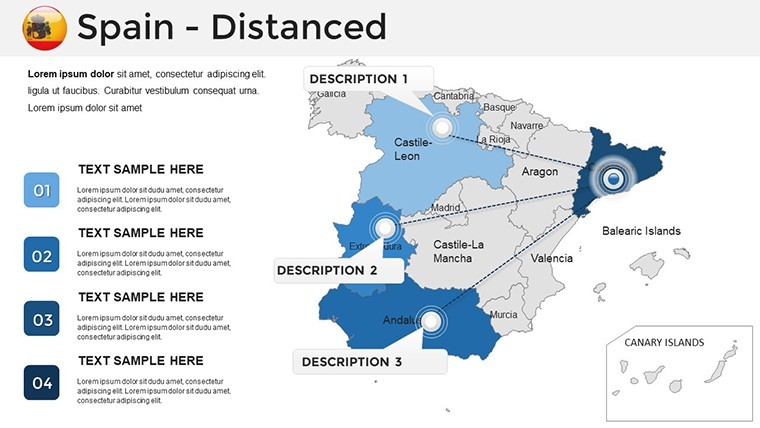
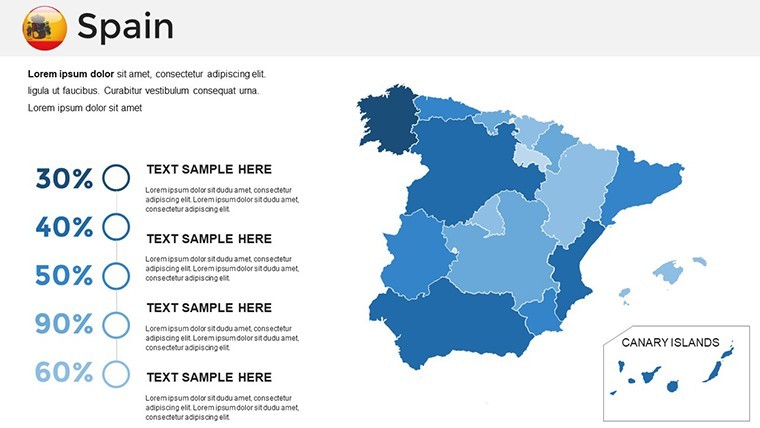
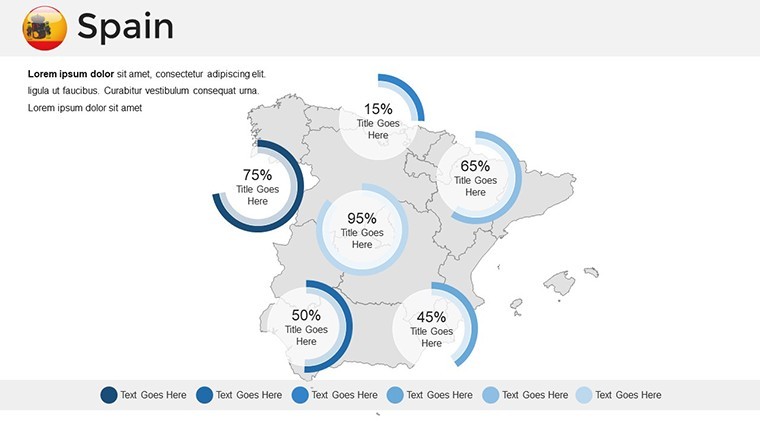
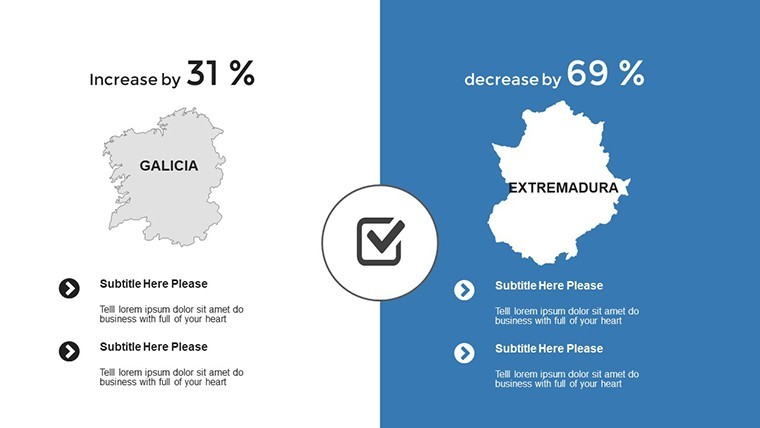
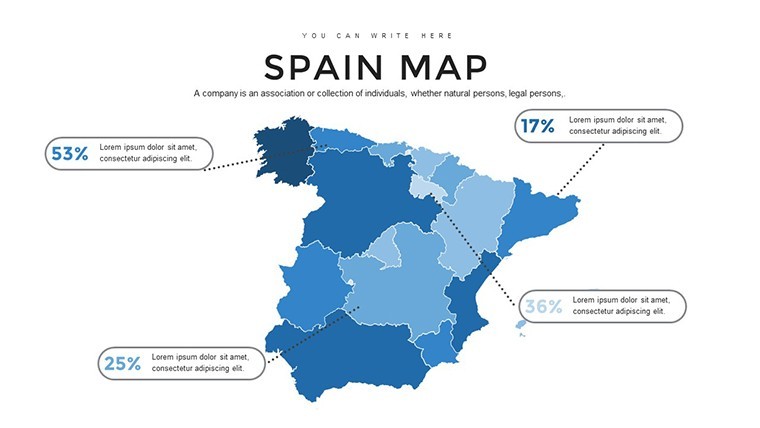
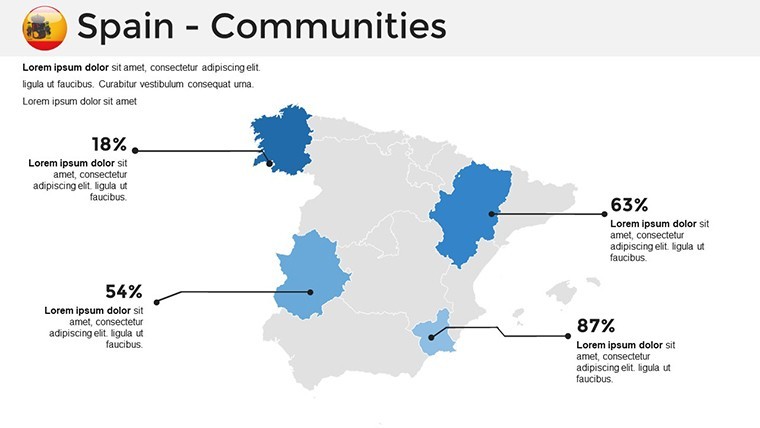
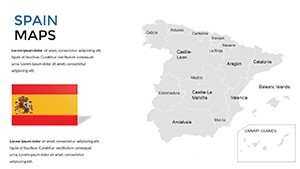
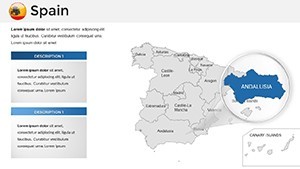
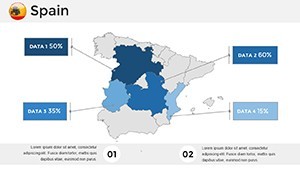
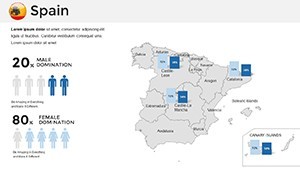
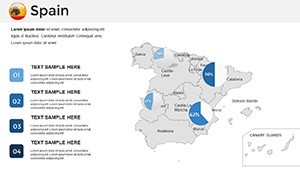
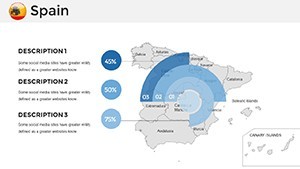
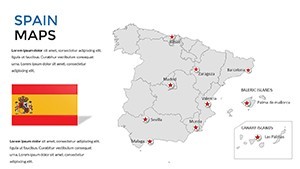
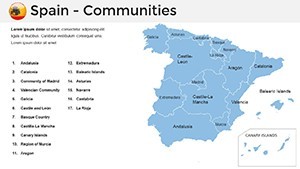
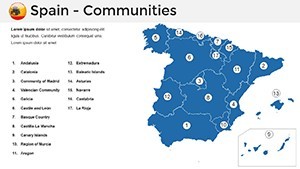
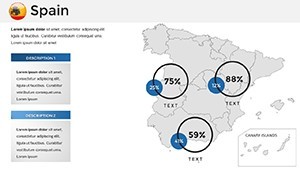
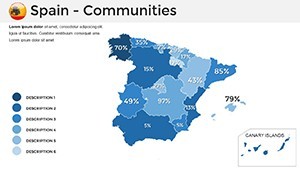
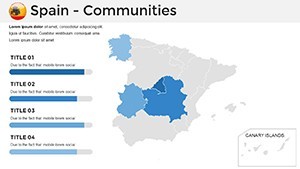
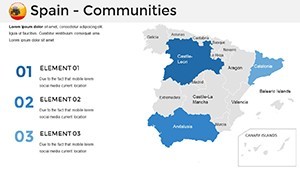
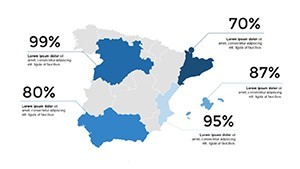
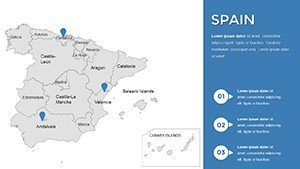
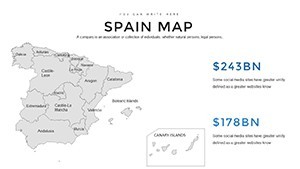
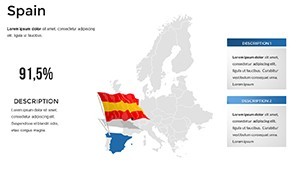
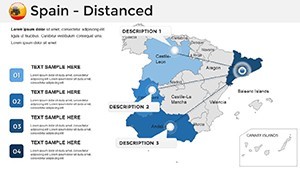
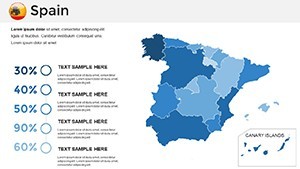
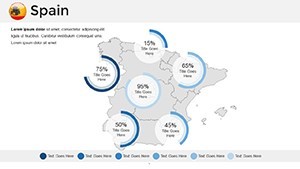
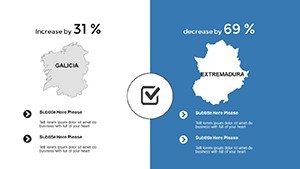
37 editable slides covering Spain's national territory across multiple geographic scales and map types. The file delivers a single .key download sized at standard 16:9 widescreen dimensions. Coverage spans full-country political overviews with autonomous community boundaries, province-level breakdowns across all 50 Spanish provinces, physical terrain maps highlighting major mountain ranges and river systems, and thematic overlay versions with callout placeholder frames ready for data annotation.
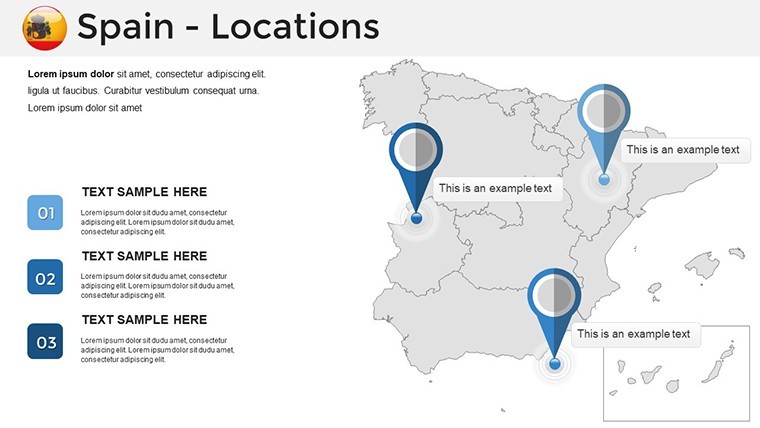
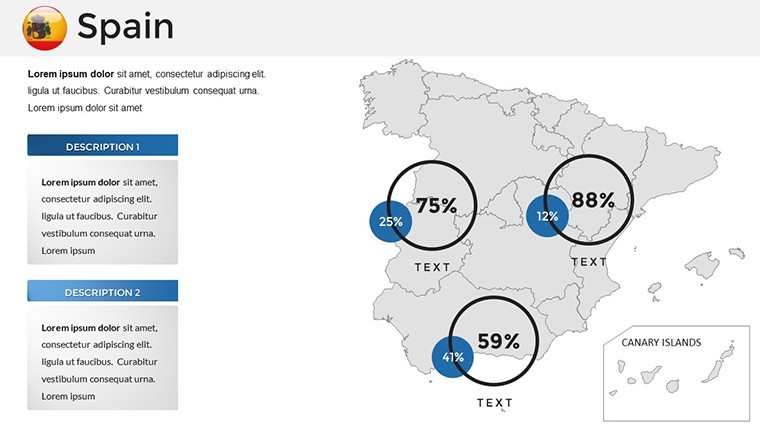
The slide set addresses a common gap in European presentation resources: most Europe-wide map collections give Spain a single national outline alongside 40 other countries, without the autonomous community or province-level detail that a regional sales analysis or market segmentation presentation actually requires. The 37 slides here focus exclusively on Spain - the Canary Islands and Balearic Islands appear as inset frames on relevant slides, maintaining geographic completeness without the scale distortion that placing Atlantic territories on a mainland-scale map would create.
The combination of political boundary slides, physical terrain views, and blank outline versions in a single download means the same file supports a strategy presentation to a Madrid boardroom, a market entry briefing covering Catalonia and Valencia, and a geographic education lecture - without switching to a different template for each task. Unlike broader Iberian Peninsula sets that split coverage between Spain and Portugal in a way that makes either country feel secondary, these slides treat Spain as the primary subject throughout.
Technical Specs
| Feature | Details |
|---|---|
| Slides included | 37 editable map slides |
| File format | .key - native Apple Keynote |
| Keynote compatibility | Keynote 12 and later (macOS Monterey or newer recommended) |
| Geographic coverage | National overview, autonomous communities, all 50 provinces, physical terrain, island insets (Canary, Balearic) |
| Shape editability | Each region and province is an independent vector object - recolor, resize, or label without affecting adjacent shapes |
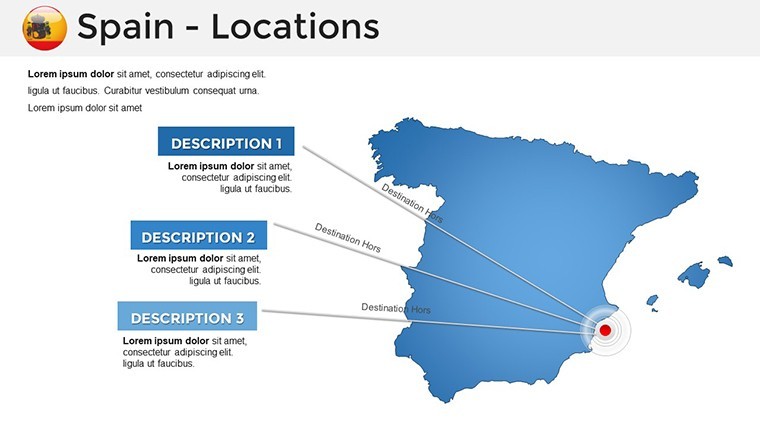
| Text placeholders | City markers, region names, and callout boxes editable directly without ungrouping |
| Aspect ratio | 16:9 widescreen standard |
| Export options | .key for editing; PDF for distribution; PNG for reports |
Typical Use Cases by Role
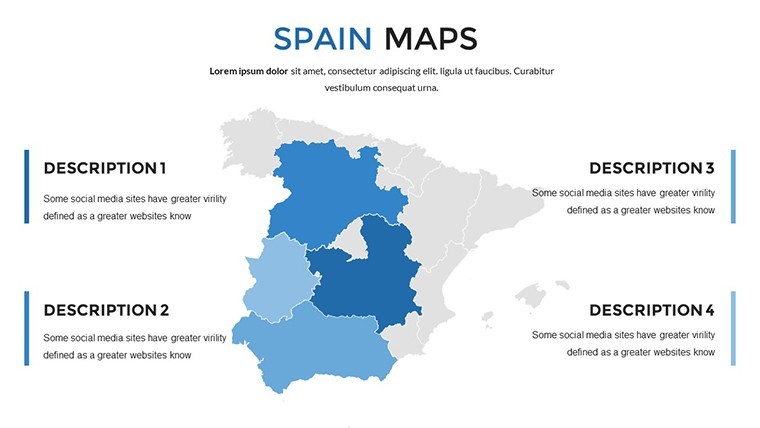
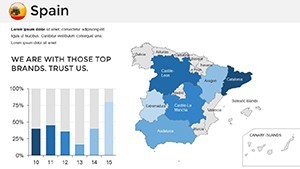
A regional marketing director at a fast-moving consumer goods company preparing quarterly territory review slides used the autonomous community breakdowns to map sales performance by region, recoloring each community by growth tier. Adapting the same base file across three consecutive quarterly briefings by updating only the fill colors and callout figures reduced deck preparation from an estimated three hours to under an hour per cycle.
A strategy consultant preparing a market entry recommendation for a European retail client used the province-level slides to overlay population density data alongside existing competitor store locations, combining the pre-built map shapes with Keynote's native chart placeholders. The geographic accuracy of the province boundaries - particularly in the Basque Country and Navarre, where boundaries are frequently approximate in generic templates - meant no manual shape correction was needed before the client presentation.
Geography educators at secondary and university level use the physical terrain slides to illustrate Spain's meseta plateau, the Pyrenees boundary, and major river basins as part of European physical geography modules. The blank outline versions allow students to annotate regions interactively during seminar sessions without the instructor needing to prepare a separate unmarked base map.
Download and start editing immediately - every region shape is ready for your data.
From Download to Final Deck
Editing difficulty: Beginner. All geographic shapes behave as standard Keynote objects; no specialized tools are needed.
- Step 1 - Open the .key file in Keynote 12 or later (1 minute)
- Step 2 - Select the map slide type: national overview, autonomous community, province detail, physical terrain, or blank outline (1 minute)
- Step 3 - Apply brand colors through the master slide palette; all region fills update simultaneously (3 minutes)
- Step 4 - Update region labels, city markers, and data callouts with project-specific content (5 minutes)
- Step 5 - Add any supplementary shapes or data overlays using Keynote's built-in tools (3 minutes)
- Step 6 - Export as .key for a shared editable file or PDF for a finished presentation (1 minute)
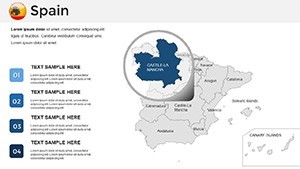
A practical note on region label placement: labels in this file sit outside the autonomous community shapes rather than inside them. On a projection screen in a standard conference room, text placed inside smaller regions like La Rioja or Cantabria becomes illegible at typical viewing distances. External labels with thin connecting lines solve this cleanly - the map remains readable in a boardroom setting without requiring font size increases that would visually compete with the map geometry.
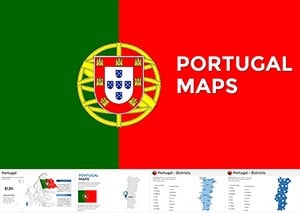
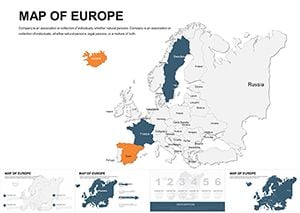
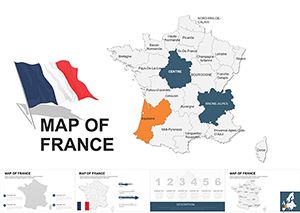
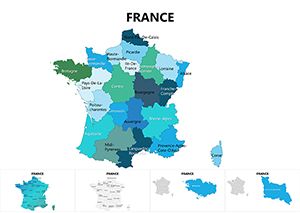
Teams covering multiple European territories can pair this file with the Europe Keynote Maps category for continent-wide coverage that shares the same editing conventions. For presentations spanning the Iberian Peninsula, the Portugal Keynote Maps set uses identical file dimensions and label style, making it straightforward to merge slides from both files into a single cohesive deck. A complementary option for Western European presentations is the France Keynote Maps set, which covers the neighboring territory at province and region level.
Compared to Starting From Zero
Building a 37-slide Spain map deck in Keynote from scratch requires sourcing accurate vector outlines for autonomous communities and all 50 provinces - two separate levels of geographic detail with different boundary sets - then converting them to Keynote-compatible format, verifying boundary accuracy, and constructing text placeholder and callout systems for each layout type. A designer experienced with geographic data handles that in roughly four to six hours. Without GIS familiarity, sourcing accurate province-level outlines alone is a multi-step research task before any design work begins.
One accuracy point worth noting: Spain's autonomous community boundaries and administrative province boundaries are not the same lines. Some templates conflate the two or use approximate borders that experienced Spanish professionals in the audience will immediately notice. The province shapes in this file are derived from official administrative data, making them suitable for a presentation to regional government stakeholders, a retail network analysis covering the full national territory, or any context where geographic precision affects credibility.
Download and start editing immediately.
Which Keynote version opens this file correctly?
The .key file is compatible with Keynote 12 and all later versions. Keynote 12 ships with macOS Monterey (released 2021); any Mac running Monterey, Ventura, or Sonoma will open and edit the file fully. iPadOS users need Keynote 12 for iPad, available as a free download from the App Store. On earlier Keynote versions, vector shape formatting may display with minor differences - updating to version 12 before opening is the most reliable approach. iCloud Keynote in a browser supports viewing but has reduced shape-editing capabilities compared to the desktop application, which matters when recoloring individual province shapes.
How do I recolor a specific autonomous community or province?
Click the region shape directly on the slide to select it. In the Format panel on the right, go to the Style tab and change the Fill color using the color picker or by entering a hex code. To recolor multiple non-adjacent regions simultaneously - for example, all regions in a sales zone - hold Shift and click each shape, then apply the fill color once. For a global rebrand, open the master slide editor via View > Edit Master Slides, update the fill values at master level, and all slides using that master will update automatically. This master-level approach is significantly faster than editing shapes slide by slide when the full 37-slide set needs a new color scheme.
Is the license valid for commercial client presentations?
The standard license covers personal use and internal organizational presentations. When the slides appear in a deliverable billed to an external client - a consulting report, a market analysis presentation, or any similar client-facing document - the use may fall under a commercial license tier. Reviewing ImagineLayout's terms of use at imaginelayout.com/terms before including the slides in a client-billable project is recommended. Redistributing the .key file itself, offering it for download, or sublicensing it to any third party is not permitted under any license tier. ImagineLayout's support team can confirm whether a specific use case is covered if the terms leave any ambiguity.
Does the file support animation for live presentations?
The file ships without pre-applied animations so it opens cleanly for users who want static slides. Adding animations in Keynote requires selecting any shape or text element, opening the Animate panel, and choosing a build effect. For regional map presentations, an "appear" build applied sequentially to autonomous community shapes - triggered by click - works well for revealing territories one at a time during a live briefing. The Build Order panel controls the sequence and supports drag-to-reorder. For transitions between slides, Keynote's Magic Move transition creates smooth cross-fade effects between map scales - useful when moving from a national overview to a province detail slide in the same presentation.
What are the refund conditions for this download?
ImagineLayout's refund policy applies when the delivered file is technically non-functional on a supported version of Keynote, or when the contents do not match the product description - specifically 37 editable Spain map slides in .key format. Digital downloads are not eligible for preference-based refunds after the file has been accessed, as delivery is immediate upon purchase. If the file fails to open in Keynote 12 or later, or if the slide count or content does not match the listing, submitting a support request with the order number and a description of the issue is the appropriate first step. Complete refund terms are at imaginelayout.com/refund-policy.