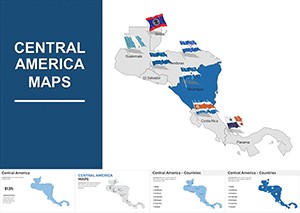
Costa Rica Keynote Maps - Fully Editable | ImagineLayout
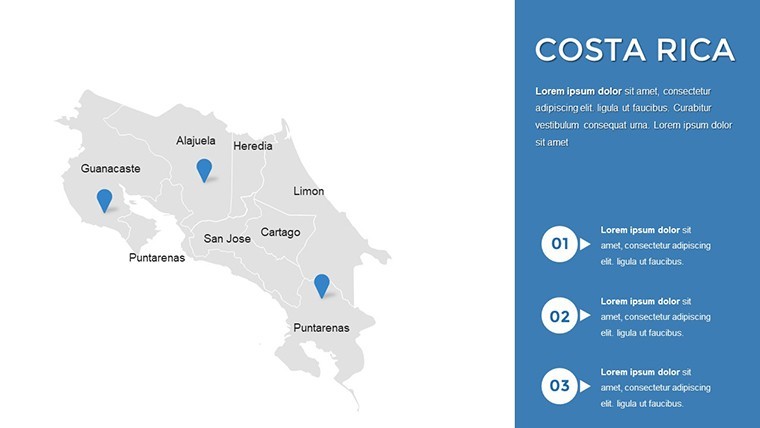
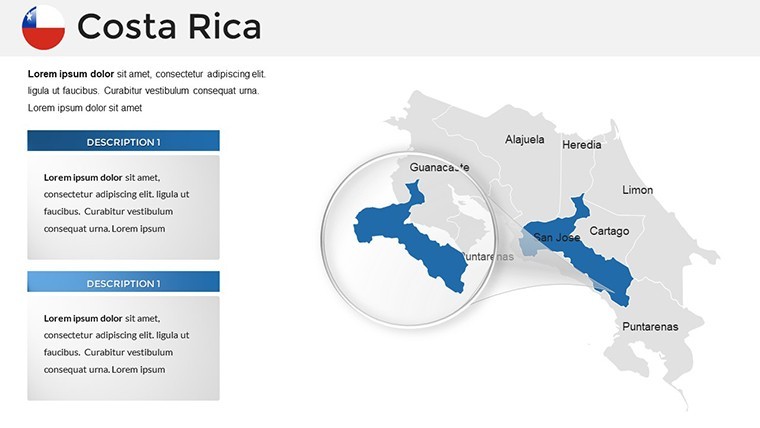
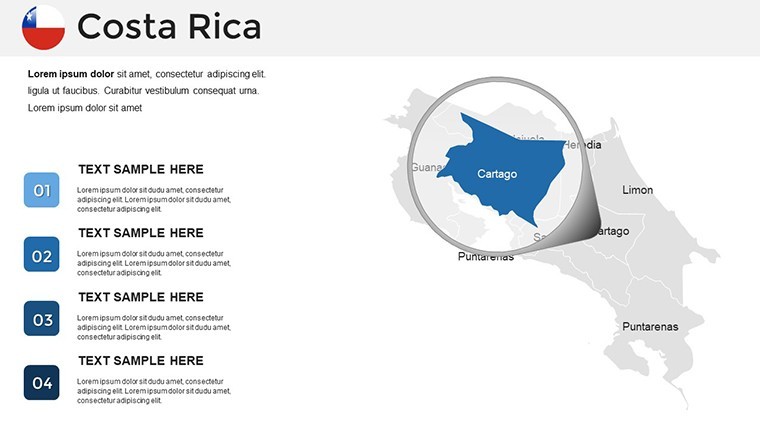
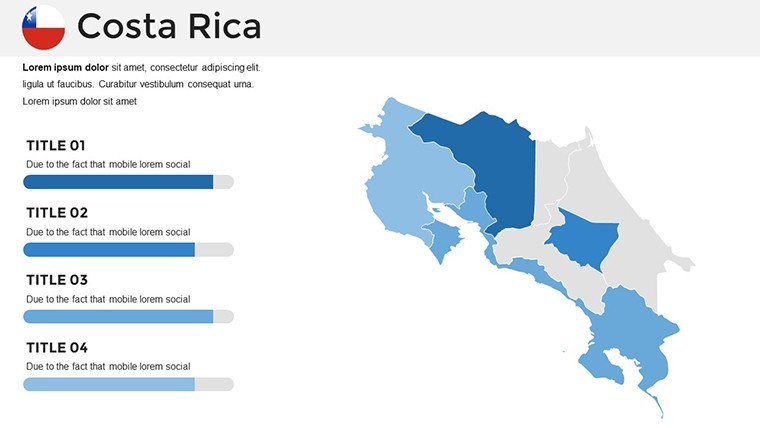
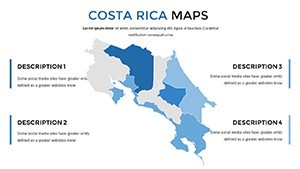
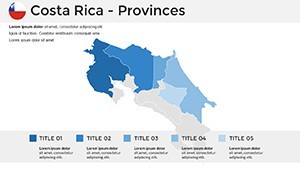
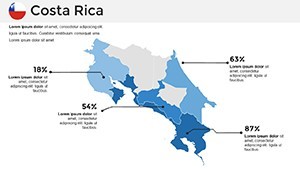
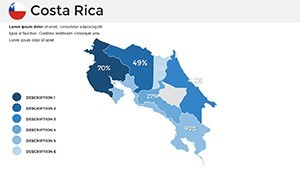
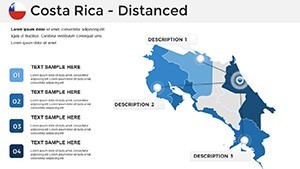
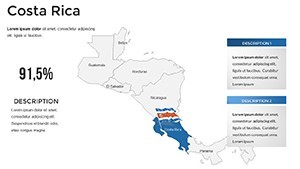
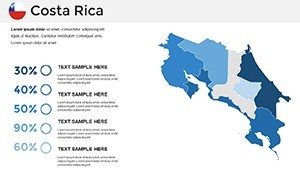
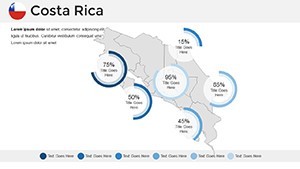
Type: Keynote Maps template
Category: South America
Sources Available: .key
Product ID: KM00185
Template incl.: 36 editable slides
What is Keynote diagram template? A Keynote diagram template is a .key file with pre-designed editable maps for Apple Keynote. It enables quick adjustments to coverage and layout composition without starting from scratch.
Package Contents
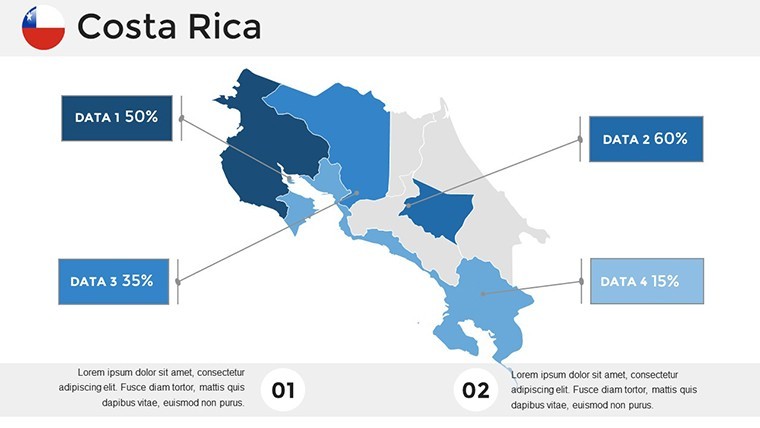
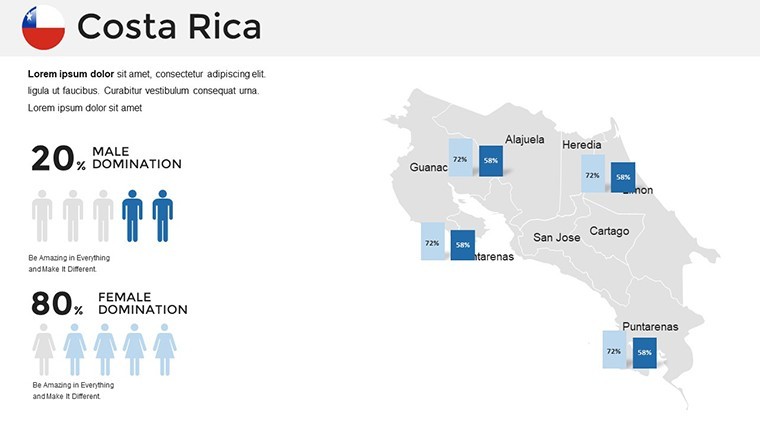
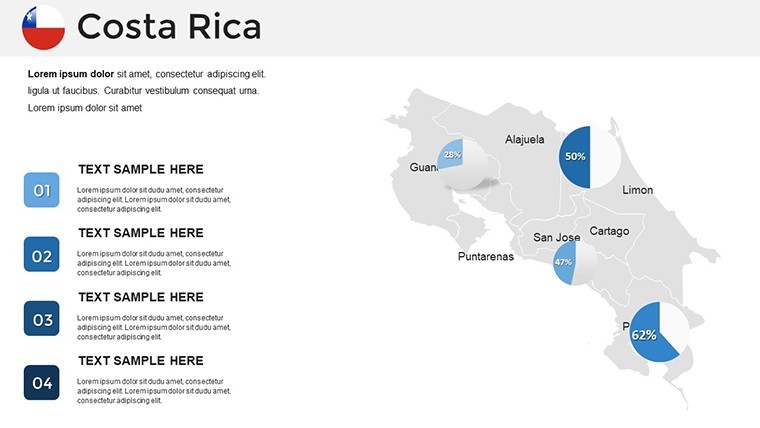
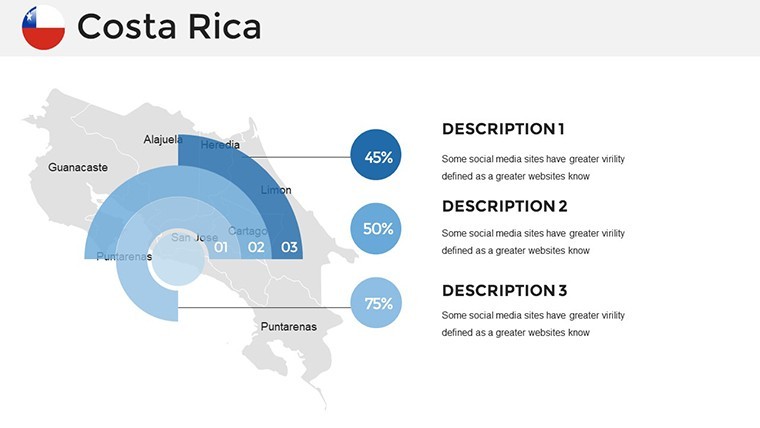
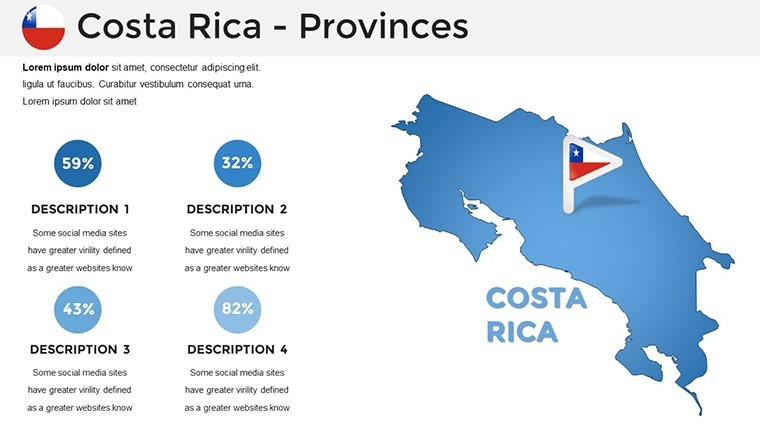
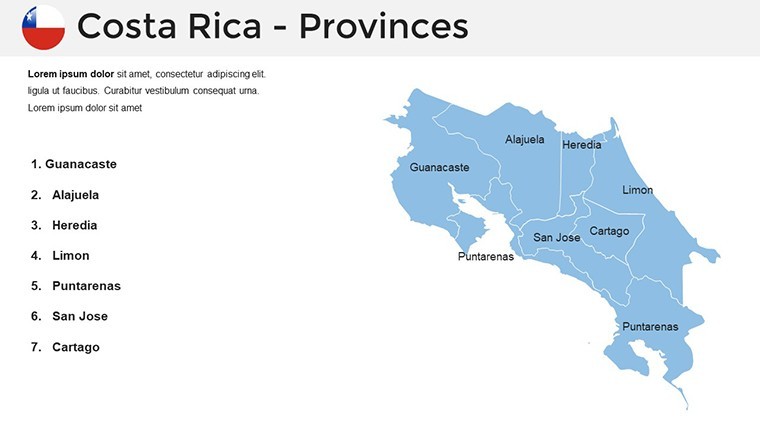
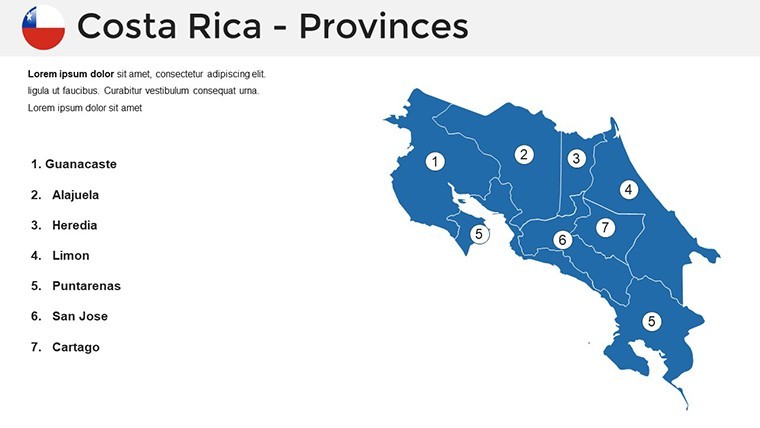
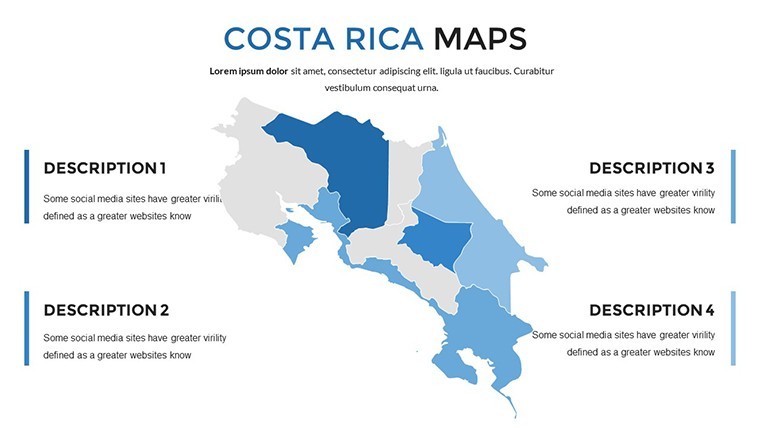
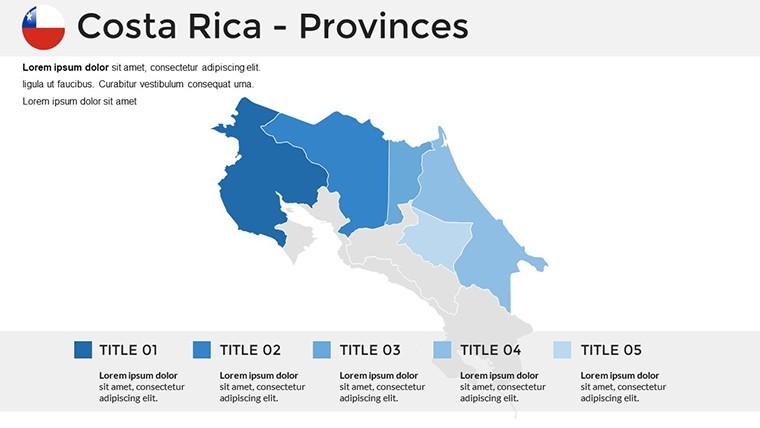
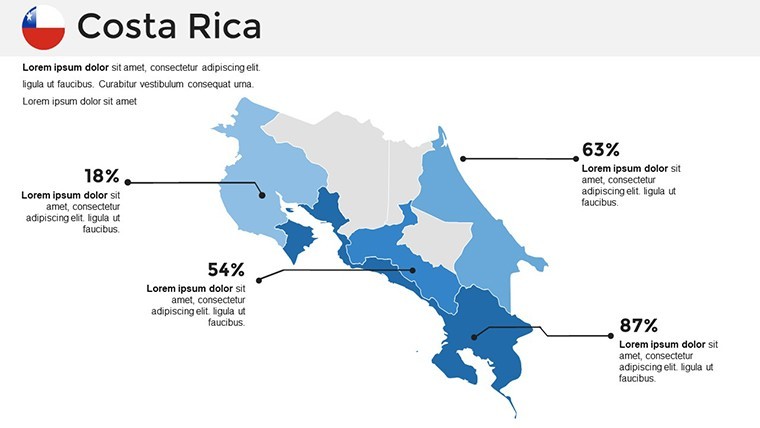
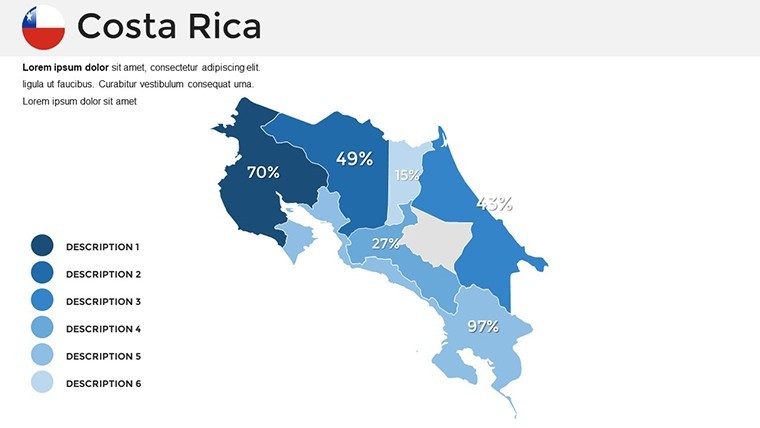
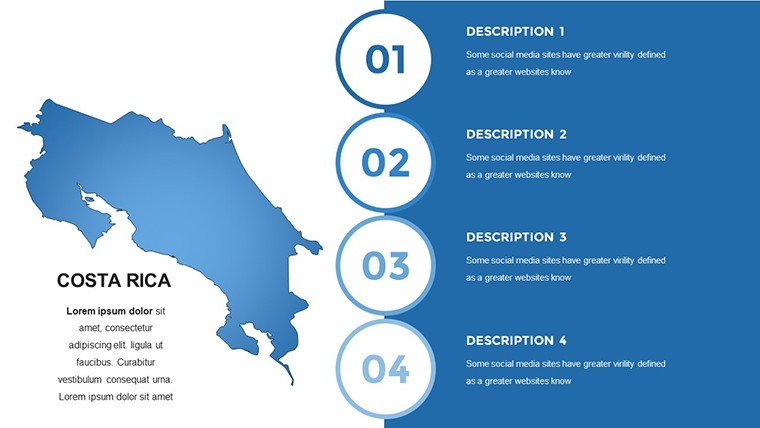
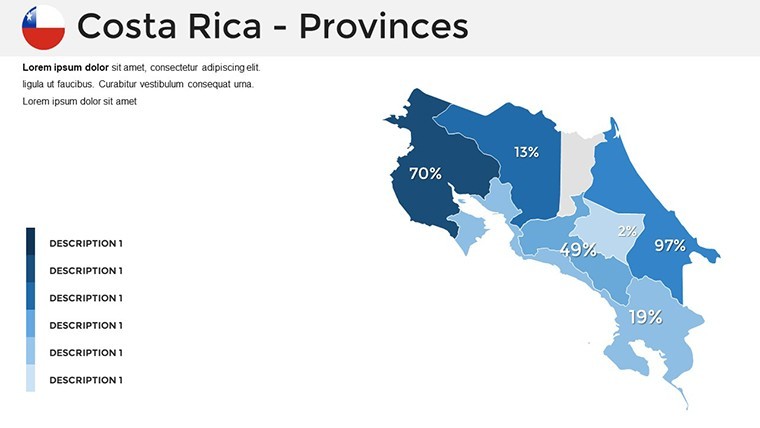
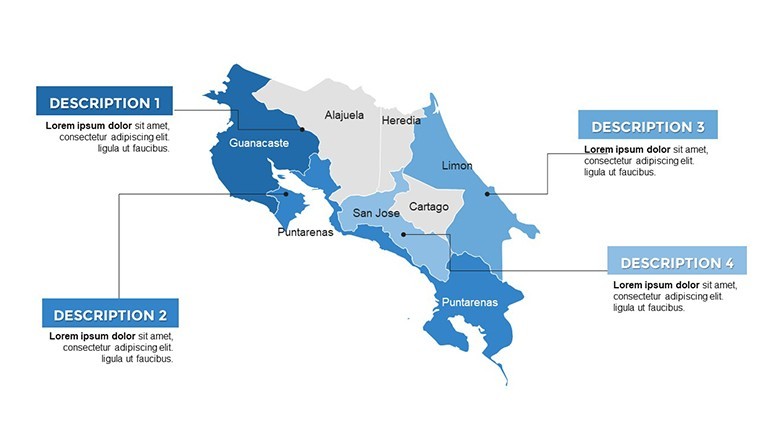
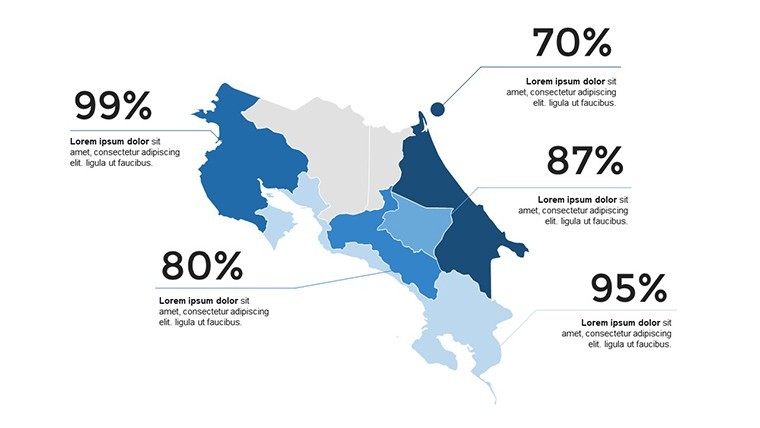
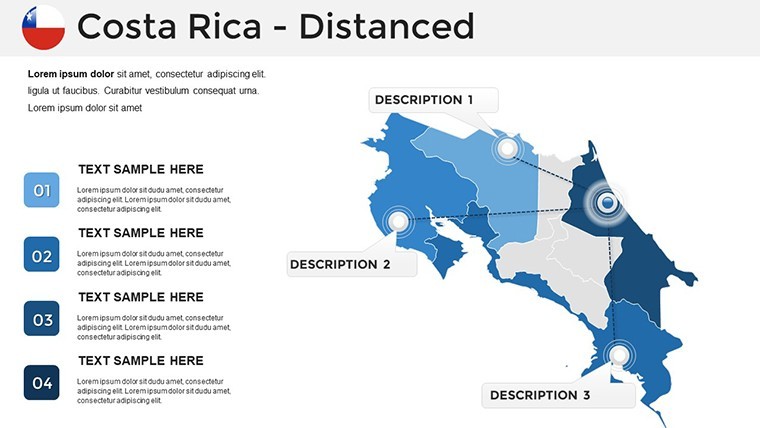
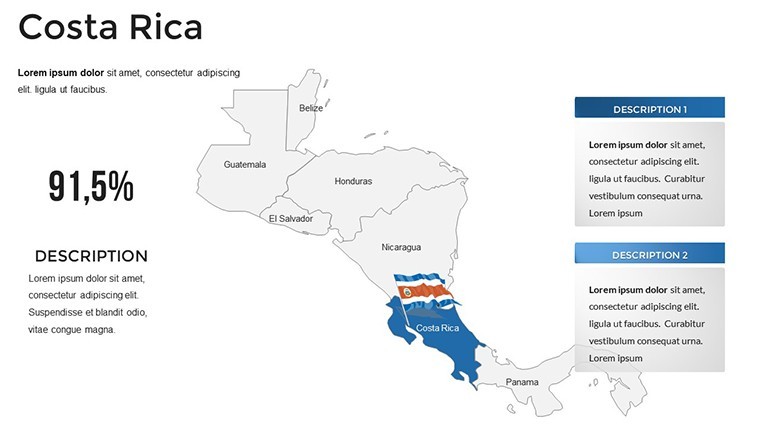
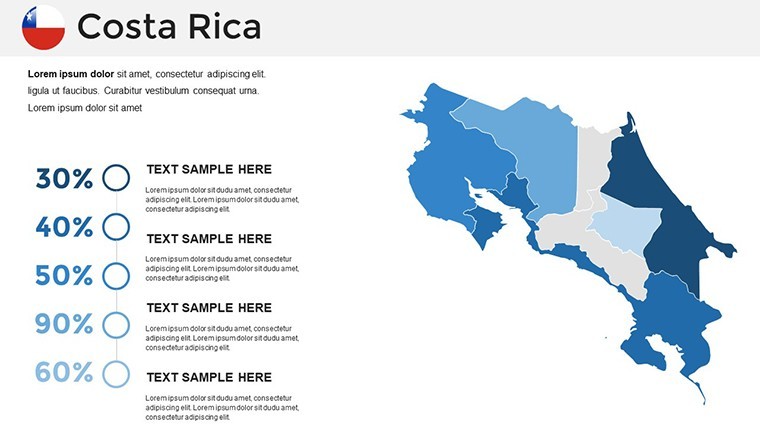
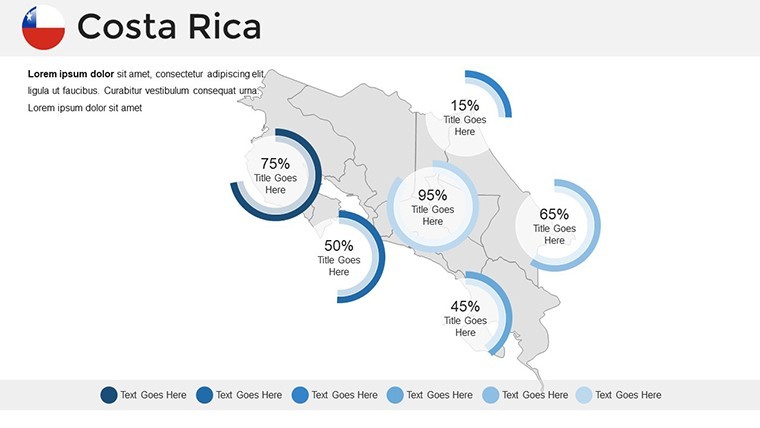
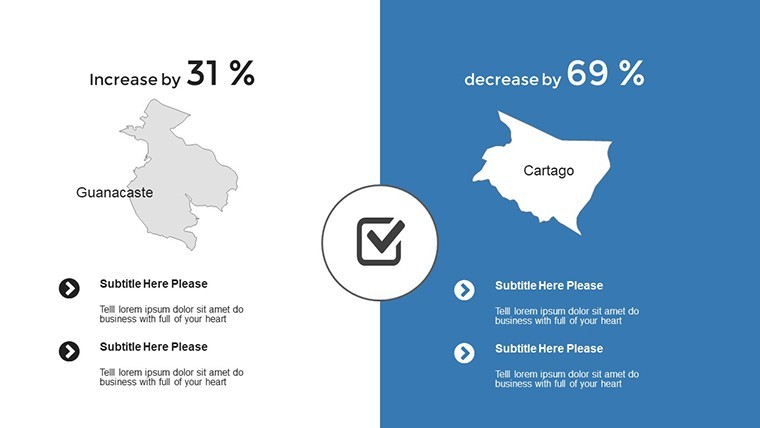
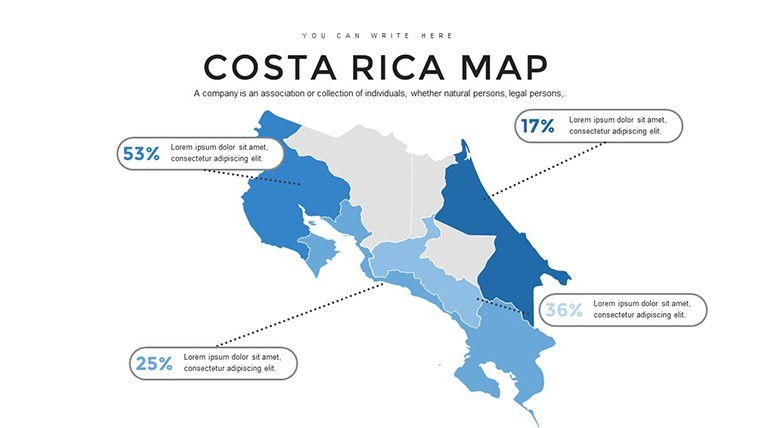
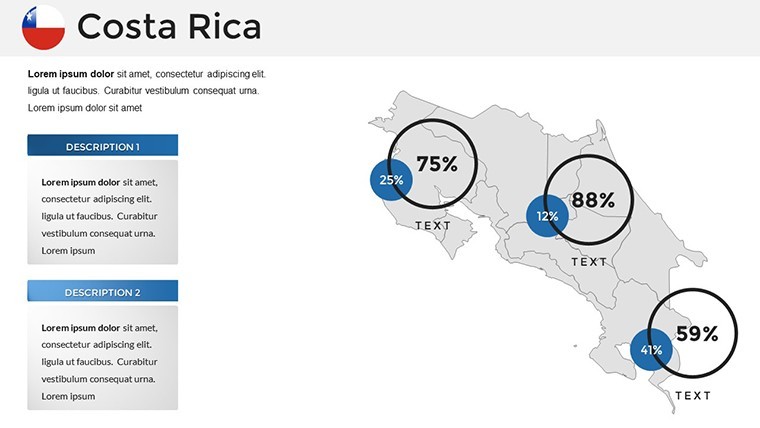
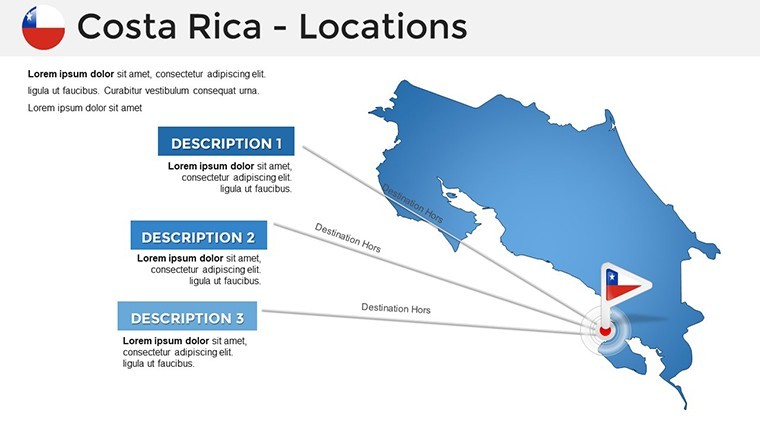
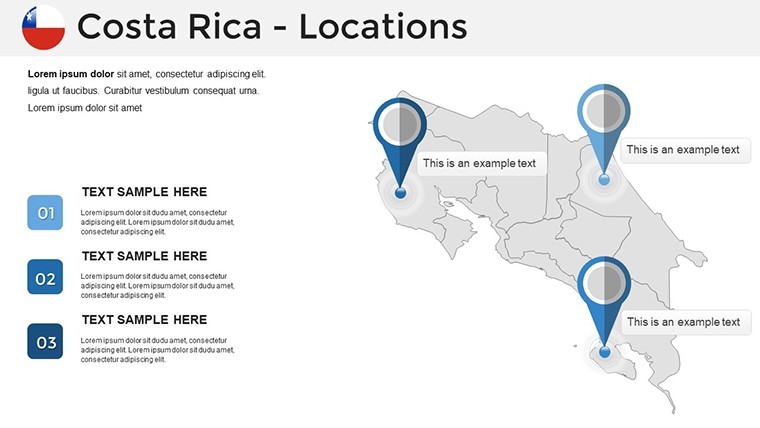
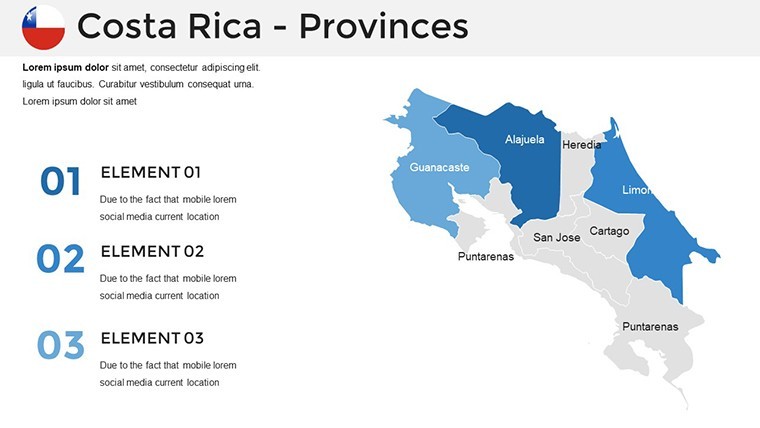
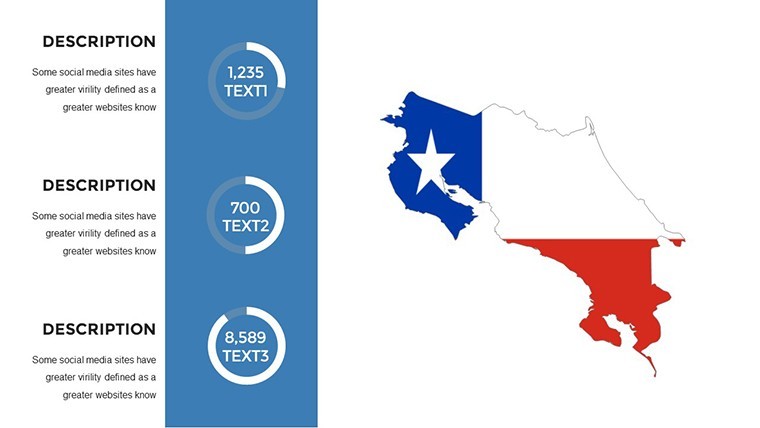
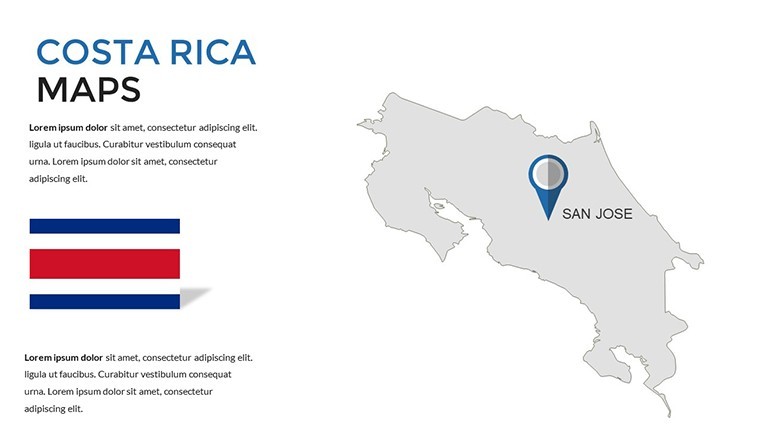
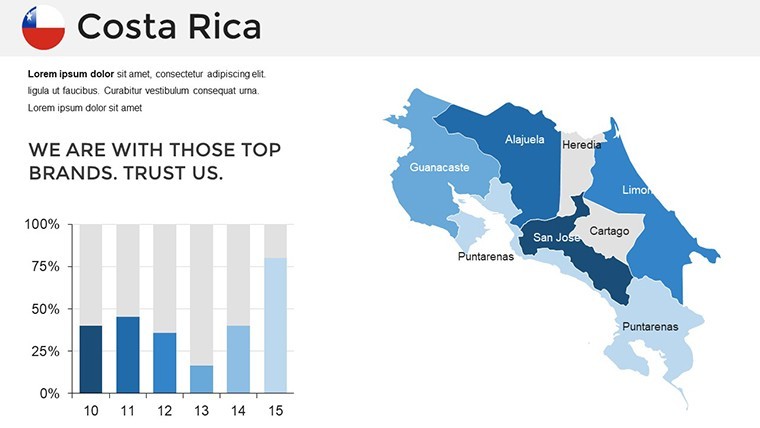
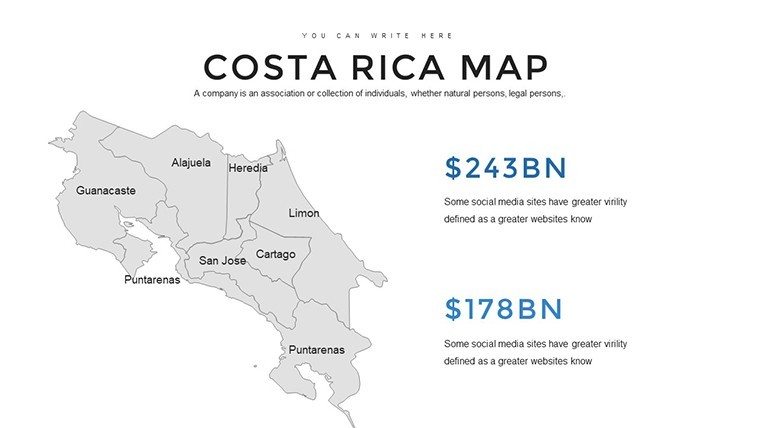
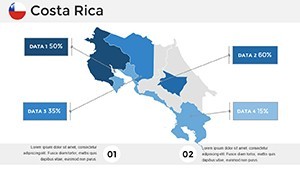
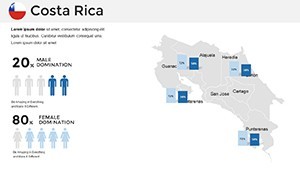
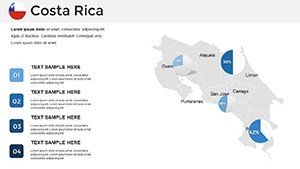
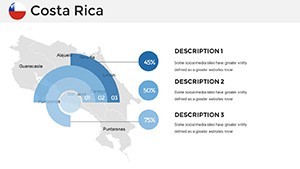
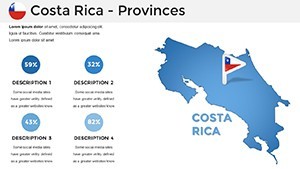
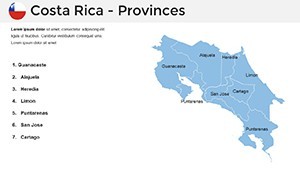
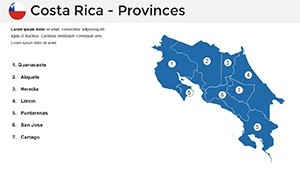
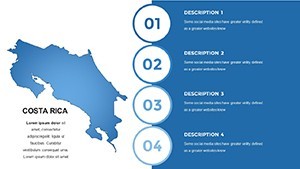
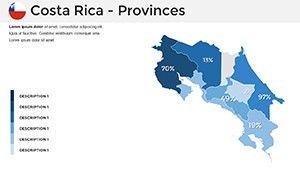
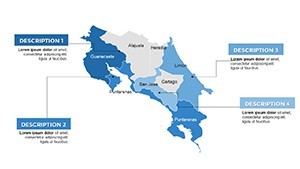
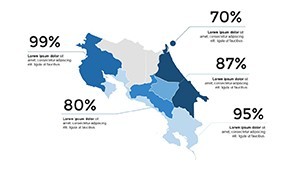
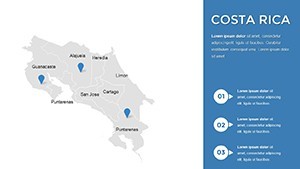
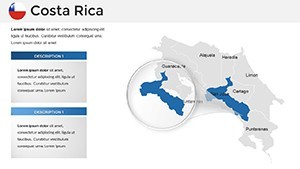
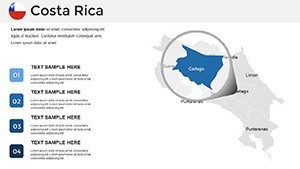
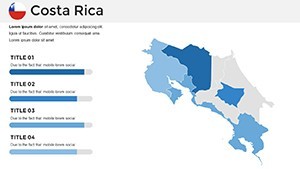
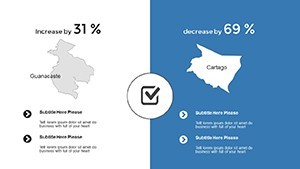
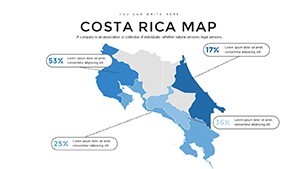
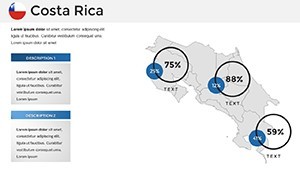
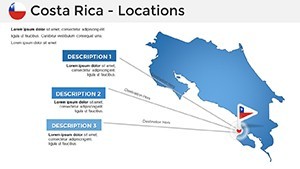
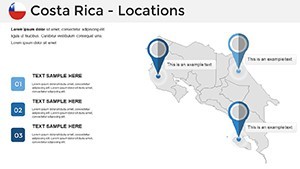
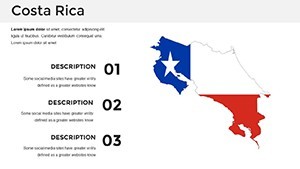
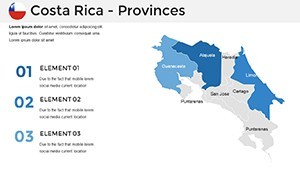
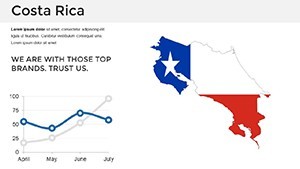
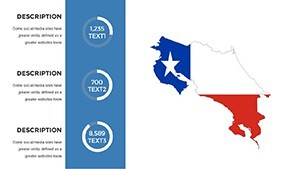
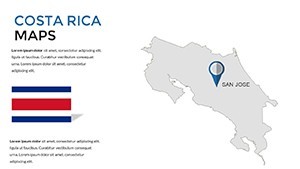
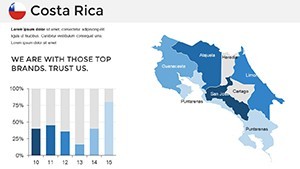
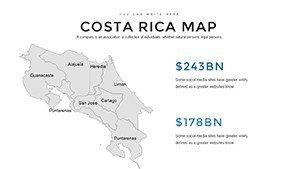
36 editable maps deliver coverage of Costa Rica seven provinces and key territories.
Slides include urban and coastal zones with placeholders for biodiversity data.
Compared to partial sets this provides complete national flow direction for strategy workshops.
- 36 maps with provincial boundaries
- Editable shapes for ranches and surf spots
- Vector precision for mountains and beaches
Format and Compatibility Details
| Feature | Details |
|---|---|
| Editable shapes | province segments resize and recolor independently |
| Text placeholders | labels update without unlocking grouped elements |
| Color theme adjustments | compatible with Keynote slide master palette |
| Diagram connectors | arrows and lines adjustable in direction and weight |
| Icon layers | icons replaceable without affecting layout |
| File formats | .key for editing PDF for distribution |
Typical Use Cases by Role
Travel agents in the tourism industry plot eco-tours using the maps and reuse the file across quarterly briefings.
Researchers chart biodiversity hotspots and cut preparation time from 3 hours to 45 minutes.
Download and start editing immediately
Customization in 5 Steps
Editing difficulty is Moderate. Finish in 12 minutes.
- Open the .key file in Keynote 12 or later (1 minute)
- Replace placeholder text with your content (3 minutes)
- Apply brand colors through the master slide palette (2 minutes)
- Adjust map labels and connectors (4 minutes)
- Export as .key or PDF (1 minute)
The Cost of Not Using a Template
Manual map creation takes 5 hours and advanced skills.
Errors include poor zone segmentation and readability issues.
This layout uses external labels for projection clarity in academic lectures.
Explore the South America maps category.
Pair with a neighboring country map for cross-border work.
Download and start editing immediately
What Keynote versions does this map template support?
The file opens in Keynote 12 and later on macOS. It is not compatible with older versions or Windows. Update to the latest version for full format compatibility. Test the file immediately after download.
How do I change the color scheme?
Open the slide master palette and update colors. Changes apply to all maps instantly. Use the color theme adjustments for consistent territory segmentation. Save the master to keep edits across slides.
What license allows client work?
The purchase permits internal use and paid client work. Resale or sublicensing of the original file is not allowed. You may embed maps in client decks. Credit is not required but appreciated.
Is there a free version?
This is a single-purchase template with all 36 slides. No free version exists. The paid file includes every map and editable element. Download once and own it permanently.
What software opens the .key file?
Apple Keynote on macOS opens the file. PowerPoint cannot read .key format natively. Export to PDF for sharing. Use Keynote 12+ for full editing features.
What is the refund policy?
Refund is available within 14 days if the file does not open in your Keynote version. Contact support with proof of incompatibility. Refunds are not issued after editing begins. Full terms appear at checkout.