Tree Circular Keynote Diagrams - Editable
Type: Keynote Diagrams template
Category: Pie, Organizational
Sources Available: .key
Product ID: KD00060
Template incl.: 8 editable slides
Package Contents
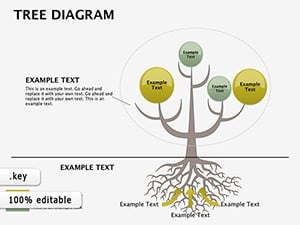
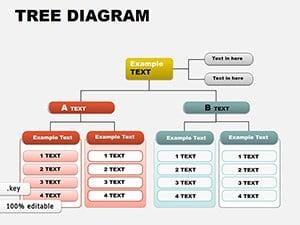
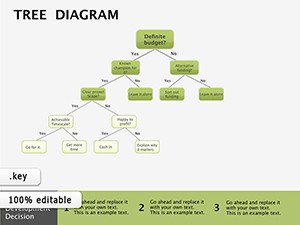
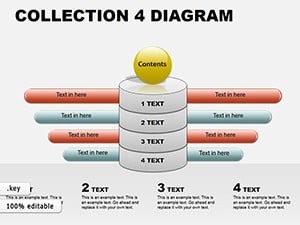
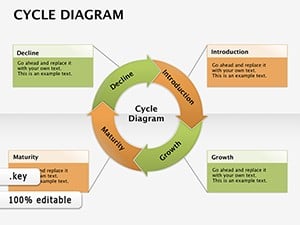
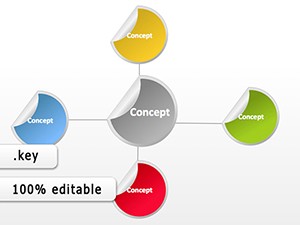
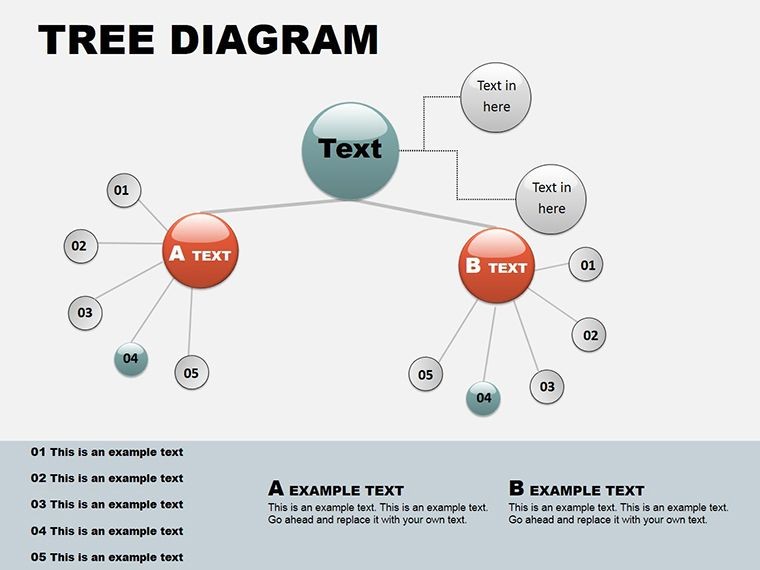
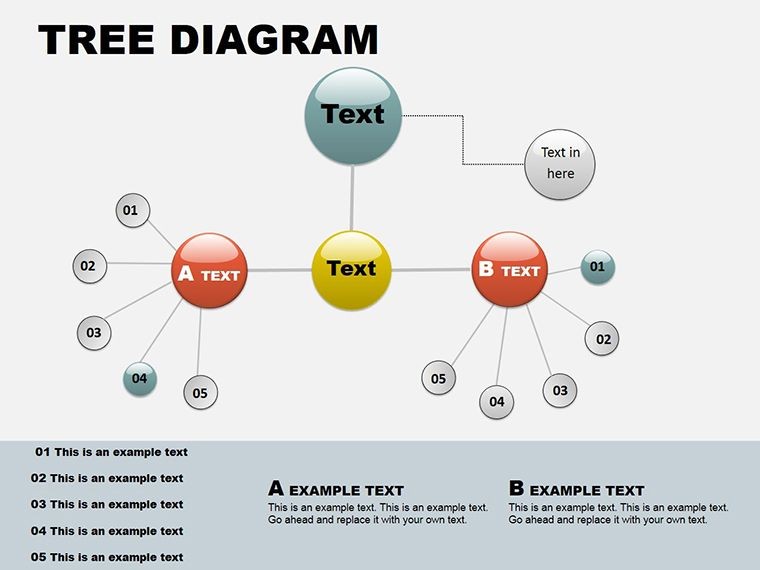
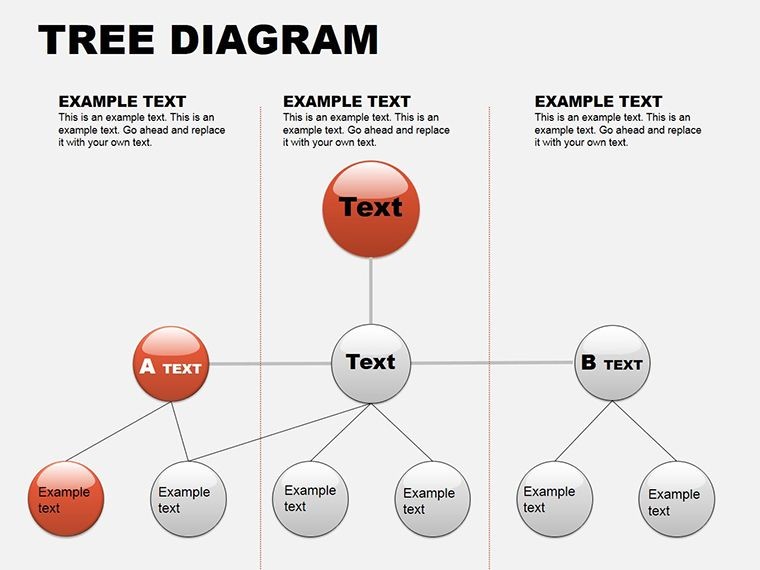
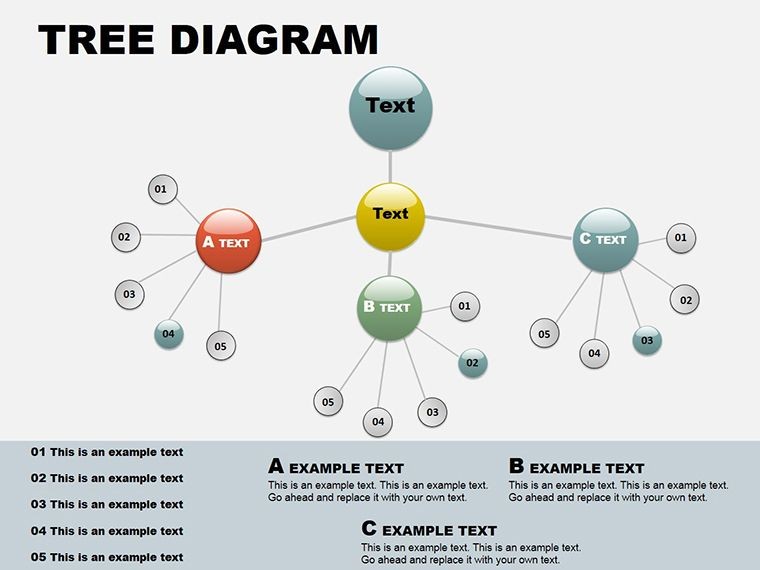
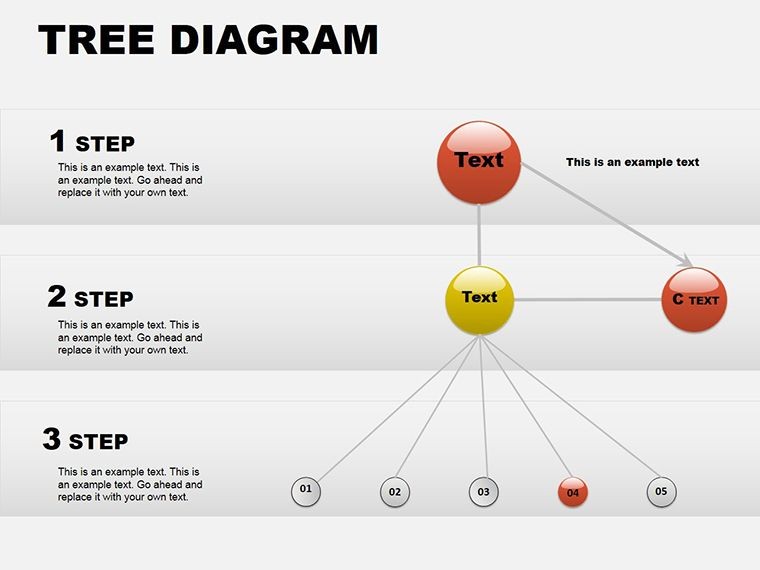
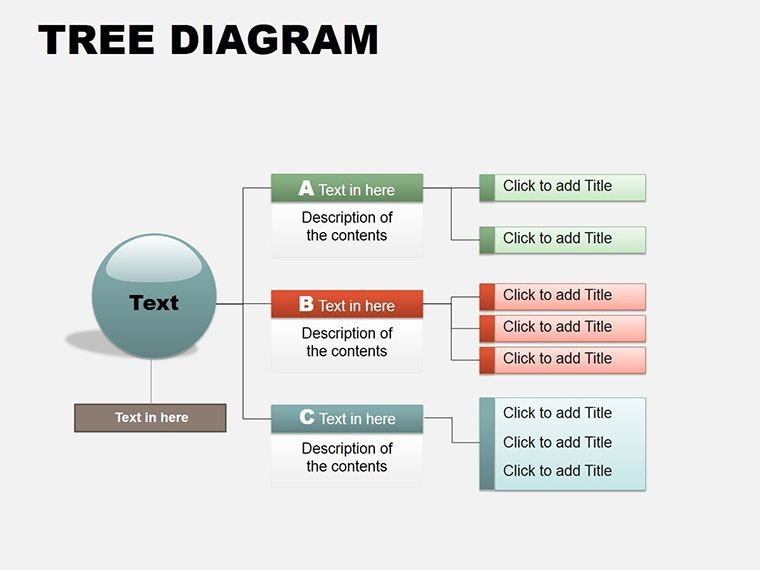
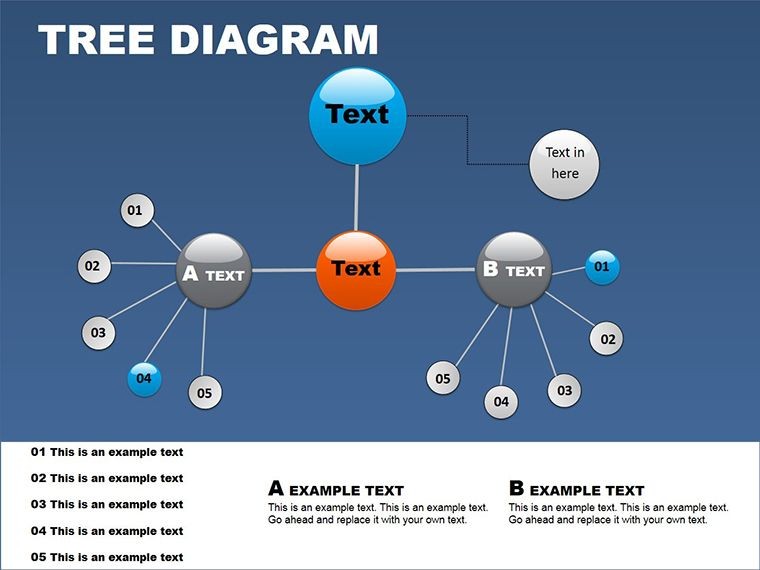
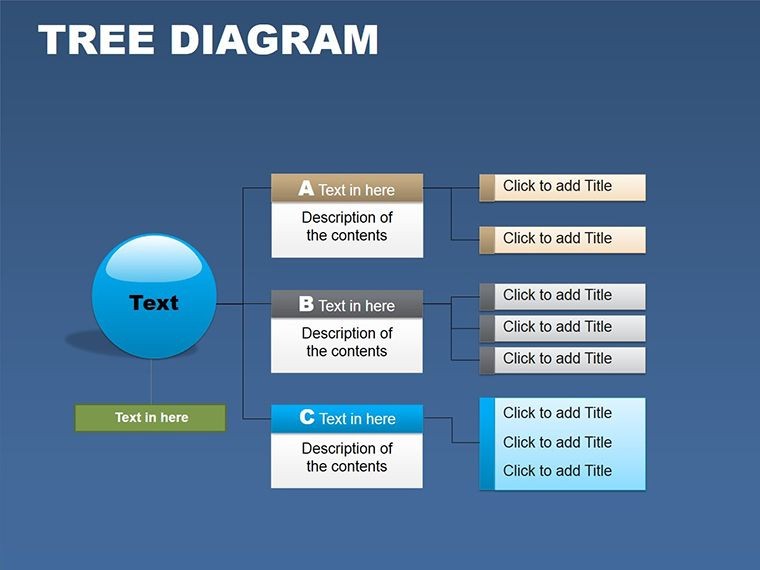
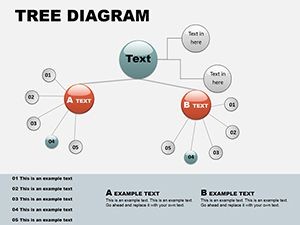
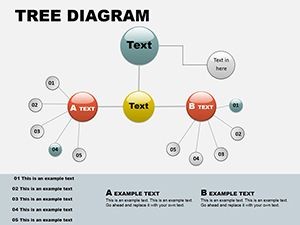
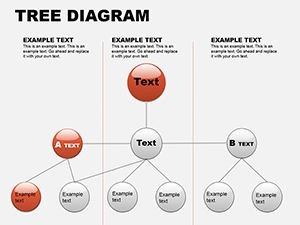
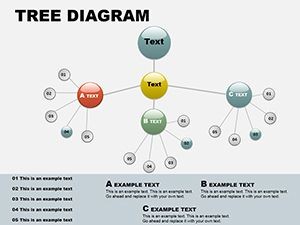
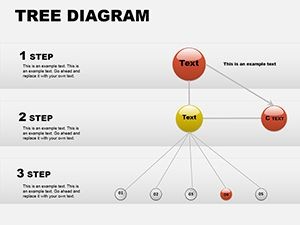
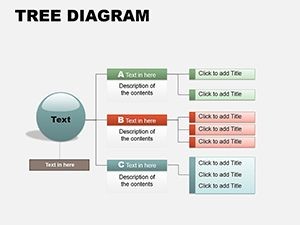
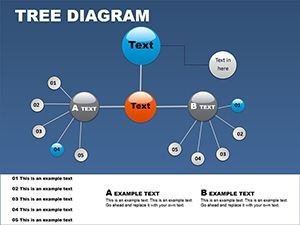
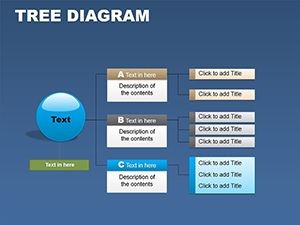
8 editable slides include circular tree layouts with branching arms and nested circles.
These combine hierarchical view and circular flows to map process evolutions alongside team structures within one file.
The circular design shows phase connections that linear alternatives obscure.
Editing Capabilities at a Glance
| Feature | Details |
|---|---|
| Editable shapes | diagram segments resize and recolor independently |
| Text placeholders | labels update without unlocking grouped elements |
| Color theme adjustments | compatible with Keynote slide master palette |
| Diagram connectors | arrows and lines adjustable in direction and weight |
| Icon layers | icons replaceable without affecting layout |
| Export options | .key for editing and PDF for distribution |
Typical Use Cases by Role
Strategy consultants in consulting prepare investor decks and cut preparation from three hours to 45 minutes by swapping color schemes across quarterly briefings.
Startup founders in technology map team structures during board meetings and reuse the same file for five consecutive strategy workshops.
Download the full set and start mapping hierarchies today.
Customization in 5 Steps
Moderate difficulty. Total time under 15 minutes.
- Open the .key file in Keynote 12 or later (1 minute).
- Replace placeholder text with your content (3 minutes).
- Apply brand colors through the master slide palette (2 minutes).
- Edit diagram labels and connectors (4 minutes).
- Export as .key or PDF (1 minute).
Download the full set and start mapping hierarchies today.
Compared to Starting From Zero
Building equivalent circular trees from scratch requires advanced vector skills and four hours per slide.
Manual work often misaligns flow direction and reduces information spacing on projection screens.
Labels sit outside diagram shapes rather than inside so readability holds during live board briefings without extra editing steps.
Many professionals pair these with tree analysis diagrams for multi-phase strategies while others explore more in circular diagram collections.
Project managers combine the set with organizational hierarchy visuals in client proposals.
Which Keynote versions does this open in?
Keynote 12 and later on macOS fully support every slide. Earlier versions may show limited connector adjustments. Open the file directly after download. Test one slide first if you run Keynote 11.
How do I change the color scheme?
Select the slide master in Keynote. Update the theme colors once. All branching arms and nested circles inherit the change automatically. Save the master and return to normal view. The adjustment takes under two minutes.
Is the license valid for paid client work?
Yes the single purchase covers internal use and client deliverables. Resale of the original file or sublicensing remains prohibited. Modify the diagrams freely for presentations. Credit is not required.
What file formats come with the purchase?
The download contains only the .key file. Export options include PDF for sharing and PNG for individual slides. No additional formats ship with the package. Keynote handles all editing.
What refund conditions apply?
Request a refund within 14 days if the file fails to open in Keynote 12 or later. Provide the purchase receipt. Refunds process once compatibility is verified. Modified files disqualify the request.