Venn Animation Keynote Charts - Instant Download | ImagineLayout
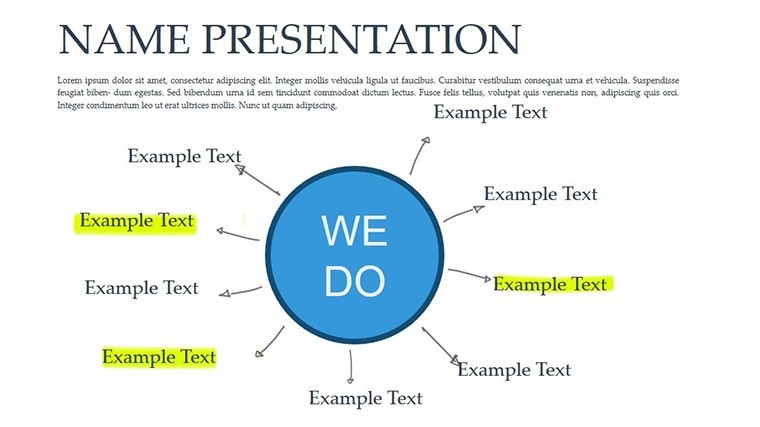
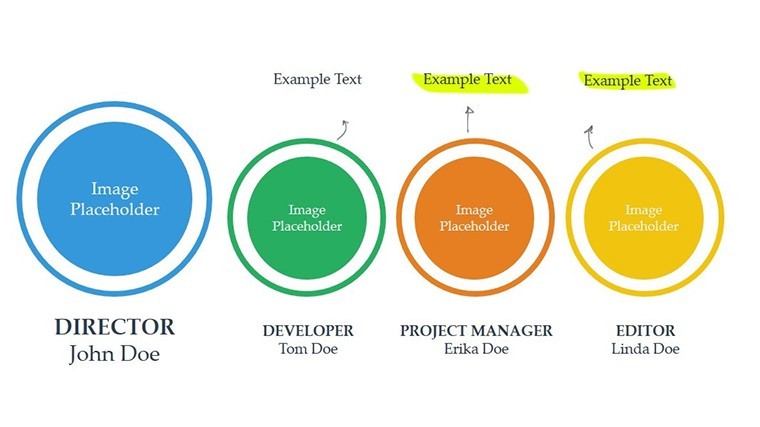
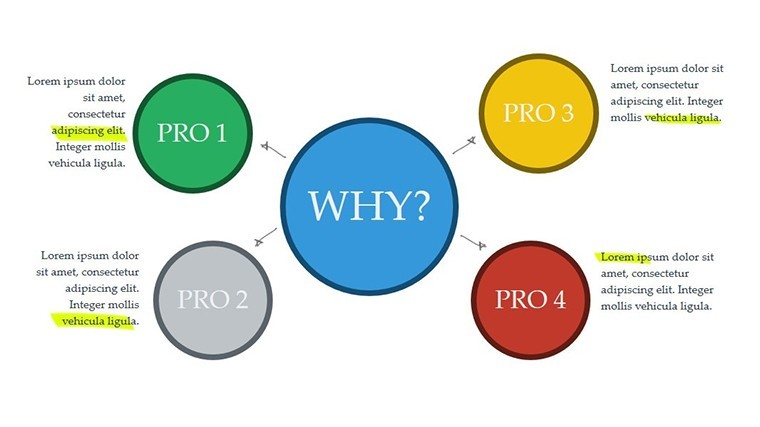
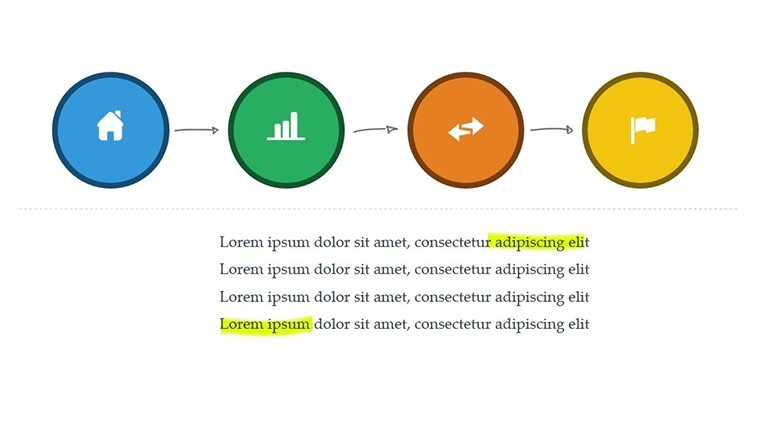
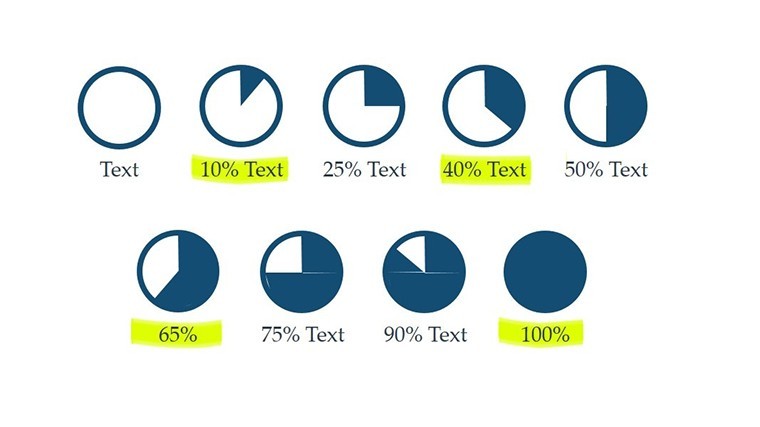
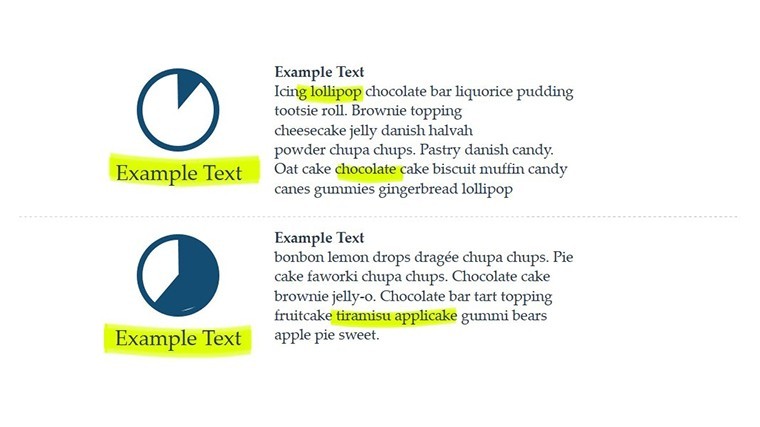
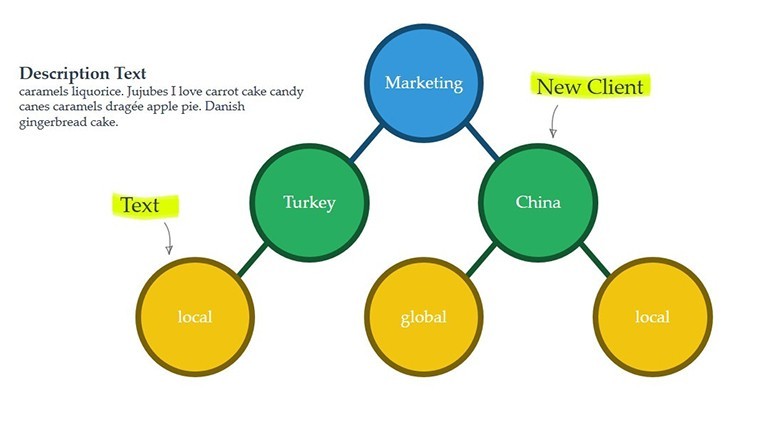
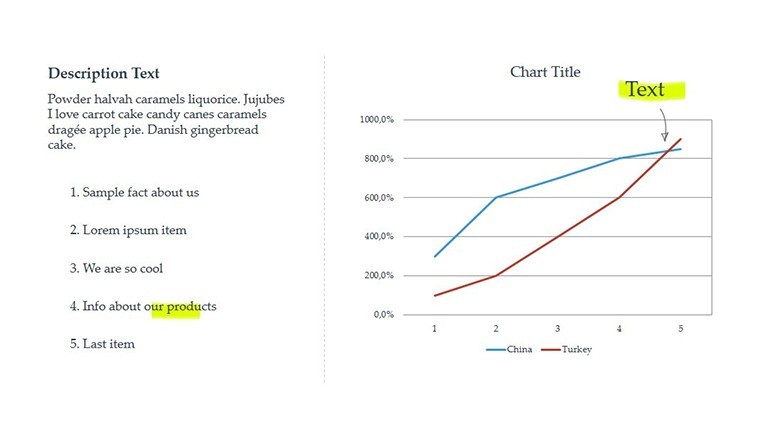
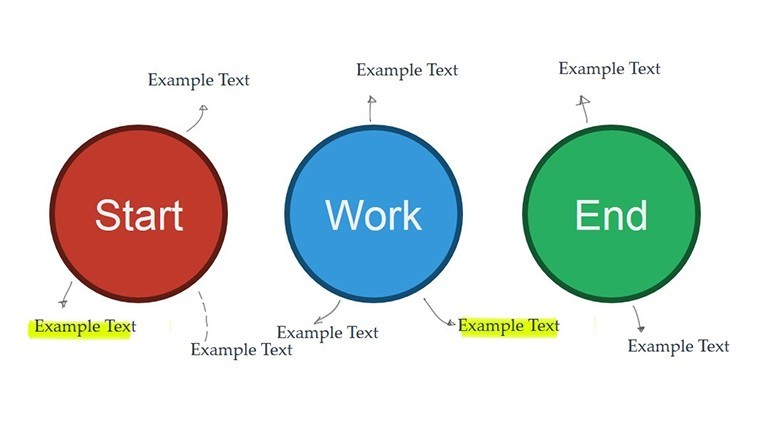

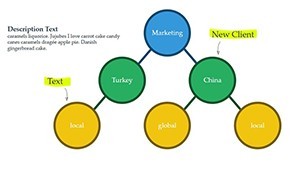
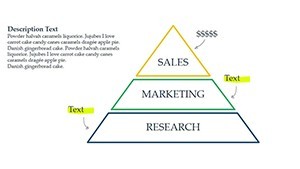
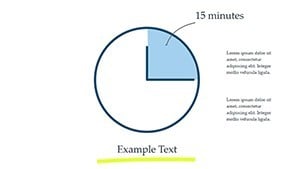
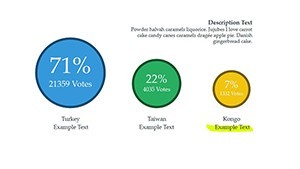
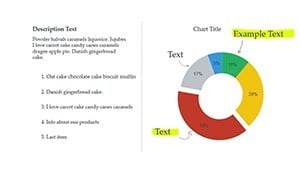
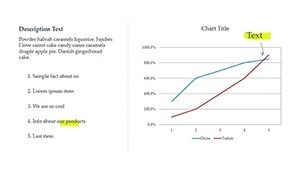
Type: Keynote Charts template
Category: Venn
Sources Available: .key
Product ID: KC00434
Template incl.: 22 editable slides
22 Animated Venn Diagrams: What You Get
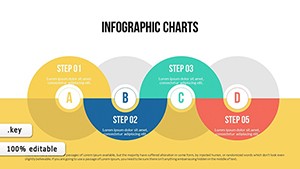
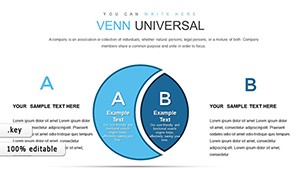
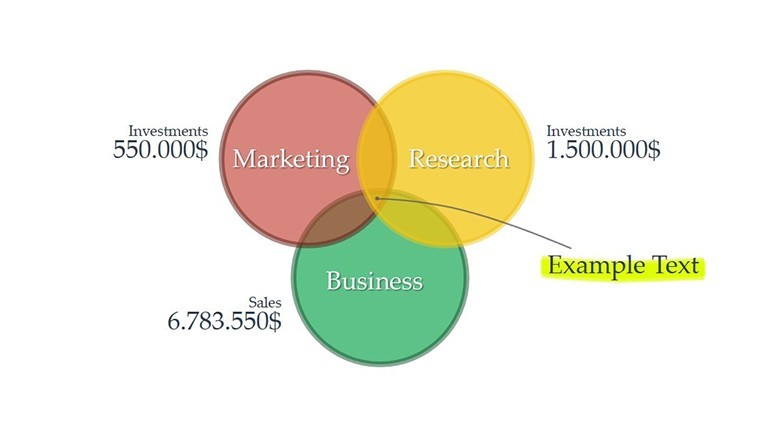
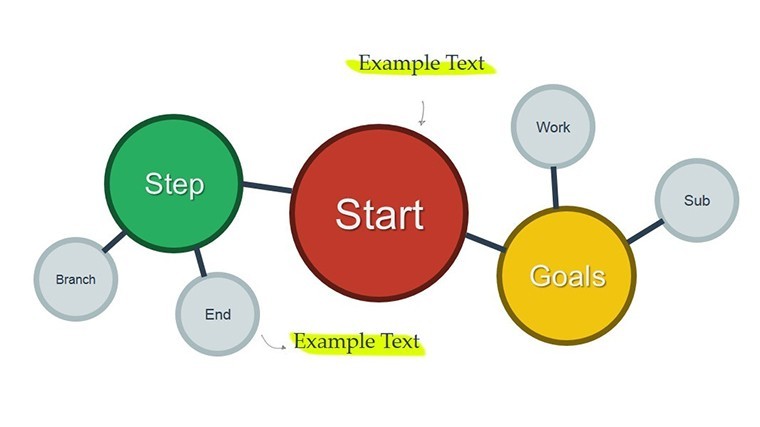
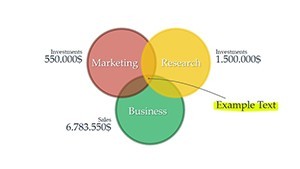
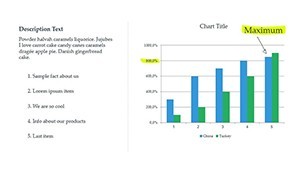
22 diagrams cover multiple overlap configurations with built-in animations.
The download delivers one .key file ready for Keynote.
- Overlap types for market segments
- Concept intersections
- Phase comparisons
Full access to every animated element and layout composition comes included.
Technical Specs
| Feature | Details |
|---|---|
| Slides included | 22 animated Venn diagrams |
| Diagram categories | overlap analysis and phase comparison |
| Editable elements | text placeholders and icon layers replaceable without affecting layout |
| Aspect ratio | standard 16:9 |
| PowerPoint compatibility | Keynote only |
| Color themes | compatible with Keynote slide master color palette |
| Animation support | built-in transitions editable in direction and weight |
| Diagram connectors | arrows and lines adjustable independently |
Who Reaches for This Template
A marketing team lead in consumer goods industry presents audience segment overlaps during strategy workshops.
Switching overlap zones and triggering animations cut deck preparation from 3 hours to 45 minutes.
An educator in higher education prepares an academic lecture on concept synthesis.
The same file gets reused across three classes after simple color theme adjustments.
Secure the Venn Animation Keynote Charts and streamline your next overlap analysis today.
Customization in 4 Steps
1. Open the .key file in Keynote (1 minute).
2. Replace placeholder text inside Venn circles (3 minutes).
3. Adjust color theme adjustments via the slide master (2 minutes).
4. Tweak diagram connectors and animation timing (4 minutes).
Export as PDF for distribution (1 minute). Editing difficulty stays moderate for users familiar with Keynote.
Compared to Starting From Zero
Many presentations place labels directly inside diagram shapes.
That approach works on laptops but becomes harder to read on large projection screens.
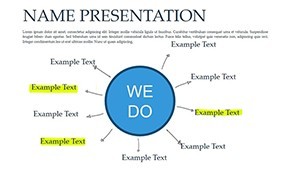
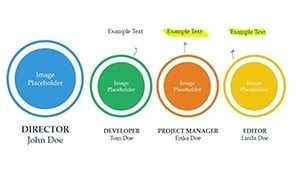
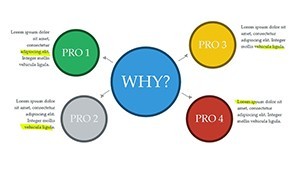
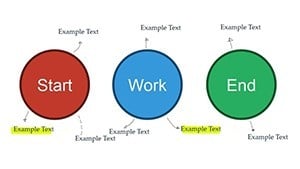
This layout keeps labels outside the shapes and connects them with thin lines.
Clarity improves during live meetings without increasing editing complexity.
Building equivalent animated Venn slides from scratch takes over 2 hours per diagram due to alignment and flow direction issues.
Here you start with ready structure and save time while achieving better visual hierarchy.
Download the Venn Animation Keynote Charts now and start visualizing overlaps today.
Which Keynote versions does this template support?
This template opens exclusively in Keynote versions 10 and above on macOS or iOS. Earlier versions may not support the animation features fully. You cannot open it in PowerPoint or Google Slides without conversion losses. Always test in your installed Keynote before finalizing edits.
How do I change the color scheme?
Open the file in Keynote and switch to slide master view. Select the color palette and update the theme colors directly. Apply the changes to all slides at once. Every diagram updates automatically without manual recoloring of each element.
What does the license permit?
The license permits use in your own presentations and for paid client work. You cannot resell the template file itself or distribute copies to others. Sublicensing is not allowed. Commercial use in client proposals is fully permitted as long as the end user does not receive the source file.
Is there a free version available?
No free version is available for this template. The paid download includes all slides, animations, and editable elements listed. A free version would typically limit slides or remove animations but is not offered here. Purchase grants immediate access to the complete package.
What file formats are included and what software is required?
The file is provided as a single .key archive. Keynote software is required to open and edit it. No PPTX or other formats are included. Export to PDF or images is possible from within Keynote for sharing.
Does it include animation support?
Animation support is included with built-in effects on diagram elements. To apply or modify, select the shape in Keynote and adjust the animate tab. Transitions between overlaps are pre-set but customizable. This works in Keynote 12+ without additional plugins.