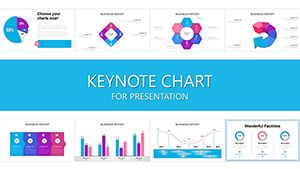
4P Marketing Keynote Charts - Fully Editable | ImagineLayout
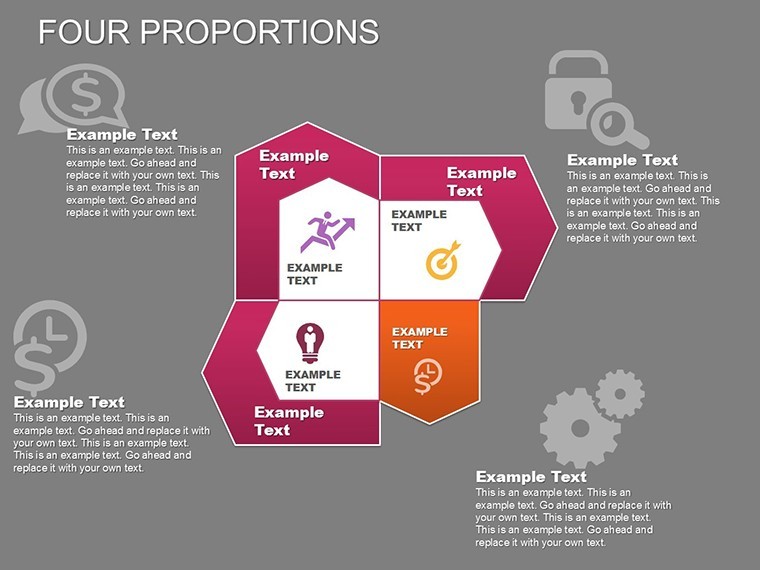
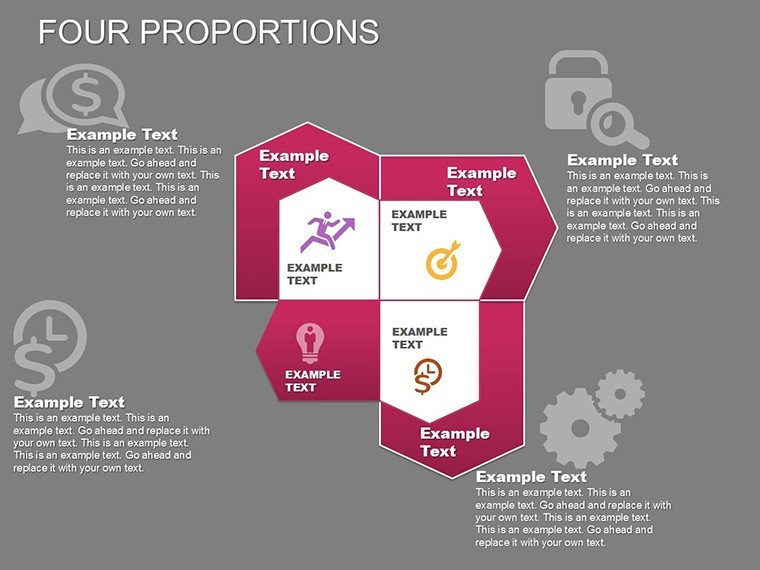
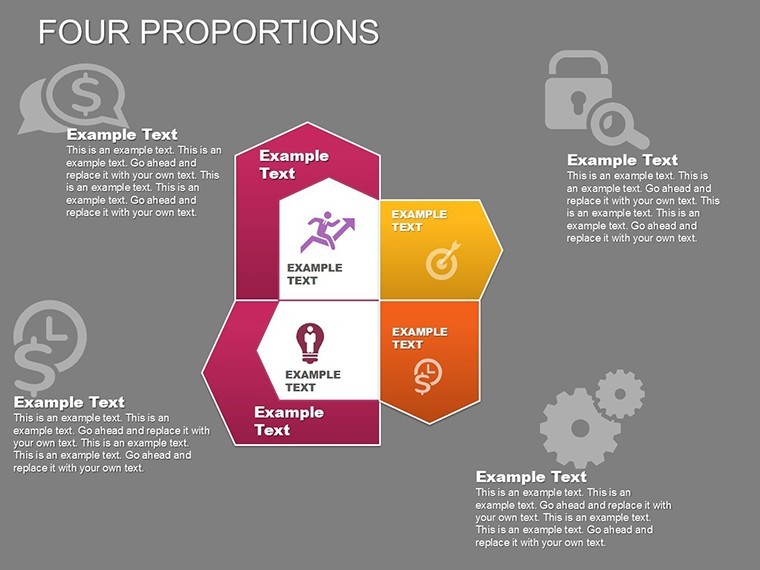
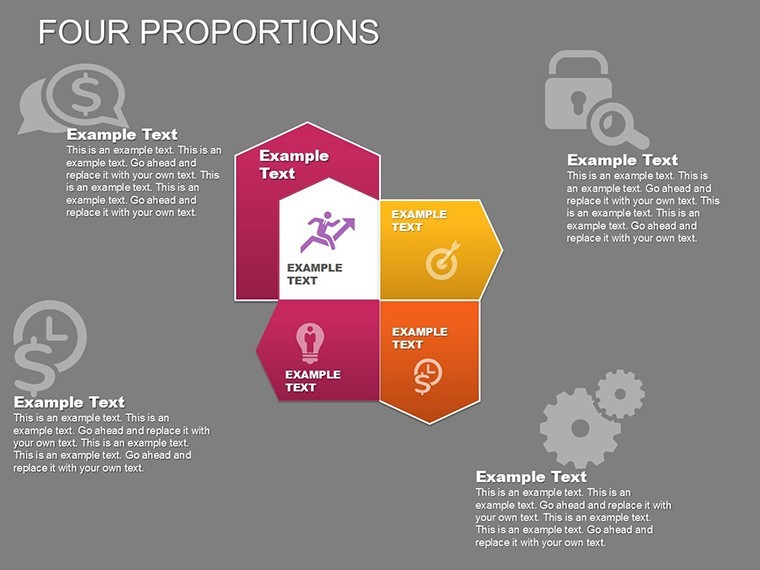
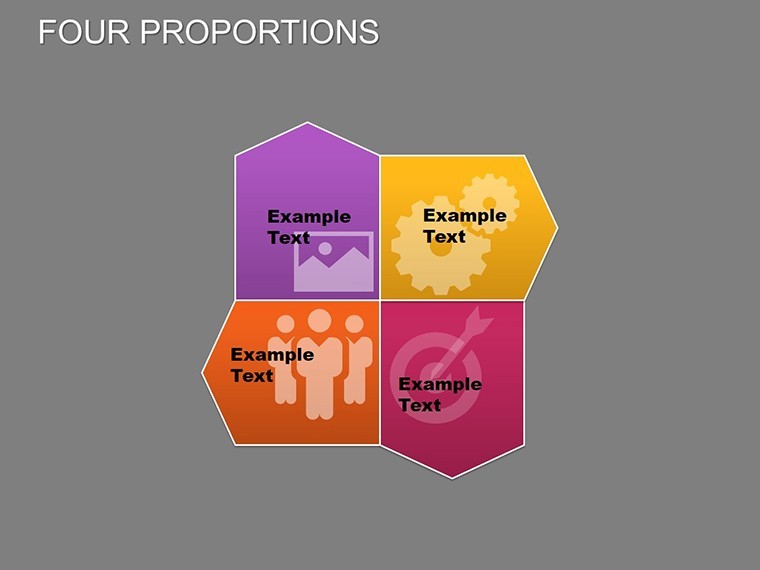
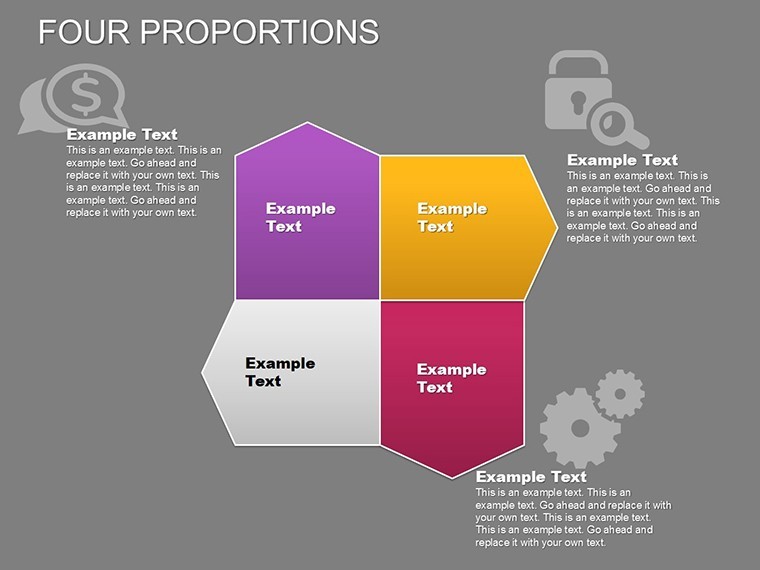
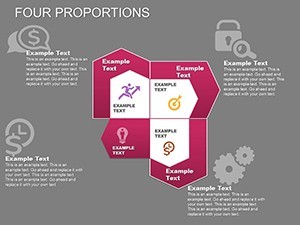
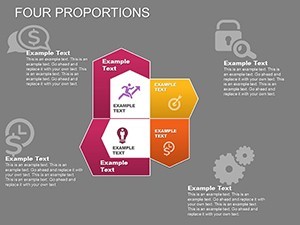
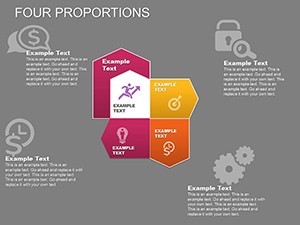
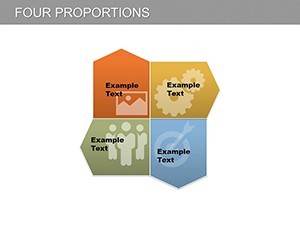
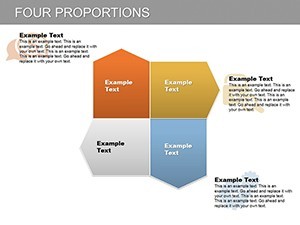
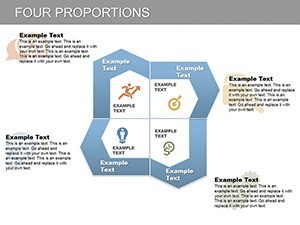
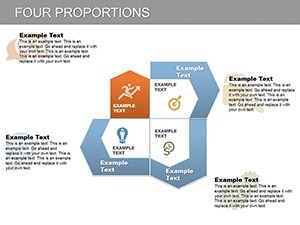
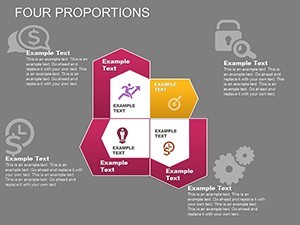
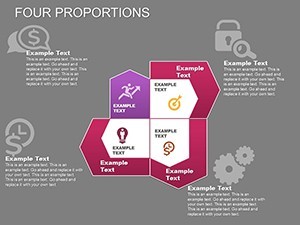
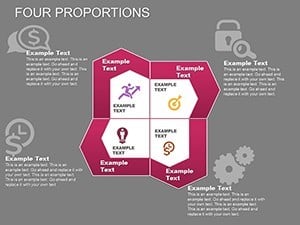
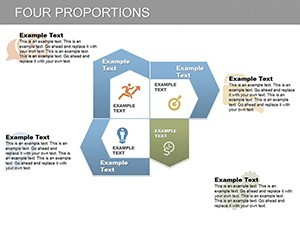
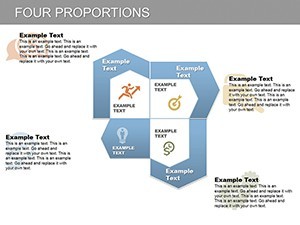
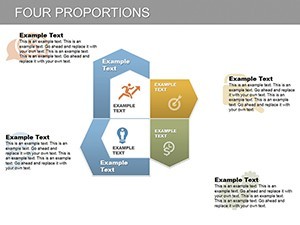
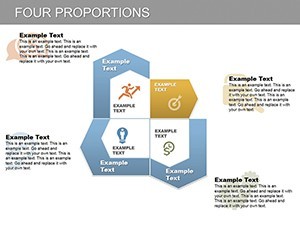
Type: Keynote Charts template
Category: Arrows
Sources Available: .key
Product ID: KC00165
Template incl.: 27 editable slides
Files and Formats Included
One .key file contains the complete set. No separate assets or fonts required.
27 slides cover every 4P combination with ready-to-edit text placeholders.
- 27 editable arrow hybrids
- Multicolored gradient layers
- Animated KPI callouts
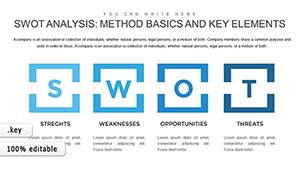
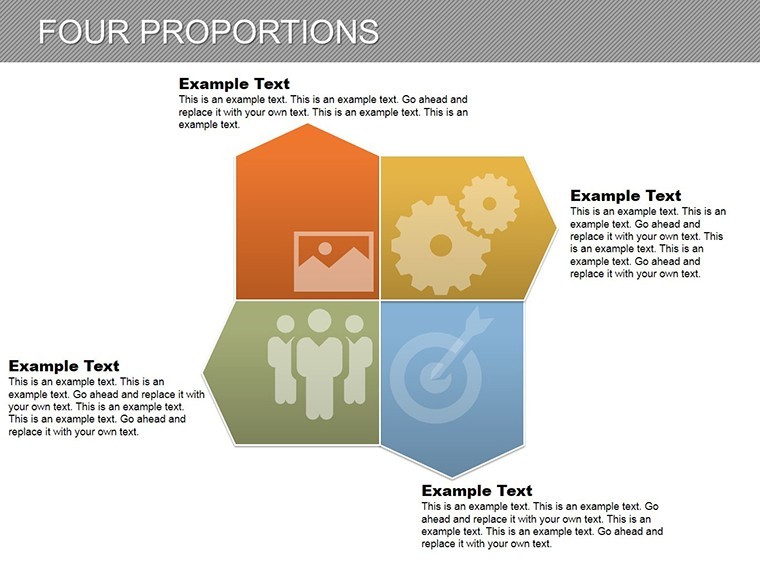
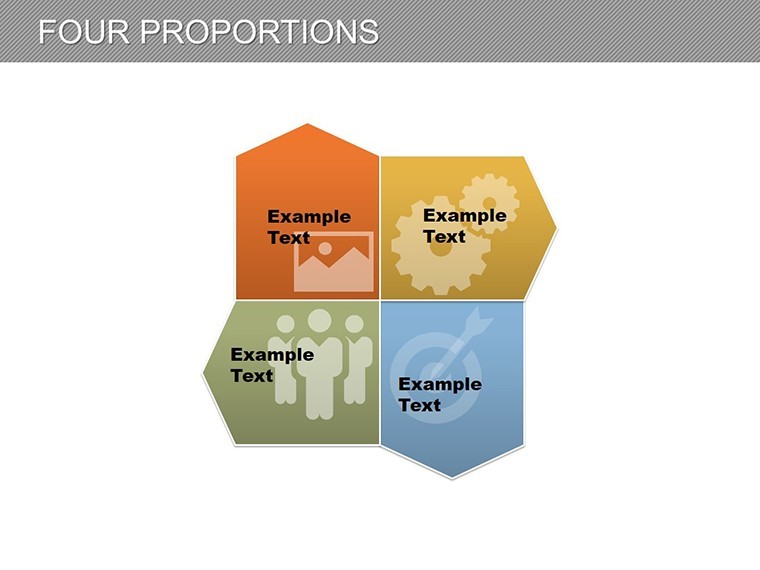
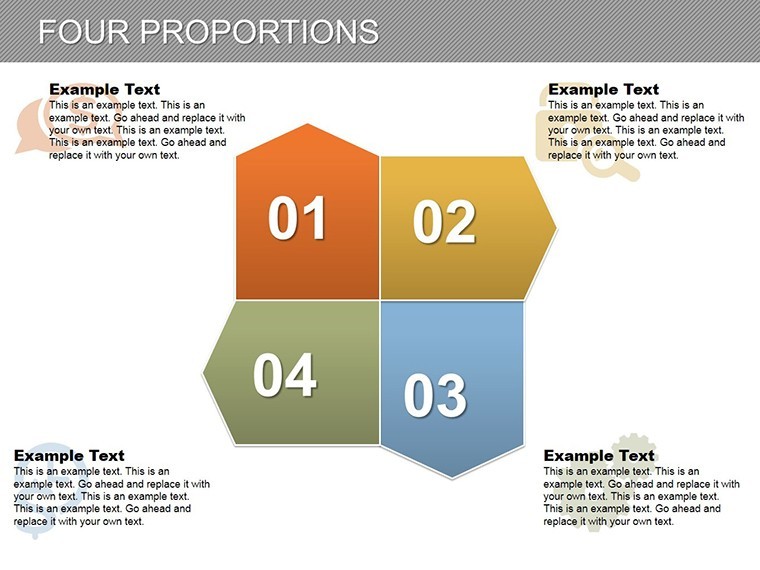
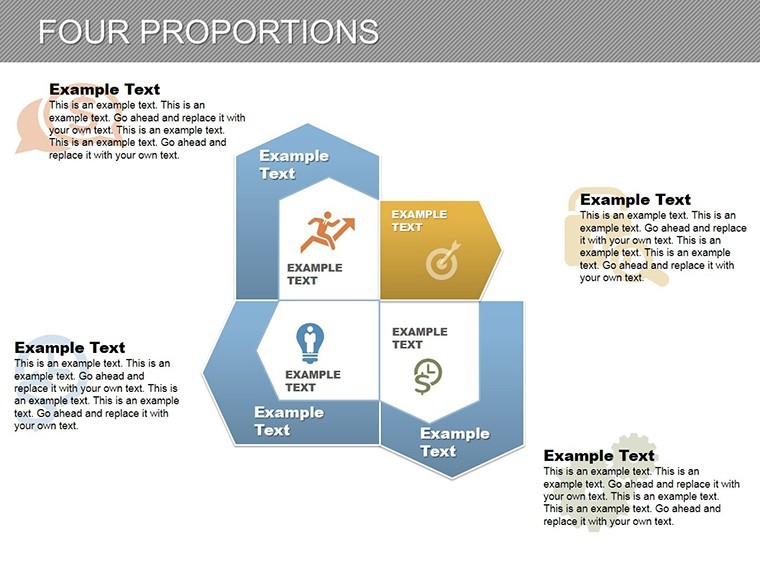
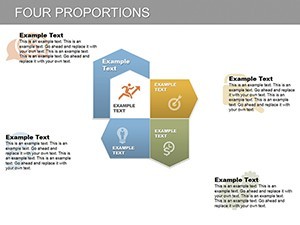
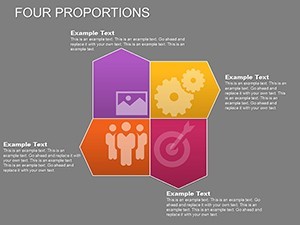
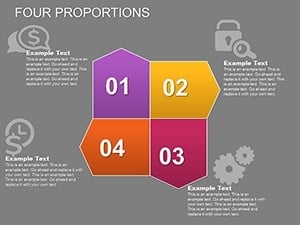
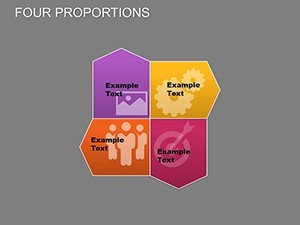
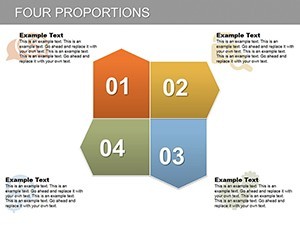
This collection differs from the related SWOT Analysis Keynote Template because the arrows point in four distinct directions that match the 4P framework. One specific visual characteristic is the bar-arrow hybrid shapes that merge data bars with flow direction. It works best for brand managers who need to show marketing mix alignment since the layout forces every element into a single visual hierarchy.
The paid version includes all 27 slides with animation triggers while any limited preview omits the gradient options.
Technical Specs
| Feature | Details |
|---|---|
| Slides included | 27 total with one per 4P element combination |
| Diagram categories | Arrows, bar hybrids and KPI markers |
| Editable elements | Text, gradients, arrow weights and directions |
| Aspect ratio | 16:9 standard for all modern projectors |
| Color themes | Slide master updates apply instantly |
| Icon layers | Replaceable without affecting surrounding arrows |
From Download to Final Deck
Open the file. Moderate skill level.
- Swap placeholder text for your product details - 3 minutes
- Apply brand colors to the gradient fills - 2 minutes
- Adjust arrow directions for your specific 4P order - 4 minutes
- Export as Keynote or PDF - 1 minute
Typical Use Cases by Role
Brand managers in consumer goods prepare the agency review deck and finish in 40 minutes instead of three hours.
Marketing teams reuse the same file across three quarterly campaigns by simply updating the KPI numbers.
Download now to build your next strategy presentation.
Building From Scratch vs. Starting Here
Creating 27 aligned arrow slides manually demands hours just to keep gradients consistent.
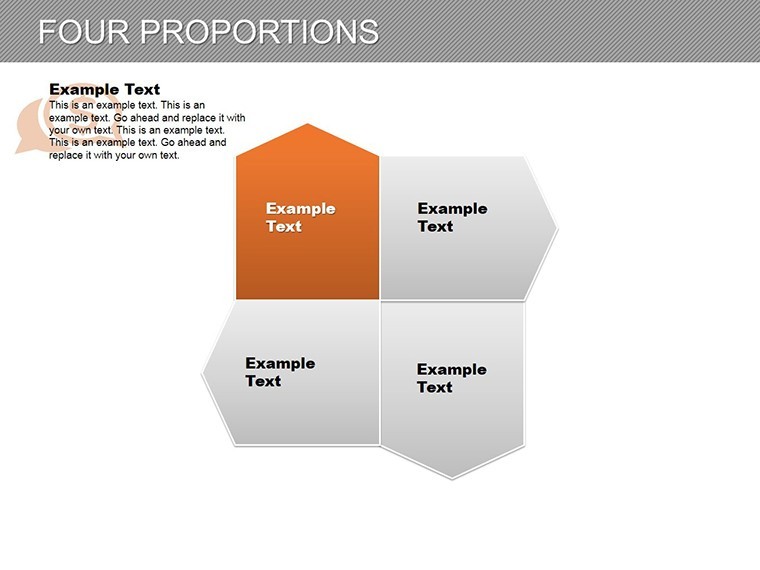
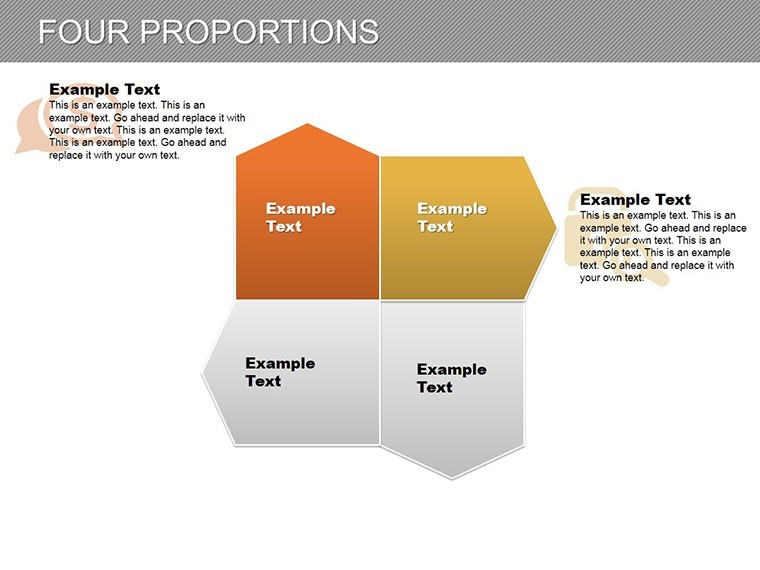
This template uses zone segmentation so each 4P block receives its own contrast color without manual grouping.
Engineers often pair these 4P charts with Value Chain Keynote Charts when explaining full go-to-market flow.
Project managers reach for the file during internal reporting because the directional arrows match their existing vocabulary.
Download the template now and start editing in minutes.
Which Keynote versions does this open in?
The .key file works in Keynote 12 and all newer releases on Mac and iPad. Earlier versions may lose animation triggers. Open the file once and the slide master loads automatically so no manual import is required. Test the rotation on your device before the meeting to confirm every cog moves on click. If any issue appears simply contact support within the first week.
How do I change the color scheme?
Select any gear on the slide. Open the Format panel on the right. Click the color picker and choose your brand hex code. The change applies to the entire cluster because the elements share the slide master theme. Repeat for one cog only if you need contrast zones. The thin connectors update automatically so layout stays intact.
Can I use this in paid client work?
Yes the license covers unlimited client projects. You may deliver the final exported PDF or Keynote file to the client. Resale of the original .key template itself is not permitted. Sublicensing to another designer is also prohibited. Keep the source file for your own firm only.
What does the paid version include that the free version does not?
The paid version unlocks all 28 diagrams with working animations and branching connectors. Sample previews available elsewhere contain only static images without editable layers. Full icon set and color theme adjustments are exclusive to the purchased file. You receive the complete .key package instantly after payment.
What software is required to open the file?
Keynote is the only application that opens the .key format. PowerPoint cannot import it directly. Install the latest Keynote from the App Store if you do not have it. The file size is small enough to email or store on any device. No additional fonts or plugins are needed.
What is the refund policy?
Refunds are available within 14 days if the file fails to open in your version of Keynote. Provide the receipt and a short description of the issue. The team issues the refund within 48 hours once verified. No refund is possible after the file has been edited or exported.