Conceptual Plan Keynote Charts - Fully Editable | ImagineLayout



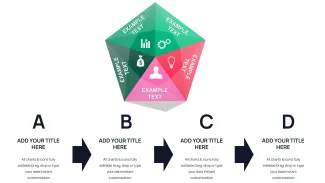
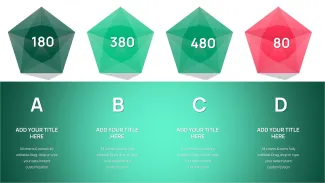
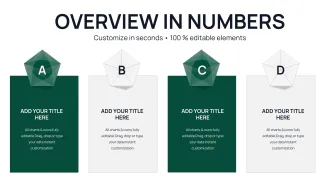

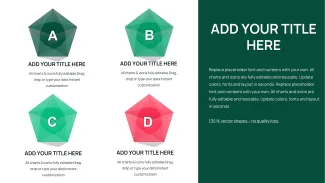

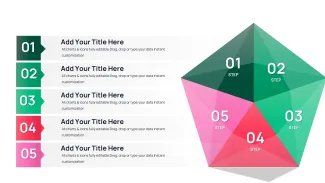

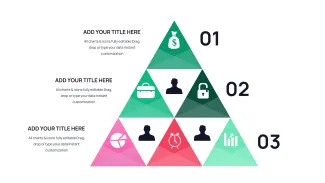
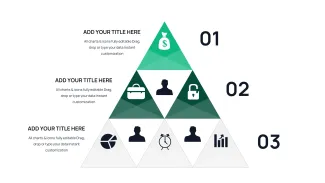
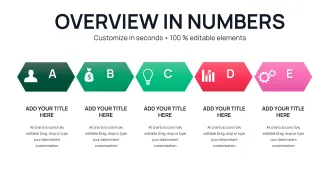
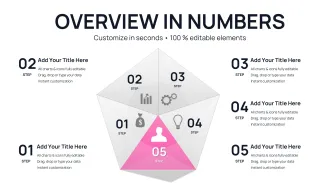
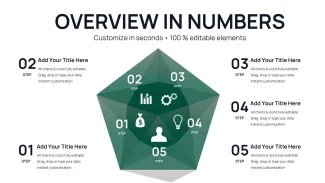

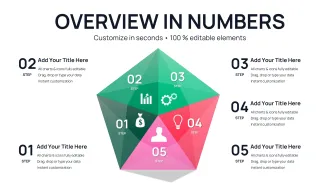
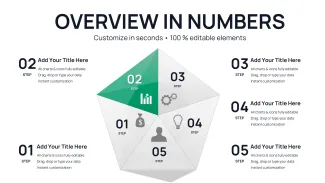
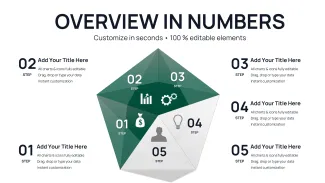
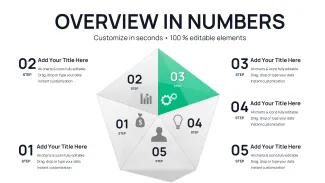
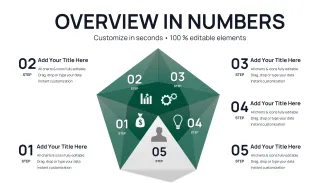
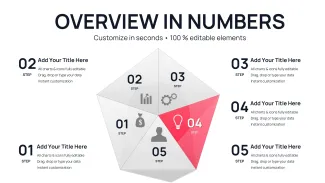












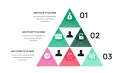
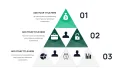
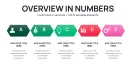















What is a Keynote chart template? A .key file containing pre-built editable charts and diagrams for Apple Keynote software that let you update data, colors, and text directly in your business presentation.
Package Contents
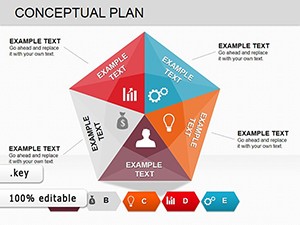
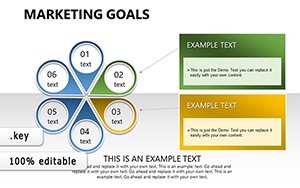
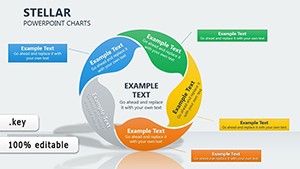
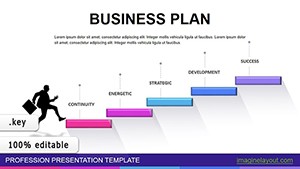
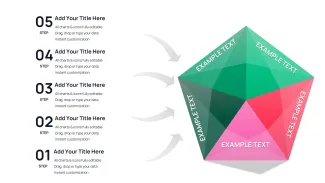
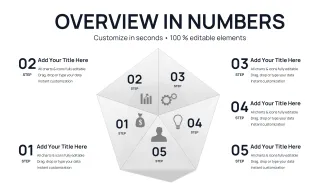
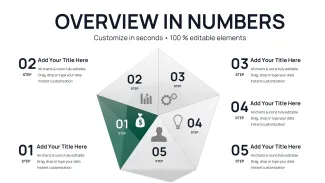
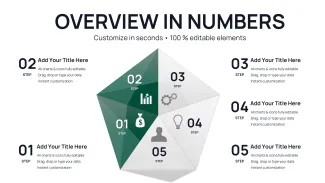
29 diagrams fill the download with conceptual plan layouts built from editable shapes and diagram connectors.
Each slide combines multiple frameworks so one file covers priority mapping, dependency tracking, and milestone alignment without switching files mid-deck.
Unlike single-chart layouts this set groups interconnected elements that maintain alignment when you swap labels or recolor zones.
Key Specifications At a Glance
| Feature | Details |
|---|---|
| Slides / diagrams included | 29 fully editable conceptual plan charts |
| Diagram categories | strategic frameworks, priority matrices, dependency flows |
| Editable elements | shapes resize and recolor independently |
| Text placeholders | labels update without unlocking grouped elements |
| Color theme adjustments | compatible with Keynote slide master palette |
| Diagram connectors | arrows and lines adjustable in direction and weight |
| File formats | .key for Keynote 12+ |
Real Scenarios
A management consultant reused the same template file across 11 client engagements over 8 months.
Each time the consultant swapped labels, adjusted color schemes to match the client brand, and exported the updated deck in under 20 minutes.
Preparation time dropped from 2 hours to 20 minutes per session while keeping every diagram consistent.
Download and start editing immediately
Customization in 5 Steps
- Open the .key file in Keynote 12 or later (1 minute)
- Replace placeholder text across all 29 slides (3 minutes)
- Adjust color theme via slide master for global changes (2 minutes)
- Resize or recolor individual connectors and shapes (4 minutes)
- Export as PDF or PPT for distribution (1 minute)
Editing difficulty: Moderate.
Why This Template, Not a Blank Slide
Interconnected nodes in conceptual plan diagrams use directional arrows to indicate dependency flow - not just visual connectors but logical precedence that executives scan before reading labels.
Building equivalent slides from scratch requires 3 hours of alignment work and consistent connector styling.
With this file you open once, edit labels, and the structure stays intact.
Download and start editing immediately
Explore pyramid-based strategy options or similar framework collections.
Which Keynote version works with this file?
Keynote 12 or later on macOS opens the .key file without issues. Earlier versions may show missing master elements. Open in the latest release to access full color theme and connector editing tools.
How do I change the color scheme?
Select any slide, go to Format - Slide - Color Theme, and pick one of the seven presets or enter custom hex values. The change applies globally through the slide master so every diagram updates in one step.
What is the difference between free and paid?
The paid version at $18 delivers the complete 29-slide .key file. Free previews show only static JPG exports or watermarked samples for evaluation.
What does the license allow?
You may use the template in internal reports and paid client work. Sharing the original .key file with third parties is not permitted. One license covers one user.
Can I get a refund?
Refunds are available within 14 days if the file does not open in your version of Keynote. Contact support with your order number and a screenshot of the issue.
How do I update chart data?
Double-click any data label or segment, type the new value, and Keynote recalculates percentages automatically. The layout stays locked so proportions remain accurate.