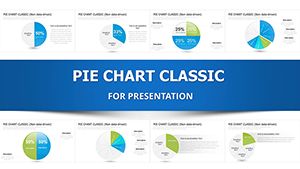
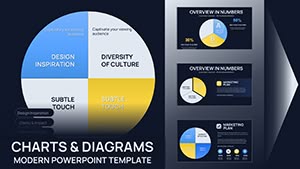
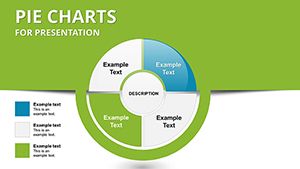
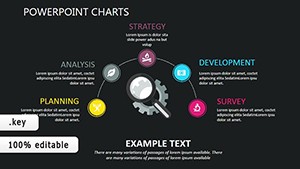
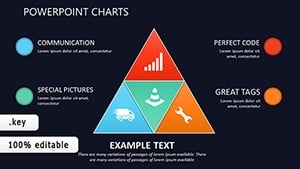
Keynote Pie Chart Template - 26 Fully Editable Slides | Instant Download

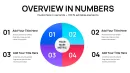
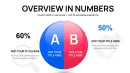
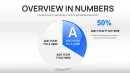


Type: Keynote Charts template
Category: Pie
Sources Available: .key
Product ID: KC01070
Template incl.: 26 editable slides
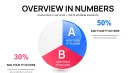
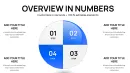
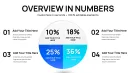
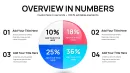
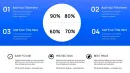
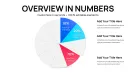
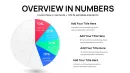
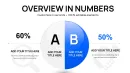
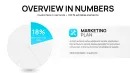
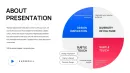
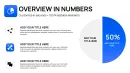
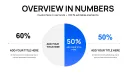
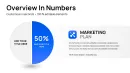
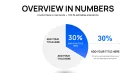
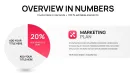
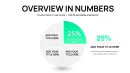
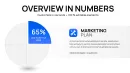
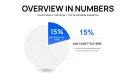
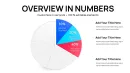
Download the Keynote pie chart template with 26 editable slides. Visualize proportional data such as budgets, market shares and revenue breakdowns instantly. Fully customizable in Apple Keynote with instant download.
Present Proportional Data Clearly
Pie charts allow audiences to grasp how individual categories contribute to an overall total at a glance. This collection provides 26 editable slides specifically built for Apple Keynote so you can insert your numbers and have polished visuals in minutes.
Replace sample data directly in the chart editor and the slices update automatically. The layouts keep focus on the information rather than the design process.
Benefits for Everyday Use
These templates save preparation time during busy periods such as quarterly reporting or client reviews. You maintain consistent styling across slides while adapting colors and labels to your branding.
Teams use them to communicate data-driven decisions without technical barriers. The result is presentations that support clear discussions and faster agreement on next steps.
Key Features
- 26 editable pie chart slides in .key format
- Full control over data, colors and text
- Vector-based for sharp display on any screen
- Instant download after purchase
How to Use
Download the file and open it in Keynote. Choose the slide layout that best matches your data structure. Double-click the chart to open the data panel, enter your percentages and labels, then adjust formatting in the sidebar.
Copy the finished slide into your main deck or duplicate it for multiple versions. Test in slideshow mode to confirm readability from the back of the room.
Real-World Scenarios
Business teams display revenue by product line or department expenses during strategy sessions. Consultants illustrate client cost structures or survey response distributions in review meetings.
Educators show grade breakdowns or resource allocation in class projects. Operations managers present team time distribution or inventory composition for internal updates.
Frequently Asked Questions
Is the Keynote pie chart template fully editable?
Yes, every element including segments, colors, labels and data values can be modified using standard Keynote tools.
How many slides are included?
The template includes 26 editable pie chart slides.
What Keynote versions does it support?
It works with recent versions of Apple Keynote on Mac devices.
Can I change the number of segments?
Yes, add or remove slices directly in the chart data editor to match your dataset.
Is it suitable for commercial projects?
Yes, the templates can be used for both personal and commercial presentations.