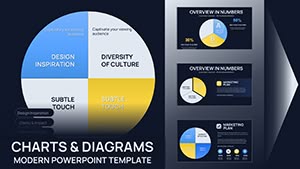
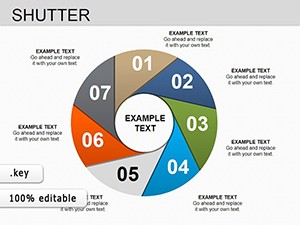
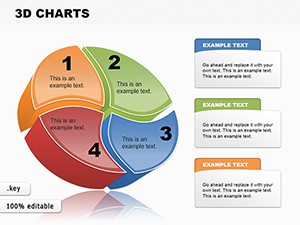
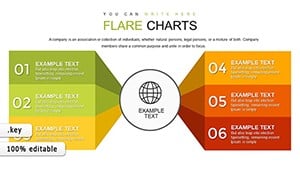
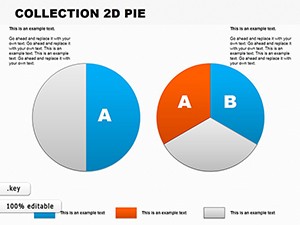
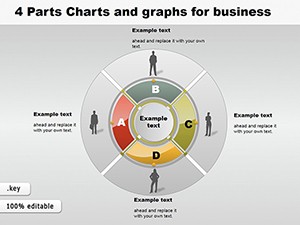
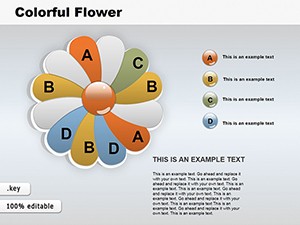
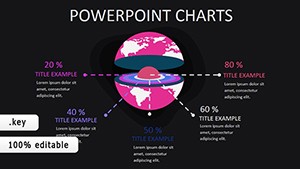
Pie Chart Keynote Template - 42 Fully Editable Slides | Instant Download

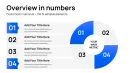
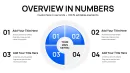
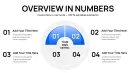
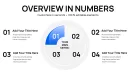
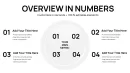
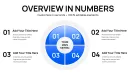
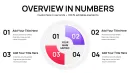
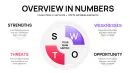
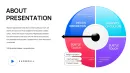
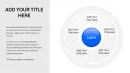
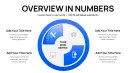
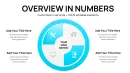
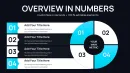
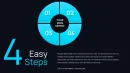
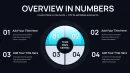
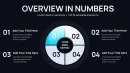
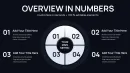
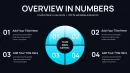
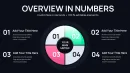
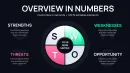

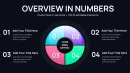
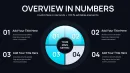


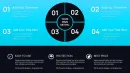



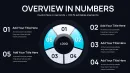
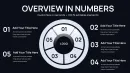
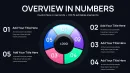
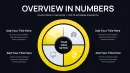
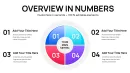
Type: Keynote Charts template
Category: Pie
Sources Available: .key
Product ID: KC01067
Template incl.: 42 editable slides
Why Use Pie Charts in Keynote Presentations?
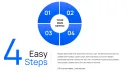
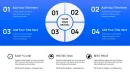
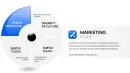
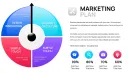
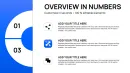
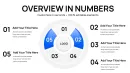
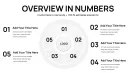
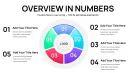
Pie charts provide an immediate visual understanding of proportions and percentages within a whole. This template addresses the need for clean, professional data visualization when presenting financials, market data, survey results or resource allocations.
With 42 editable slides, you can choose the perfect layout for your message without starting from scratch.
Key Benefits
This Keynote pie charts template saves you valuable time while delivering a sophisticated look that enhances credibility. All elements are vector and fully customizable to perfectly align with your branding and color scheme.
Your audience will appreciate the clarity these charts bring to complex data sets.
How to Use
After your instant download, open the .key file in Apple Keynote. Edit the chart data directly in the spreadsheet view attached to each slide. Adjust colors, labels, legends and styles using Keynote's intuitive tools. The changes apply instantly across the selected elements.
Copy and paste slides into your main presentation for a seamless workflow.
Perfect For These Scenarios
Business leaders presenting quarterly results and budget breakdowns. Consultants showing client portfolio performance and risk distribution. Educators illustrating statistical concepts and research findings. Marketing teams analyzing customer segmentation and product performance.
These real use cases demonstrate how effective pie charts can transform dry numbers into compelling stories.
Frequently Asked Questions
Is this Pie Chart Keynote Template fully editable?
Yes, all 42 slides feature fully editable pie charts. You can modify data, colors, text, and design elements freely in Apple Keynote.
What file is included with the purchase?
The template is provided as a native .key file, fully compatible with Apple Keynote.
How many slides are there?
The package includes 42 different editable pie chart slides to cover a wide range of presentation needs.
Is it suitable for professional business use?
Absolutely. The design is crafted for professional environments like corporate meetings, client pitches, and reports.
Do I need special skills to use it?
No. Basic Keynote knowledge is sufficient. The template is user-friendly for quick customization.