Merry Christmas Holiday Infographic Keynote Charts Template - Fully Editable | Instant Download








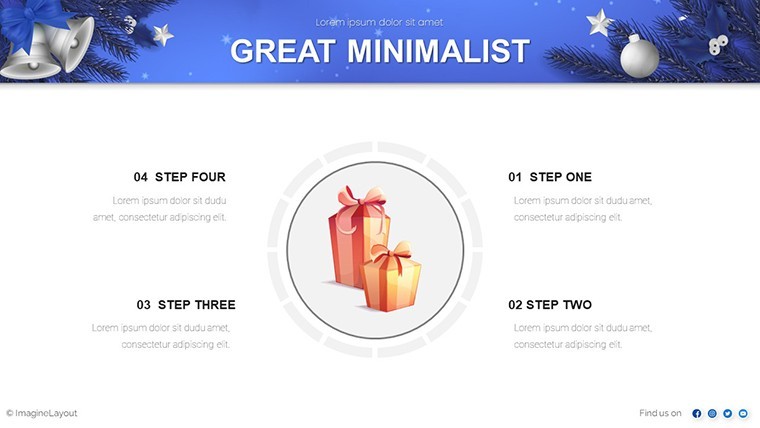
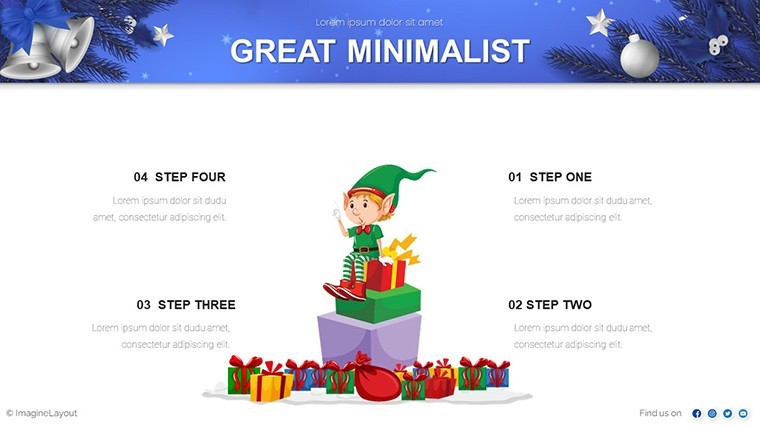

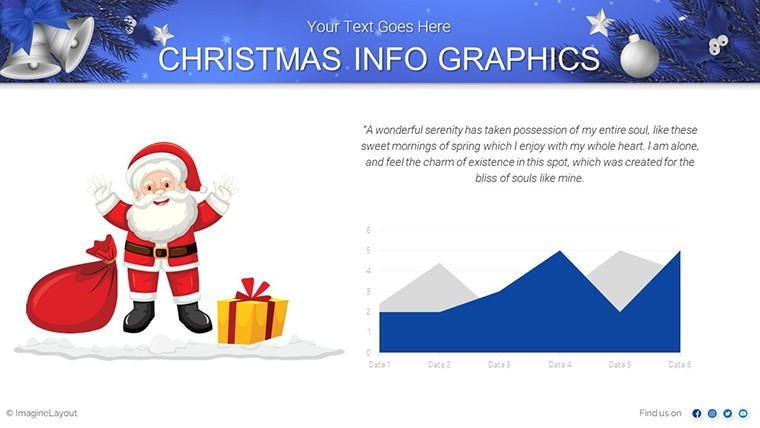
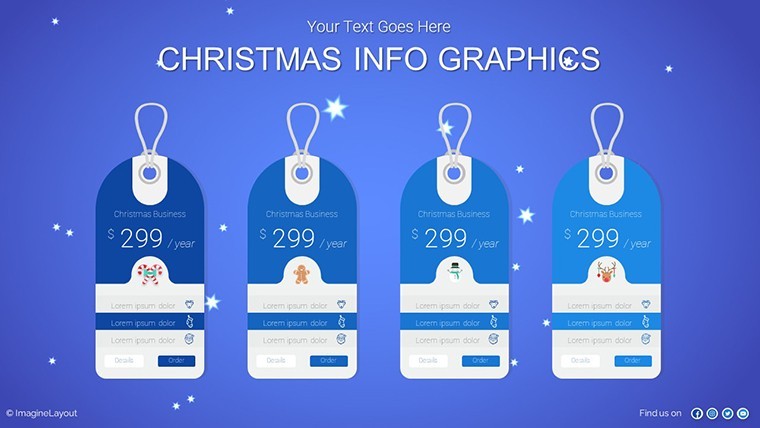



























Type: Keynote Charts template
Category: Illustrations
Sources Available: .key
Product ID: KC00895
Template incl.: 42 editable slides
Turn data into festive visuals with 42 editable Merry Christmas Keynote slides featuring candy-cane pie charts, evergreen timelines, and winter-themed infographics. Ideal for business leaders and event planners. Instant .key download.
What's Included
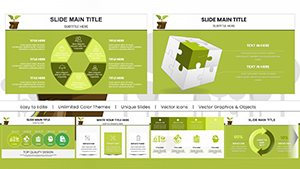
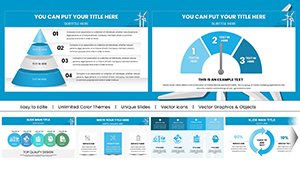
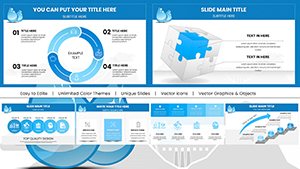
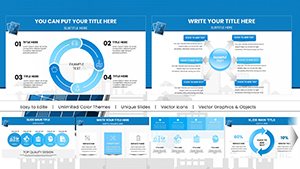
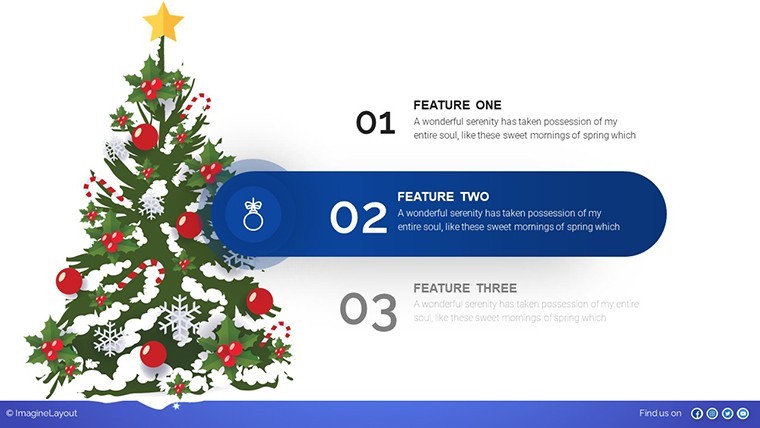
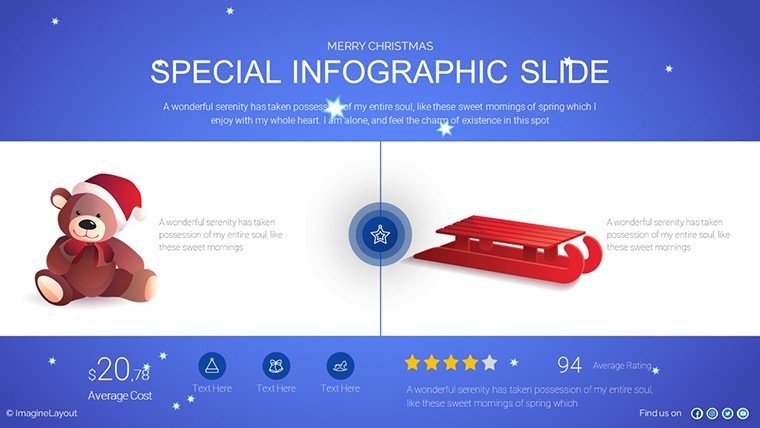
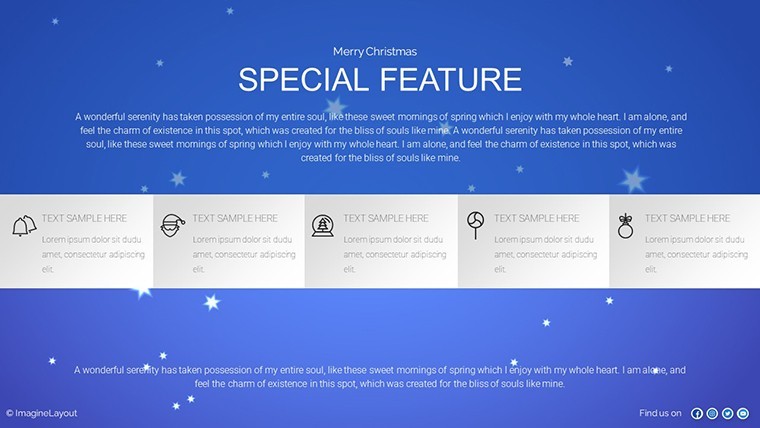
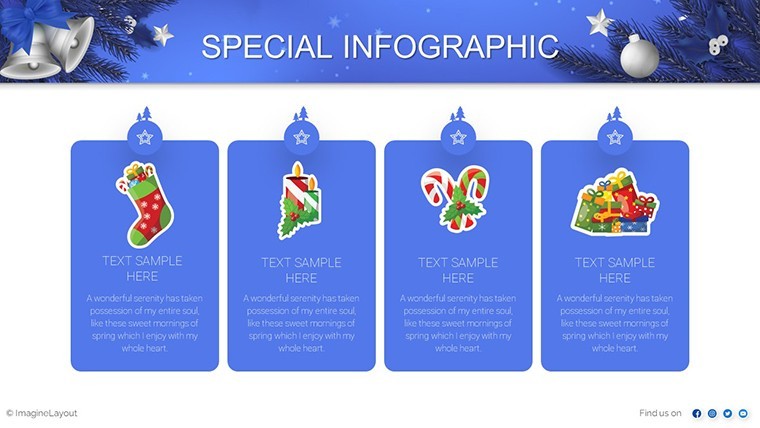
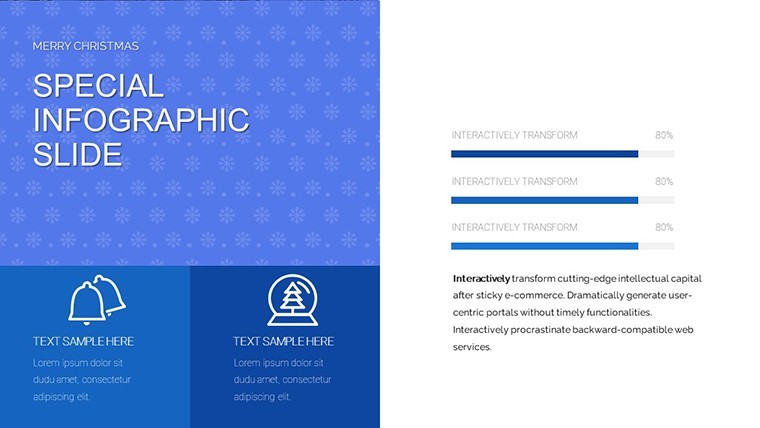
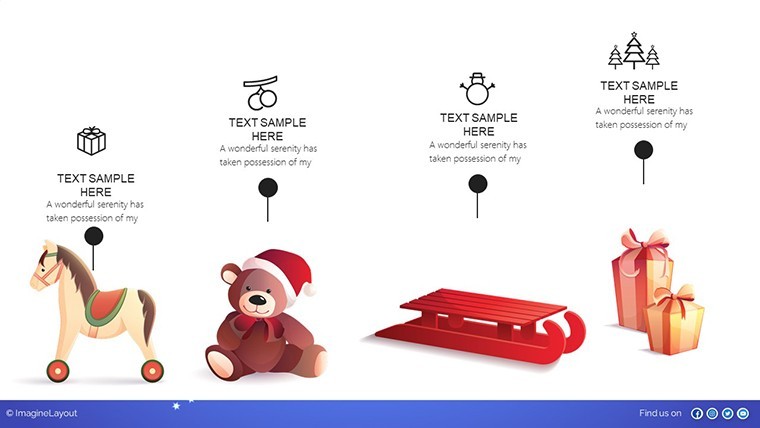
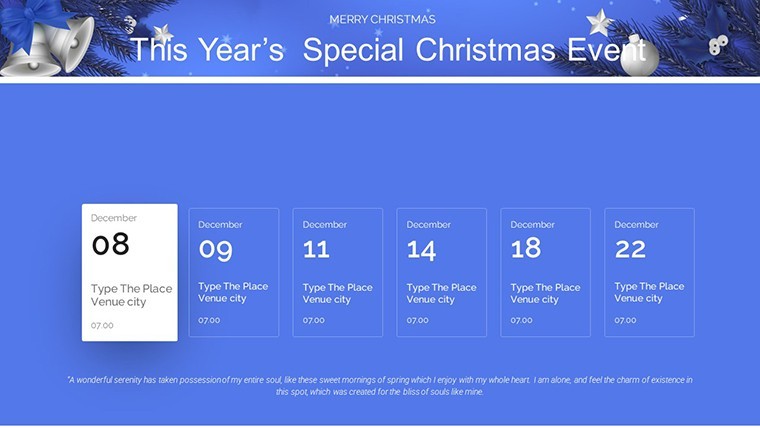
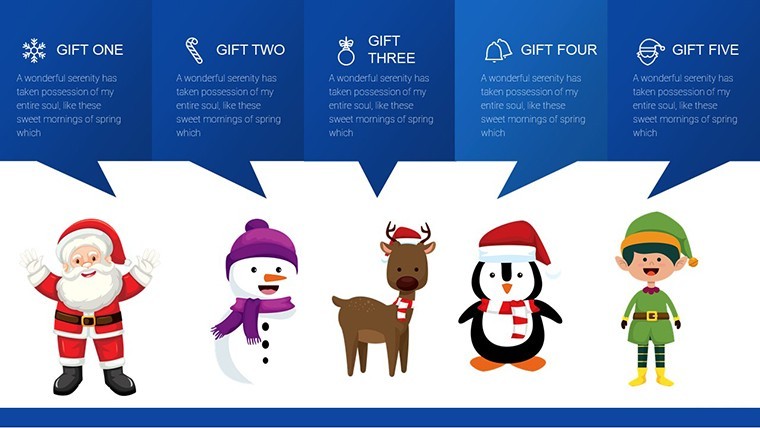
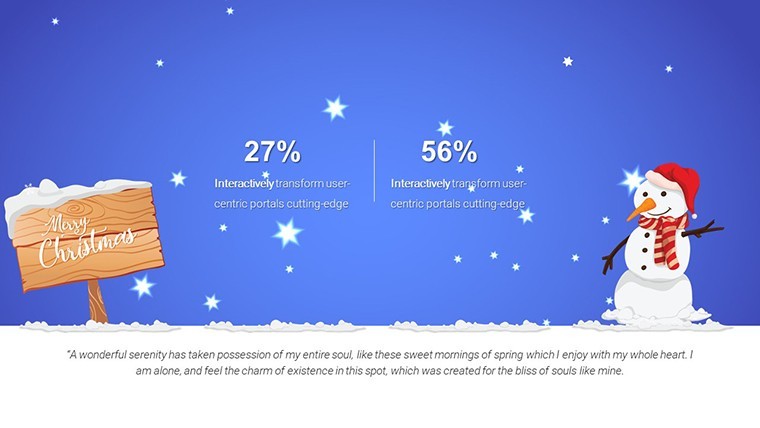
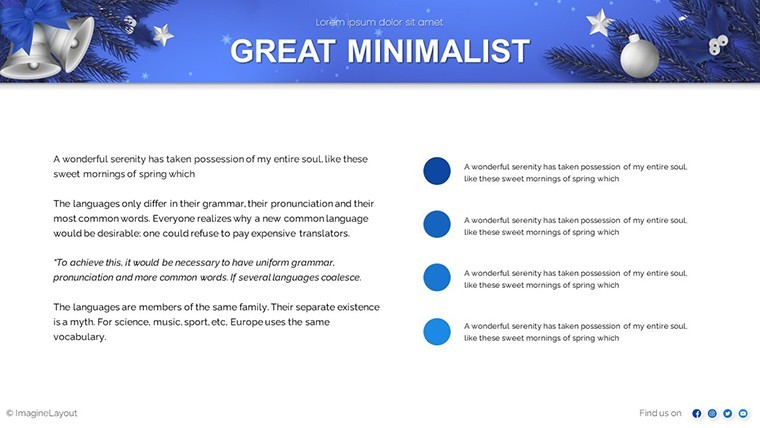
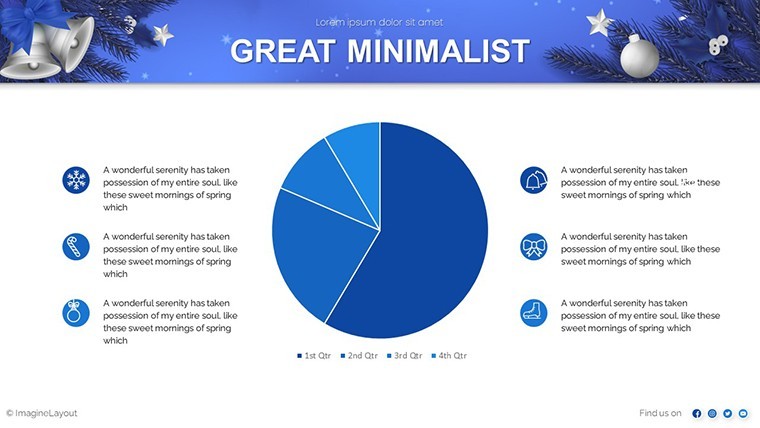
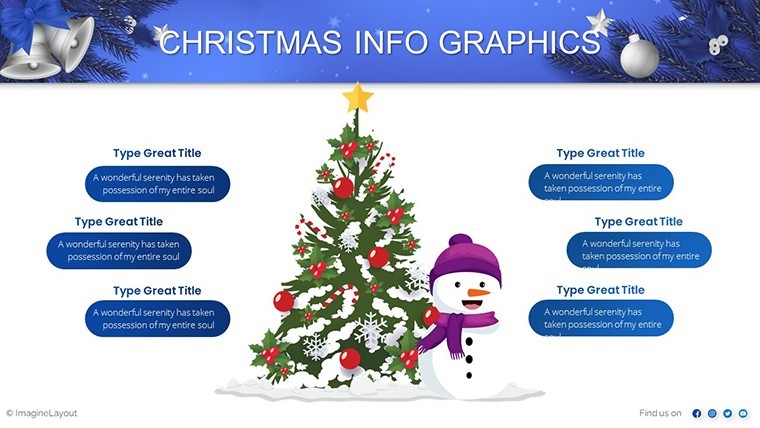
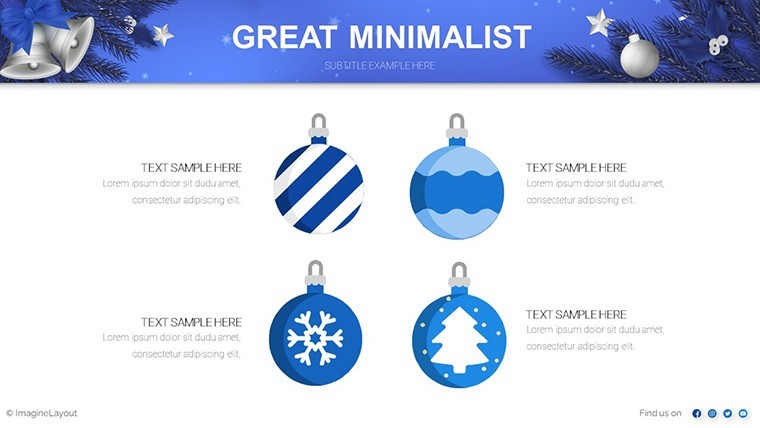
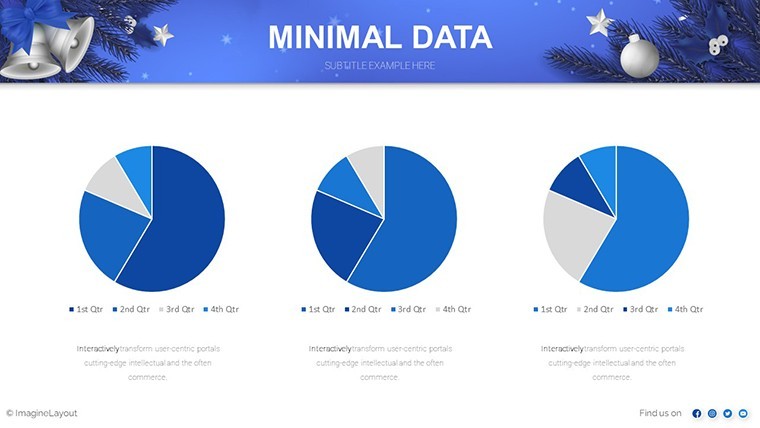
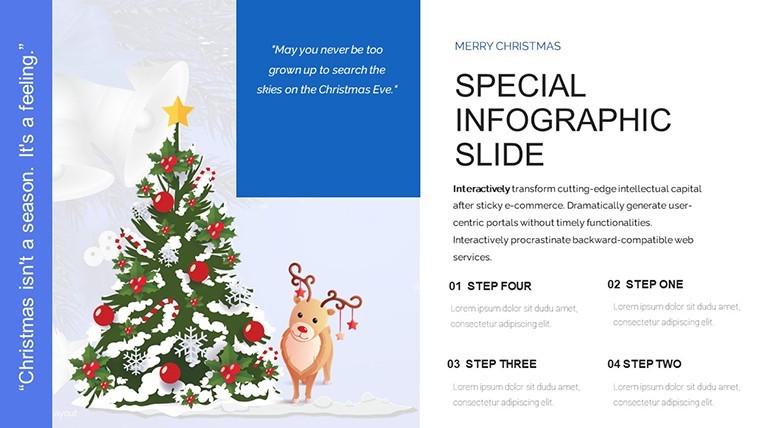
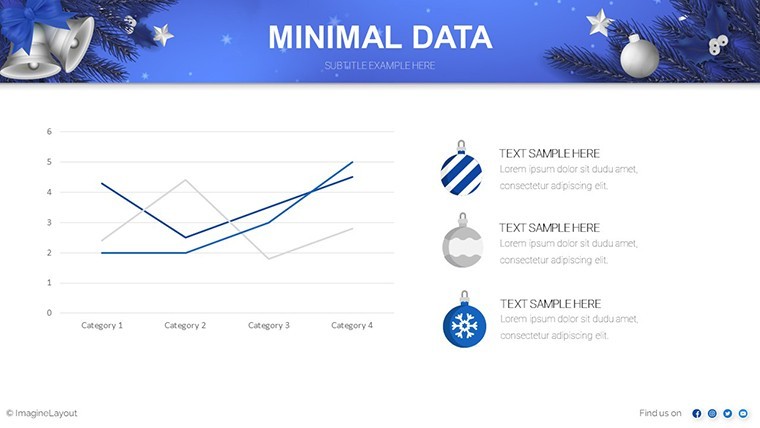
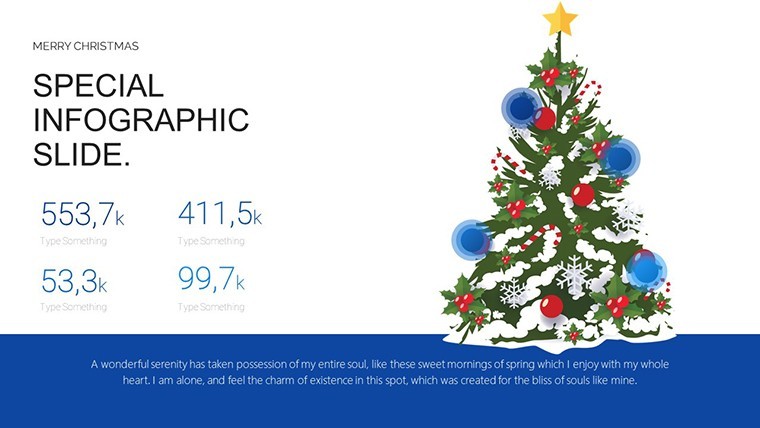
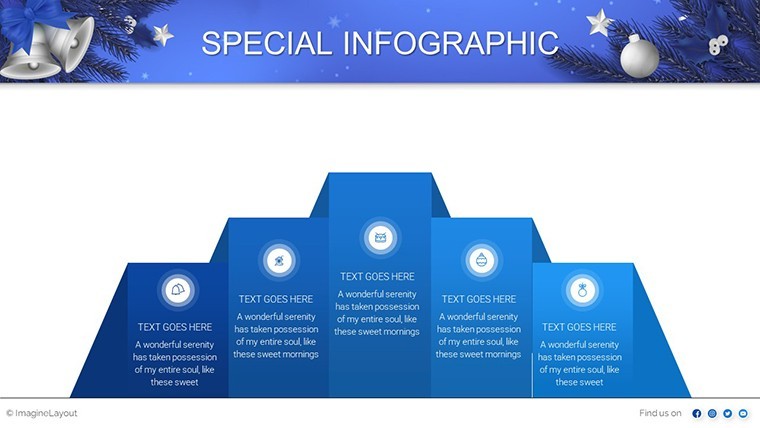
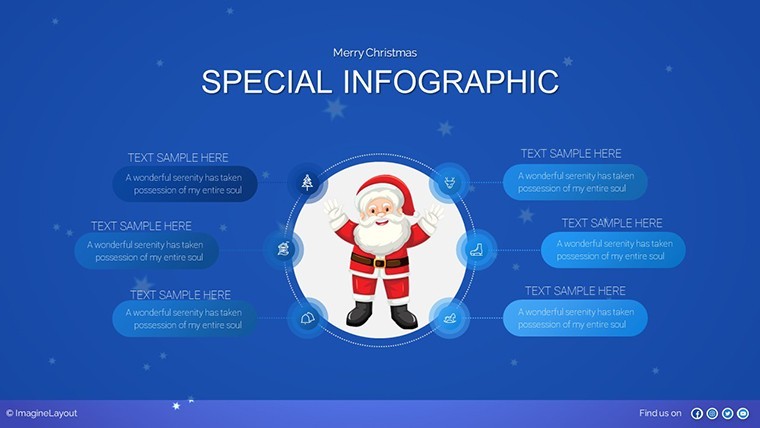
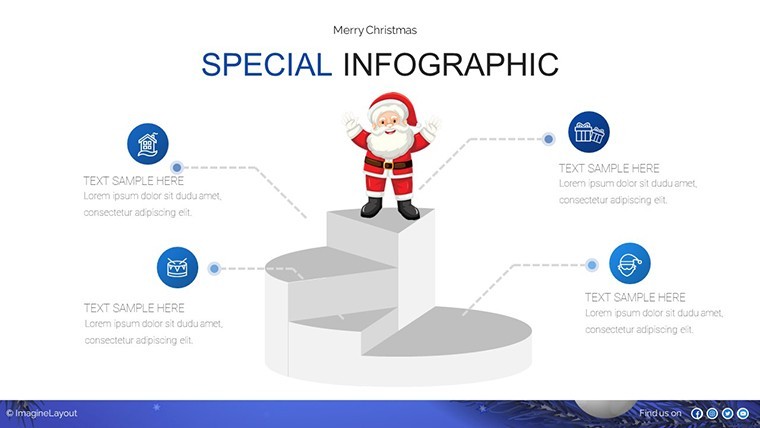
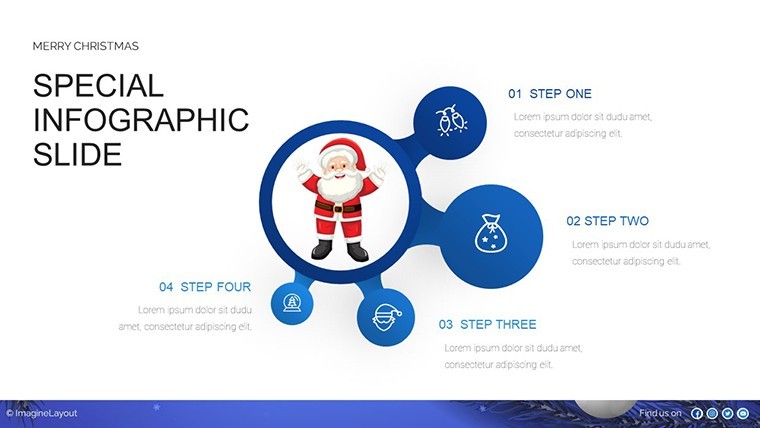
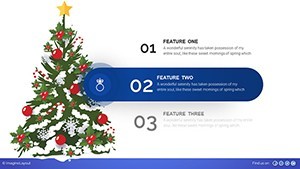
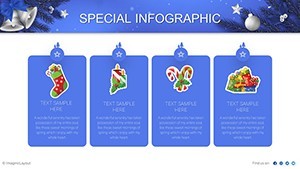
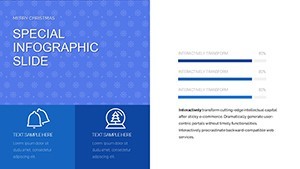
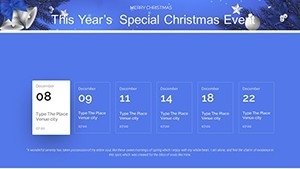
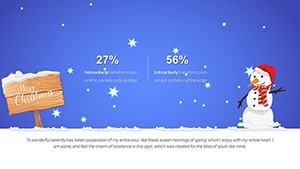
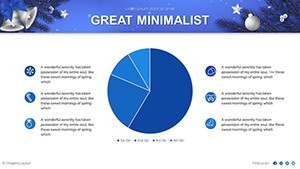
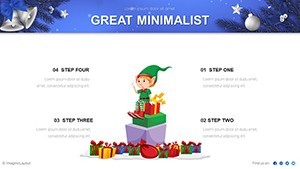
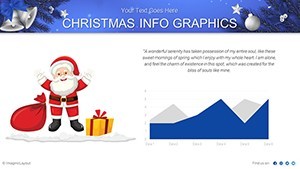
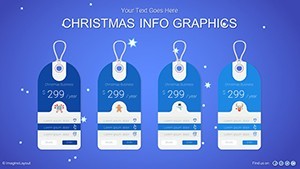
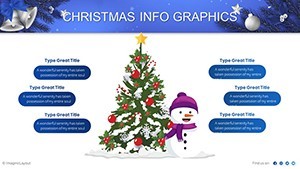
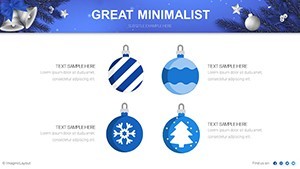
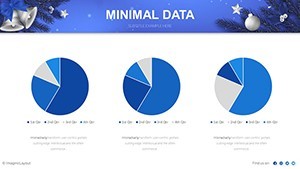
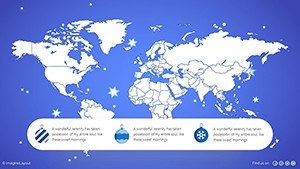
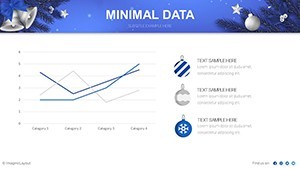
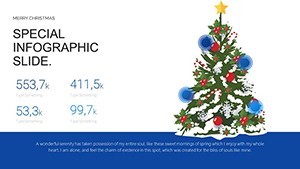
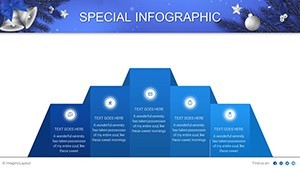
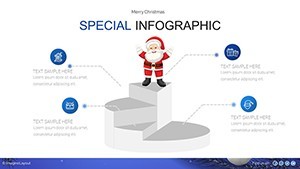
The Merry Christmas Holiday Infographic Keynote Charts Template provides 42 editable slides in .key format. Festive elements include pie charts styled with candy cane stripes, timelines wrapped in evergreen garlands, and infographic clusters ready for sales trends or project data. Every slide supports reshape, recolor, and text replacement while keeping holiday warmth intact.
Slide Functions
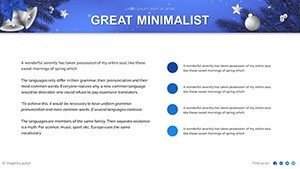
Data visualization slides adapt festive motifs to charts. Summary slides combine multiple infographics for complete holiday presentations.
Key Features
Festive customization lets you recolor schemes to evoke winter warmth or match event branding. Versatile layouts adapt for meetings, classes, or parties. Pie charts use candy cane stripes while timelines sparkle with light effects. All elements remain fully editable vectors.
| Feature | Specific to This Template |
|---|---|
| 42 Editable Slides | Extensive holiday data story |
| Candy Cane Pie Charts | Festive budget and sales visuals |
| Evergreen Timelines | Project milestones with lights |
| Winter Color Schemes | Warm recolor options |
| Infographic Clusters | Hybrid chart combinations |
| Vector Elements | Scalable holiday icons |
Professional Use Cases
An event planner for a corporate holiday gala used the candy cane pie chart slide to show attendance and sponsorship data. Recoloring to company red and green and adding logo garlands helped secure additional vendor support before the event.
A sales director at a retail chain presented evergreen timeline slides to the leadership team. Updating project milestones with festive icons clarified Q4 targets and motivated the team for year-end goals.
A teacher preparing a year-end review adapted infographic clusters for student performance data. The winter-themed visuals kept parents engaged during the virtual Christmas presentation.
How to Customize
Download the .key file and open in Keynote. Select any pie slice to recolor stripes or change percentages. Replace text placeholders with your data labels. Adjust garland colors on timelines to match branding. Insert photos into festive frames. The vector nature keeps all holiday elements crisp. Complete customization takes minutes versus designing seasonal charts from scratch.
Design Decisions
Warm winter color palettes and candy cane styling were chosen to evoke seasonal joy while remaining professional for business use.
Why Choose This Template
The 42-slide holiday-specific structure with candy cane charts and evergreen motifs sets this template apart from generic infographics. Full recolor and reshape options let you tailor every element to your occasion without losing festive appeal. You save hours of design work while delivering memorable data stories that generic templates cannot match.
Frequently Asked Questions
Is the Merry Christmas Holiday Infographic Keynote Charts Template fully editable?
Yes all 42 slides are native .key files with editable vectors. Recolor candy cane stripes, reshape garlands, and update every data label using standard Keynote tools. Holiday icons remain crisp after any modification.
Can I change the festive colors for my brand?
Every color scheme including candy cane stripes and evergreen elements can be recolored globally or per slide. The winter warmth palette adapts instantly to any corporate identity.
What devices and Keynote versions are supported?
The .key file works on Mac, MacBook, and iPad with current Keynote versions. Mobile editing preserves all festive elements and animations.
Is the template licensed for commercial holiday events?
Yes the purchased file permits commercial use in client presentations, corporate events, and sales materials. No extra fees apply after download.
How many slides focus on data charts versus decorative elements?
All 42 slides combine data charts with festive styling. Pie charts, timelines, and infographic clusters are fully functional while maintaining holiday visuals.