Cycle Pie Keynote Charts - Fully Editable | ImagineLayout

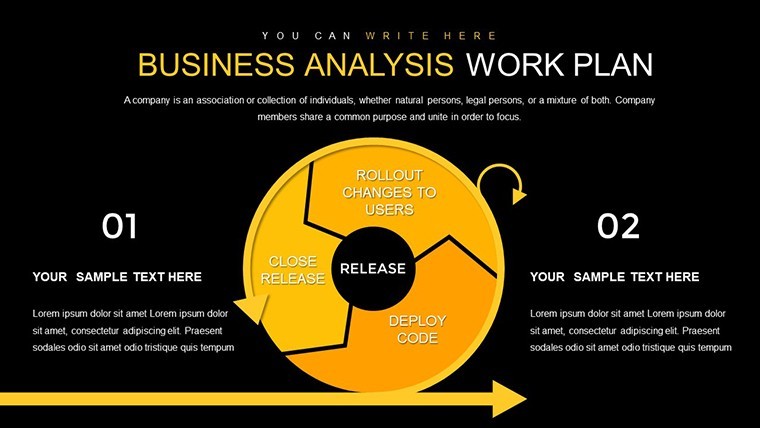
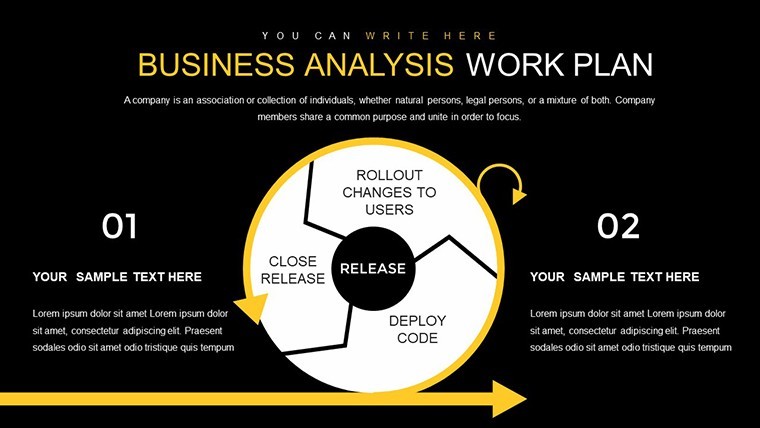
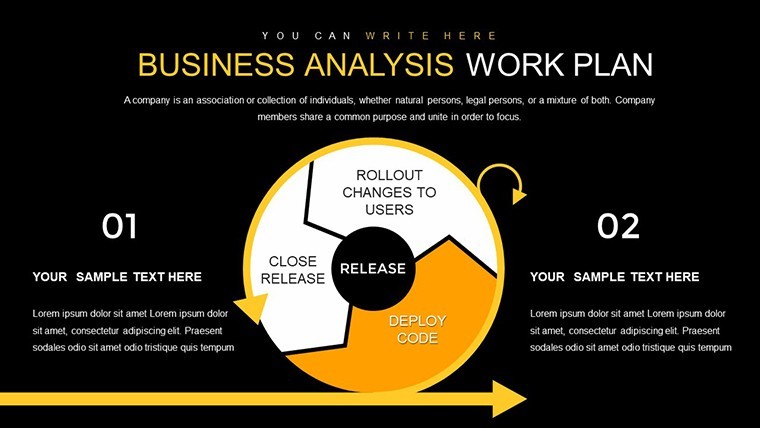
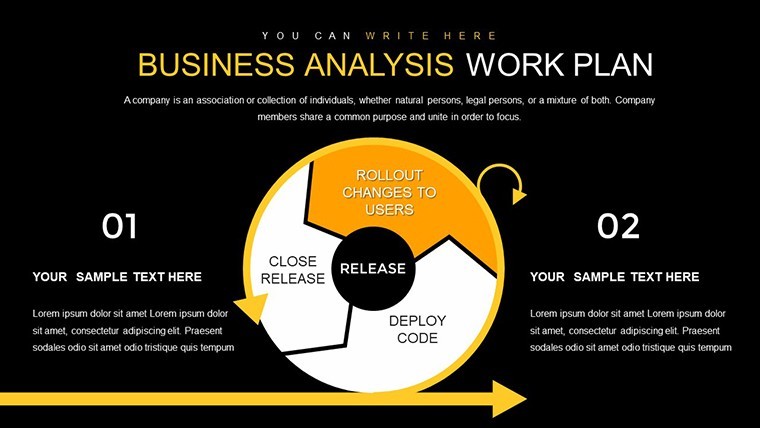
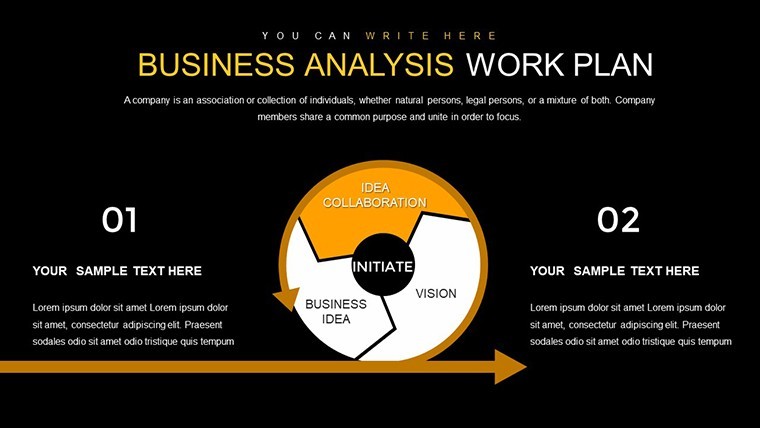
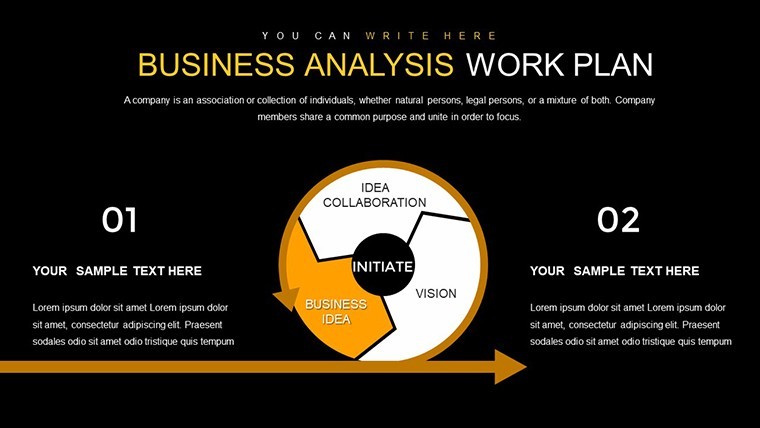
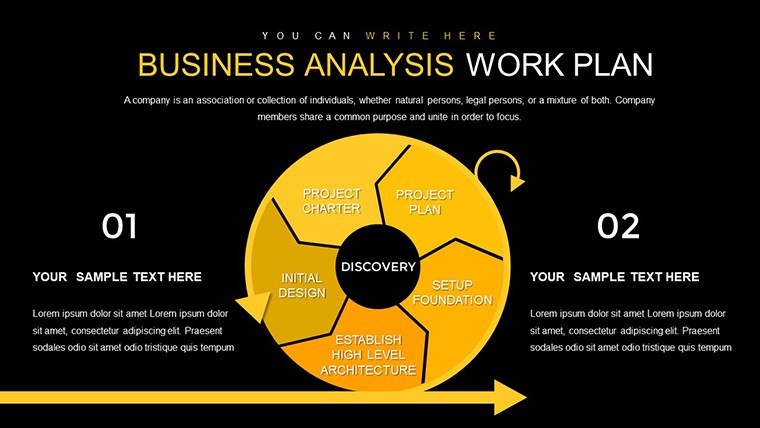
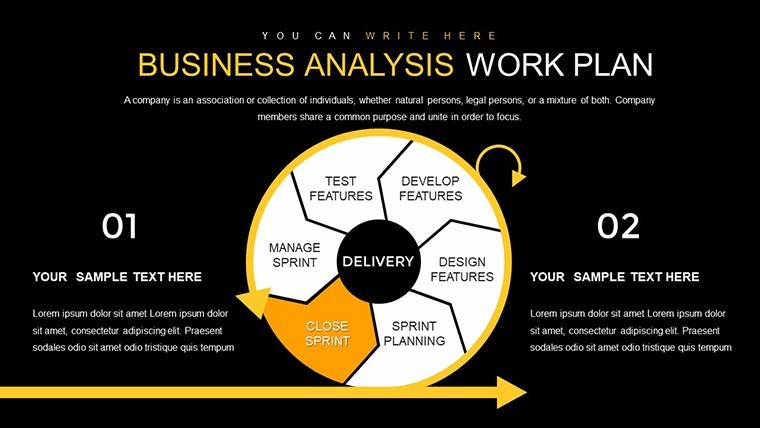
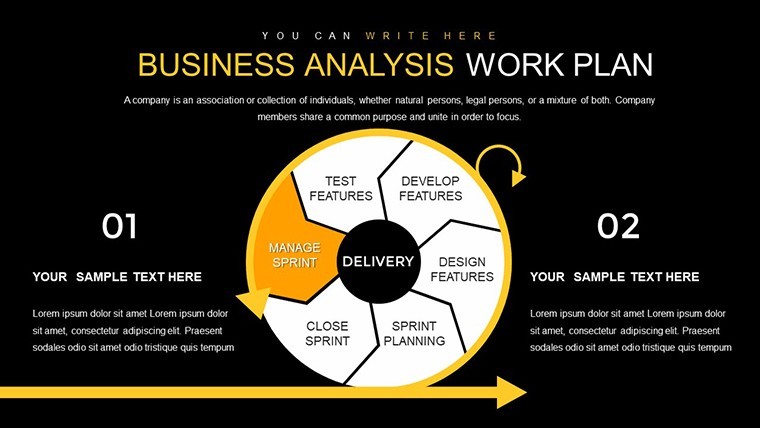
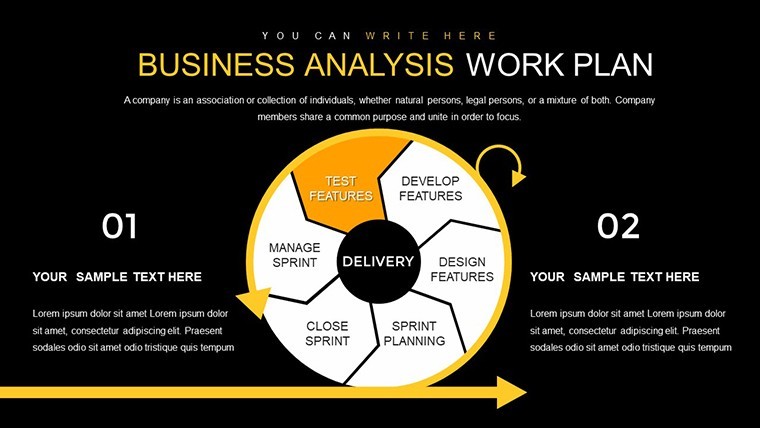
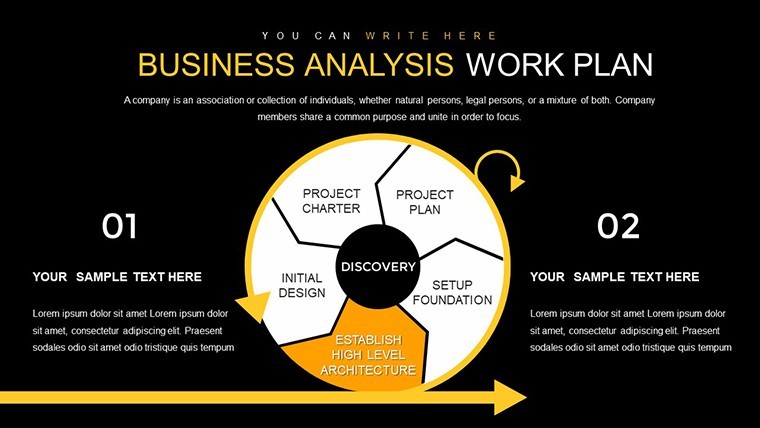
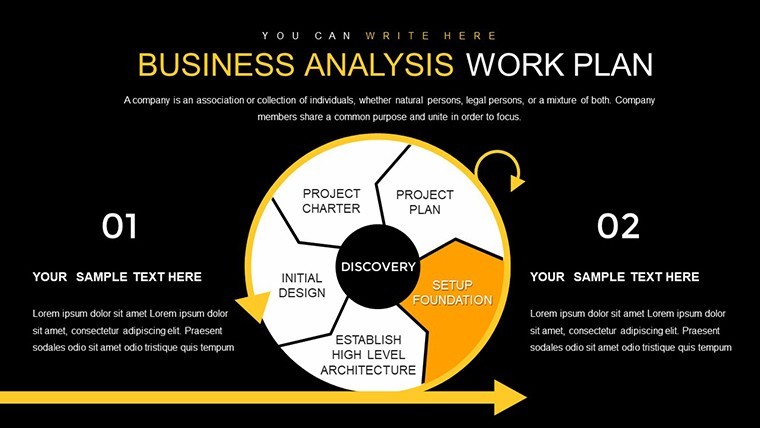
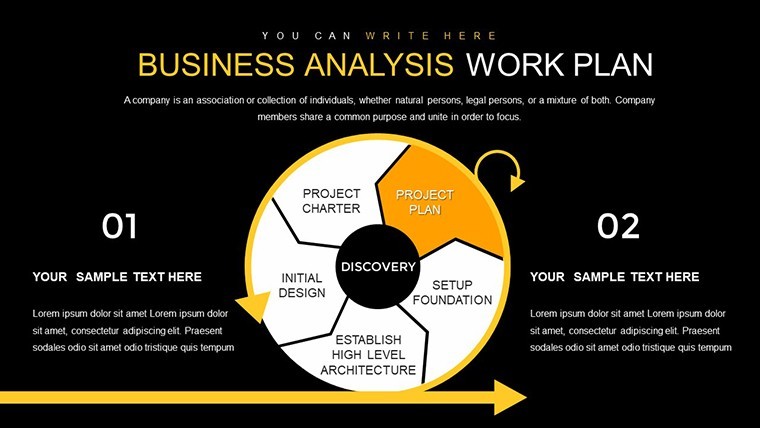
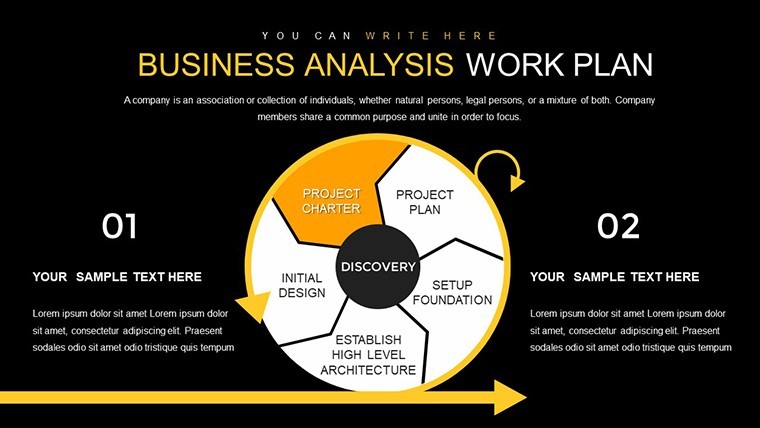
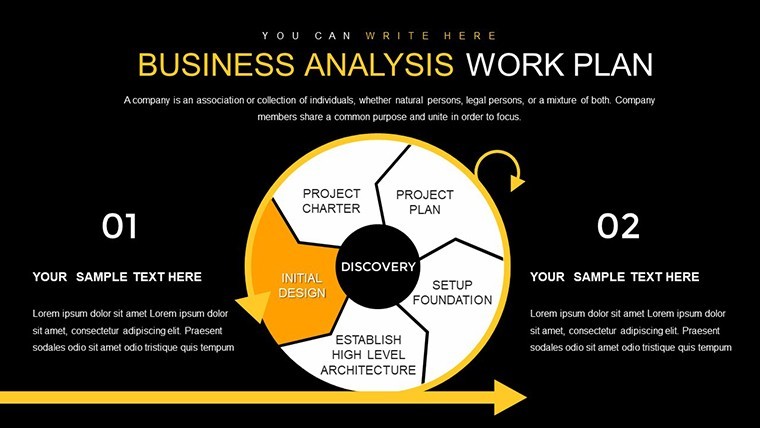
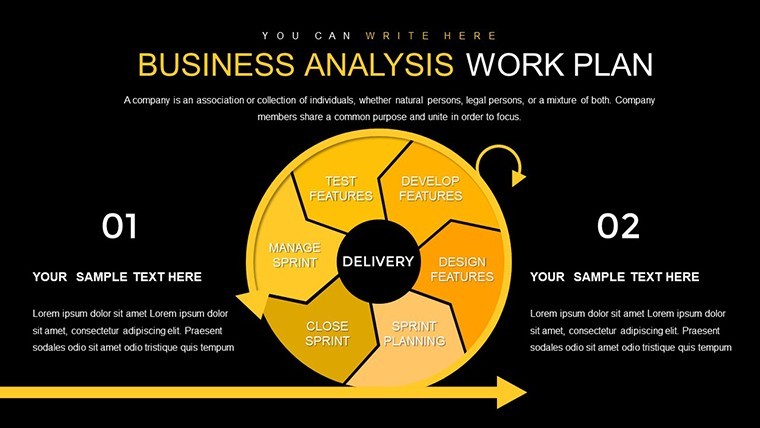
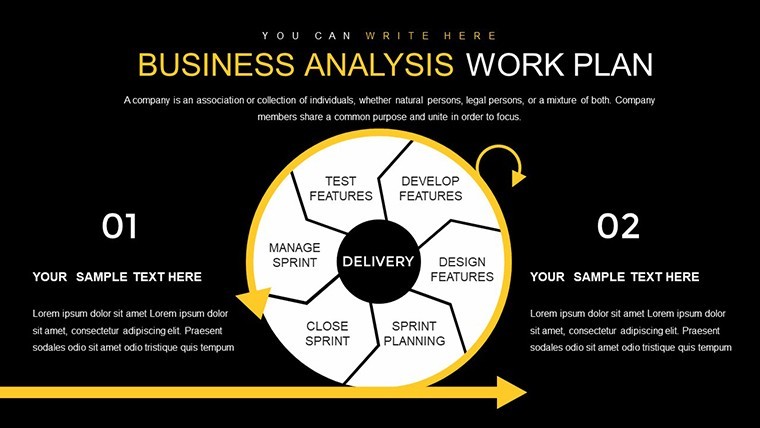
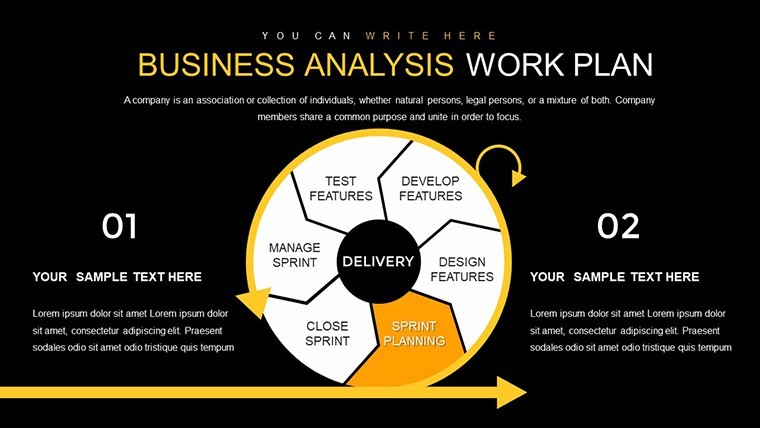
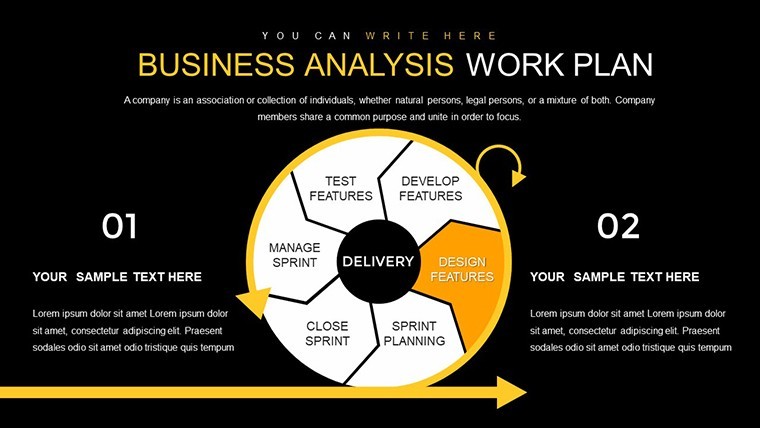
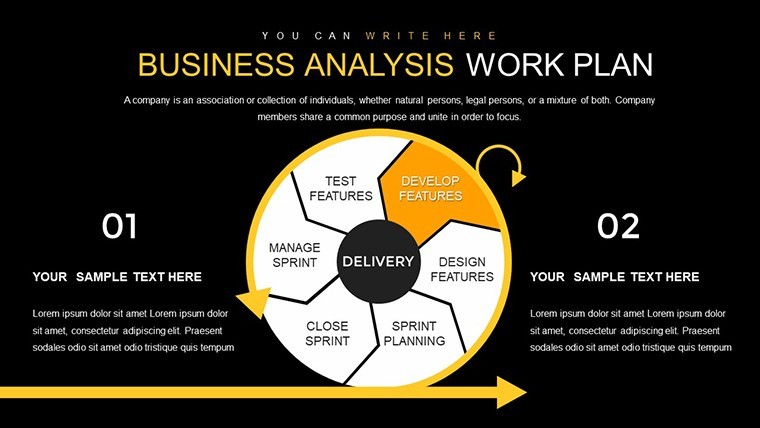
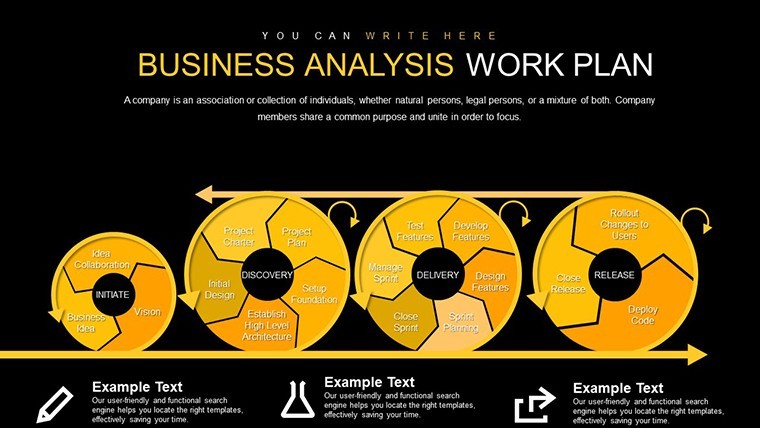
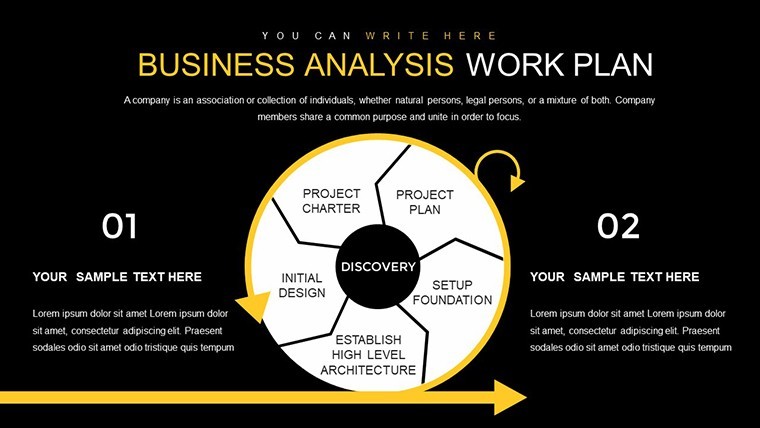

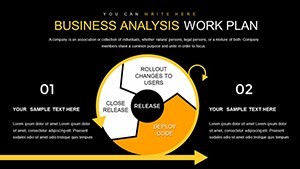
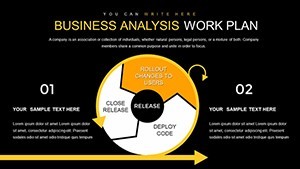
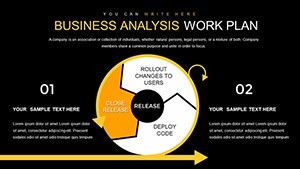





















Business Analysis Keynote Charts
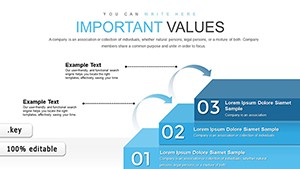
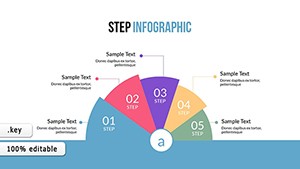
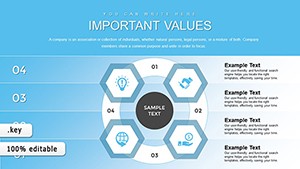
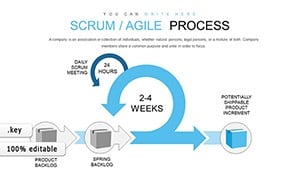
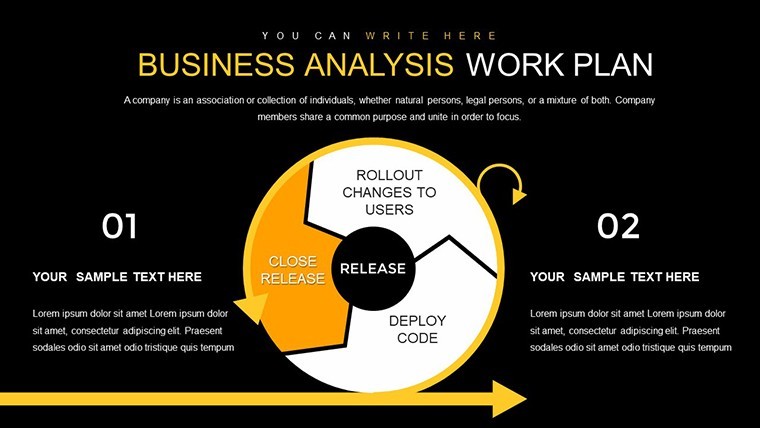
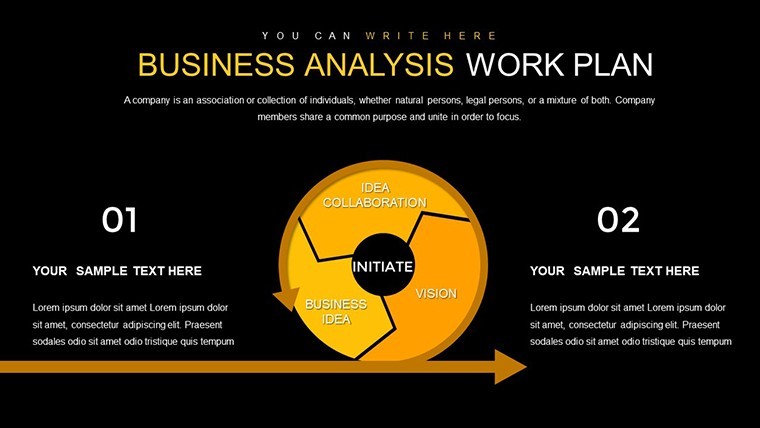
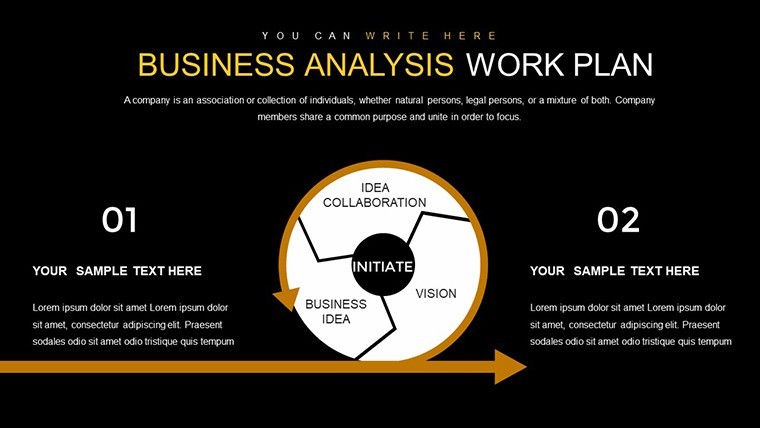
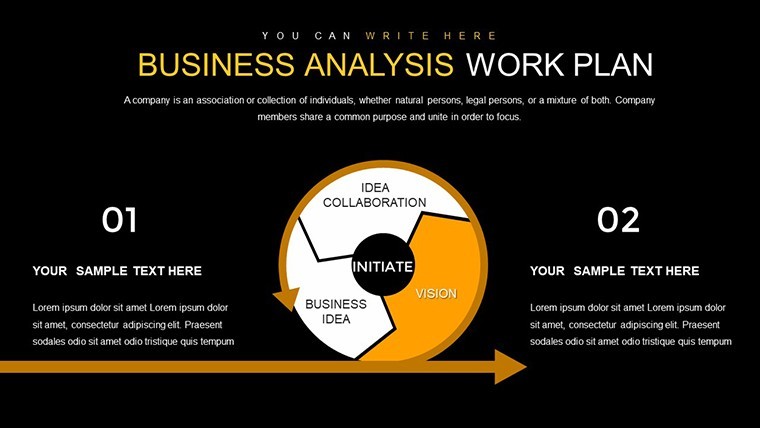
KEY file with 27 cycle and pie charts opens for business analysis presentations where proportions and process cycles need clear display on one slide.
No setup needed.
In most cases you only replace text and adjust colors then the file works across multiple reports.
When you need to explain market share splits or project cycles to stakeholders the cycle and pie structures replace manual work and keep everything readable on one slide instead of building from scratch.
This Keynote chart template supports process breakdown and proportion comparison so you can decide on resource allocation or identify cycle bottlenecks after the presentation.
Best used for structured data not for creative storytelling slides.
Color changes happen via the slide master in one click.
The paid version includes the full 27 editable slides while free options remain unspecified on the page.
Use this instead of drawing charts manually in Keynote.
You open the file and start editing.
| Feature | Details |
|---|---|
| Slides / diagrams | 27 cycle and pie charts |
| File format | .key |
| Software version | Keynote 10+ on macOS (standard compatibility) |
| Color schemes | Customizable via slide master |
| Editable elements | Text shapes and colors resize and recolor independently |
| Aspect ratio | 16:9 |
| Free vs Paid | Paid unlocks full 27 slides with no restrictions |
| Masters / Backgrounds | Editable master slides included |
How do I change colors via slide master in Keynote?
Open the KEY file in Keynote then choose View > Master Slides. Select the master layout adjust the theme colors or fill styles and click Done. Changes apply instantly to every cycle and pie chart across all 27 slides. In practice this keeps your entire deck consistent without editing each slide separately.
Can I use this template for client work?
Yes the license permits use in client presentations and delivered projects. One purchase covers a single user or designated team member. You may hand over the finished decks to clients as long as the original template file itself is not resold or redistributed.
What is the difference between free and paid version?
The paid version gives you the complete set of 27 editable cycle and pie charts with full access. Free options if listed are not detailed on the page and typically provide only previews. The paid file removes all limitations so you can use every diagram in your decks without restrictions.
What are the refund conditions?
Contact support within 30 days of purchase if the template does not meet your needs. Provide your order details and the team processes a full refund promptly. Refunds are unavailable once the file has been edited or integrated into your own presentations.
Which Keynote version is required?
The KEY files are compatible with Keynote 10 and newer on macOS. Older versions may open the file but some advanced chart formatting could require updates. Test the template on your current setup before full integration into client decks.
Similar options include the Step and Cycle Infographic Keynote Template or Cycle Relationship Keynote Charts.
Download and start editing immediately