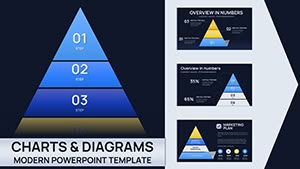
32 Mind Maps in Keynote - Fully Editable | ImagineLayout
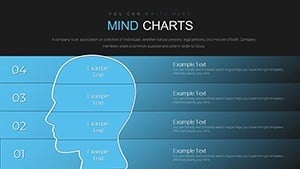
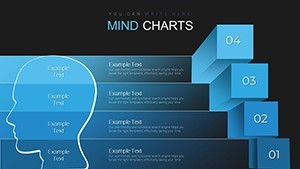
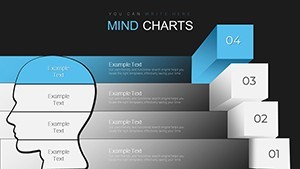
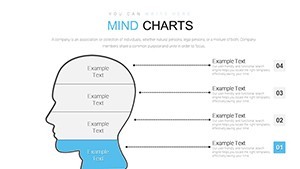
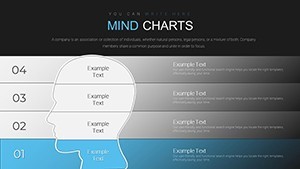
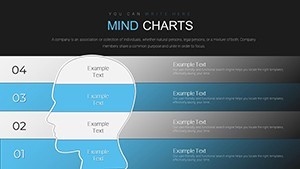
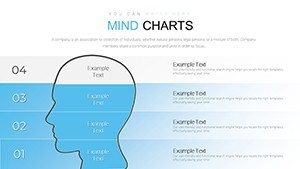
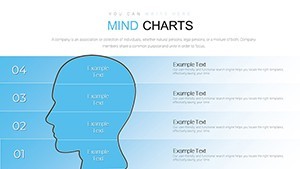
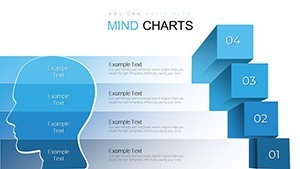
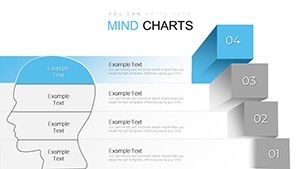
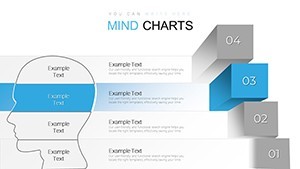
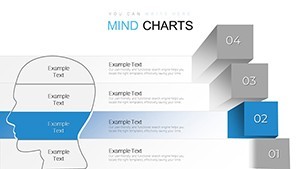
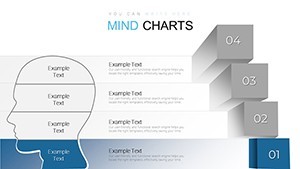
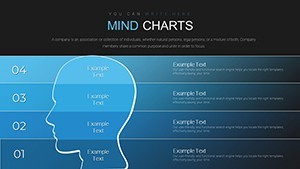
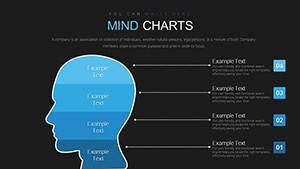
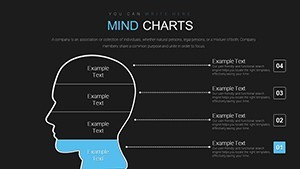
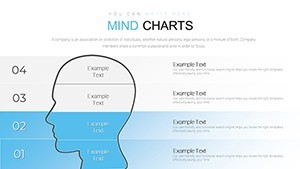
Type: Keynote Charts template
Category: Illustrations, Pyramids
Sources Available: .key
Product ID: KC00657
Template incl.: 32 editable slides
Mind Mapping Keynote Charts Template
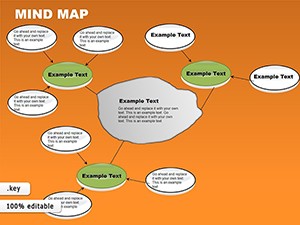
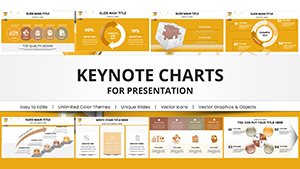
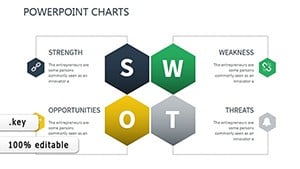
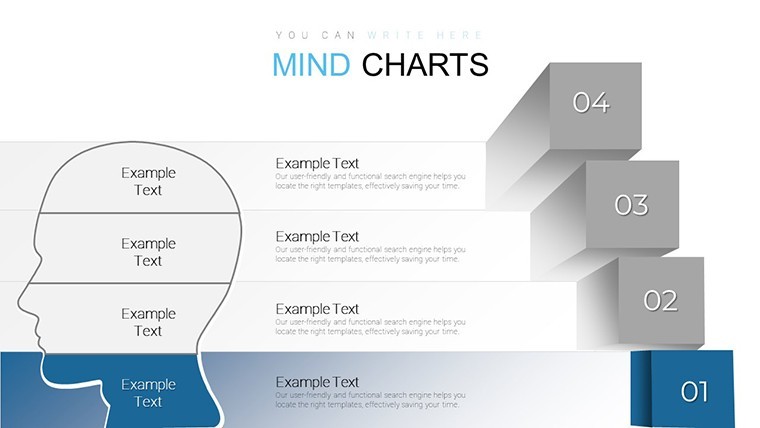
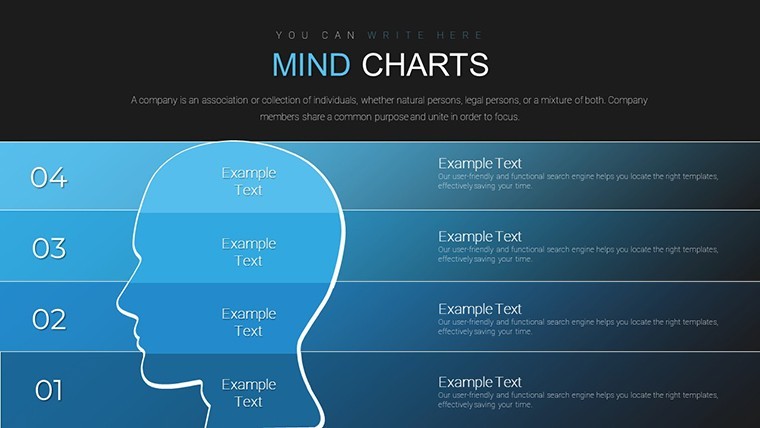
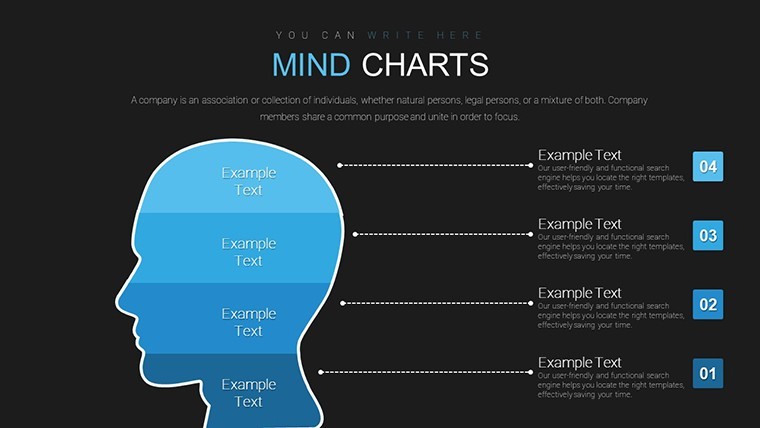
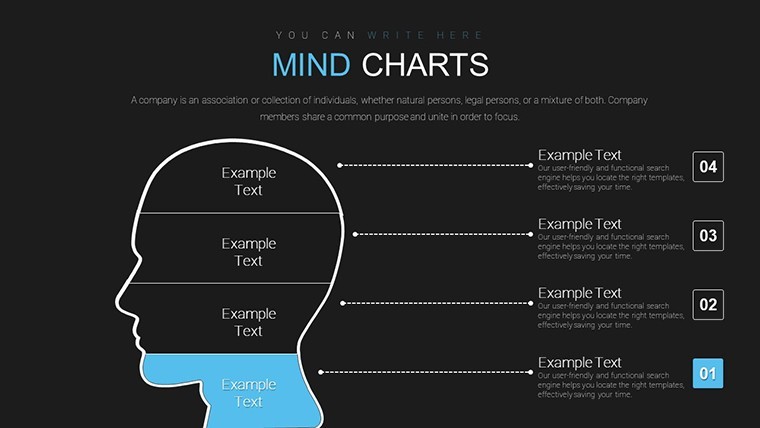
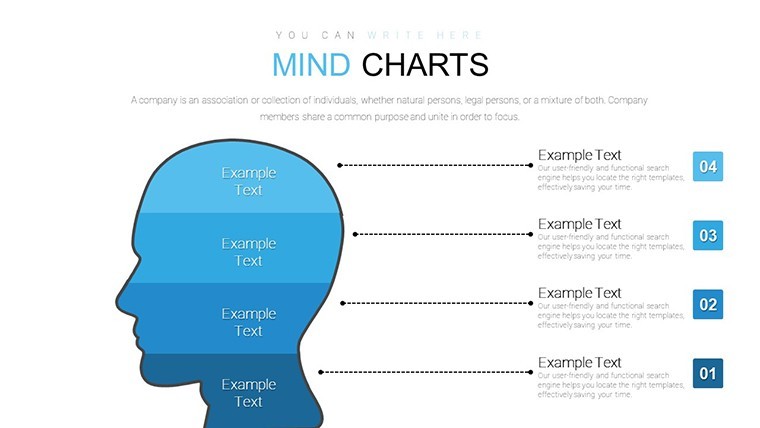
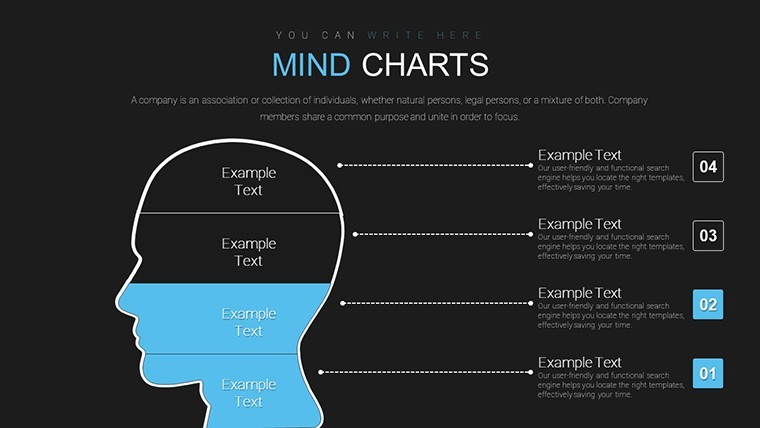
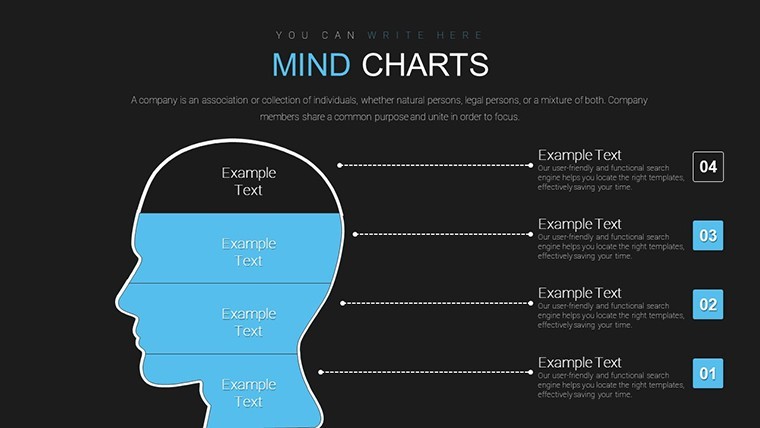
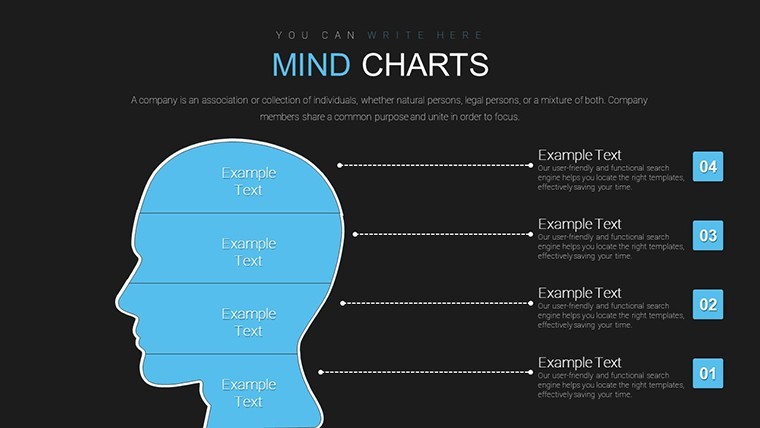
Open the KEY file and you get 32 mind mapping structures.
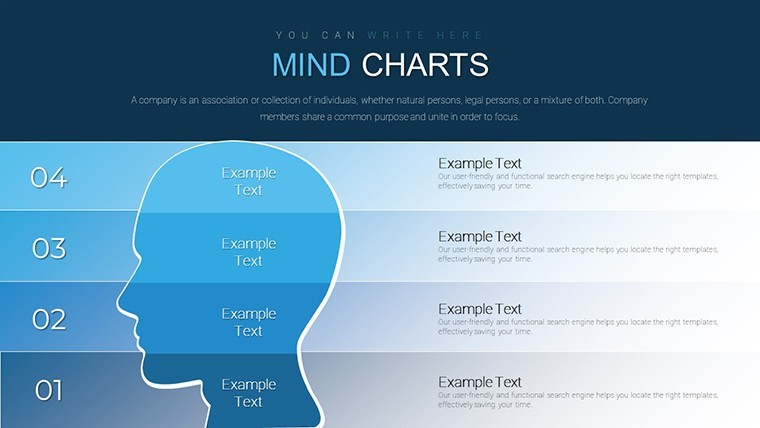
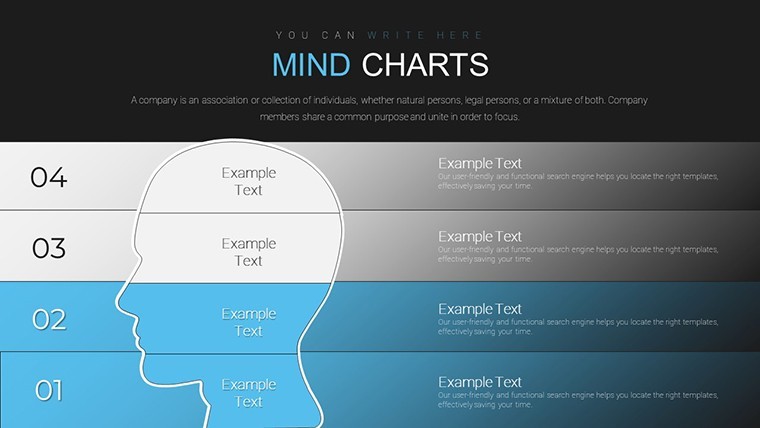
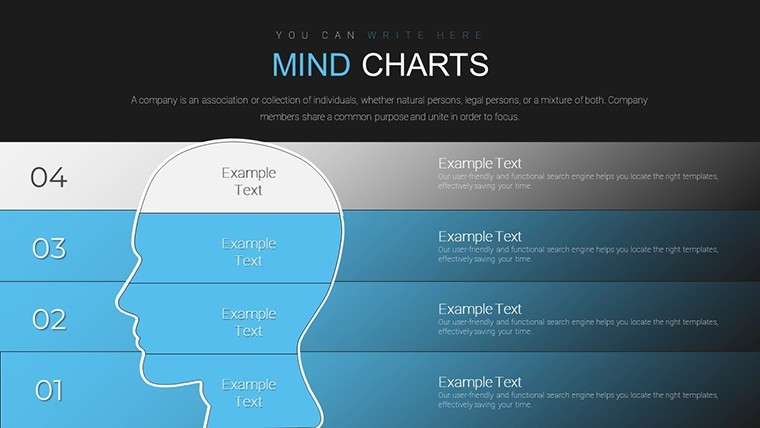
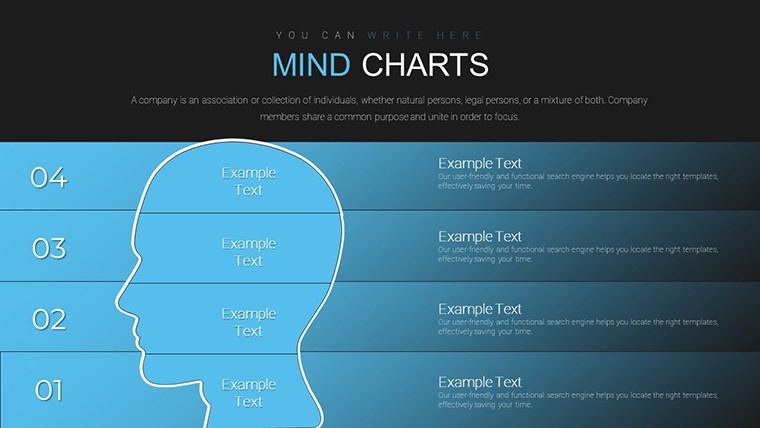
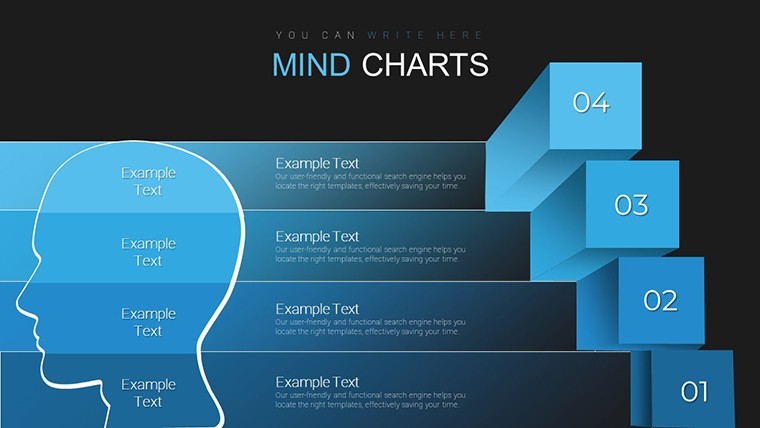
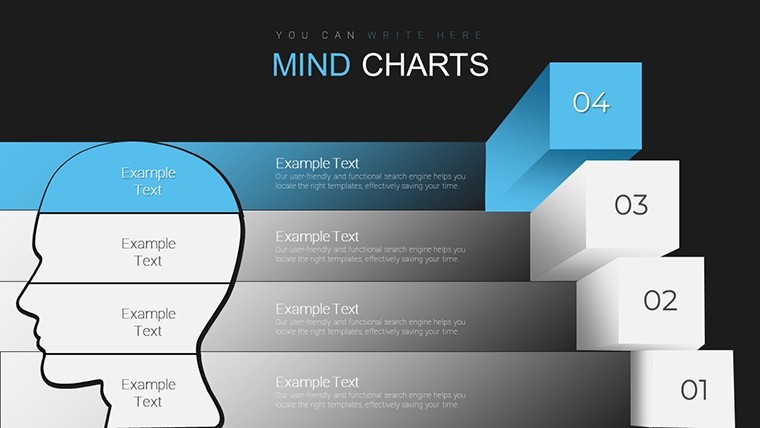
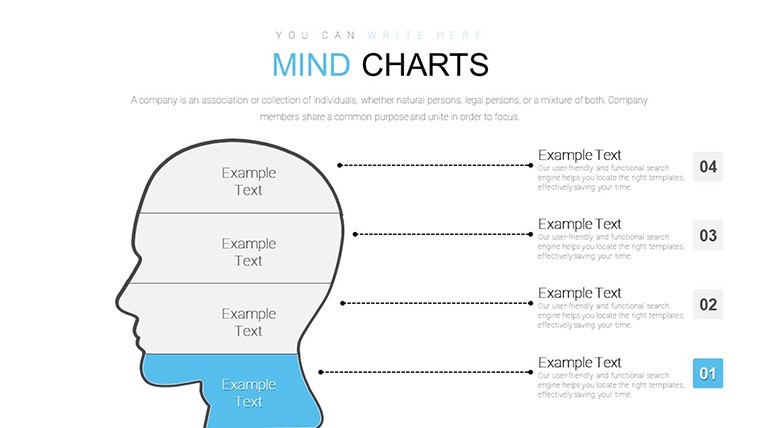
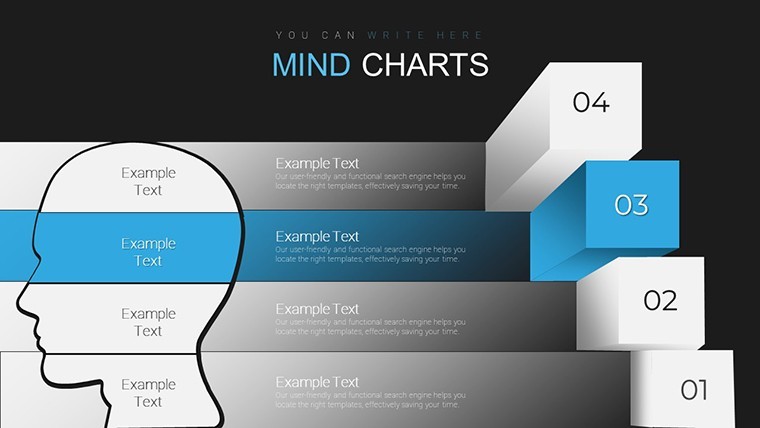
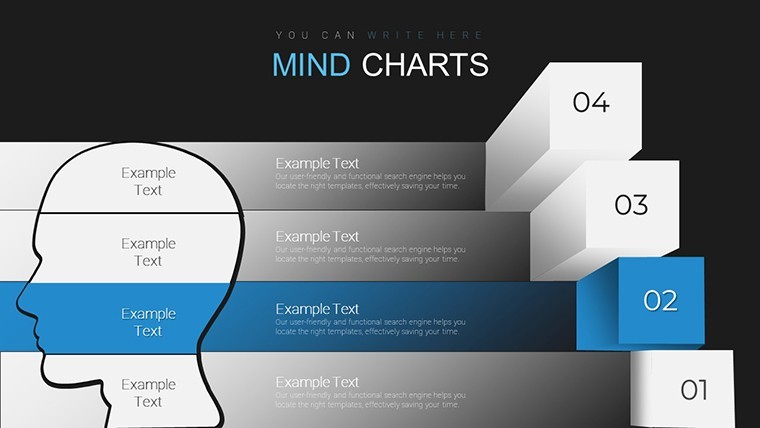
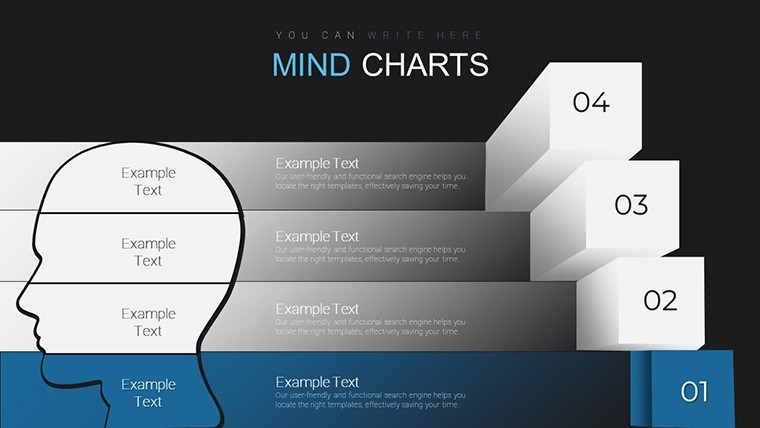
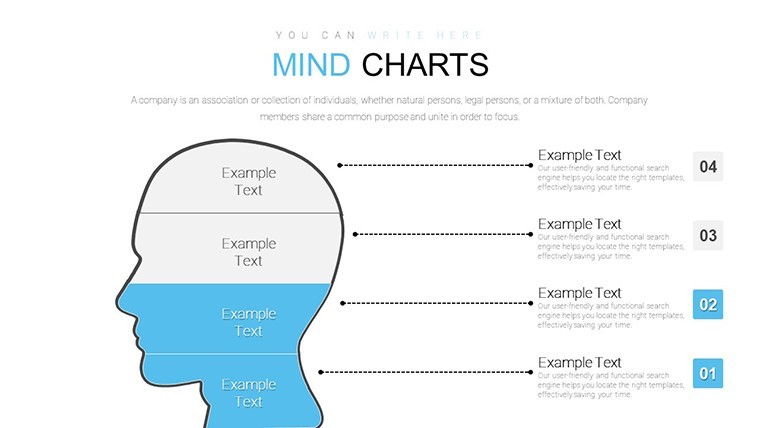
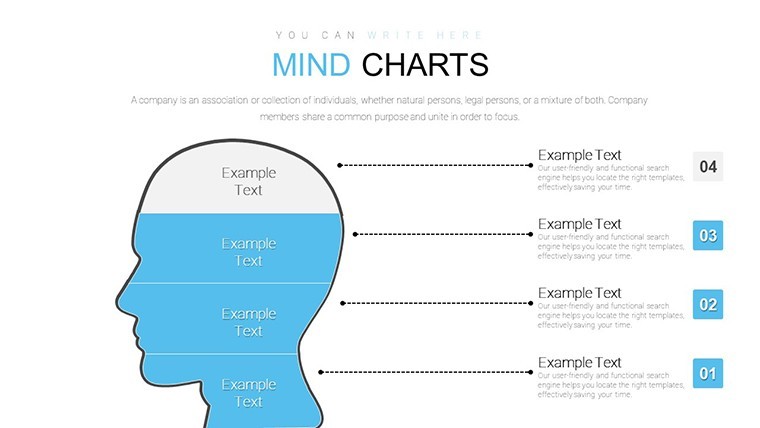
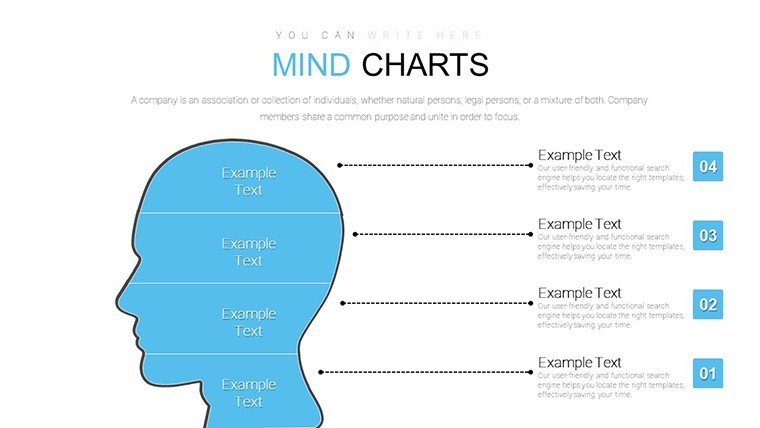
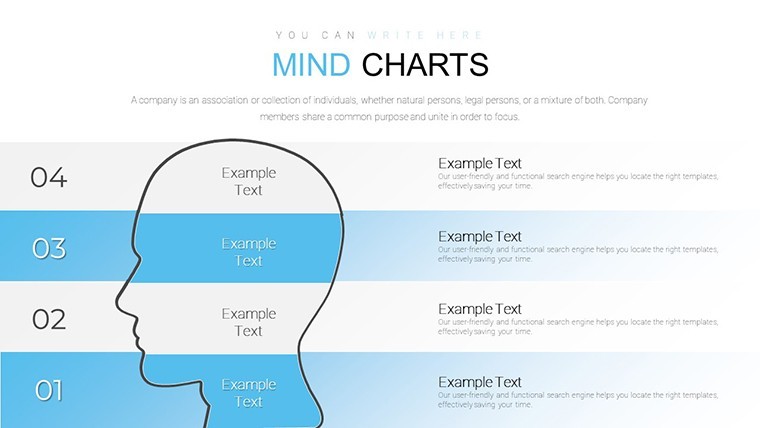
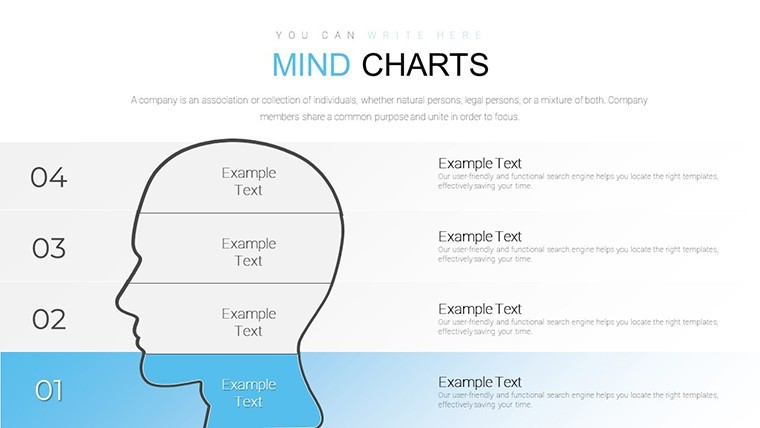
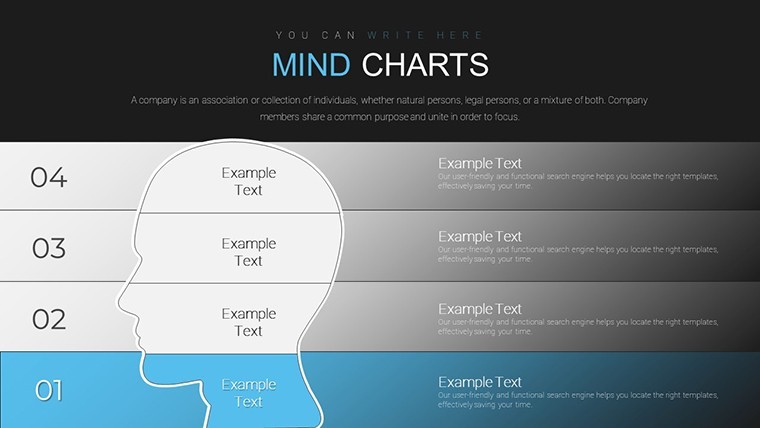
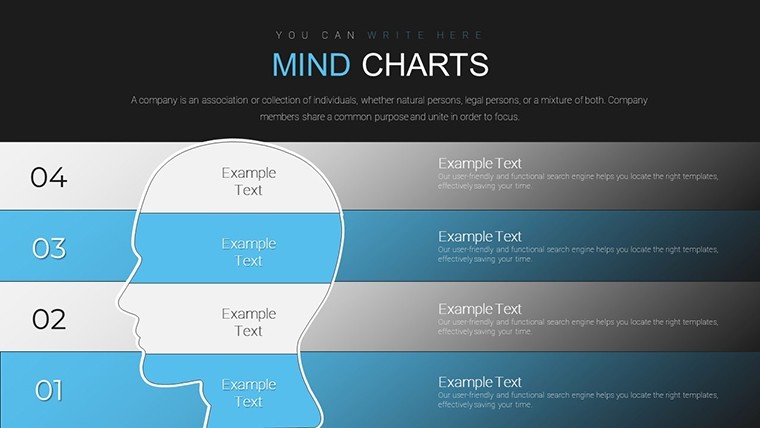
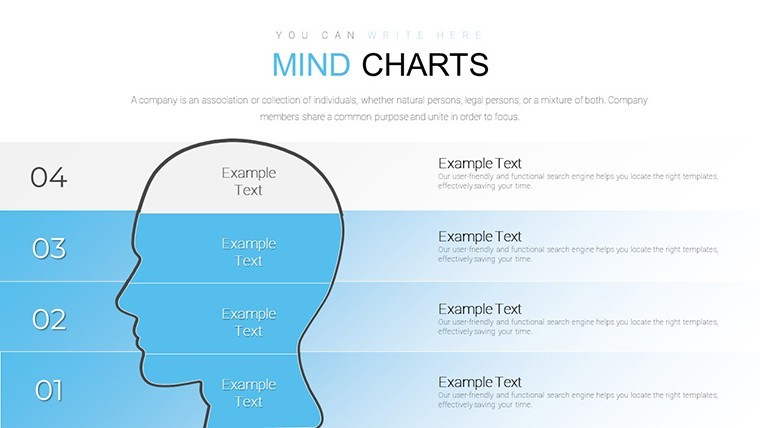
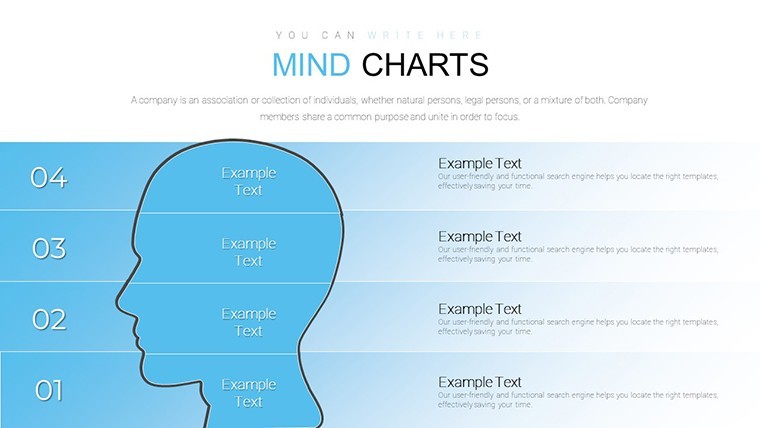
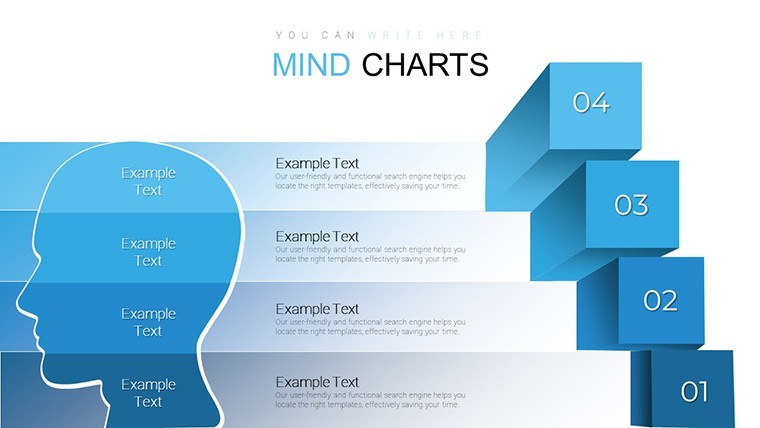
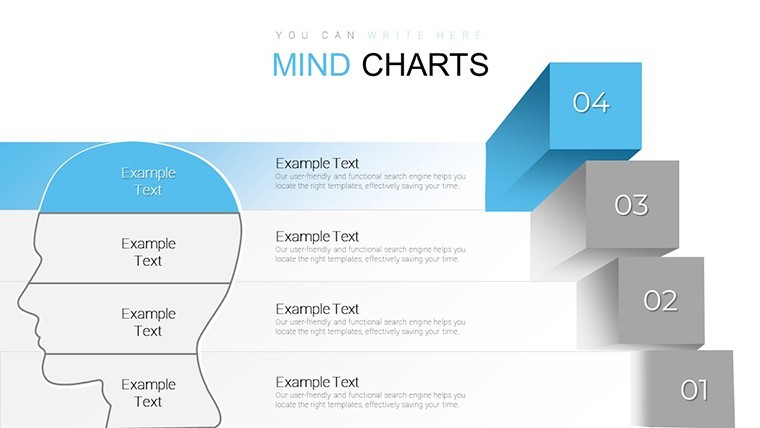
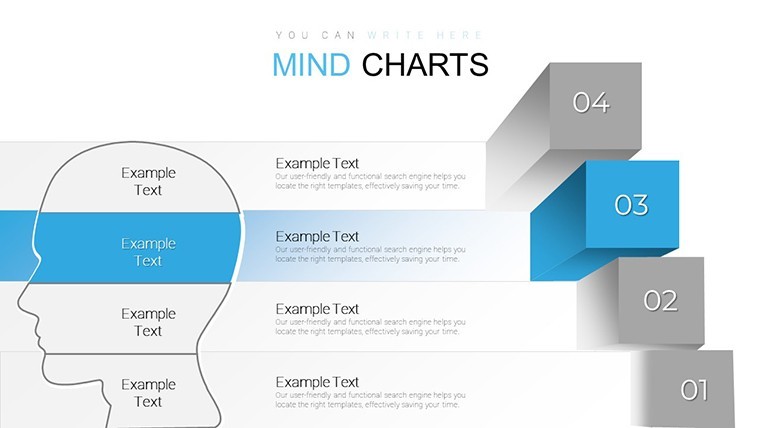
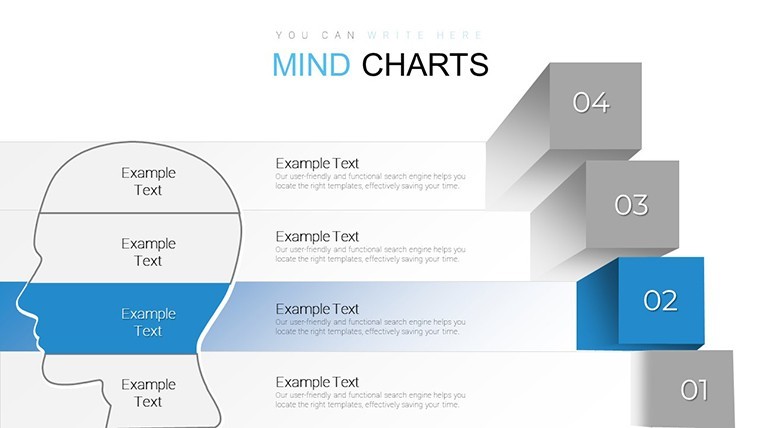
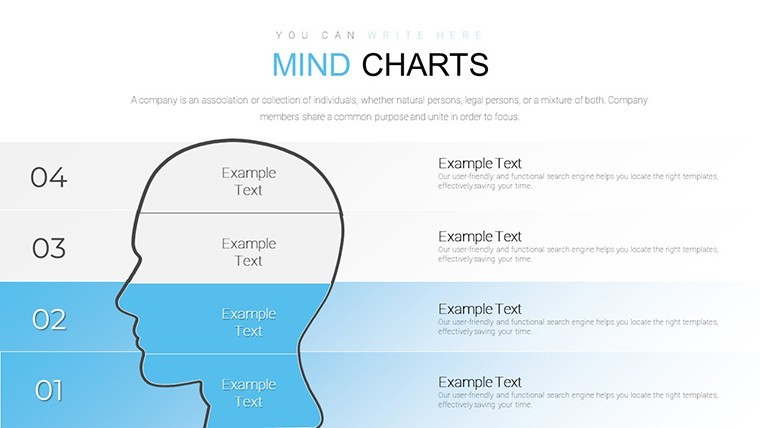
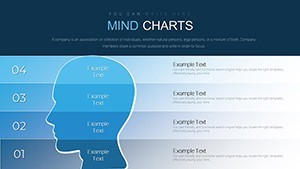
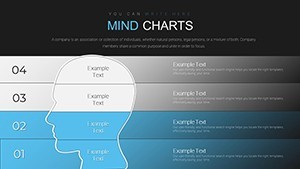
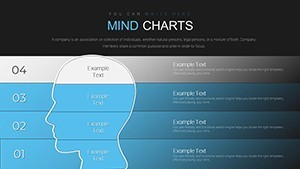
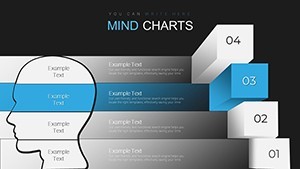
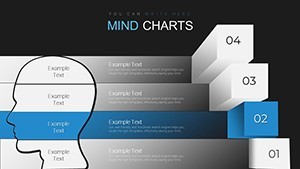
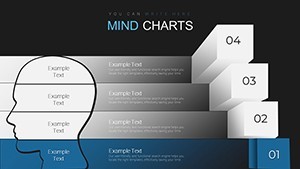
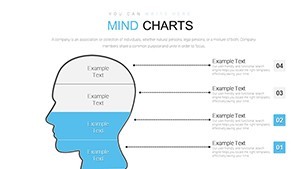
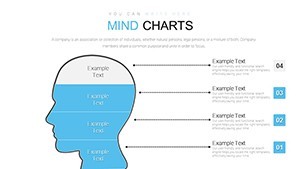
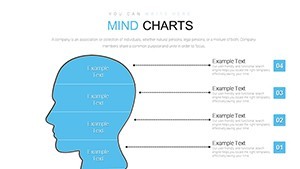
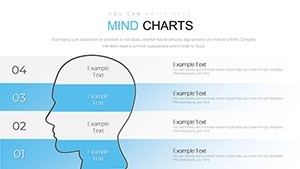
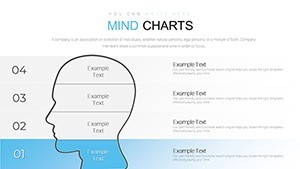
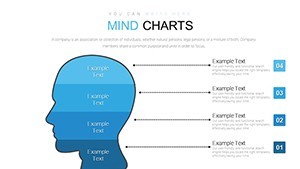
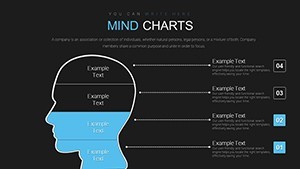
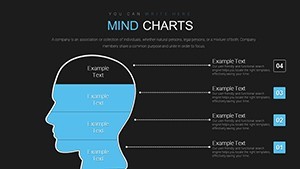
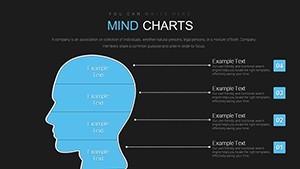
For teams mapping complex ideas or project risks the radial layouts with central head silhouette and branching sectors organize relationships without freehand drawing.
No complex layouts just structured blocks.
Typically you replace text and icons yet the hierarchical connections remain perfectly spaced.
The paid version includes 32 editable slides in KEY format while the files follow standard formats compatible with current installations.
You can duplicate slides and reuse the same structure across multiple strategy sessions.
This Keynote chart template supports idea visualization so product managers can break down tasks risks and outcomes for clear team alignment.
In practice the central nodes with lightbulb icons make abstract concepts concrete.
Use this instead of building diagrams manually in Keynote.
The predefined branching keeps structure readable on one slide and prevents overcrowded layouts.
It represents relationship mapping and helps the viewer decide priorities between options.
After the presentation the team reaches consensus faster on next steps.
Not designed for data-heavy dashboards.
Works best for structured diagrams not open creative storytelling slides.
| Feature | Details |
|---|---|
| Slides / diagrams | 32 mind maps org charts timelines and process maps |
| File format | KEY |
| Software version | Keynote 12+ standard for current KEY files |
| Color schemes | Adjustable via slide master for instant palette switch |
| Editable elements | Nodes branches icons and text placeholders resize and recolor independently |
| Aspect ratio | 16:9 widescreen |
| Free vs Paid | Paid version includes full 32 editable slides |
| Masters / Backgrounds | Editable masters for quick updates across the deck |
See also Free Mind Map Keynote Template or Project Timeline Keynote Charts Template.
What is the Keynote version compatibility and macOS requirement?
The template works with Keynote 12 and later on macOS Ventura or newer. In practice test on your version first to ensure full compatibility with vector elements. Current installations handle the files without conversion.
How do I change colors via slide master?
Open the slide master view in Keynote select the master slide and update the color palette there. This applies changes across all 32 slides instantly. No need to edit each chart individually.
Does the license allow client work?
Yes the license permits use in client projects once purchased. You can deliver the edited decks to clients without additional fees. Always retain the original file for your records.
What is the difference between free and paid versions?
The paid version includes the complete set of 32 editable slides. Free version details are not specified on the page but the paid one provides full access to all charts and structures.
What are the refund conditions?
Refunds are available within 14 days if the template does not meet your needs. Contact support with your purchase details for processing. Note that digital downloads have strict policies after opening the file.
Download and start editing immediately