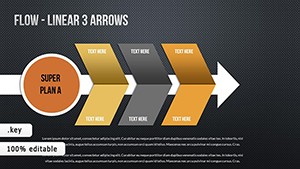
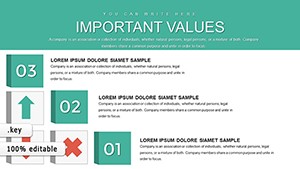
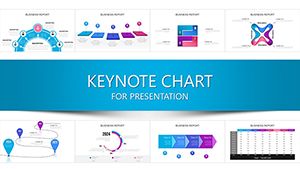
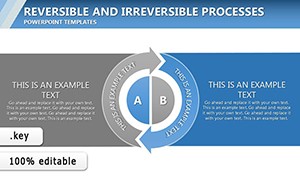
6 Work Experience Charts - Editable Keynote | ImagineLayout
Type: Keynote Charts template
Category: Illustrations
Sources Available: .key
Product ID: KC00650
Template incl.: 6 editable slides
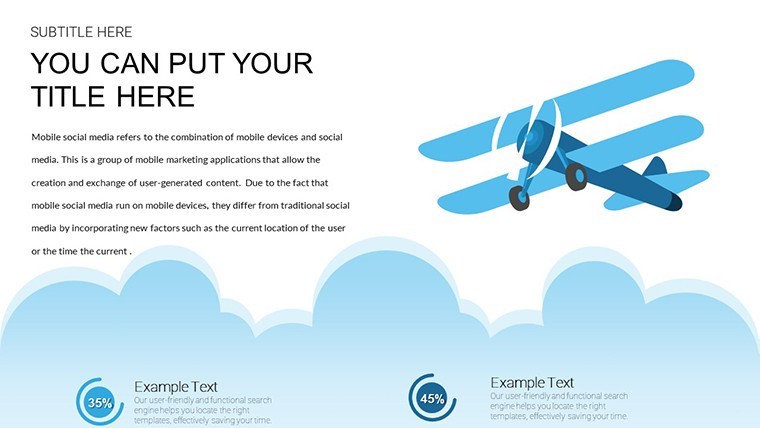
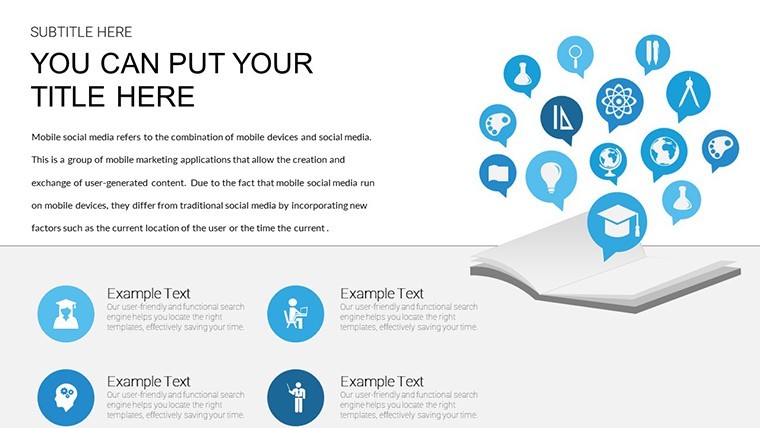
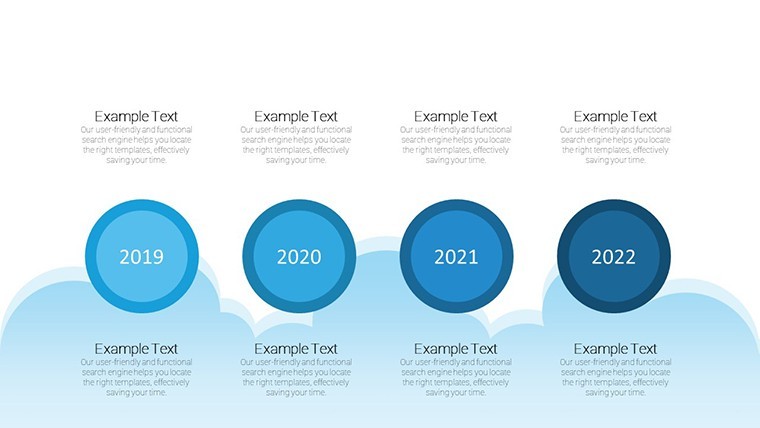
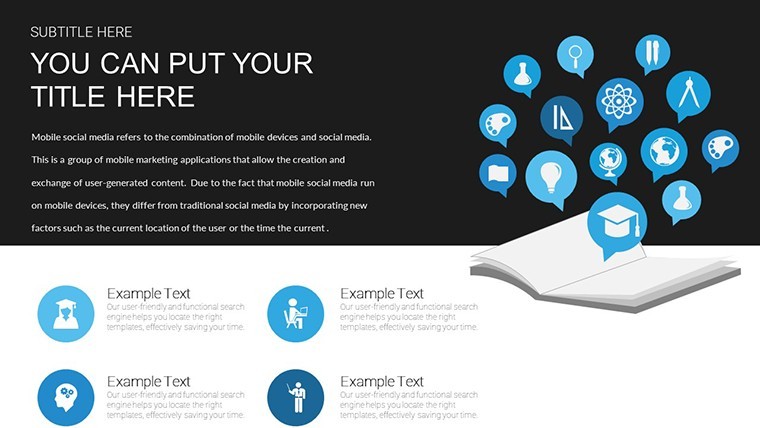
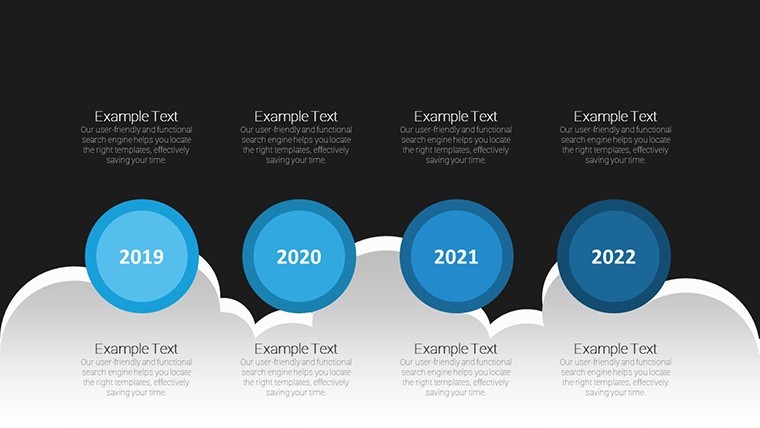
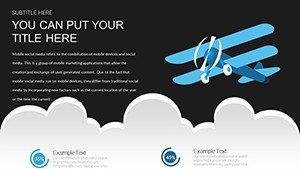
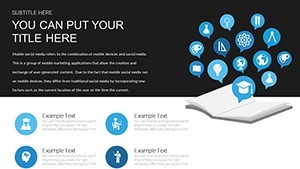
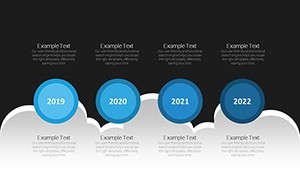
For charting career paths in Keynote the 6 KEY slides with plane-themed timelines and book stacks deliver instant structure without manual icon placement.
Ready to use.
In most cases the hybrid graph views with pins and icons let you map quantitative achievements directly onto narrative layouts.
For client presentations the predefined navigational map keeps every milestone aligned and readable.
Typically this helps HR professionals decide on candidate fit by visualizing salary growth or role progression in one clear view.
Use this instead of building diagrams manually in Keynote.
The themed graphics prevent overcrowded layouts so recruiters stay focused on the story.
Recruiters or consultants presenting candidate journeys to hiring teams will benefit most.
Not ideal for pure quantitative dashboards.
Avoid it if you need non-narrative data comparison instead of experience storytelling.
You can duplicate slides and reuse the same structure.
See more illustrations keynote charts templates.
You open the file and start editing.
Download and start editing immediately
What Keynote version is required?
The files follow standard KEY format compatible with current Keynote installations.
No special macOS requirements beyond a recent version.
Themed graphics and icons display correctly once opened.
How to change colors via slide master?
Open the file then switch to master slide view in Keynote.
Update colors on the timeline books or graph elements and the change propagates to all 6 slides.
This maintains visual consistency across career narratives.
Can I use this template for client work?
Yes commercial licensing is included for professional use.
Customize for resumes consultations or client deliverables.
Do not resell the template files.
What are the free vs paid differences?
The page does not list a free version.
The paid version contains the complete 6 editable slides with all themed graphics.
Full access is provided upon purchase.
What are the refund conditions?
Digital downloads are non-refundable after the file is delivered.
Support is available for any technical problems.
Refunds are handled only for documented delivery errors.