Checkers Charts Keynote Template - Editable Keynote | ImagineLayout

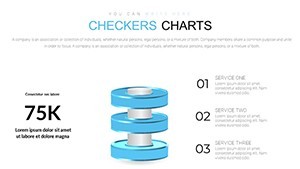
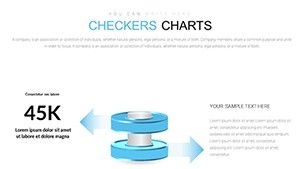
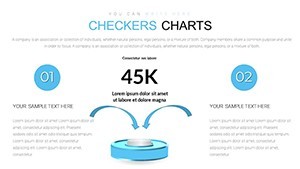
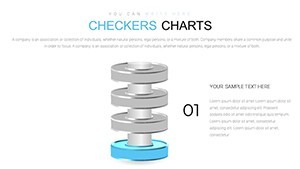

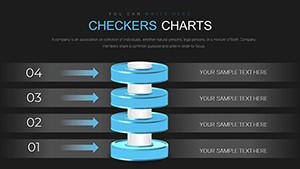
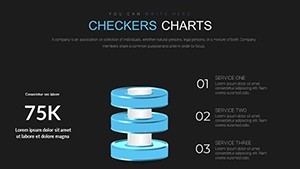
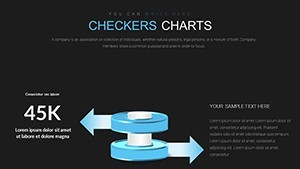
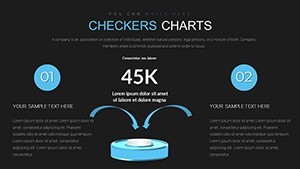
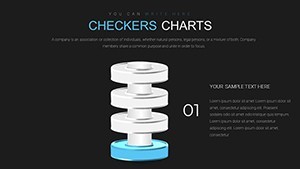
Type: Keynote Charts template
Category: Pyramids
Sources Available: .key
Product ID: KC00645
Template incl.: 14 editable slides
14 Keynote Slides Built on a Grid-Based Checker Structure
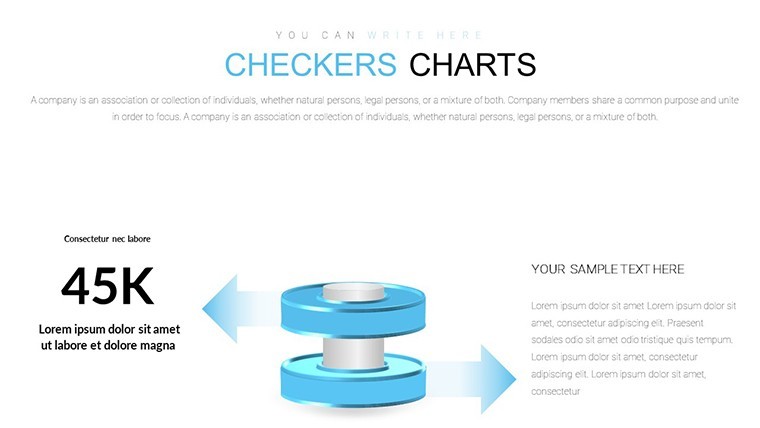
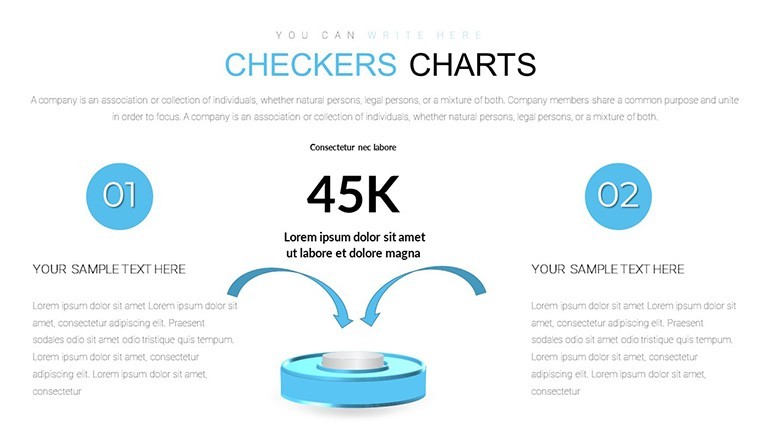
For quarterly strategy sessions or team-level planning decks where flat lists don't communicate priority or sequence, these 14 Keynote slides use a modular grid of editable block elements - styled as checkers - to map out ordered content. The file is .key format only, priced at $15.00, and categorized under Pyramids, meaning several slides step upward in a hierarchical layering structure alongside the flat grid variants.
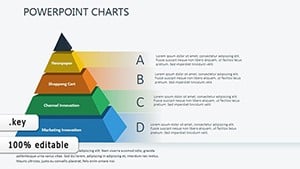
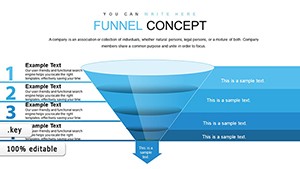
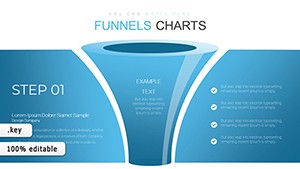
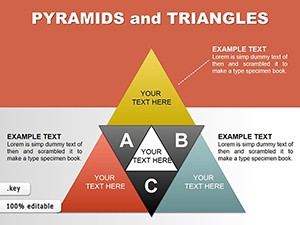
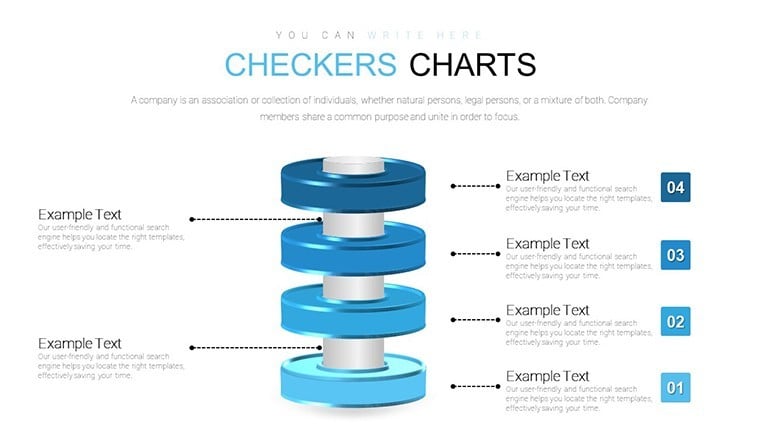
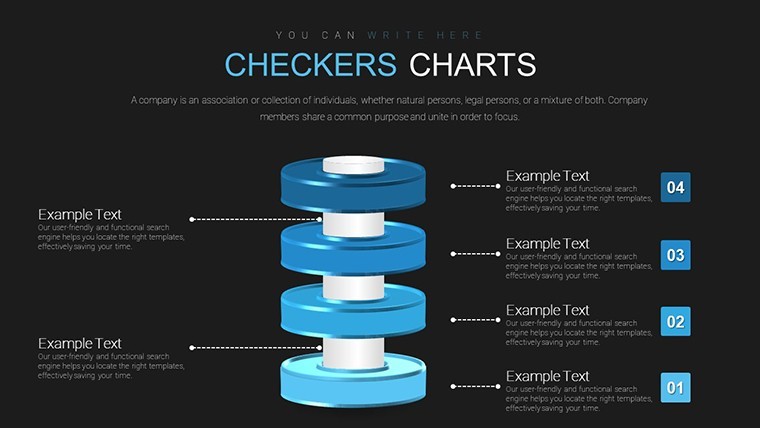
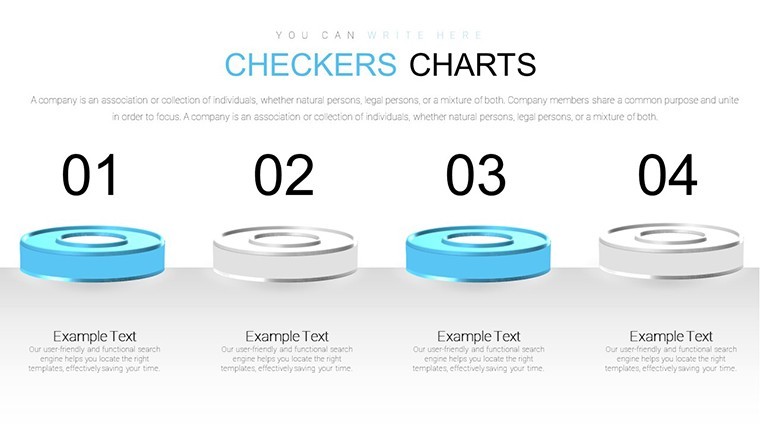
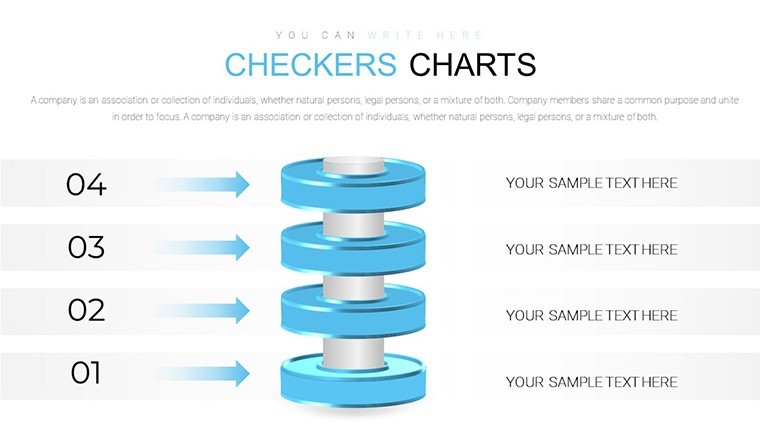
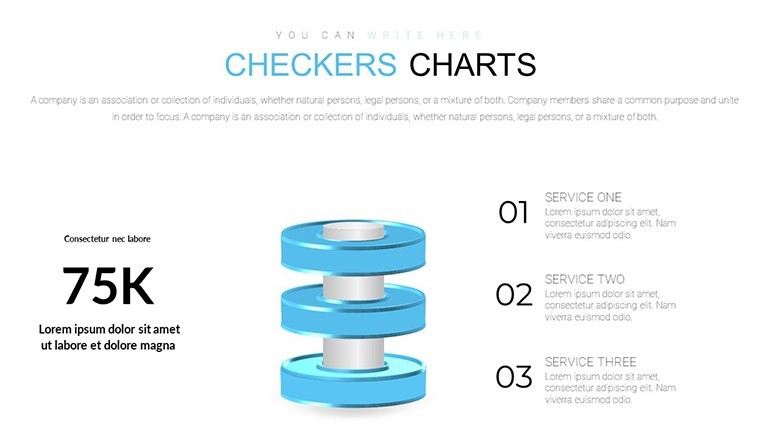
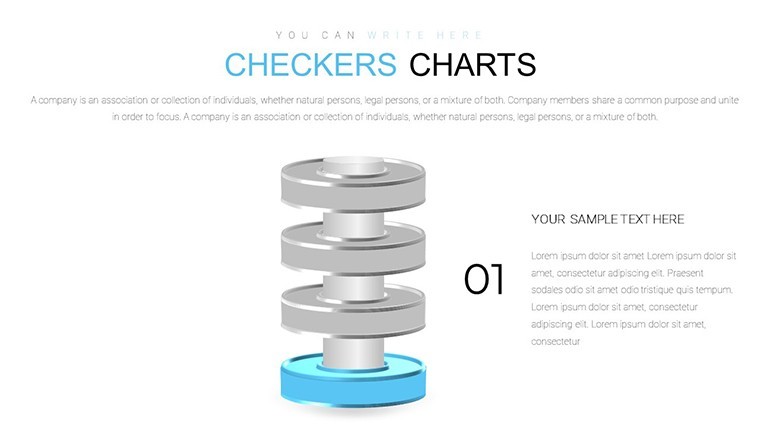
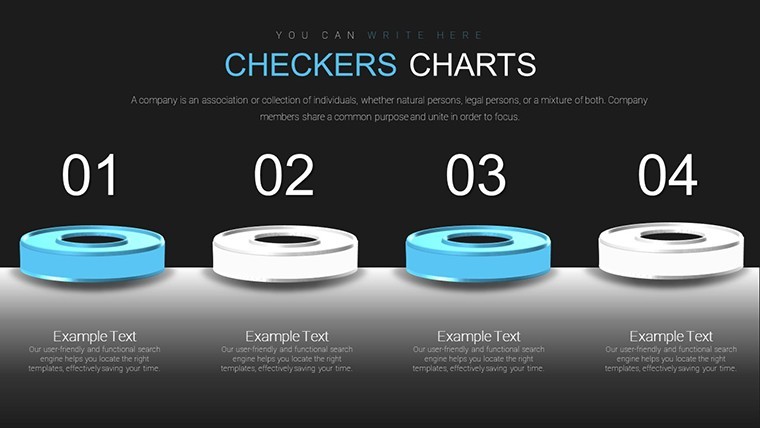
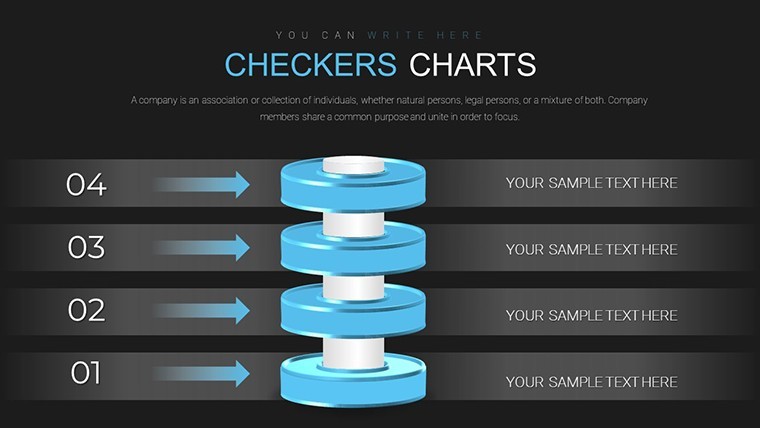
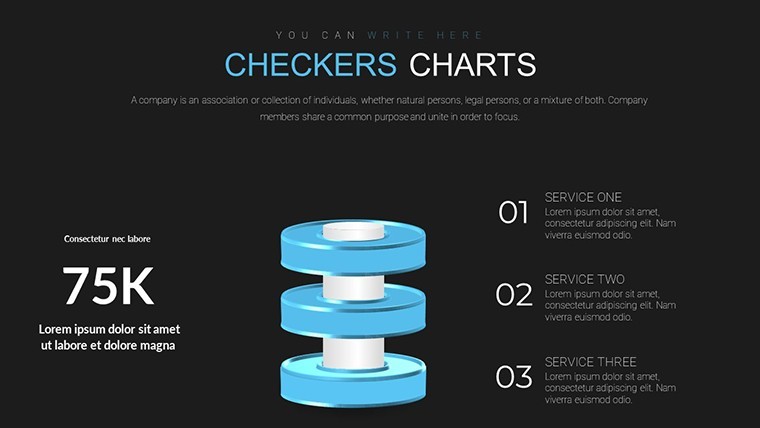
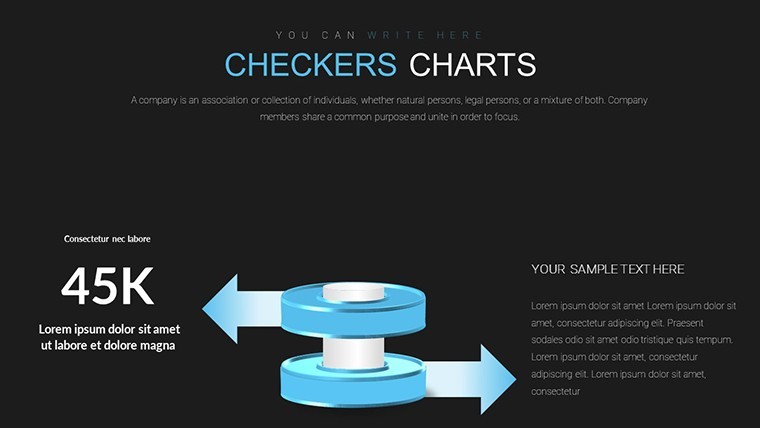
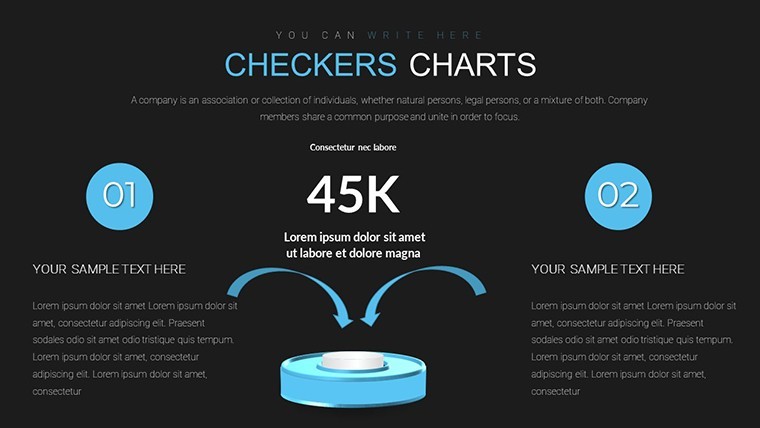
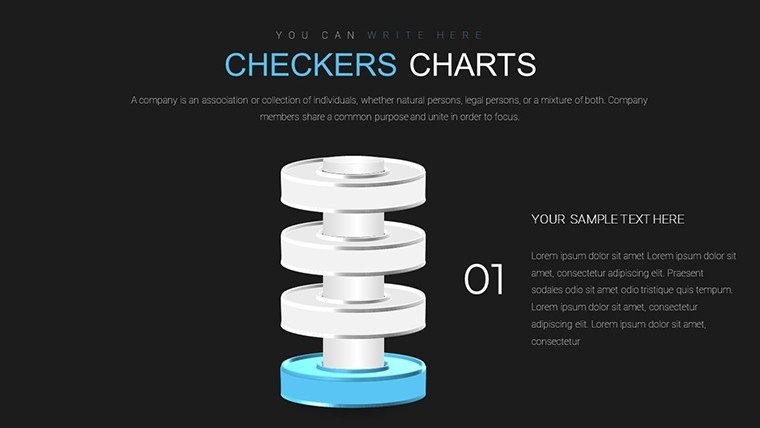
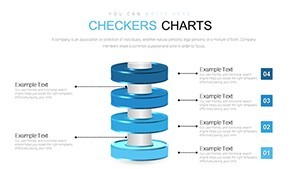
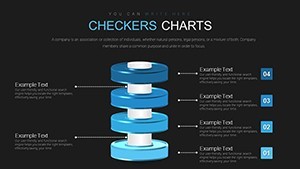
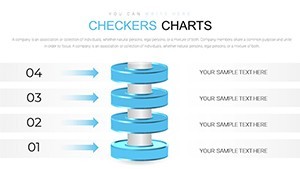
Visually, the slides use filled, flat block shapes arranged in rows and columns. Each block functions as an independent editable unit - text, fill color, and position can all be changed. The layout is grid-based with compact spacing between elements, and some slides shift to a vertical stacking direction that creates a pyramid-like hierarchy from the checker grid. Color variation is wide: slides appear in contrasting two-tone schemes that distinguish categories or status levels at a glance.
This structure works well for showing sequences where order matters - task progression, milestone tracking, or multi-stage process breakdowns - because each block can carry a label and a visual state without requiring custom shape-building. Use this instead of arranging freeform shapes manually in Keynote every time you need to communicate ranked or ordered content to a team. The predefined grid keeps everything aligned without manual spacing adjustments.
No complex layouts, just structured blocks. In most cases you replace text in each cell, update the fill colors to reflect your categories, and the structure holds. A project manager could reuse the same deck across multiple sprint reviews simply by relabeling the blocks each cycle.
Not the right fit for data-heavy chart presentations that need axis labels, numeric scales, or trend lines - this is a conceptual layout tool, not a data visualization file. It suits strategists, educators, or team leads who need to show ordered relationships between a fixed set of items in a single slide or across a short deck.
You open the file and start editing. Download and start editing immediately
Specifications
| Feature | Details |
|---|---|
| Slides | 14 editable slides - grid checker layouts and vertical pyramid variants |
| File format | .key (Keynote) |
| Software version | Not specified; standard .key format, compatible with current Keynote |
| Color schemes | Multiple two-tone contrast schemes; each block editable via Format panel |
| Editable elements | Block fill, text labels, position (draggable), size |
| Aspect ratio | 16:9 widescreen |
| Free vs Paid | Paid only - $15.00, no free version listed |
| Categories | Pyramids |
FAQ
How do I change colors across the checker blocks?
Each block is an independent editable shape. To update colors, select a block, open the Format sidebar in Keynote, and change the fill via the color picker. To apply the same color to multiple blocks at once, select them all with Shift+click and apply the fill in one step. For a consistent two-tone scheme across slides, note the hex or RGB values from one slide and reuse them on the others using the eyedropper tool.
Can this template be used for client presentations?
A standard single-license purchase covers use in presentations you build and deliver, including client-facing decks. The file should not be redistributed or resold as a template. For full license terms, review ImagineLayout's Terms of Use at imaginelayout.com/terms/ before using the file in commercial contexts beyond direct presentation delivery.
Is there a free version available?
No free version exists for this product. The full 14-slide .key file is priced at $15.00. ImagineLayout does offer free Keynote chart templates elsewhere in the catalog - including at least one free file in the Keynote Charts section - if you want to evaluate the editing experience before purchasing a paid product.
What is the refund policy for this download?
Refund eligibility is covered by ImagineLayout's refund policy, which you can read at imaginelayout.com/refund-policy/. Digital file downloads are typically non-refundable once accessed, so check that Keynote is installed and compatible with .key files on your system before completing the purchase. Contact support via the contact page if you have a technical issue after downloading.
Which Keynote version opens this file?
The page does not list a minimum Keynote version. The file is in standard .key format and should open in any recent Keynote installation on macOS. Keynote 12 or later is generally recommended for full compatibility with editable shape and animation features. On older versions, some animated elements may not render exactly as designed.