Organizational Keynote Chart Template - Instant Download | ImagineLayout
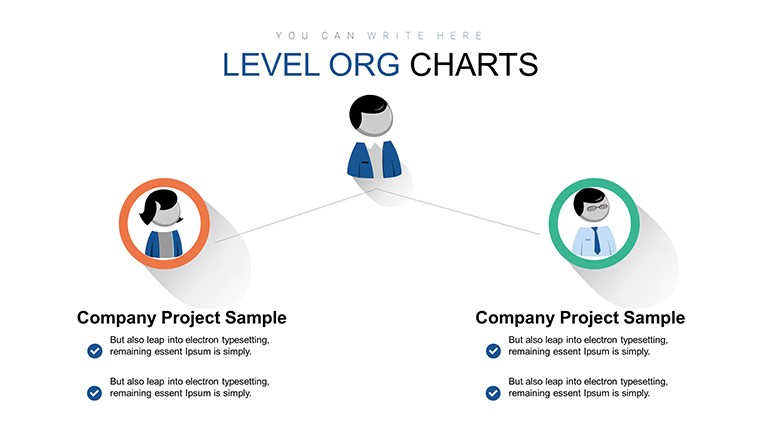
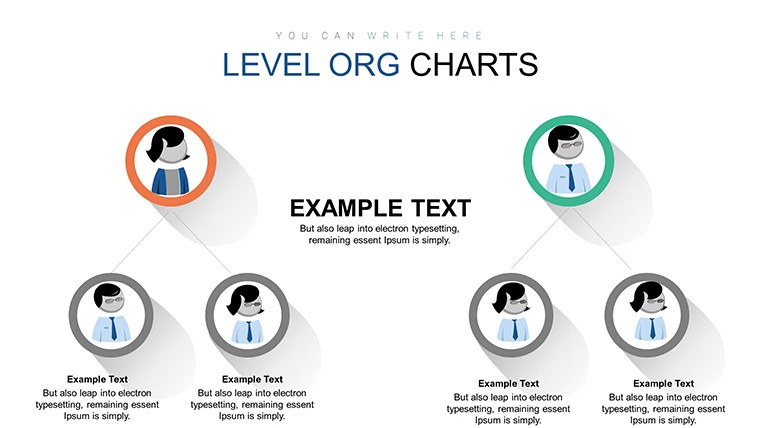
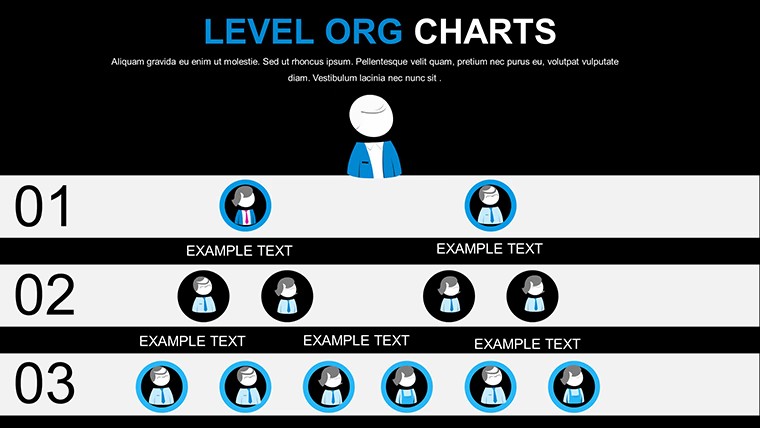
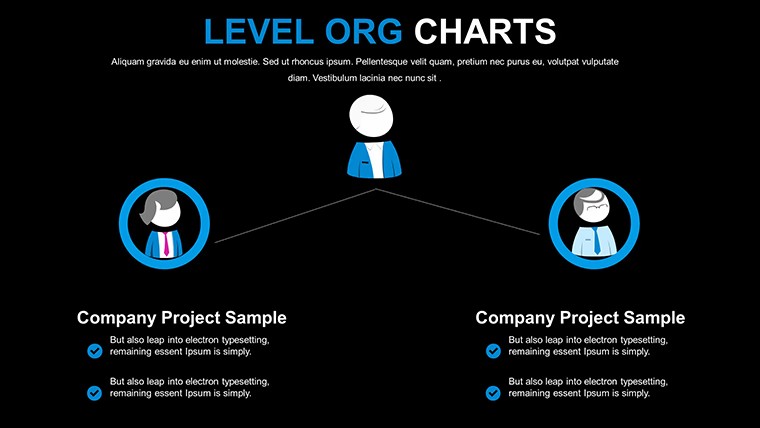
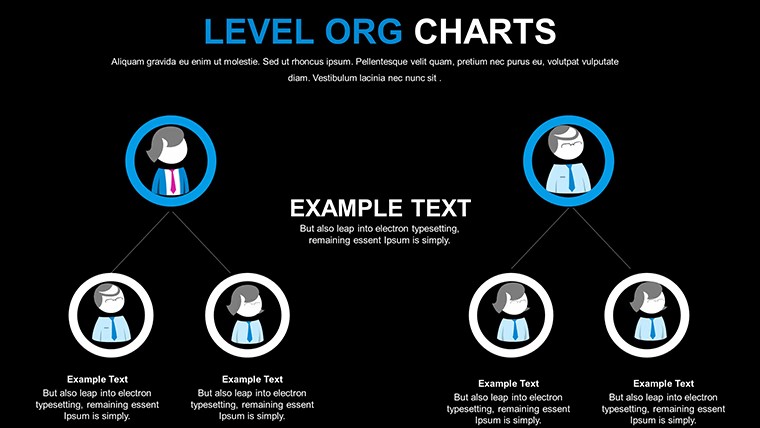
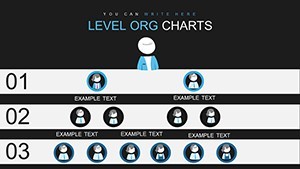
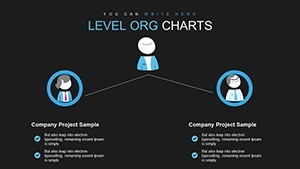
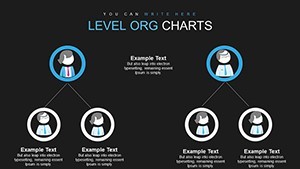
Type: Keynote Charts template
Category: Free Templates, Organizational, Tree
Sources Available: .key
Product ID: KC00635
Template incl.: 6 editable slides
Free Organizational Keynote Chart Template: Structure Your Success Visually
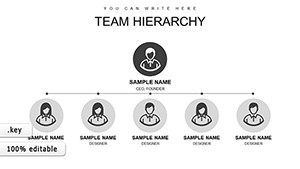
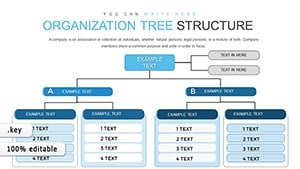
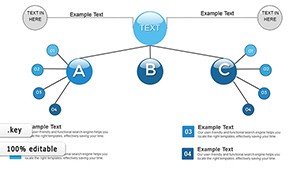
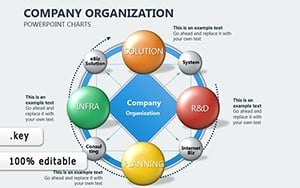
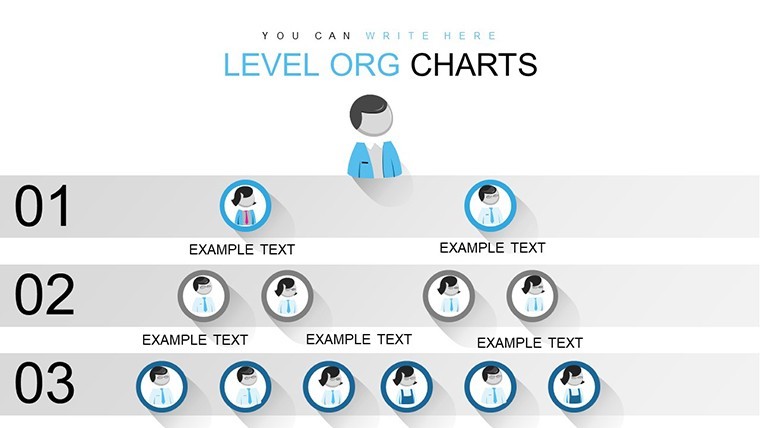
Color-coded hierarchical elements in the KEY file turn abstract team structures into clear visuals for HR managers and executives.
No sprawling org charts just structured blocks keep every reporting line visible without manual alignment.
No complex layouts just structured blocks.
This Keynote chart template suits internal reporting when you present department roles or annual structures to the board. In practice you replace text and the layouts stay intact across multiple updates.
The page does not list exact preview details or paid options but the files follow standard KEY formats compatible with current installations.
Use this instead of arranging shapes manually in Keynote. The predefined hierarchy prevents spacing issues and delivers clean results every time.
It is not ideal for creative storytelling slides that require freeform illustrations.
Business professionals rely on it for restructuring presentations because the color-coded elements update via the slide master in seconds.
| Feature | Details |
|---|---|
| Slides / diagrams | 6 editable hierarchical charts |
| File format | KEY |
| Software version | Keynote 12+ on macOS and iOS |
| Color schemes | Update via slide master for instant deck-wide changes |
| Editable elements | Text icons and hierarchy blocks resize and recolor independently |
| Aspect ratio | 16:9 widescreen |
| Free vs Paid | Full set of 6 slides included at no cost no paid version listed |
| Masters / Backgrounds | Master slides enable global palette switches |
Everything is already structured.
Download and start editing immediately
How do I change colors across all slides?
Switch to slide master mode then modify the color theme once. All hierarchical elements adopt the new palette without extra clicks per slide. Teams reuse this approach for recurring organization updates.
Can I use this template for client work?
Yes the license permits client work under standard terms. Deliver finished presentations created with the template as part of your services. You cannot resell or redistribute the original KEY files themselves.
What is the difference between free and paid versions?
This template is offered completely free with all 6 slides included. No paid version appears on the page so the download gives you the full set immediately. Everything required for editing is already inside the file.
What are the refund conditions?
As a free template no refund process applies. Download and open the file in Keynote to verify compatibility first. Reach out to support only if the KEY file fails to load on supported software.
Is the template compatible with PowerPoint?
The native format is Keynote yet you can export directly to PowerPoint 2016 or newer. Results stay clean when exported from Keynote. Test the output file on your target device for best alignment.