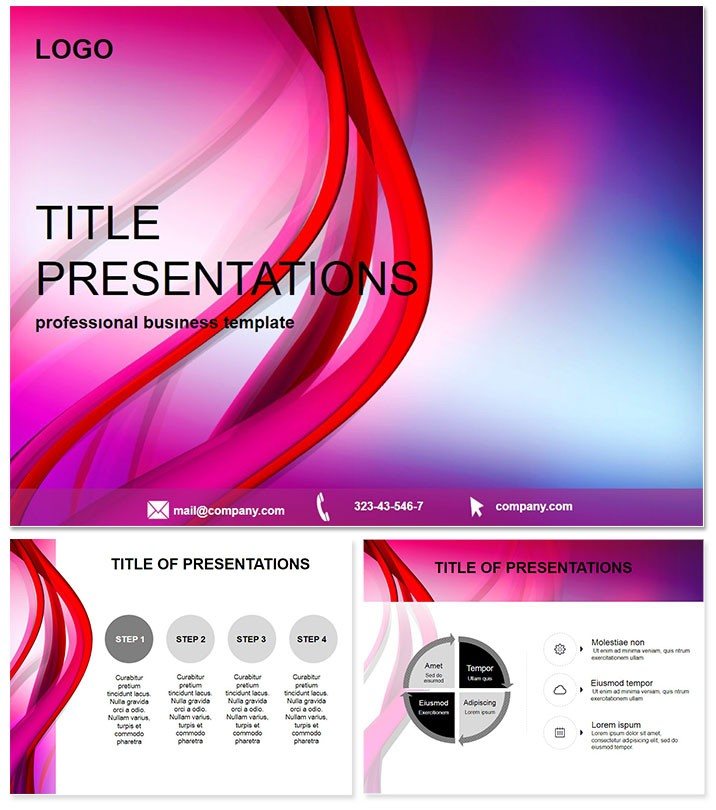
I`ve pitched everything from SaaS launches to creative agency expansions, and nothing beats a deck that feels current without trying too hard. This Modern Business Pitch Deck Keynote Template is that reliable partner - clean lines, smart layouts, and just enough edge to keep eyes on your vision. It`s crafted for founders who want to convey traction and ambition in a single flow, cutting through the noise of crowded inboxes and boardrooms.
At its heart, this template streamlines the pitch process. With 28 versatile slides, it covers the essentials: problem statements, solution overviews, market sizing, and those pivotal asks. I`ve handed versions of this to marketing directors prepping client proposals, and it always lands as professional yet approachable. For project leads, it`s a shortcut to aligning stakeholders on roadmaps; for educators, a way to frame case studies that resonate.
Building Momentum Slide by Slide
Kick off with a bold opener slide that sets the stage - minimal text over a subtle gradient, priming your audience for what`s next. Early slides (1-5) tackle the hook: problem-solution pairs with icon-backed summaries. Envision stacking your challenge as a central block, flanked by benefit arrows - simple swaps for your metrics make it personal fast.
Core narrative slides 6-15 dive into traction and opportunity. Market maps here use layered segments, easy to populate with your data for that "aha" reveal. One go-to for me is the competitive landscape slide, where quadrants position your edge clearly - no vague bullets, just visual stakes that prompt questions you control.
Financials and forecasts get slides 16-22, with timeline bars and projection curves that build on each other. These aren`t dry tables; they`re story drivers, showing growth arcs that mirror your verbal walkthrough. I`ve seen sales teams use them to forecast quarterly wins, turning numbers into narrative fuel.
Closing strong on slides 23-28, you hit team bios, milestones, and the call to join. Bio cards with connected timelines highlight expertise without overwhelming, while the final ask slide centers your request amid supportive proofs. It`s the quiet confidence that seals deals.
Tailoring to Your Brand`s Beat
Flexibility is key here - seven color themes range from crisp blues for corporate trust to vibrant accents for creative ventures. Edit icons, tweak fonts, and layer in charts via Keynote`s drag-and-drop; it all stays responsive. Compatible with Keynote 2016+, and a quick export to Google Slides keeps remote teams in sync.
Consultants love how it frames strategy sessions, with adaptable sections for SWOT or OKR breakdowns. Founders deploy it for accelerator apps, where every slide reinforces scalability. The high-res elements ensure it pops on virtual calls or printed handouts alike.
From Concept to Close: My Take
Recently, I refined a deck like this for an edtech founder facing skeptical VCs. We honed the opportunity slide to spotlight user journeys, added a traction timeline that visualized beta growth, and ended with a team slide underscoring domain wins. The feedback? "Finally, a pitch that moves like our product." That`s the magic - it doesn`t just present; it propels.
Best part: minimal setup. Load your outline, refine the visuals, and rehearse. In Keynote, it`s yours to command in moments, ready for that next big conversation.
Frequently Asked Questions
How does this template structure a full investor pitch?
It follows a proven arc: hook, problem-solution, market traction, financials, team, and close, with 28 slides for comprehensive coverage.
Can I customize it for non-business uses, like workshops?
Definitely - sections adapt easily for training agendas or creative briefs by swapping content in the master layouts.
What file formats are included for easy sharing?
Keynote native files, plus JPG previews and editable sources for broad compatibility across tools.
Are there built-in charts for financial projections?
Yes, timeline bars and curve graphs are pre-set, fully editable to input your revenue models or KPIs.
How many color options does it offer?
Seven themes, allowing quick shifts from professional neutrals to bold statements to fit your vibe.
Is it suitable for remote presentations via Zoom?
Optimized for screen sharing, with clean transitions and scalable graphics that hold up in any format.