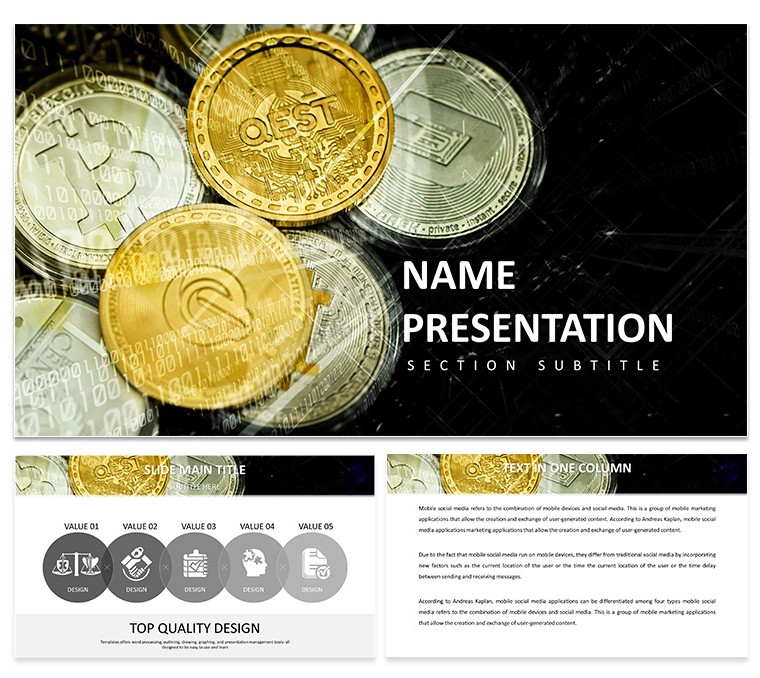
Investor Updates with Cryptocurrency Diagrams
28 diagrams and 7 color schemes equip your investor updates.
You prepare investor updates where cryptocurrency portfolio performance must appear crystal clear to stakeholders who review multiple decks weekly.
For investor updates where allocation changes need visualization without rebuilding slides each quarter these diagrams solve the recurring problem of inconsistent chart styling.
In practice the full KEY and KTH files load in Keynote 12 plus within seconds.
Color changes via slide master update every diagram instantly while the grid structure with clean vector lines keeps focus on data metrics.
Financial analysts handling investor updates find this template fits their exact task.
It is not ideal for photo heavy marketing decks.
Typically the layouts deliver best results only when data remains the central element.
This Keynote diagram template reuses the same file across reports with zero redesign time.
Explore more in business global keynote templates or the Digital Assets Keynote Template.
| Feature | Details |
|---|
| Slides / diagrams | 28 diagrams for cryptocurrency portfolio and trend visualization |
| File format | KEY, KTH, JPG |
| Software version | Keynote 12+ |
| Color schemes | 7 color schemes that switch via slide master |
| Editable elements | Vectors resize and recolor independently with no raster elements |
| Aspect ratio | 16:9 |
| Free vs Paid | Full set included in the paid package as no separate free version is specified |
| Masters / Backgrounds | Standard masters for quick theme application |
Download and start editing immediately
What Keynote version and macOS requirement does this template have?
The template works with Keynote 12 and later. It requires macOS Ventura or newer in most cases. Older versions may open the files but some effects could vary slightly.
How do I change colors via slide master in this template?
Open your .key file in Keynote then go to View and select Edit Master Slides. Select the master slide and adjust the color scheme there. All 28 diagrams update automatically once you return to the presentation view.
Does the license allow client work and what are the conditions?
Yes the license permits client work provided the template is customized and not resold in its original form. You can use it for delivery to clients in consulting or investor materials. Standard terms apply for commercial use.
What are the specific differences between free and paid versions?
The page does not specify a separate free version. The paid package includes the full set of 28 diagrams and 7 color schemes in editable KEY format. Typically the complete template is what you receive upon purchase.
What are the refund conditions for this template?
Refunds are possible within 14 days of purchase if the template does not match your expectations. You must not have edited or distributed the files. Reach out to the support team with your purchase ID for assistance.