
Industry - Production Letterheads
This collection brings together letterhead templates built for industrial and production companies that need structured, repeatable document layouts. It`s for operations teams, procurement managers, and admin staff who send contracts, compliance letters, and internal reports where formatting consistency actually matters.
In practice, a plant manager preparing a supplier notification or a procurement lead issuing a contract addendum doesn`t want to think about margins, logo placement, or whether the contact block shifts when exported to PDF. A letterhead solves that - it fixes the structure before the writing starts. And unlike generic stationery, these layouts are designed for data-heavy communication, where addresses, references, and identifiers need to align cleanly. If you need a reliable base for official documents - something you can open, edit in Word, and send without reformatting - start here and pick the layout that fits your document flow.
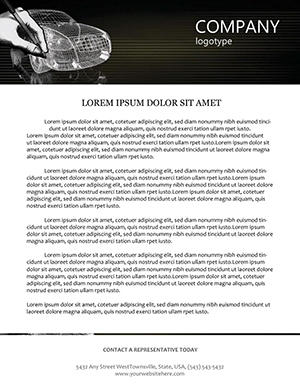 (257)
(257) Car 3D Sketching Letterhead TemplateID: #LT00978$12.00
 (1039)
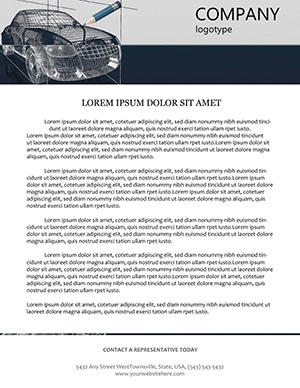
 Car 3D Modeling Print LetterheadID: #LT00977$8.00
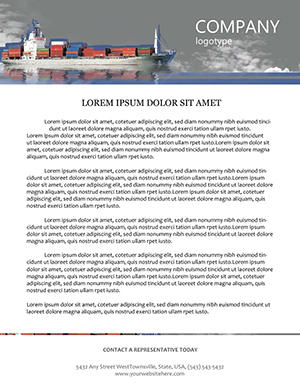 (46)
Cargo Liner Professional LetterheadID: #LT00976$8.00
(46)
Cargo Liner Professional LetterheadID: #LT00976$8.00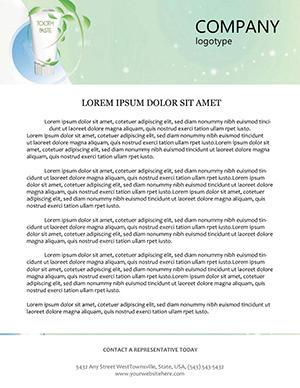 (84)
(84) Toothpaste Letterhead TemplateID: #LT00949$8.00
 (838)
Structure Platinated DNA Letterhead TemplateID: #LT00947$8.00
(838)
Structure Platinated DNA Letterhead TemplateID: #LT00947$8.00 (423)
Chemical Reagents Letterhead TemplateID: #LT00944$13.00
(423)
Chemical Reagents Letterhead TemplateID: #LT00944$13.00 (425)
Chemistry Teaching Letterhead TemplateID: #LT00943$6.00
(425)
Chemistry Teaching Letterhead TemplateID: #LT00943$6.00 (566)
Molecular Structure Letterhead DesignID: #LT00942$8.00
(566)
Molecular Structure Letterhead DesignID: #LT00942$8.00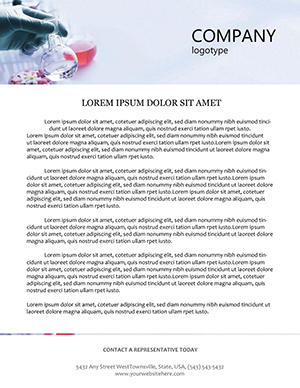 (402)
(402) Tablets Manufacturing Letterhead TemplateID: #LT00939$8.00
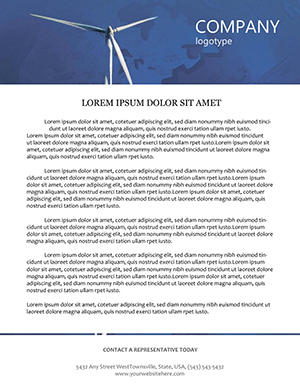 (353)
Charming Windmill Rustic Letterhead TemplateID: #LT00910$10.00
(353)
Charming Windmill Rustic Letterhead TemplateID: #LT00910$10.00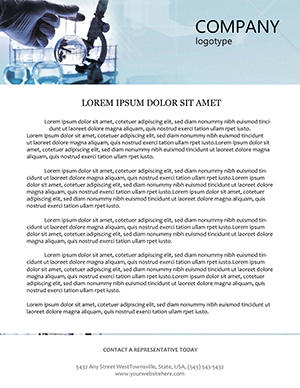 (1026)
Laboratory Experiments Letterhead TemplateID: #LT00899$12.00
(1026)
Laboratory Experiments Letterhead TemplateID: #LT00899$12.00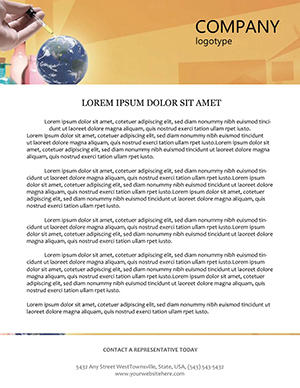 (500)
Chemistry World Letterhead TemplateID: #LT00897$10.00
(500)
Chemistry World Letterhead TemplateID: #LT00897$10.00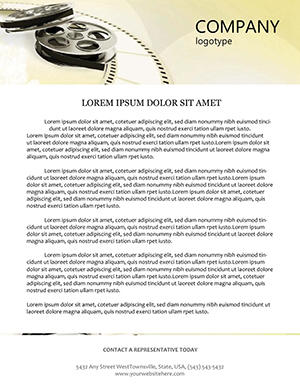 (291)
Cinematic Reel of Film Letterhead TemplateID: #LT00865$8.00
(291)
Cinematic Reel of Film Letterhead TemplateID: #LT00865$8.00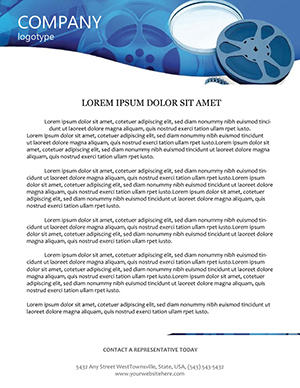 (947)
Movies Letterhead TemplateID: #LT00679$8.00
(947)
Movies Letterhead TemplateID: #LT00679$8.00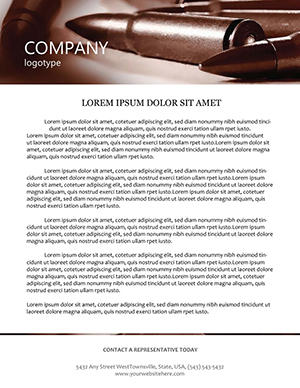 (258)
Weapons Training Letterhead TemplateID: #LT00660$8.00
(258)
Weapons Training Letterhead TemplateID: #LT00660$8.00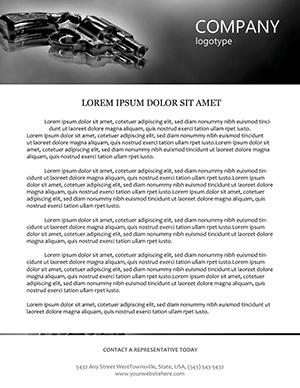 (63)
Professional Firearms Letterhead TemplatesID: #LT00658$10.00
(63)
Professional Firearms Letterhead TemplatesID: #LT00658$10.00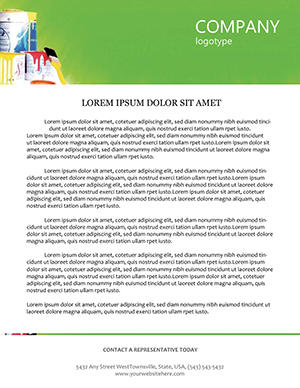 (575)
Exclusive Apartment Repair-Themed Letterhead TemplatesID: #LT00648$5.00
(575)
Exclusive Apartment Repair-Themed Letterhead TemplatesID: #LT00648$5.00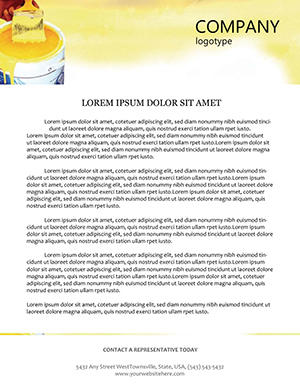 (585)
Yellow Paint Letterhead TemplateID: #LT00647$14.00
(585)
Yellow Paint Letterhead TemplateID: #LT00647$14.00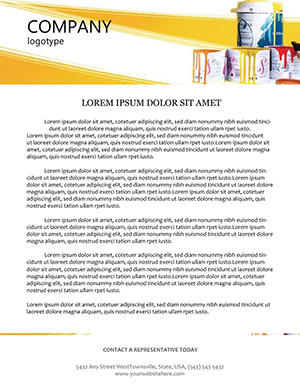 (441)
Interior Design Letterhead TemplateID: #LT00642$14.00
(441)
Interior Design Letterhead TemplateID: #LT00642$14.00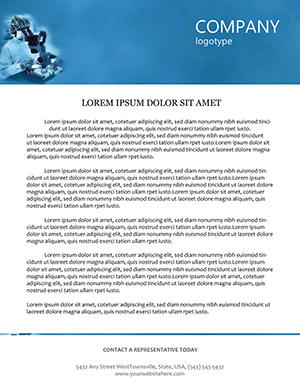 (191)
Lab Testing Letterhead Template PackID: #LT00613$5.00
(191)
Lab Testing Letterhead Template PackID: #LT00613$5.00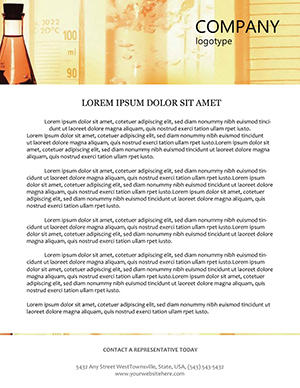 (55)
Chemistry Lab Letterhead TemplateID: #LT00611$8.00
(55)
Chemistry Lab Letterhead TemplateID: #LT00611$8.00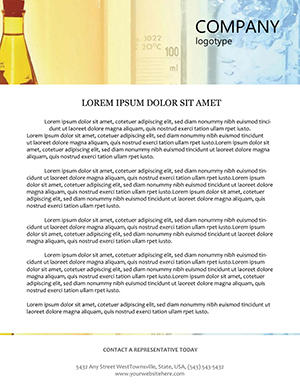 (428)
Chemistry Projects Letterhead TemplateID: #LT00610$12.00
(428)
Chemistry Projects Letterhead TemplateID: #LT00610$12.00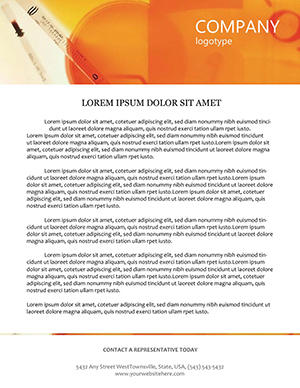 (266)
Chemistry Resources Letterhead ExcellenceID: #LT00565$8.00
(266)
Chemistry Resources Letterhead ExcellenceID: #LT00565$8.00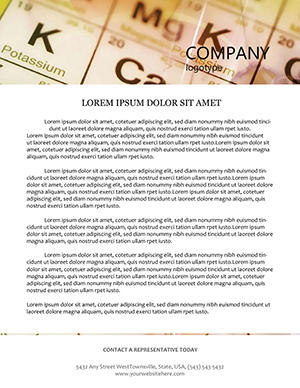 (617)
Study Chemistry Letterhead TemplateID: #LT00260$8.00
(617)
Study Chemistry Letterhead TemplateID: #LT00260$8.00 (881)
Chemical Table Fittings Letterhead TemplateID: #LT00249$8.00
(881)
Chemical Table Fittings Letterhead TemplateID: #LT00249$8.00 (625)
Chemical Formula Letterheads TemplateID: #LT00198$8.00
(625)
Chemical Formula Letterheads TemplateID: #LT00198$8.00
What makes an industrial letterhead different from generic stationery
A basic letterhead usually assumes light, narrative text - a short message, maybe a signature. Industrial documents don`t work like that. You`re often dealing with reference numbers, compliance notes, multi-line addresses, and internal routing details. The layout has to hold all of that without collapsing or looking improvised. From working on document systems for manufacturing clients, the main difference is structure under pressure. These templates keep alignment even when a paragraph turns into three sections or when additional identifiers get added at the last minute. Honestly, that`s where most generic templates break - spacing goes uneven, and suddenly the document looks less official than it should. And there`s a subtle point: the header isn`t just branding. It`s a fixed reference zone. Logo, company details, sometimes registration numbers - all placed so they don`t compete with the body text. Works as-is. If your documents regularly include technical or operational context, this structure matters more than design style. Choose a layout here if your documents need to carry information, not just branding. Download the format that matches your typical document - contract, notice, or report - and adjust from there.
Real document scenarios where these layouts actually help
A procurement manager preparing a supplier contract update late in the day. You know the situation - the content is ready, but formatting isn`t. With a structured letterhead, the header, footer, and contact blocks are already in place. You drop in the text, update the date and reference, done. No alignment fixes before sending to legal.
An operations coordinator sending compliance documentation to a regulatory body. These documents often include identifiers, revision notes, and contact information that must stay consistent across multiple pages. In practice, the templates here handle that without shifting elements when the document expands. Slightly annoying at first to see all the predefined fields, but once you use them, it`s completely clear why they`re there.
A production company issuing internal notices across departments. These aren`t marketing documents - they`re functional. The letterhead ensures that every document looks like it belongs to the same system, even when different people create them. That consistency reduces friction when documents circulate across teams.
A finance or admin lead preparing formal communication for partners or auditors. The layout gives enough structure to keep everything aligned, but doesn`t over-design the page. That balance is actually useful - especially when exporting to PDF for external sharing. When I opened a template from this collection for a compliance document, the pre-set reference fields meant I could populate the document in under five minutes without adjusting any spacing.
HR sending official letters to employees across multiple sites. Same format, same structure, fewer questions about authenticity or formatting errors. Also works for internal ops reviews, not just external communication.
How these templates behave in Microsoft Word (and why it matters)
These files are built for Microsoft Word, which means the real question is how stable the layout is when edited. In these templates, headers and footers are typically locked into place using Word`s native structure - not grouped shapes floating on the page. That means when you add content to the body, the header doesn`t shift. The logo stays anchored. The contact block stays aligned. That sounds basic, but I`ve seen plenty of templates where adding a second paragraph breaks the entire layout. Another detail: spacing between elements is consistent. Line heights, margins, and paragraph spacing follow a system rather than manual adjustments. The first time you open the template, the structure might feel rigid. That`s intentional - it`s the rigidity that keeps documents looking official across multiple pages and multiple authors.
When to choose this category over other Word document templates
If your goal is formal, repeatable communication - contracts, notices, reports - this category is the right fit. Letterheads are about structure and consistency, not layout flexibility. If you need multi-page marketing or informational documents, you`re better off with brochure templates. Those are built for narrative flow, visuals, and section-based layouts rather than fixed headers. If your focus is internal documentation or editable forms, the broader Word templates collection gives you more variety - reports, forms, and other document types that go beyond letterheads. And for brand identity elements like contact cards, business card templates handle that use case separately. Different format, different purpose. Basically, choose letterheads when the document needs to look official every time - not just once.
Why this works better than building a letterhead from scratch
Creating a letterhead manually seems simple until you repeat it across ten documents. You set margins, place the logo, align the contact block - then realize spacing looks slightly different each time. These templates remove that variability. The alignment is fixed. The spacing is consistent. And the header behaves predictably across documents. From experience, that consistency is what saves time later - not during the first document, but during the fifth or tenth. There`s also the structural difference: these templates use Word`s native header and footer system. That means when you adjust content, the layout holds. If you`ve ever used a template where the logo shifts slightly after editing, you`ll notice the difference immediately. The anchor is stable.
Technical observation: Header and footer construction in Word letterheads
In these templates, headers and footers are part of Word`s native header/footer system, not grouped shapes sitting on the page. That`s important because Word handles native headers differently: they don`t repeat inside tables, they don`t shift when you add page breaks, and they don`t accidentally get deleted when someone selects all body text. The downside: you can`t easily overlap body content with header content. If your design calls for a logo that extends into the body area, you`ll need a different approach. For standard industrial letterheads where the header sits cleanly above the body, the native system is the right choice. Test the header editability by double-clicking near the top of the page. If it opens the header editing zone, the template uses native structure. If you can select the logo directly on the page, it`s a grouped shape - which means more flexibility but higher risk of accidental movement.
Editing pain points specific to production letterheads
Pain point 1: Multi-line addresses break the contact block alignment. The contact block assumes a certain number of address lines. If your actual address has more lines - suite numbers, attention lines, international address formats - you may need to adjust font size or line spacing to fit. The template doesn`t auto-expand the block. Check address formatting before finalizing.
Pain point 2: Reference number fields are fixed width. If your reference numbers run longer than the placeholder space, you`ll need to either abbreviate the reference, reduce font size, or manually widen the field. The templates are designed for standard reference formats (typically 8-12 characters). For longer identifiers, budget editing time.
Pain point 3: Table alignment within letterhead documents. If your document includes tables that span multiple pages, check that the table header rows repeat correctly. The letterhead structure doesn`t automatically manage table spanning. You may need to adjust table properties manually for multi-page table layouts.
What makes this collection different from generic letterhead templates
The focus here is on usability rather than decoration. The layouts are restrained - enough branding to identify the company, but not so much that it competes with the content. The hierarchy is clear: header for identity, body for communication, footer for reference. That restraint means these letterheads work for legal notices, compliance letters, and formal contracts where decoration would be inappropriate. The trade-off: they`re not decorative enough for event invitations or marketing mailers. For those use cases, use a dedicated marketing template instead of forcing an industrial letterhead to serve a different purpose.
Navigation: related document resources
Start with this collection for official, repeatable correspondence - contracts, notices, compliance letters, supplier communications. For multi-page marketing materials or narrative brochures, the brochure templates provide more flexible layouts. For general business documents - proposals, reports, forms - the broader Word templates collection covers additional structures. And for presentation decks that accompany these documents, the PowerPoint templates provide slides that match the visual tone of the letterhead.
Download a letterhead, save your branded version as a .dotx template, and reuse it for every official document moving forward. The structure is already built.
Can I edit these letterhead templates in Microsoft Word without breaking the layout?
Yes, in most cases you can edit everything directly in Microsoft Word without issues. The templates are built using Word`s native header and footer system, so elements like logos and contact details stay anchored in place as you add or remove body text. The main thing to watch is that you should edit the header content by double-clicking the header area, not by clicking and dragging elements on the main page. If you try to move a logo by dragging it on the body, you might accidentally create a copy instead of editing the original. Double-click the header, make your changes there, then double-click the body to return to normal editing. For page size and margin adjustments, change those before adding content - changing them later can shift the header position.
Can multiple team members use the same letterhead template?
Honestly, yes - that`s how these are typically used. Teams usually store a branded version on a shared drive and reuse it across departments. The key is to finalize the branding once, then distribute that version internally. Save the edited file as a .dotx (Word Template) file, not a .docx document. Place that .dotx file in a shared location accessible to your team. When someone needs to create a new letter, they double-click the .dotx file, and Word opens a new untitled document based on that template - without overwriting the original. This approach ensures consistency: everyone starts from the same base, but each document is independent. Update the .dotx file when branding changes, and all future documents reflect the update automatically.
What file formats are available, and are they compatible with older Word versions?
The standard delivery is DOCX, which works with Word 2007 and newer. For Word 2003 or earlier, you`d need the older DOC format, but those versions are increasingly rare. If your organization is still on Word 2003, upgrade - security patches ended years ago. The DOCX format also works in Word for Mac 2011 and newer, LibreOffice, Google Docs (with some feature loss), and most online document editors. The one compatibility issue to watch: custom styles and header/footer designs sometimes shift when opened in Google Docs. For critical documents, use Microsoft Word for editing, then export to PDF for sharing. For internal team use where everyone has Word, the DOCX format is fine.
How do I ensure the letterhead looks correct when exported to PDF?
Word`s PDF export is generally reliable for these templates because they use native header/footer structures rather than floating shapes. Use File → Save As → PDF, not a third-party PDF printer. The native Word PDF export preserves header placement and font embedding correctly. The main things to check before exporting: confirm that all fonts are embedded or standard (the PDF may substitute missing fonts), verify that the page size matches your intended output (A4 vs Letter), and check that header graphics don`t get compressed. For high-stakes documents - regulatory filings, external contracts - do a test PDF after your first round of edits, not after you`ve completed the entire document. If something shifts, you catch it early.
Can I add my company`s specific reference number fields or legal disclaimers?
Yes, you can add additional fields, but with some limitations. The templates have predefined placeholder fields for common elements (date, reference number, page number). To add a new field - say, a legal disclaimer block or a secondary reference code - insert it in the body area rather than the header. Headers in Word are designed to repeat on every page; if you put a long legal disclaimer in the header, it repeats on every page, which is usually not what you want. For disclaimers or notes that should appear once, place them in the body near the signature area. For fields that genuinely need to appear on every page (a confidentiality notice), add them to the footer instead. The footer repeats but stays out of the main reading area.


