
Computer - IT Letterheads
Formerly known as computer IT letterheads - this collection now includes dashboards, infographics, and modern presentation layouts.
This collection offers letterhead designs tailored for IT and computer businesses. Teams in software development, tech consulting, and IT services can use them to produce materials that align with their industry standards.
Apply them in situations like preparing materials for board meetings, quarterly reviews with stakeholders, or investor pitch documents. The pre-designed structures address the challenge of creating polished headers and footers that match across slides and export formats better than starting with default shapes.
The layouts include space for logos, contact details, and other essential information in balanced positions. This setup supports better decision making around branding in your communications.
Select a template and make it your own by adjusting elements to fit your company identity.
 (858)
(858) Tech iPod Review Printable LetterheadID: #LT00980$9.00
 (831)
(831) Connected Cable Network Letterhead TemplateID: #LT00915$8.00
 (1051)
Button Keypad Letterhead TemplateID: #LT00892$8.00
(1051)
Button Keypad Letterhead TemplateID: #LT00892$8.00 (113)
(113) Streamlined E-mail Problems Letterhead TemplateID: #LT00864$8.00
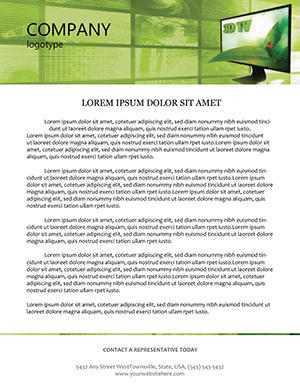 (1053)
 Innovative 3D TV Letterhead TemplateID: #LT00803$12.00
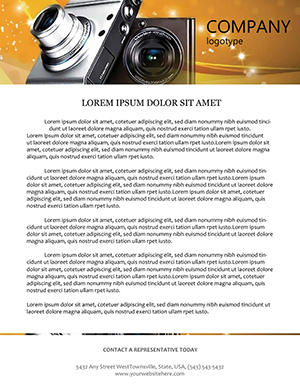 (731)
Dynamic Digital Camera LetterheadID: #LT00800$8.00
(731)
Dynamic Digital Camera LetterheadID: #LT00800$8.00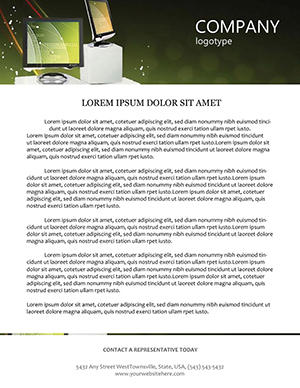 (1181)
Sales Techniques Letterhead TemplateID: #LT00799$5.00
(1181)
Sales Techniques Letterhead TemplateID: #LT00799$5.00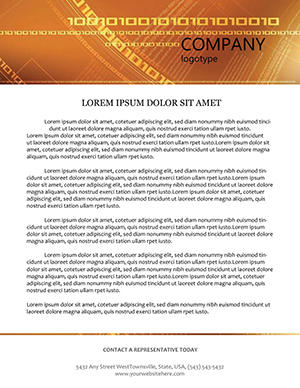 (1172)
Encode Excellence in Every LineID: #LT00765$8.00
(1172)
Encode Excellence in Every LineID: #LT00765$8.00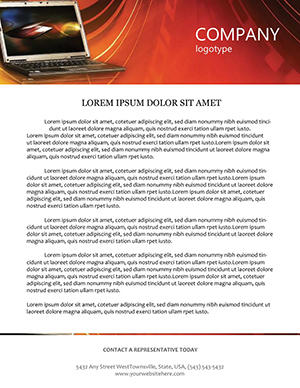 (373)
Laptop on Waves Digital Letterhead TemplateID: #LT00699$8.00
(373)
Laptop on Waves Digital Letterhead TemplateID: #LT00699$8.00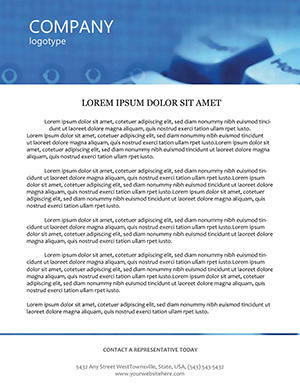 (1094)
Typing Letterhead TemplateID: #LT00609$10.00
(1094)
Typing Letterhead TemplateID: #LT00609$10.00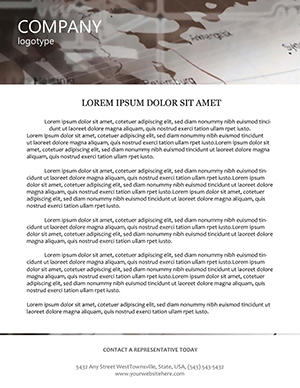 (756)
Mobile Service Providers Letterhead TemplateID: #LT00407$12.00
(756)
Mobile Service Providers Letterhead TemplateID: #LT00407$12.00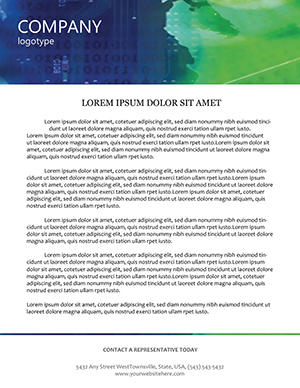 (780)
Internet Access Letterhead TemplateID: #LT00342$10.00
(780)
Internet Access Letterhead TemplateID: #LT00342$10.00 (369)
Versatile Editable Infographics LetterheadID: #LT00278$8.00
(369)
Versatile Editable Infographics LetterheadID: #LT00278$8.00 (337)
Business Leader Letterhead TemplateID: #LT00270$10.00
(337)
Business Leader Letterhead TemplateID: #LT00270$10.00 (1114)
Exclusive Notebook and Letterhead Template DesignsID: #LT00224$5.00
(1114)
Exclusive Notebook and Letterhead Template DesignsID: #LT00224$5.00 (788)
Pulses of Radio Waves Letterheads TemplateID: #LT00162$10.00
(788)
Pulses of Radio Waves Letterheads TemplateID: #LT00162$10.00 (728)
Sleek IT Code Letterhead Template DownloadID: #LT00062$8.00
(728)
Sleek IT Code Letterhead Template DownloadID: #LT00062$8.00 (995)
Network Letterhead Design Template ProID: #LT00009$8.00
(995)
Network Letterhead Design Template ProID: #LT00009$8.00
Use Cases for IT Letterhead Templates
Technology businesses face specific challenges in document presentation. These templates support key activities across departments.
Marketing and Sales Proposals
Sales teams use them for RFP responses and service pitches to IT directors. The layout positions company logo and contact info prominently while leaving ample space for the body content. This approach keeps focus on the value proposition during client acquisition cycles common in the IT sector.
Consulting Deliverables
In consulting projects involving system implementation or digital transformation, letterhead slides help package findings and recommendations in a formal manner. Consultants preparing final reports or interim updates benefit from layouts that integrate seamlessly with data tables and charts used throughout the deck.
Internal Reporting
For monthly performance reviews or board updates in tech firms, they ensure all documents carry the same visual identity. IT managers compiling operational metrics or budget overviews can maintain consistency when distributing materials to cross-functional teams or external auditors.
Training Workshops
HR and learning teams in computer companies distribute participant materials or certification documents using these templates, reinforcing the organizational brand during onboarding sessions or skill development programs.
Comparison vs Default PowerPoint Shapes
Default shapes require users to manually set margins, align text, and position elements like logos every time. This process is time consuming and can result in slight variations across slides. These letterhead templates provide pre-configured layouts with correct proportions and guides built in for both PowerPoint and Keynote.
The result is a more cohesive appearance when the deck is presented or converted to PDF for sharing. Default approaches often lead to misaligned elements after content updates, while these templates hold structure intact.
Best-Practice Advice
- Choose color schemes that reflect trust and technology, such as shades of blue and gray.
- Keep text concise and use bullet points for key contact information.
- Test how the design looks when printed or viewed on different screens.
- Ensure the logo placement does not obscure important text areas.
- Create two versions if needed – one for digital sharing with hyperlinks and one for print with higher contrast.
Technical Tips for Customization
In PowerPoint, access the slide master view to make global changes to the header and footer. In Keynote, edit the master slide to apply updates across the deck. Replace text placeholders and adjust fill colors for shapes using the format panel. Group related elements to move them together easily. Save custom versions as your own theme for repeated use in future projects.
Why This Category Stands Apart
This collection focuses on the specific needs of the IT and computer field, with layouts that accommodate technical terminology and data presentation alongside branding elements. It stands apart from general business or corporate templates by prioritizing the clean, precise aesthetic common in technology communications.
Download your preferred templates to begin building your next set of materials with confidence.
Are these IT letterhead templates fully editable?
Yes. All text, colors, images, and layout elements can be changed using standard tools in PowerPoint or Keynote.
Do these templates work in both PowerPoint and Keynote?
Yes, versions are available or convertible for both platforms with preserved editability.
How do I add my company logo to the letterhead?
Replace the placeholder image or shape with your logo file. Resize and position it within the designated area to maintain balance.
Can I use these for printed documents?
Yes. Export the slides as PDF with high resolution settings for quality printing.
Are there matching slide decks for full presentations?
Yes, explore related categories for complete IT-themed presentation sets that coordinate with these letterheads.


