
Cars - Transportation PowerPoint templates
This collection contains PowerPoint templates focused on transportation and automotive themes. It is for supply chain professionals who need to show routes, fleet status, or delivery metrics without rebuilding diagrams.
Reach for these when a logistics manager presents the quarterly freight report to the operations director or a fleet supervisor updates the board on vehicle utilization.
The diagrams already carry the argument structure. Download the file that fits your data and begin customizing.
 (189)
(189) High-Speed Logistics PowerPoint TemplateID: #PP03885free
 (407)
Driving Delivery PowerPoint Template - Download PresentationID: #PP03864$10.00
(407)
Driving Delivery PowerPoint Template - Download PresentationID: #PP03864$10.00 (112)
(112) Logistics and Technology PowerPoint Template: Charting the Future of Supply ChainsID: #PP03853$10.00
 (1046)
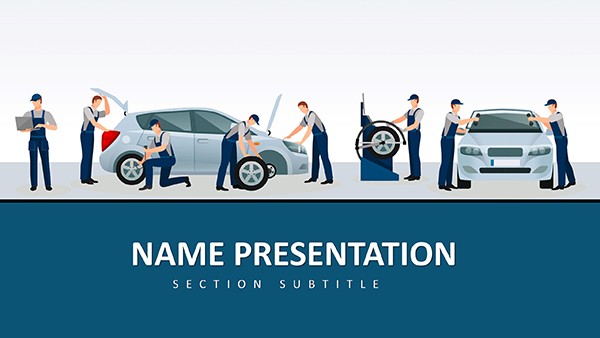
Car Maintenance and Repair PowerPoint Template: Drive Home Key PointsID: #PP03820$12.00
(1046)
Car Maintenance and Repair PowerPoint Template: Drive Home Key PointsID: #PP03820$12.00 (856)
Modern Drone IT Technology PowerPoint SlidesID: #PP03782$12.00
(856)
Modern Drone IT Technology PowerPoint SlidesID: #PP03782$12.00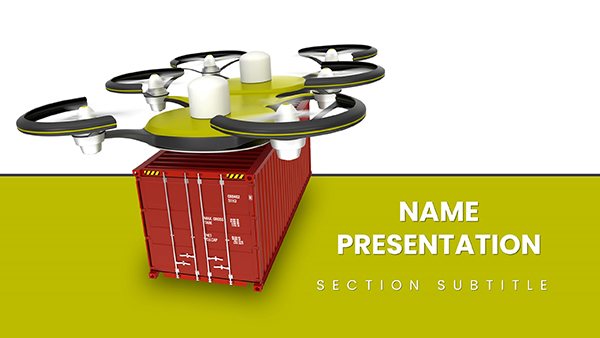 (9)
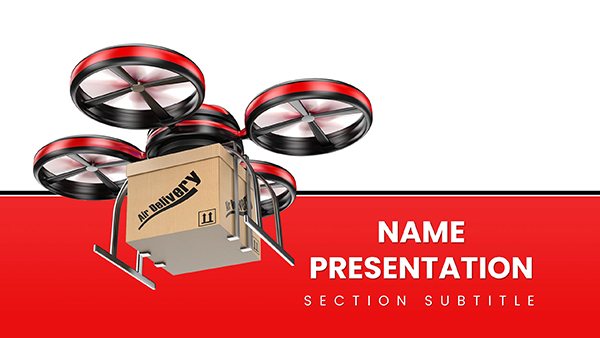
(9) Drone Delivery of Heavy Cargo PowerPoint Template for presentationID: #PP03744$12.00
 (381)
Drone Delivery PowerPoint Template: Logistics LiftID: #PP03743$12.00
(381)
Drone Delivery PowerPoint Template: Logistics LiftID: #PP03743$12.00 (676)
Military Vehicle PowerPoint Template - Download PresentationID: #PP03738$12.00
(676)
Military Vehicle PowerPoint Template - Download PresentationID: #PP03738$12.00 (803)
Gasoline Pump Refueling Car PowerPoint Template for PresentationsID: #PP03736$12.00
(803)
Gasoline Pump Refueling Car PowerPoint Template for PresentationsID: #PP03736$12.00 (613)
(613) Revitalize Your Presentations with Refuel a Car PowerPoint Template for PresentationID: #PP03729$12.00
 (88)
Drive Home Your Logistics Vision with the Freight Road Transportation PowerPoint TemplateID: #PP03638$10.00
(88)
Drive Home Your Logistics Vision with the Freight Road Transportation PowerPoint TemplateID: #PP03638$10.00 (222)
Motorcycles for Sale PowerPoint Template: Ignite Buyer InterestID: #PP03407$12.00
(222)
Motorcycles for Sale PowerPoint Template: Ignite Buyer InterestID: #PP03407$12.00 (609)
Motorcycle PowerPoint Template: Channel the Road's SoulID: #PP03406$12.00
(609)
Motorcycle PowerPoint Template: Channel the Road's SoulID: #PP03406$12.00 (332)
Car Diagnostic Tools PowerPoint TemplateID: #PP03382$12.00
(332)
Car Diagnostic Tools PowerPoint TemplateID: #PP03382$12.00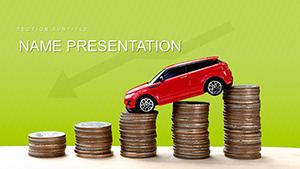 (1109)
Affordable Car Sales PowerPoint TemplateID: #PP03324$12.00
(1109)
Affordable Car Sales PowerPoint TemplateID: #PP03324$12.00 (655)
Computer Diagnostics of Car PowerPoint templateID: #PP03321$12.00
(655)
Computer Diagnostics of Car PowerPoint templateID: #PP03321$12.00 (962)
Auto Diagnostic and Repair PowerPoint TemplateID: #PP03320$12.00
(962)
Auto Diagnostic and Repair PowerPoint TemplateID: #PP03320$12.00 (984)
Auto Repair Mechanics PowerPoint templateID: #PP03319$12.00
(984)
Auto Repair Mechanics PowerPoint templateID: #PP03319$12.00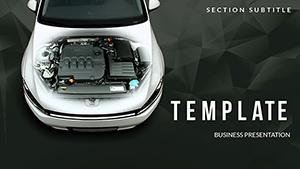 (293)
Auto Repair Diagnostics PowerPoint Template | Download PresentationID: #PP02592$12.00
(293)
Auto Repair Diagnostics PowerPoint Template | Download PresentationID: #PP02592$12.00 (753)
Car Price PowerPoint templatesID: #PP02572$12.00
(753)
Car Price PowerPoint templatesID: #PP02572$12.00 (270)
Fastest Car PowerPoint templatesID: #PP02545$12.00
(270)
Fastest Car PowerPoint templatesID: #PP02545$12.00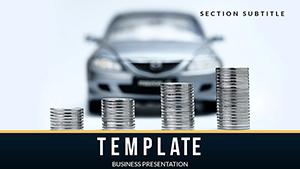 (214)
Cost of Cars PowerPoint templatesID: #PP02416$12.00
(214)
Cost of Cars PowerPoint templatesID: #PP02416$12.00 (205)
Cargo Transport PowerPoint TemplatesID: #PP02065$12.00
(205)
Cargo Transport PowerPoint TemplatesID: #PP02065$12.00 (1019)
Best Trucks PowerPoint TemplatesID: #PP02063$12.00
(1019)
Best Trucks PowerPoint TemplatesID: #PP02063$12.00 (598)
Military Hummer PowerPoint templateID: #PP02022$12.00
(598)
Military Hummer PowerPoint templateID: #PP02022$12.00 (827)
Automobile PowerPoint templatesID: #PP01826$12.00
(827)
Automobile PowerPoint templatesID: #PP01826$12.00 (1048)
Car Dealership Catalog PowerPoint TemplateID: #PP01723$12.00
(1048)
Car Dealership Catalog PowerPoint TemplateID: #PP01723$12.00 (890)
Master Car Leasing Presentations with This PowerPoint TemplateID: #PP01722$12.00
(890)
Master Car Leasing Presentations with This PowerPoint TemplateID: #PP01722$12.00 (249)
High speed Cars PowerPoint presentationID: #PP01703$12.00
(249)
High speed Cars PowerPoint presentationID: #PP01703$12.00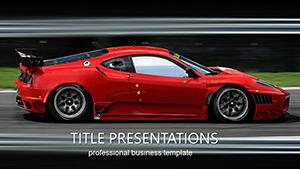 (417)
Speed Concept Car PowerPoint Template: Accelerating Your Visual DriveID: #PP01433$12.00
(417)
Speed Concept Car PowerPoint Template: Accelerating Your Visual DriveID: #PP01433$12.00 (349)
Dynamic Speed Car PowerPoint TemplateID: #PP01350$12.00
(349)
Dynamic Speed Car PowerPoint TemplateID: #PP01350$12.00 (842)
Project Cars Tuning PowerPoint TemplateID: #PP01349$12.00
(842)
Project Cars Tuning PowerPoint TemplateID: #PP01349$12.00 (798)
Test Drive Car PowerPoint Template: Accelerate Your Auto NarrativesID: #PP01230$11.99
(798)
Test Drive Car PowerPoint Template: Accelerate Your Auto NarrativesID: #PP01230$11.99
Why Transportation Diagrams Need Pre-Built Structure
Route maps and cost breakdowns lose clarity when column widths differ slide to slide. Pre-set layouts keep every timeline and flowchart aligned so the audience follows the supply chain story without distraction.
Real Situations Where These Templates Deliver
A supply chain analyst has the monthly review in forty minutes. The Freight Road Transportation template contains ready route diagrams. He pastes shipment numbers and the color coding updates to show delays.
A car dealership manager prepares the annual inventory pitch. The Car Parts template holds circular infographics for part availability. The CFO sees stock levels at a glance.
A port operator updates the cargo flow report. The Cargo Transport template includes timeline slides with embedded icons. The executive team compares periods without relearning the format.
A delivery company creates the yearly efficiency deck. The Driving Delivery template provides comparison charts. Only the data rows change; the layout stays identical.
Decisions Eliminated When You Use These Files
You avoid manually drawing arrows that stay straight across slides. You avoid choosing consistent icon sizes for vehicles. You avoid rebuilding the legend every time a new route is added. The slide master handles those choices.
Managing Recurring Logistics Presentations
Monthly reports reuse the same master. Update only the data series. The embedded chart styles remain uniform so leadership compares KPIs across quarters without adjusting views.
Non-Obvious Tip for Route Diagrams
Group the map elements on the slide master and use the animation pane to reveal segments sequentially. One click applies the sequence to every route slide because the group is stored in the master.
Technical Note on PowerPoint Charts and Export
Charts are native objects so linking to Excel updates live. Aspect ratio defaults to 16:9; duplicate the master for 4:3 if needed. PDF export with embedded fonts keeps icons crisp on any screen.
Why These Templates Fit Corporate Transportation Work
No unrelated illustrations. Every element supports route or cost logic. Editing remains complete because shapes and charts stay native PowerPoint objects.
Finding the Right Category for Your Presentation
If the topic shifts to sports events or coaching the sports PowerPoint templates offer different visuals. For cyclical data the spheres PowerPoint chart templates provide alternative diagrams. When health metrics are central see the health and wellness PowerPoint templates.
Select the transportation file that matches your current dataset and adjust the palette in one step.
Are these templates compatible with Google Slides?
Yes, the PPTX files import with diagrams and charts intact. The slide master transfers. Test linked Excel charts; refresh the link after import to ensure data updates correctly.
Which PowerPoint version is required?
2016 and newer on Windows or Mac. Older versions may lose some shape effects; open in the current version once to embed modern objects.
Can the license cover team distribution?
Internal use and client presentations are allowed. Edited files may be shared within the organization. External partners need their own copy for modifications.
Do fonts stay embedded on PDF export?
Yes. Choose File > Export > Create PDF and select the embed fonts option. The transportation icons and labels render exactly as on screen.
Can I change the aspect ratio?
Duplicate the slide master, adjust page setup to 4:3, and the placeholders scale proportionally because vector shapes are used. Test one slide first.


