
Cars - Transportation Letterheads
This collection contains letterhead layouts created for the automotive and transportation industry. A dealership sales manager sending a quote or a logistics coordinator confirming a shipment uses these because the header already positions the company logo, tagline and contact block in the exact proportion expected by corporate recipients.
No more adjusting margins or hunting for the right shade of blue that matches your fleet color; the grid and color palette are locked from the first page.
Pick the template that reflects your operation and begin customizing.
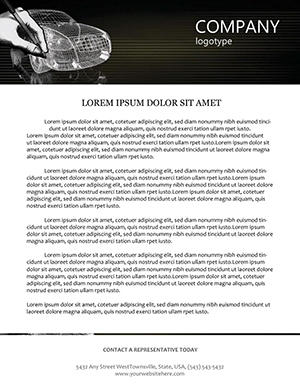 (257)
(257) Car 3D Sketching Letterhead TemplateID: #LT00978$12.00
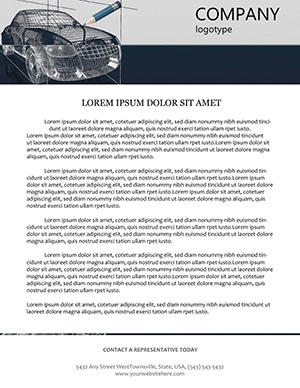 (1039)
 Car 3D Modeling Print LetterheadID: #LT00977$8.00
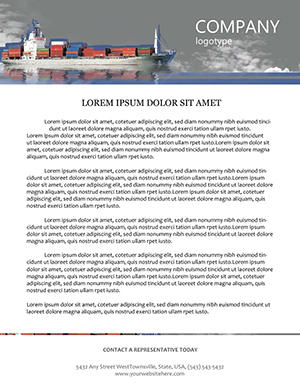 (46)
Cargo Liner Professional LetterheadID: #LT00976$8.00
(46)
Cargo Liner Professional LetterheadID: #LT00976$8.00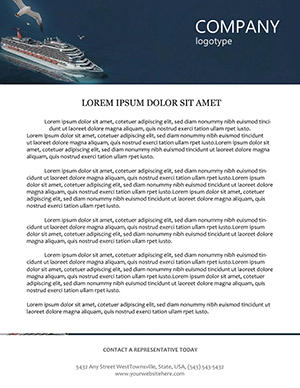 (529)
(529) Cruise Ship Travel Letterhead TemplateID: #LT00975$8.00
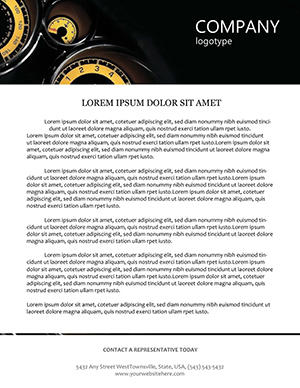 (466)
(466) Car Speedometer Letterhead TemplateID: #LT00974$8.00
 (1000)
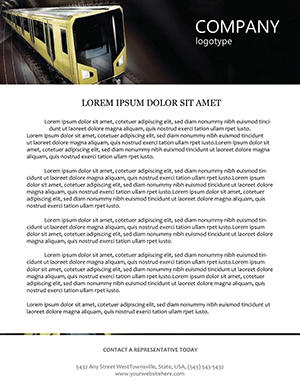
Modern Subway Inspired Letterhead TemplateID: #LT00973$7.00
(1000)
Modern Subway Inspired Letterhead TemplateID: #LT00973$7.00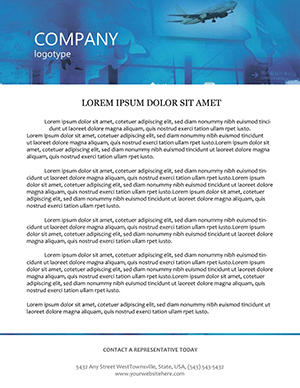 (608)
Airport Passengers Travel Letterhead PackID: #LT00911$8.00
(608)
Airport Passengers Travel Letterhead PackID: #LT00911$8.00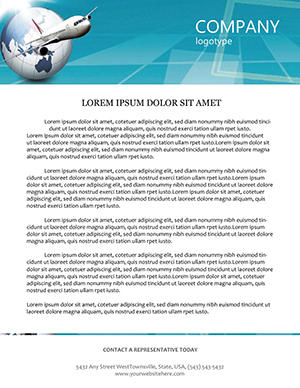 (761)
Airliner Earth Letterhead for Travel AgenciesID: #LT00886$8.00
(761)
Airliner Earth Letterhead for Travel AgenciesID: #LT00886$8.00 (1048)
Airlines Letterhead Template for Aviation BrandsID: #LT00842$8.00
(1048)
Airlines Letterhead Template for Aviation BrandsID: #LT00842$8.00 (576)
Internet in Cities Letterhead TemplateID: #LT00708$8.00
(576)
Internet in Cities Letterhead TemplateID: #LT00708$8.00 (449)
Professional Flights Letterhead TemplateID: #LT00704$8.00
(449)
Professional Flights Letterhead TemplateID: #LT00704$8.00
How Letterheads Become Part of the Brand Experience
When a customer opens an envelope the letterhead is the first physical touchpoint. A subtle speedometer graphic or road-line motif tells the story of motion and reliability before the first sentence is read.
The Formatting Decisions You Avoid
Manually setting header distance from the top edge, aligning the address block, choosing a font weight that prints cleanly on 80 gsm paper, ensuring the logo never overlaps the fold line; each of those micro-decisions compounds across every document type a transportation company issues.
Four Transportation Scenarios These Letterheads Support
The fleet manager sends maintenance contracts to corporate clients. The letterhead already includes the truck silhouette so the recipient immediately connects the document to vehicle services.
An airport shuttle operator mails confirmation letters. The subtle airplane icon in the header reinforces the travel context without needing extra explanation.
A car-rental franchise prepares franchisee agreements. The road-map graphic in the background subtly communicates nationwide coverage.
A cargo company issues invoices to international partners. The container-line motif ensures the document feels industrial and reliable at first glance.
Word-Specific Setup You Should Know
Open the header section once, replace the placeholder logo and the same artwork appears on every page automatically. The section break after page one is already configured so the second page drops the graphic for cleaner continuation text.
Non-Obvious Print Tip
When exporting to PDF from Word choose "ISO A4" paper size and enable "Print in Grayscale" preview first. This reveals any color that may drop out on black-and-white printers used by smaller garages or logistics offices.
If you also create presentations or cycle visuals, see our cycle PowerPoint diagram templates or explore analysis PowerPoint diagram templates for supporting data decks.
Download the letterhead that matches your next contract and print the batch before the mail run.
FAQ
Are the letterheads editable in Microsoft Word?
Yes, every file opens in Word 2016 and newer. The layouts use standard text boxes and picture placeholders so you can replace logos and adjust text without breaking the grid. Headers and footers are already set with automatic page numbering where needed.
Do the templates support both print and digital use?
The files include bleed for professional printing and are also optimized for PDF export to email. The resolution stays crisp at 300 dpi for print and compresses cleanly for digital attachment.
Can multiple users in one company edit the same file?
The license allows unlimited internal edits and printing. You may create a company template library from the purchased file as long as the original .docx is not distributed outside the organization.
What paper size and margins are pre-configured?
All templates use standard US Letter and ISO A4 with 1-inch margins and a 0.5-inch header height. The bleed area is marked with crop marks when exported to PDF for commercial printers.


