Marketing Solutions Tri-Fold Brochure - 6 Panels | ImagineLayout
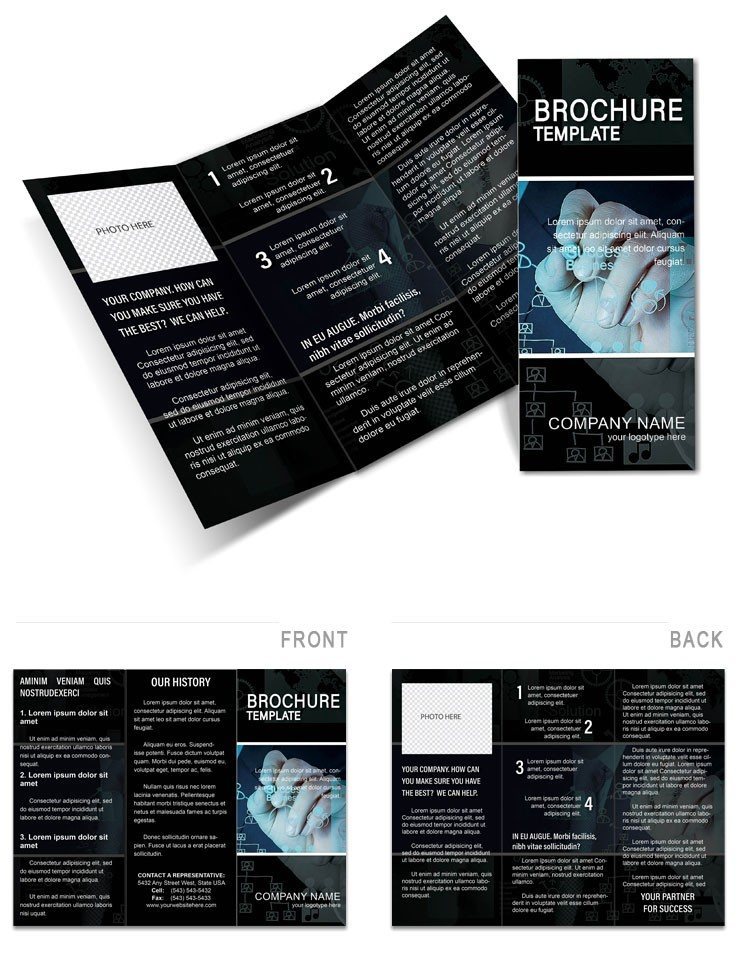
Type: Brochures template
Category: Business
Fold type: Tri Fold
Sources Available: .ait, .dotx, .indt
Product ID: BT01535
6 Panels, 3 Formats: Package Contents
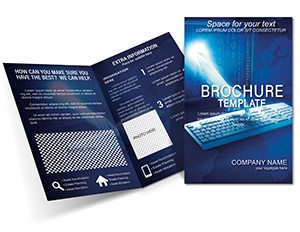
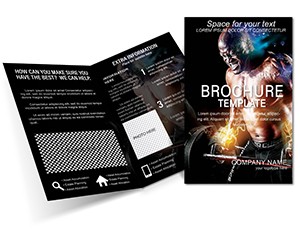
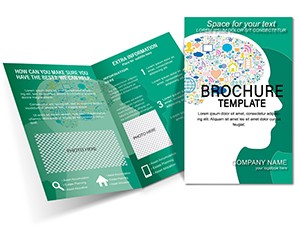
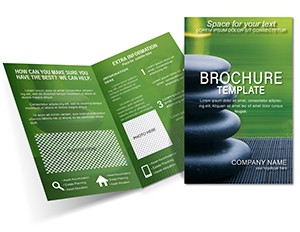
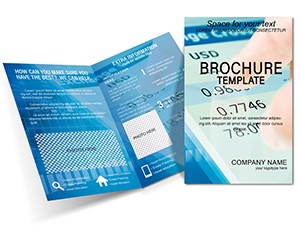
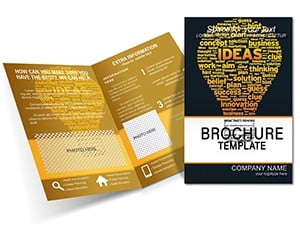
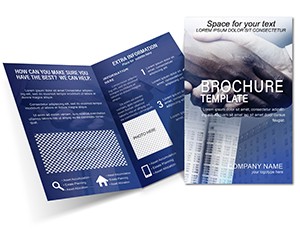
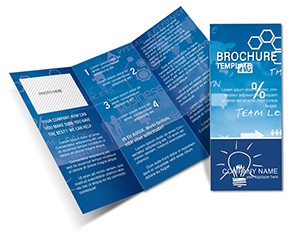
6 usable panel zones across a tri-fold Z-fold structure ship in three source formats: .ait for Adobe Illustrator CC 2018+, .dotx for Microsoft Word 2016+, and .indt for Adobe InDesign CS6+. The Z-fold mechanic creates a progressive reveal - the front panel functions as a hook, the inner panels unfold to expose two full spreads of content, and the back panel closes with a call-to-action. This is a deliberate structural choice for marketing communications: the reader receives information in a controlled sequence, which is more persuasive than a single-page layout where all content competes for attention simultaneously. The design ships with three pre-built style themes: corporate elegance using navy and silver, creative edge using teal and magenta accents, and classic using neutral tones with serif typography.
Panel composition within the inner spread follows a modular grid where each panel serves a distinct communication role. Panel 1 of the inner spread introduces the problem or opportunity; panel 2 presents the solution with a process infographic or feature list; panel 3 closes with metrics, testimonials, or next steps. Vector icons and scalable typography within each panel ensure the layout remains crisp whether printed as a pocket handout at roughly 99mm per panel or scaled for a larger display format. White space allocation between panels prevents the fold zones from appearing visually cluttered at the crease.
The buyer receives all three source files and three style variants. The file ships set in CMYK for professional printing with crop marks confirmed in the product page description. Bleed settings are not explicitly confirmed - verify 3mm bleed is present before print submission. Price is $13.00, Product ID BT01535.
Print Specifications
| Specification | Details |
|---|---|
| Fold Type | Tri Fold (Z-fold) - 6 panels with progressive reveal structure for narrative marketing flow |
| File Formats | .ait (Illustrator CC 2018+), .dotx (Word 2016+), .indt (InDesign CS6+) - all included |
| Color Mode | CMYK - confirmed on product page; three style themes use navy/silver, teal/magenta, and neutral/serif palettes |
| Resolution / DPI | Not specified - place all image assets at 300 DPI minimum before print submission |
| Bleed / Trim Guides | Crop marks confirmed - verify 3mm bleed on all panel edges before sending to a print bureau |
| Price | $13.00 for all three formats and three style themes |
| Product ID | BT01535 |
| Category | Business - relevant for marketing agencies, freelancers, consultants, and in-house marketing teams |
Who Reaches for This Design
A marketing manager at a mid-sized B2B software company uses the corporate elegance theme to create campaign leave-behinds for trade show booths. The six-panel structure accommodates a product overview on panels 1-2, a case study summary on panels 3-4, and pricing tiers with a QR code on panels 5-6. Printing 300 copies via digital printing on coated gloss stock at the standard tri-fold dimension costs significantly less than commissioning a custom layout, and the result reads at the same professional level in the hands of a procurement decision-maker.
A freelance brand consultant uses the creative edge theme to produce portfolio showcase brochures for prospect meetings. The teal and magenta palette distinguishes the piece from the navy-heavy materials most competitors bring to pitches. The modular panel grid allows rotating case study content between client industries without rebuilding the layout - swap the inner panel copy and images, keep the outer panels consistent, and a new brochure version is ready in under an hour.
A hospitality marketing coordinator at a boutique hotel group uses the classic theme to create package promotion materials for travel agent relationships. The serif typography and neutral tones signal a premium brand register appropriate for the audience. The Z-fold format works physically well for materials placed in hotel room welcome kits - the folded piece fits a standard DL envelope, which the sales team mails to agent contacts ahead of rate negotiation season.
Download and start editing immediately
Customization in 4 Steps: Illustrator Workflow
Editing difficulty: low to moderate. Open the .ait file in Adobe Illustrator CC 2018 or later. The tri-fold is organized across two artboards - Artboard 1 covers the outer panels (front, back, and one inner-facing panel), Artboard 2 covers the full inner spread.
- Select your style theme: In the Layers panel, make only your chosen theme layer visible - corporate (navy/silver), creative (teal/magenta), or classic (neutral/serif). Hide the other two theme layers to avoid confusion during editing.
- Replace panel content: Use the Type tool to click into each text frame. Populate panel 1 with your hook headline, inner panels 2-4 with core marketing content and a process infographic or testimonial, and panel 6 with a clear call-to-action including a URL, phone number, or QR code placeholder.
- Update brand colors: Open the Swatches panel. Each theme uses global swatches - double-click the primary swatch, enter your CMYK brand values, and all dependent objects update simultaneously. The magenta accent in the creative theme is a high-saturation CMYK mix; confirm with your printer that their press handles magenta saturation correctly if using coated gloss stock.
- Export with crop marks: File > Save As > Adobe PDF (Print). Select PDF/x-1a, enable crop marks and bleed marks, set bleed to 3mm on all sides. Deliver the PDF to your print bureau for proofing before approving the run.
Word Workflow (.dotx)
Editing difficulty: low. Open the .dotx file in Microsoft Word 2016 or later. The document pages map to the six tri-fold panels in reading sequence.
- Enable editing: Click Enable Editing if the template protection prompt appears. Navigate through document pages; each represents one fold panel.
- Replace all text content: Click each content placeholder and type your marketing copy. Use the Font Color tool to apply your primary brand color to heading elements.
- Swap images: Right-click any placeholder image and select Change Picture to insert your own campaign visuals or product photography.
- Export as PDF: File > Save As > PDF. For high-quality printing, choose the PDF setting optimized for printing rather than screen sharing.
Why This Template, Not a Blank Document
Building a tri-fold brochure from a blank Illustrator document requires establishing six equal-width panel columns with consistent gutter spacing, creating a fold-zone awareness system so content does not cross into crease areas, defining a typographic hierarchy across six panels with different content densities, and building three separate style variants. That scope realistically takes a designer 8-12 hours before any marketing copy is placed.
The crease-zone risk is the most common tri-fold production error: placing high-detail text or image content within 4mm of a fold creates illegibility after the paper is creased - a problem invisible on screen that becomes obvious in hand. The grid in this layout includes built-in safe zones around each fold, which is a production detail that signals real experience with folded print work rather than screen-only design thinking. The CMYK confirmation on the product page is another indicator: many template sellers do not specify color mode, leaving buyers to discover an RGB file only after a print bureau rejects the submission.
The three style themes provide A/B testing capability without building separate layouts. A marketing team can print 100 copies of the corporate theme for one channel and 100 of the creative theme for another, then compare response rates - a practical split-test approach that flat-rate design software subscriptions cannot replicate at this cost level.
Download and start editing immediately
Frequently Asked Questions
Which software versions are needed to edit this tri-fold template?
Three source formats are included in the download. The .ait file requires Adobe Illustrator CC 2018 or later - using older versions may cause compatibility issues with the layered style themes and global swatch system. The .indt file opens in Adobe InDesign CS6 or later; InDesign is recommended for print production because it handles six-panel fold guides and preflight checks natively. The .dotx file works in Microsoft Word 2016 or later and is the fastest route for users who need marketing copy updates without design software. Check your software version via Help > About before purchasing if compatibility is uncertain.
What is ImagineLayout's refund policy for downloaded templates?
ImagineLayout evaluates refund requests when the downloaded file is technically defective or materially different from the product page preview and description. Digital template files are delivered immediately after purchase and cannot be returned once downloaded, so change-of-mind requests are not covered by an automatic refund. To submit a claim, use the Contact page on the ImagineLayout site with your order number and a clear description of the issue. Reviewing the preview image, confirmed CMYK color mode, and the fold type before purchasing is the most reliable way to avoid a format mismatch.
Is this tri-fold template print-ready, and what production checks should I run?
The product page confirms CMYK color mode and crop marks, which covers two critical print-readiness requirements. Before sending to an offset bureau, verify that 3mm bleed is present on all six panel edges - not just the outer document borders. Check that no text or critical graphic content falls within 4mm of a fold crease, as creasing reduces paper thickness and can cause ink cracking or illegibility on heavy card stock. For the creative edge theme's magenta accents, ask your printer to confirm that their press handles high-saturation magenta without hue drift, particularly on uncoated paper.
What does the license cover for agency and multi-client use?
The ImagineLayout standard license covers personal and commercial use, including creating brochures for your own business and for individual client projects. Reselling the source files, including them in design bundle products, or distributing them as editable templates to third parties is prohibited. Agencies using the template to create deliverables for multiple clients from a single purchase should confirm this use case directly with ImagineLayout via the Contact page, as multi-client commercial use terms may differ from single-project commercial use.
How do the three style themes work and how do I switch between them?
The three themes - corporate elegance (navy/silver), creative edge (teal/magenta), and classic (neutral/serif) - are built as separate layers within the Illustrator and InDesign files. In the Layers panel, make the layer for your chosen theme visible and hide the other two. Each theme uses its own set of global swatches, so color customization within a theme does not affect the hidden themes. In Word, the themes are presented as separate document styles; apply the relevant heading and body style set from the Styles panel to switch between them.
What are the three file formats and what is each best suited for?
Three formats are included. The .ait file (Illustrator) is best for comprehensive graphic editing - modifying the Z-fold panel structure, adjusting vector icons, resizing infographic elements, or making layout changes that require artboard-level control. The .indt file (InDesign) is recommended for professional print production where six-panel fold guides, master pages, and a preflight check workflow need to be managed precisely. The .dotx file (Word) is fastest for marketing teams that need to update copy and swap images without Adobe software; panel editing is limited to text and image replacement rather than structural layout changes.
Browse the full range of marketing layouts in the Business brochure templates category. For a course-promotion variation of the same professional communication style, the Brochure Template for Online Courses covers education and training contexts with a complementary layout. Teams building a broader campaign collateral set find the Marketing Business Ideas Brochure Template a natural companion piece for the same campaign.