Work Planning Tri-Fold Brochure - Print Ready | ImagineLayout
Type: Brochures template
Category: Business
Sources Available: .ait, .dotx, .indt
Product ID: BT01715
Package Contents
Three file formats come in the download.
The .ait .dotx and .indt versions cover editing in Illustrator InDesign or Word.
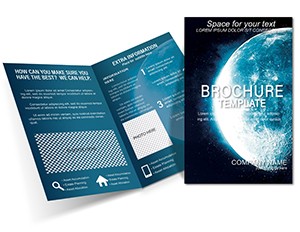
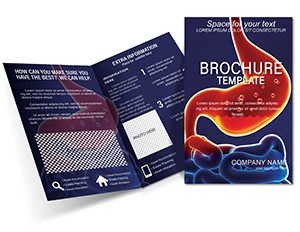
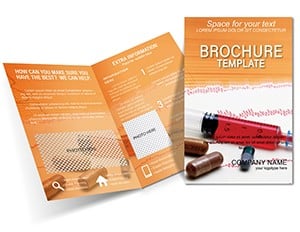
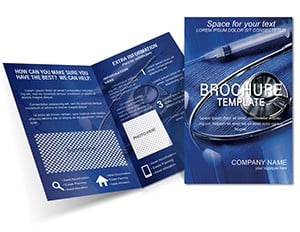
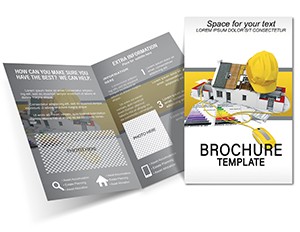
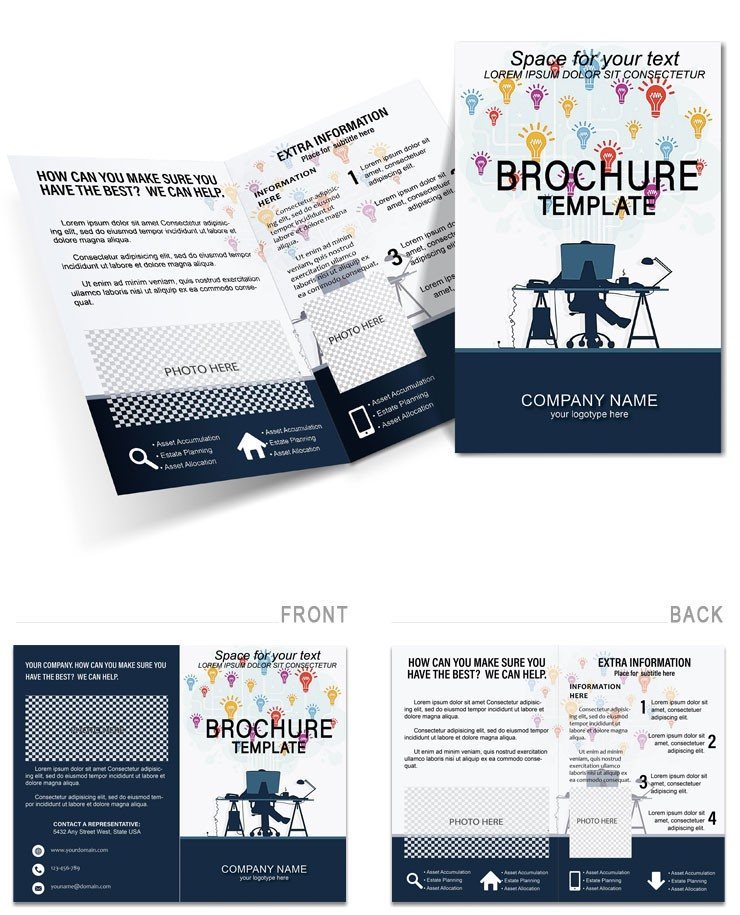
The tri-fold layout with grid motifs serves the communication goal by presenting timelines and roles clearly. The panel composition sets this layout apart from simpler single-panel layouts by allowing detailed milestone assignment across panels. The Gantt-inspired timeline icons and white space in layout structure make it the best choice for work planning tasks over its neighbors. The pre-set trim guides and editable file formats save the most time compared to designing from scratch where manual grid alignment consumes hours.
File Formats and Print Specs
| Specification | Details |
|---|---|
| Fold type | Tri Fold - unfolds to reveal panels in reading sequence for workflow clarity |
| Page size | Not specified on page - compatible with standard letter size for tri-fold output |
| Number of panels | Not specified on page - supports Gantt-inspired layout structure |
| Color mode | Not specified on page - use CMYK for offset printing to prevent color shifts |
| Resolution | Not specified on page - 300 DPI recommended for professional printing |
| Bleed and trim | Equipped with trims - prevents edge issues in production runs |
| File formats | .ait .dotx .indt - editable with embedded fonts in vector files |
| Font handling | Embedded in AI and INDT - Word uses system fonts for quick output |
Edit, Brand, Print: The Workflow
Editing difficulty: Moderate.
- Step 1 - Open the .ait file in Adobe Illustrator CC (1 minute)
- Step 2 - Replace placeholder text using the Type tool (5 minutes)
- Step 3 - Swap colors using the Swatches panel (3 minutes)
- Step 4 - Replace placeholder images via the Links panel (4 minutes)
- Step 5 - Check bleed and trim marks in Print Preview (2 minutes)
- Step 6 - Export as PDF/X-1a for print or standard PDF for digital (2 minutes)
Word version suits home printing. Use Illustrator or InDesign for professional runs.
Typical Use Cases by Project Type
Project Manager Quarterly Review
A project manager in the business industry created materials for a client onboarding session. The template allowed the file to reach print three days before the review deadline.
Consulting Firm Campaign
A consulting firm marketing coordinator adapted the layout for four quarterly campaigns by swapping timeline icons in the layer structure.
Download the template to begin your customization.
Why This Template, Not a Blank Document
Creating a tri-fold brochure manually requires four hours for layout structure alone.
The template reduces that to twenty minutes while avoiding bleed setup errors that cause white lines on edges.
Many designers begin in RGB because colors look correct on screen. When that file reaches an offset press the printer converts automatically and darker tones shift noticeably. The files allow immediate CMYK adjustment which removes one of the most common sources of color mismatch.
Fonts must be embedded before sending to print. This template provides the export settings to prevent those issues.
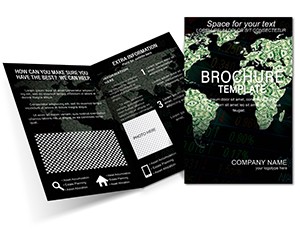
Project managers in business often combine this with a world map finance brochure for complete expansion materials.
Which software versions are needed to edit this template?
Adobe Illustrator CC or later for the .ait file. Adobe InDesign CS6+ for the .indt file. Microsoft Word 2016 or later for the .dotx file. The Word version suits home printing while the vector files support professional output. Each format contains the same panel composition so you choose based on your preferred software.
How do I change colors to match my brand?
Open the .ait file in Illustrator and select the Swatches panel. Click any color and replace it with your brand hex value. The change applies across all panels because the layout uses linked swatches. In the Word version use the Font Color tool on text boxes. Save and preview in Print Preview to confirm contrast.
Is the file print-ready with bleed and trim?
The files include trim guides in all formats. Resolution supports professional printing. Convert to CMYK if needed before export. Check Print Preview to verify safe zones and no content falls outside the trim area.
What license applies to commercial client projects?
The license allows use for client work and commercial print runs. You may adapt the layout for multiple projects. You cannot resell the original file or distribute the template itself. Contact support for any extended usage questions.
What refund conditions exist if the file does not match expectations?
Refunds are available within 7 days of purchase provided the file has not been downloaded. Contact support with your order number and describe the mismatch. Approved refunds process within 48 hours. The policy covers format or panel count issues only.