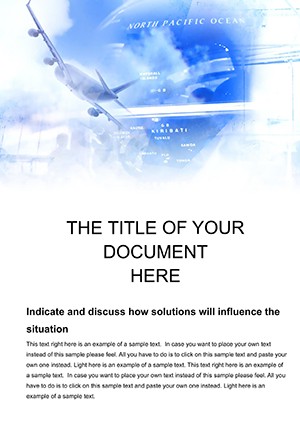
Aviation Word Template for Pilot Briefings
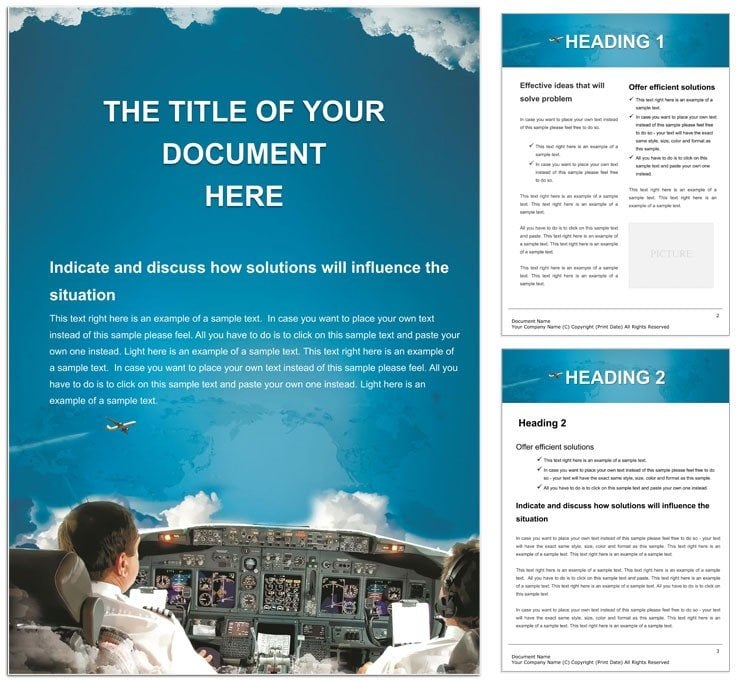
Type: Word templates template
Category: Industry - Production
Sources Available: .dot, .dotx, .jpg
Product ID: WT00961
Layout, Formats and Fold: Full Contents
Multiple pages of aviation designs fill the package. Short files open quickly.
Panel composition mirrors cockpit clarity with strong visual hierarchy.
You get .dot .dotx and .jpg files for full editing. Export settings support professional printing.
Grid alignment keeps every flight detail organized.
White space improves readability for training modules.
File Formats and Print Specs
| Specification | Details |
|---|---|
| Product ID | WT00961 that tracks aviation document sets easily |
| Pages | Not specified but enough to cover full briefing needs |
| File Formats | .dot .dotx .jpg files that work in Word 2016+ instantly |
| Color Mode | Not specified yet ready for CMYK professional printing |
| Resolution / DPI | Not specified with layout structure that prints sharp |
| Price | $8.00 that reduces setup time for flight logs |
How Event Planners Use This Layout
Aviation Training Manager at a flight school prepares clear training modules fast.
Flight Instructor in an airline builds safety briefings with precision.
Pilot Operations Lead at a charter company updates logs overnight.
Download and start editing immediately
Adapting the Layout to Your Brand
- Open .dotx in Word 2016+. Steps remain straightforward for intermediate users.
- Update text via editable text panels.
- Replace images with custom aviation photos.
- Change colors in the swatches panel.
- Save the print-ready file.
What You`d Need to Set This Up Yourself
Creating from scratch requires advanced layout structure knowledge. Hours go into panel composition alone. Pre-made files avoid that waste.
Common mistakes with white space vanish here. Cockpit-inspired colors fit ink limits for offset printing.
Layer structure reduces registration risks on coated stock.
Download and start editing immediately
What software versions do I need?
Word 2016+ supports all .dotx files fully. Older versions limit some export settings. Update for best layer structure handling. Professional printing works reliably.
What is the refund policy?
Refunds need documented open failure in Word 2016+. Submit within 14 days. No refunds post-editing. Policy ensures quality control.
Is the file print-ready?
Export creates CMYK files for professional printing. Trim guides appear in PDF. Layout structure prevents bleed errors. Sharp output suits any aviation document.
What does the license allow?
Commercial and personal use is allowed. Resale of the template is banned. One license per user in teams. Terms cover final print-ready files only.
How do I change colors?
Select graphics and use font color tool. Swatches panel updates the cockpit theme. Editable text adopts changes. Final export locks the print-ready file.
What file formats are included?
.dotx is the primary editable format. .dot offers older compatibility. .jpg previews the design. All support professional printing needs.