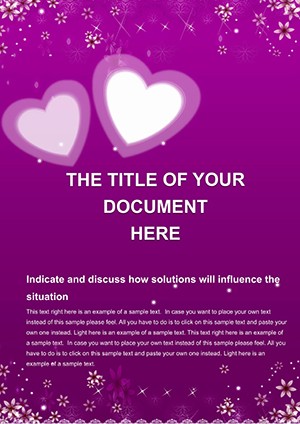
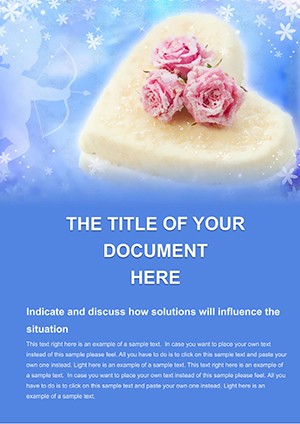
2-Page Red Heart Word Template
Type: Word templates template
Category: Holiday - Special Occasion
Sources Available: .dot, .dotx, .jpg
Product ID: WT00718
Package Contents
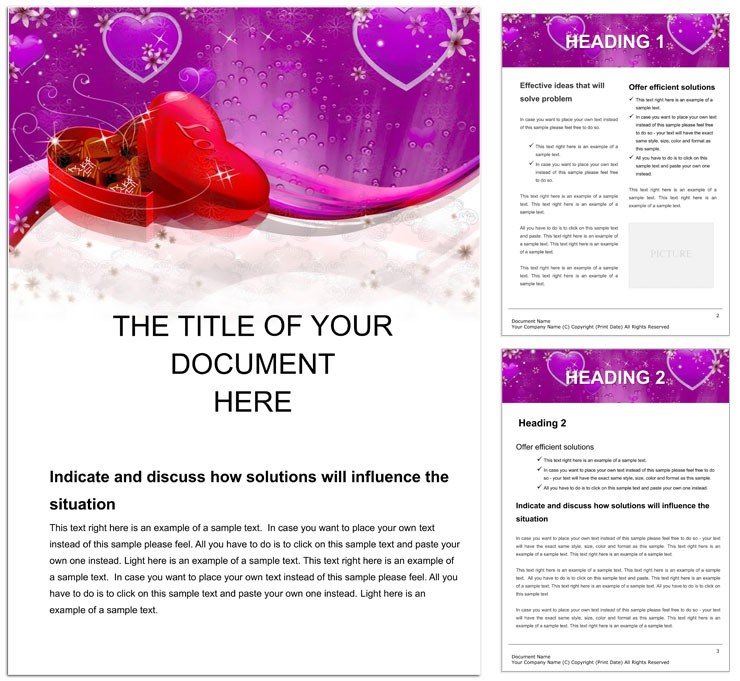
2 pages and three file formats come in the download for this Red Heart Word template.
Heart motifs add subtle connection.
Buyers receive files that support digital printing needs with the layout structure.
Soft reds and neutrals create warm tones in every panel composition.
File Formats and Print Specs
| Specification | Details |
|---|---|
| Product ID | WT00718 - tracks purchases for support requests during offset printing setups |
| Price | $8.00 - fits budgets while covering needs of digital printing workflows |
| Pages count | 2 pages - provides panel composition options for short documents with grid alignment |
| File formats | .dot .dotx .jpg - .dotx enables editable text and replaceable images plus export settings |
| Color mode | Not specified - select CMYK color to match soft reds for coated stock results |
| Resolution / DPI | Not specified - set 300 DPI for sharp white space balance in print-ready file output |
| Bleed / trim guides | Not specified - add manually before professional printing to avoid registration risks |
From Download to Print-Ready File
Word 2016+ handles the .dotx file with beginner-friendly editing difficulty.
- Open the .dotx and review layer structure for editable text areas.
- Replace sample content using color swatches to align with brand needs.
- Adjust layout structure and grid alignment for panel composition goals.
- Add replaceable images in frames while preserving white space.
- Export with settings for print-ready file or digital printing use.
Typical Use Cases by Project Type
Event Planner in wedding industry created invitations that conveyed warmth through heart motifs and increased RSVPs.
Nonprofit Fundraiser in charity sector designed appeal letters that boosted donations via neutral tones and visual hierarchy.
Small Business Owner in retail industry prepared client proposals that built trust with typography balance and white space.
Download and start editing immediately
Building From Scratch vs. Starting Here
Building from scratch demands hours of layout structure setup plus advanced skills in grid alignment.
Common mistakes include poor white space management or mismatched typography balance.
This option cuts time significantly while avoiding those issues through pre-built panel composition.
With soft reds and neutrals and not specified color mode the file signals practical experience with ink limits under 300 percent on coated stock.
Users prevent registration risks in offset printing by relying on the color swatches and export settings.
Professionals also review the Holiday - Special Occasion category for additional options that suit heartfelt documents.
For similar designs see the Roses Flower Delivery Word Template.
A complementary choice like the Gift for Valentine's Day Word Template covers seasonal needs.
Download now to save time on your next project
What software versions are needed to edit this template?
The template works best with Word 2016 or later versions. Earlier releases may limit some color swatches and layer structure features. Users should verify compatibility before beginning edits to maintain full export settings support. This approach covers the needs of most teams handling professional printing workflows.
What is the refund policy for this Word template?
Refunds are available within 14 days if the file fails to open in supported Word versions. The request must include proof of purchase and a description of the issue encountered. No refunds apply after edits or downloads of preview .jpg files. This policy supports buyers while protecting digital product integrity.
Is the file print-ready with CMYK, DPI, bleed and trim guides?
The template supports print-ready file creation once color mode is set to CMYK color for offset printing. Resolution should reach 300 DPI for sharp results in digital printing. Bleed and trim guides require manual addition since none are pre-set. Professionals gain reliable output by following these steps before professional printing.
What does the license allow and prohibit?
The license permits personal and commercial use including editable text changes for client projects. Users may create unlimited documents but cannot resell the original .dotx file. Redistribution of the unmodified template is strictly prohibited. This setup covers the needs of teams in professional printing environments.
How do I change colors in the template?
Access the color swatches panel in Word 2016+ to update soft reds and neutrals. Select elements then apply new hues while preserving typography balance. Test changes in print preview to ensure visual hierarchy holds. This process supports quick adaptations for any project that requires layout structure updates.
What are the file formats and what is each used for?
The .dotx serves as the main editable template with replaceable images and layer structure. The .dot format works for older Word compatibility while the .jpg provides quick previews. Each format supports export settings for professional printing or digital printing. Users select the right one based on their workflow and panel composition needs.